-
-
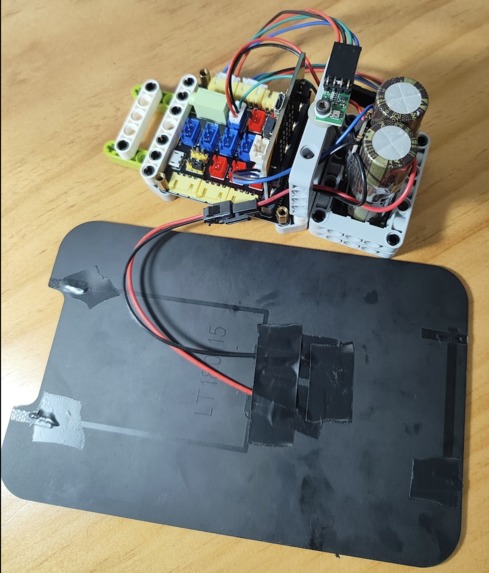
components
-
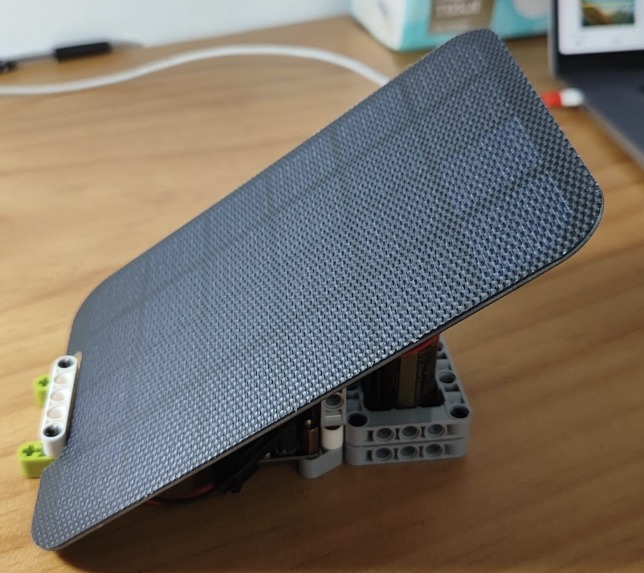
finished project
-
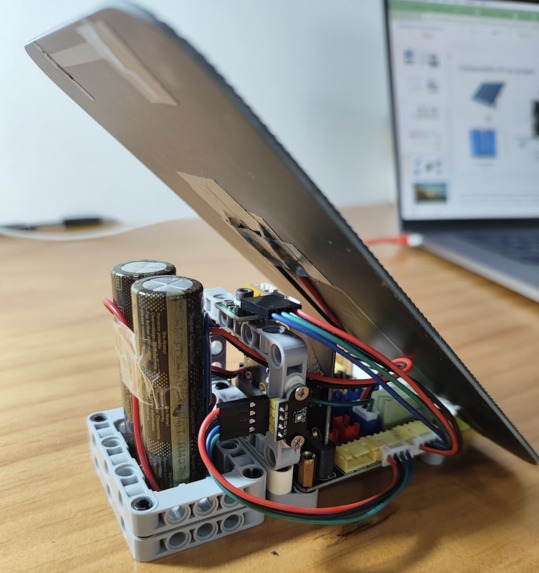
behind the solar panel
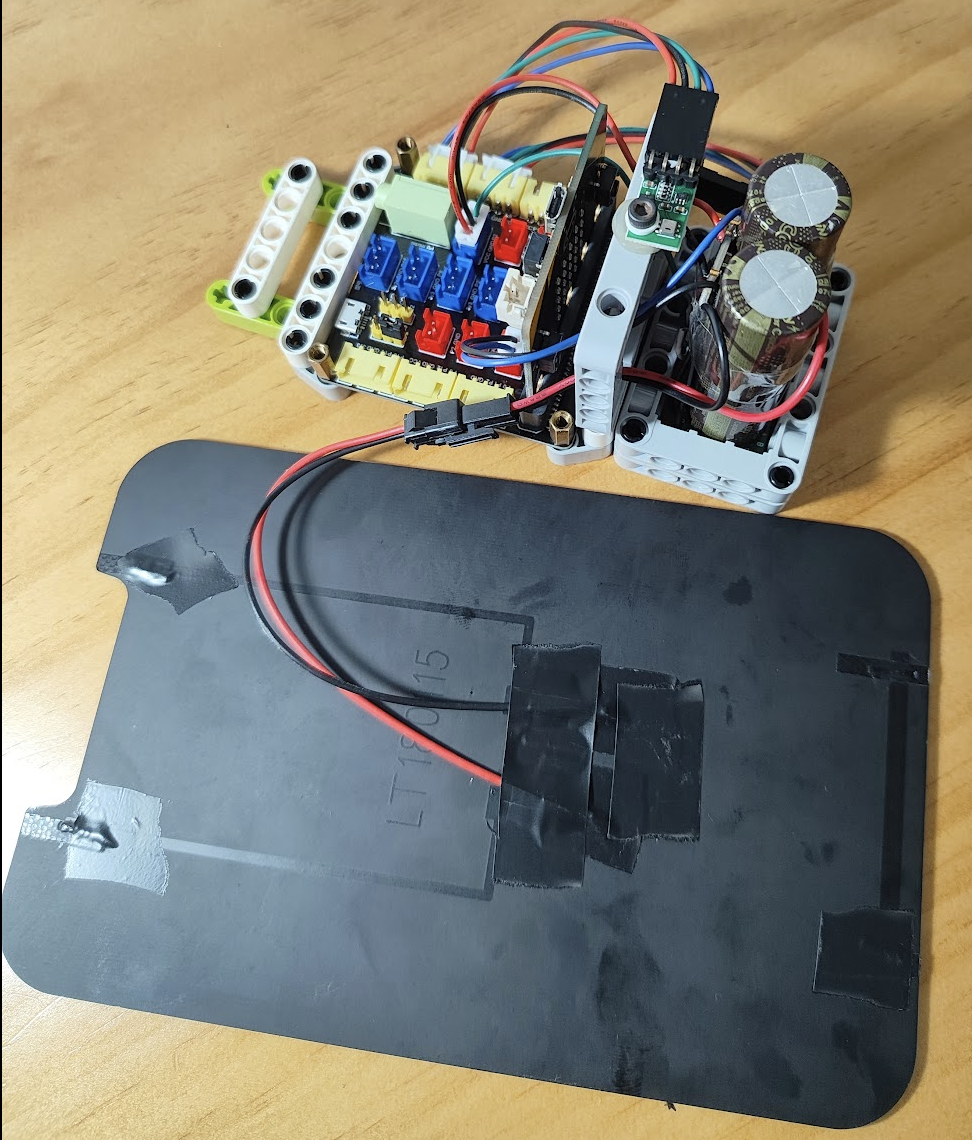
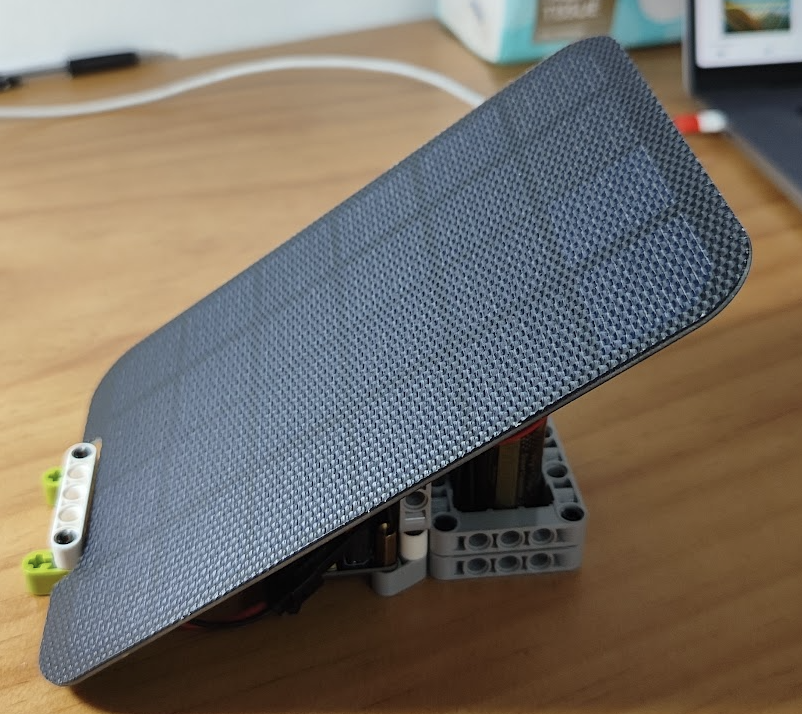
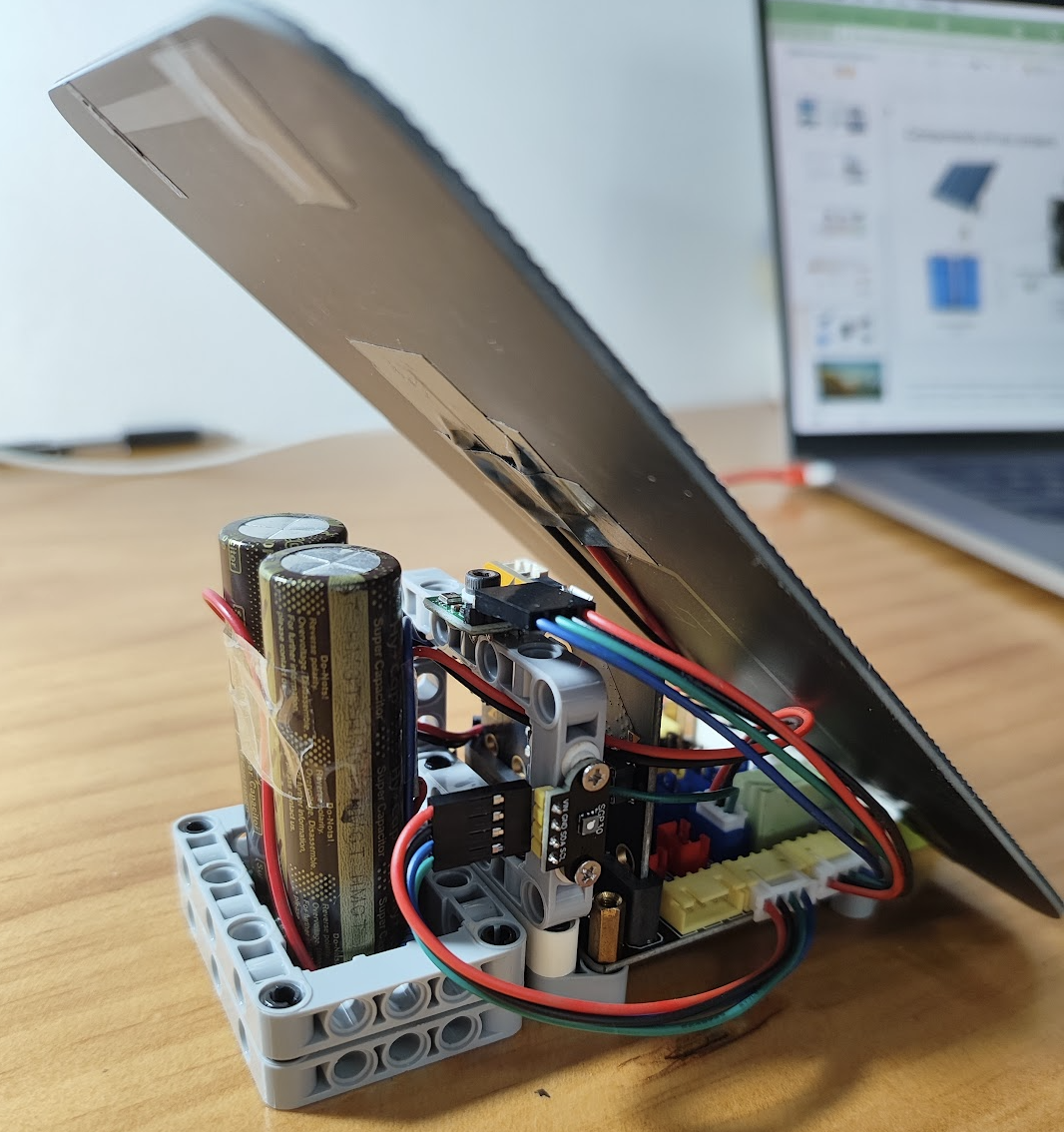
Hello everybody, my name is Yao Weishi Vincent and I am 11 years old. I am glad to introduce the project I created recently for the TPCC DMIG Green Micro:Bit challenge.
Inspiration
Since I am the Green Ambassador in my school, I know a lot of problems caused by mankind and want to use this chance to design a project to help us protect our planet.
What it does
The Micro:Bit reads climate data (CO2, temperature and humidity) from various sensors and then send out the data through bluetooth.
The whole system is powered by a solar panel which is a clean and affordable energy.
The whole system will remain in deep sleep mode and wake up only when necessary to save energy.
How I built it
Components:
Micro:Bit V2since only V2 supports power save modeSGP30I2C CO2 sensorAHT20I2C temperature and humidity sensorSolar panelpower source of the systemSuper capacitorpower storage to keep the system working at night when there is no sunlightIO extension boardto connect the Micro:Bit with the sensors and power
Finally, I used lego pieces to fix all these components.
Challenges I ran into
At first, I used a Micro:Bit V1.3 which I later found out that it has limited memory. After turning on bluetooth, there is no memory available for other operations. So, I changed to a V2 Micro:Bit which has bigger memory and also support power save mode.
For the SGP30 (carbon dioxide sensor), I realised that there was no existing MakeCode extension which can work with it so I made some functions following the instruction provided by the data sheet.
Another challenge is that the Micro:Bit does not support Wifi and only support Bluetooth and 2.4G Radio so it cannot send the data directly to the cloud. I used a BLE2Cloud proxy that will forward data collected by Bluetooth to Google Sheet so we can access real time data on any device.
Accomplishments that I'm proud of
I am proud that I used things I learnt from the TPCC DMIG workshop to create a project that can help save our planet.
What I learned
I learnt how to
- add third party extensions into my project
- read data through I2C
- use bluetooth
- use power save mode of the Micro:Bit V2
What's next for test
We can use my system to gather data for a few days and analyse the pattern of carbon emissions:
- What will contribute to the most carbon emission (factories, vehicles, human, plants)
- When will there be the most carbon emissions
Built With
- aht20
- bluetooth
- makecode
- micro:bit
- sgp30


Log in or sign up for Devpost to join the conversation.