-
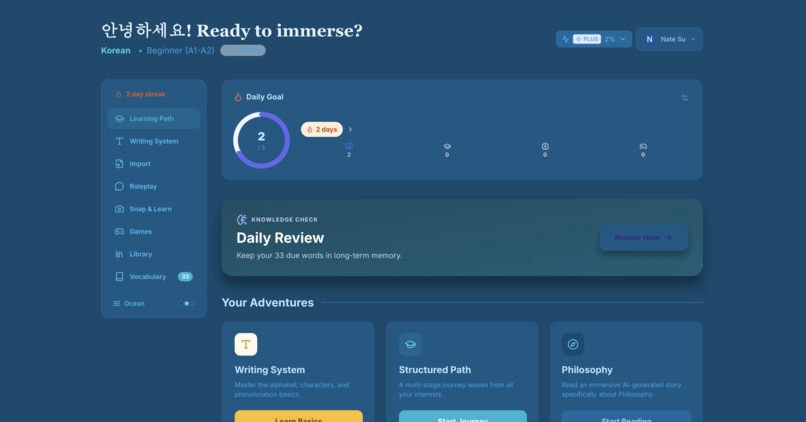
Dashboard
-
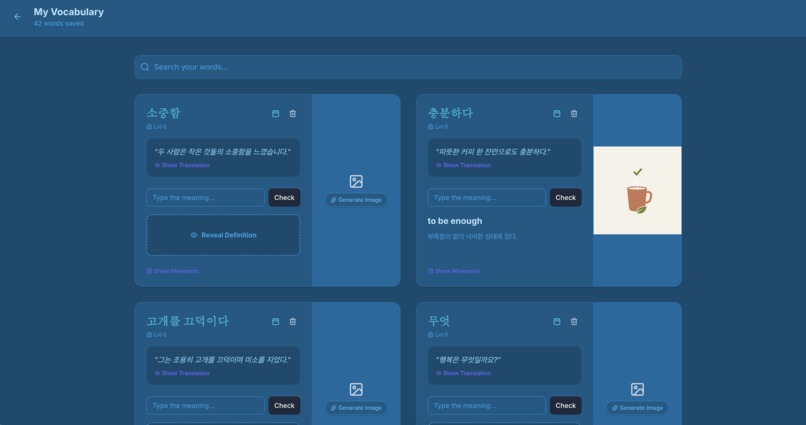
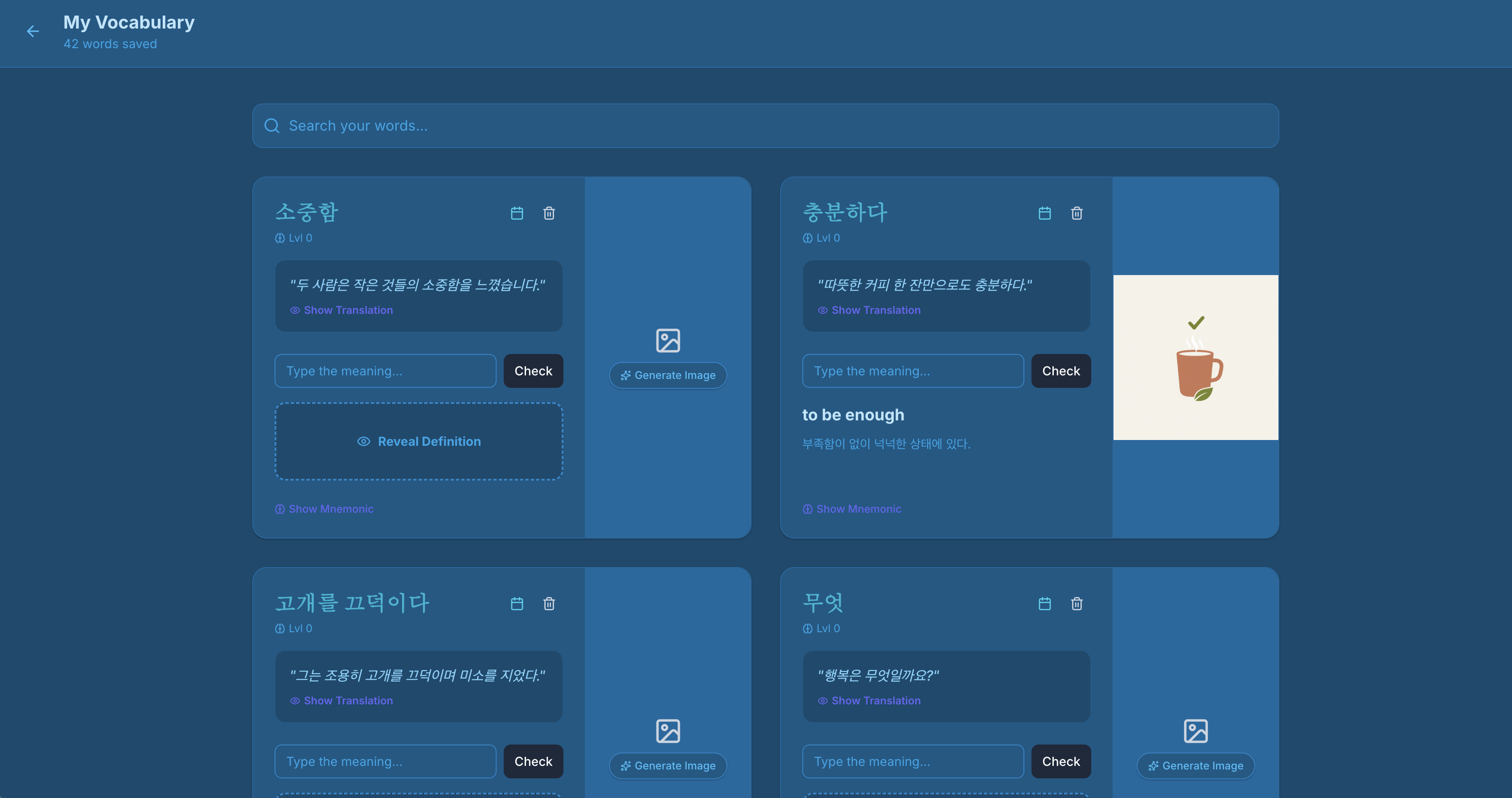
Vocab list
-
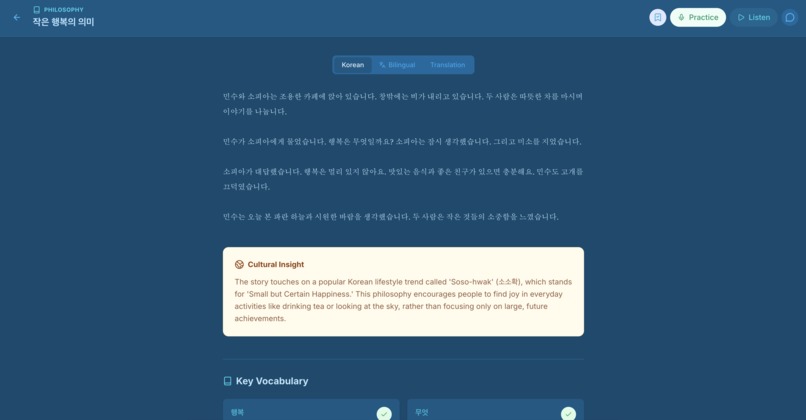
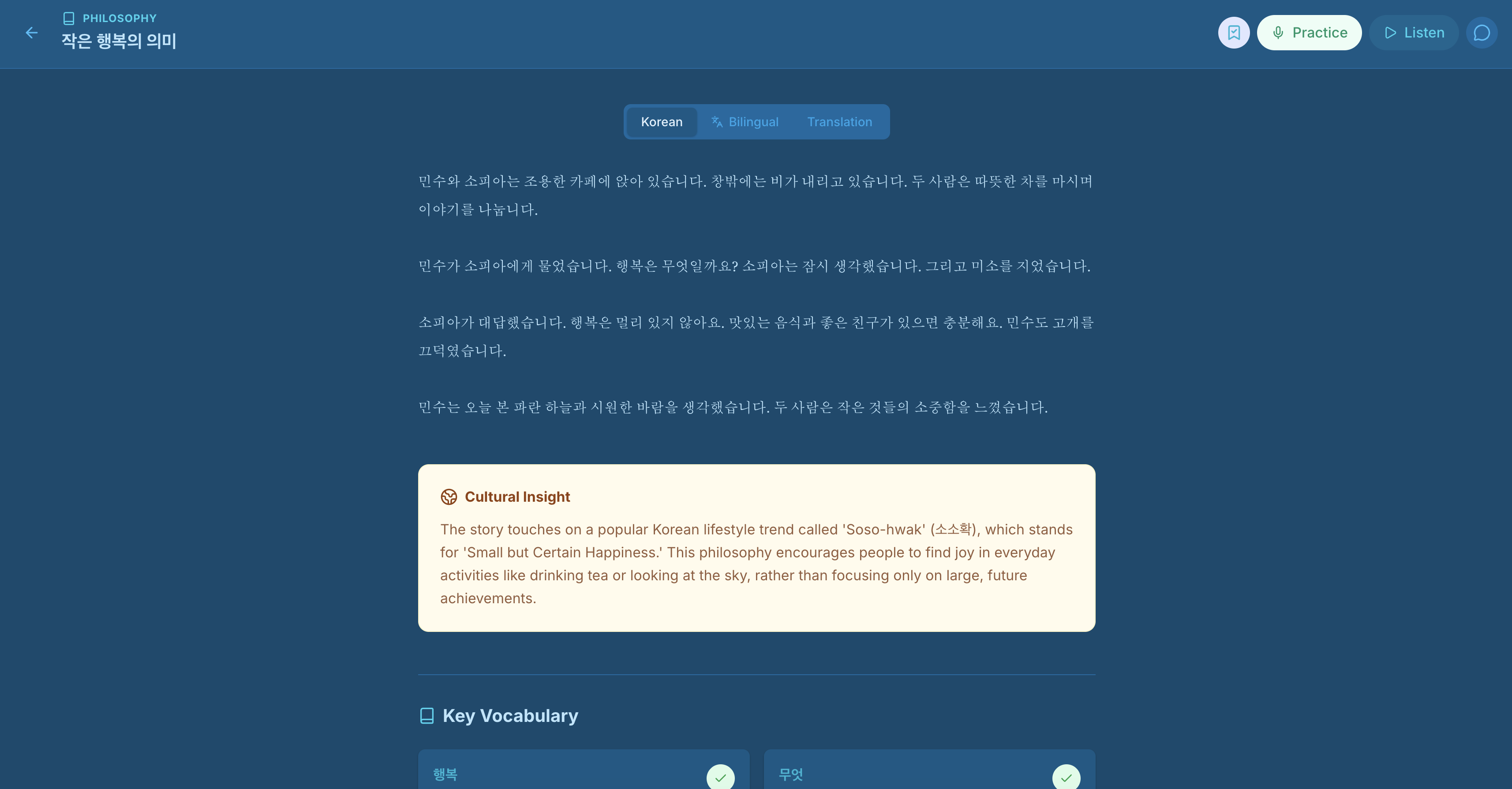
Story
-
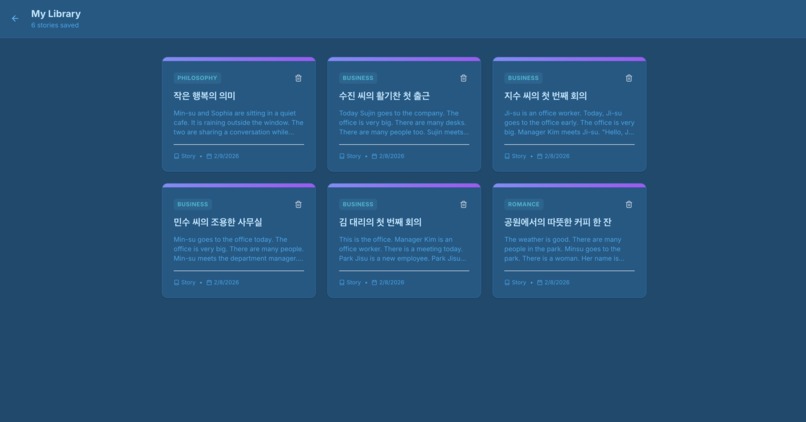
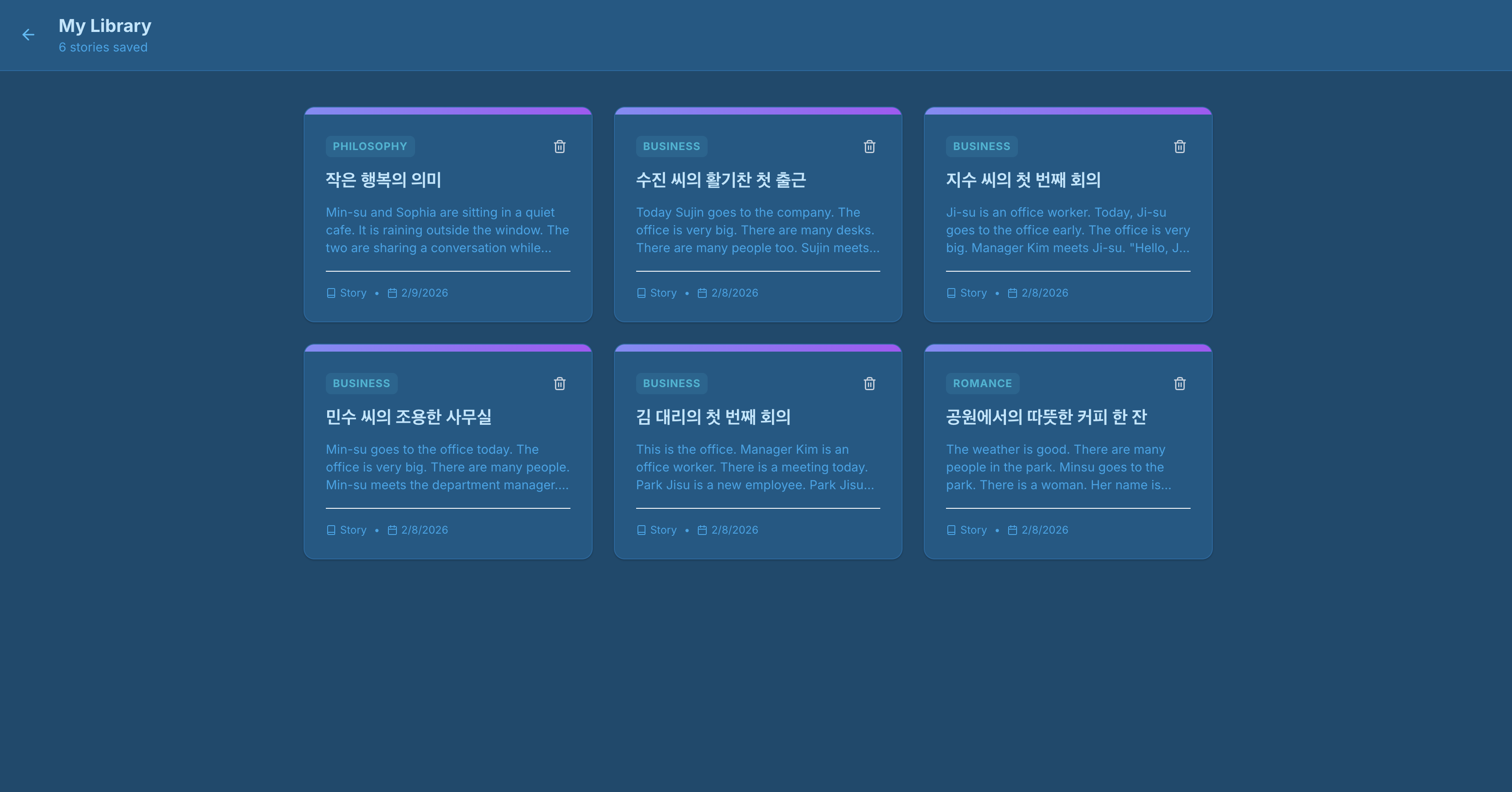
Library
-
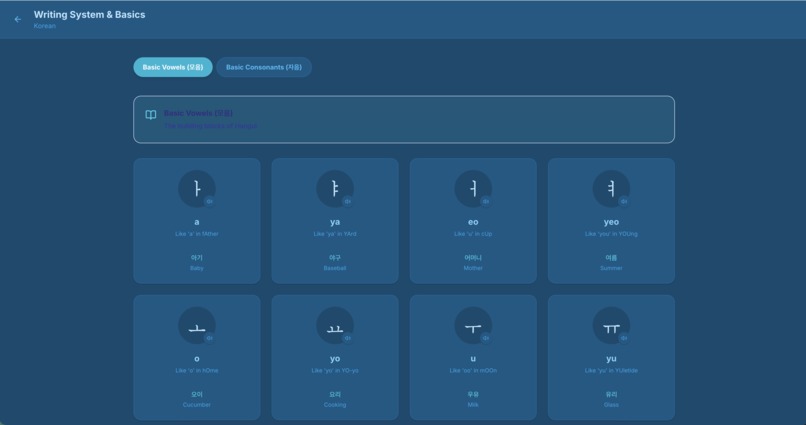
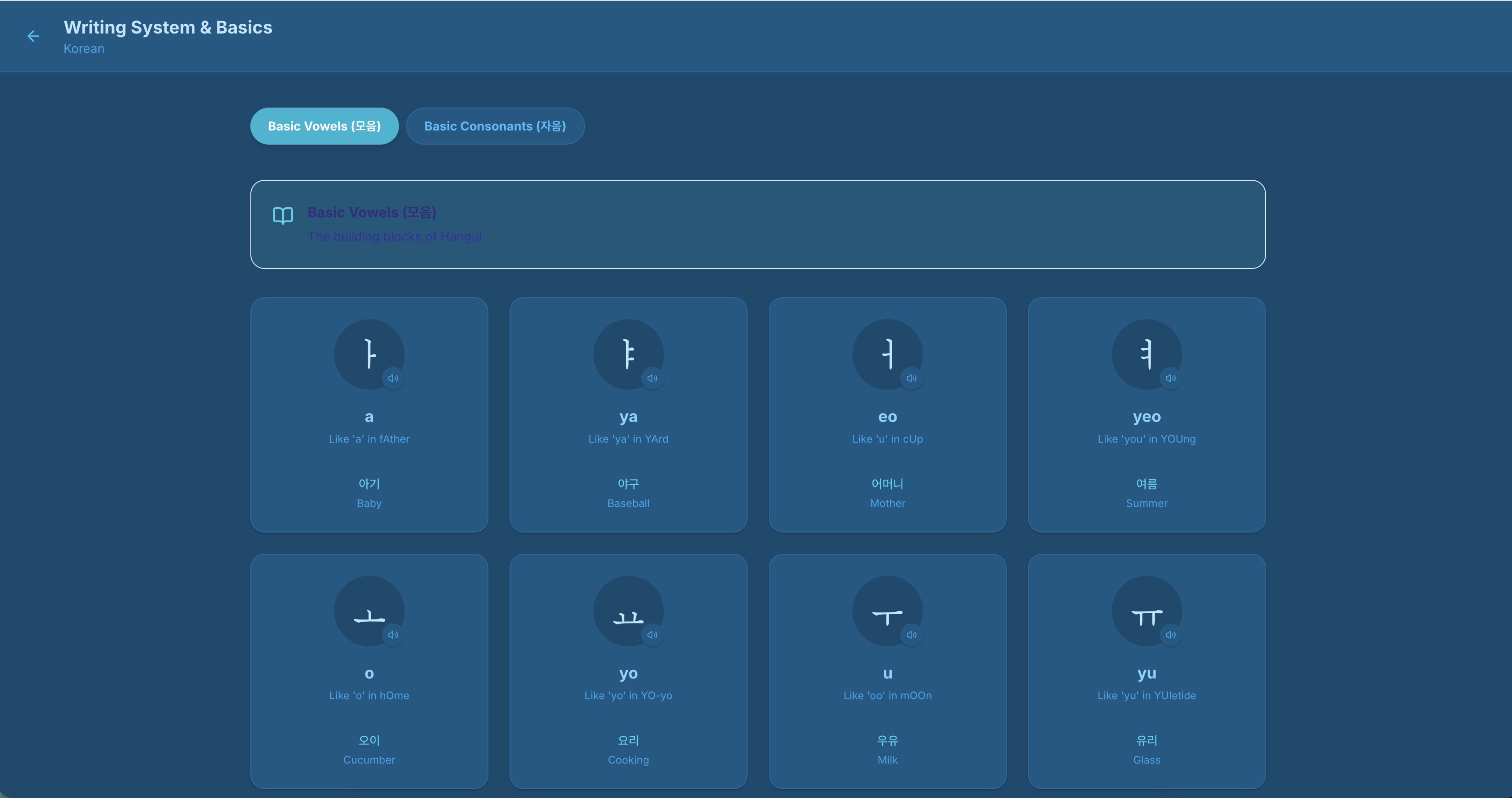
Basics
-
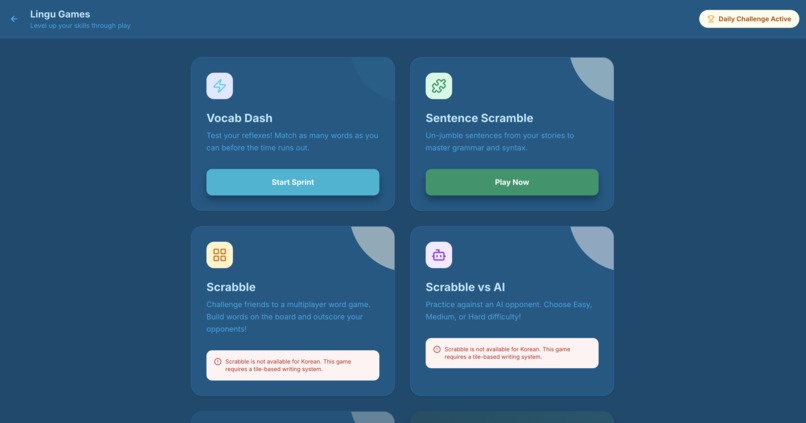
Games
-
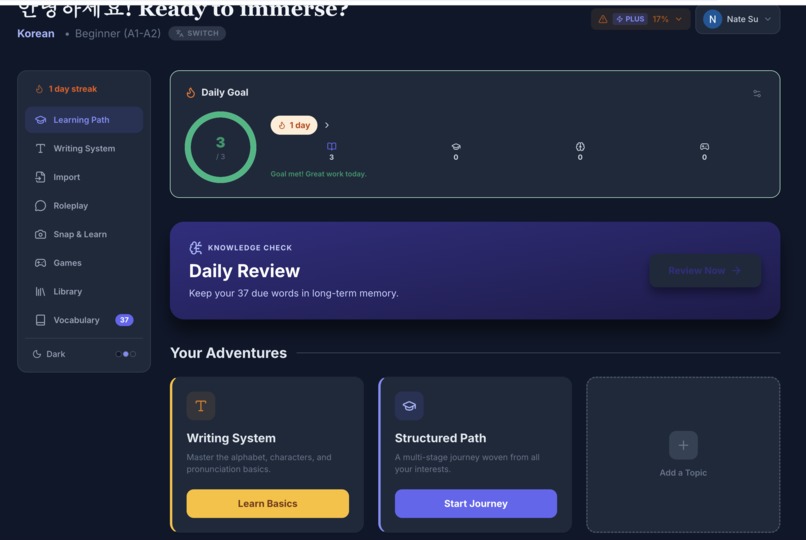
Dark Theme
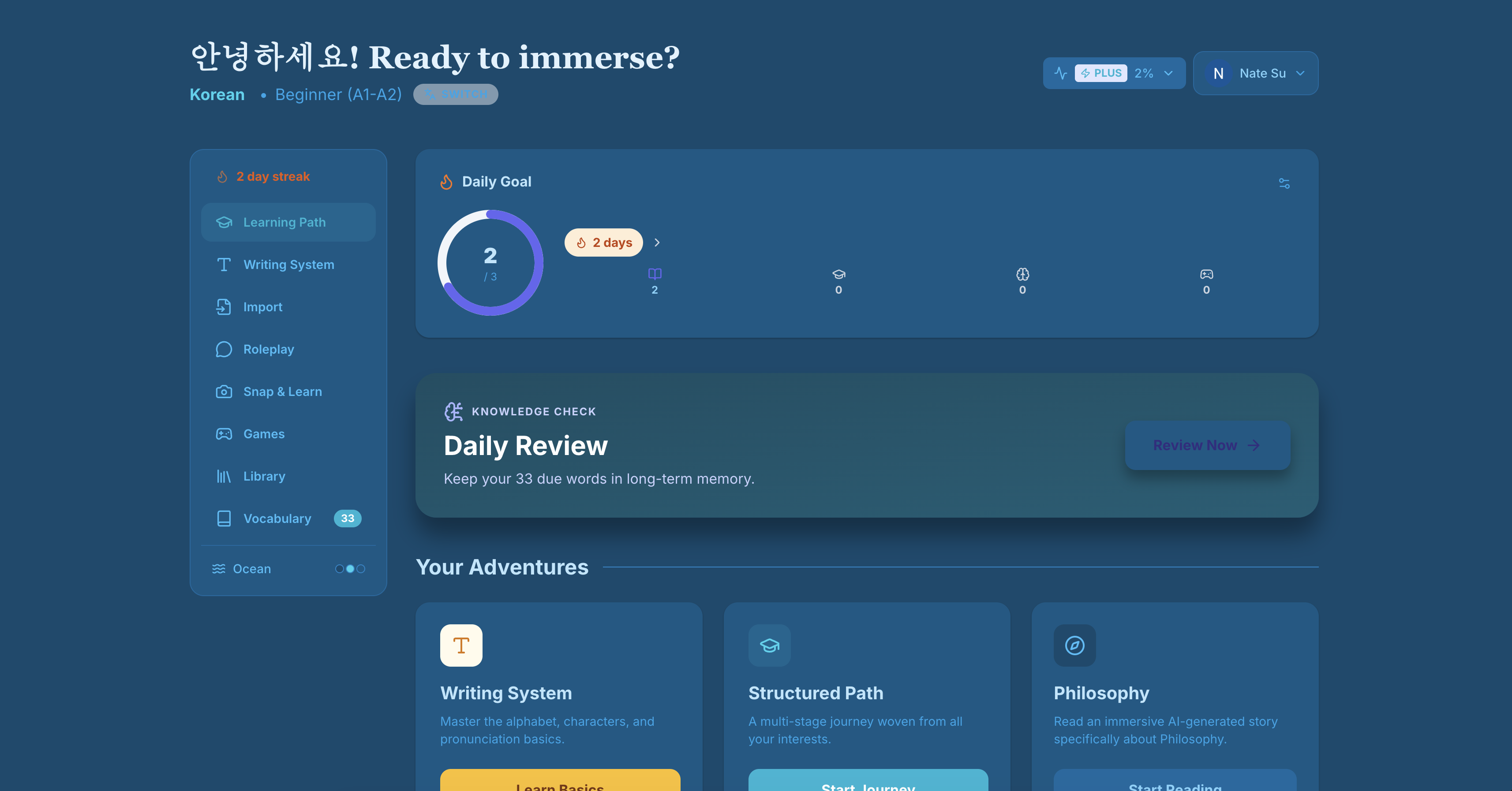
Inspiration
I was inspired by language learning apps like Duolingo, Anki, and LingQ -- but I always felt they were missing something. Duolingo gamifies well but lacks depth. Anki is powerful for spaced repetition but feels clinical. LingQ has great reading tools but the interface is clunky. I wanted to build a platform that combined the best of all worlds: structured curriculum, AI-powered content generation, immersive reading, and fun games -- all in one cohesive experience. As a language learner myself, I wanted to scratch my own itch and build the tool I wished existed.
What It Does
Linguflow is a full-featured language learning platform supporting 24+ languages (Korean, Japanese, Chinese, Spanish, and more). Key features include:
- AI-Generated Lessons & Stories -- Structured curriculum with culturally rich stories, translations, and notes, all generated by Google Gemini AI
- Spaced Repetition Vocabulary -- Save words with translations, context, mnemonics, and images; review them on a smart schedule with mastery tracking
- Import Reader -- Paste a YouTube URL or upload a PDF/Word/text document to get a bilingual transcript with word-by-word interlinear glosses and one-click vocab saving
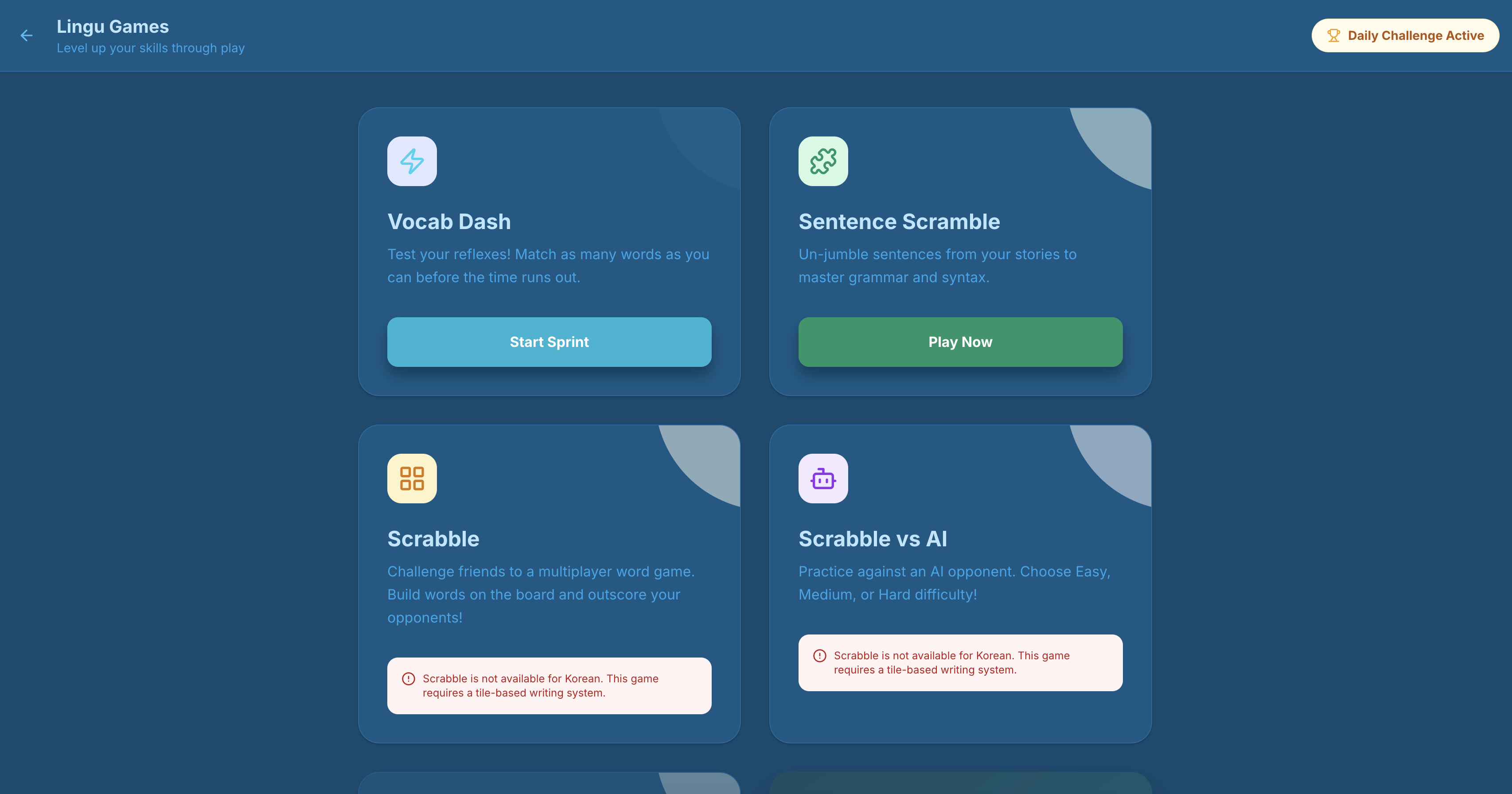
- Interactive Games -- Multiplayer Scrabble (with AI opponents), Sentence Scramble, Vocab Dash, and Snap Learn to make practice fun
- Roleplay Scenarios -- Practice real-world conversations with AI characters in realistic situations
- Speaking Practice -- Pronunciation exercises powered by Google Cloud Text-to-Speech with Neural2 voices across 24 languages
- Placement Test -- Adaptive assessment to determine your starting level
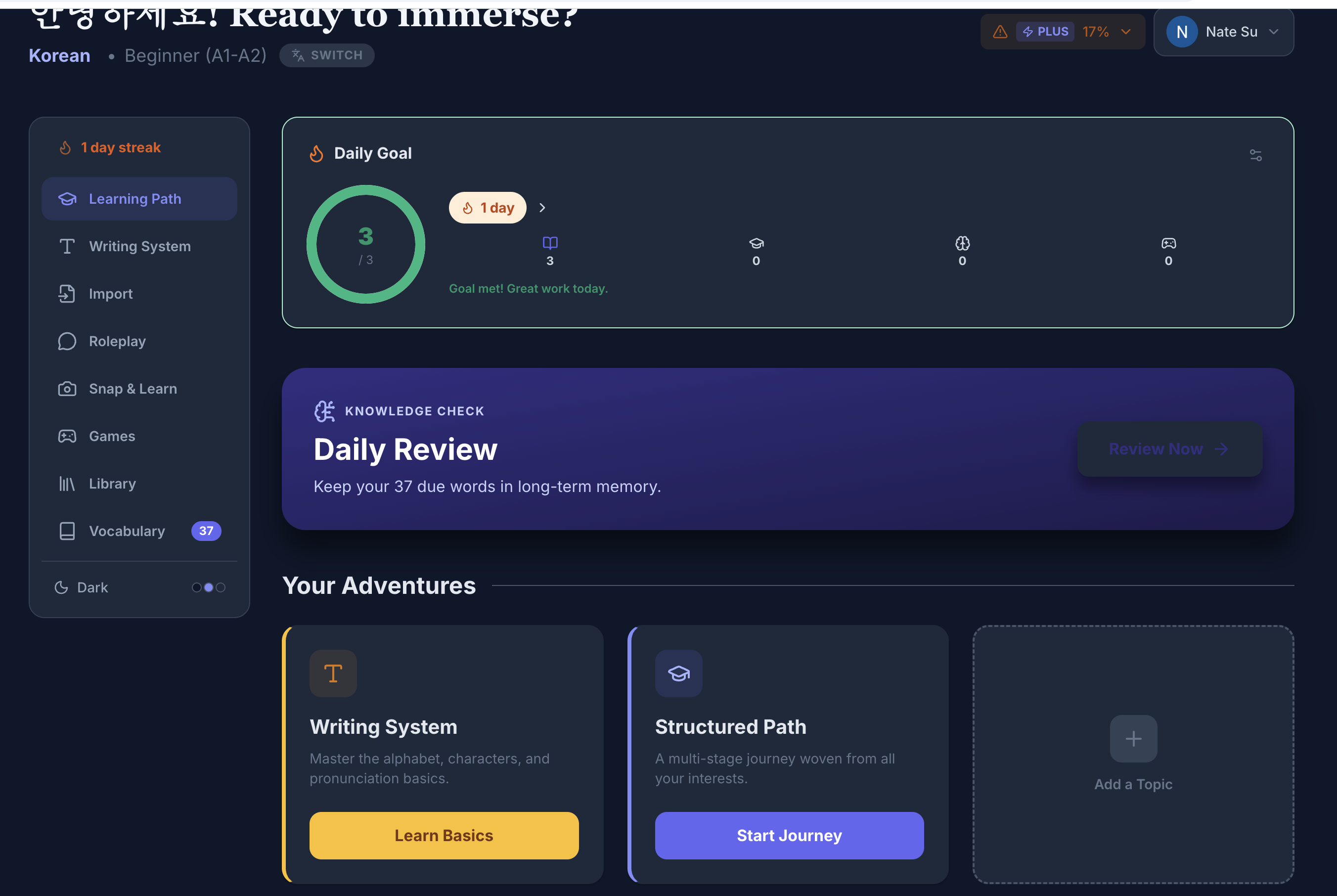
- Daily Streaks & Leaderboard -- Stay motivated with streak tracking, daily goals, and competition with other learners
- Guest Mode -- Try everything without signing up; your progress is stored locally and can be migrated to a full account later
How I Built It
Linguflow is a TypeScript monorepo with a clear separation between client and server:
The frontend is built with React 19 and Vite, styled with Tailwind CSS, and uses React Router for navigation. A custom DataContext provides a unified data access layer -- guest users hit localStorage + client-side Gemini directly, while authenticated users go through the server API. This pattern lets the entire app work offline-first for guests while scaling to a full backend for registered users.
The backend is an Express 5 server with PostgreSQL (via Drizzle ORM) for persistence. AI content generation uses the Google Gemini API (@google/genai), and text-to-speech uses Google Cloud TTS with Application Default Credentials. Authentication is handled via JWT tokens with OAuth providers (Google and GitHub) through Passport.js. Real-time features like the multiplayer Scrabble game use Socket.IO.
The Import Reader was one of the most technically interesting features to build. It fetches YouTube transcripts server-side, processes PDF and Word documents (using pdf-parse and mammoth), then uses Gemini to batch-translate segments and generate word-level glosses -- all while respecting rate limits across free and paid tiers.
The whole app is containerized with a multi-stage Docker build and deployed to Google Cloud Run, with PostgreSQL on Cloud SQL.
Challenges I Faced
- Dual data architecture: Making every feature work seamlessly in both guest mode (client-side, localStorage) and authenticated mode (server-side, PostgreSQL) required careful abstraction. The
DataContextpattern solved this but took several iterations to get right. - TTS at scale: Migrating from browser-native Web Speech API to Google Cloud TTS meant mapping 24 languages to the right Neural2 voice codes, handling unsupported languages (like Persian) with graceful fallbacks, and managing audio streaming.
- AI rate limiting: Gemini API calls are expensive. Building a tiered rate-limiting system ($free \to plus \to max$) that tracks usage per-feature per-day in the
api_usagetable, while keeping guest mode functional with client-side calls, was a balancing act. - Real-time multiplayer: Getting Socket.IO-based Scrabble to work reliably -- with game state synchronization, turn management, and AI opponents at multiple difficulty levels -- required careful state management on both client and server.
- Import pipeline reliability: YouTube transcript fetching, PDF parsing (the v2
pdf-parseAPI has a non-obvious constructor pattern), and batched Gemini translation all had to be orchestrated with proper error handling and progress feedback.
What I Learned
Building Linguflow taught me a lot about designing for two runtime environments (client-only vs. client-server), the power of AI as a content engine rather than just a chatbot, and how to architect a monorepo that stays maintainable as features grow. I also gained deep experience with Google Cloud's AI and speech services, OAuth security hardening, and real-time WebSocket communication.
Built With
- css3
- docker
- drizzle
- express.js
- gemini
- google-cloud
- html5
- javascript
- react
- tailwind
- typescript
- vite
- vitest

Log in or sign up for Devpost to join the conversation.