-
-
Project Tree
-
Code Editor and AI Chat Bot
Inspiration
The 'vibe coding' paradox is simple: it’s incredibly fast until you get stuck. Because regular users don’t speak the language of software architecture, their prompts often lack the necessary logic, causing AI to stall. Therefore, we came out with the idea of expressing the structure of a project by transforming the project into a relational graph of discrete tasks. This node-based structure forces logical consistency, allowing users to edit and scale their ideas within a structural framework.
What it does
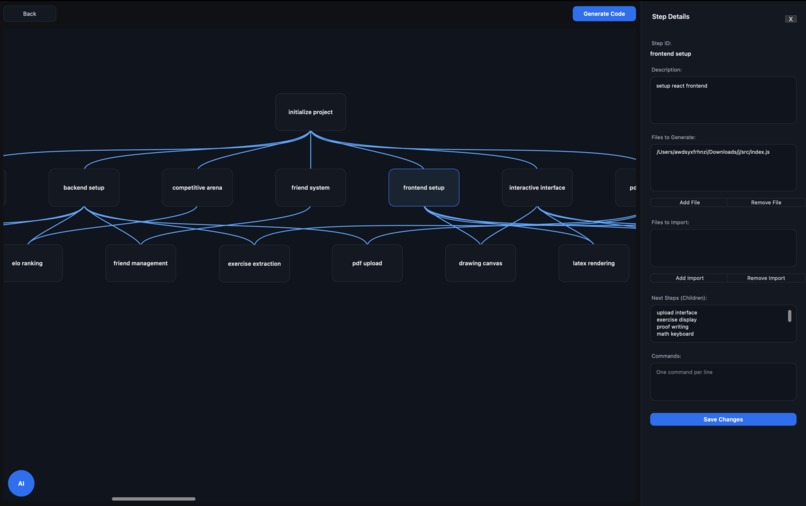
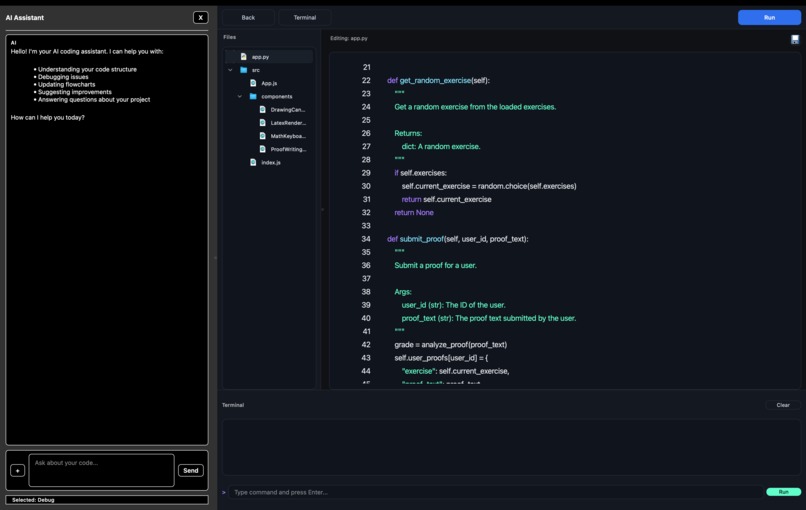
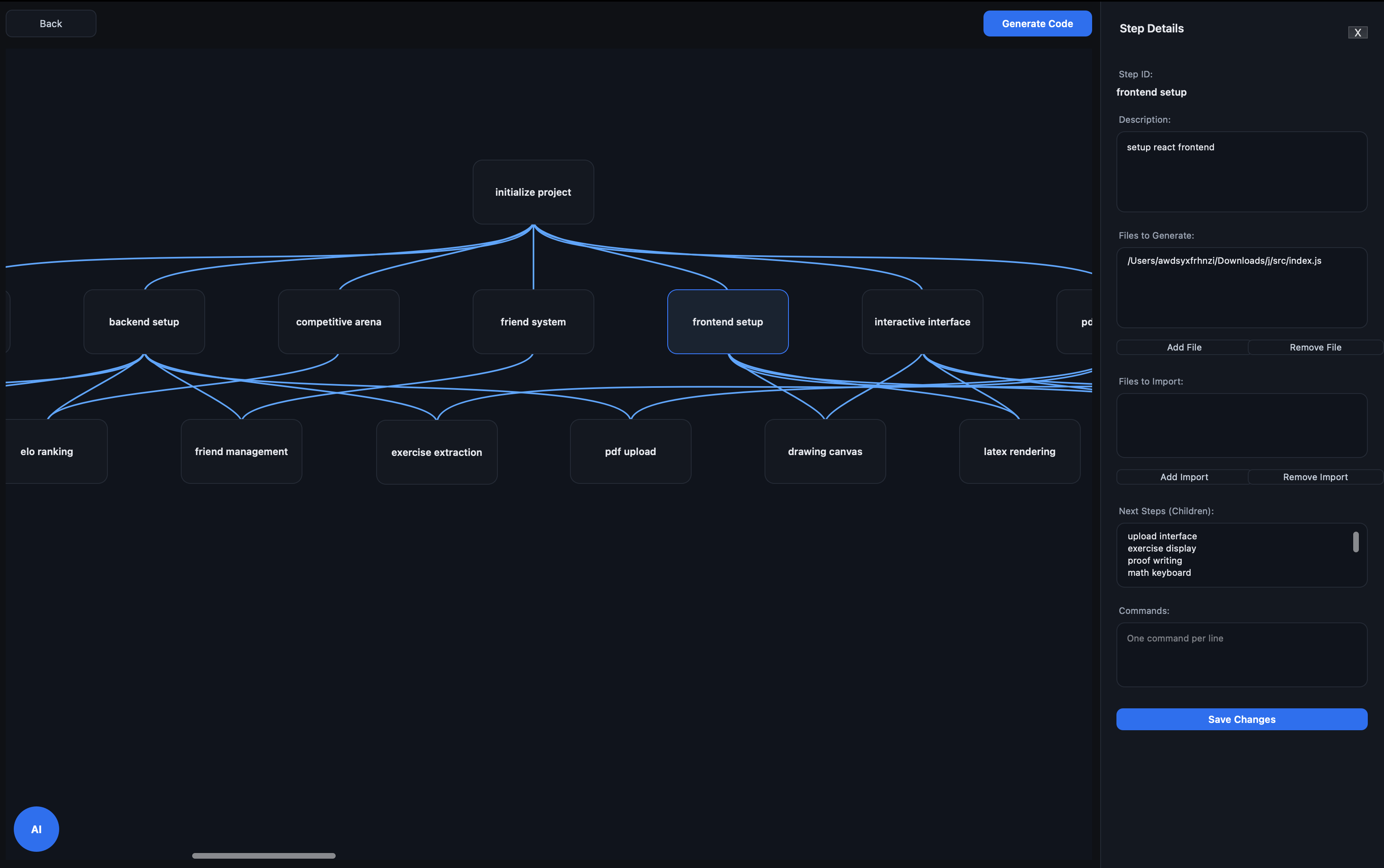
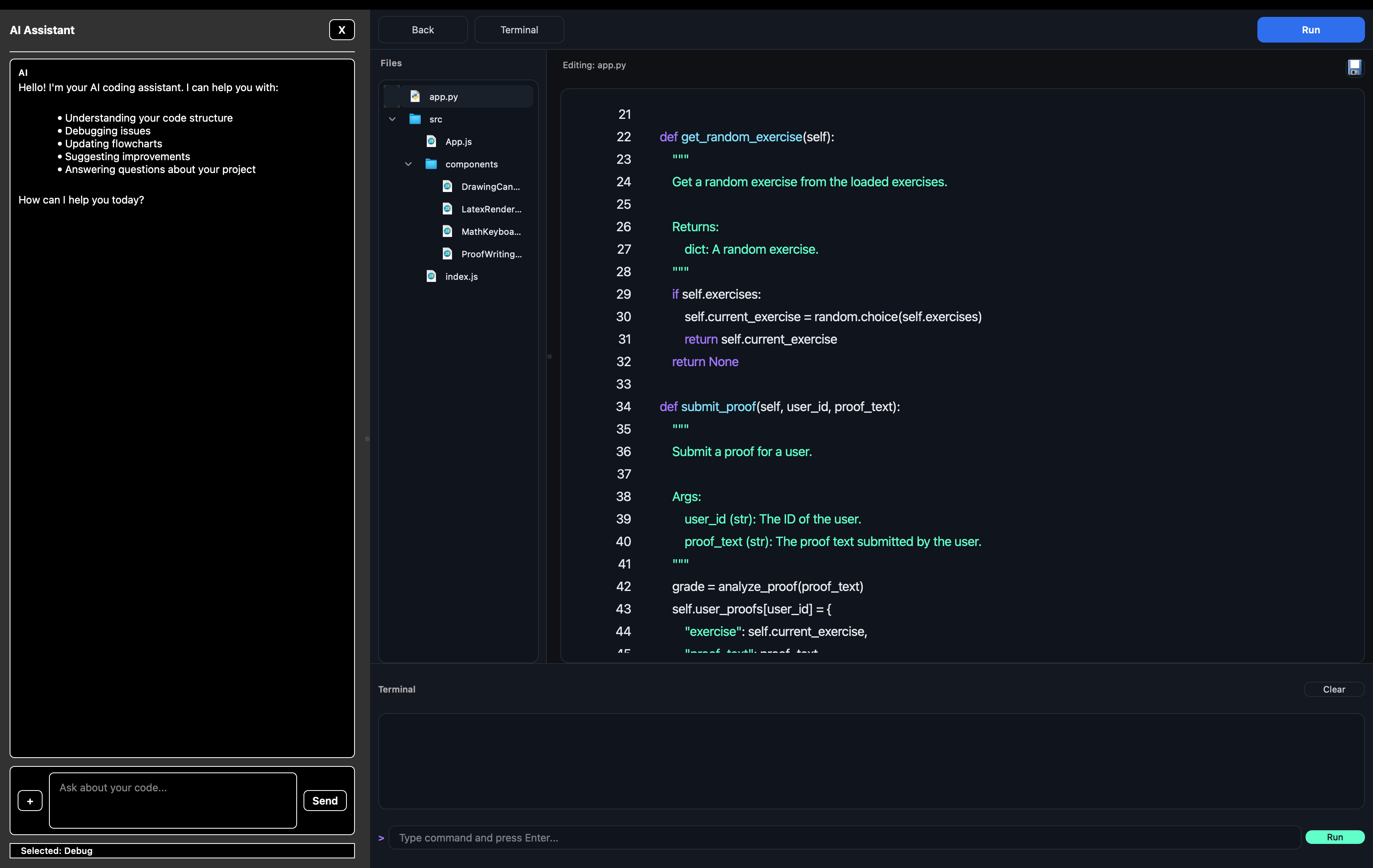
FLOWD is a smart computer program that helps you easily turn your ideas into working software. You just describe what you want to build using everyday words, and the AI turns your description into a clear flowchart. Each step in the flowchart represents a specific part of your program. Next, the AI writes the actual code for each part step-by-step. It makes sure everything is created in the right order so all the pieces fit together perfectly. The finished code appears in a built-in code editor. Here, you can look through your files, make changes, and even run your program directly inside the app. There is also a handy AI chat panel you can use at any time. You can ask it questions about your project or tell it to change the flowchart. If your code has errors, the AI acts as a smart debugger—it reads the errors, finds exactly where the problem is, suggests how to fix it, and updates your project plan if needed. You can do all of this without ever leaving the program.
How we built it
We built FLOWD using Python and a UI design tool called PyQt6. This tool helped us create all the screens, buttons, and layouts so they work together smoothly. The flowchart is custom-made. You can easily drag and drop blocks, which connect with curved lines. We also made sure the app saves your data automatically, so your projects are exactly how you left them when you come back. To make the app smart, we connected it to Amazon Nova's AI. We decided to use the Amazon Nova V1 Pro instead Lite V2 model because it offers a strong balance of accuracy, speed, and cost efficiency, making it suitable for a wide range of AI tasks and large-scale production workloads. This AI handles the heavy lifting: it builds the tree structure, writes the code piece by piece, makes changes when you ask, and helps fix errors. For the code editor, we used a tool called QScintilla. It automatically color-codes different programming languages, which makes the code much easier to read. We also built a fully working terminal inside the app. We set it up carefully so that if your program asks you to type something in, it responds perfectly in real-time. Finally, we made sure the AI chat runs in the background so the app never freezes while you wait for an answer. We also gave the AI a special way to "read" your code—like knowing your file names and line numbers. This ensures the AI gives you specific, helpful advice instead of just generic guesses.
Challenges we ran into
Our biggest challenge was that none of us had ever worked with AI before. We didn't know how to connect to it or how to ask it questions, so it would give us good, reliable answers. At first, the AI often gave us broken results or completely ignored our instructions. We had to spend a lot of time learning how to talk to it properly. Also, building the terminal so users could actually type into it was much harder than we thought. We had to learn how computers handle input and output behind the scenes, which was totally new to us.
Accomplishments that we're proud of
We are really proud that we built a fully working app that turns a simple text description into real code you can run. We weren't sure we could make the whole process work from start to finish! We are also proud of the AI chat and its bug-fixing feature. It is amazing that it can read an error, find the exact file causing the problem, and automatically suggest a fix. Finally, we built the entire look and feel of the app from scratch—including the draggable flowchart, the color-coded text editor, the terminal, and the chat—without using any templates. This was a big achievement since we didn't have much experience designing apps.
What we learned
This was our first time using AI to help us code instead of writing every single line ourselves. It completely changed how we think about making software. We learned how to connect our app to an AI, how to ask it for exactly what we need, and we picked up a lot of new AI terms along the way. But the most important thing we learned was how to build a large program. We learned how to organize code into many different files, how to make those files talk to each other, and how to keep the whole app running smoothly. This was a huge step up from the small, simple programs we were used to writing in school.
What's next
We wish that in the future, we can use rag table to provide context to AI in a more efficient manner.
Built With
- openai
- pyqt6
- python
- tree-sitter-language-pack


Log in or sign up for Devpost to join the conversation.