Inspiration
Buying a used laptop can feel like buying a car without taking it for a test drive. It powers on, the screen looks fine, and the seller says everything works—but what about the keyboard, microphone, camera, or specifications in the listing?
I wanted to make checking a device easier for someone who is not a technician. The goal was simple: open a website, follow clear instructions, and leave with a useful record before making a purchase.
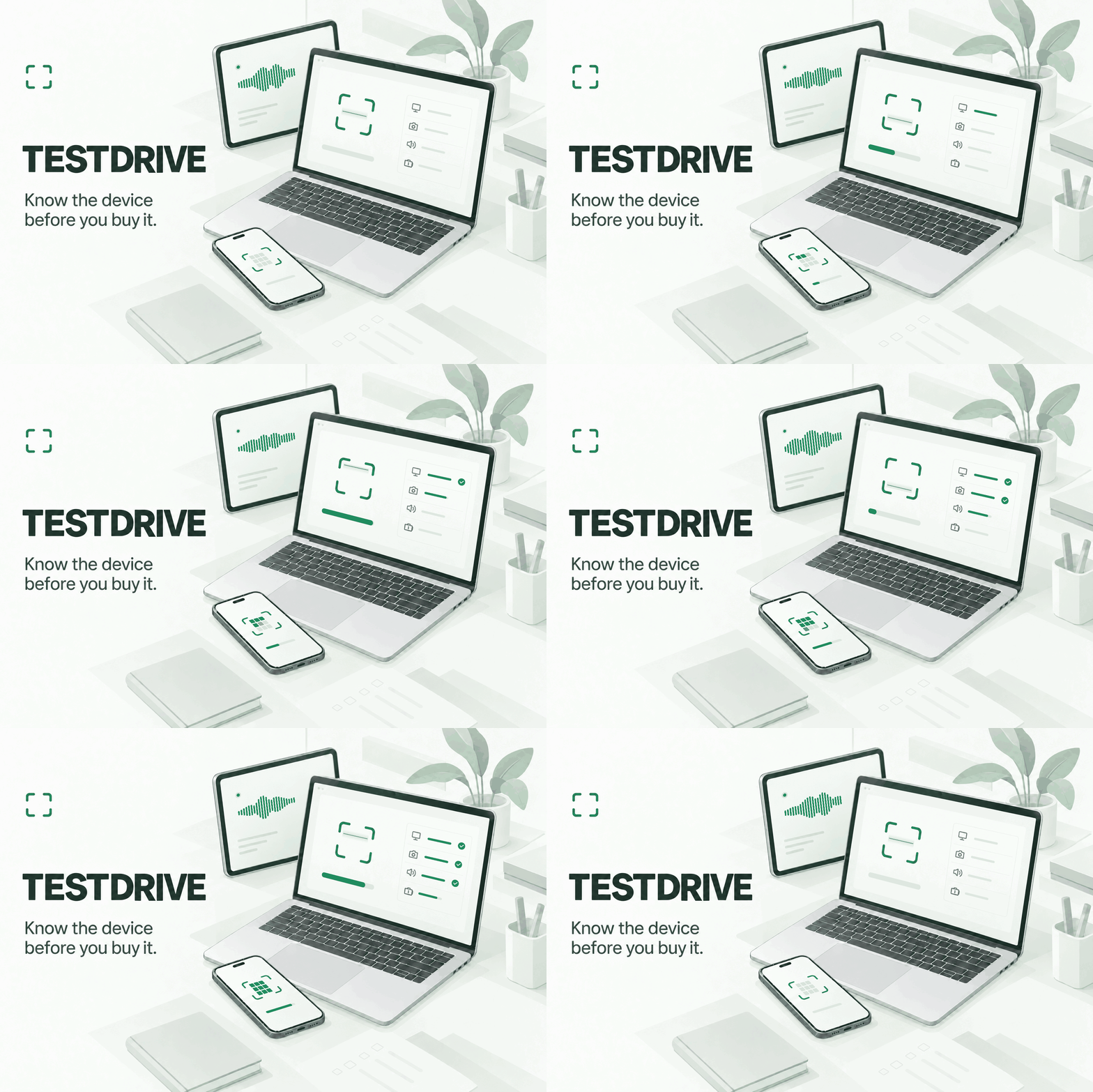
That became TESTDRIVE: Know the device before you buy it.
What it does
TESTDRIVE is a browser-based inspection tool for laptops, desktops, phones, and tablets. It combines automatic browser checks, guided hands-on tests, and optional Windows system-report imports in one inspection workflow.
The experience starts with one click:
- Run an automatic scan: Collect available browser-reported information and run short processing and graphics checks.
- Check everyday functions: Test keyboard input, mouse and trackpad actions, touchscreen coverage, cameras, microphones, speakers, and display patterns. Battery and charging observations are available where the browser supports them.
- Follow clear tasks: An eight-step pointer challenge guides movement, clicking, scrolling, and dragging. Camera and microphone checks collect short samples after permission, while the user can add feedback about picture and sound quality.
- Use a matching keyboard reference: Four curated US English laptop layouts cover the ASUS Zenbook Duo, MacBook Air, Dell XPS 13, and ThinkPad T14. Users can choose a profile, or a supported imported model can select one.
- Compare specifications: Import a supported Windows System Information text report and compare processor and installed-memory information with seller claims.
- Keep the findings: Save inspections locally, export and import structured JSON reports, or print a report using the browser’s print-to-PDF feature.
Every finding keeps its source: measured in the browser, reported by the browser, imported from a file, or confirmed by the user. Skipped checks remain untested.
No account or installed diagnostic application is required. Inspection records stay in browser storage unless the user exports them, and media samples and imported system reports are processed locally.
How I built it
I built TESTDRIVE during HACK47: OFFGRID using React, TypeScript, and Vite, with Firebase Hosting serving the application over HTTPS.
The inspection system connects device capabilities, test progress, observations, user feedback, and saved reports. Native browser APIs provide keyboard and pointer events, media capture, audio analysis, canvas processing, WebGL rendering, and bounded background workloads. IndexedDB stores inspections locally.
I also built a parser for supported English-language Windows system reports, specification-comparison logic, and a manufacturer-sourced keyboard reference catalog. Missing information remains unknown rather than being filled with an assumption.
Development used OpenAI Codex and specialist coding agents to assist with architecture, interface implementation, diagnostic behavior, testing, deployment, and documentation. React Router handles navigation, and Lucide supplies interface icons.
Vitest, Playwright, and GitHub Actions support automated verification. The published release passed 37 unit tests and 18 automated browser scenarios, alongside type checking, linting, and a production build.
Challenges I ran into
The hardest technical challenge was deciding what a browser can actually establish. Browsers restrict hardware access, expose different information across devices, and sometimes provide approximate values. Operating systems can also intercept keyboard shortcuts before a webpage receives them.
I addressed this by making tests adapt to available capabilities and keeping evidence sources visible. An imported model can select a keyboard reference, but the reference itself does not establish the device’s installed components.
Another challenge was making a diagnostic tool easy to use. Testing the first version showed that functioning features still needed clearer instructions and fewer decisions. I revised the experience around one-click scanning, one guided task at a time, automatic progress where observable, and obvious ways to leave a test.
Media checks required particular care: receiving video or sound does not establish that the picture looks clear or the microphone sounds good. TESTDRIVE records automatic observations separately from human feedback.
Accomplishments I'm proud of
I’m proud of completing the full journey from starting an inspection to saving and exporting its findings.
The project brings interactive hardware checks, specification comparisons, local persistence, and reporting into one accessible workflow. It also handles partial progress, denied permissions, unavailable features, and interrupted tests without turning missing evidence into a successful result.
The keyboard profiles and guided pointer challenge made the experience more concrete: users can see what to do and what the browser actually received.
What I learned
I learned that useful diagnostics depend as much on explaining evidence as collecting it. A clear statement about what was observed helps someone make a better decision.
I also learned how much product quality comes from iteration. Reducing setup, improving feedback, and guiding the next action made the application easier to understand.
Finally, automated testing and physical-device testing answer different questions. Browser automation helps verify workflows and data handling; evaluating real hardware still requires exercising that device.
What's next for TESTDRIVE
A major next step is an optional “Guide me through this” assistant for anyone who feels unsure about a test. It would walk users through each action with animated highlights, an on-screen pointer, clear text instructions, and natural-sounding voice guidance synchronized with the interface.
The guide would demonstrate where to click, what to try, and what to look or listen for. Users could mute narration, pause, repeat a step, or exit at any time. Reusable, pre-recorded narration would provide consistent explanations, with visual examples wherever they make an instruction easier to understand.
My goal is to make TESTDRIVE approachable even for someone who has never inspected a device before. Help should be available exactly where someone gets stuck.
I also plan to expand the keyboard catalog, test more physical devices and browsers, and add macOS system-report imports. Paired-device viewing would let a buyer follow an inspection on their own phone while the device being inspected runs the checks.
Longer term, TESTDRIVE could support repeatable intake and handoff inspections for repair and resale shops. The goal remains the same: help people understand a device before they commit to it.


Log in or sign up for Devpost to join the conversation.