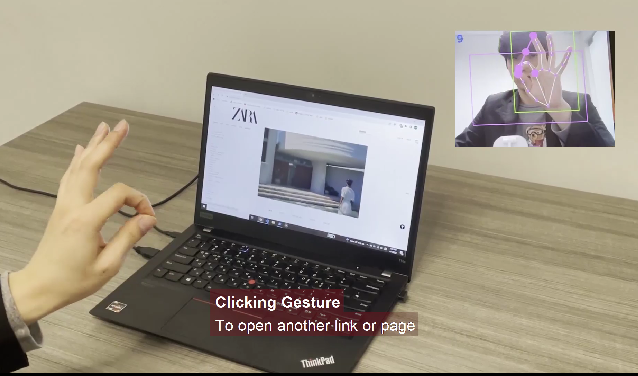
virtual_reality_controller

Gesture Interface and Online Experience Controller
Table of ContentsAbout The Project

- click image to play the video
As a challenge project for Philly CodeFest 2022, We decided to make a Virtual Reality Controller.
Inspiration
Emerging complex new technologies and new functions increase memory loads of remembering the interactions or button locations on website. Gesture interface design based on real world experience can make the learning process easier.
What it does
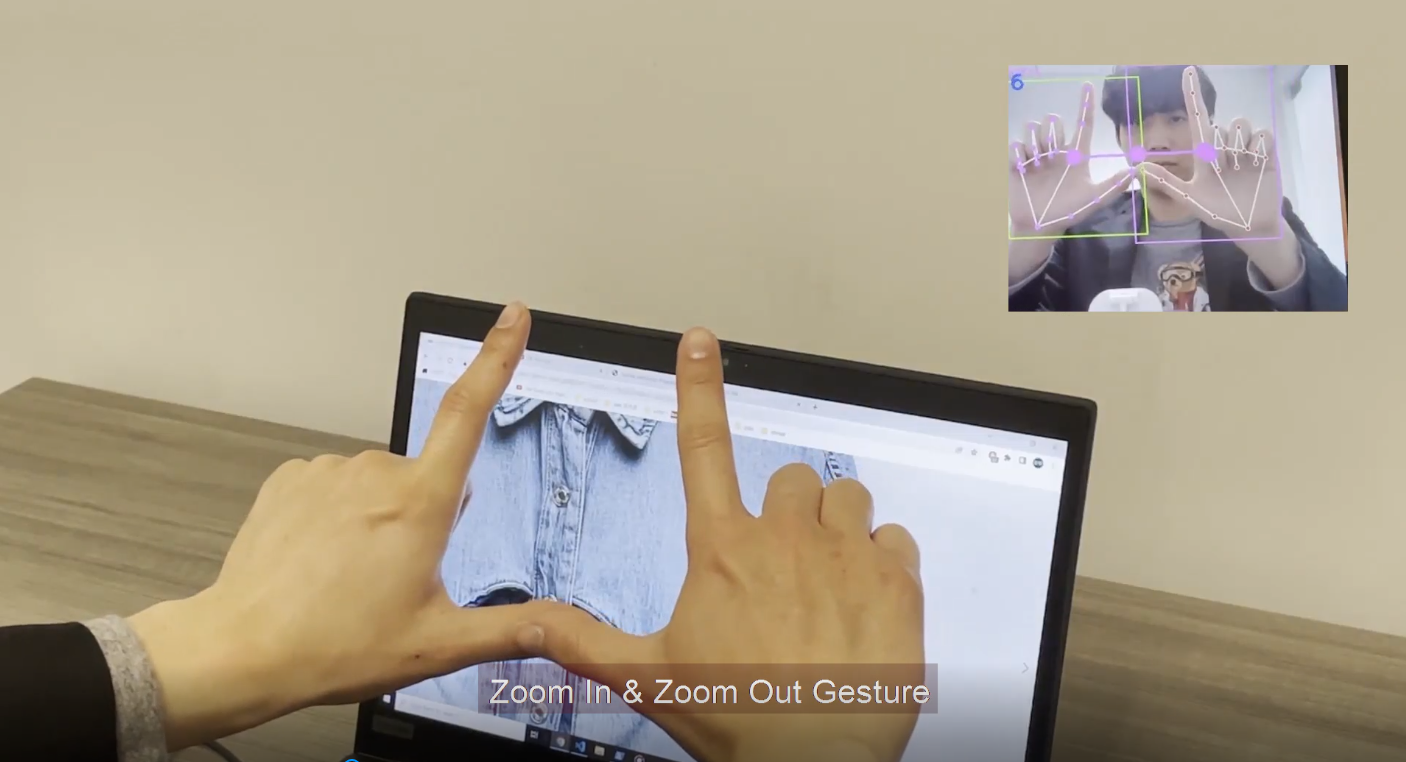
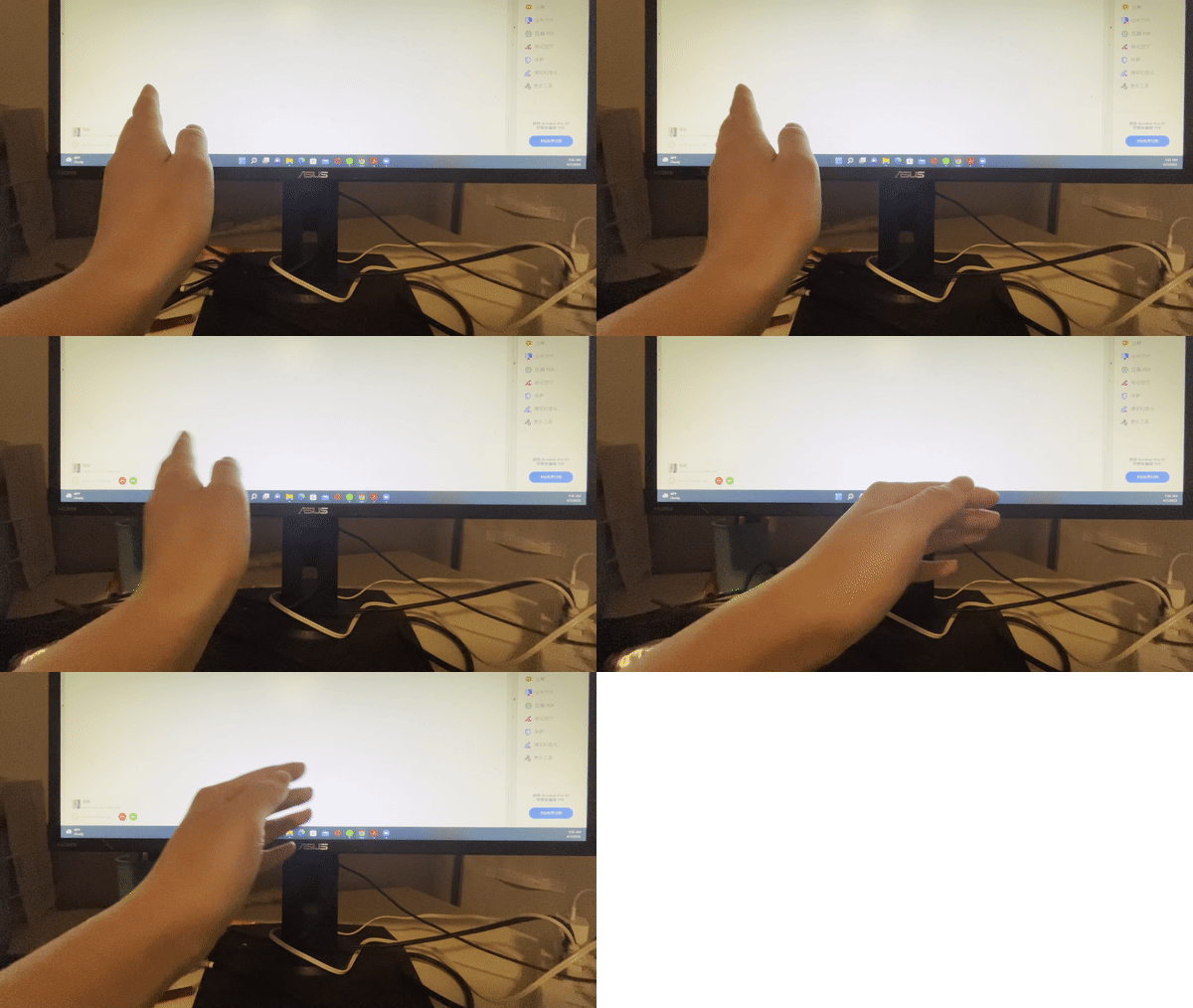
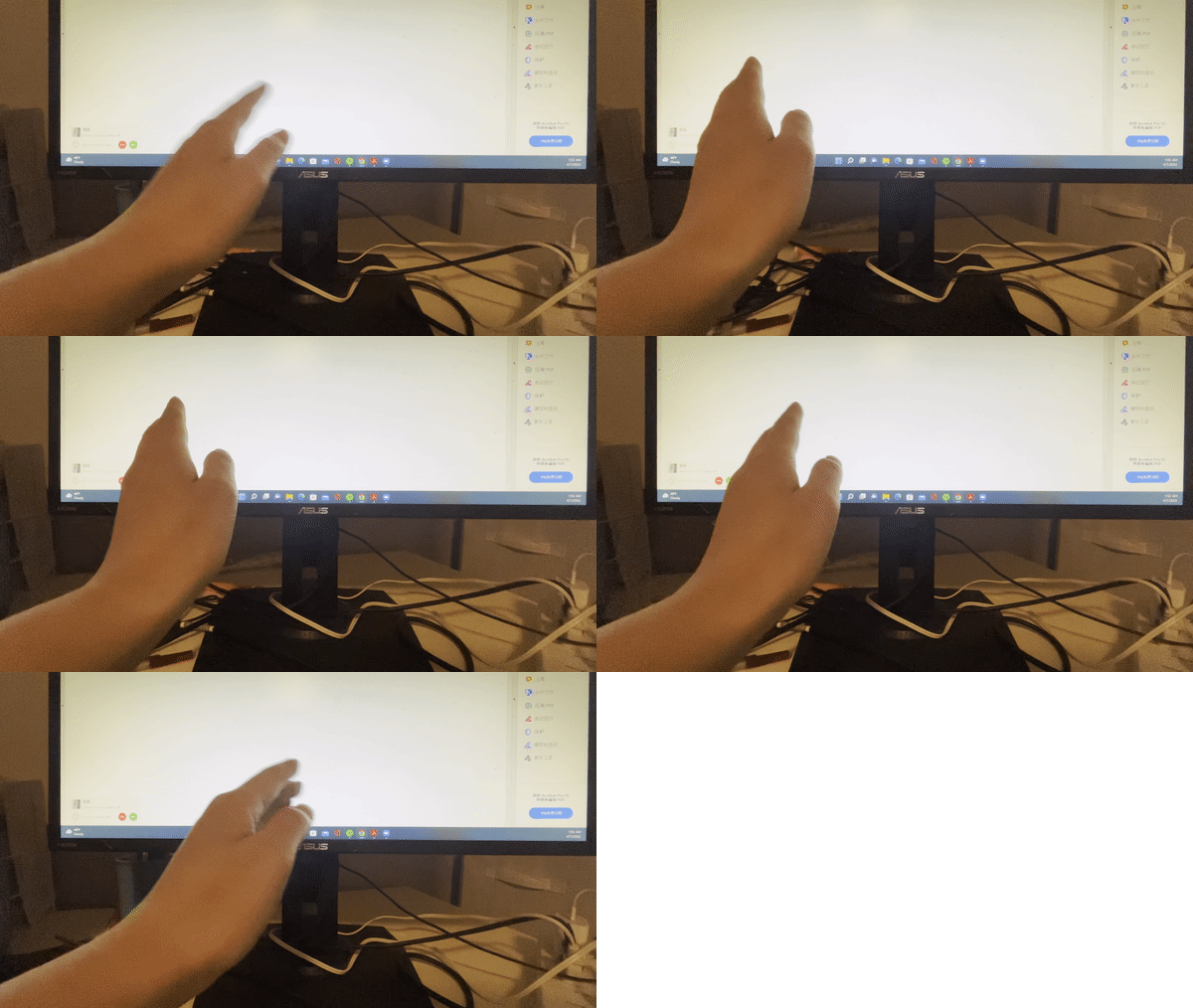
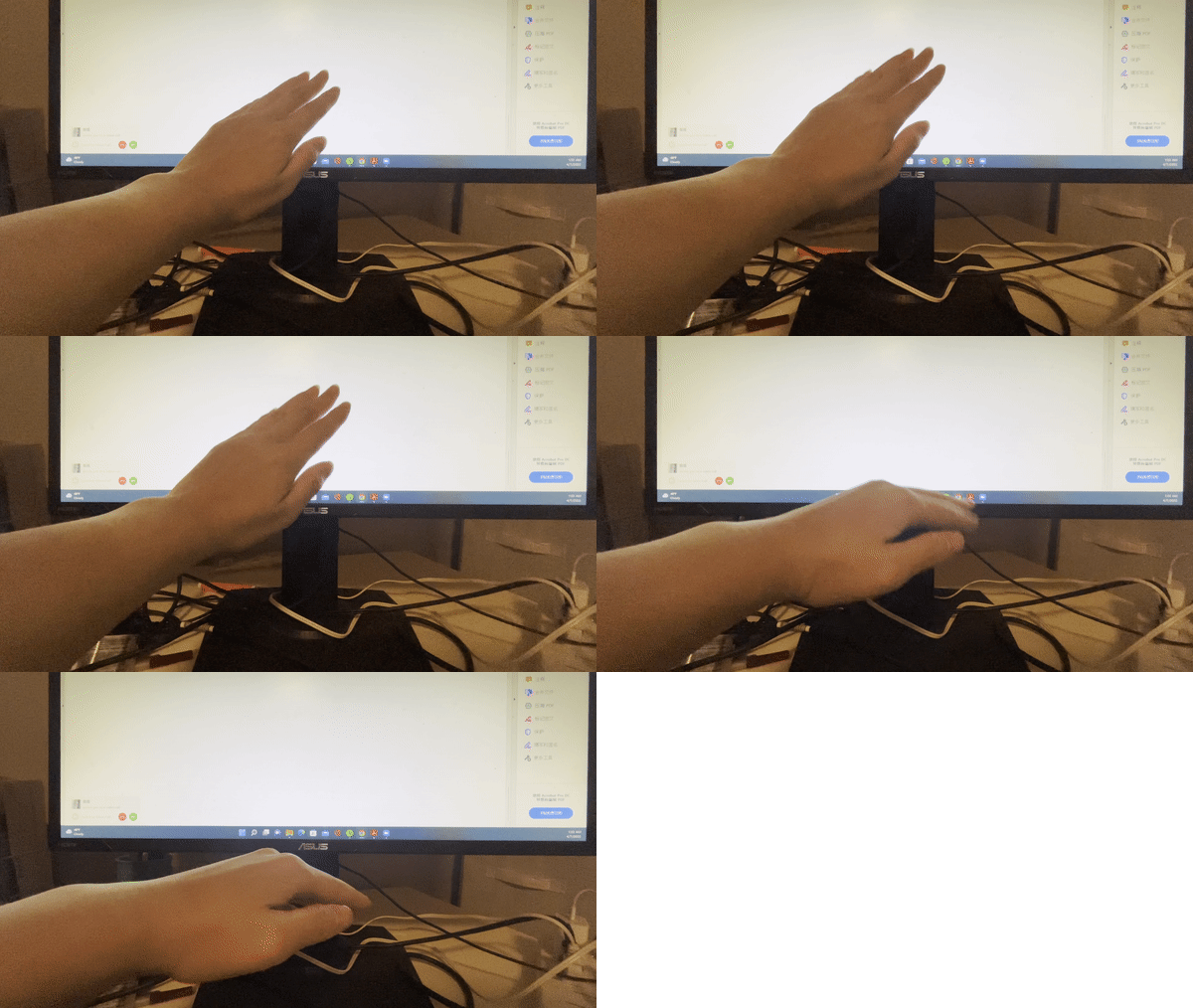
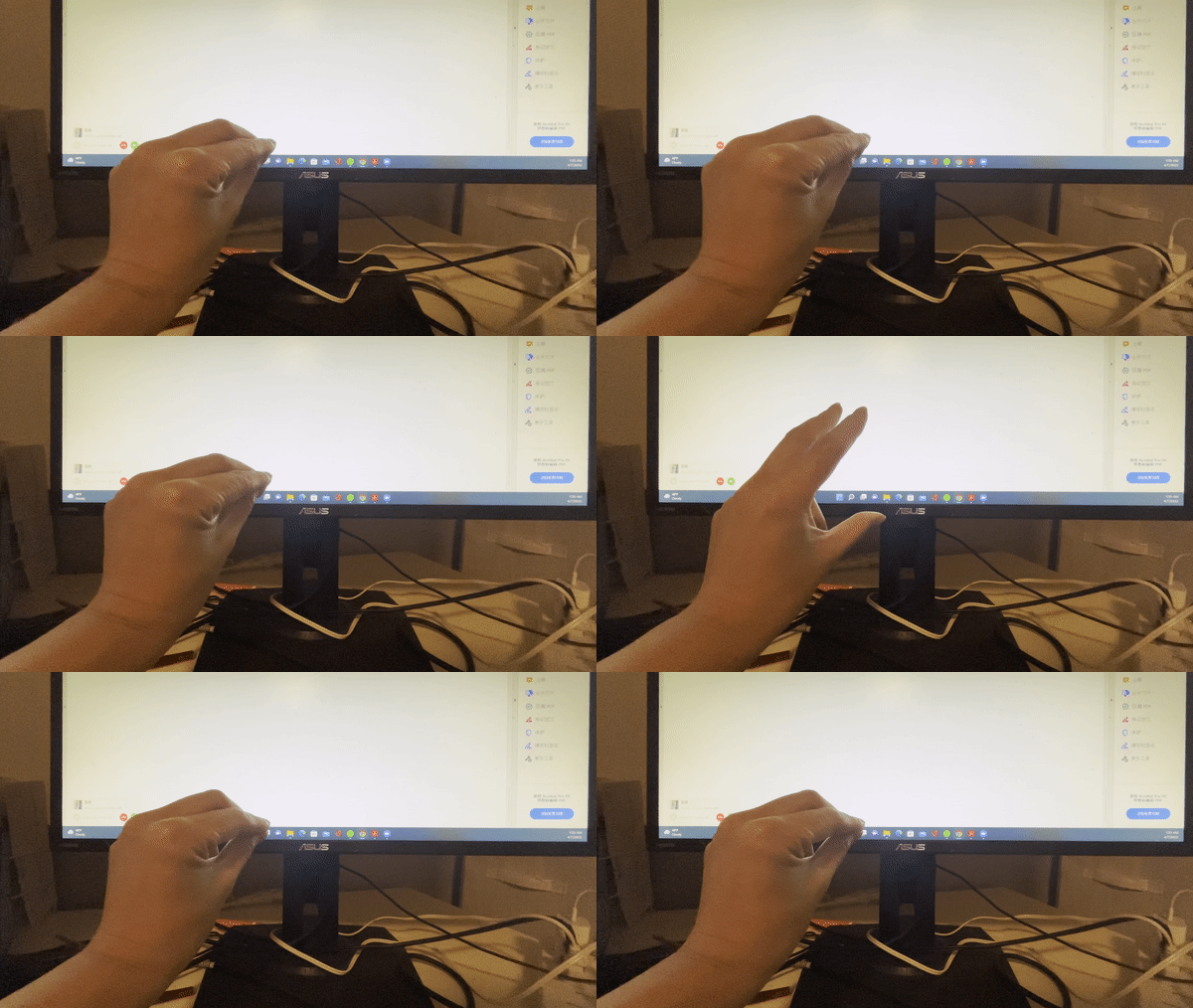
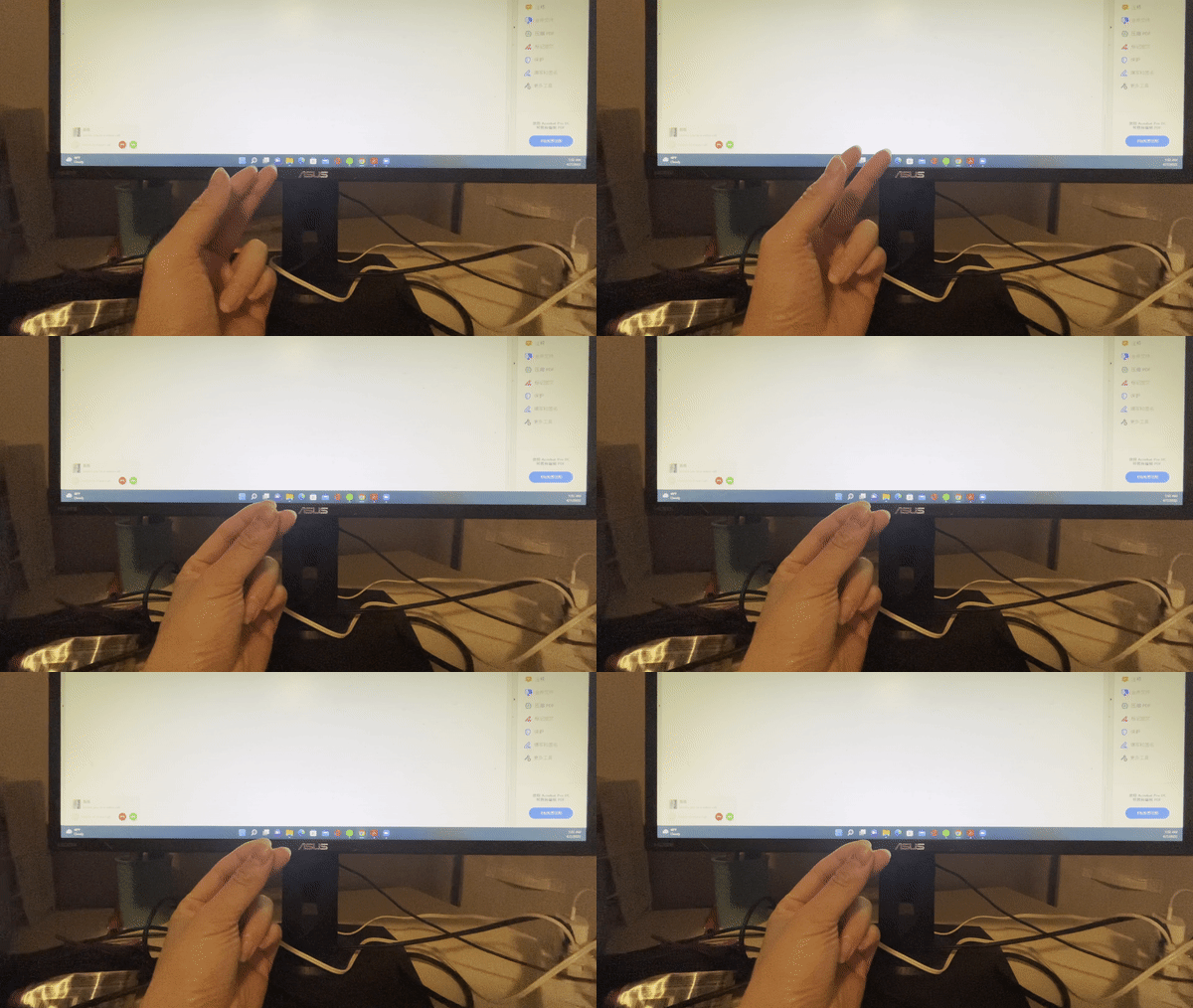
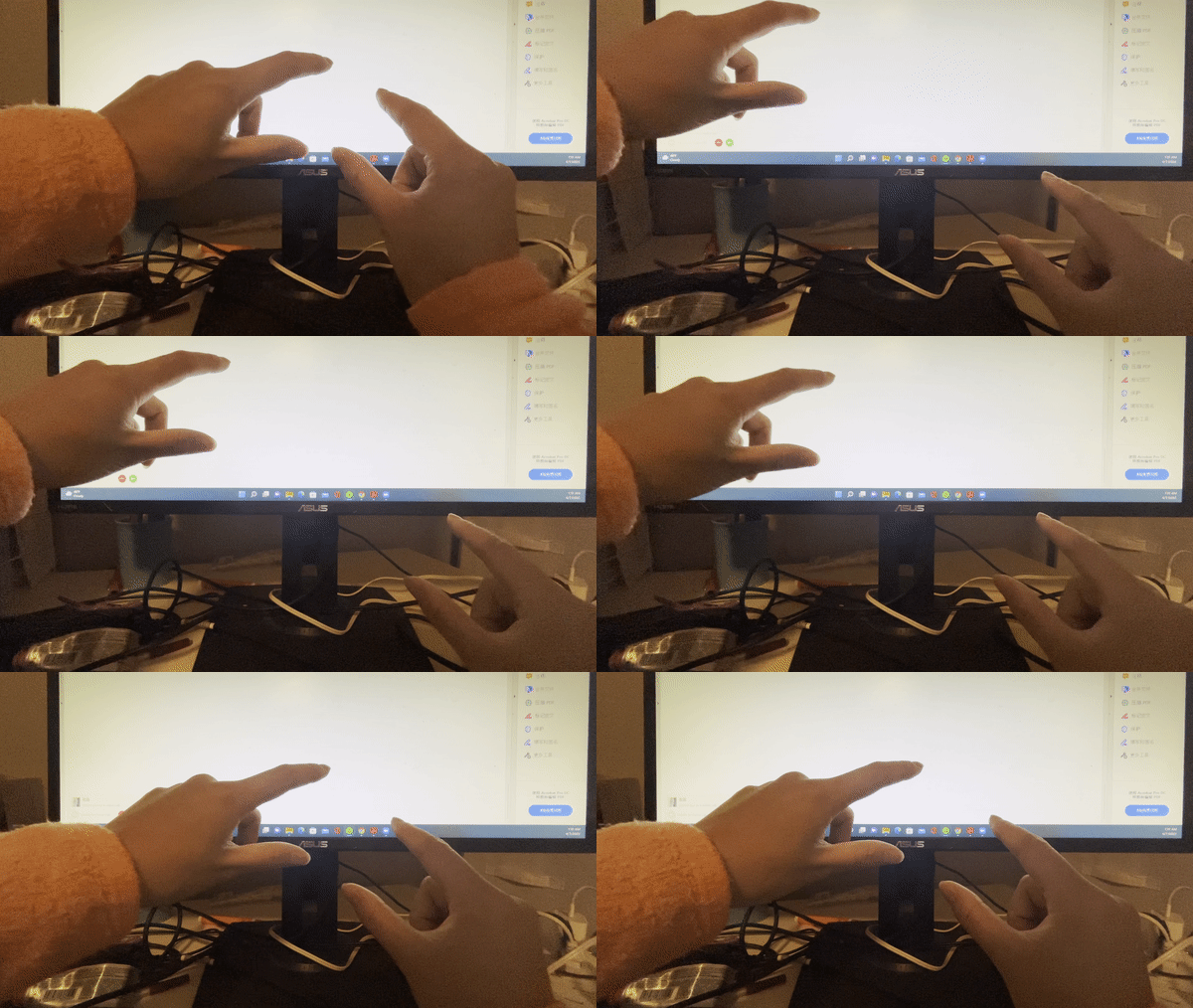
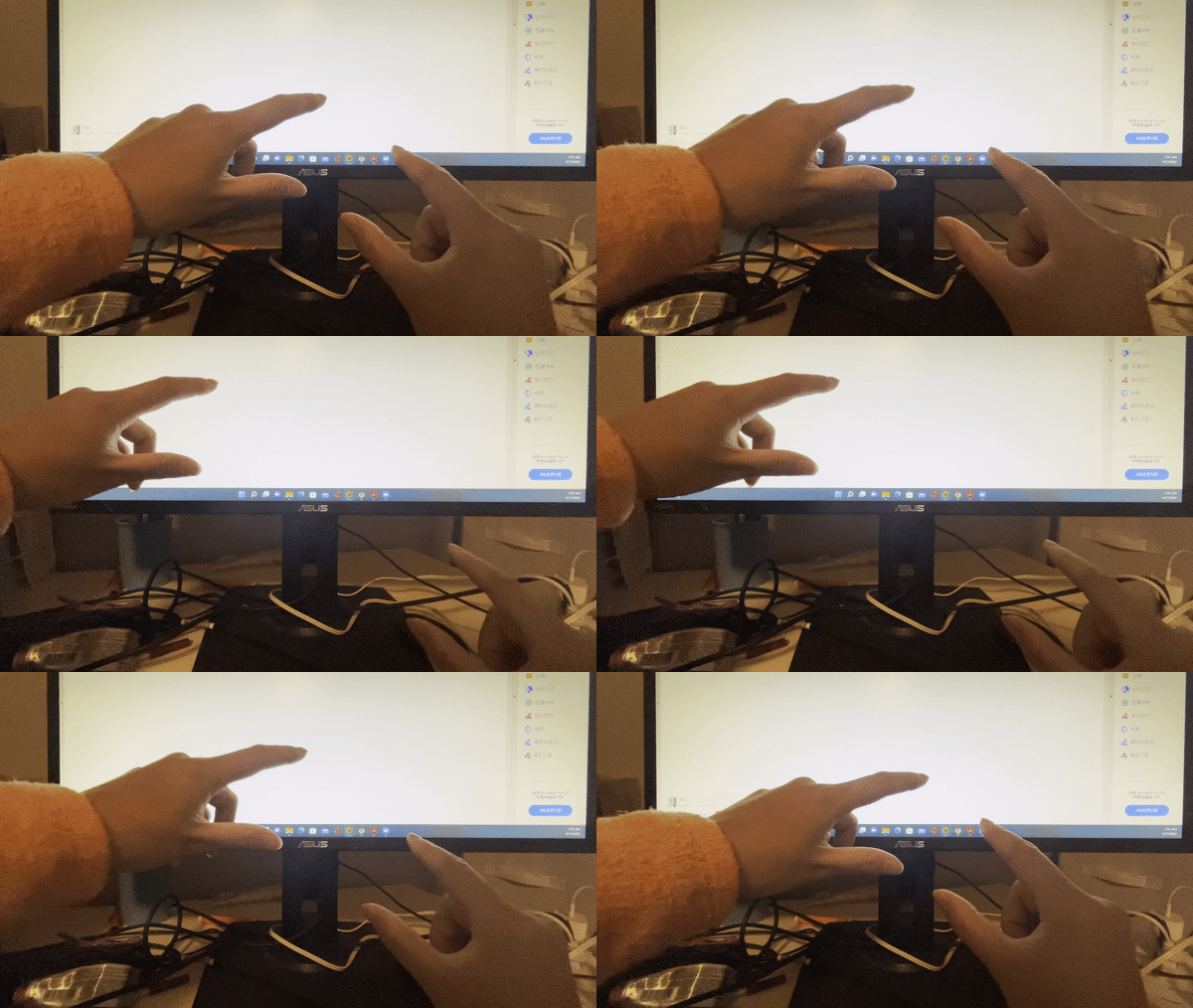
We designed a set of gesture interactions based on people’s experience from the real world. We expect the gesture interface we designed can reduce the memory loads and increase the user experience in people’s web browsing activities.
How we built it
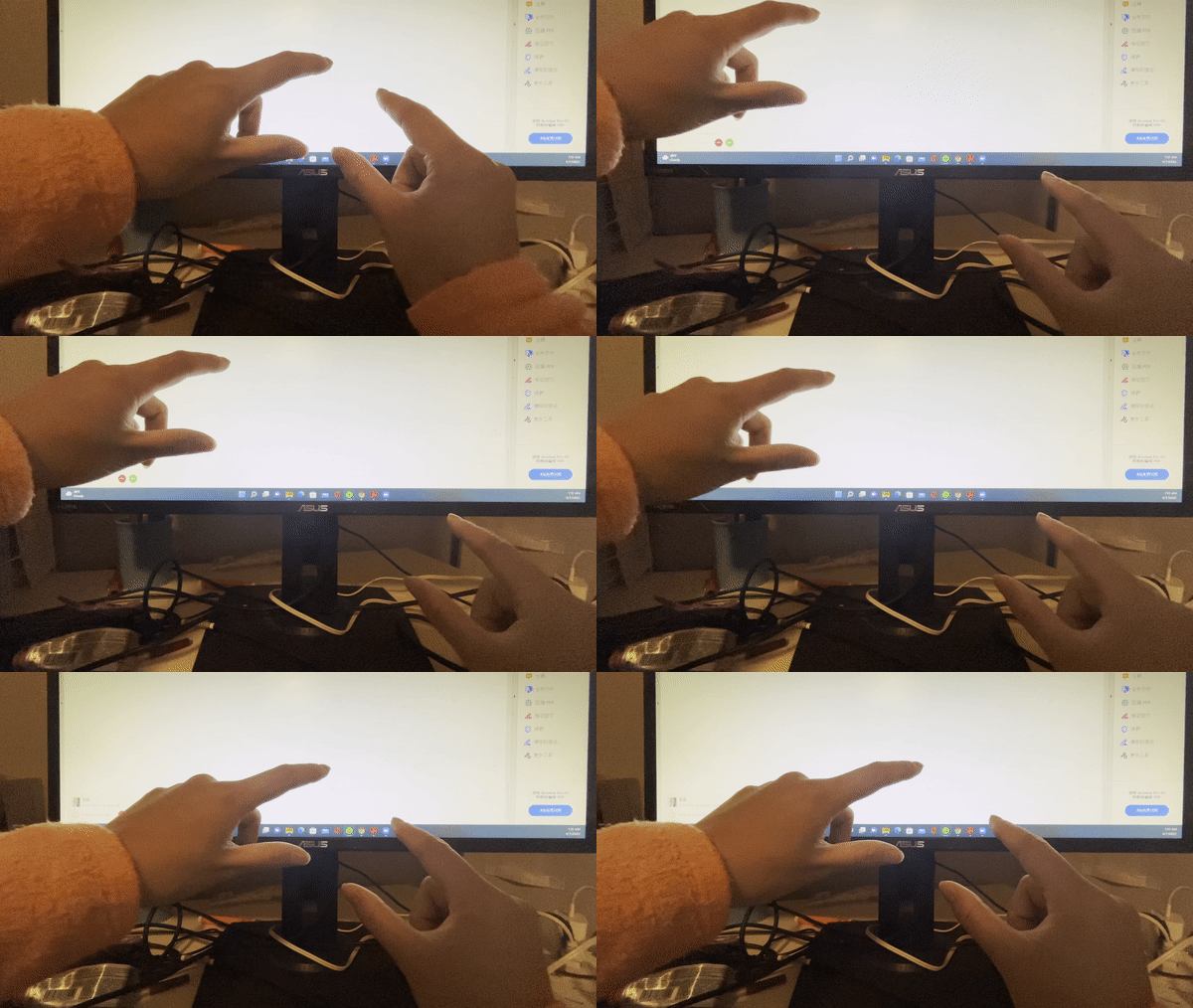
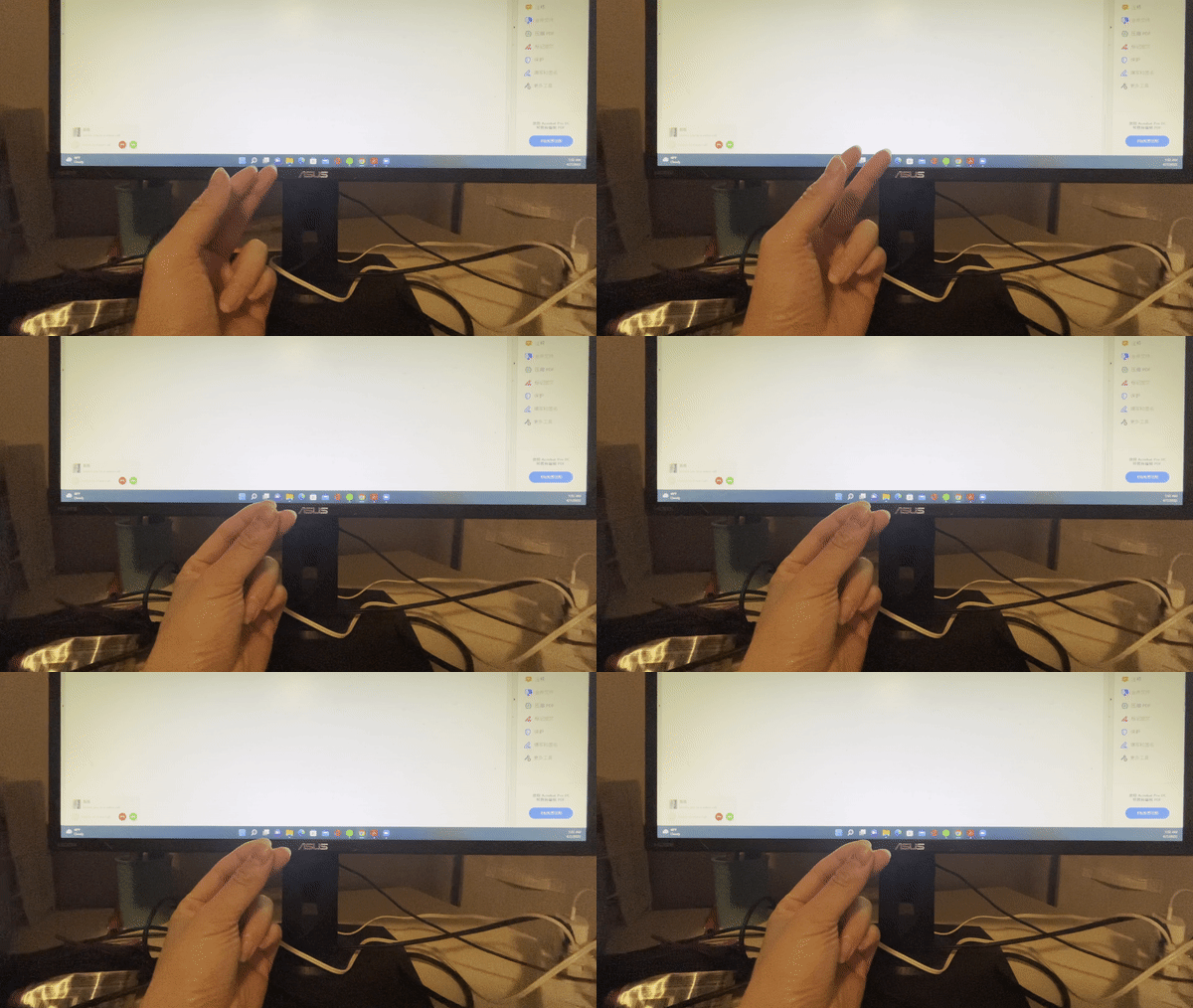
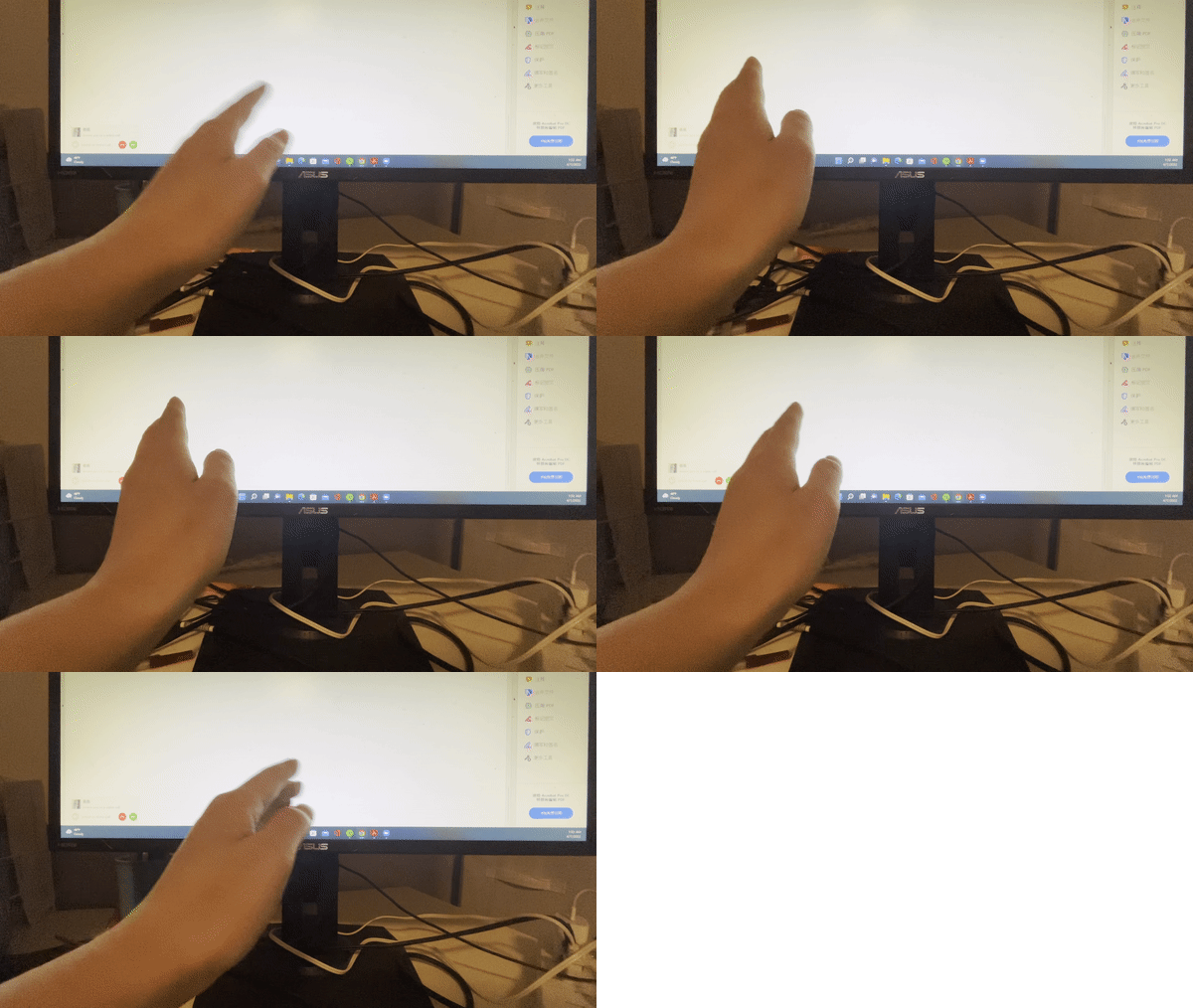
- Identifying and defining the gestural language
- selecting
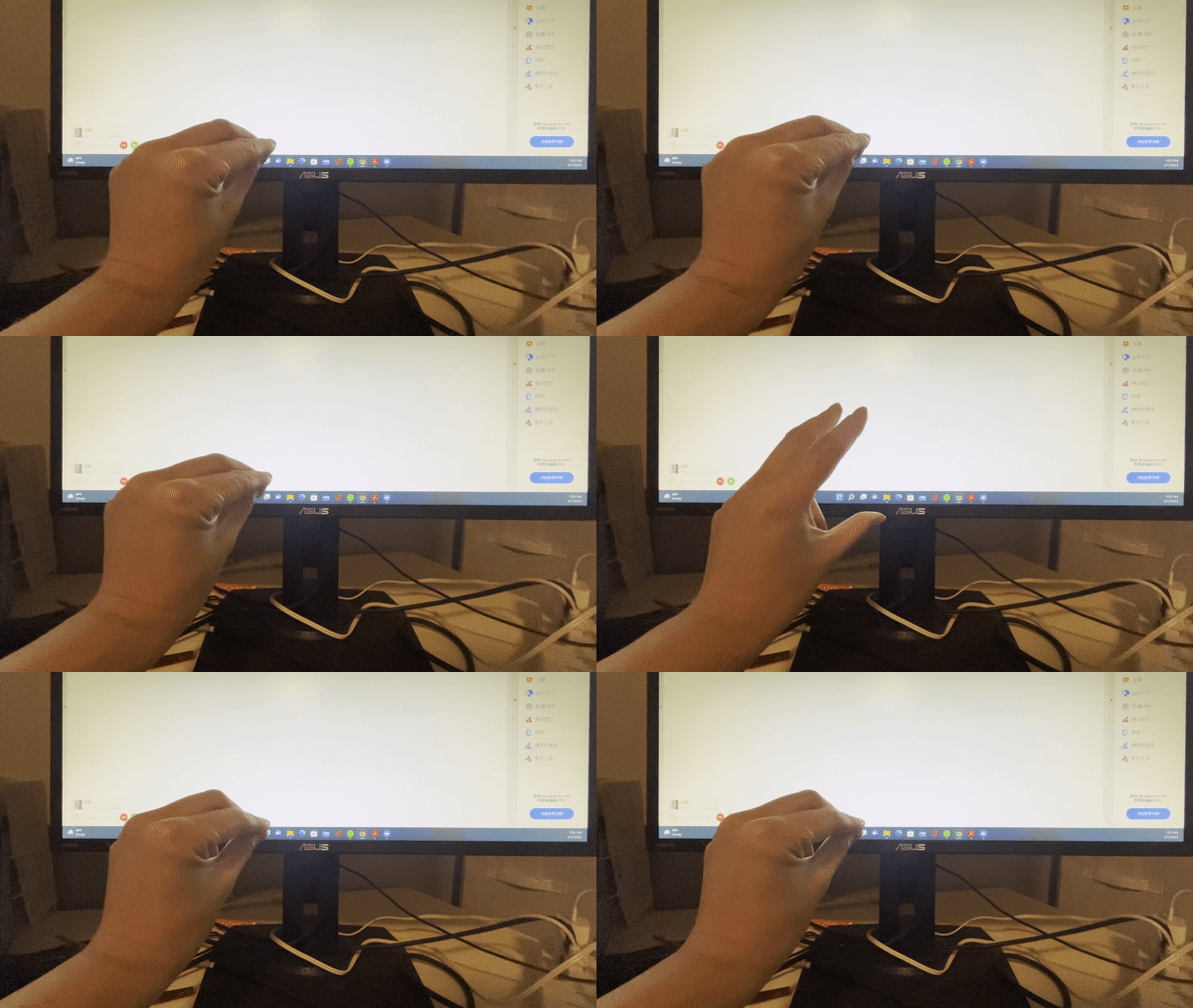
- clicking/opening
- highlighting
- Hovering
- scrolling/zoom
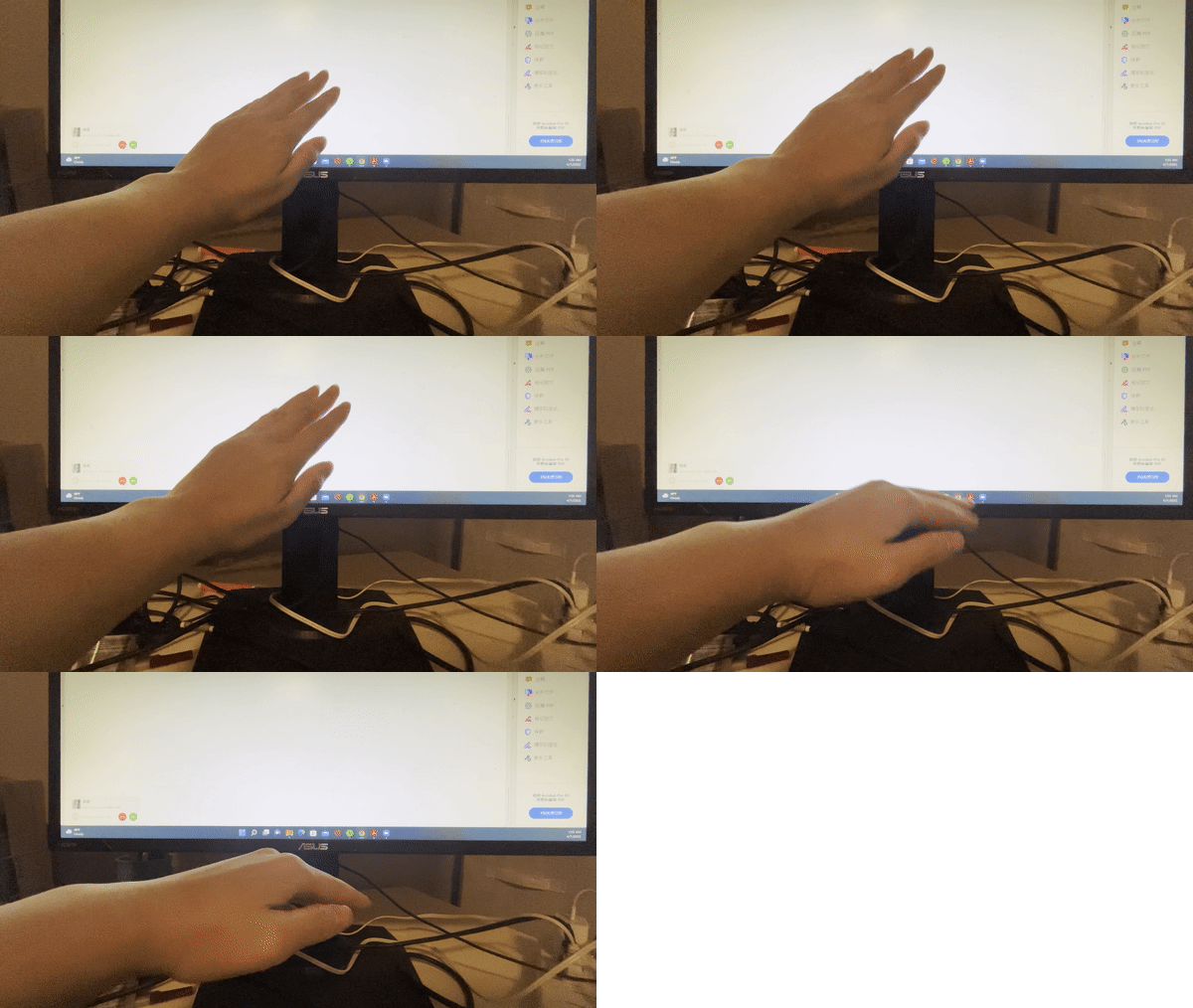
- call to main menu
- Typing
- Back and forward pages
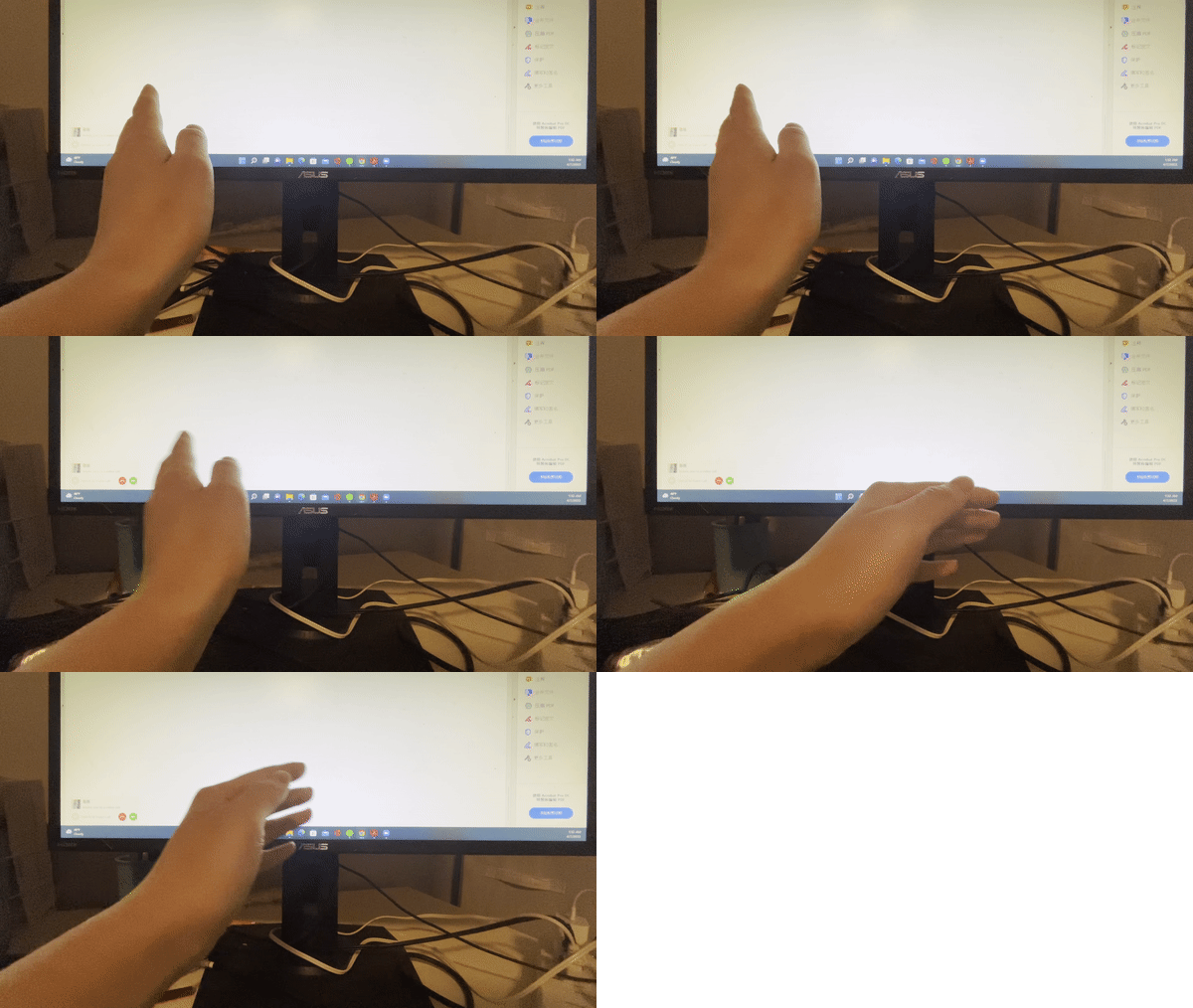
Implementing the gestural language support in a web transactional experience
Below are the major frameworks/libraries for the project.
Challenges we ran into
- Difficulty in differentiating finger shapes and movements
    * Some gestures look alike
    * overlapping pre-movements after-movements

- Difficulty in perceiving depth and distance from the camera
    * Working with single camera
    * Absolute distance in snapshots of images
    * Length between fingers changed as distance from camera became further
Accomplishments that we're proud of
Successfully implemented the following gesture feature!
- clicking/opening
- highlighting
- Hovering
- scrolling/zoom
What we learned
- Requires more insight in gestural languages

- More cameras to allow more accurate computer vision
What's next for test
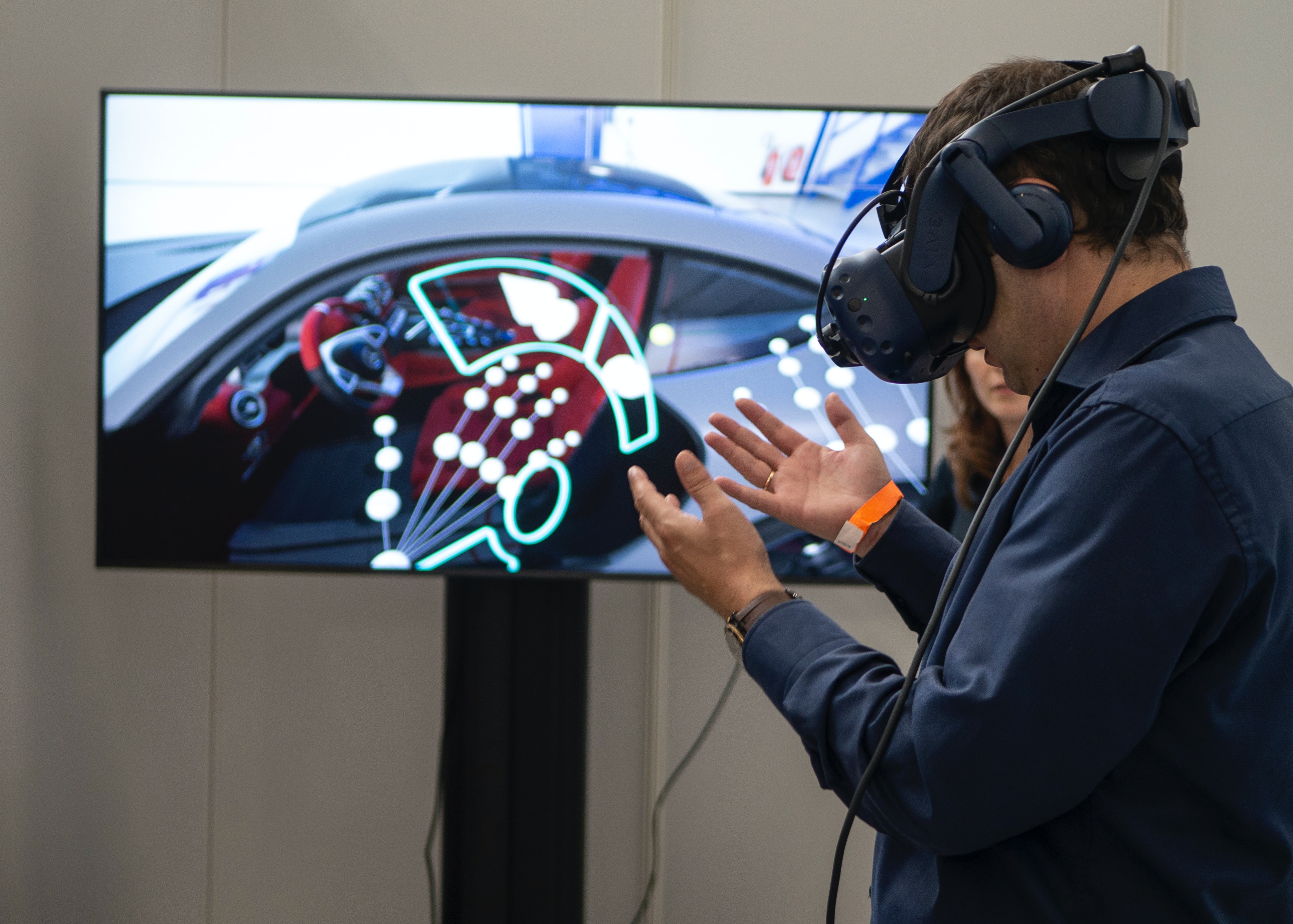
We want to test the gesture control we designed can be applied into AR/VR web browsing activity, which provides the flexibility of browsing the web anytime anywhere without additional control devices.
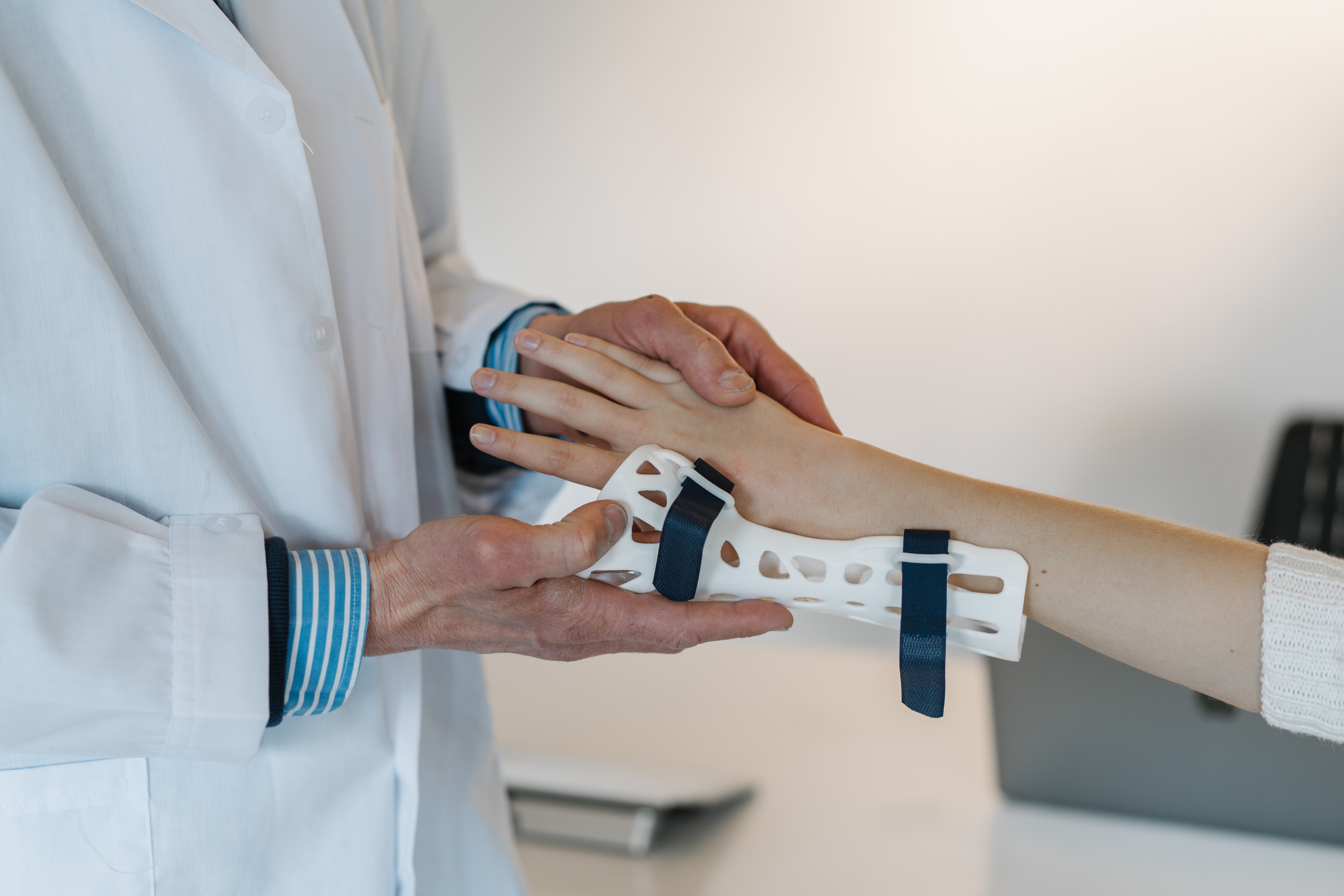
We want to have customized function which allows people with limited finger motor abilities(e.g. Stroke patients) to tailor their own gesture controls.
Installation
- Download the dist zip file from the releases.
- unzip the folder
- run the main.py file in the subfolders
make sure you have the camera working and free for access
the application will only run on windows
Contributing
Contributions are what make the open source community such an amazing place to learn, inspire, and create. Any contributions you make are greatly appreciated.
If you have a suggestion that would make this better, please fork the repo and create a pull request. You can also simply open an issue with the tag "enhancement". Don't forget to give the project a star! Thanks again!
Contact
Jay Lee - LinkedIn - jinwoolee@gmail.com
blog Link - jayleecodes
git Link -git
Shirley Qian - LinkedIn - Shirley.Qiany@gmail.com
blog Link - yijunqian
git Link -git
Acknowledgments
Below are the reference tutorials used in developing this application
Built With
- mediapipe
- python


Log in or sign up for Devpost to join the conversation.