-
-
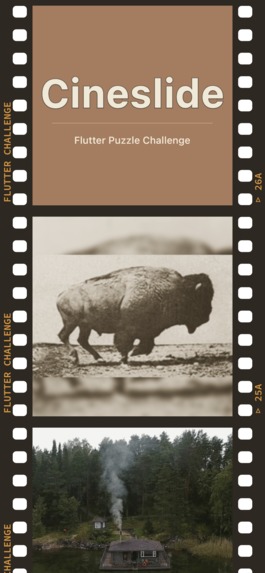
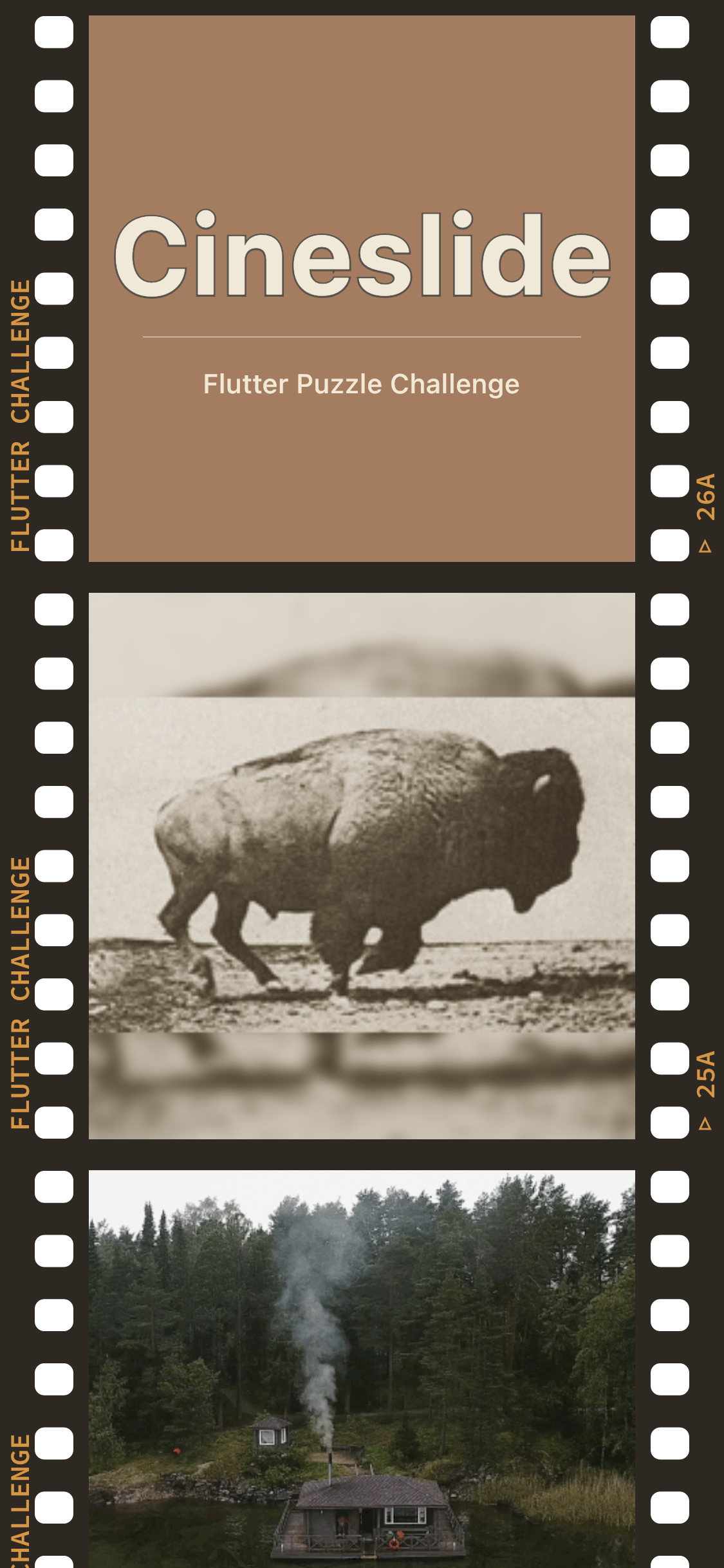
Main menu -- select from several different images
-
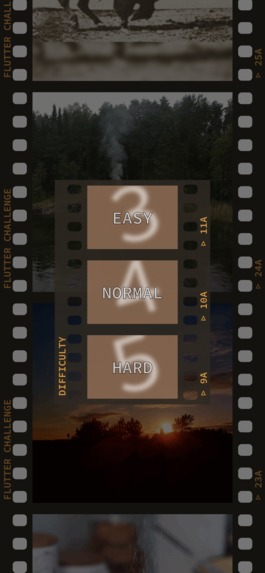
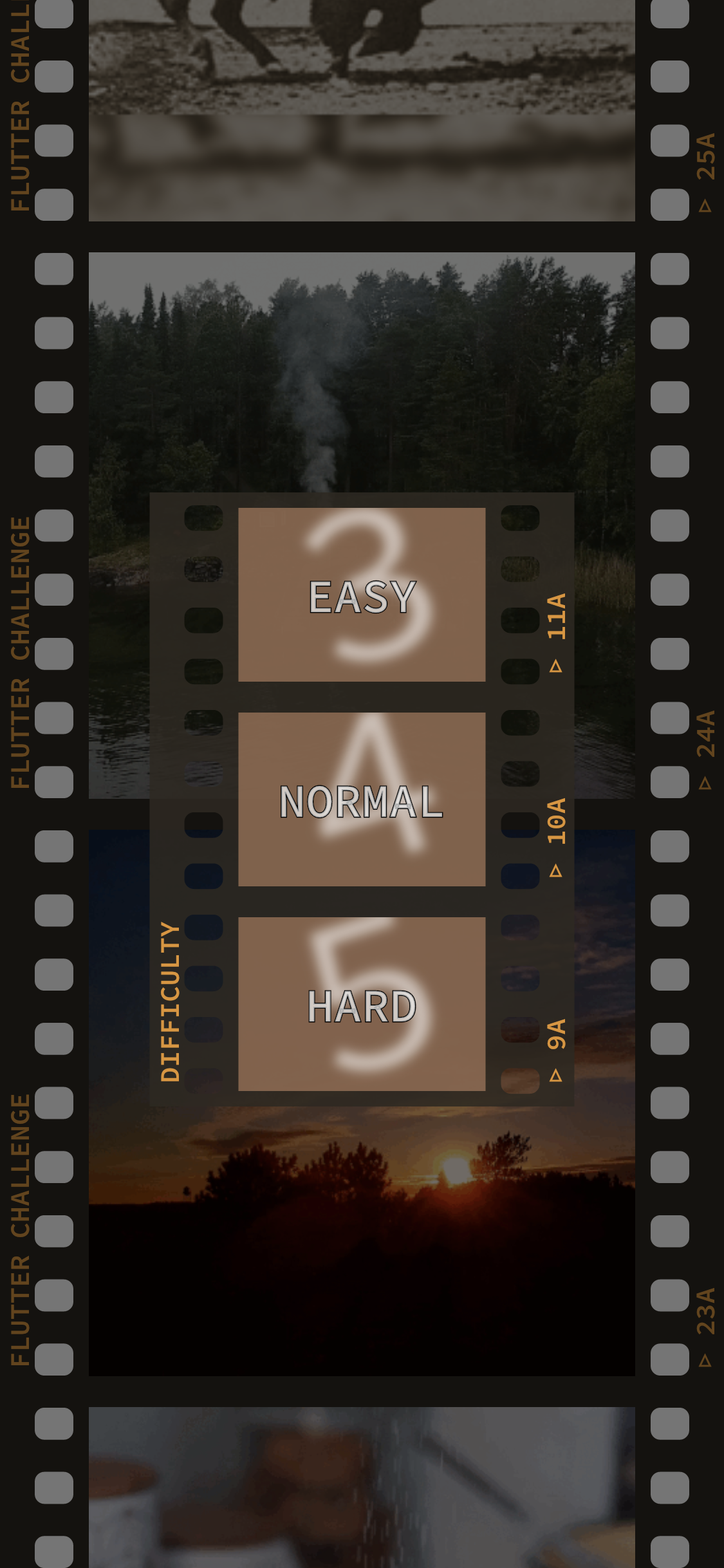
Select your desired difficulty
-
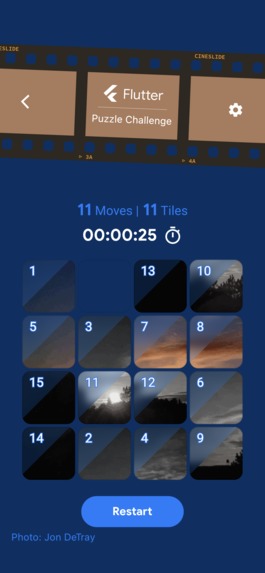
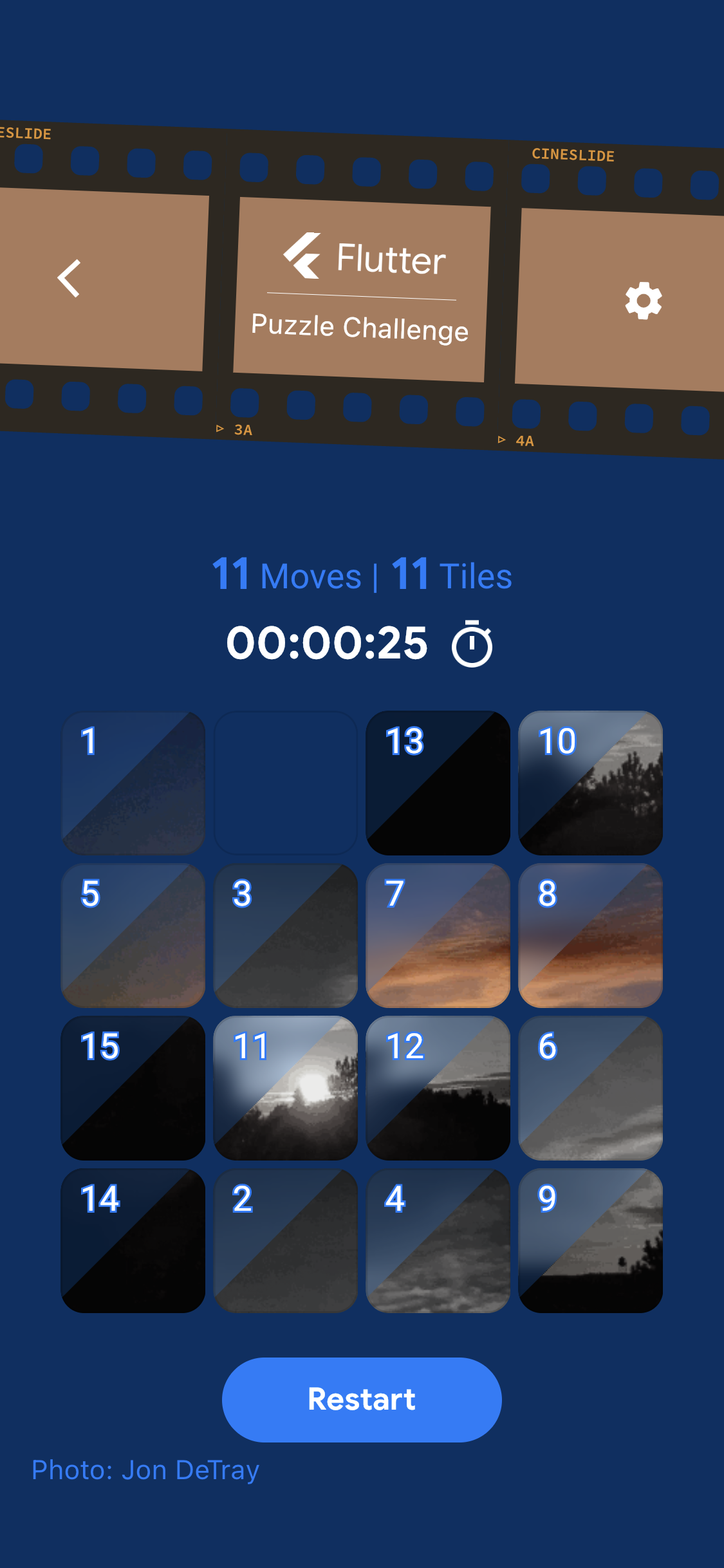
4x4 puzzle showing the corner tile numbers
-
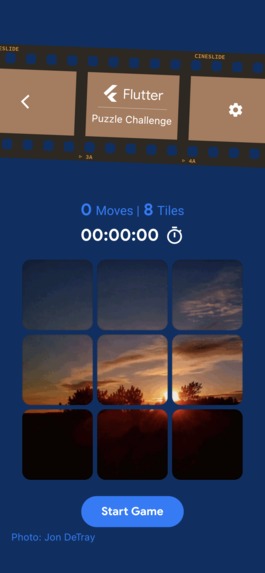
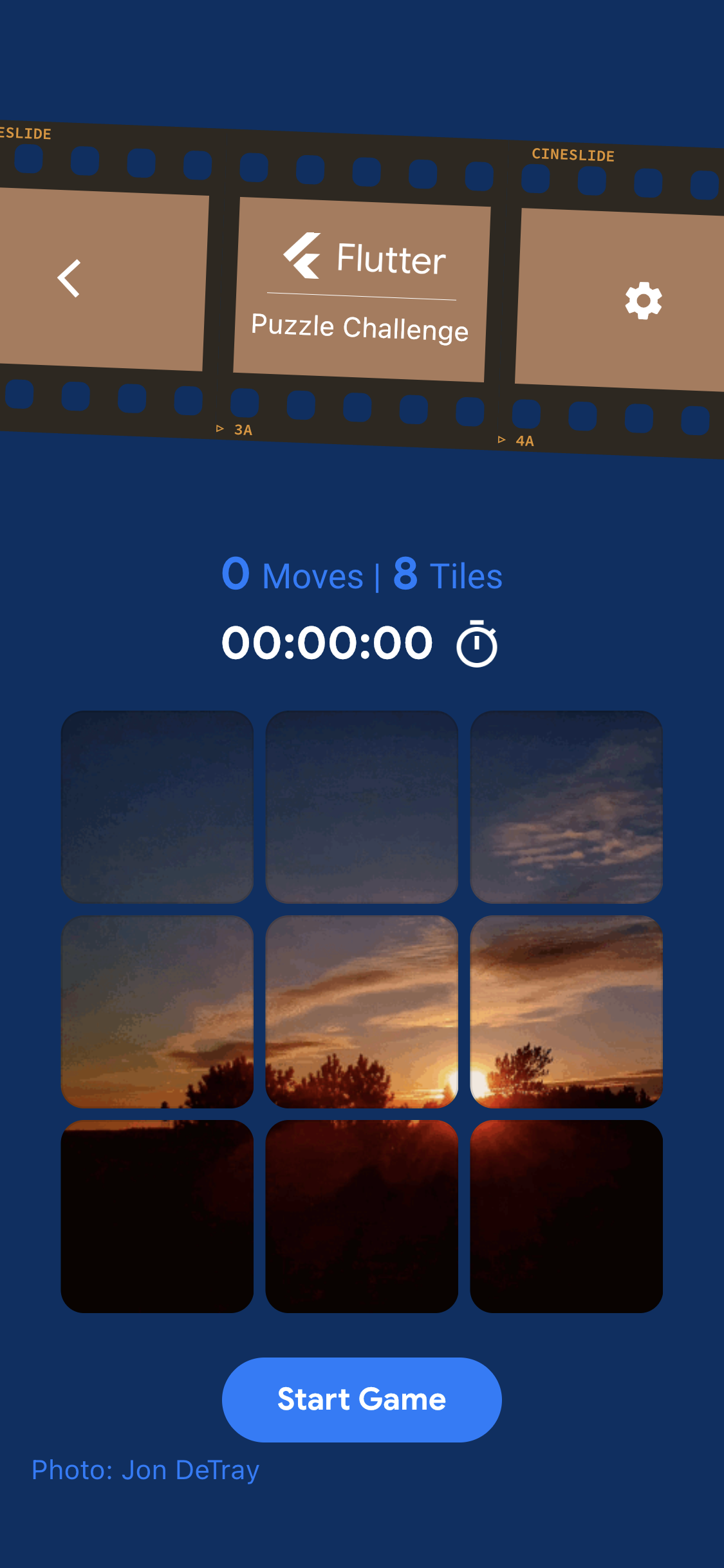
3x3 puzzle with just the image
Inspiration
When I first read the Puzzle Challenge brief about animation and tiles, I immediately thought of cinemagraphs -- endlessly looping, subtle animations. They seemed perfect for creating a minimalist puzzle where the tiles suddenly sprang to life when they were slid into the proper slot.
I really liked the idea of including an homage to the genesis of the animation age, so naturally, the first cinemagraph had to be from Eadweard Muybridge.
What it does
Cineslide takes the standard magic square puzzle game and animates the tiles when they are correctly positioned.
There are 4 main changes from the basic stating puzzle:
The tiles are now animated themselves. The tiles fade to grey when the puzzle starts, but change to color and animate when they are in the proper position. The color helped provide some additional feedback on the tiles because the motion itself might be subtle.
The tiles are generated on a background isolate (when possible), so the puzzle is able to handle different numbers of tiles. Because the board was built with the responsive layout builder, it was a bit complicated for me to support much more than just the 3 levels (3, 4, or 5 tiles across), since the size of the tiles is hard-coded. The engine underneath, however, doesn't care about the number of tiles or their size.
I added hints to the tiles. The image puzzles can be a bit challenging (sometimes a good thing), so I added the ability to add the tile numbers as a hint. This can be toggled in the settings view.
I added the ability to confirm a move (settings > confirm). When I started playing with the demo code, there was an imbalance between the keyboard and the touch interfaces. With the confirm move setting enabled, this difference disappears. It is now possible to perform multi-tile moves with the keyboard. It also can be a good thing for players who might be a bit more tentative. However, it definitely slows down gameplay when not using the keyboard.
Challenges I ran into
By far the biggest challenge was handling the trampolining of the board and tiles. The starter code was great, but it was a bit too flexible for this project. I really wanted to be able to support the existing themes, but trying to sync the tiles with a single animation required just didn't play nicely with the tiles being separated from the board through the delegates. I just couldn't find a reasonable way to pass the animationController instantiated in the board to the tiles. This design was necessary to sync the display since I tried but never managed to get around to making the tiles just a view on some kind of render buffer.
The other challenge is just the amount of work responsive design takes. While it was nice to customize the screens, it does add a significant amount of overhead for a single developer.
What I learned
I learned a lot about the bloc pattern and lower-level animation. Sadly the end result is a lot rougher than I'd like, but such is life.
What's next for Cineslide
I wanted to add hints for players and implemented the IDA* search, but the current design was just never fast enough to make it work. If I had more time, I would like to implement the walking distance heuristic and move the search to an isolate.
I would also like to smooth out some of the animations and loads. I tried to get most of the jank out, but the design is honestly not the most efficient way of building this type of app.
Honestly, there are still a lot of rough corners, as one might imagine. I'd like to smooth those out.


Log in or sign up for Devpost to join the conversation.