-
-
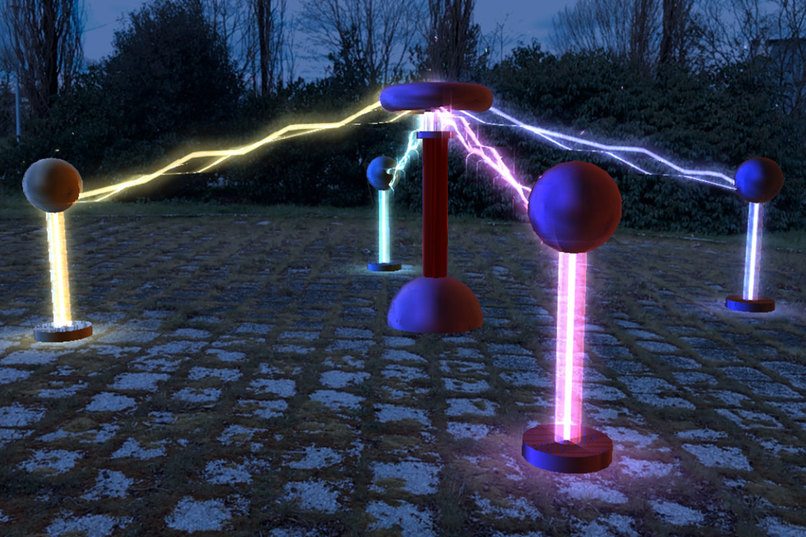
Tesla Coil: Spark AR project using the plane tracker
-
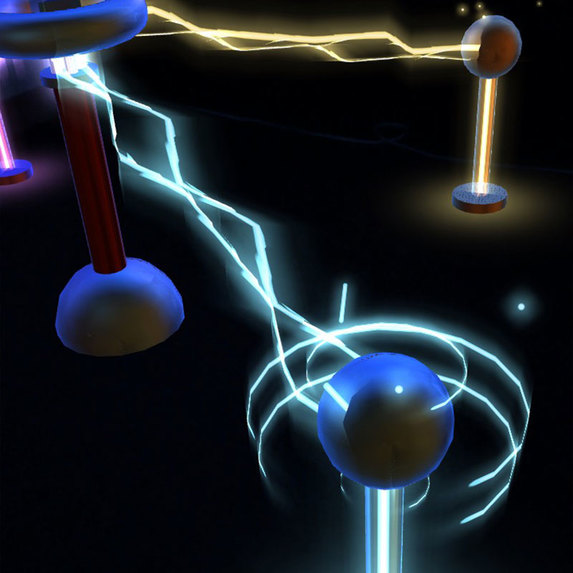
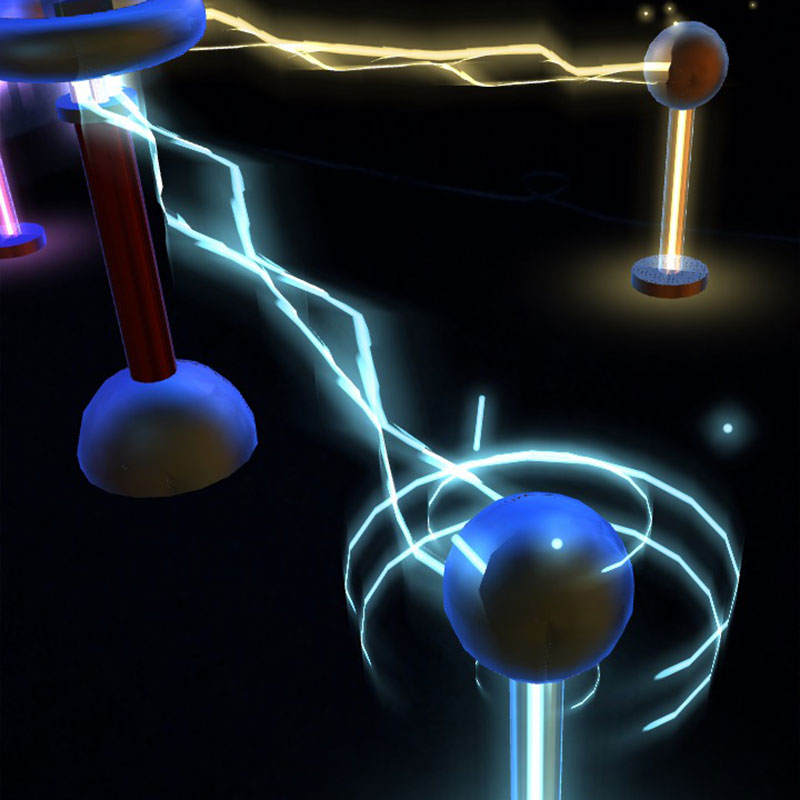
Tap a ball to highlight it and use the slider to change its height
-
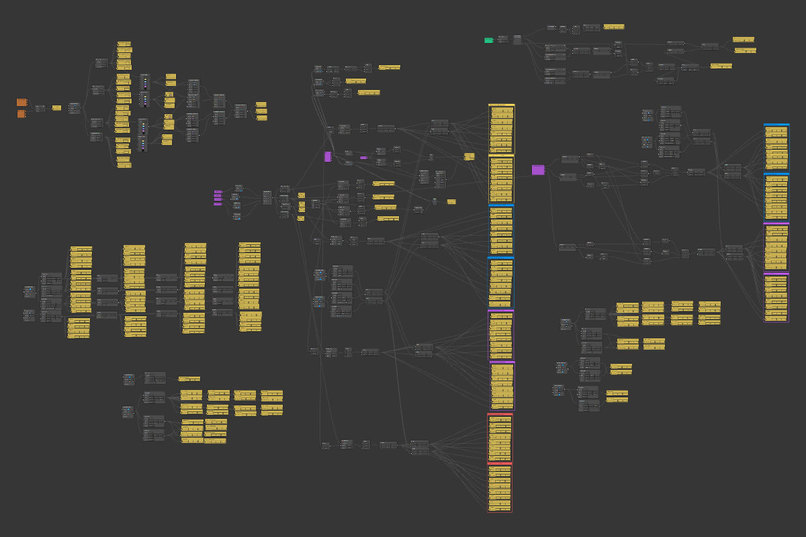
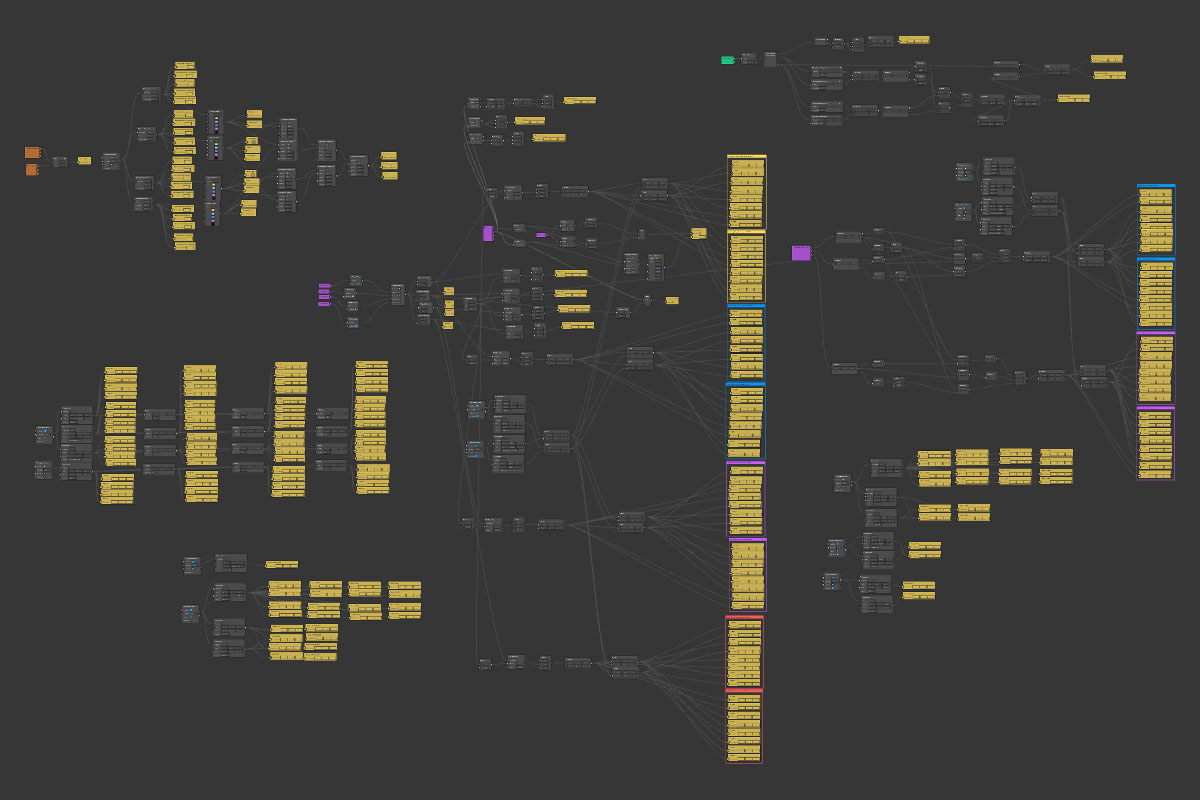
Patch editor for Tesla Coil
-
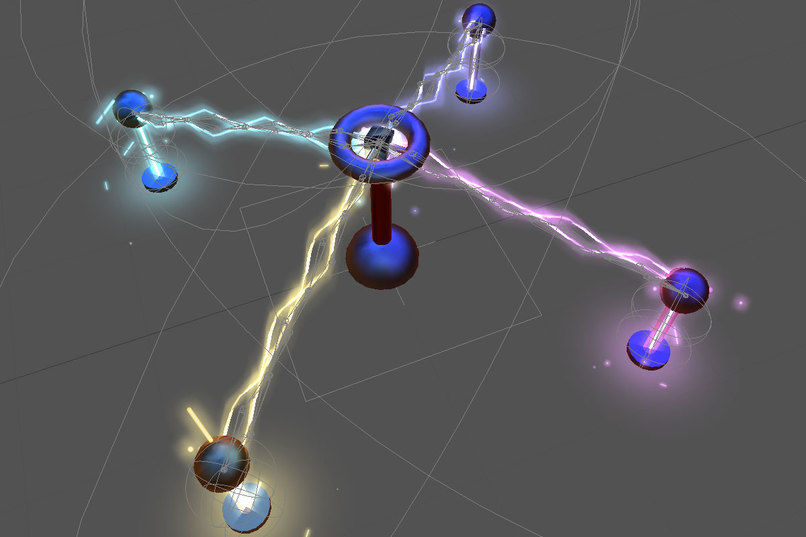
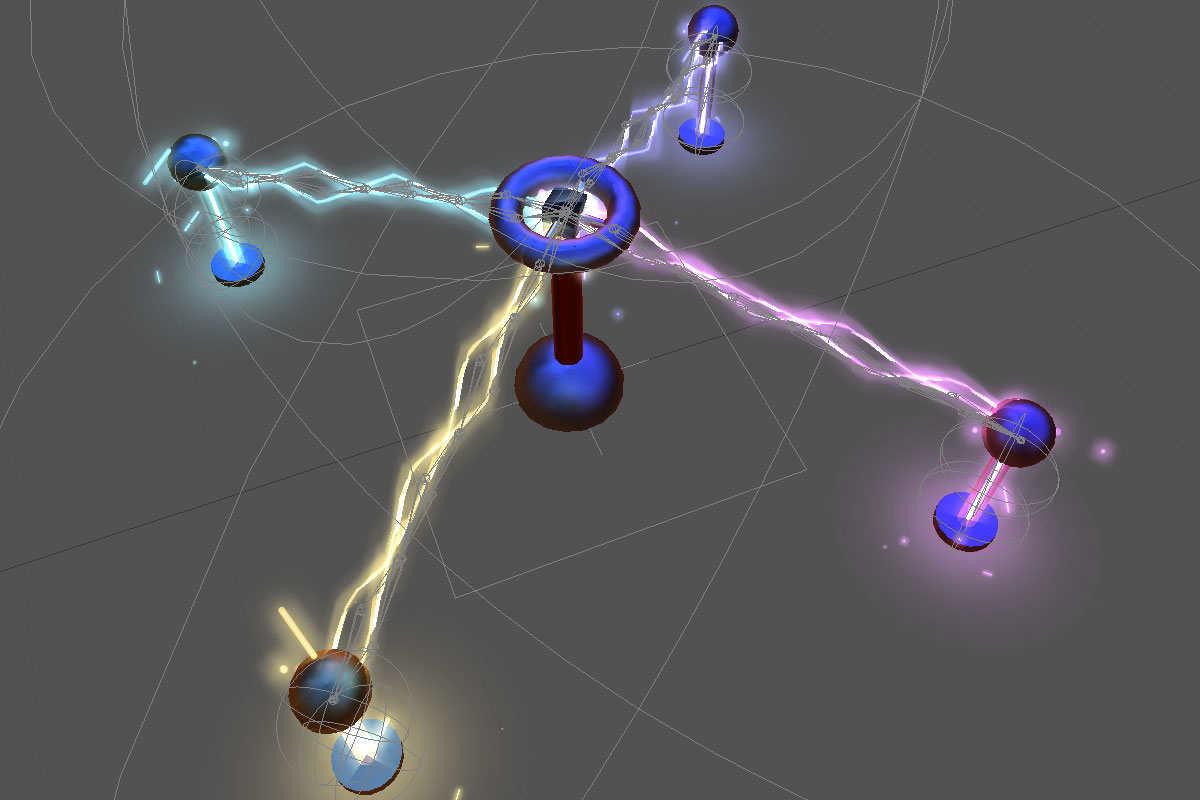
Skeletons of the 4 electric arcs (animated in Spark AR Studio)
-
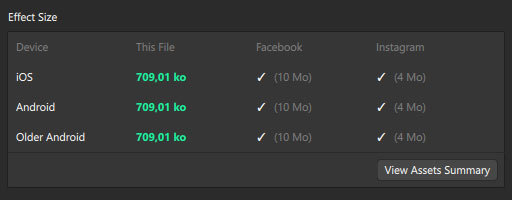
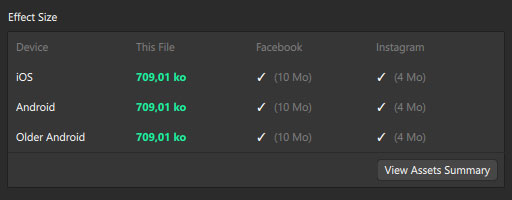
Export size for Tesla Coil
-
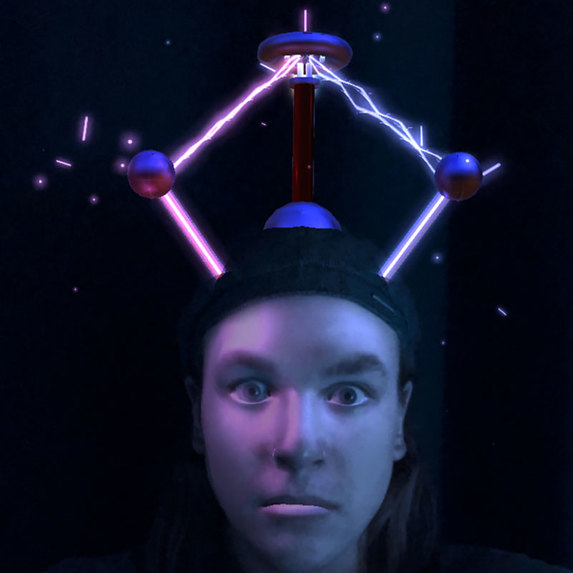
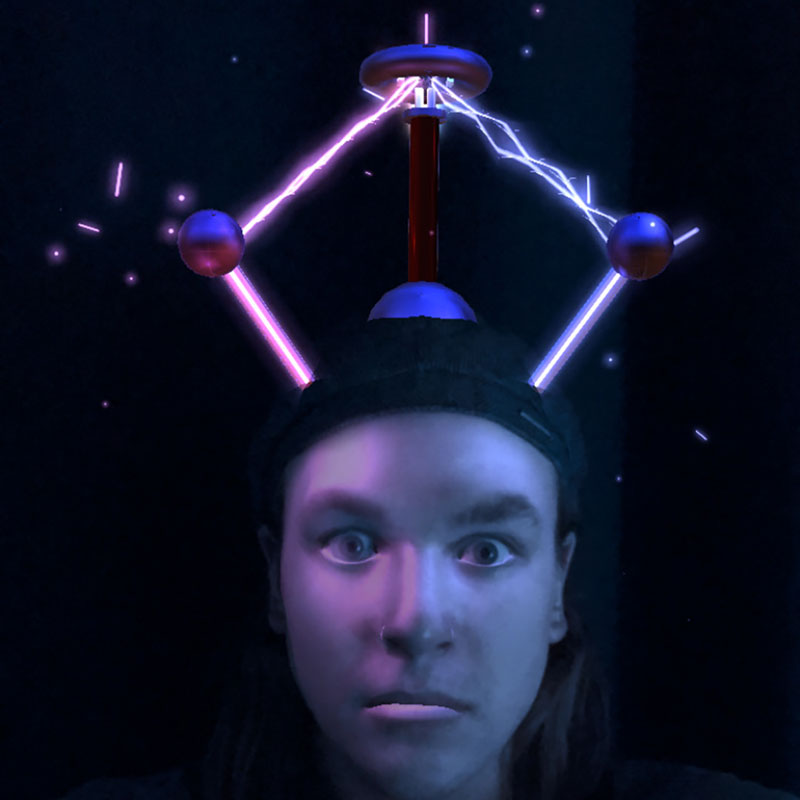
Bonus: face filter on the front camera using the same idea
Inspiration
I’ve always been fascinated by the work of the inventor and engineer Nikola Tesla. With this project I wanted to pay tribute to him by drawing inspiration from one of his most famous invention: the Tesla Coil. This invention laid the foundation for wireless power transfer.
What it does
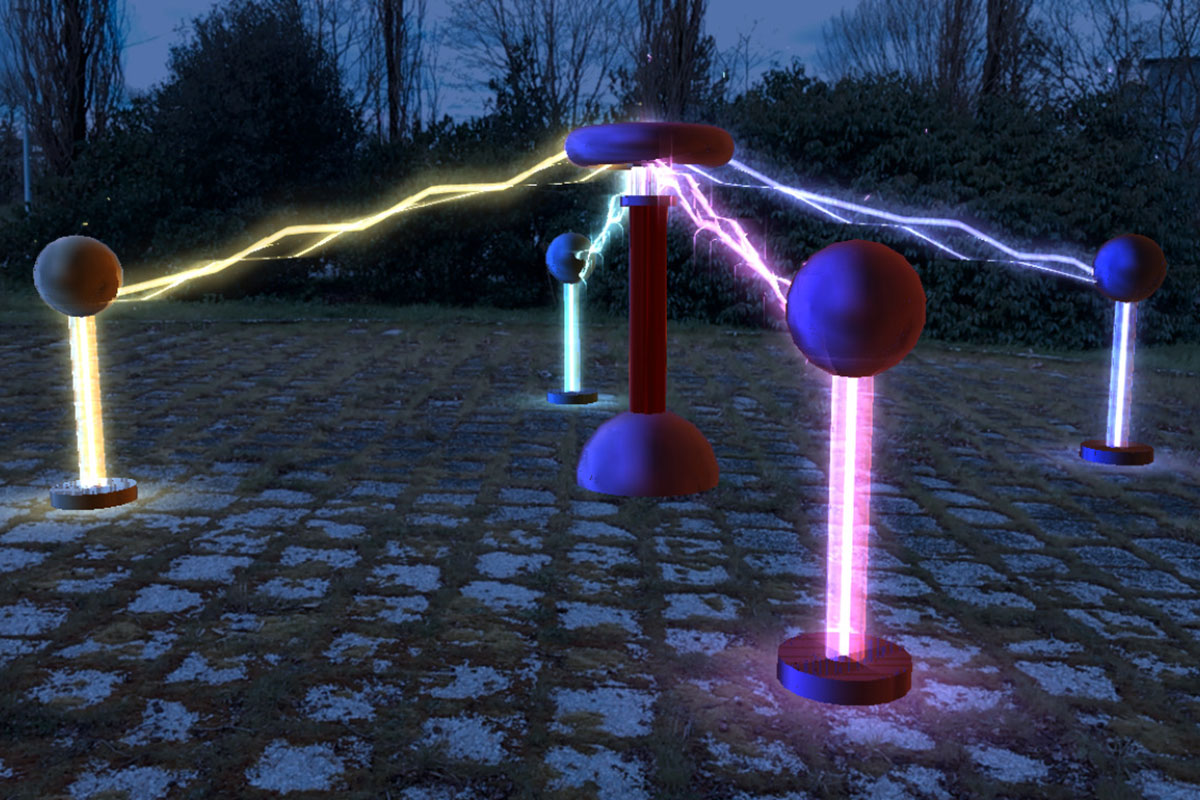
This project uses the plane tracker of Spark AR Studio to put a Tesla coil in the real world. On the back camera, a coil appears in the center of the screen and transmits wireless electricity to 4 metal balls located around it. You can resize, move and rotate the project using your fingers.
You can also change the height of the balls by tapping on them. When you press one of the balls it becomes highlighted by neon rings. A slider then appears on the screen and allows you to adjust the size. Even when you change the size, the electric arcs still follow the ball.
How I built it
I created the assets with Photoshop (neon illustrations, light reflections…) and Cinema 4D (all 3D elements). Everything else, including the animations, was created using the patch editor and scripts in Spark AR Studio.
I used 3D skeletons to change the height of the 4 balls with the slider and to animate the electric arcs.
Challenges I ran into
The biggest challenge was to connect the tesla coil and the 4 balls with electric arcs. For this I created a 3D plane with a skeleton (to get the electric animation). Then I calculated the distance between each ball and the tesla coil. Finally, I divided this distance by the number of bones inside the 3D planes and applied it to each bone and I animated them individually.
Accomplishments that I'm proud of
What I am most proud of is that I animated the entire project inside Spark AR Studio. Neon tubes, lights, electric arcs, particles... were all animated with scripts and the patch editor. Also, the project is very light. It only weighs 700 kb.
What I learned
It was the first time I used the plane tracker in Spark AR Studio. I learned to play with its features (resize, rotate or move an object for example). I also learned to use the slider to change the value of an element.
What's next for Tesla Coil
On the front camera I created a face filter using the same idea. You can play with gravity and move the tesla coil above your face by shaking your head.
Built With
- augmented-reality
- javascript
- plane-tracker
- spark-ar-studio

Log in or sign up for Devpost to join the conversation.