-
-
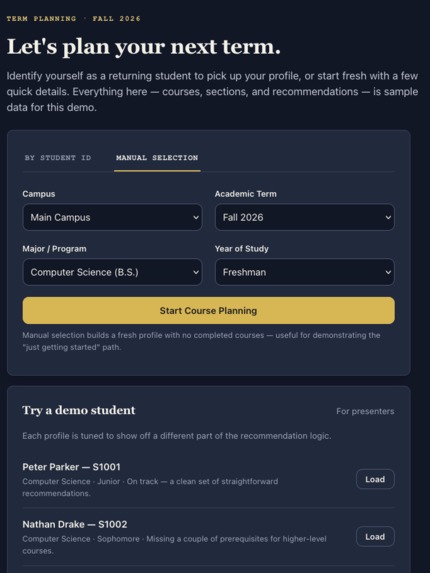
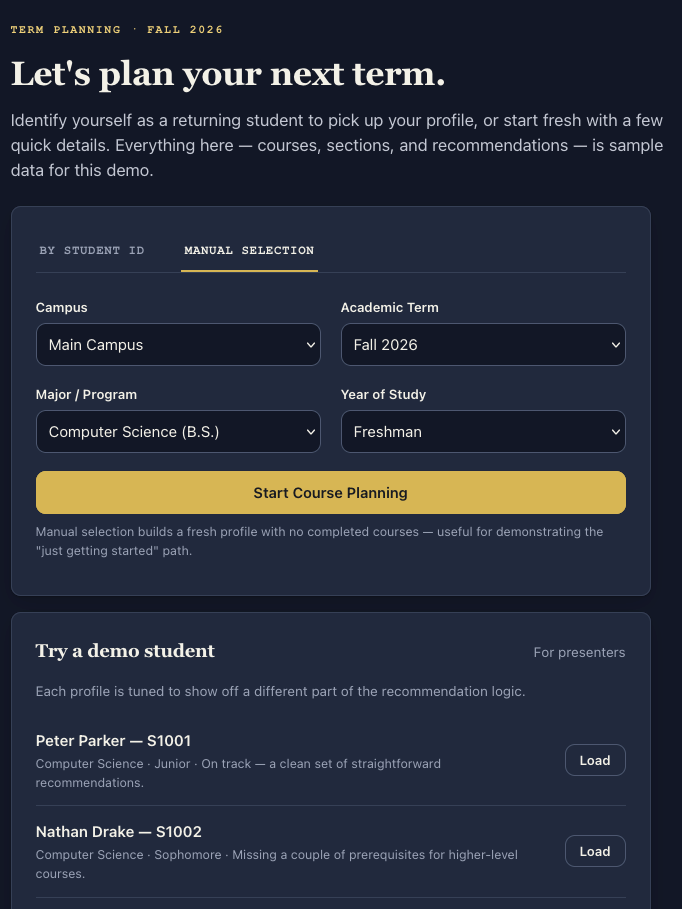
Start Page
-
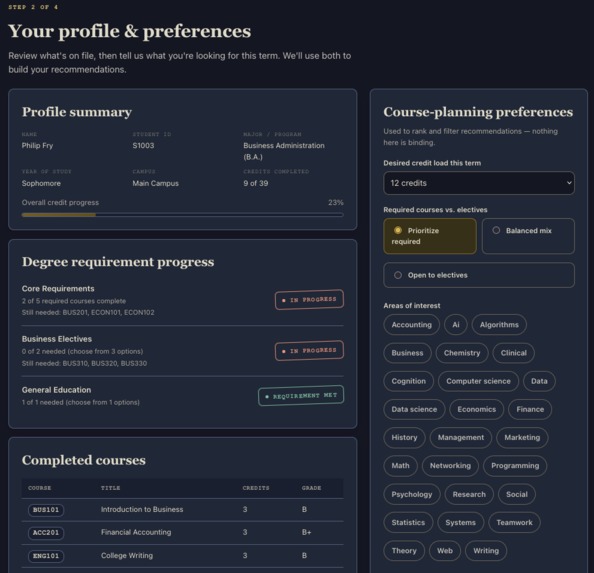
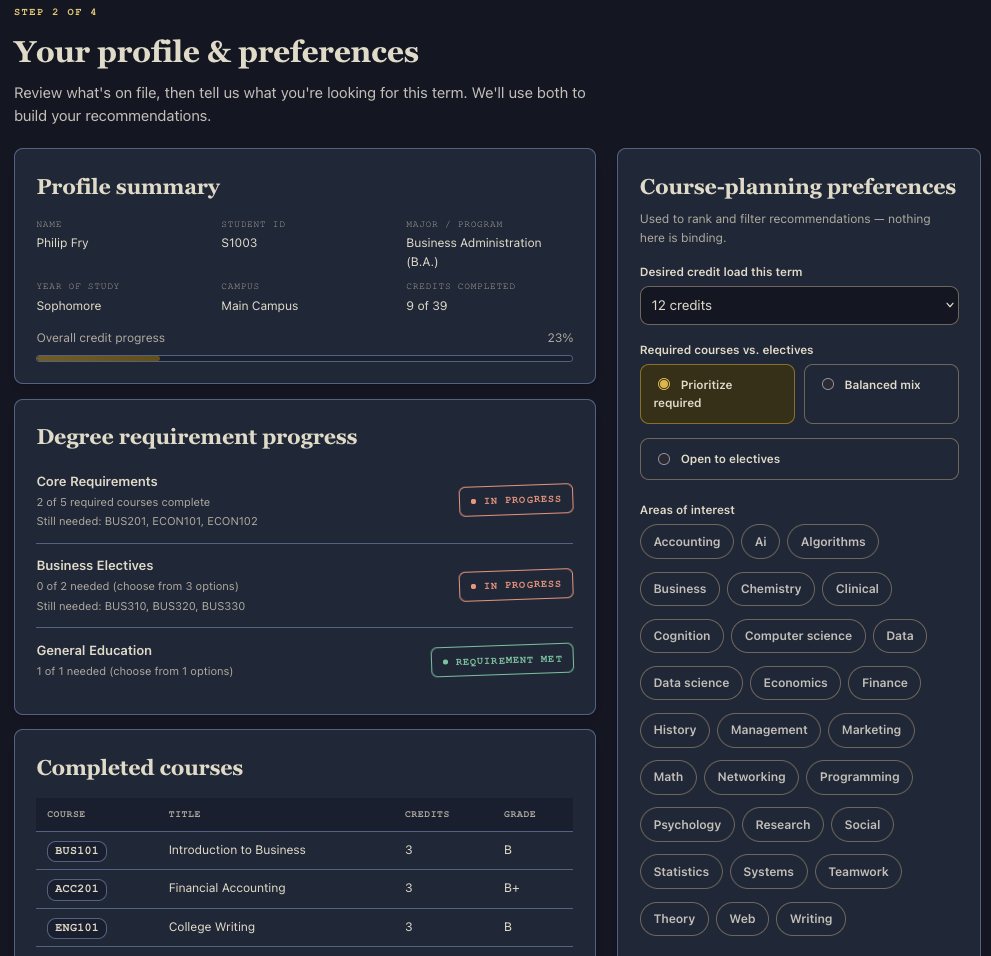
Profile & Preferences
-
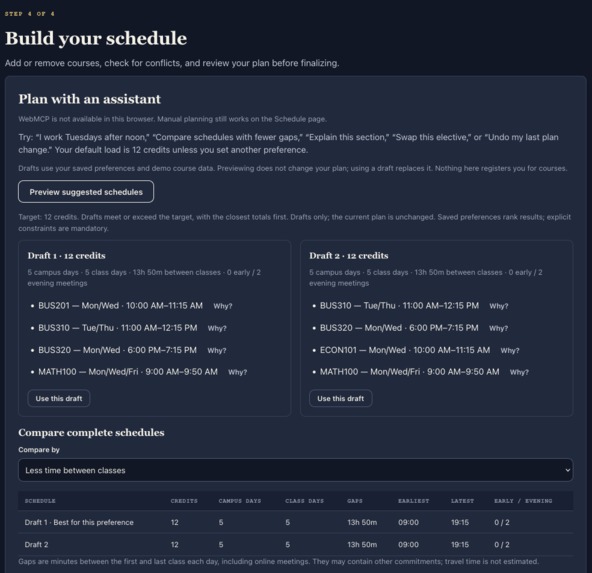
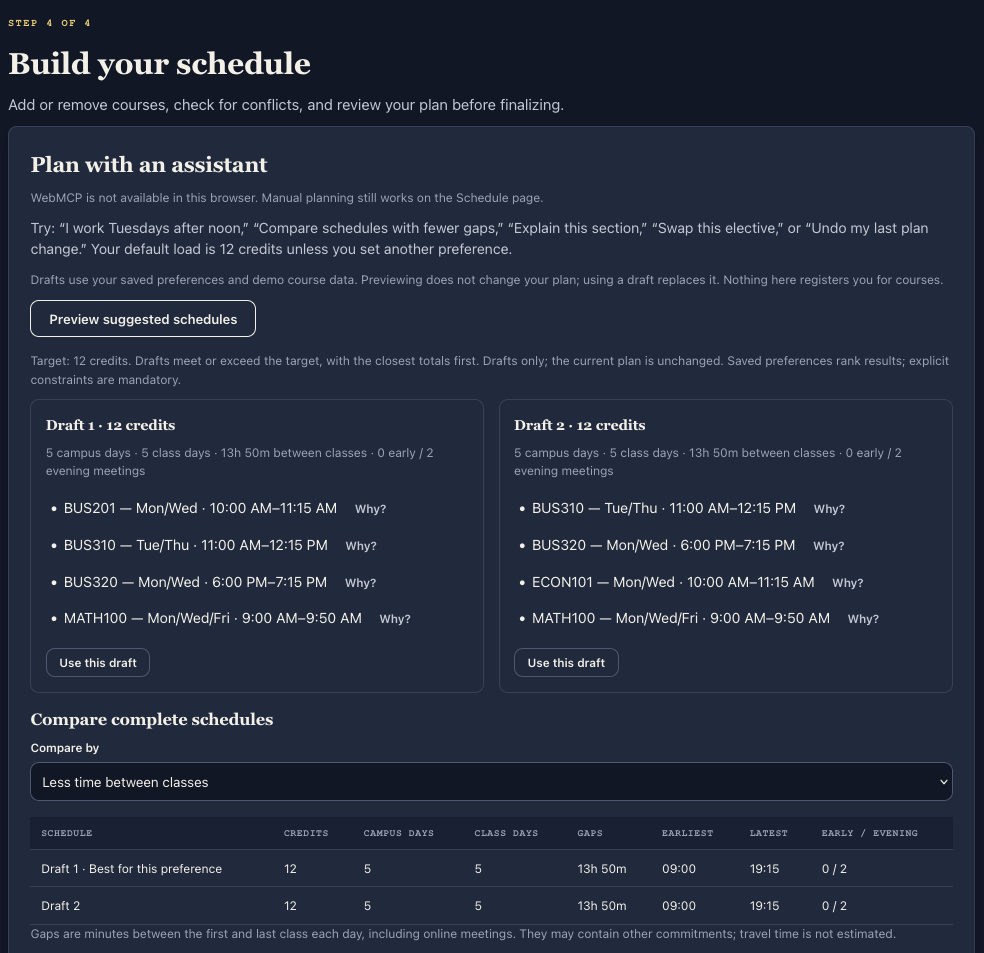
Schedule - Assistant Planning
-
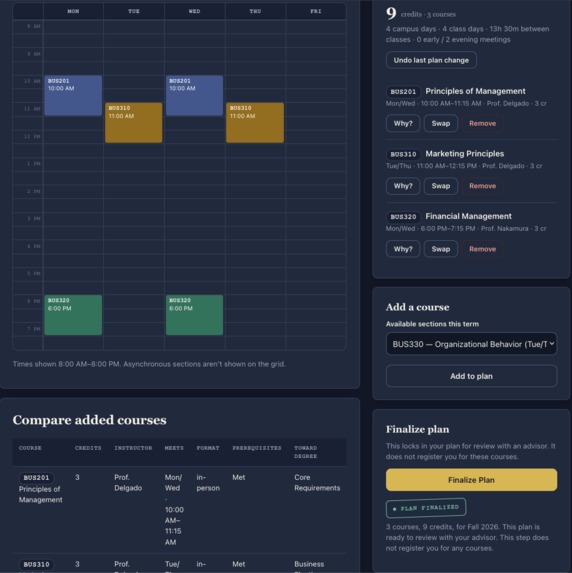
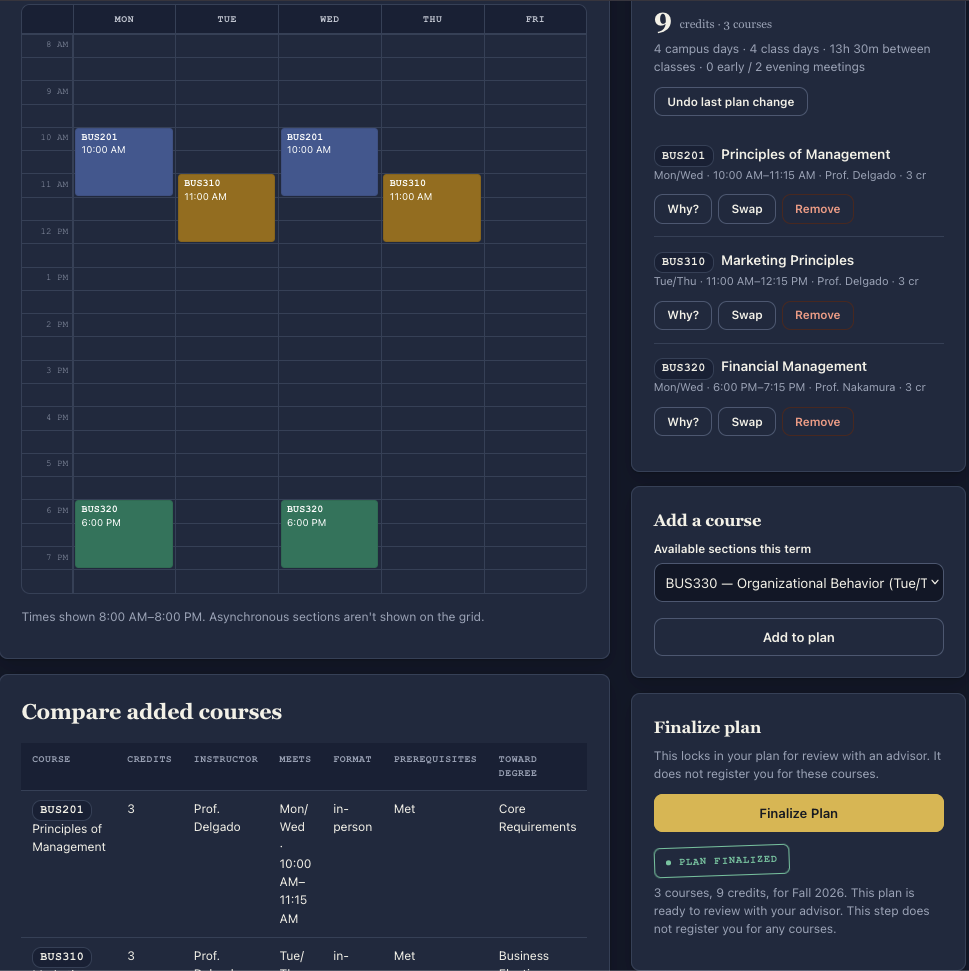
Schedule - Calendar
Inspiration
The university I study at changed the system for course registration, and it's been bad for multiple years before they finally fixed it. Even if the system was well set up, there is enough stress from selecting courses that still have seats, that fit degree requirement, section times or have prerequisites complete. Thus, using WebMCP would give a student less to worry about, as an agent can handle the schedule building and the student will only need to take a final look of confirmation.
What it does - what people and agents could do together
Students select their accounts, then they can describe their goals conversationally to an agent rather than manually searching and comparing every section on the website. The agent produces multiple conflict-free schedule suggestions and explain the trade-offs, afterwards which the student selects which timetable they prefer.
How we built it
Termwise registers five browser-native tools using document.modelContext.registerTool: schedule context, course search, schedule suggestions, schedule preview, and schedule application. Each tool has a description, JSON input schema, and execution functionso an agent can reliably understand and use it.
The WebMCP tools share the same scheduling engine as the visible interface. This engine evaluates degree requirements, completed prerequisites, section times, course conflicts, availability, and student preferences. Read-only tools let the agent explore options and preview schedules without changing anything. The schedule is only saved after the student explicitly approves it, and stale-plan checks prevent the agent from overwriting newer changes. Termwise runs as a client-side HTML, CSS, and JavaScript application.
What we learned
This was my first major experience developing for WebMCP, so this was the biggest take away.
Built With
- javascript
- json
- node.js
- react
- vite
- webmcp

Log in or sign up for Devpost to join the conversation.