-
-
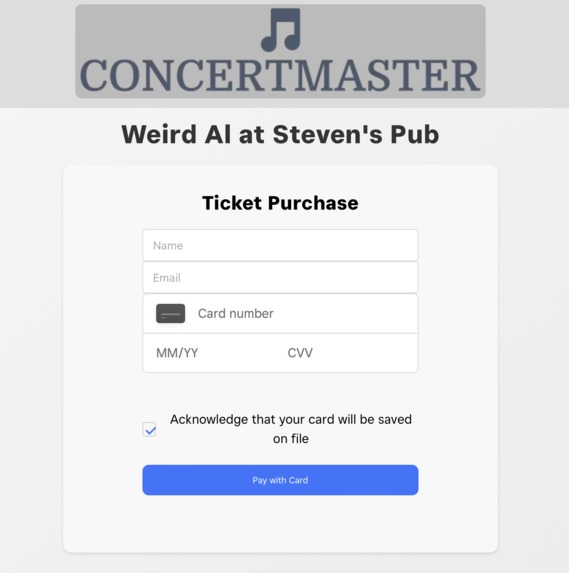
Card Entry Panel
-
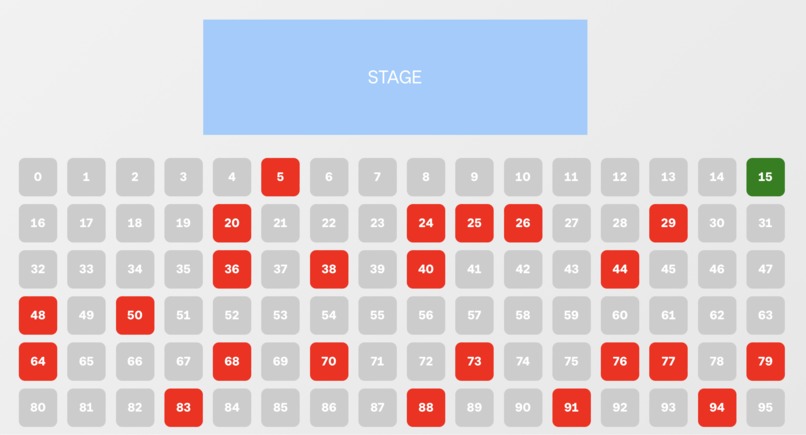
Venue

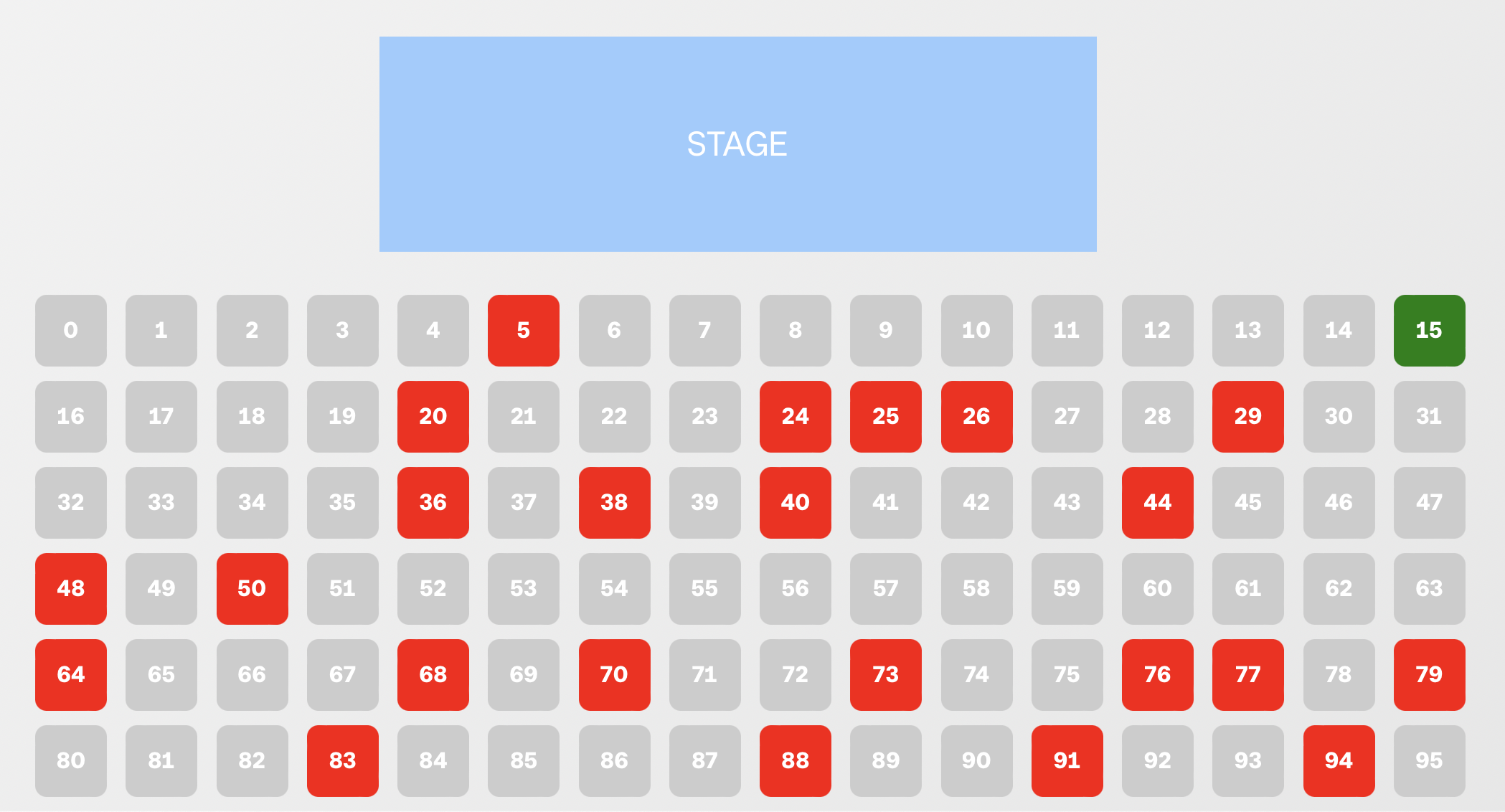
Inspiration
Going to concerts is a great way to listen to your favorite artists, but they are unnecessarily stressful. What happens if you lose track of your ticket? Or what if you don't have the service to pull up your ticket's QR code at the gate? There has to be an easier way…
That’s where we came up with the idea of ConcertMaster! Why not take advantage of the robust APIs and hardware that Square provides to create a better solution for concert-goers?
What it does
ConcertMaster solves this problem in a unique way! Purchasing a ticket follows the usual formula, but the trick up our sleeves is our check-in service. Concertmaster takes advantage of the Square terminal to allow for a smooth concert-goer experience. At the venue, all you need to do is tap, insert, or swipe the same card you used to purchase the ticket and you're checked in!
The user flow is very simple: Pick a seat on the ticketing page → input card details → live life until the concert without having to worry about your ticket → show up at the venue → use the same card at the Square terminal → Magic → You're good to go!
How we built it
We implemented our backend with the Java Spring Framework and the Square Java SDK. Our frontend was developed in JavaScript. Deployment was done via Microsoft Azure. We also relied on the following Square APIs:
- Terminal API
- Payments API
- Customers API
- Cards API
How we used Terminal API
- Checkouts - We were able to leverage Terminal Checkouts with a delayed cancellation to send a webhook to the server.
- Webhooks - After the checkout request, our server listens for the payment.created webhook which holds the card data that we need. We are able to see if that card was filed under an existing customer. With the customer found, we are then able to check its note field for the seat authentication data.
Challenges we ran into
- Creating a good UX/UI - Our team doesn't have the most experience in UX/UI Design. It was difficult to create an app that looked modern and created a user experience that is as simple as possible. The front page was redesigned multiple times until we had a design that we felt was suitable for ConcertMaster.
- Dealing with the sandbox - The Square developer sandbox is a great tool for developing apps in a test environment. The problem we ran into was validating the customer's card when checking in at the venue. We weren't able to find a way to test the check-in process in the sandbox. With the seeming inability to test specific cards with the terminal in the sandbox, we thought we were done for. Fortunately, after an educated guess, we were able to find the card that is used by the sandbox terminal checkout. This allowed us to test our app and move development forward.
- Setting up hosting - We have never ventured into the world of website hosting prior to this project. First, we had to find a hosting platform that was suitable for our needs, we eventually settled on Azure. Next, we had to figure out how to actually deploy our app. This took up more time than we would like to admit. After constant errors and a lot of research, we were finally able to deploy as well as set up CI/CD to help with further development.
- Working with webhooks - Having to wait for the code to deploy to test webhooks made it difficult to test since we were unable to test them locally due to the HTTPS requirement. It also took a while to realize that we had to return a response with a status, so we had a lot of webhooks repeatedly being sent which caused a lot of confusion in our server logs. Eventually we were able to figure everything out and deploy a working version of ConcertMaster.
Accomplishments that we're proud of
We started this hackathon with basic experience in web development and little to no exposure to REST APIs and webhooks. I'm proud of our ability to rise to the challenge and learn quickly to develop a working application in such a short time.


Log in or sign up for Devpost to join the conversation.