-
-
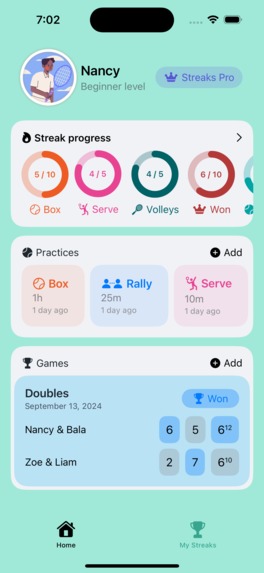
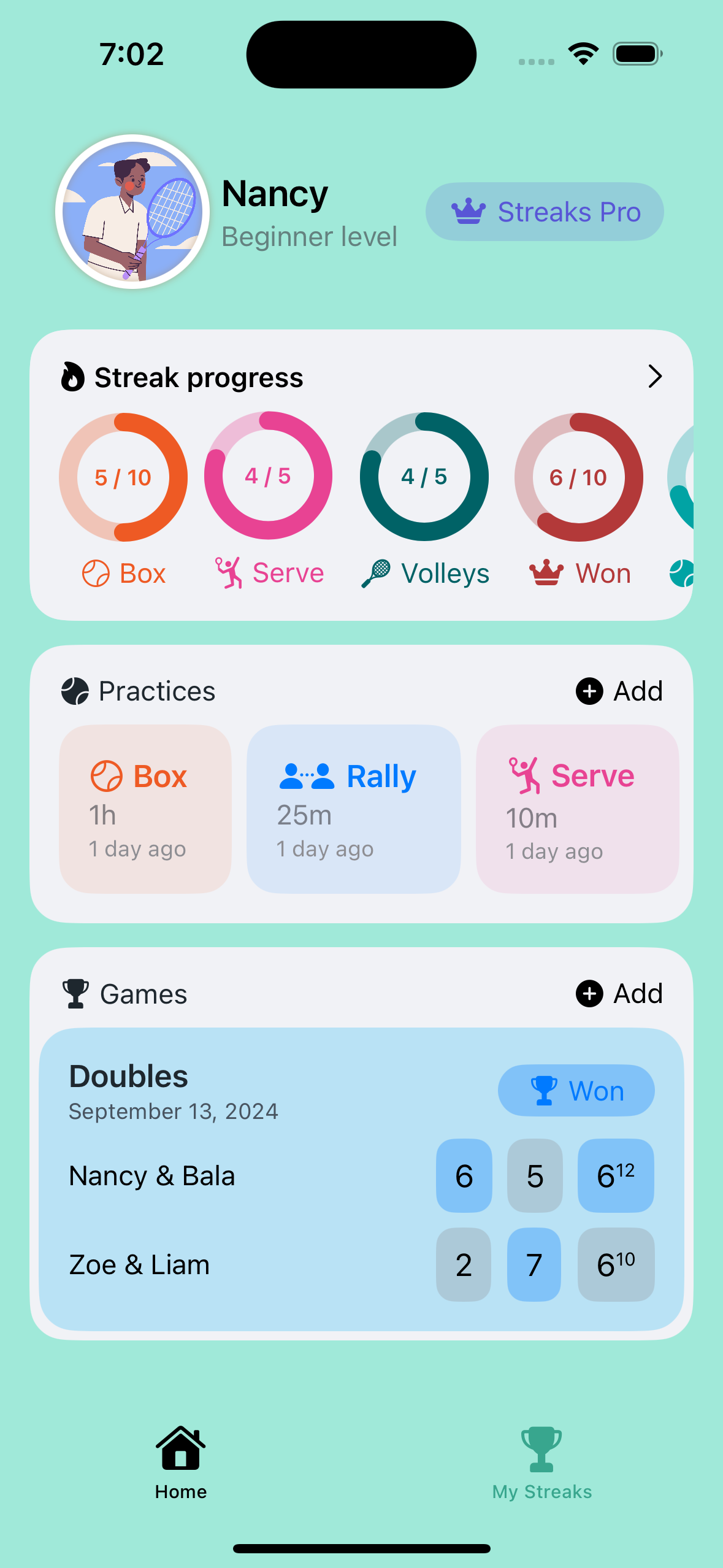
Home
-
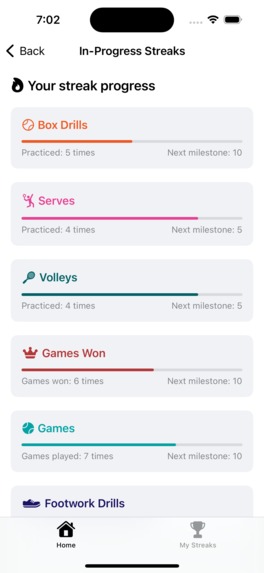
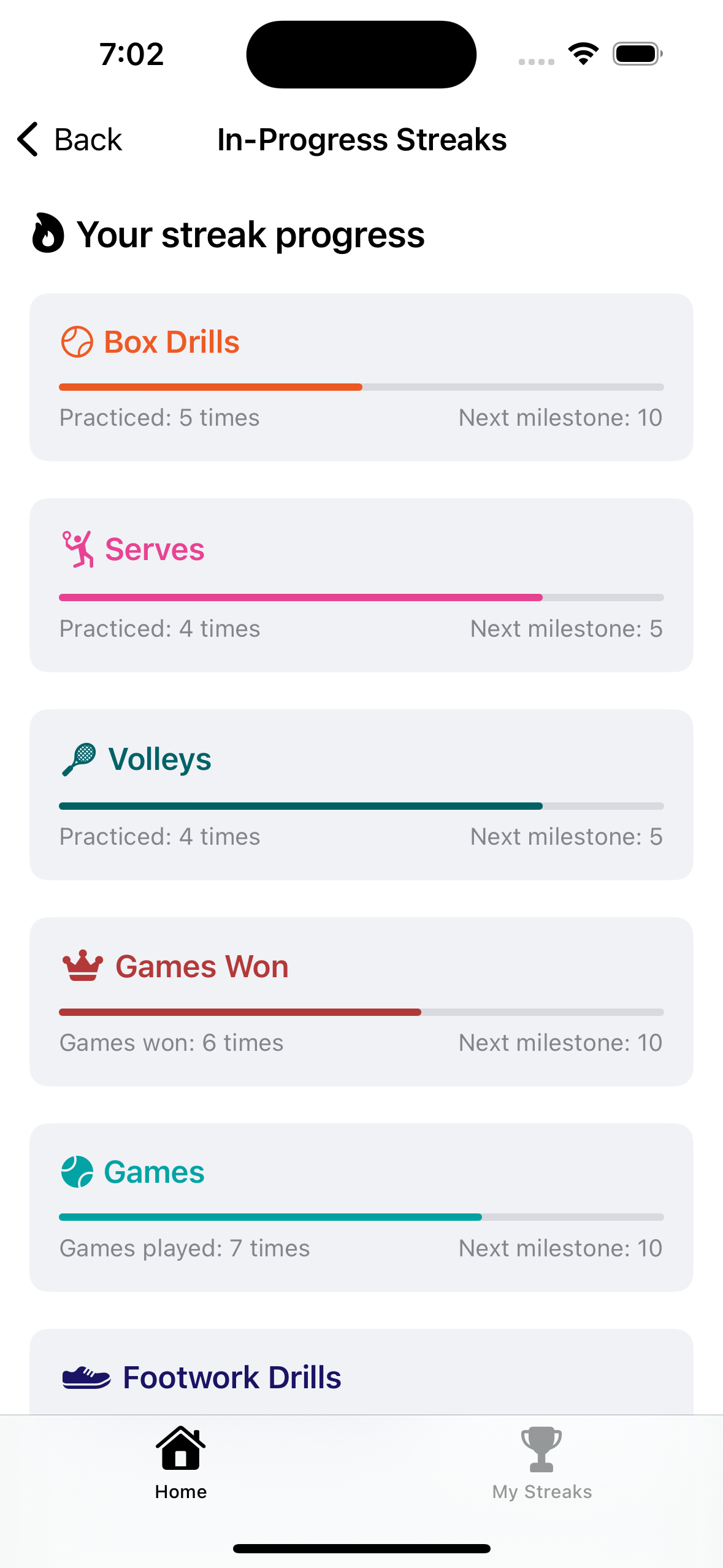
Practice streaks
-
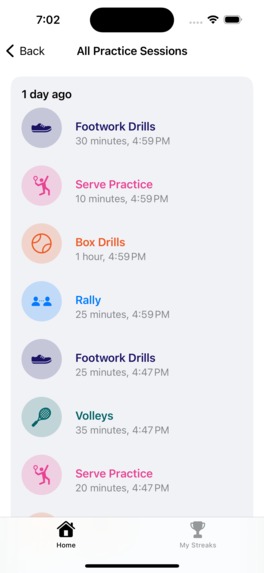
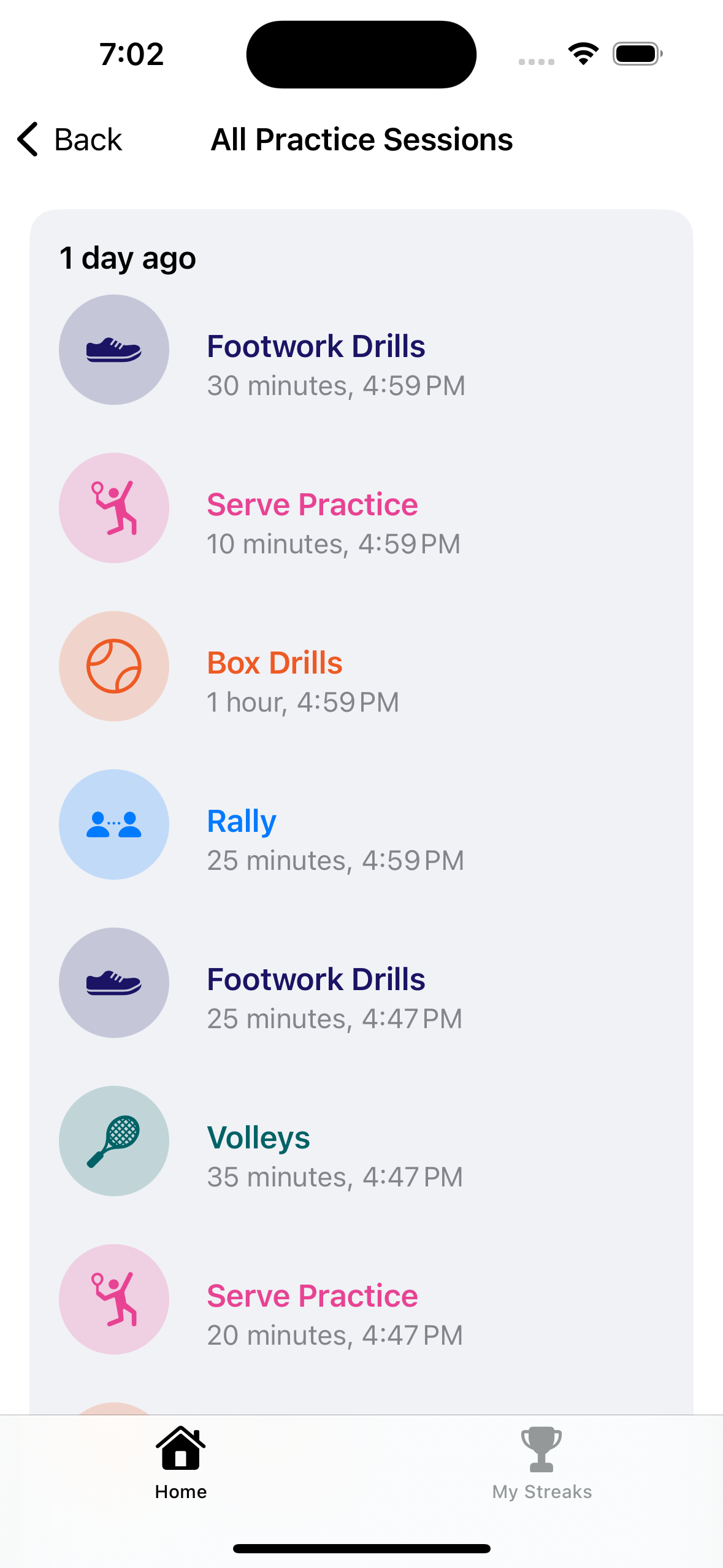
Practice sessions
-
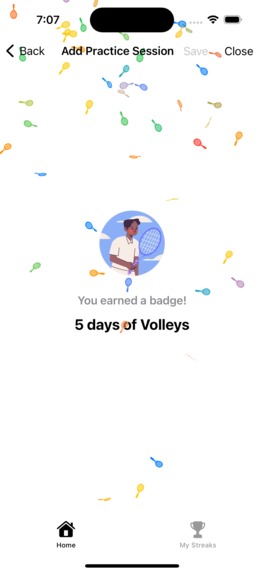
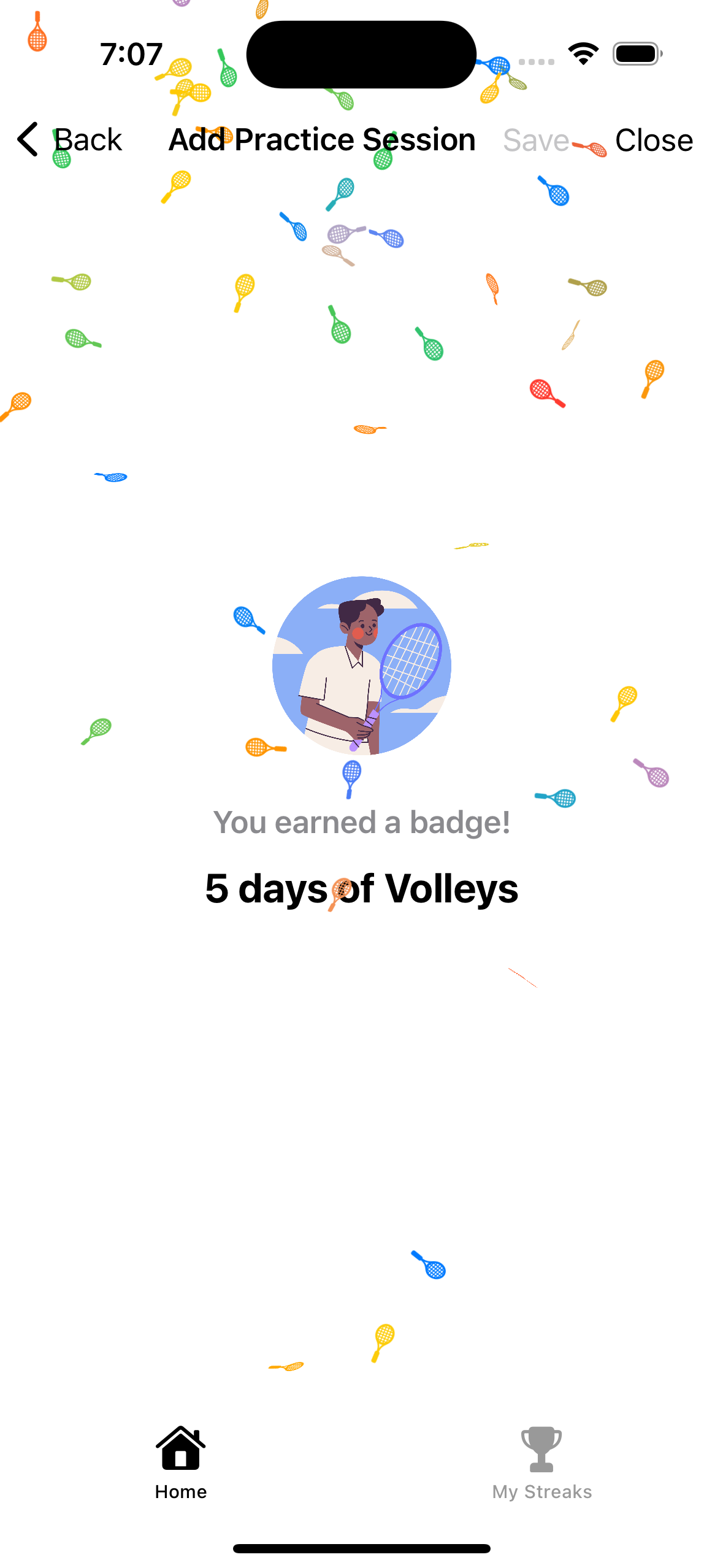
Streak completion celebration
-
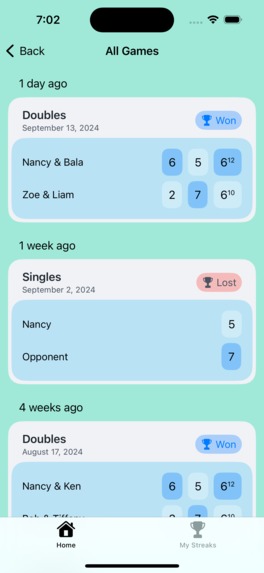
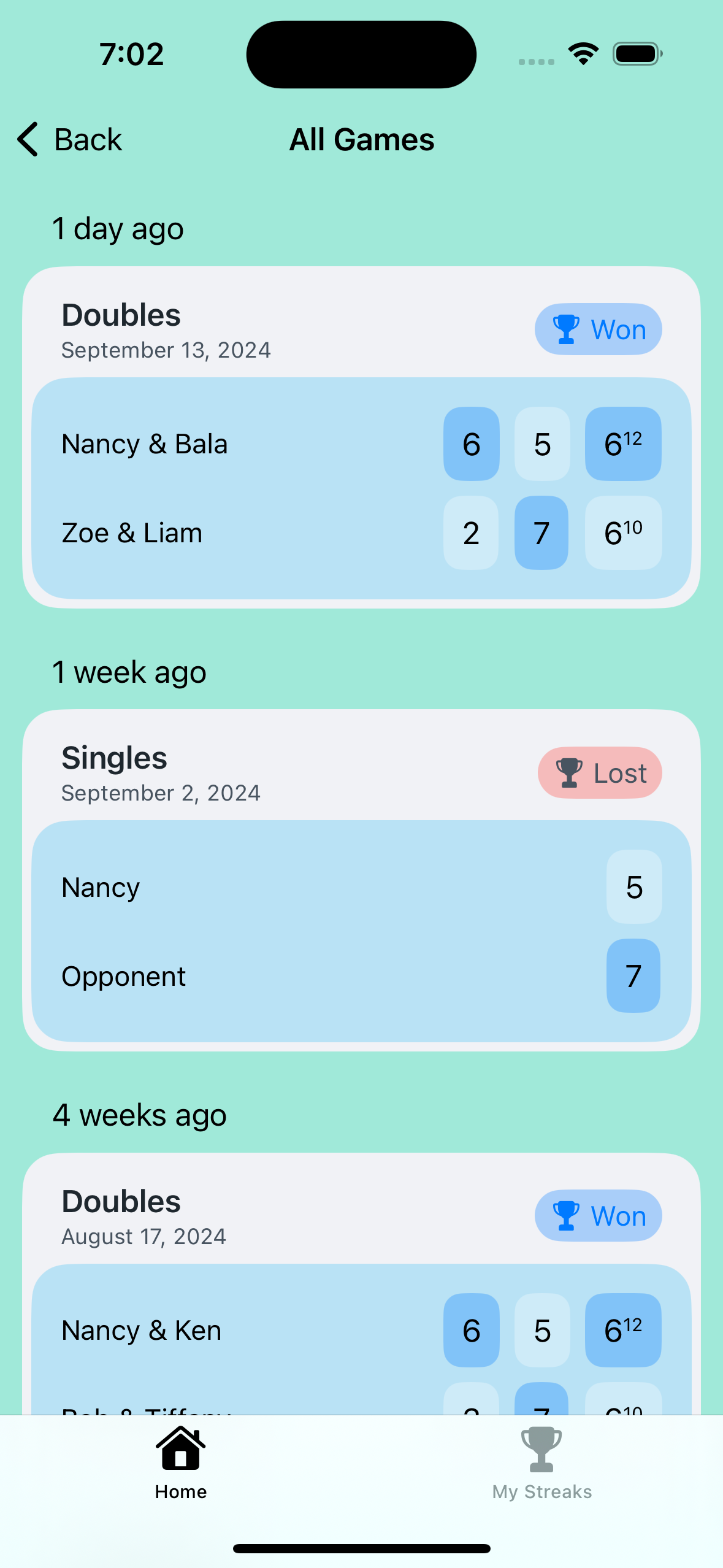
Games view
-
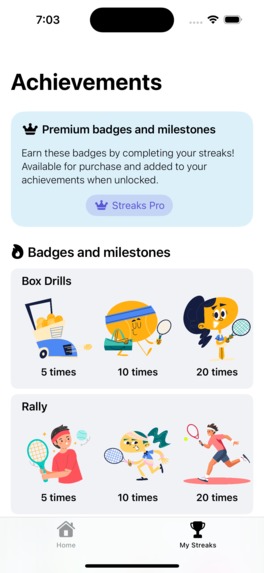
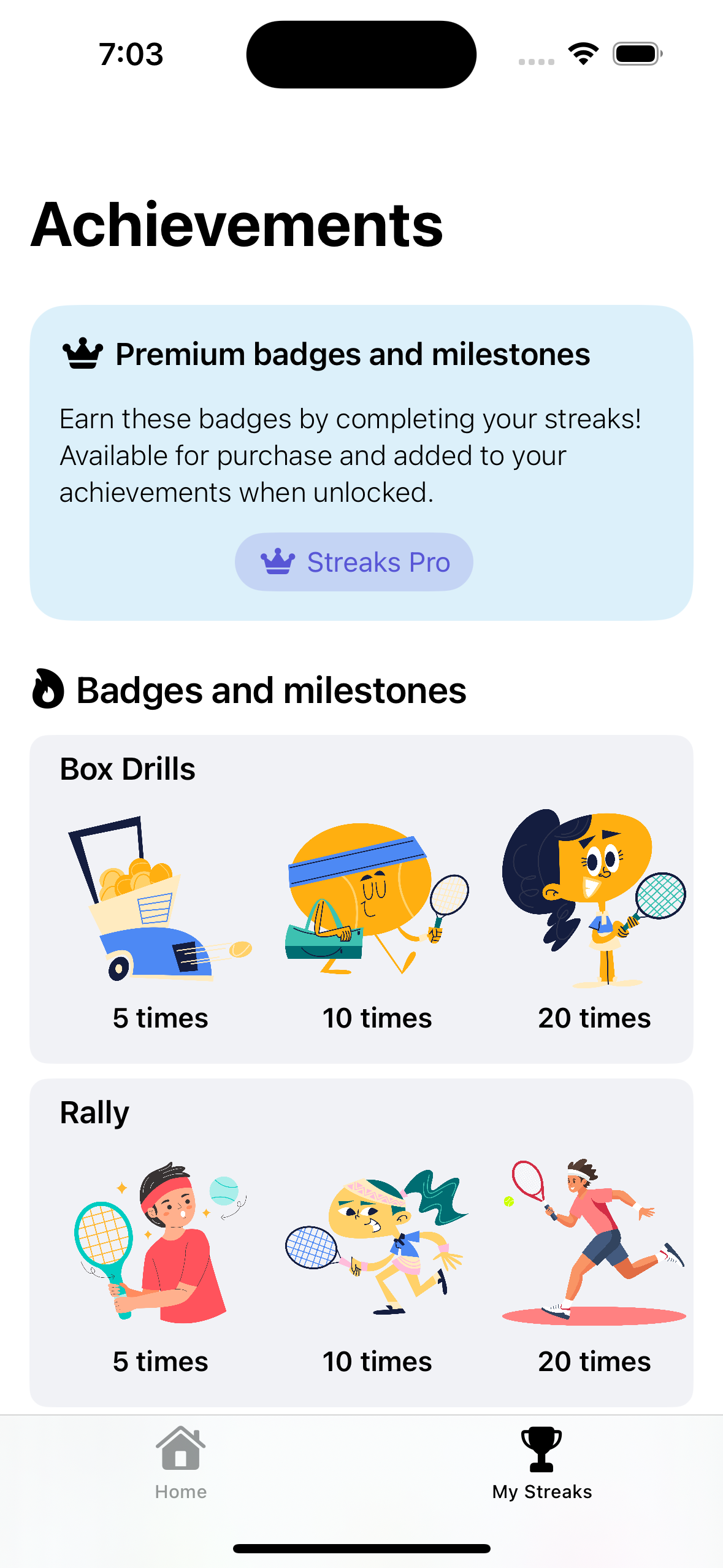
Achievements
-

App logo

Inspiration
Tennis Alley was inspired by my own family experience. My wife and I often motivate our kid, who plays tennis well but sometimes feels discouraged. We noticed how important it is to keep the enthusiasm going, which sparked the idea for this app. As someone learning tennis myself, I saw good progress in the first year, but it slowed down as improvements became minor. Many players face this, leading to dropouts, especially kids who lose interest after a while. Tennis Alley aims to prevent this by keeping players motivated with rewards and badges, making the process fun and encouraging them to stay committed to their tennis journey.
What it does
Tennis Alley is designed to help tennis players, especially beginners and intermediate to stay motivated. It lets players (or their parents) create profiles, track game stats, schedule practices, and set streaks and challenges. Players can also compete in drills like rallies and footwork exercises. The app provides motivational challenges to maintain regular practice, and it offers features like milestones and progress tracking. Whether it’s game wins or practice streaks, users can easily visualize their growth over time.
How we built it
Tennis Alley was built using SwiftUI. The app utilizes SwiftData for persistent data storage, which helps keep player profiles, games, practices, and streaks organized. Location services are used to allow users to find and set tennis courts for their games. RevenueCat handles the app’s subscription management for premium features like extended streak challenges.
Challenges we ran into
One of the key challenges was figuring out what to build first and ensuring it solved real problems. I personally validated the problem by talking to parents, kids, and beginners—drawing from my own experience learning tennis—to make sure the app would be useful. Deciding what to offer for free and paid features was another challenge, as well as making sure the app offered real value to users. Handling complex game rules, like tie-breakers, and implementing streaks and score calculations, required careful thought to keep the experience smooth and motivating. As I took on the roles of validating, designing, and developing the app, the main challenge was finding the right balance between building the right features and gathering early feedback to refine the app.
Accomplishments that we're proud of
I’m proud of validating the problem and solution by sharing design screenshots before launching the MVP, which helped highlight important features like streak challenges and milestones to keep beginners motivated. I was able to complete the MVP on time for Shipathon while still validating the problem. Unlike most tennis apps that focus on live scores, I’m happy to have designed Tennis Alley specifically for tennis learners and players, making it simple to track practice sessions and game scores.
What we learned
A major highlight was learning about publicly building through BuildInPublic, where I asked for feedbacks and wrote about my journey. Came to know about a couple of tools for ASO during this journey. I also learnt to focus on the important problem and introduced the PIES framework to evaluate problems more easily. Another key learning was building streak-based apps, where I developed progress tracking and streak challenges. In my previous app that I published few months back, I integrated RevenueCat for the first time to implement subscription model, and in this project, I successfully integrated in-app purchases through RevenueCat.
What's next for Tennis Alley
Planning to expand the app with more advanced features like
- Bring social features that allow users to share their achievements, track and challenge their friends.
- Location services to help users find nearby players and courts.
- Player match-making.
- Apple Watch workout integration to capture tennis workouts
- Improve the rewarding experience as good as Dueling does.
- Plan the monetization strategy by offering more premium streak challenges and personalized coaching insights.
- Expand to Android platforms
Built With
- revenuecat
- sfsymbol
- swift
- swiftdata
- swiftui

Log in or sign up for Devpost to join the conversation.