Inspiration
I have two kids and I give them access to devices only after they ask. But once they've played long enough, it's always a struggle to get them to stop: "ten more minutes?" Apple Screen Time is powerful, but when a kid asks for more time the parent is stuck digging through Settings to shut it down for each child, and it gets frustrating. And when the ask, or a sudden shutdown, turns into a meltdown, nobody feels great. I wanted that moment to be calm: a fair yes that ends on time, by itself.
What it does
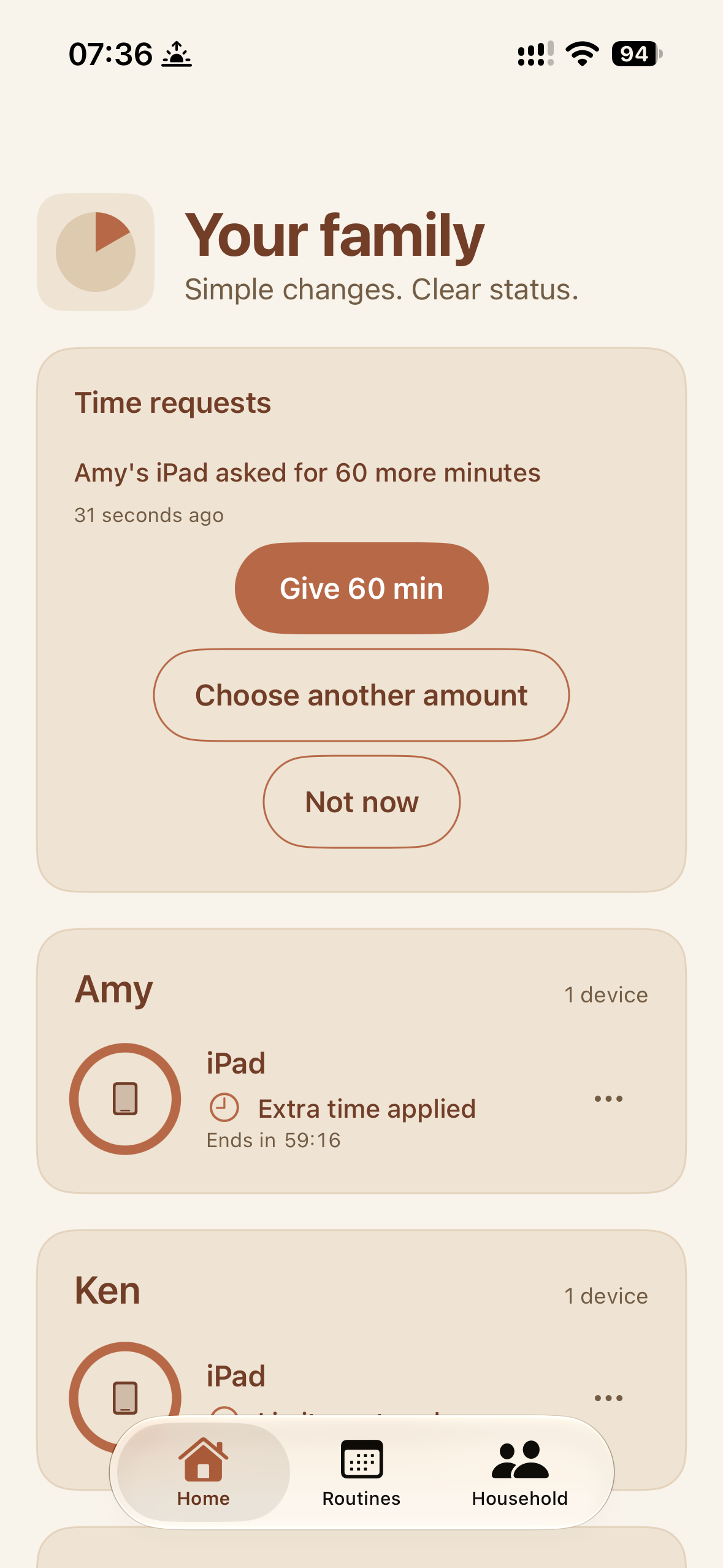
TenMore is simple, calm parental controls for iPhone and iPad.
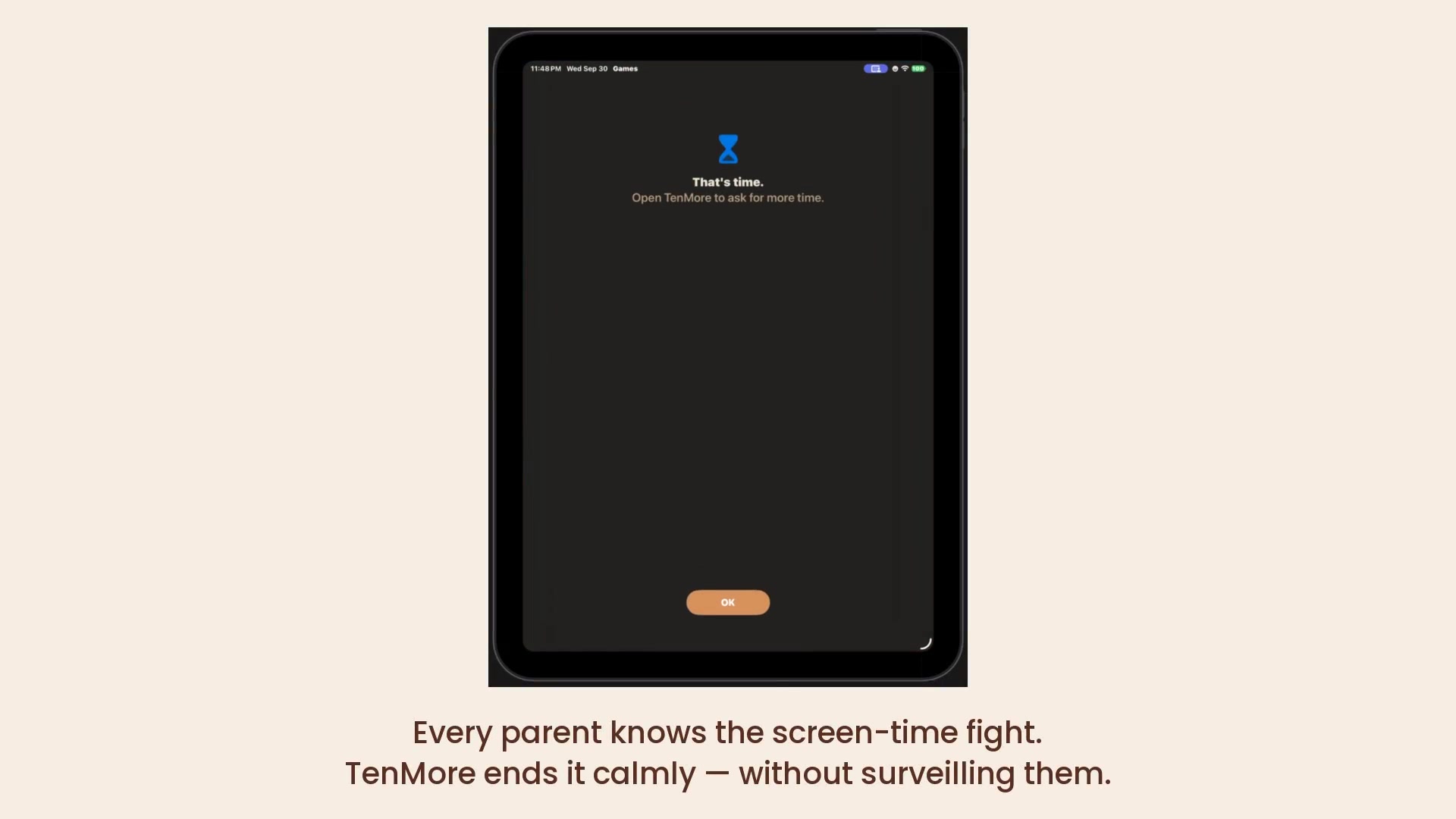
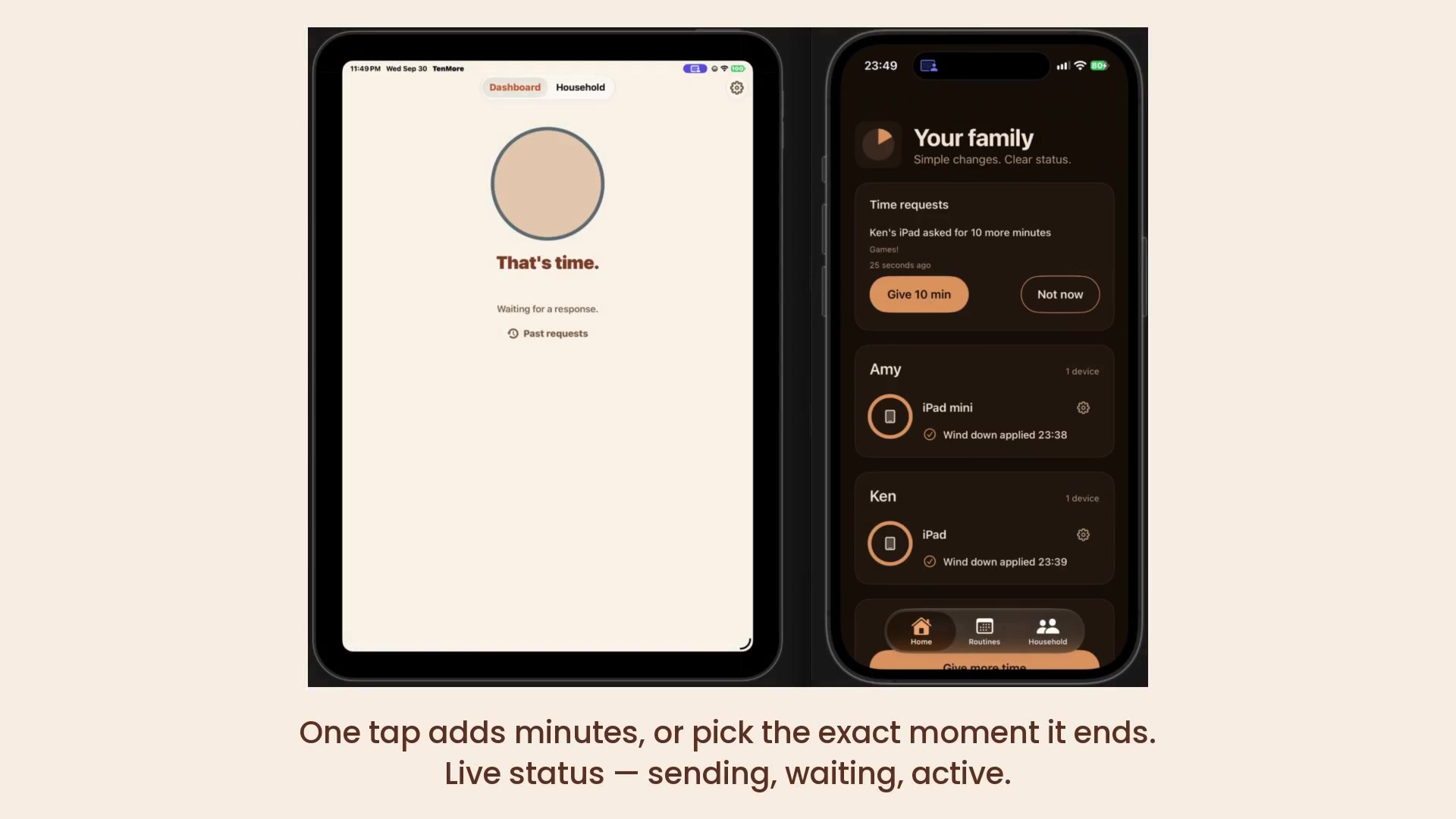
- When time is up, the child's device shows "That's time."
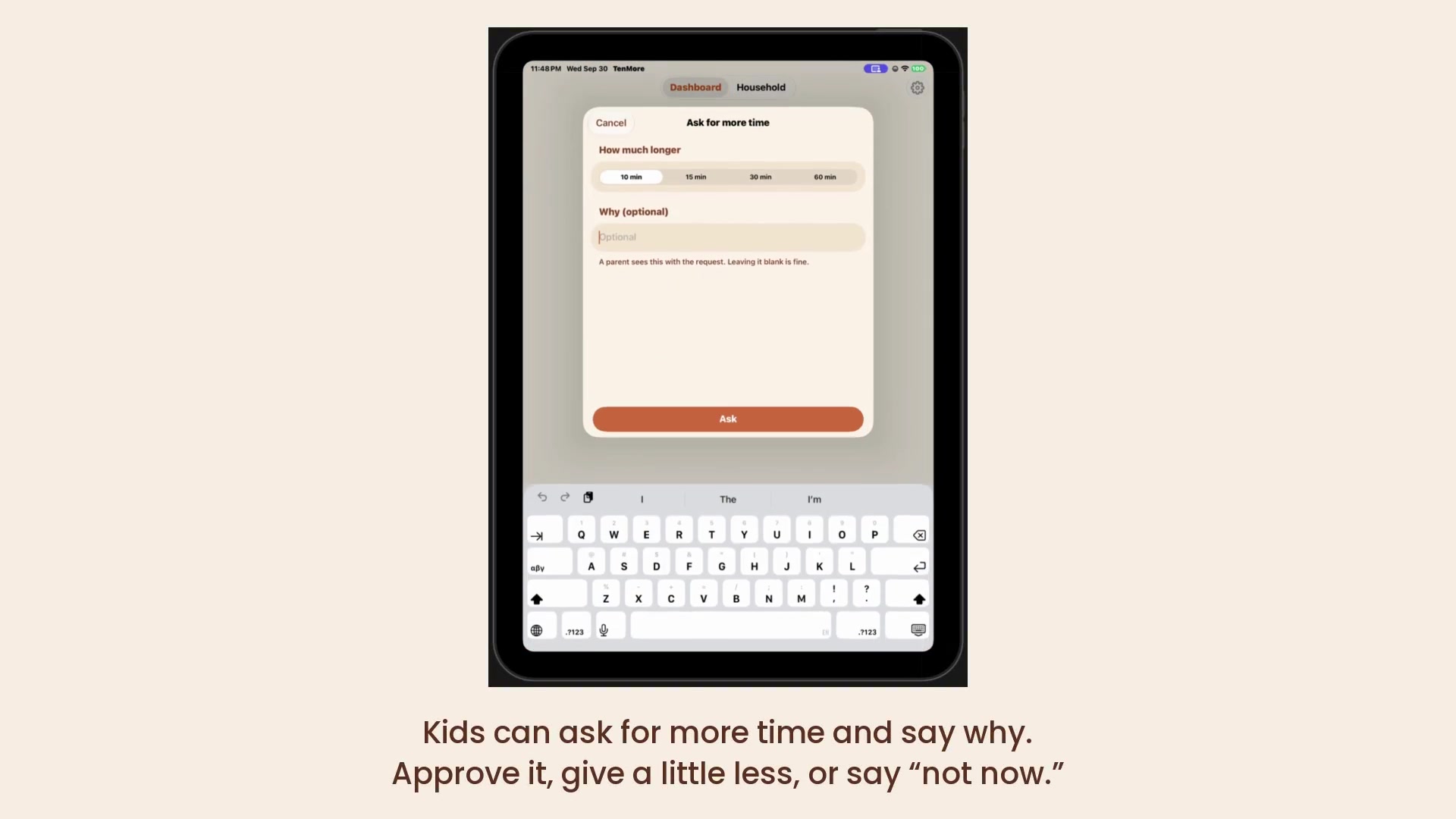
- The child can ask for more time and say why.
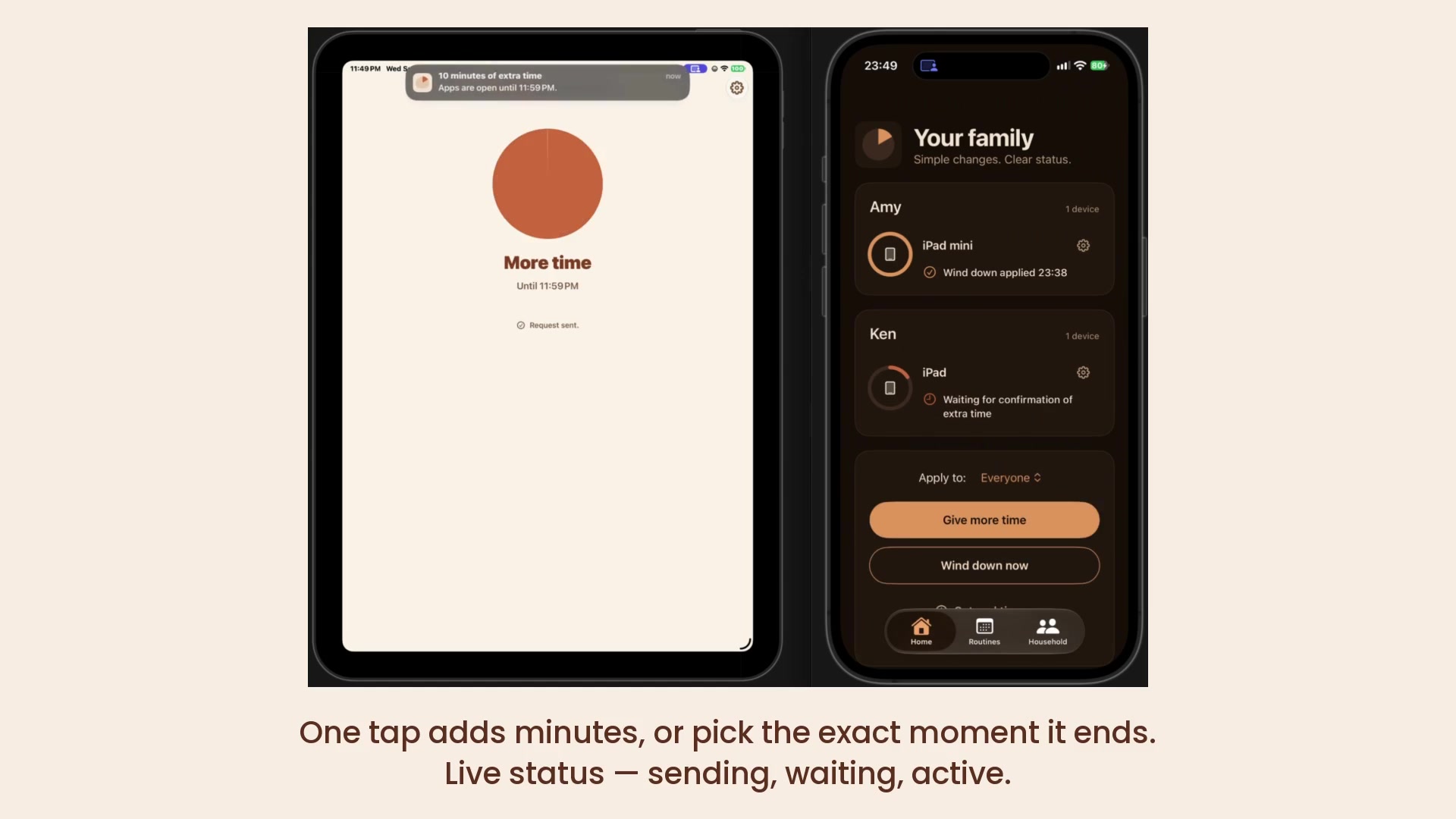
- The parent gets the request on their iPhone and approves with one tap, picks an exact end time, or says "not now."
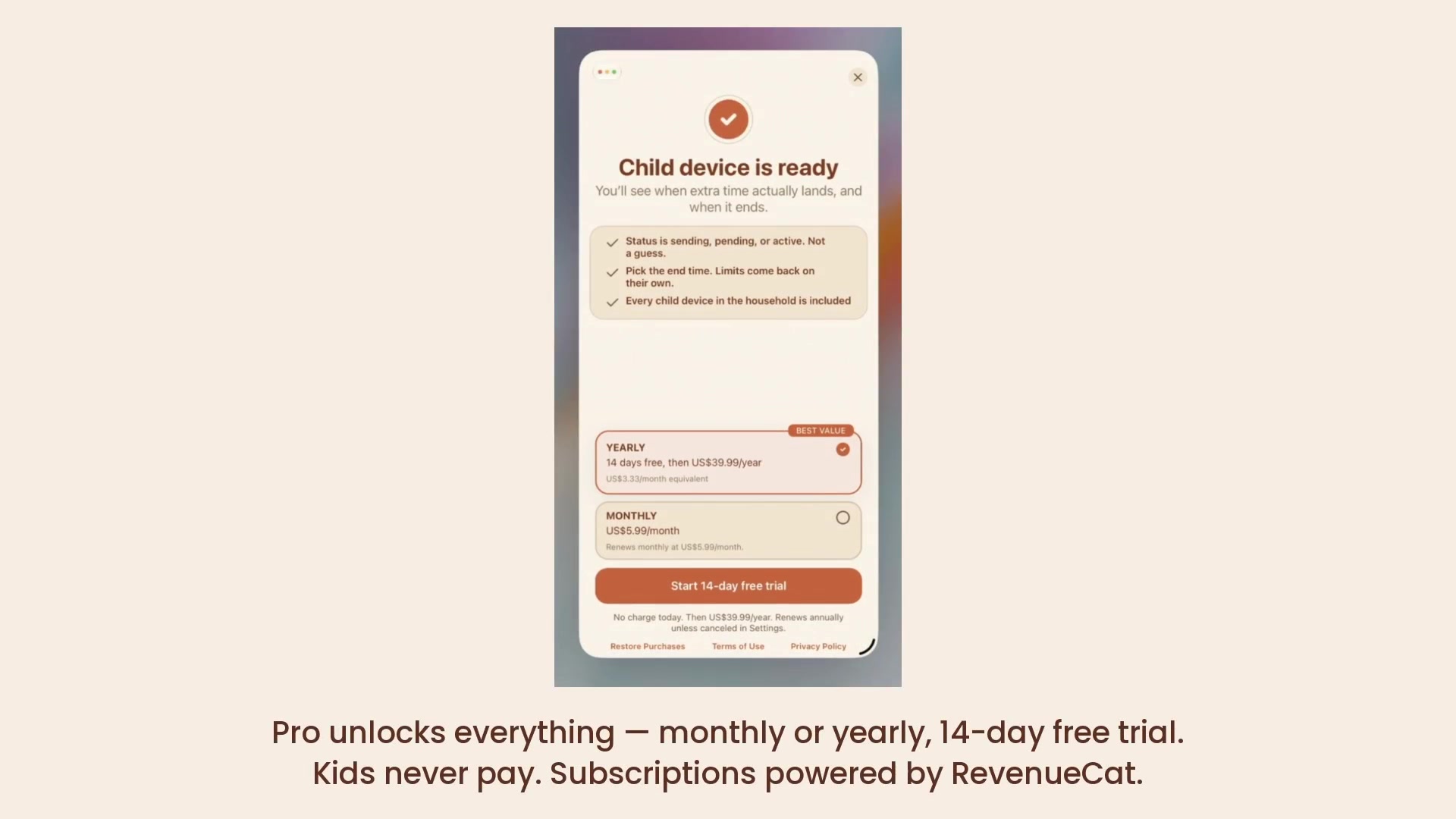
- Live status shows sending, waiting and active, so nobody has to guess whether it worked.
- When the extra time runs out, limits come back on their own. No arguing, no "five more minutes."
- Routines handle the repeating stuff, like school nights and bedtime.
- Changing any limit needs the parent's Face ID or Touch ID.
TenMore works alongside Apple Screen Time rather than replacing it: it is more of a simple on/off for the whole device, for any or all kids in the family, and app-by-app limits can stay in Apple's own settings.
How I built it
- Mostly AI (a mix of Claude, ChatGPT and Muse), since I barely have time.
- Native Swift and SwiftUI, with Apple's Family Controls, ManagedSettings and DeviceActivity frameworks, plus shield configuration, shield action and DeviceActivity monitor extensions.
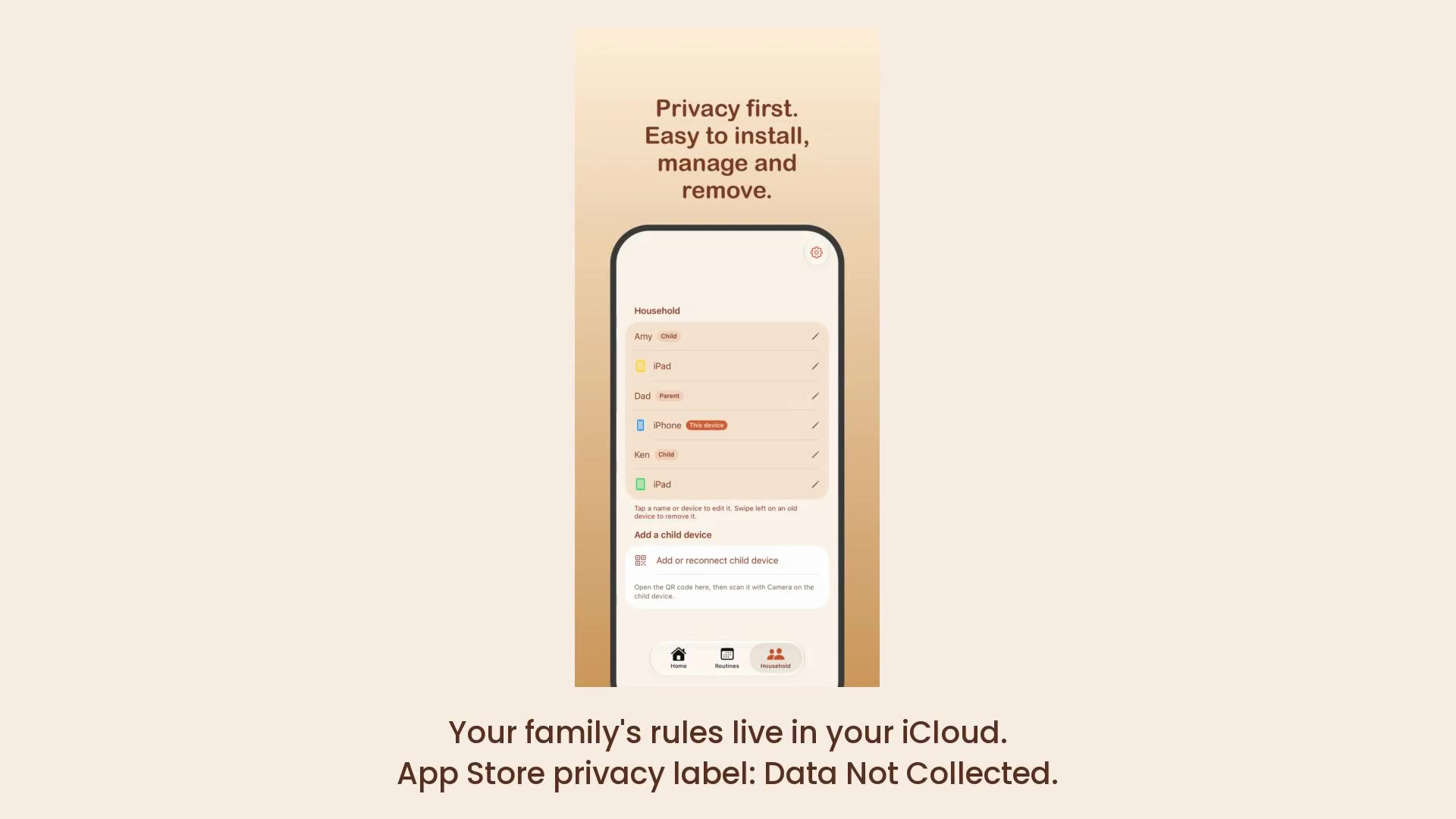
- Household sync runs on CloudKit sharing, so the family's rules live in the parent's own iCloud. There is no TenMore server, and the App Store privacy label is Data Not Collected.
- Subscriptions use RevenueCat and RevenueCatUI: Pro is monthly or yearly with a 14-day free trial. Only the parent pays; kids never do.
Challenges I ran into (or AI ran into)
- Family Controls does not run in the simulator, so every enforcement behaviour had to be proven on real devices. I kept a test matrix and only claim what passed on hardware.
- Waking an idle child device reliably: silent CloudKit pushes were not enough, so subscriptions carry alert plus content-available payloads, and a notification service extension keeps them quiet.
- iOS limits how many individual apps can be shielded, which pushed me toward a simpler whole-device model.
- CloudKit household sharing and App Store Family Sharing are separate systems, so billing had to be designed around the parent who pays.
What I learned
The limits of CloudKit, and that building an app for families is HARD. Testing takes time. Then making marketing materials and trying to sell the idea is tricky.
What's next
Get more feedback, refine, and keep the app small, calm and private.

Log in or sign up for Devpost to join the conversation.