-
-
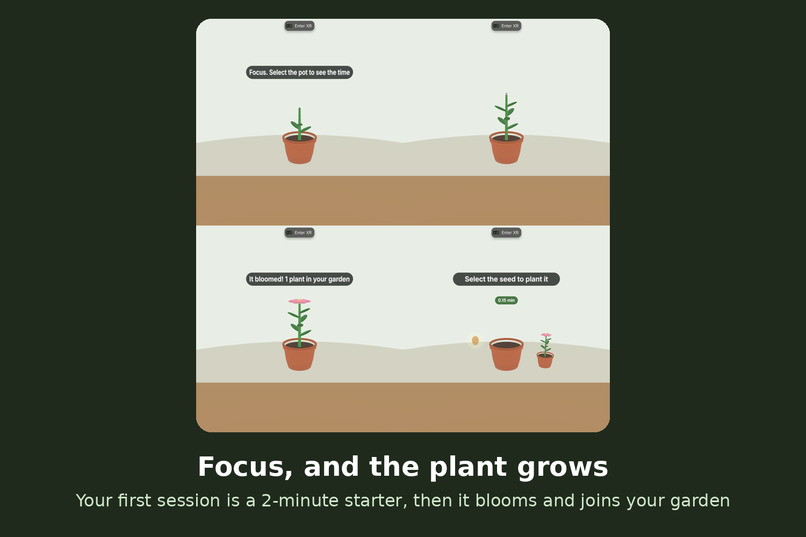
focus, grow, bloom
-
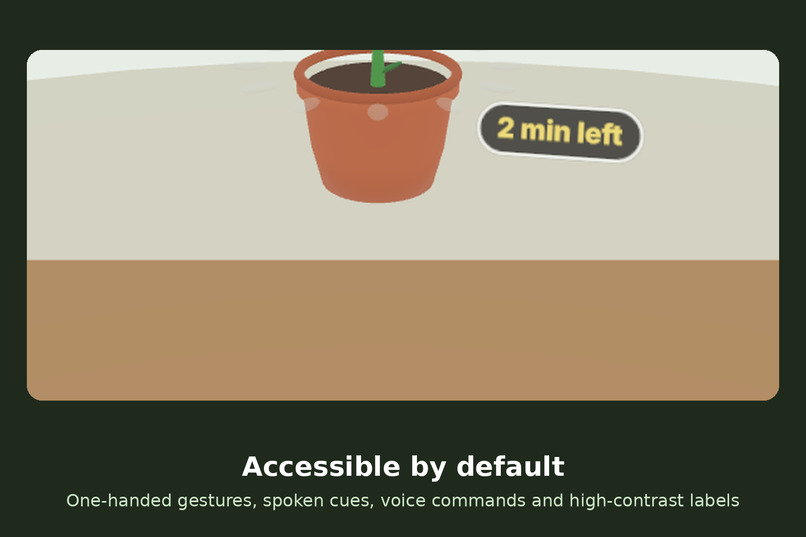
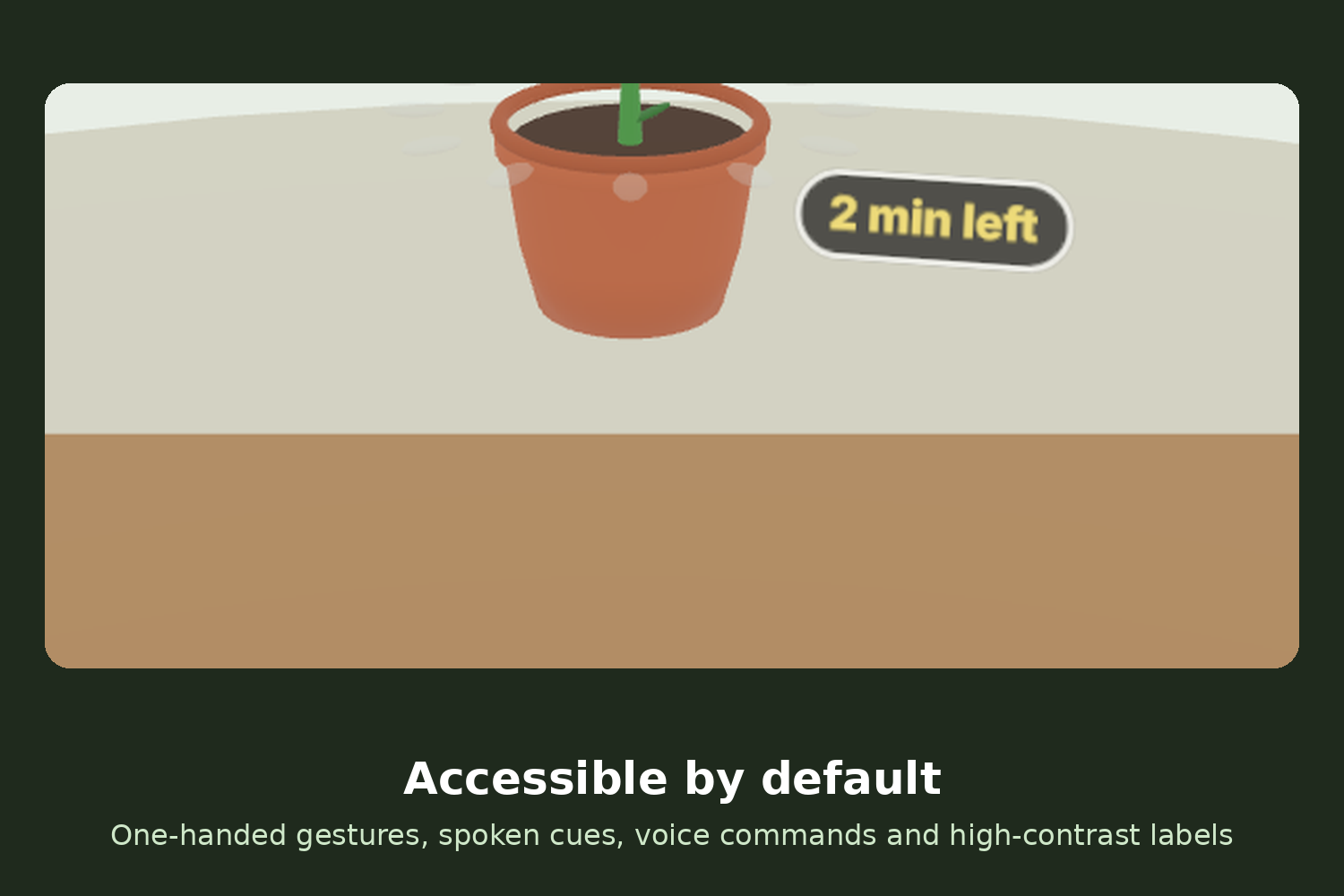
high-contrast labels
-
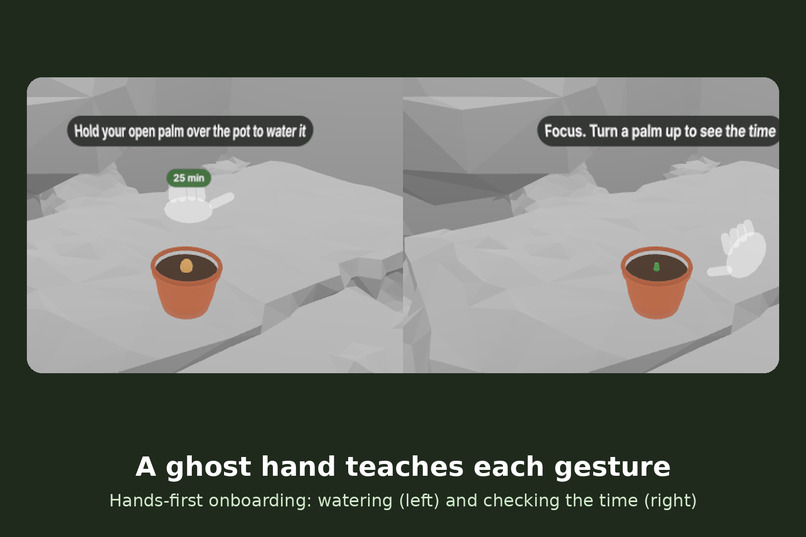
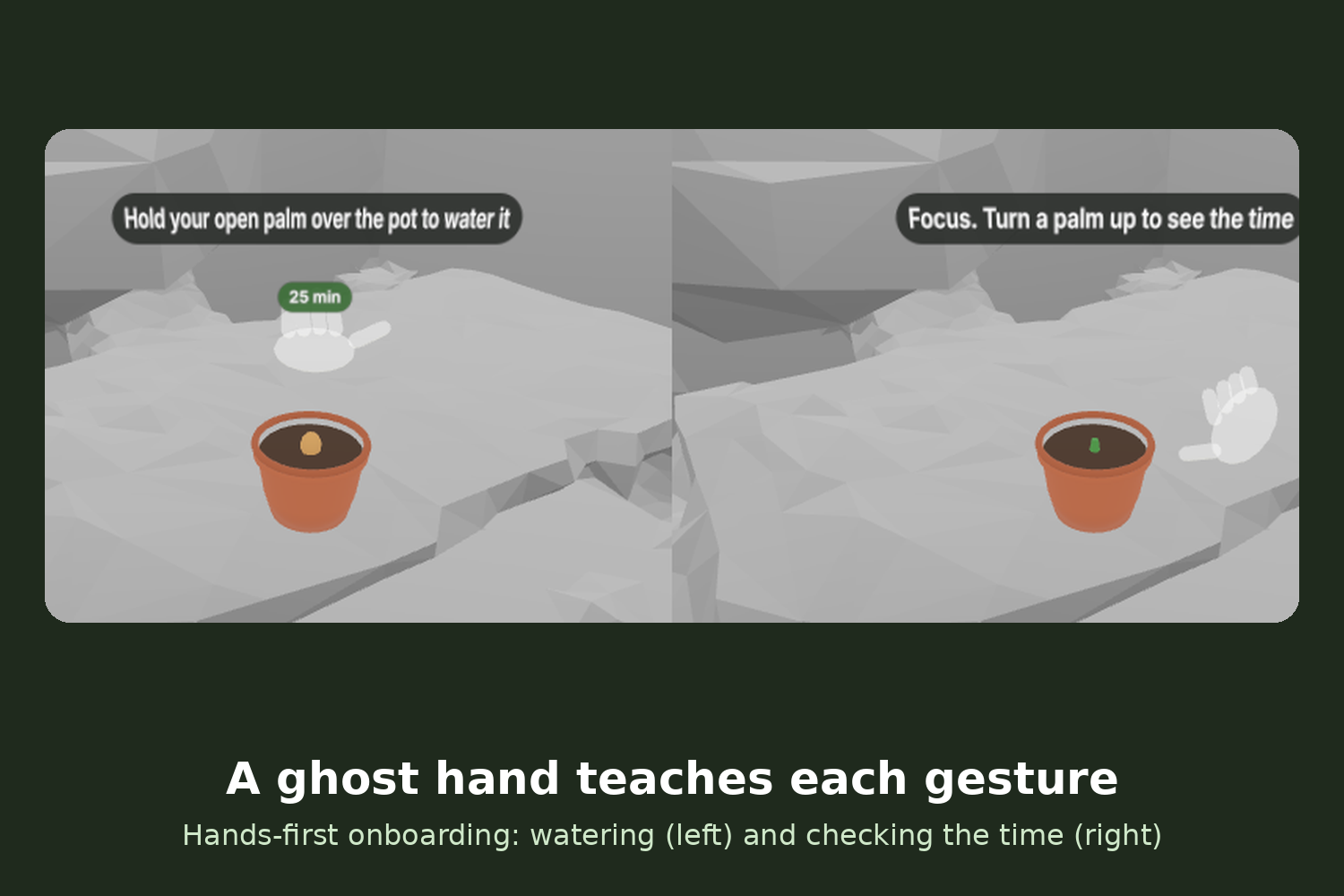
ghost-hand onboarding
-
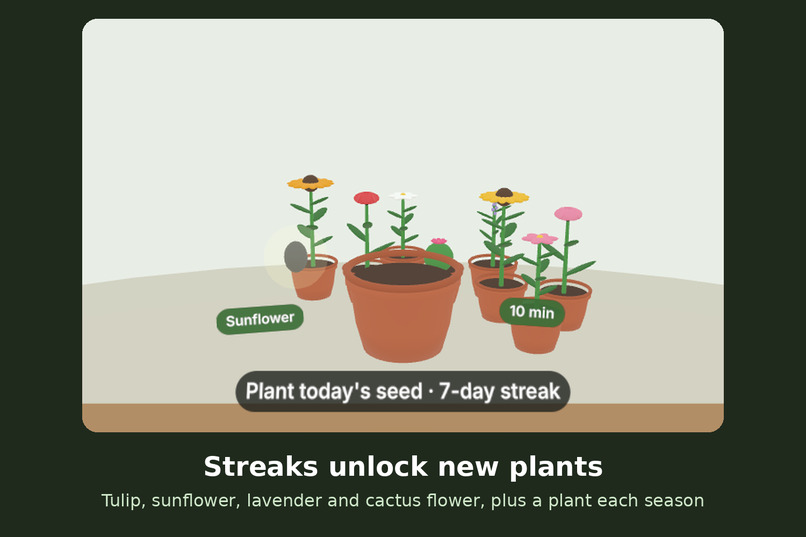
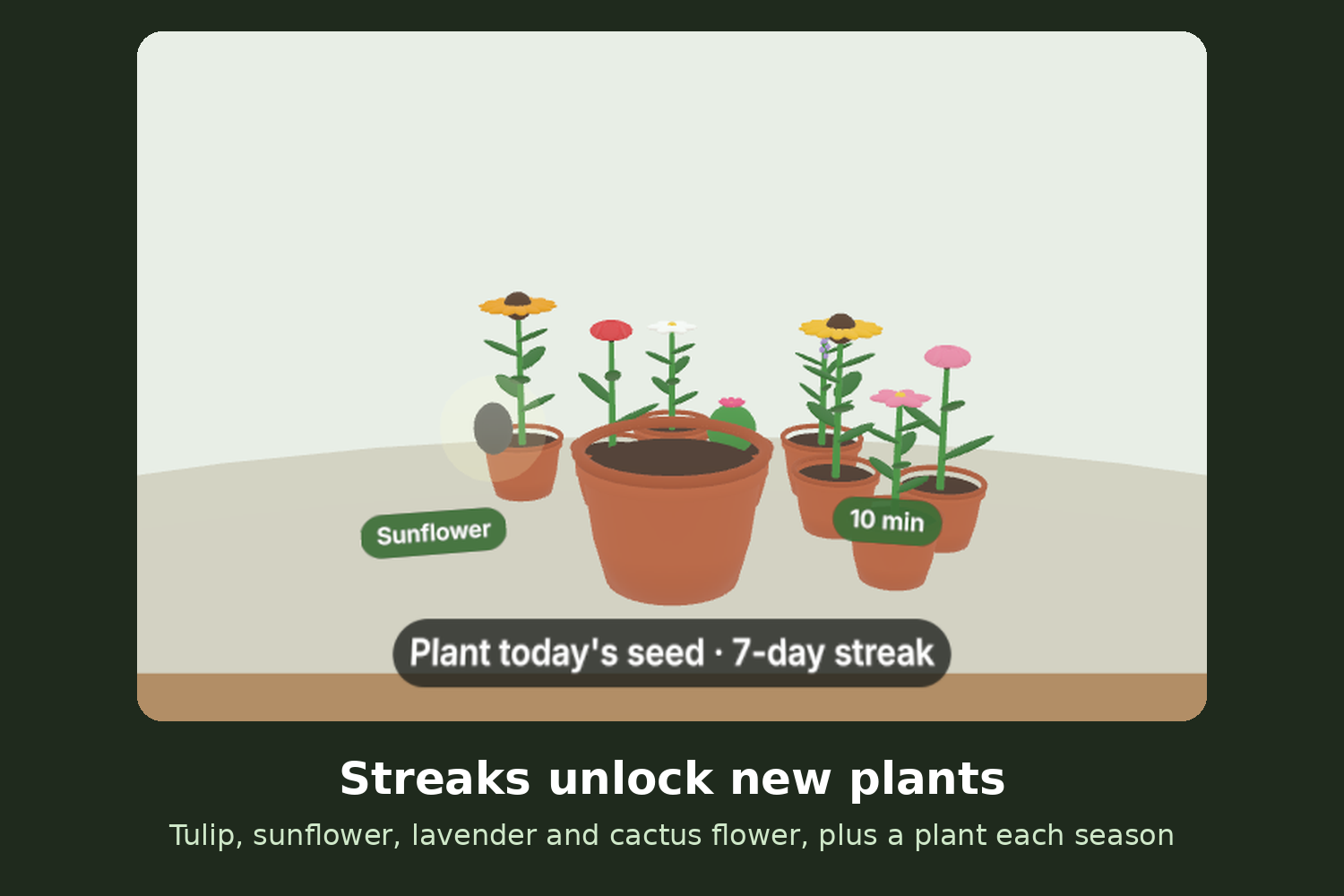
streak-unlocked plants
-
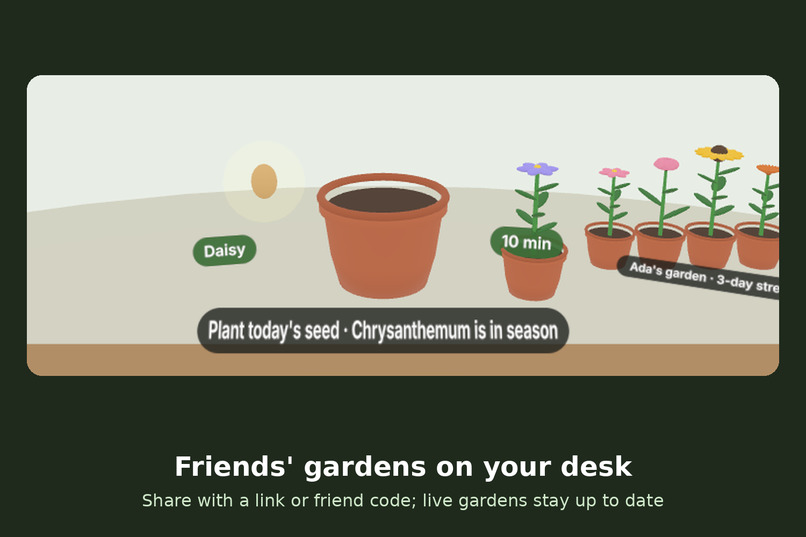
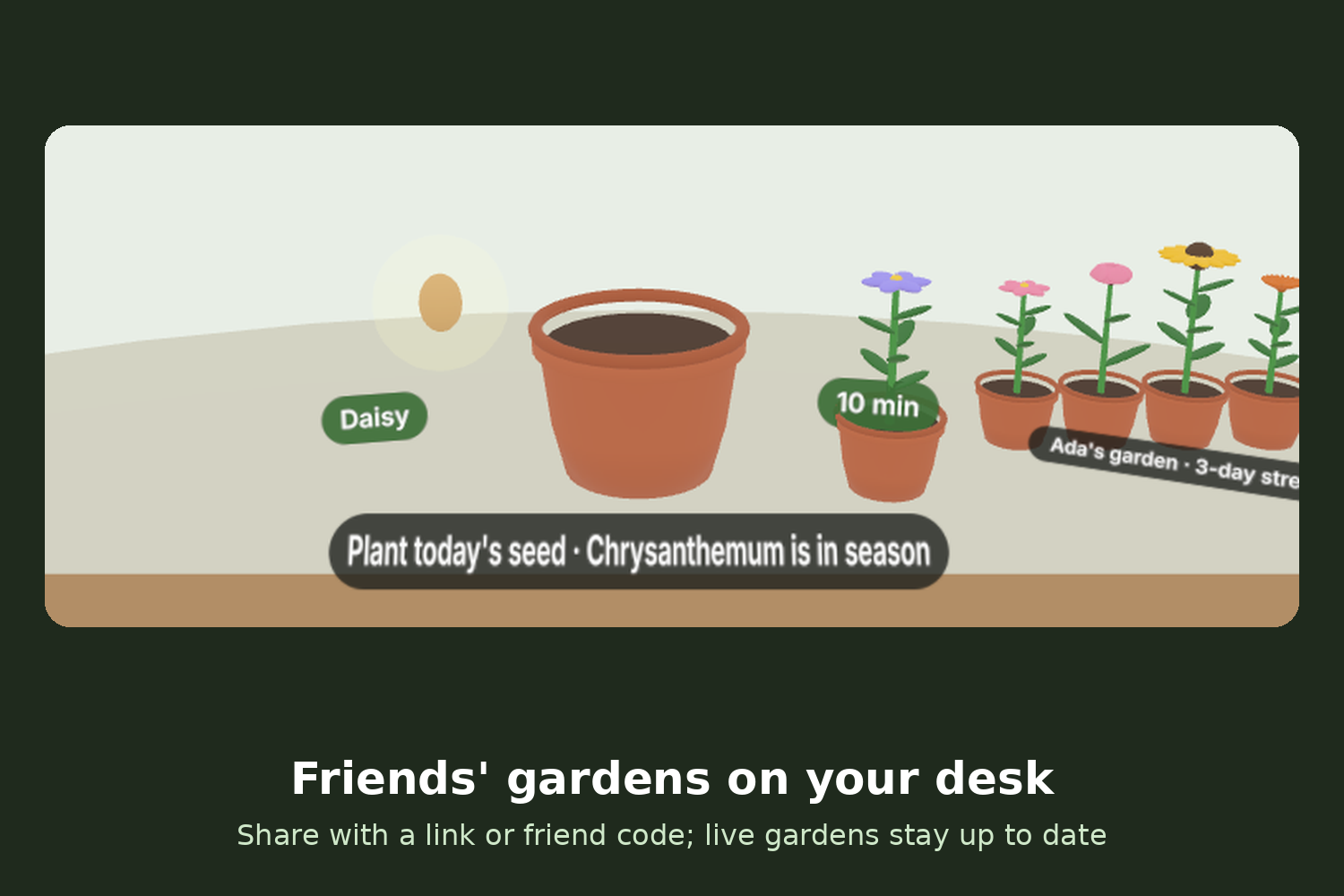
friends’ gardens
-
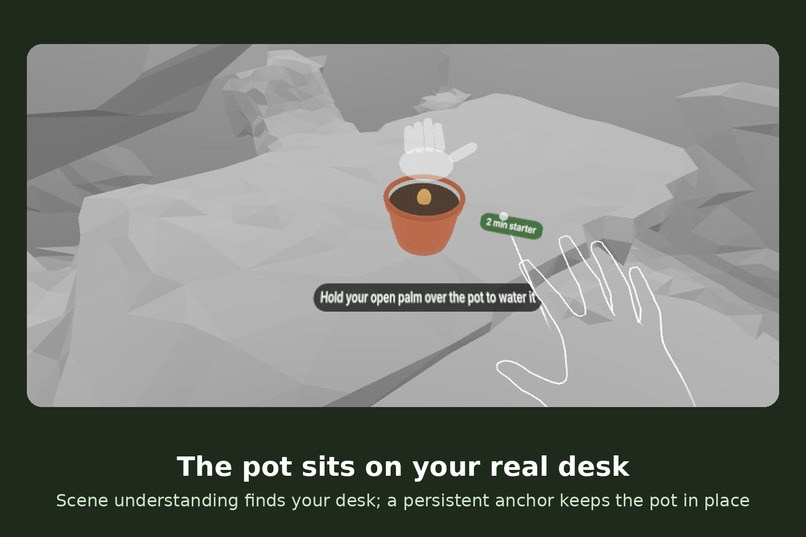
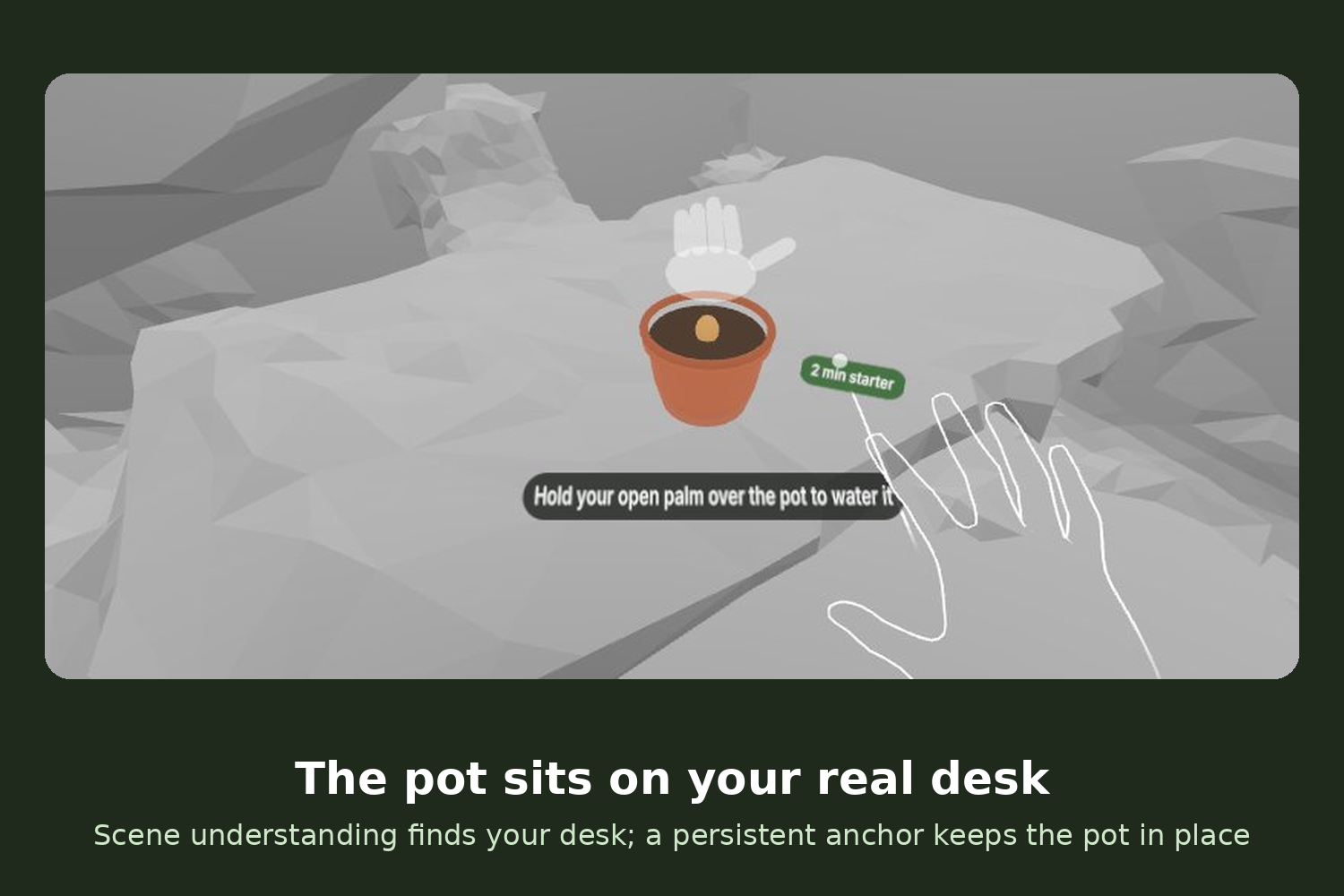
the pot on your real desk
Try it: softalpha0.github.io/Tend (open in the Meta Quest Browser and tap Enter mixed reality) · Code: github.com/softalpha0/Tend
Inspiration
Focus apps live on the phone, and the phone is the distraction. You open the timer, a notification arrives, and twenty minutes later you're still scrolling. Meta Quest can show your real room, so a focus timer no longer needs a screen at all: it can sit on your desk, respond to your hands, and wait for you. Tend is built around one recurring daily moment: sitting down to do focused work.
What it does
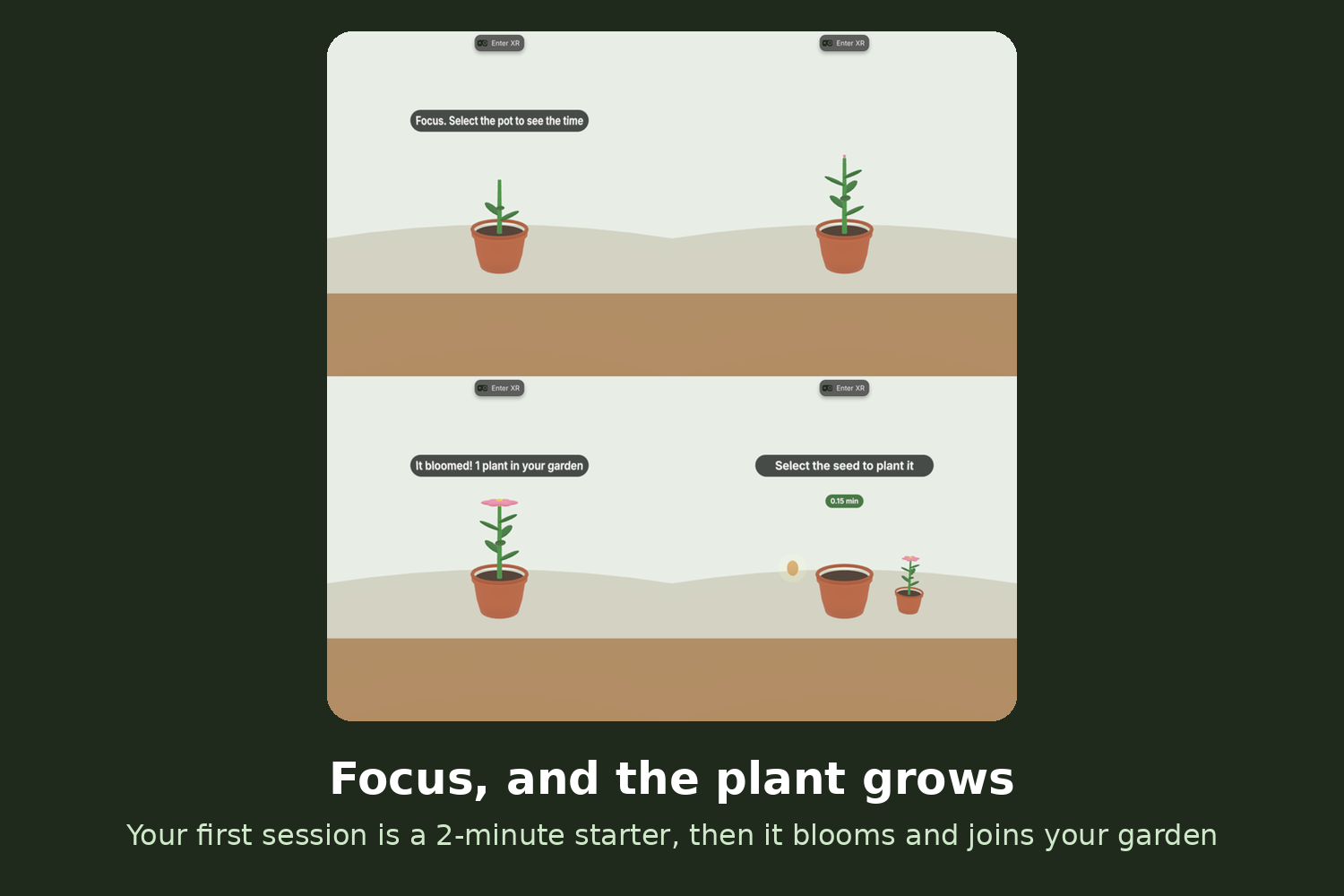
When you enter mixed reality, Tend finds your desk and places a small pot on it. You pinch a seed out of the air and drop it in, then hold your open palm over the pot to water it. That starts a focus session, and the plant grows while you work. Turn a palm up at any time to see the time left as a ring of leaves. When the session ends, the plant blooms and joins a garden of small pots on your desk. Quit early and it wilts.
- Hands-first, end to end: every interaction works without ever pairing a controller (controllers and a mouse also work as a fallback). Designed for seated use: everything happens within arm's reach of the desk.
- First five minutes: a translucent ghost hand demonstrates each gesture until you've done it once, with no wall of text. Your first session is a 2-minute starter, so you see a bloom before you take the headset off.
- A reason to come back: your garden grows between sessions, and daily streaks unlock new plants: Tulip (2 days), Sunflower (3), Lavender (5) and Cactus flower (7). Each season adds a plant anyone can grow, and a weekly summary shows sessions, minutes focused and streak.
- Shared gardens: share your garden with a link or a friend code, and friends' gardens appear on your desk next to yours, staying up to date as they grow new plants.
- Purposeful passthrough: your real desk is the stage. Scene understanding finds a horizontal surface at desk height that you're facing, and a persistent spatial anchor keeps the pot and garden exactly where you left them, session after session.
- Clean pause and resume: taking the headset off pauses the session. Only quitting on purpose (pinch and hold the pot for two seconds) wilts the plant.
- Accessibility: one-handed use for every gesture with generous grab zones, optional spoken cues (start, halfway, two minutes left, time left on palm-up), voice commands ("plant", "water", "time", "this week", "help") where the browser supports speech recognition, a large high-contrast label mode, and tones for every milestone so a session can be followed without looking.
- FoV-aware: labels sit low and close to the pot so they stay within a narrow field of view.
How we built it
- Meta Immersive Web SDK (IWSDK) 1.0.1 with WebXR in immersive AR mode: hand tracking, plane detection and anchors. Tend runs from a link in the Meta Quest Browser and can be installed as an app (web app manifest, icons, offline support) that opens straight into mixed reality.
- Scene understanding: detected planes are scored by height, semantic label and whether you're facing them, and the pot is placed near the desk's front edge, with a fallback in front of you if no desk is found.
- Persistent spatial anchors: the pot is pinned with a WebXR anchor and a persistent handle, restored next session, with desk detection as the fallback.
- Custom hand gestures: joint poses are read every frame. Pinch is detected from thumb-to-index distance with hysteresis; palm-up from the palm's normal.
- Live shared gardens: Supabase (Postgres) with a public read-only view and one function. Anyone can read a garden by its friend code, but only the device that created it can update it (it proves ownership with a random secret stored only as a hash).
- Procedural art and sound: every model is generated in Three.js, and all cues and the ambient rain are synthesized with Web Audio, so there's nothing large to download.
- Built solo with an AI coding assistant, tested end to end in IWER (IWSDK's Quest 3 emulator), and hosted on GitHub Pages.
Challenges we ran into
The hardest part was making placement hold up in rooms we never tested. The first version put the pot on the first horizontal surface it found, which in the emulator's sample living room was a sofa seat. We changed it to score every detected plane by height, label and whether you're facing it, wait briefly for more planes to arrive, and fall back to placing the pot in front of you. A second challenge: the pinch point jumps a few centimetres as the hand opens, so dropped seeds missed the pot. Tend now follows only the last pinched position. Shared gardens needed to be safe with a public key, so all writes go through one database function that checks a hashed device secret.
Accomplishments that we're proud of
A complete, controller-free loop that teaches itself. A first-time user is shown each gesture by a ghost hand, sees a bloom within about two minutes, and finds their pot and garden waiting in the same place the next day, alongside their friends' gardens.
What we learned
Mixed reality works best when the real room changes the experience. Anchoring the timer to your own desk turned a generic countdown into a daily habit, and onboarding by demonstration worked better than any instructions we wrote.
What's next for Tend
- Tune gesture thresholds from more real-headset playtests
- Visit a friend's garden together in shared mixed reality
- Gentle daily reminders to keep a streak going
- Target launch: Tend is already installable from the Quest Browser. Next, build and sign the Quest app package and submit it to the Meta Horizon Store in Q1 2027.
Built With
- github
- hand-tracking
- iwsdk
- javascript
- meta-quest
- mixed-reality
- postgresql
- supabase
- three.js
- typescript
- vite
- web-audio-api
- web-speech-api
- webxr

