-
-
Home
-
Features
-
Cases
-
What's going on
-
Brief
-
Needs attention
-
The letter
Inspiration
Every year, millions of tenants receive eviction notices, lease violation letters, or "cure or quit" demands they don't fully understand—and most can't afford a lawyer to explain what's actually going on. I have met with many low-income tenants, and for them that single piece of paper feels like an eviction notice, even when it isn't legally valid yet. The fear paralyzes people into doing nothing, which is exactly what predatory landlords count on.
Legal language is deliberately dense, and that density has a real cost: tenants miss deadlines, waive rights they didn't know they had, and often don't respond at all simply because they don't know how. I wanted to build something that closes that gap immediately, not a resource library you have to dig through, but a tool that takes your actual document and tells you, in plain English, what's happening and what to do about it.
What it does
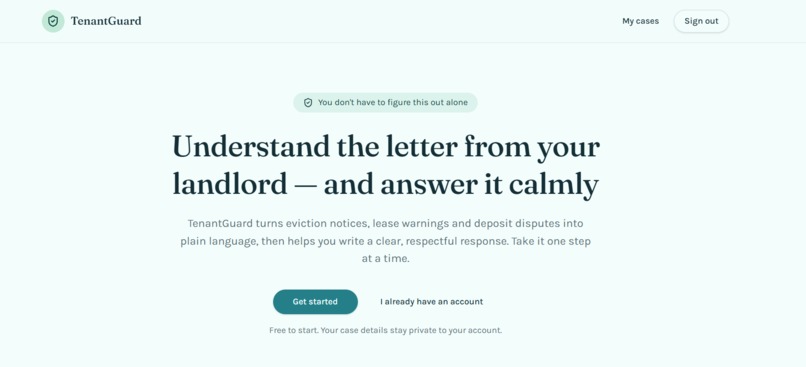
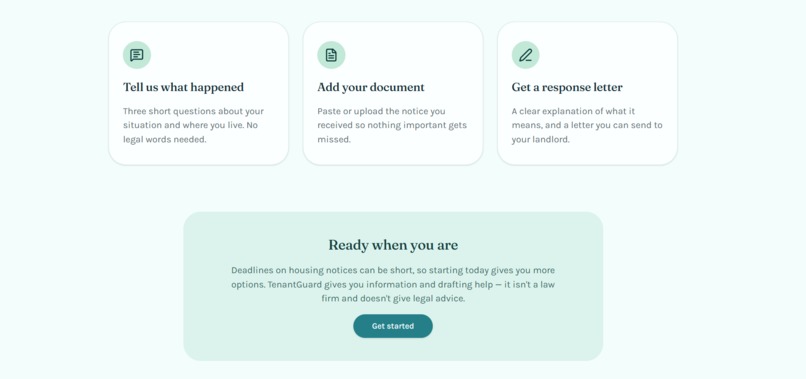
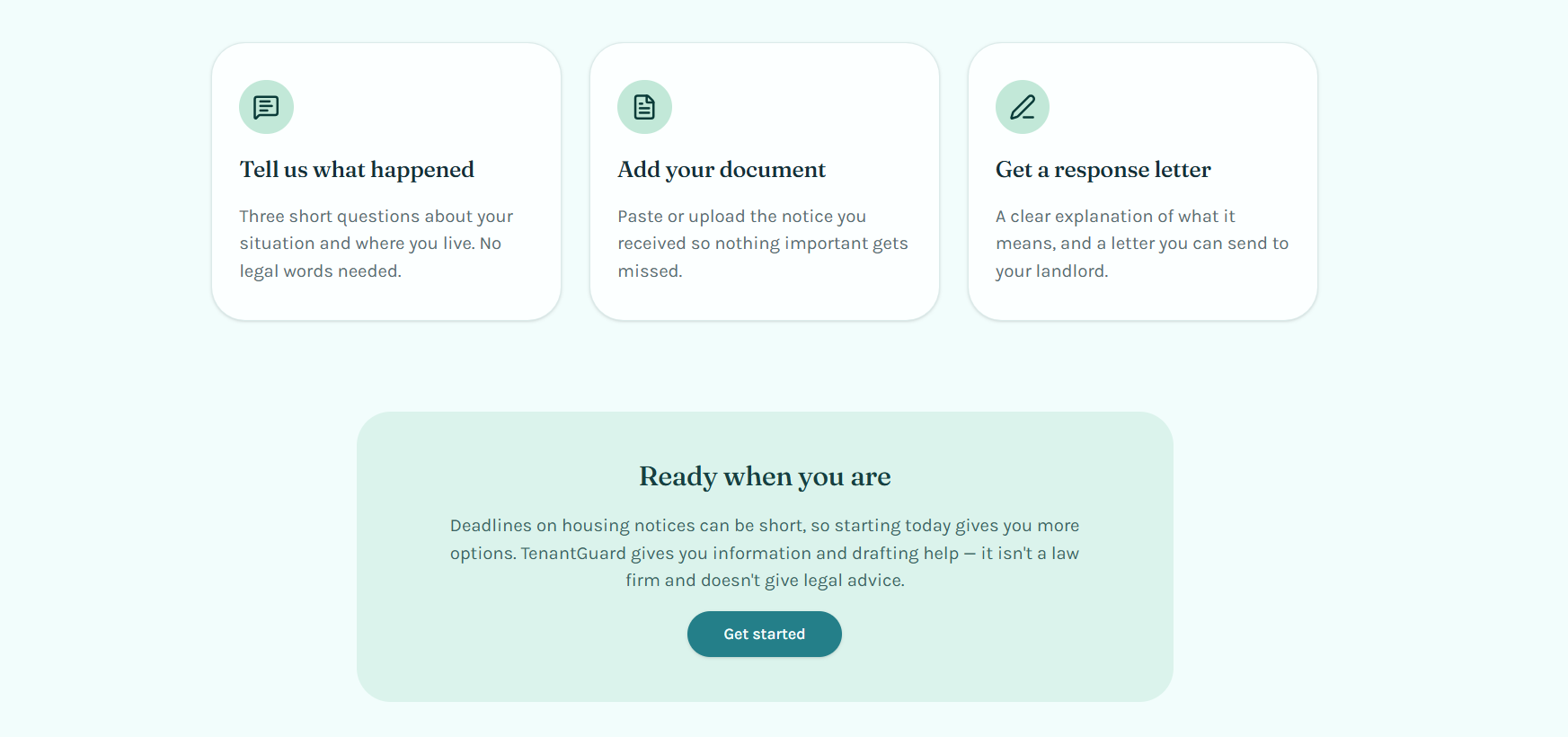
TenantGuard takes a tenant from confusion to action in minutes:
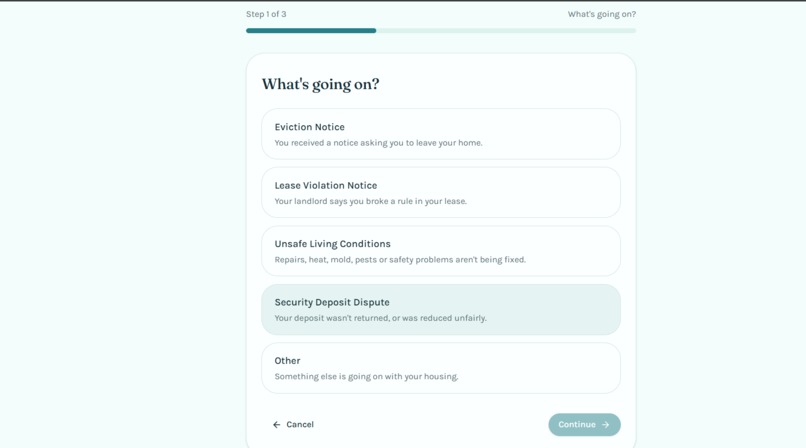
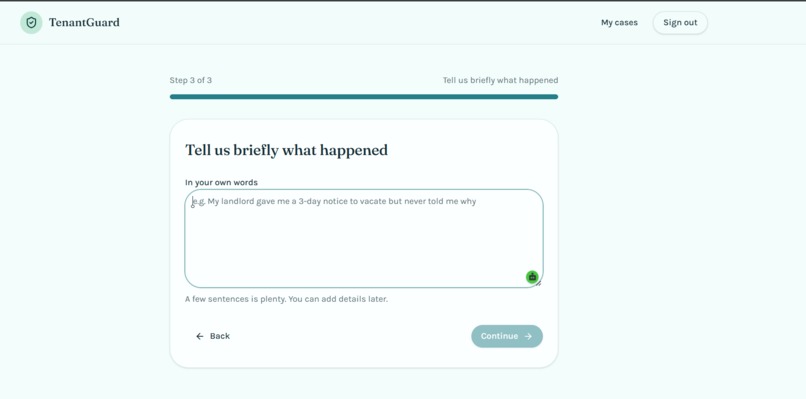
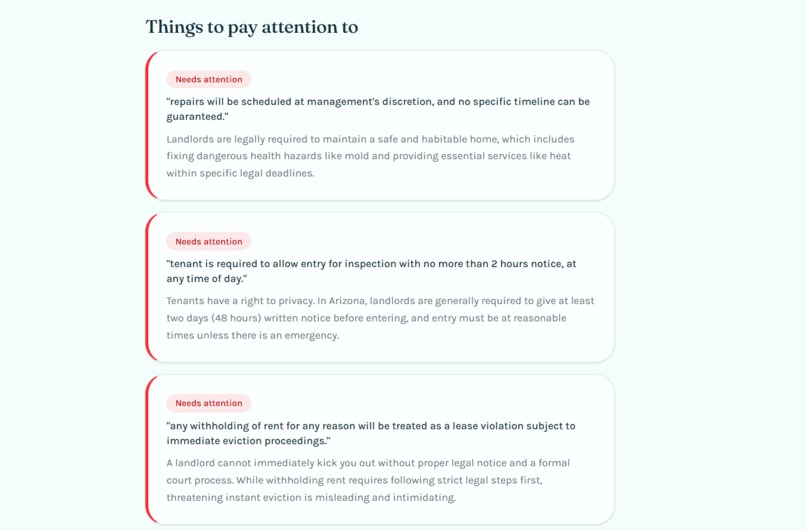
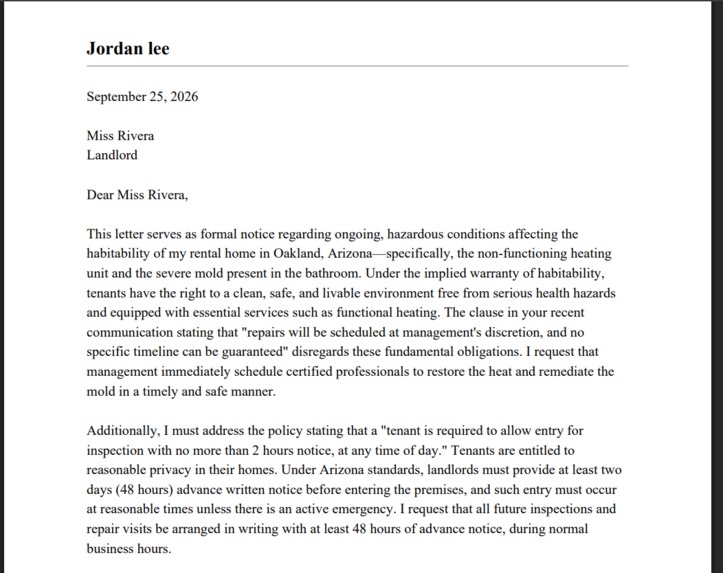
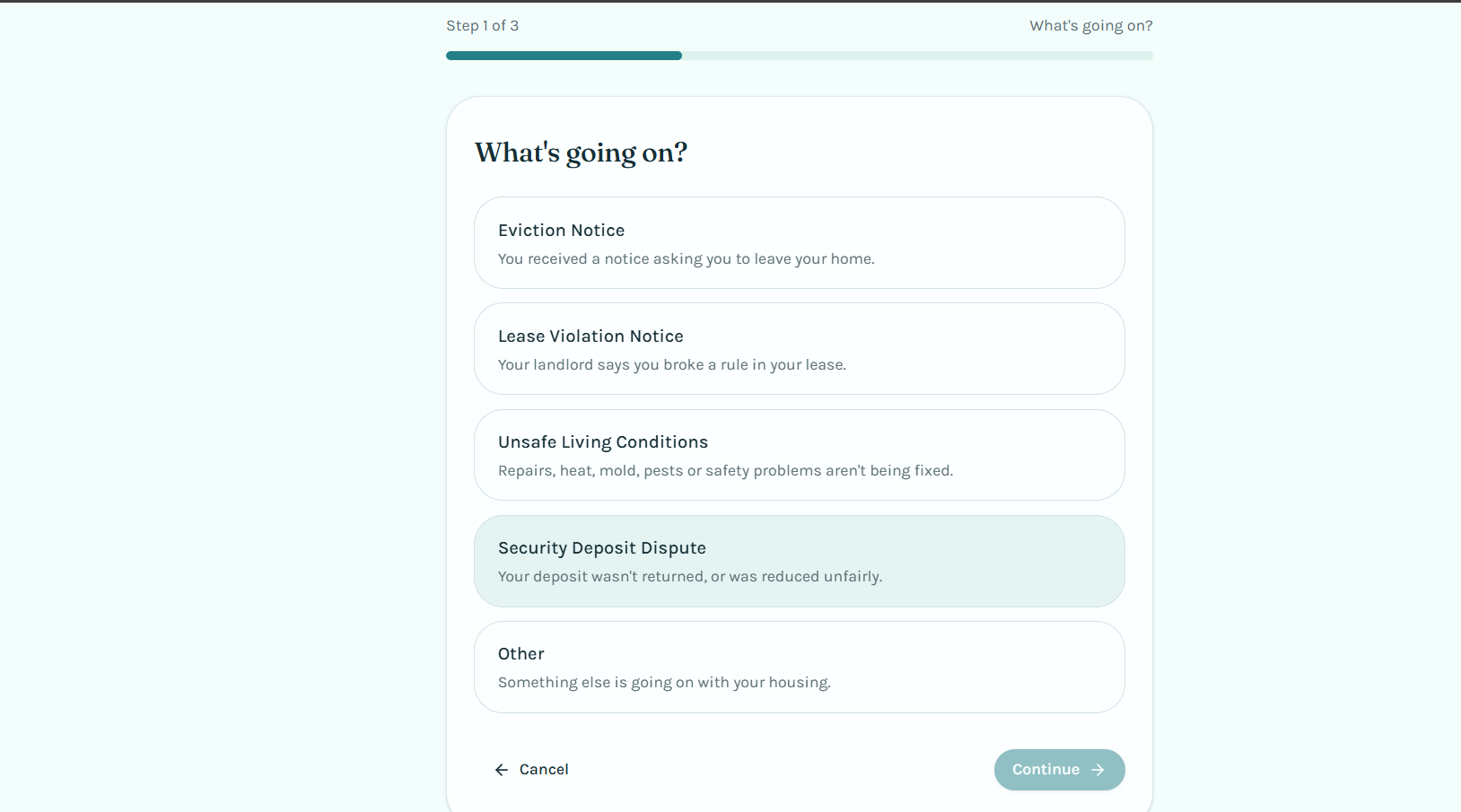
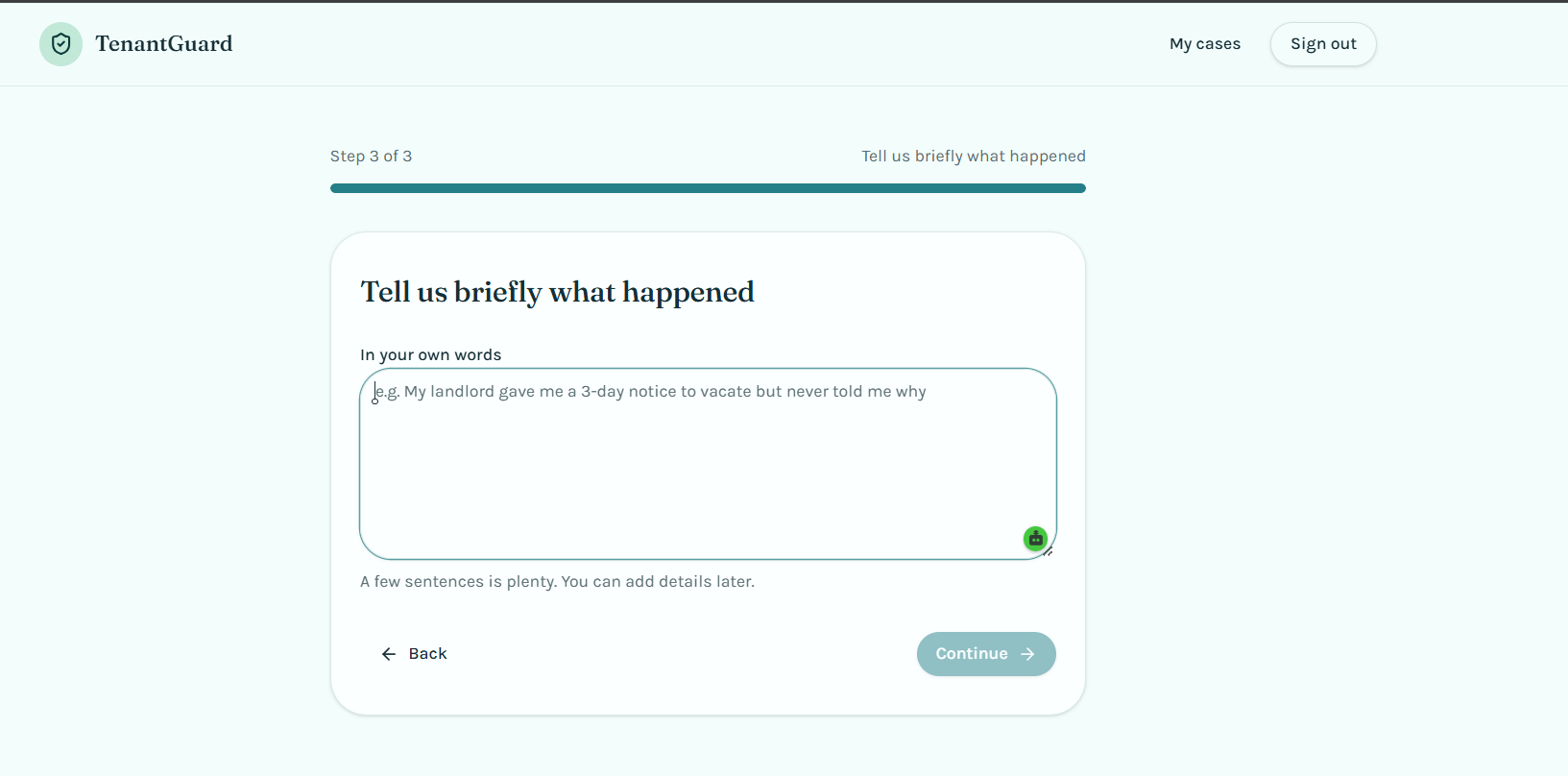
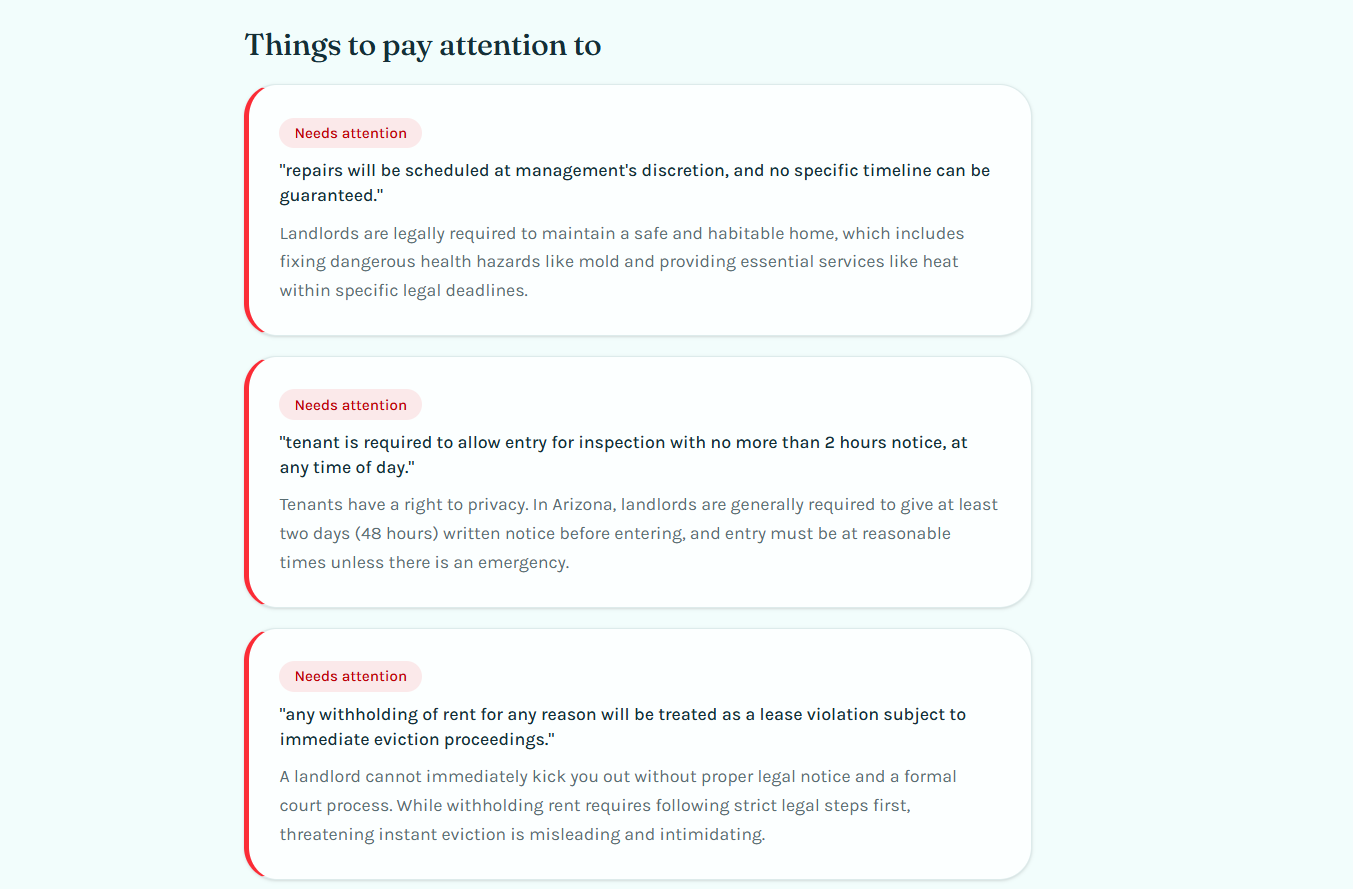
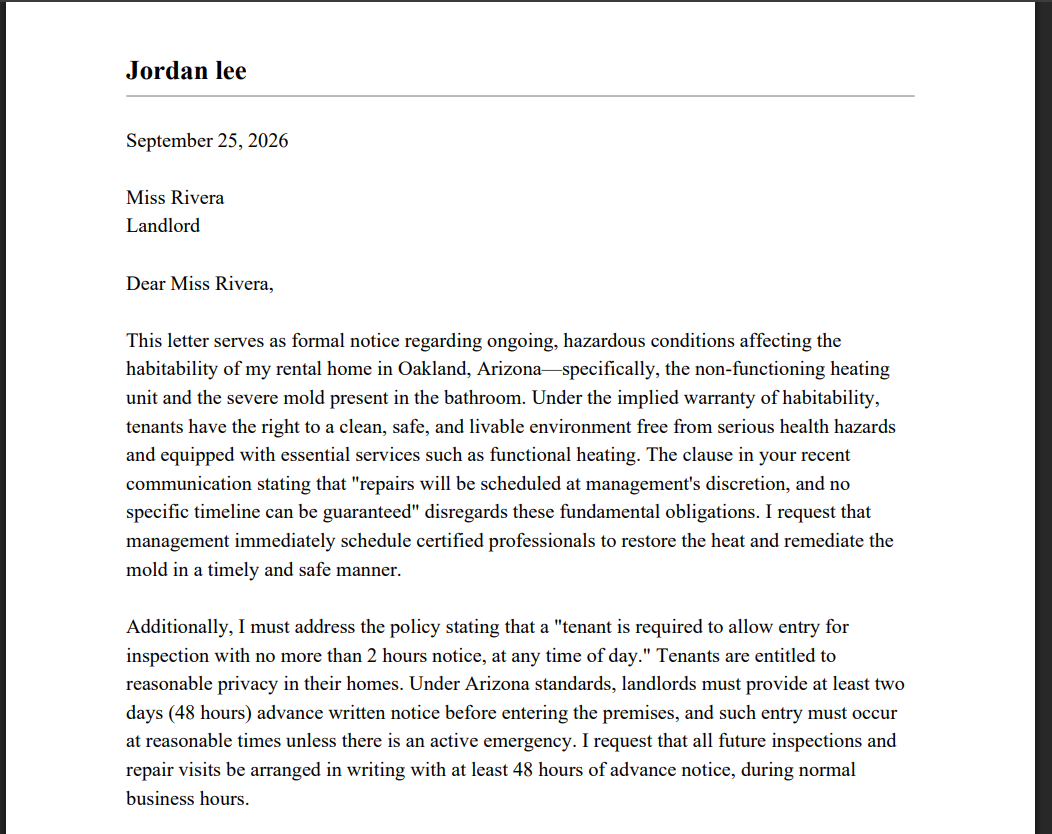
A short intake wizard captures the situation—issue type, location, and a brief description. The user pastes in their lease or notice. An AI-powered analysis flags concerning or potentially illegal clauses, explains the document in plain English, and summarizes the tenant's rights based on their situation. TenantGuard generates a formal, ready-to-send response letter addressed to the landlord or housing authority tailored to the specific issues found, not a generic template The letter can be edited and downloaded as a PDF.
The goal isn't to replace a lawyer—it's to make sure no tenant is left completely in the dark and to give them a concrete next step they can actually take.
How I built it
TenantGuard is a full-stack web app built with Lovable, using Supabase for authentication, row-level-security-protected data storage, and serverless Edge Functions, and Google's Gemini API for document analysis and letter generation.
The core pipeline works in three stages:
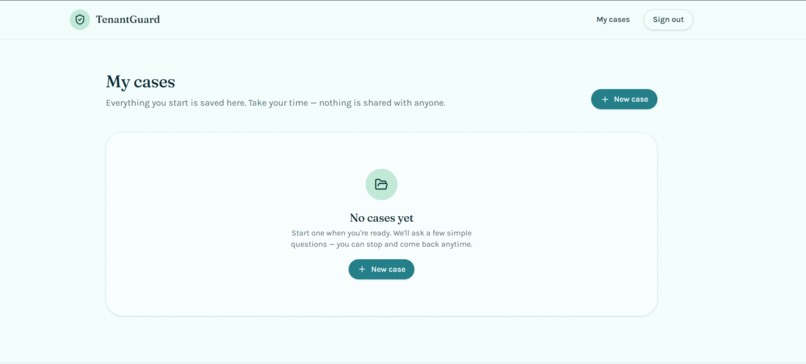
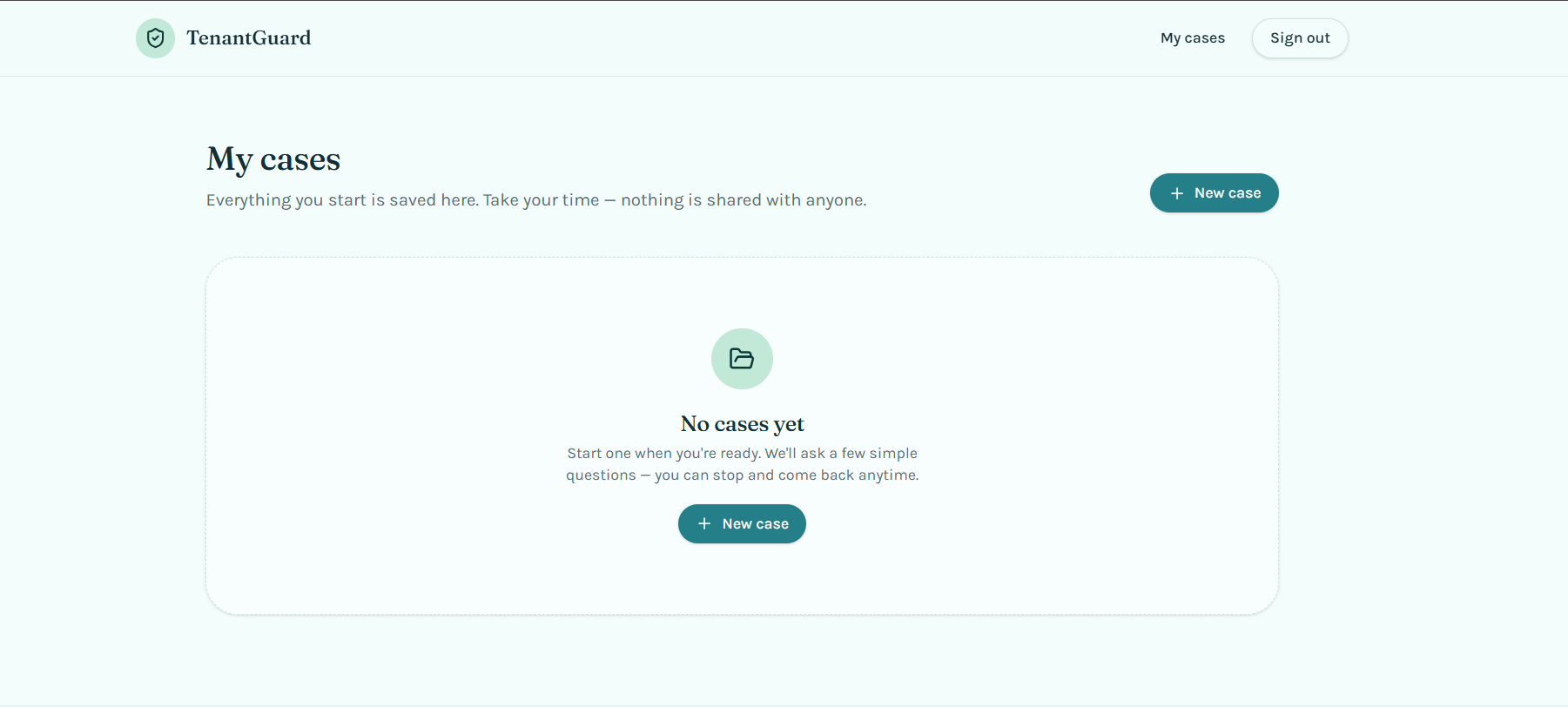
Intake: a multi-step wizard collects structured context (issue type, state, situation) that gets passed alongside the raw document text and is stored in Supabase behind row-level security so each user can only ever access their own case data—an important guarantee given how sensitive this information is. Analysis: the document and context are sent from a Supabase Edge Function (keeping the Gemini API key server-side, never exposed to the client) to Gemini with a prompt engineered to return strict structured JSON—a plain-language summary, a list of red flags with severity levels, a rights summary, and suggested next steps—which I then render as a clear, color-coded UI rather than a wall of text. Generation: a second Gemini call takes the analysis output and produces a formatted letter referencing the specific issues identified, which the user can edit before exporting to PDF.
I deliberately kept the scope to a single, complete user journey—one problem, one document, one letter—rather than building multiple shallow features, so the full flow would work end-to-end for the demo.
Challenges I ran into Getting consistent structured output from the LLM. Early prompts returned inconsistent formats or occasionally missed the JSON schema entirely, especially with messier pasted text. I iterated on the prompt to be far more explicit about the expected shape and added handling for malformed responses. Keeping the tone right. Legal documents are stressful, and it would have been easy to build something that reads as alarming or overwhelming. I spent real time on how red flags are presented—color-coded by severity rather than all in red, with plain-English explanations rather than legal jargon—so the tool feels reassuring rather than scary. Scoping for one person in a week. It was tempting to add a lawyer marketplace, multi-state legal databases, and OCR for photographed documents. I cut all of it to focus on making the core analysis-to-letter pipeline genuinely good, since a narrow tool that works beats a broad one that doesn't. The reliability of the tool matters most to me, and in order to make the tool efficient, I had to reconstruct prompts till it became flawless Accomplishments that I am proud of A complete, working end-to-end flow: document in, actionable letter out, in under a few minutes Structured AI output that's genuinely accurate and specific rather than generic boilerplate A UI that treats a stressful moment with care—clear, calm, and non-alarming Handling sensitive personal legal data responsibly: row-level security ensures no user can ever see another user's case. What I learned
I learned that the secret to reliable AI agents isn't just a clever prompt—it's strict data structuring. I also discovered how fast a single developer can move when a full-stack tool handles the database scaffolding, letting me focus 100% of our energy on UX and prompt refinement.
What's next for TenantGuard? Support for additional states with more detailed, jurisdiction-specific rights data OCR support so users can photograph documents instead of pasting text Expanding beyond eviction/lease issues to other common tenant disputes (habitability, deposits, discrimination) Partnering with local legal aid clinics so flagged high-severity cases can be escalated to a real human when needed
What it does
How we built it
Challenges we ran into
Accomplishments that we're proud of
What we learned
What's next for TenantGuard
Built With
- access-to-justice
- civic-tech
- gemini
- legal-tech
- llm
- lovable
- postgresql
- prompt-engineering
- react
- supabase
- supabase-auth
- typescript