-
-
-
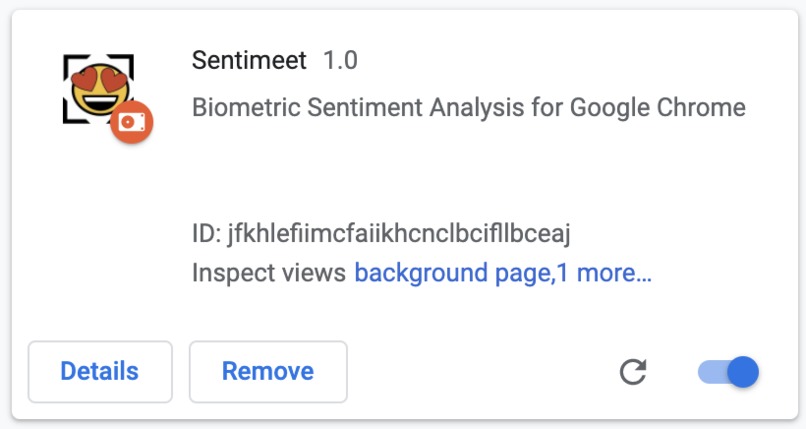
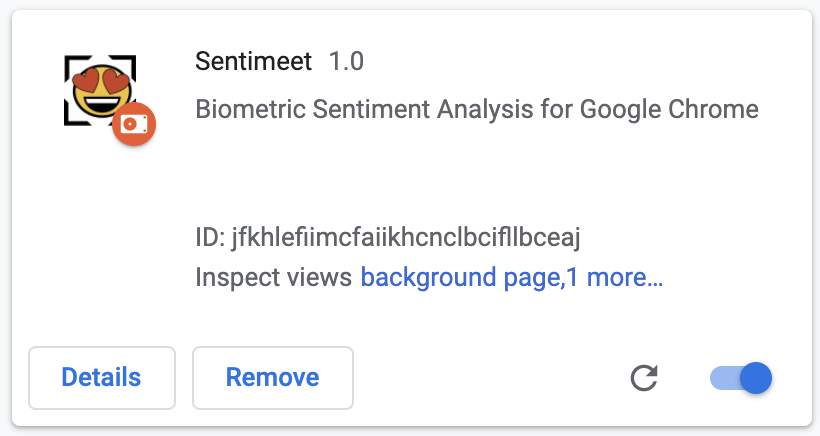
The Google Chrome extension is pictured here.
-
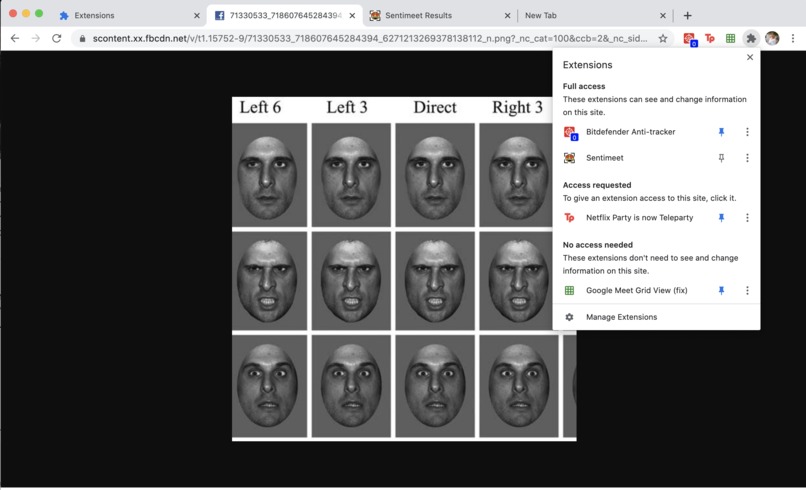
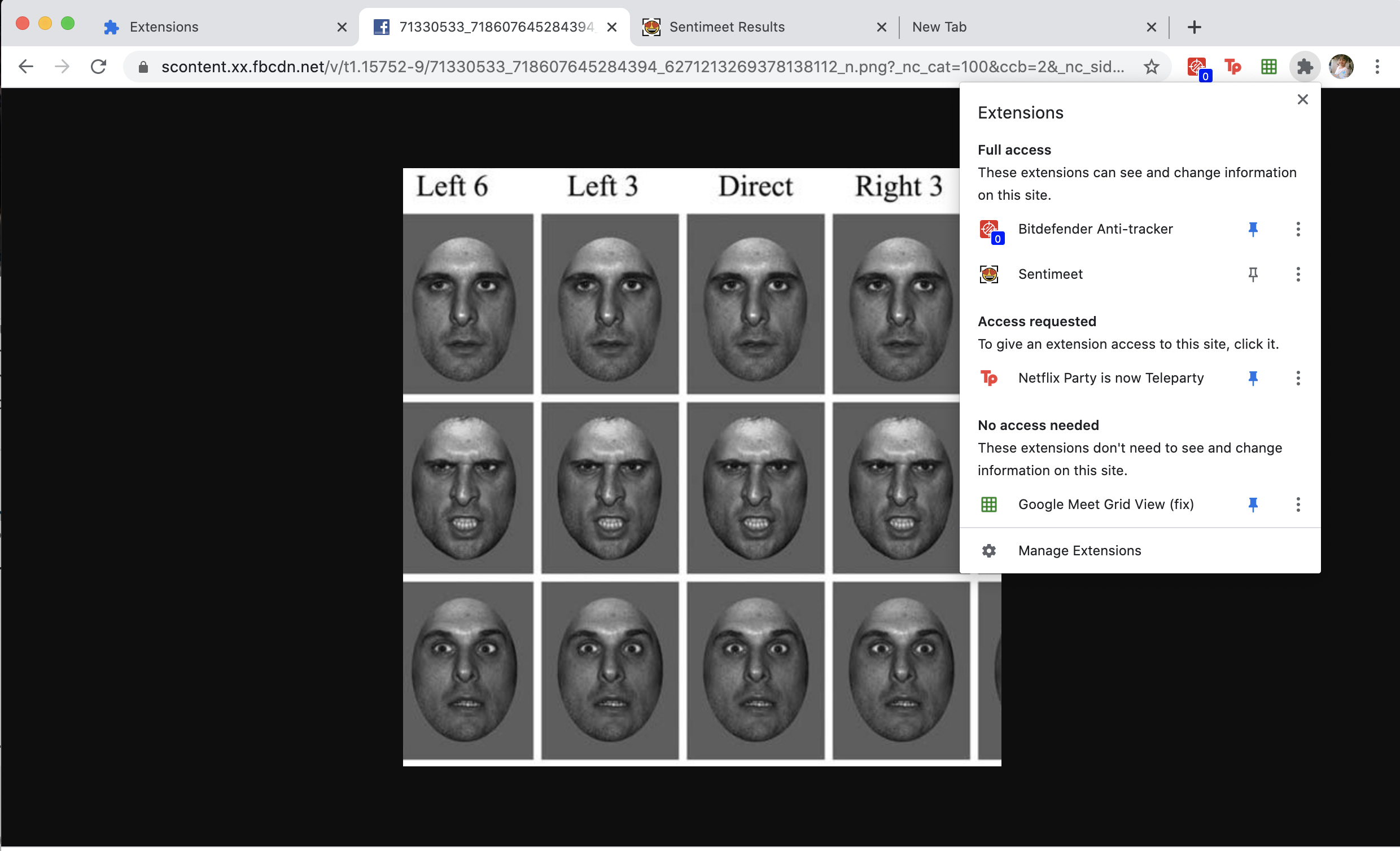
The extension is accessible, as shown in the top right corner. The picture has 1/3 calm, 1/3 fearful, and 1/3 angry faces.
-
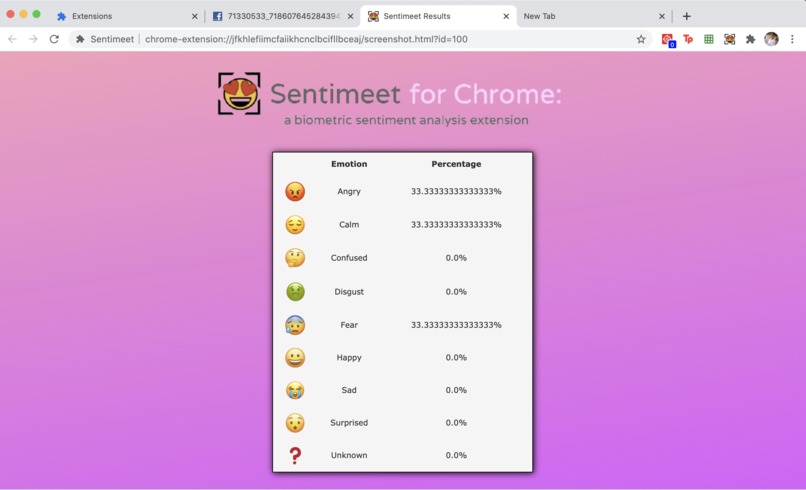
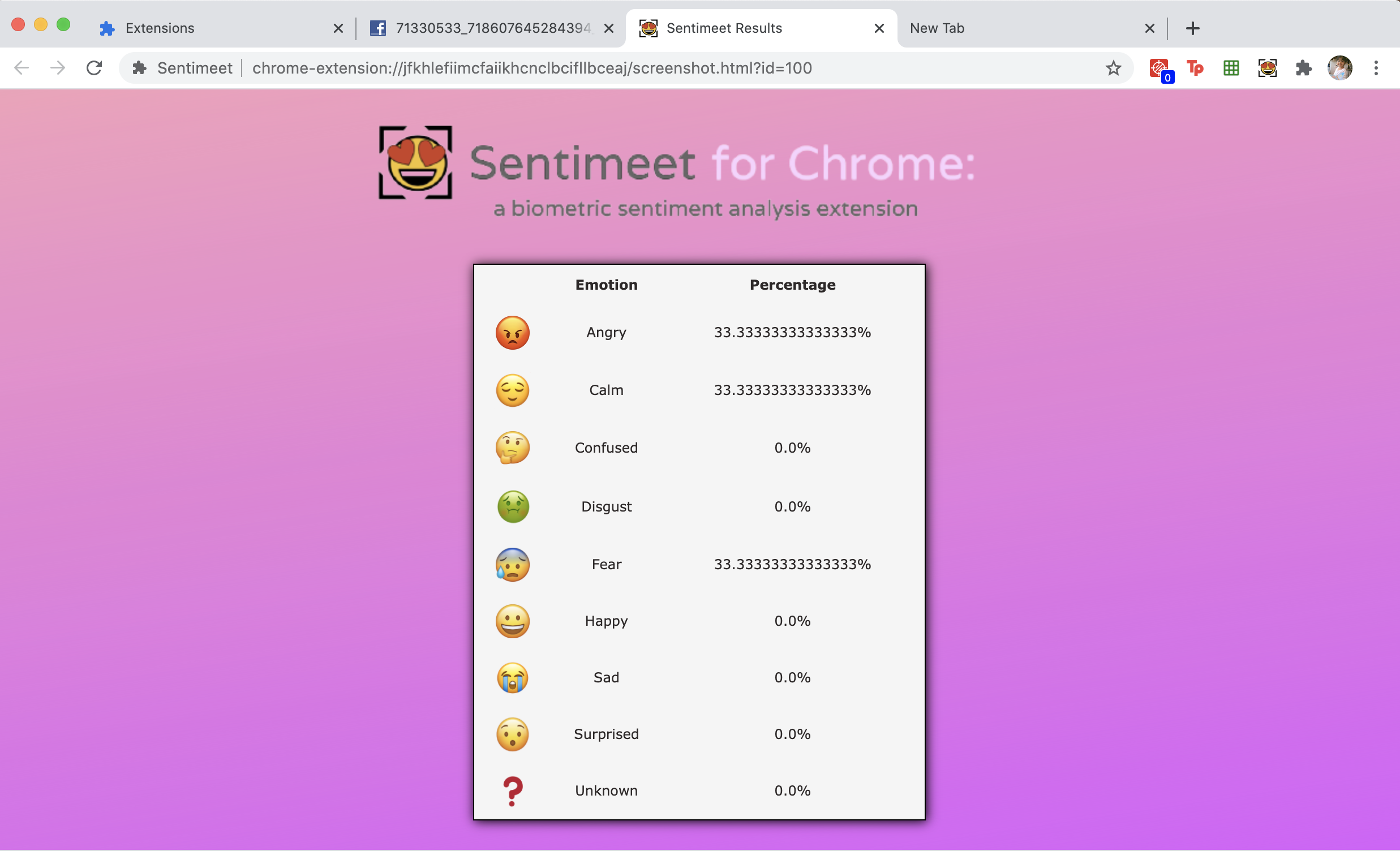
Results of clicking on the chrome extension on the previous slide. Note how the output matches the expressions of the input.
Inspiration
Making the transition from live instruction taking place at school to learning entirely from a screen has been challenging for students like ourselves. Although students and teachers may be able to see one another through a virtual call, it is much more difficult for teachers to "read the room" and gauge whether students are able to understand what is being taught. Because teachers are not able to tell if a class understands certain concepts, and students are too afraid to speak up, there has been a downward trend in class grades. According to data from Fairfax County Public Schools, there has been a 50% increase in the number of high school students that have overall Fs in 2 or more of their classes, between the last school year and the current one. If teachers were able to quickly scan student's faces within a video call and collectively classify the class' emotions, then they could better determine when students are confused, unhappy, and more, and modify their lesson to cater to student needs.
Additionally, people with autism have trouble recognizing different emotions, and this problem is exacerbated when most communication takes place online due to the pandemic, taking away other social cues and body cues.
The last use case would be for business pitches, where analyzing the emotions of multiple people after presenting a certain idea is very important to understand how successful a product will be/what the response will be after the product is deployed.
What it does
SentiMeet is a Google Chrome Extension that will screenshot its user's current Chrome page, and send that image to a newly created webpage. A backend python program utilizing AWS's botocore 'rekognition' analyzes the faces of the group and automatically generates a new webpage outputting the emotions of the group for up to 100 faces, formatted for readablility. For instance, given a screenshot of group of students, half of which are angry and half happy, the program will alert the user that the faces were 50% angry and 50% happy.
How we built it
First, we created a Google Chrome extension using the Google Chrome developer mode. Here, we screenshot the image using the Desktop Capture feature of Google Chrome. This generates a temporary link to the image. Then, our backend python program analyzes the image using AWS's botocore 'rekognition' algorithm and we create a dictionary linking each emotion to the percentage of faces in the original image that are displaying the image. Then we utilized flask to route it to the appropriate link and return a JSONified version of the dictionary.
Then, to connect the backend python to the frontend javascript, we generated an ngrok link serve as the server of the URL extensions generated by flask. The customized ngrok link allow us to have global access to that JSONified version of the dictionary instead of running the flask on localhost. Therefore, we treat the ngrok link as an API that we can parse through. Because the ngrok link is personalized, it protects the privacy of the information generated but it allows us to have access to the information in the frontend.
In the frontend, we access the temporary link to the screenshot image we generated earlier when the user initiated the screenshot. We then turn this into a Blob object and download the image onto the local system. This image is deleted right after processing to protect the privacy of the users. Then, we use the ngrok link to process the correct image, since the image file can now be found in the correct location. After processing, the result of the ngrok link, as mentioned above, is a JSON dictionary. We then use that JSON dictionary to output the appropriate percentage values for each emotion in the HTML file.
The output lists each emotion in alphabetical order (with a small emoticon to represent each one) and shows what percentage of each emotion was present in the original screenshot.
Challenges we ran into
The thing that took the longest (8+ hours) was figuring out how to connect the server-side python code to the javascript client-side code. We had to learn how to use flask and went through multiple iterations of solutions before we figured out how to use ngrok. Before deciding on ngrok/implementing it correctly, we tried using AJAX, just flask, and opening different ports between the client and server-side. All of these solutions did not work for our purposes and the majority of our efforts were put into solving this problem.
Accomplishments that we're proud of
We are proud of the fact that we were able to learn how to use Flask and ngrok for the first time and were able to efficiently connect the server and client side so that the extension functions completely no matter what computer is run on. We also connected them in a very efficient way so that our code is still understandable/readable. We are also proud of the look of the output we produced, especially because three of the four of us do not have prior web development experience.
What we learned
For almost all of the tools we utilized, it was our first time experimenting with them. We learned how to use AWS Rekognition, Flask, and ngrok, and were able to actually load the Google Chrome extension from our javascript files. We also learned how to effectively separate and organize our python, javascript, css, and HTML files.
What's next for SentiMeet?
Currently, after our javascript code receives data from the server, that data is outputted to a new webpage. In the future, we would like to output the summarized data within the Chrome extension, in the form of a popup. We would need to program an extension with more capabilities, to add on to its screenshotting function. Another possible method of expansion for our project could be through the addition of more emotions that could be recognized through our backend python program.
Built With
- amazon-web-services
- botocore
- css3
- flask
- html
- javascript
- json
- ngrok
- python





Log in or sign up for Devpost to join the conversation.