-
-
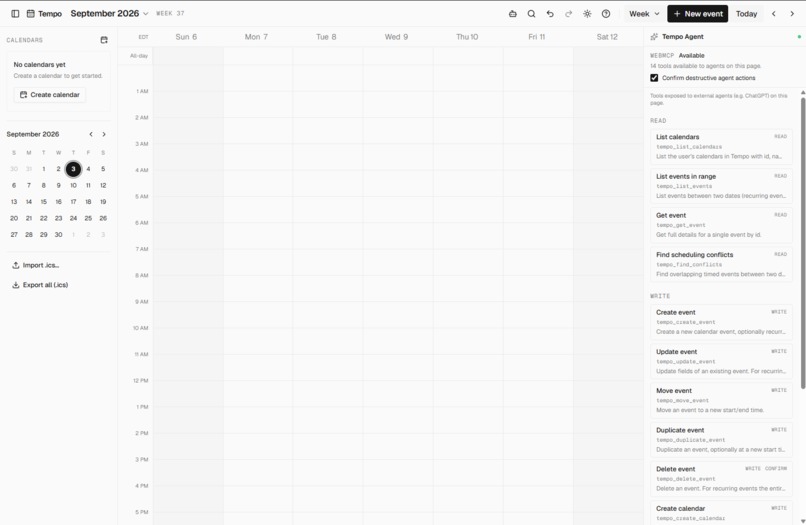
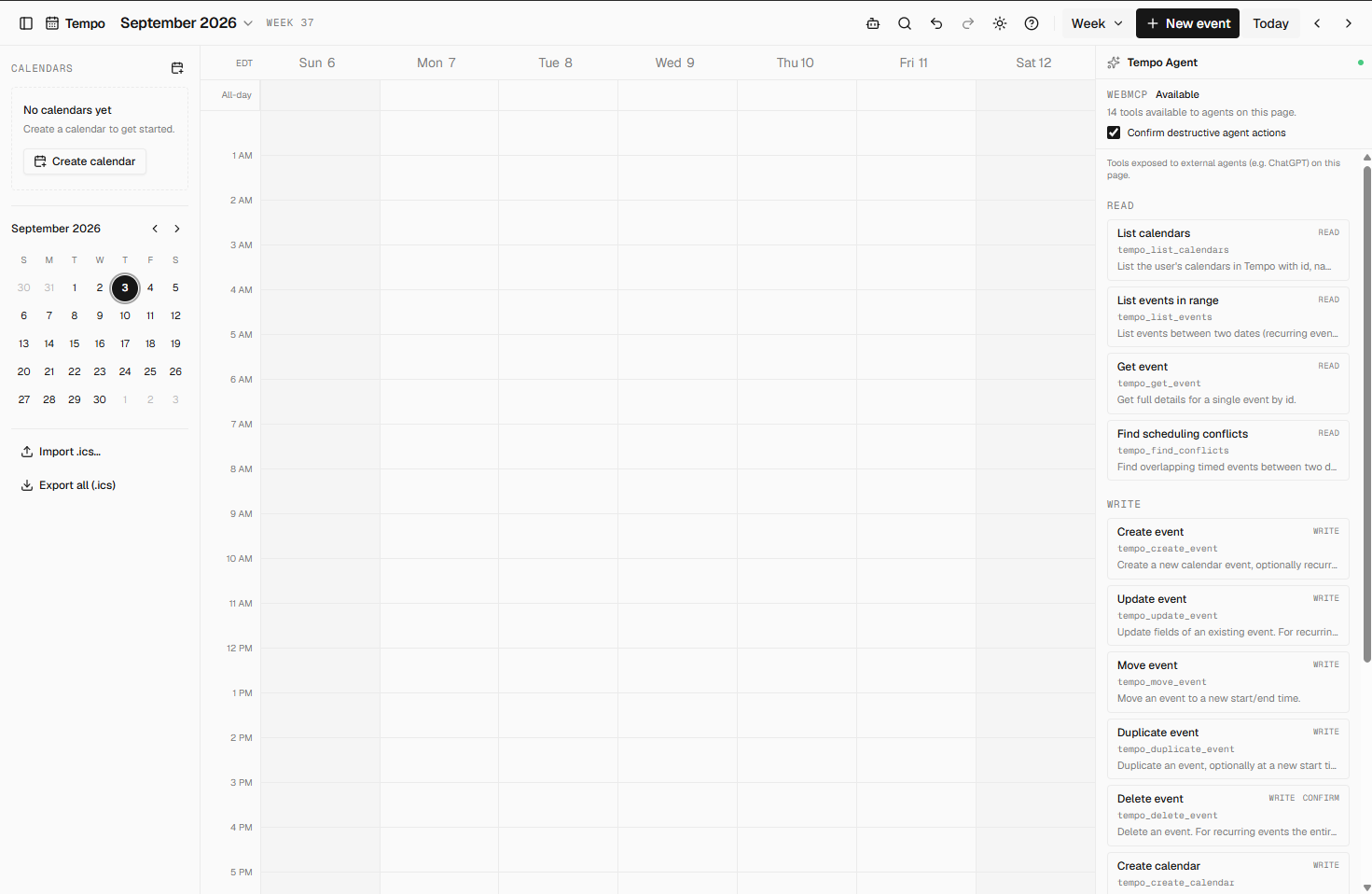
Dashboard
-
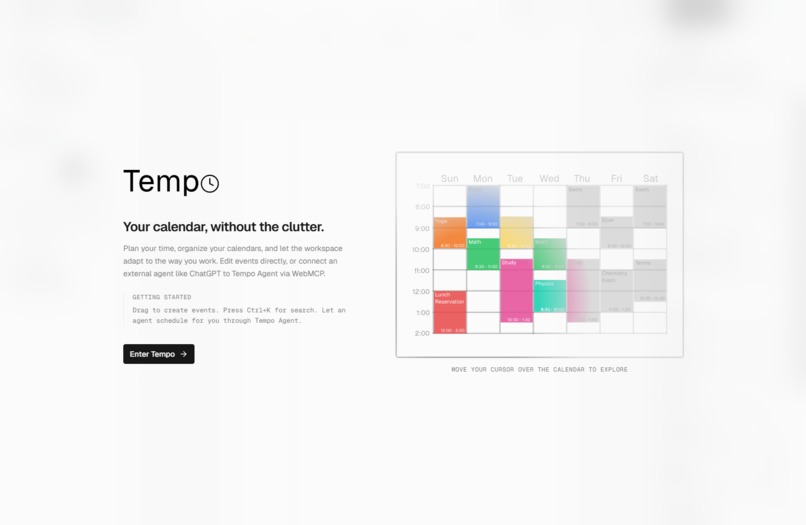
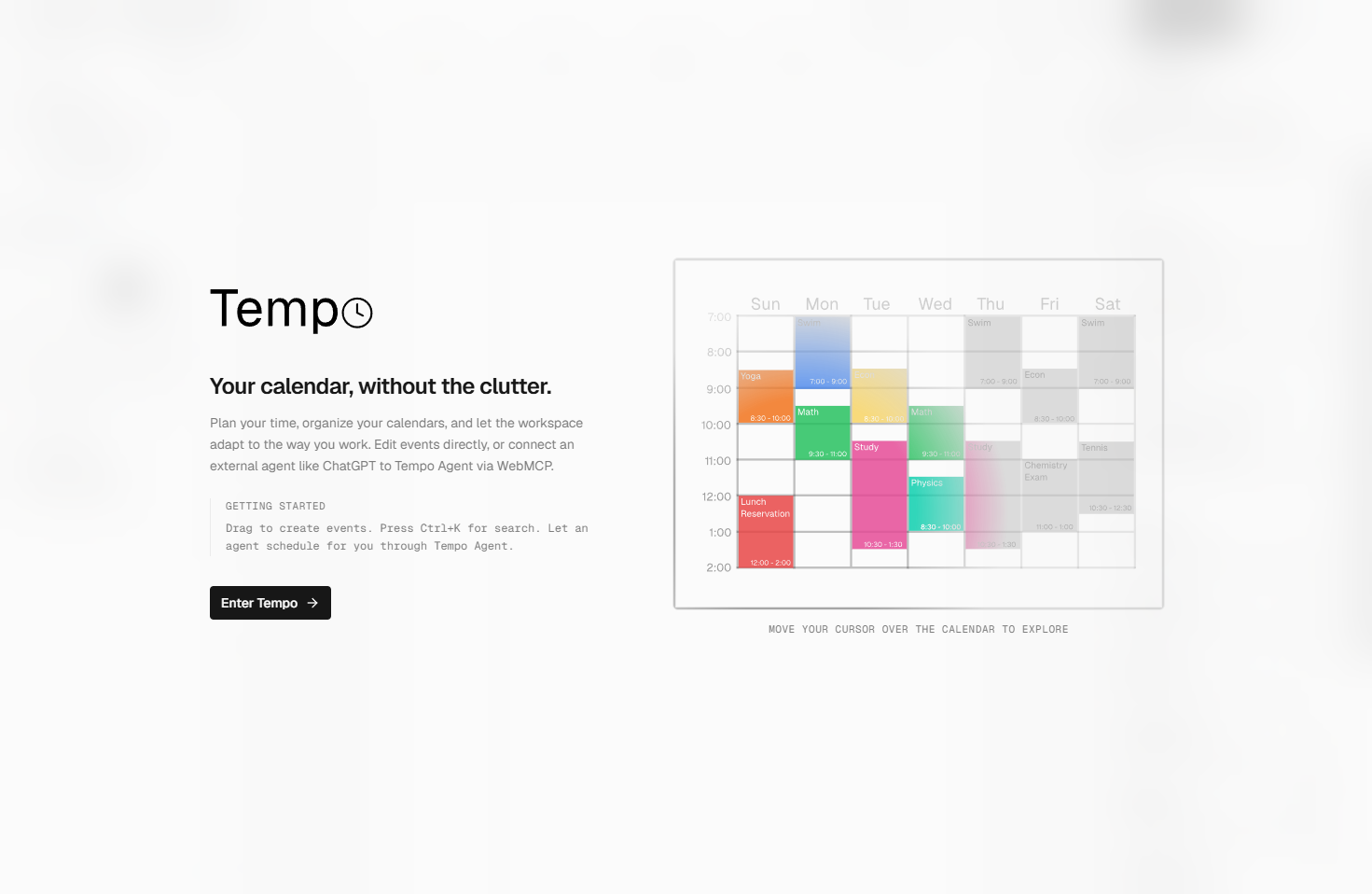
Title Page
Inspiration
As an incoming university student, I found my university's portal surprisingly inconvenient for organizing my class schedule and timetable. Getting that schedule into a calendar I could actually use meant manually organizing and reshuffling everything.
Outside of school, I also play sports, make music, and work part-time. Trying to fit studying, classes, work, practices, and everything else into the same week often meant constantly moving things around to find time for what I needed to do. As someone that believes that being organized is a key value to success, I needed to use my calendar more efficiently.
I wanted a calendar that could do more than just store events. I wanted to be able to tell it what I needed to accomplish and have it help organize my time for me.
That's why I built Tempo, a calendar designed to work with AI agents using WebMCP.
What it does
Tempo is a calendar designed to work with AI agents through WebMCP.
Instead of manually searching through your calendar and rearranging events, you can tell an agent what you want to accomplish. It can understand your existing schedule, find available time, and make changes directly to your calendar.
For example:
"Find me three one-hour study blocks around my classes this week and add them to my University calendar."
Tempo can also manage recurring events, multiple calendars, conflicts, and other everyday calendar tasks. The agent completes the slow task of manually typing events so you can stay organized for efficiently.
How I built it
Tempo was built with React, TypeScript, Vite, and Tailwind CSS. The calendar takes many pieces from calendarcn made by vmnog. GitHub. Title page and many other assets were made using Figma.
I first took pieces from calendarcn to built the calendar itself, including multiple calendar views, recurring events, event management, search, conflict detection, undo/redo, local persistence, and ICS import/export.
I then built a WebMCP layer on top of that foundation. Tempo has structured tools through document.modelContext. These tools allow an agent to read calendars and events, find conflicts, create and modify events, manage calendars, and safely perform destructive actions with confirmation.
Challenges I ran into
The biggest challenge was figuring out how an AI agent should safely interact with a calendar.
Calendar actions can have real consequences, especially when an agent is creating, moving, or deleting events. If Tempo made the process of creating or organizing a calendar longer, it would not be an useful tool. I wanted agents to have meaningful control without allowing actions to happen unpredictably or silently.
I also had to design the WebMCP tools around the existing calendar architecture so that agent actions use the same state, history, and conflict-handling systems as actions made through the UI.
Accomplishments that I'm proud of
I'm proud that Tempo is more than a calendar with an AI chatbot attached to it. I've personally used it to transfer my university course timetable to other calendars.
The agent can actually interact with the calendar through structured WebMCP tools, allowing it to read, reason about, and modify the user's schedule.
I'm also proud of how it all came together, from the visuals I spent hours in figma creating, to the calendar functionality itself. This allowed us to demonstrate WebMCP solving a real problem rather than building a purely technical proof of concept. Tempo also highlights how building is the best way to learn new things.
What I learned
I learned that making an application agent-ready requires more than adding an AI interface. The agent needs clear, well-defined tools that describe what it can actually do.
I also learned that AI is most useful when it removes friction from something people already do. Instead of creating another complicated scheduling interface, Tempo lets users describe what they need and gives an agent the tools to help make it happen. The simple but tedious task it streamlines is the key to its effectiveness.
One of the biggest unlocks for me was learning how to use Figma along this process. From personal experience at hackathons, sometimes well thought of ideas can loose to simple ones with polished execution. I'm sure Figma will be a tool I will use for many future projects.
What's next for Tempo
The next step is turning Tempo into a polished product and pushing the agent experience further.
I want to refine the visual design, improve the Agent Link experience, build more advanced scheduling workflows, and make voice interaction a core part of the experience. Creating a more effective mobile experience could also allow people to use Tempo on the go.
Ultimately, I want Tempo to make organizing your calendar feel less like a chore and more like having an assistant that can actually manage your time easily.
Built With
- css
- ics
- react
- shadcn
- typescript
- vite
- webmcp

Log in or sign up for Devpost to join the conversation.