Inspiration
Most planners are just lists. They show you everything you have to do and leave the hardest part to you: deciding what to do right now, when you have class at 4:45, practice at 7:45, and a test on Friday. Overdue tasks pile up, time estimates are wrong, and soon the list stops being something you trust.
I wanted a planner that makes that decision for you, shows its reasoning, and keeps you in charge. I also wanted it to be private and free to use, with no sign-ups for AI services and no one else reading your tasks.
What it does
Tempo AI turns a messy to-do list into a realistic plan for today.
- Plan my day scores every task by priority and deadline, then fits focus blocks and breaks into the free time around your classes, events and time blocks.
- Add from photo: take a picture of a handwritten or printed task list. Text is read on your own device, turned into draft tasks, and you review and edit every one before anything is saved.
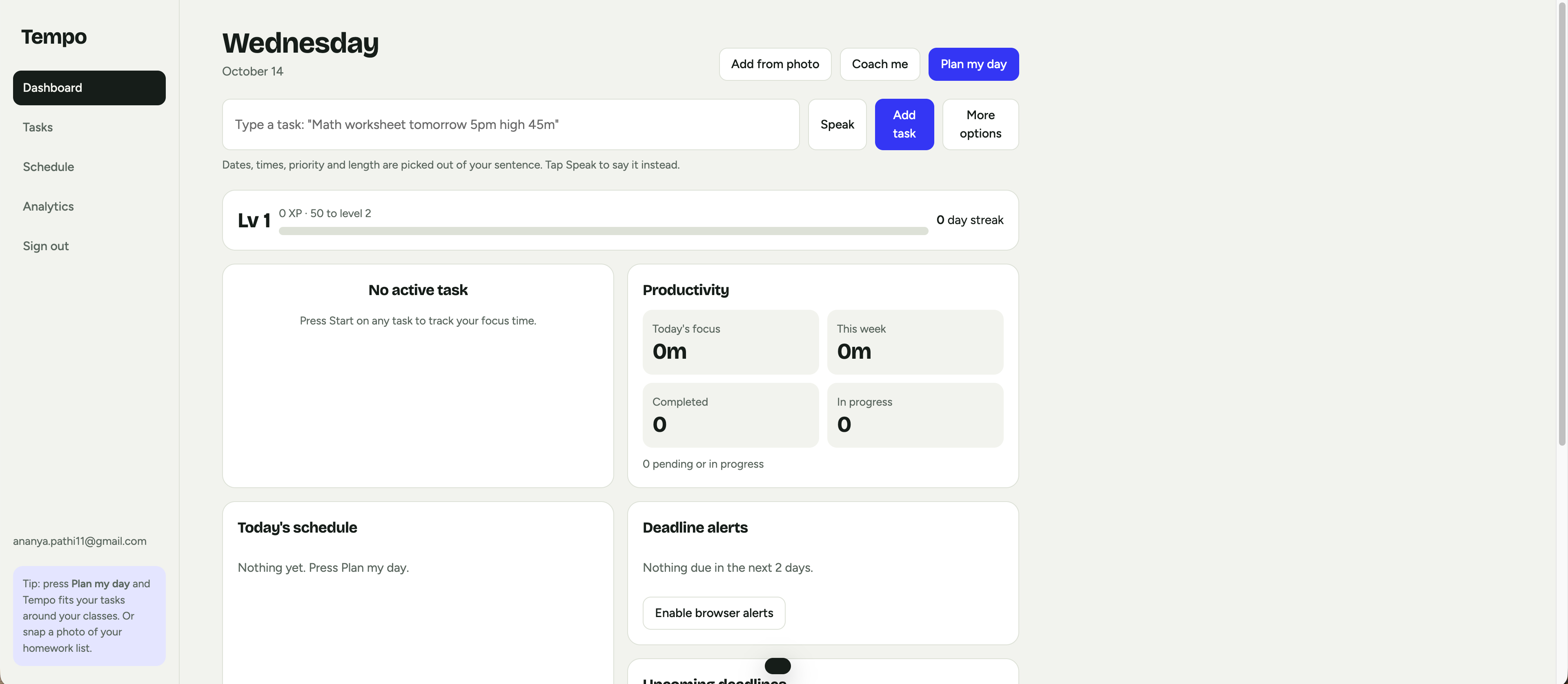
- Quick add in plain English: type "Math worksheet tomorrow 5pm high 45m" and the date, time, priority and length are filled in. You can also say it out loud.
- Break it down splits a big task (a test, an essay, a project) into small steps you approve.
- Coach me gives a short note on today's plan: what to start now, one risk, one tweak. It suggests and never commands.
- Workload forecast shows seven days of work versus free time and warns you about overloaded days before a crunch hits.
- Self-calibrating estimates: Tempo compares your guesses with the time you actually log, then plans with your real pace.
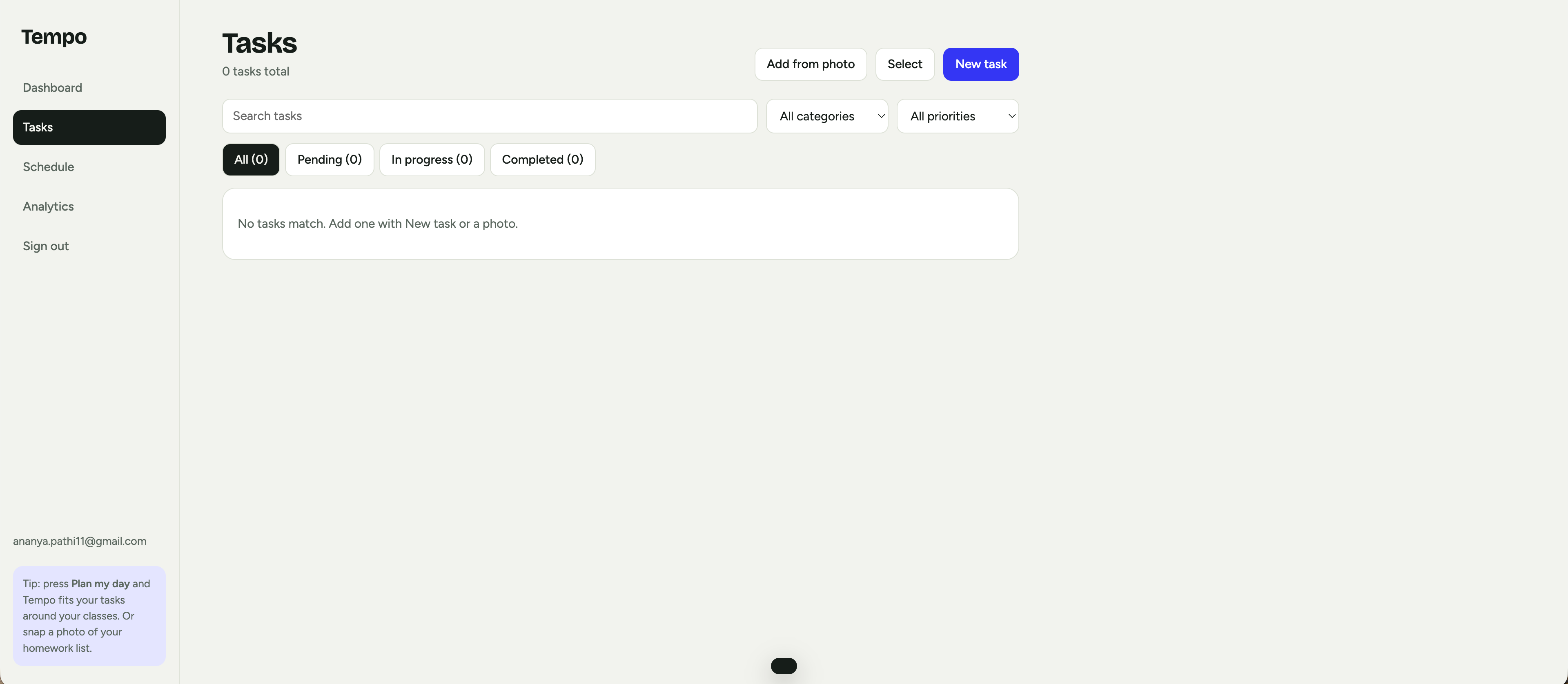
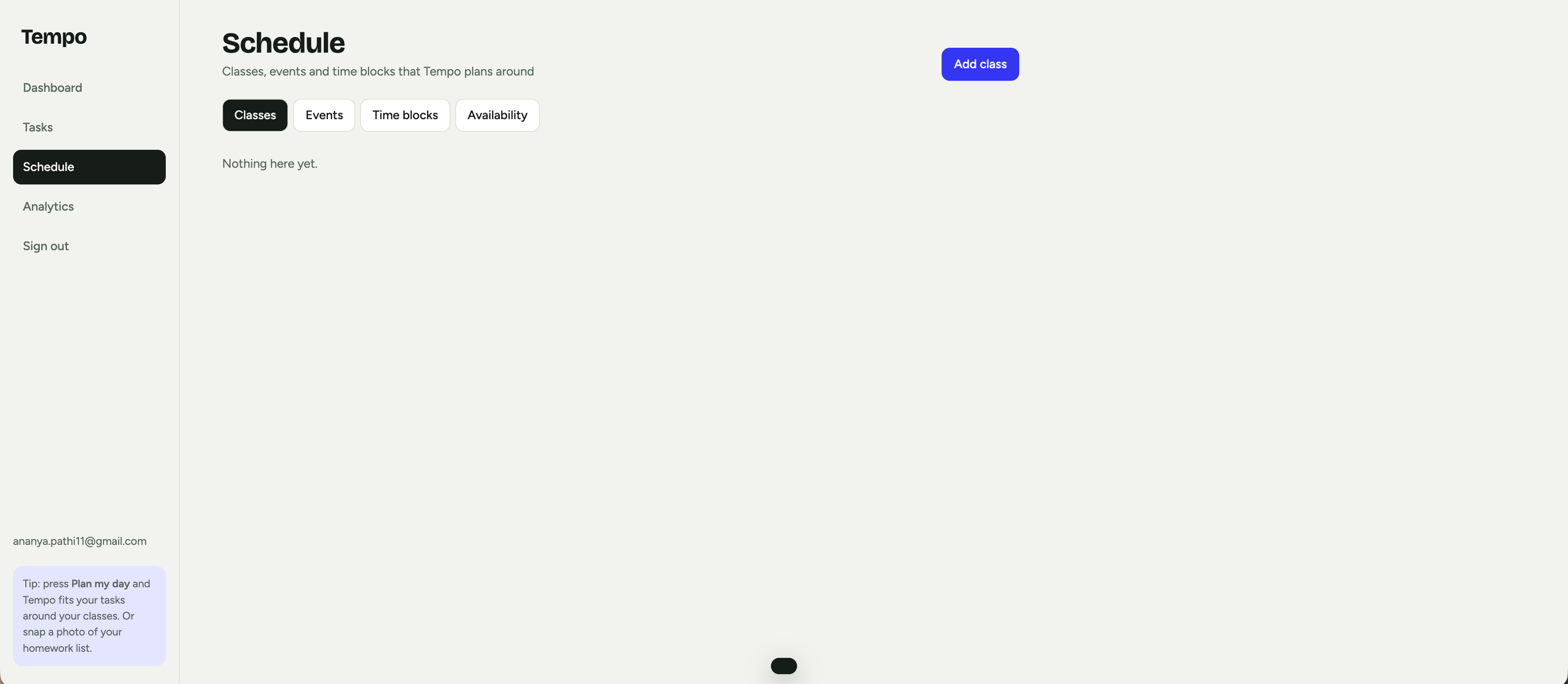
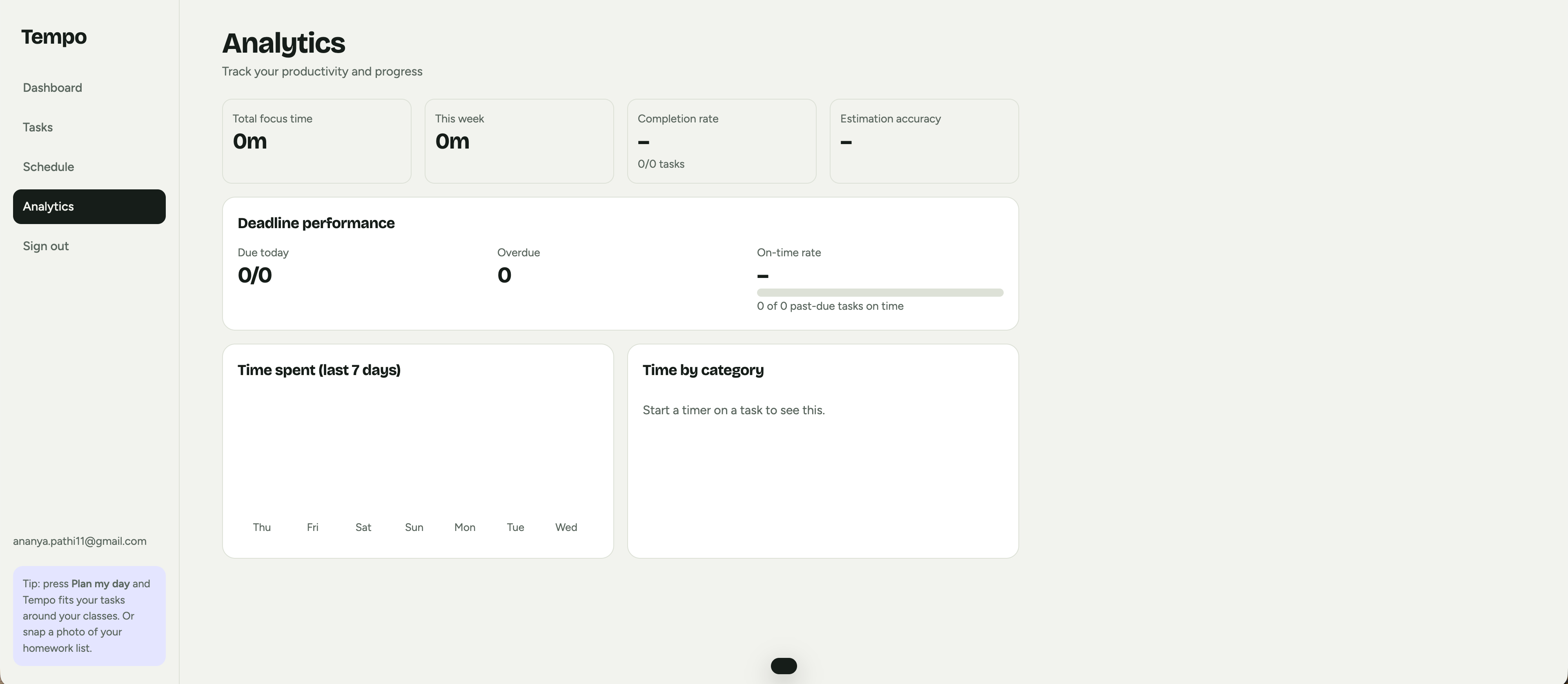
- A full task manager (search, filters, bulk select, timers, weekly repeats), a schedule with classes, events, time blocks and availability, analytics, XP and streaks, and calendar export (.ics).
How I built it
Tempo is a single-page web app in plain HTML, CSS and JavaScript with no build step and no backend. It uses Bricolage Grotesque and Figtree for its look and works in light and dark mode.
The scheduler is a transparent algorithm rather than a black box, so people can see why a task landed where it did. Each task gets a score from its priority weight $w_p$ and its urgency $u$:
$$\text{score} = 10\,w_p + u, \qquad u = \begin{cases} 40 & \text{if overdue} \ \max\left(0,\ 30 - \tfrac{h}{2}\right) & \text{otherwise} \end{cases}$$
where $h$ is the number of hours until the deadline. Tasks are placed from highest score down into the gaps between busy blocks, in chunks of up to 50 minutes with 10-minute breaks.
The AI runs on the user's device, with no API keys.
- Photos are read by Tesseract.js, an on-device text reader, so pictures of homework never leave the browser.
- The coach and the task breakdown use the browser's own built-in model when it has one (for example Chrome's Prompt API), and fall back to Tempo's own logic everywhere else. That logic ranks tasks, checks for overdue and overloaded days, and picks steps that fit the kind of task. Every feature works either way.
- Every AI suggestion goes through a human review step before it changes anything.
Privacy comes first. Each account is encrypted in the browser with the Web Crypto API (AES-GCM, with a key derived from the password using PBKDF2), so other people on the same computer cannot read it. A strict Content Security Policy limits what the page can load. There is also an optional cloud mode with Supabase accounts, email password reset and Row Level Security, so users can only ever read their own data.
Challenges I ran into
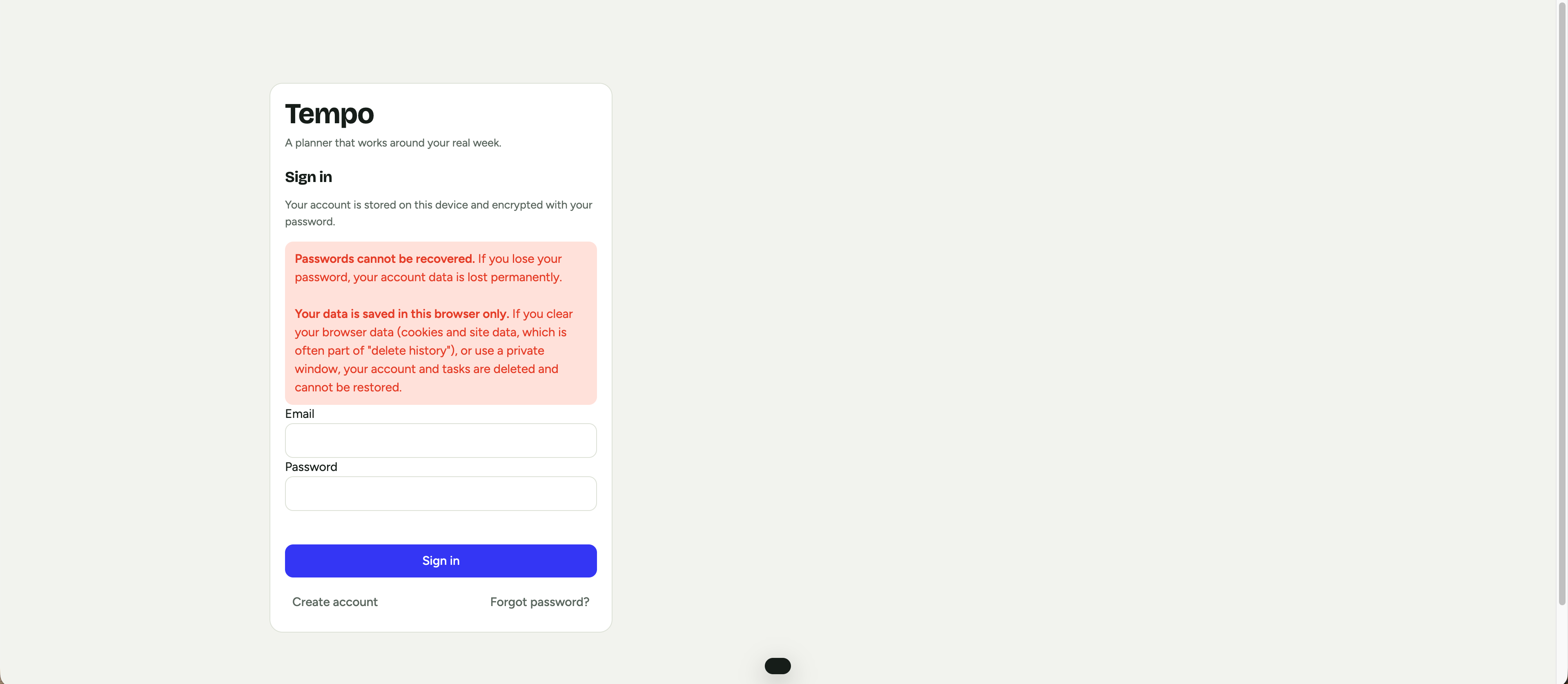
- Privacy versus recovery. Email password reset and encryption that only the user can unlock cannot both exist. For the no-setup version I chose privacy, so a lost password means lost data, and I say so clearly on the sign-in and sign-up screens. Cloud mode offers email reset instead.
- Browser-only storage. Clearing a browser's site data deletes a local account, so I warn users about that in the app too.
- AI without keys or servers. I first built the AI features on a hosted model, then rebuilt them to run on the device so nobody needs a key or an account. That cost some flexibility, because messy handwriting needs fixing in the review step and the built-in coach follows fixed rules.
- Making imported text safe to trust. Photos can contain anything, so I escape all text, validate the structure of what I parse, and make the user confirm tasks before they are added.
- Keeping it easy to use. Our first version had too many controls. I rebuilt it around one quick-add bar and one big Plan my day button.
Accomplishments that I'm proud of
- A planner that makes decisions instead of just storing tasks, and explains them.
- Photo to tasks without sending the picture anywhere, with the person always having the final say.
- A forecast that warns about overload days ahead of time.
- Private by default: no tracking, no analytics, no API keys, and data that other people on the same computer cannot read.
- Honest warnings about what the privacy choices cost.
What I learned
- The best human and AI split is for the AI to propose and the person to approve.
- A simple, explainable algorithm can beat a mysterious one for building trust.
- On-device AI is good enough to be useful, and it makes the privacy story much simpler.
- Privacy choices come with real trade-offs, and users should be told about them plainly.
- Sensible defaults, plain wording and a single obvious button matter more than adding features.
What's next for Tempo AI
- Plan several days ahead toward big deadlines, not just today.
- A smarter on-device model for reading messy handwriting and for coaching.
- Backup and restore for local accounts, and sync across devices.
- Calendar import so classes and events load automatically.
- Let the coach propose a reordered plan that can be accepted in one click.
Built With
- anthropic-api
- claude
- claude-vision
- content-security-policy
- css3
- github
- google-fonts
- html5
- javascript
- localstorage
- notifications-api
- postgresql
- row-level-security
- supabase
- svg
- web-crypto-api
- web-speech-api


Log in or sign up for Devpost to join the conversation.