-
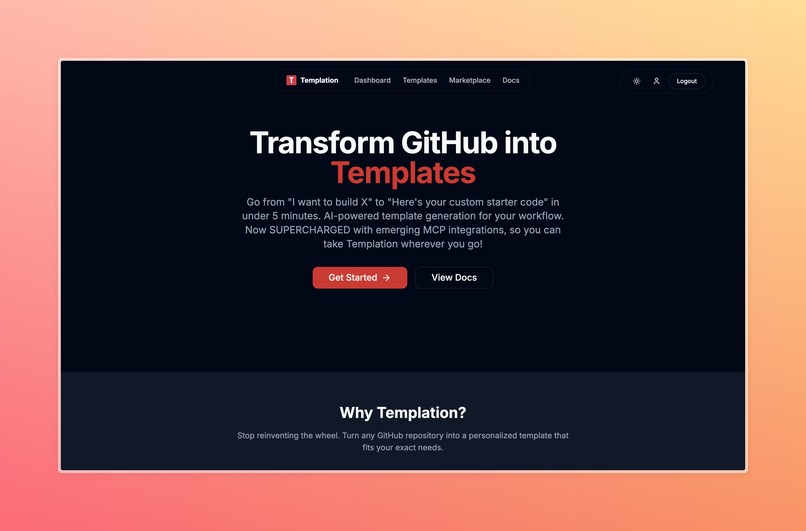
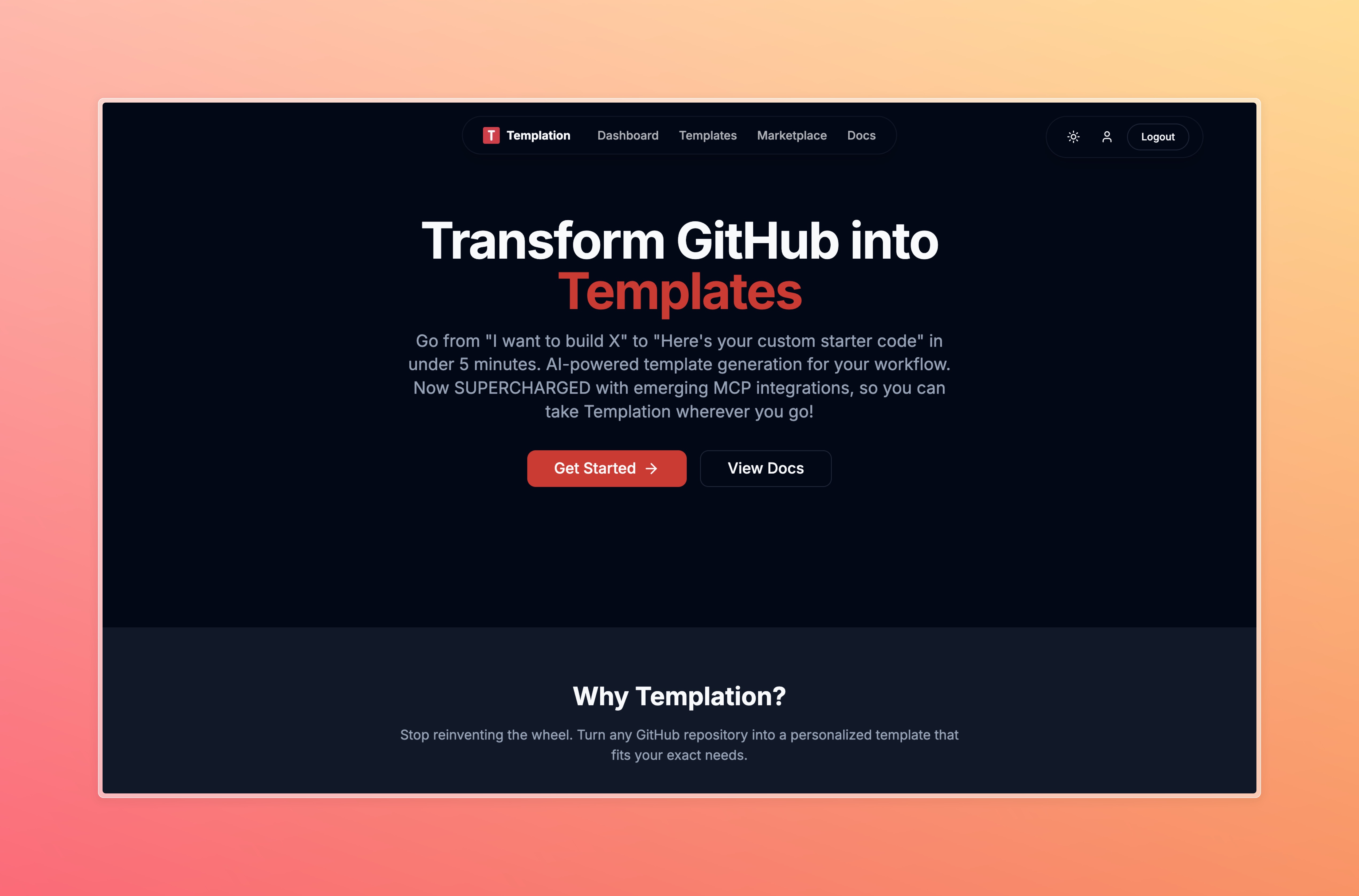
Landing Page
-
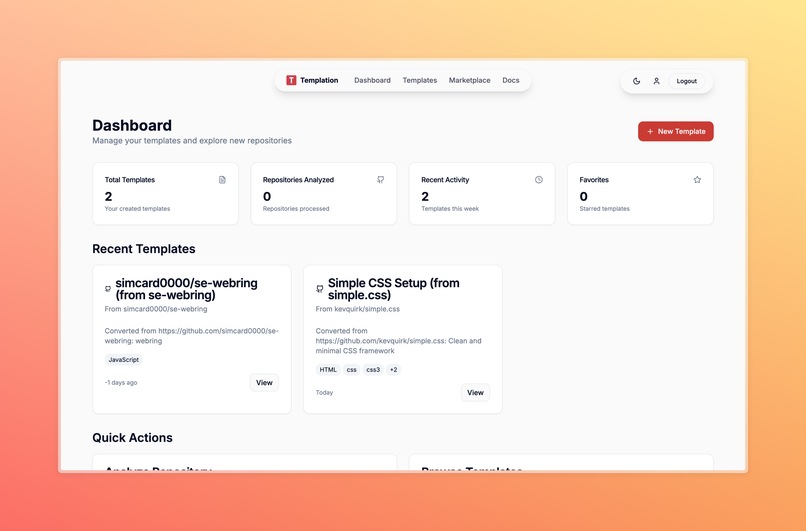
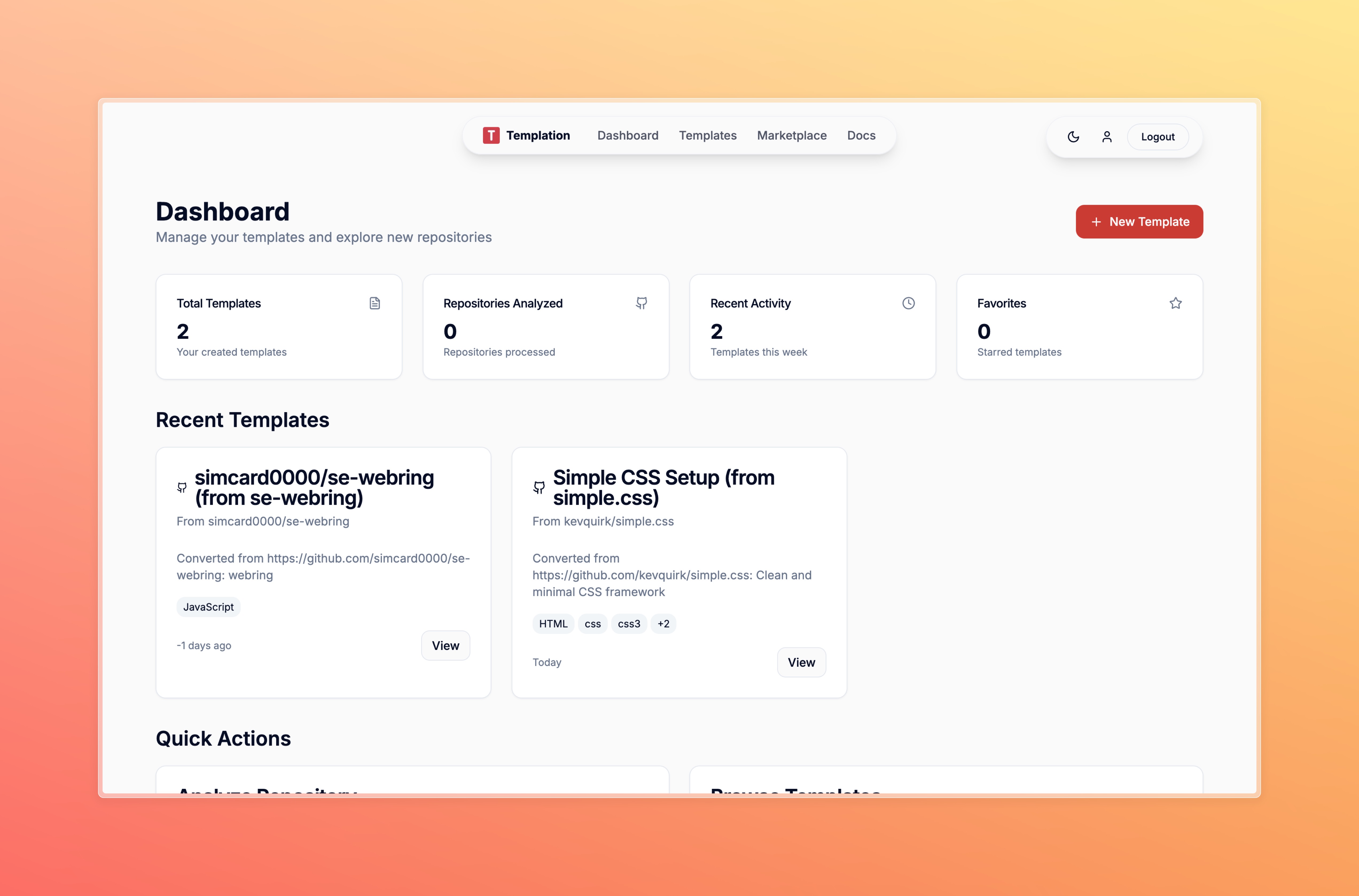
Dashboard
-
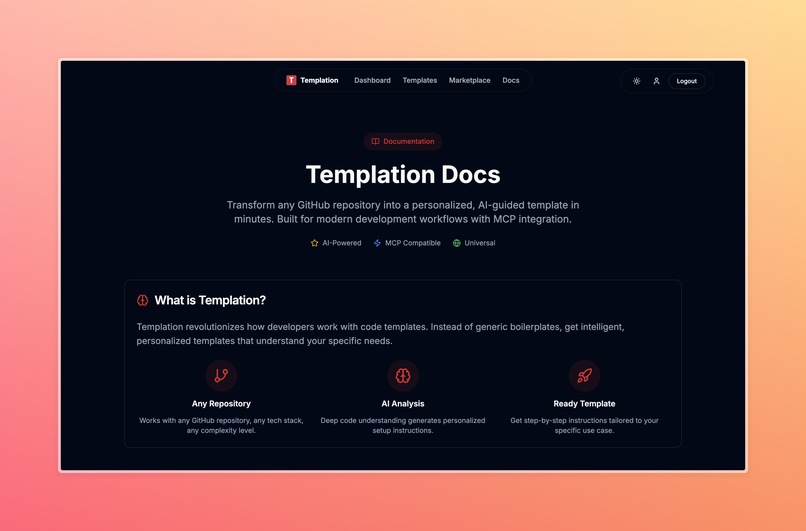
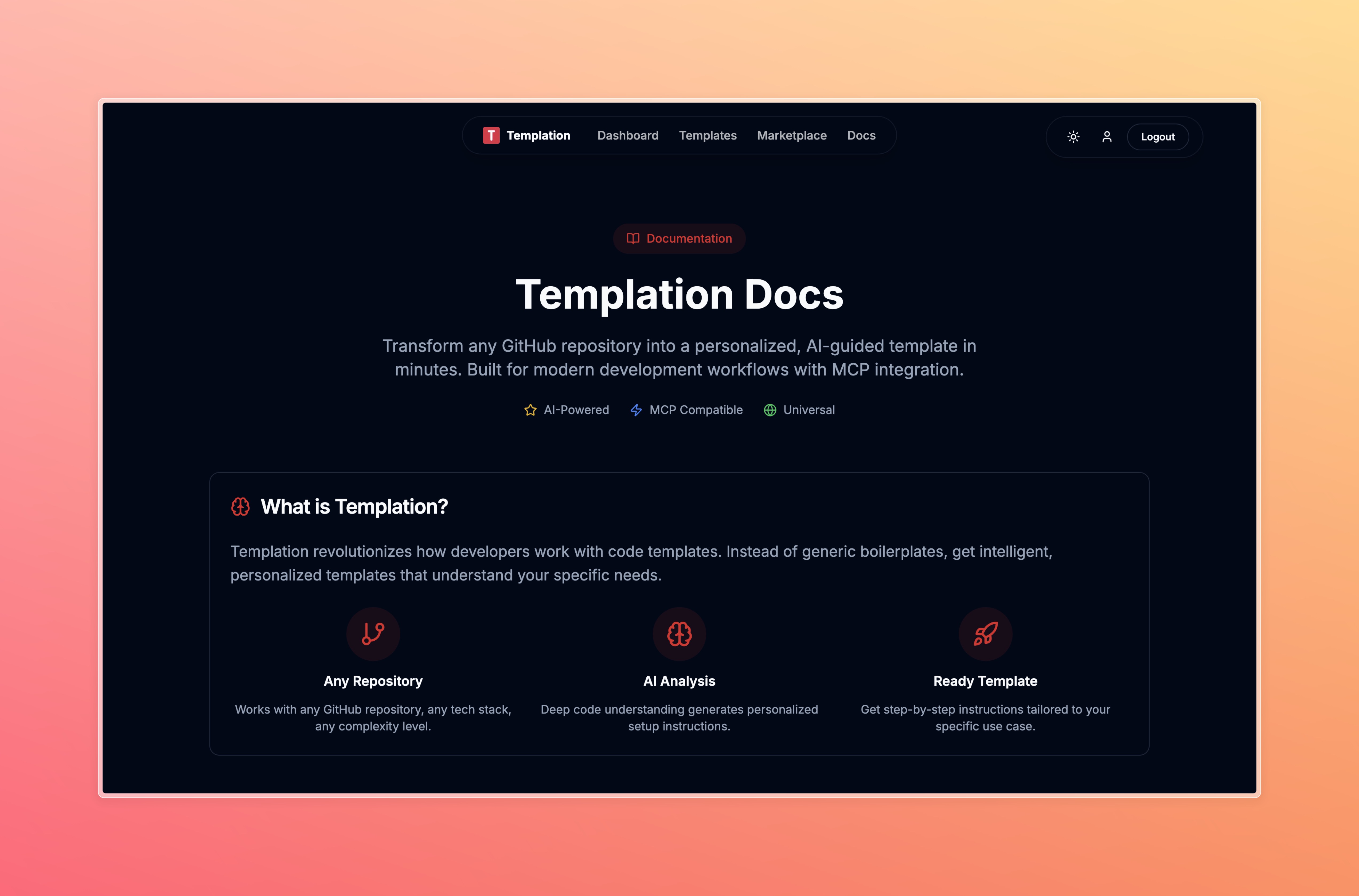
Setup Documentation
-
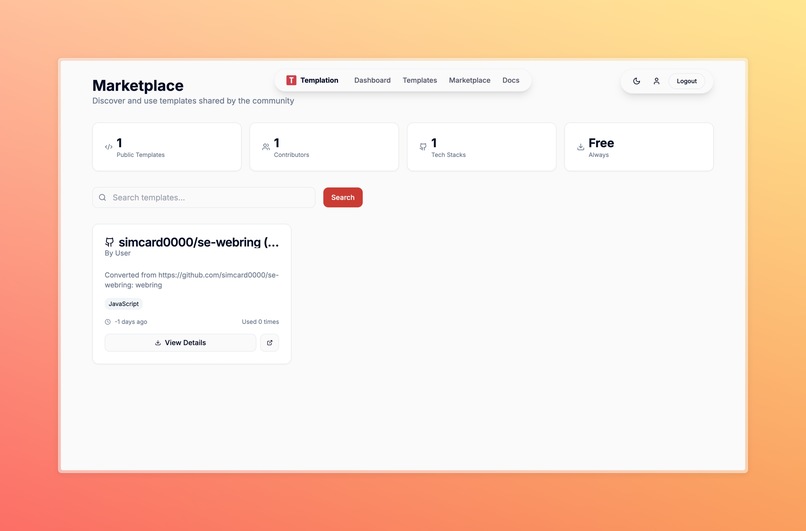
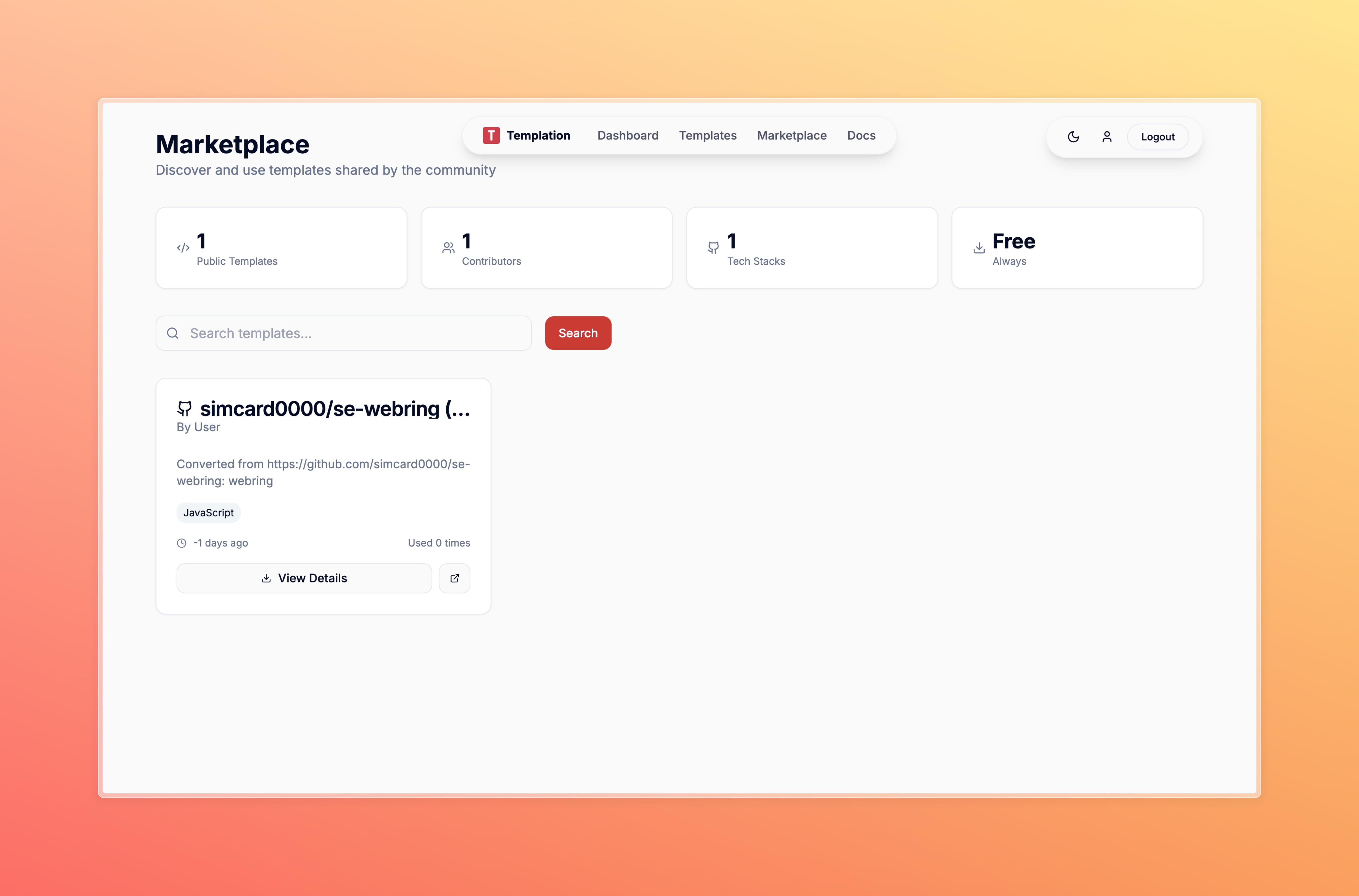
Template Marketplace
🚀 Templation - Turn GitHub into Your Personal Template Factory
AI-powered MCP server that converts any GitHub repo into a personalized template in seconds
💡 Inspiration
Tired of staring at blank Cursor windows? GitHub has millions of amazing projects, but finding the right starter template and adapting it to your needs takes hours.
I realized every developer faces this: either start from scratch (slow) or use generic templates (doesn't fit). What if AI could instantly find the perfect repo and convert it into YOUR personalized starter?
That's Templation - turning GitHub's entire ecosystem into your intelligent template library.
🎯 What it does
Templation is an MCP server that transforms any GitHub repository into a custom template through Cursor/Claude Desktop.
- Smart Discovery: AI-powered GitHub search with visual previews and quality scoring
- Instant Conversion: "Convert this portfolio repo for an AI engineer" → complete personalized template
- One-Click Setup: Works directly in Cursor - no context switching or manual file creation
- Template Library: Web dashboard to save, manage, and reuse your successful templates
- Personal Learning: Analyzes your GitHub to understand your coding style and suggest relevant patterns
Example: "I want a SaaS dashboard" → finds 5 quality repos with demos → you pick one → AI generates step-by-step conversion → Cursor creates your personalized project in 3 minutes.
🛠️ How I built it
Architecture: Monorepo with MCP server (Node.js) + FastAPI backend + React frontend
- MCP Server: Published to npm as
@templation/mcp-server, integrates with Cursor via JSON-RPC - Backend: Python FastAPI with OpenAI GPT-4 for template conversion intelligence
- Frontend: React + Auth0 for template management and GitHub OAuth integration
- Database: Redis for fast caching, Railway for deployment
- APIs: GitHub for repo discovery, Screenshot.rocks for visual previews
Flow: Cursor → MCP Server → FastAPI → AI analysis → Personalized instructions → Working template
🚧 Challenges I ran into
- MCP Protocol Learning Curve: First time building for Model Context Protocol - debugging stdio communication and JSON-RPC was tricky
- GitHub Rate Limits: Had to build intelligent caching and quality filtering to maximize API efficiency
- AI Consistency: Crafting prompts that reliably generate working template conversion instructions across different repo types
- Cross-Language Sync: Keeping TypeScript MCP server and Python backend APIs perfectly aligned
🏆 Accomplishments that we're proud of
- First MCP Template Tool: Pioneered using MCP for repository discovery and conversion - completely new use case
- Sub-3s Performance: From search to working template in under 3 seconds
- Production Quality: Professional npm package, polished UI, robust error handling
- Real Developer Value: Reduces project setup from hours to minutes with higher quality results
- AI-Powered Intelligence: Successfully trained AI to understand repository patterns and generate reliable conversion instructions
📚 What I learned
- MCP is Powerful: Model Context Protocol opens incredible possibilities for AI-developer collaboration
- AI + Structure = Magic: Combining AI creativity with deterministic workflows creates reliable automation
- Developer Tools Need Zero Friction: Every extra step kills adoption - seamless integration is everything
- Visual Previews Matter: Screenshots dramatically improve template selection accuracy
- Monorepo for Speed: Single repo enabled rapid iteration across multiple languages and components
🚀 What's next for Templation
- Multi-Language Support: Expand beyond JavaScript to Python, Go, Rust templates
- Template Marketplace: Community-driven template sharing and monetization
- VS Code Integration: Bring Templation to more editors beyond Cursor
- Enterprise Features: Team workspaces, private template libraries, compliance scanning
- Predictive Intelligence: AI that suggests templates before you even ask
Vision: Make Templation the standard way developers start new projects - intelligent, instant, and personalized.


Log in or sign up for Devpost to join the conversation.