-
-
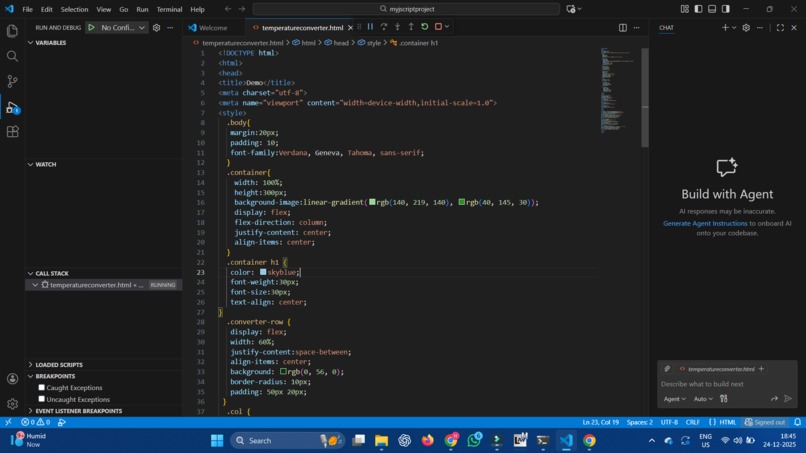
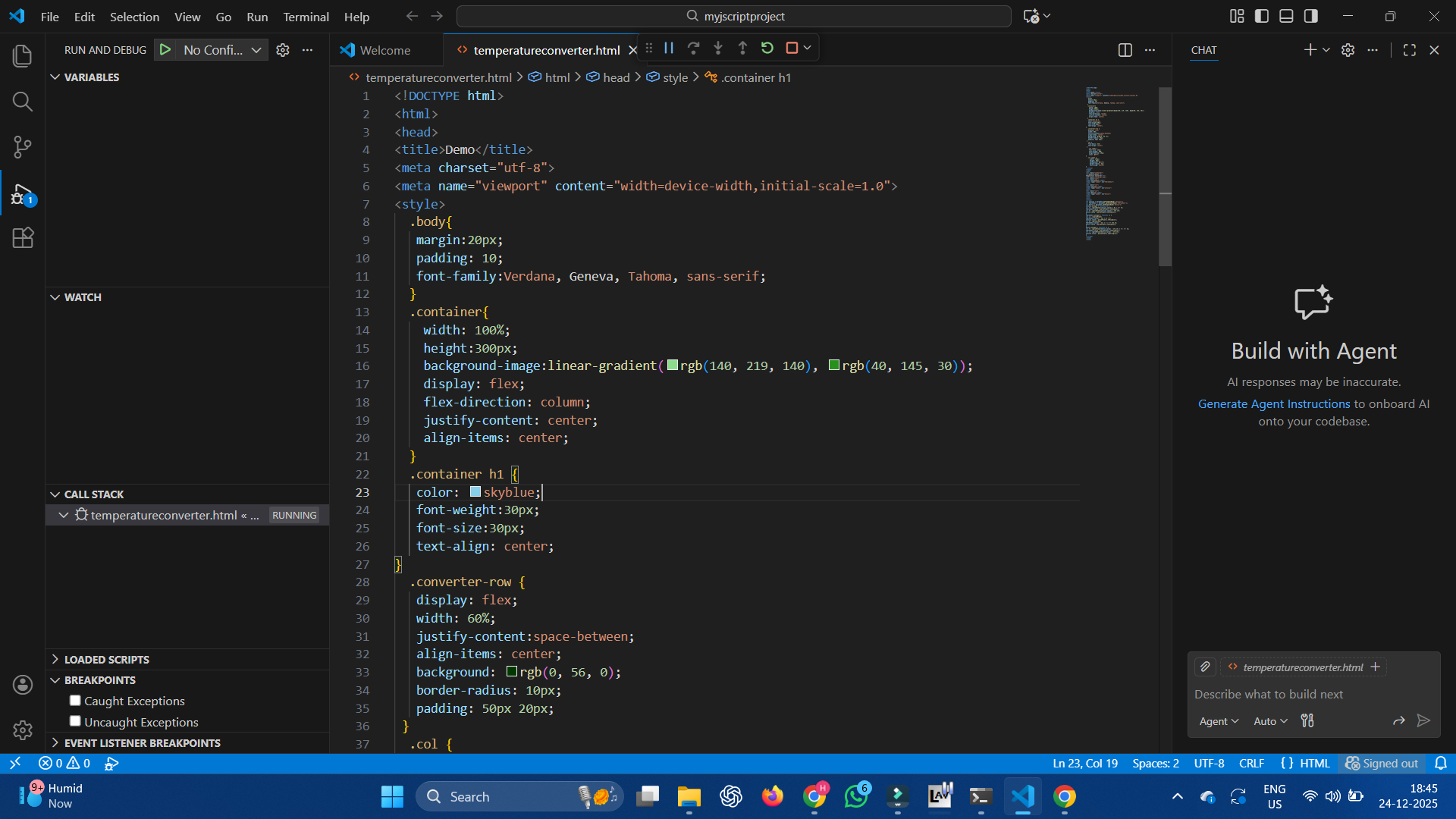
code of temperature-converter
-
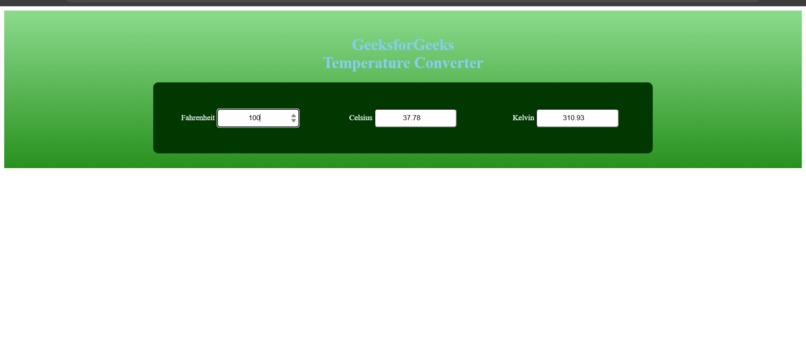
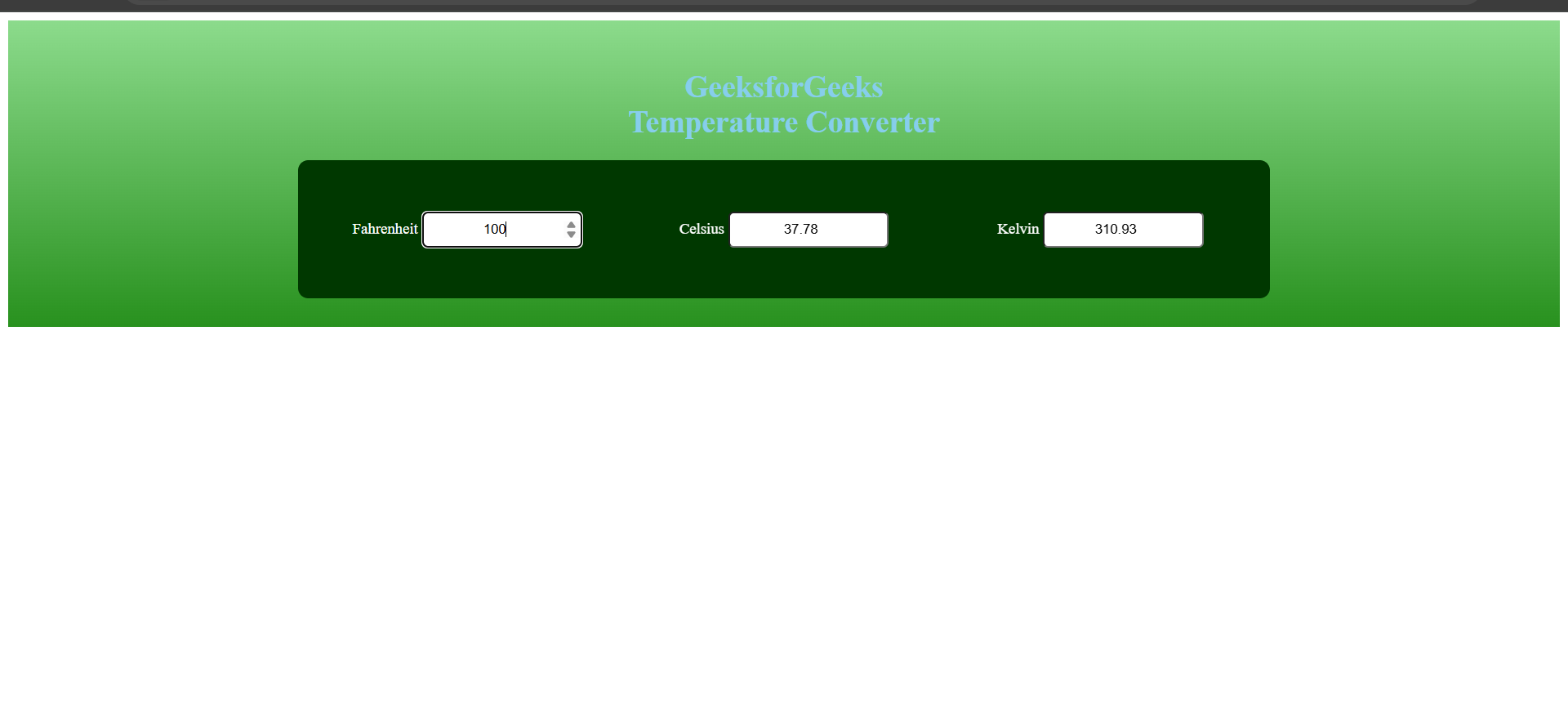
output of temperature converter
Inspiration
The idea for the Temperature Converter came from a simple but common problem students and beginners face while learning science and programming—converting temperature values between Celsius, Fahrenheit, and Kelvin quickly and accurately. Instead of manually applying formulas every time, I wanted to build a small, easy-to-use application that performs these conversions instantly. This project helped me combine basic mathematics with programming logic in a practical way.
What it does
The Temperature Converter allows users to:
- Enter a temperature value
- Select the input unit (Celsius, Fahrenheit, or Kelvin)
- Convert it into the other temperature units instantly
The application validates input and displays accurate results in a clean and simple interface, making it beginner-friendly.
How we built it
I built this project using:
- Frontend: HTML and CSS for structure and styling
- Logic: JavaScript (or Angular/TypeScript – adjust if needed) for handling calculations and user interactions ##Steps followed:
- Created an input field for temperature values
- Added dropdown/select options for temperature units
- Implemented conversion formulas using conditional logic
- Displayed the converted results dynamically
- Tested the application with different values to ensure accuracy ##Temperature Conversion Logic ->Celsius to Fahrenheit: (C × 9/5) + 32 ->Fahrenheit to Celsius: (F − 32) × 5/9 ->Celsius to Kelvin: C + 273.15 ->Kelvin to Celsius: K − 273.15 These formulas are handled programmatically to avoid manual errors. ## Challenges we ran into
- Handling invalid or empty inputs without breaking the application
- Ensuring correct conversion logic between all units
- Making the UI simple yet clear for users I solved these challenges by adding input validation, testing edge cases, and organizing the code clearly. ## Accomplishments that we're proud of
- Successfully built a fully functional Temperature Converter that accurately converts between Celsius, Fahrenheit, and Kelvin
- Implemented correct mathematical formulas and verified results with multiple test cases
- Created a clean and simple user interface that is easy for beginners to understand and use
- Handled user input validation to prevent errors from invalid or empty values
- Completed the project within the hackathon time frame
- Gained confidence in applying programming concepts to solve real-world problems ## What we learned Through this project, I learned:
- How to apply real-world formulas in code
- Writing clean conditional logic
- Improving user experience with instant feedback
- Debugging and testing small applications This project strengthened my fundamentals and gave me confidence to build larger applications. ## What's next for Temperature Converter
- Add support for additional temperature scales like Rankine
- Improve the user interface with better styling and smooth animations
- Make the application fully mobile-responsive for all screen sizes
- Add real-time conversion as the user types
- Deploy the project online so anyone can use it easily
- Enhance validation and error messages for better user experience
Built With
- css
- html
- javascript
- visual-studio
- webbrowser

Log in or sign up for Devpost to join the conversation.