-
-
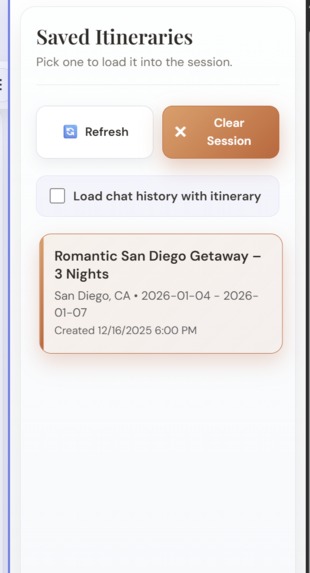
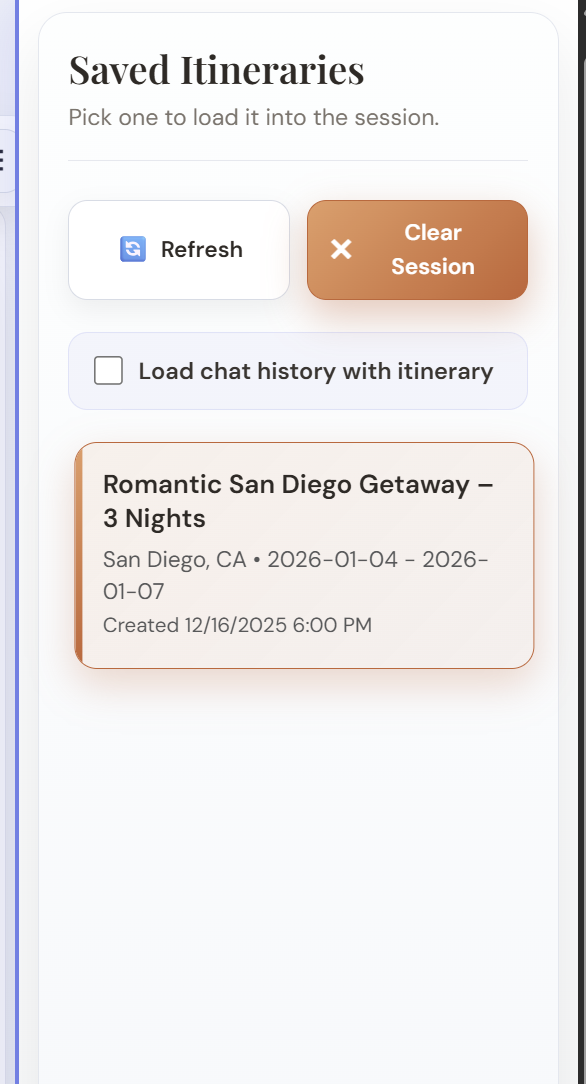
Pick up where you left off!
-
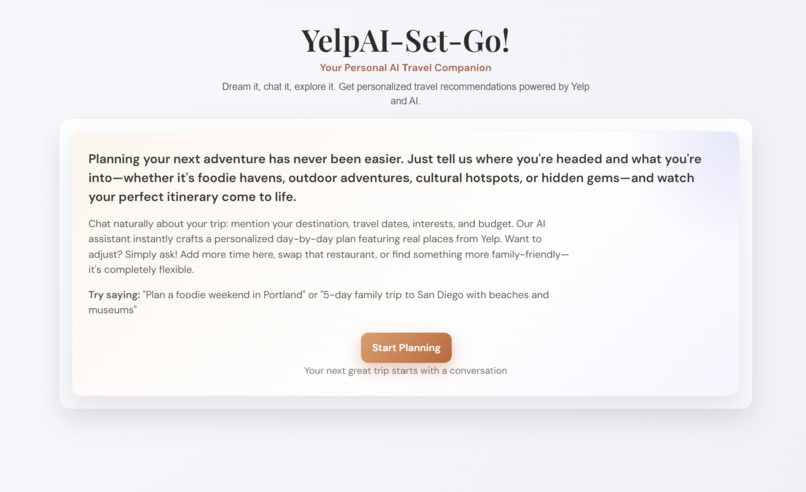
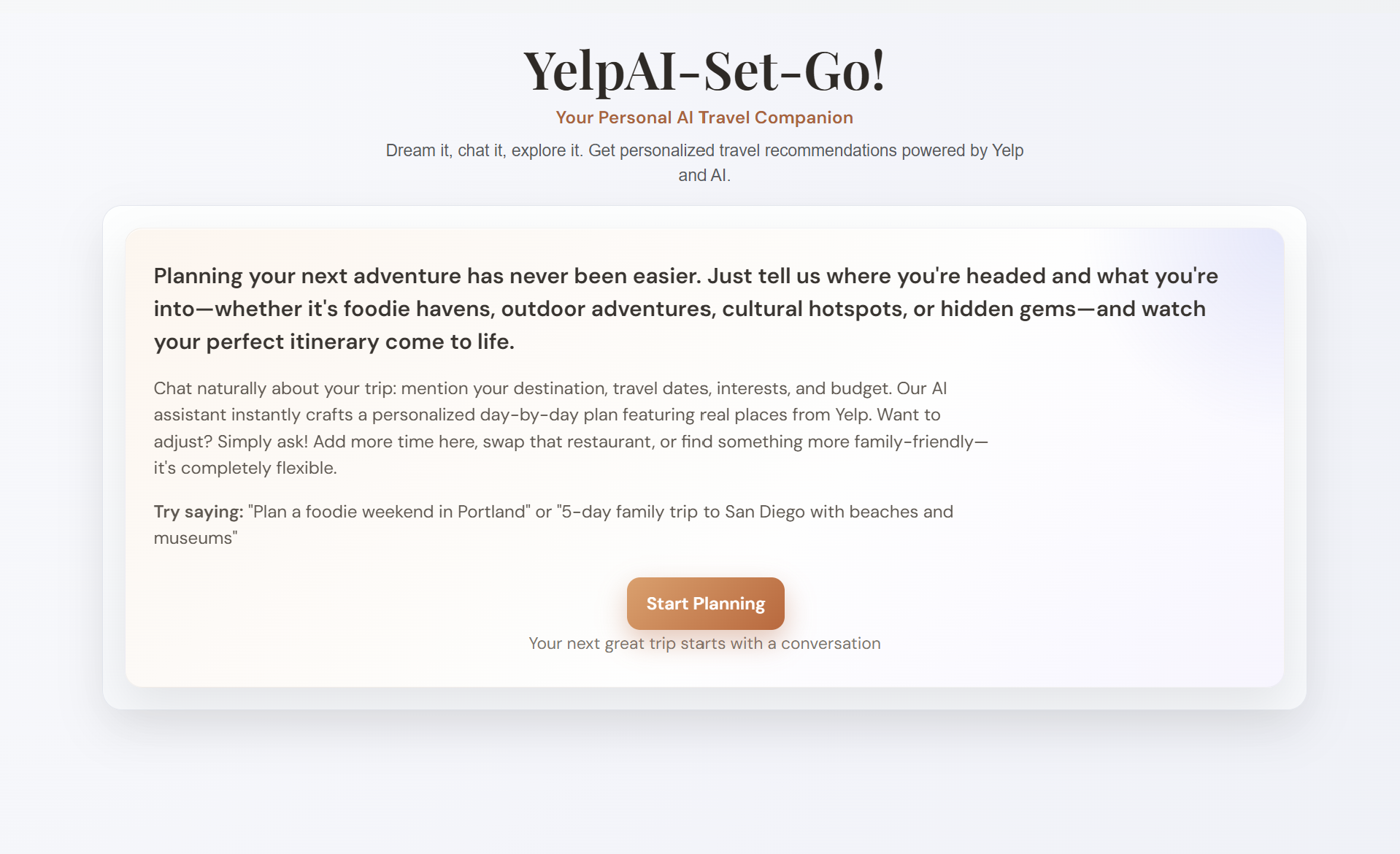
Welcome!
-
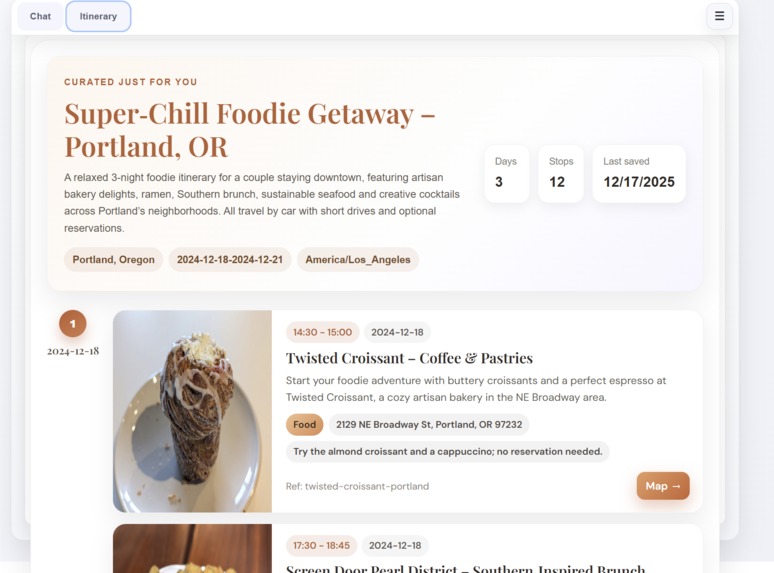
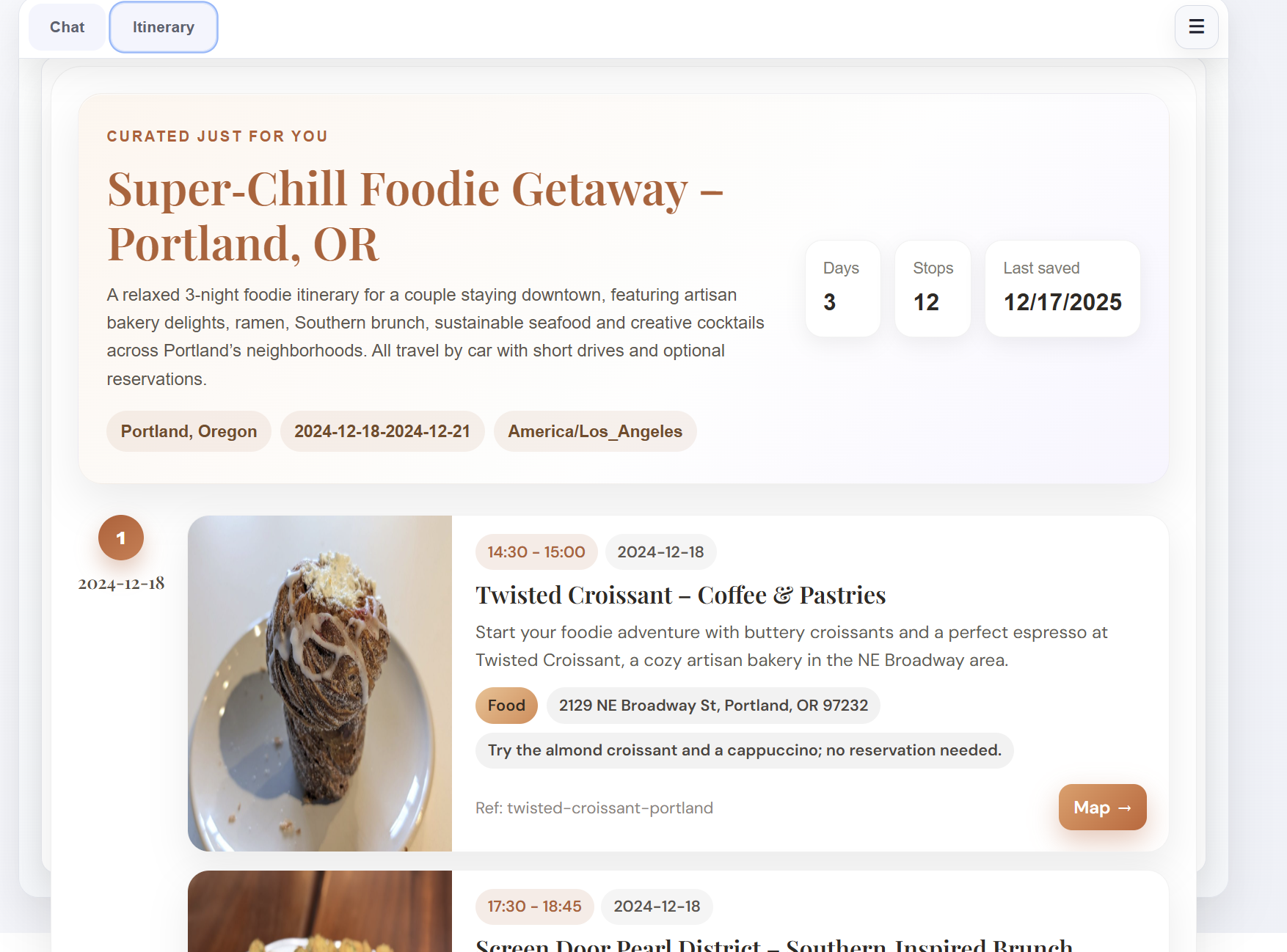
Daily, well-planned itinerary
-
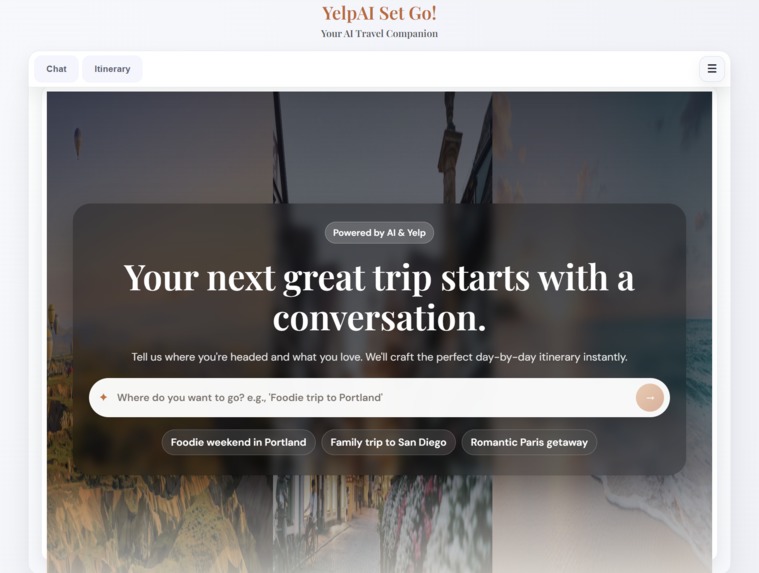
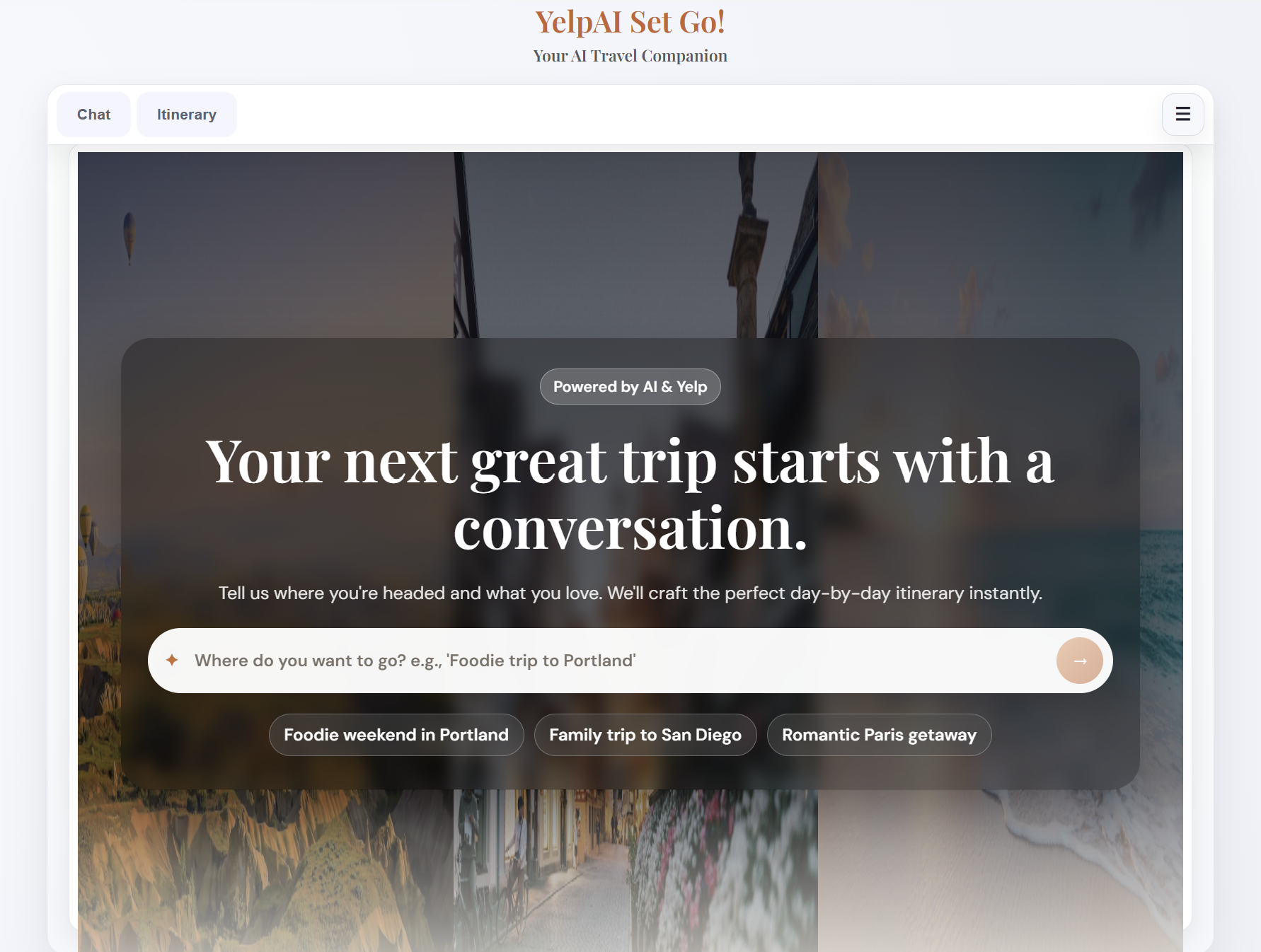
Start planning with a simple message!
Inspiration
Trip planning usually happens across too many tabs: “where should we eat?”, “what’s nearby?”, “can we get a table?”, “how far is that from where we are?”. We wanted to compress that whole workflow into a single conversation—powered by real business data—so you can plan a great trip without doing the busywork.
What it does
- Lets you chat with a primary travel agent (YelpAI-Set-Go!) to describe your trip, preferences, dates, and constraints.
- Uses Yelp AI (clientId: pN6pzJR6mK7549M0azoaxg) to discover real restaurants/attractions/services and summarize recommendations.
- Generates a structured, day-by-day, hour-by-hour travel itinerary and displays it in an itinerary dashboard.
- Saves itineraries in the browser and lets you reload a prior itinerary (optionally with its chat history).
- Shows driving directions on an embedded map from your current location to a selected itinerary stop.
- Supports Yelp bookings workflows (openings, holds, reservations, status, cancel) via tool calls.
How we built it
- UI: Blazor Server (.NET 10) with interactive server components and SignalR streaming.
- Agent orchestration:
Microsoft.Agents.AI+Microsoft.Extensions.AIwith tool/function calling. - LLM provider: OpenRouter via the OpenAI .NET client configured with the OpenRouter endpoint.
- Primary agent defaults to
openai/gpt-5.1. - Itinerary generation uses a separate agent with JSON-schema output (e.g.,
openai/gpt-oss-120b).
- Primary agent defaults to
- Data + actions exposed to the agent as tools:
- Yelp AI Chat API for discovery (
https://api.yelp.com/ai/chat/v2). - Yelp Bookings endpoints for reservation workflows.
- Weather via Open-Meteo.
- Itinerary creation/modification tools.
- Yelp AI Chat API for discovery (
- Location + maps:
- Browser geolocation + reverse geocoding (Nominatim / OpenStreetMap) to turn coordinates into a human-readable starting point.
- Google Maps JavaScript API for directions + markers, called via JS interop.
- Persistence:
- Itineraries and serialized agent threads are stored in browser local storage so you can come back later.
Challenges we ran into
- Streaming UI: keeping the chat responsive while tokens stream and avoiding excessive re-rendering.
- Tool inputs/outputs: Yelp AI is multi-turn. Tool input descriptions needed to be very specific about when to include the
chat_id. - Multi-turn context: persisting/rehydrating agent threads and associating them with saved itineraries.
- Maps integration: coordinating JS interop, DOM lifecycle, and map updates as destinations change.
Accomplishments that we're proud of
- A clean “Chat / Itinerary” workflow that feels like a single experience, not separate pages.
- Real place grounding: recommendations come from Yelp APIs, not hallucinated venues, real-time maps and actual weather forecasts.
- One-click return trips: saved itineraries (and optional chat history) load back into the session.
- In-context navigation: map directions pop up directly from itinerary selections.
What we learned
- Tool calling becomes dramatically more useful when the UI reflects tool outcomes (itinerary cards, maps, saved state).
- Persisting agent threads makes the experience feel continuous—but requires careful UX around “clear session” vs “load history”.
- Blazor Server + streaming is a strong fit for conversational UX when you throttle renders intentionally.
What's next for YelpAI Set Go!
- Add a first-class “edit itinerary” flow (inline swaps, drag/drop, and smarter constraints).
- Improve booking UX (confirmations, error recovery, and clearer reservation summaries).
- Expand map modes (walking/transit, multi-stop routing) and deeper itinerary-to-map visualization.
- More robust persistence in an external DB (browser storage is obviously demo-only).
Built With
- .net
- google-maps
- gpt-5.1
- gpt-oss-120b
- microsoft-agent-framework
- open-meteo-forecast
- openai/gpt-5.1`
- openrouter
- yelp-bookings
- yelpai


Log in or sign up for Devpost to join the conversation.