
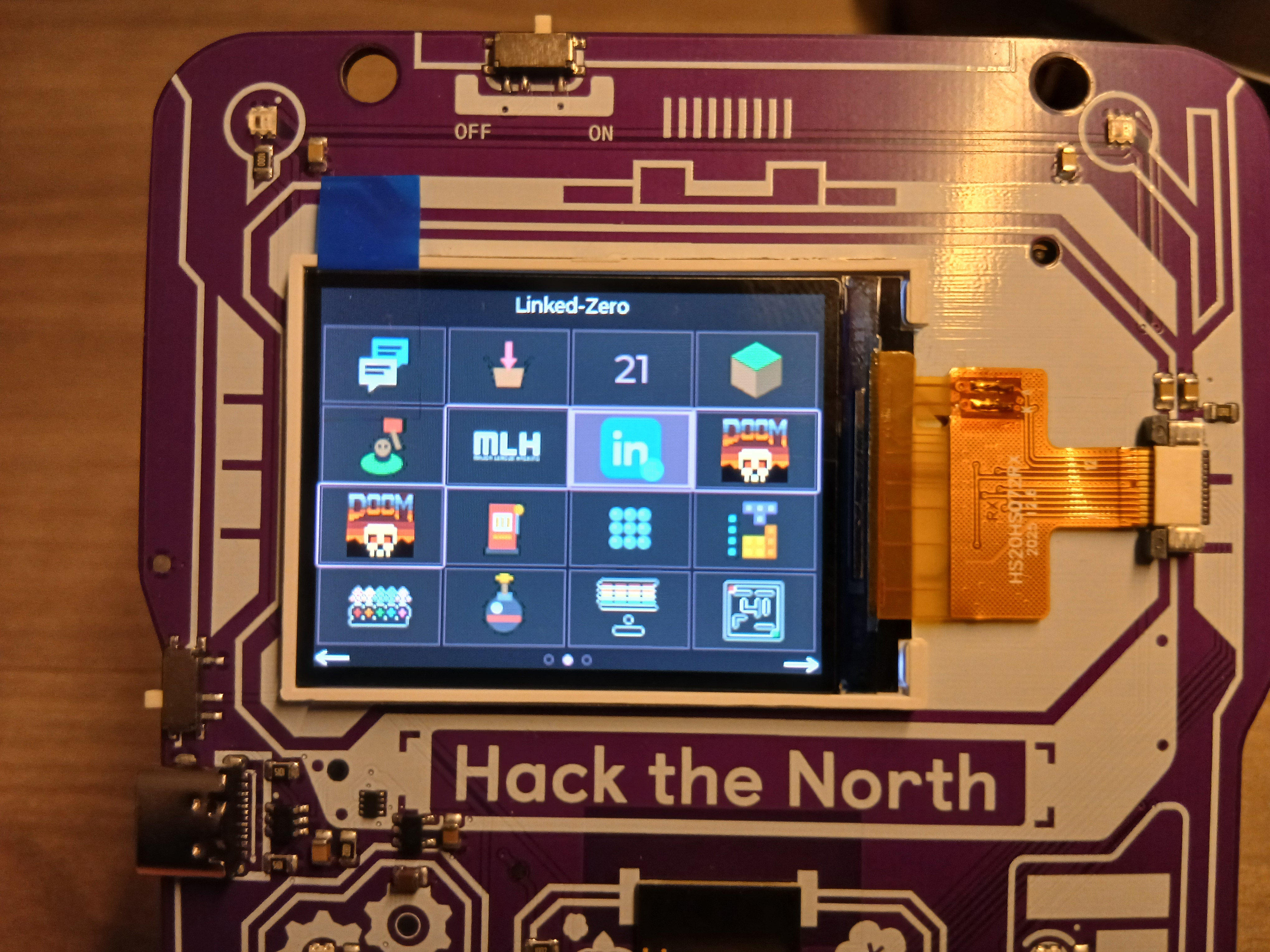
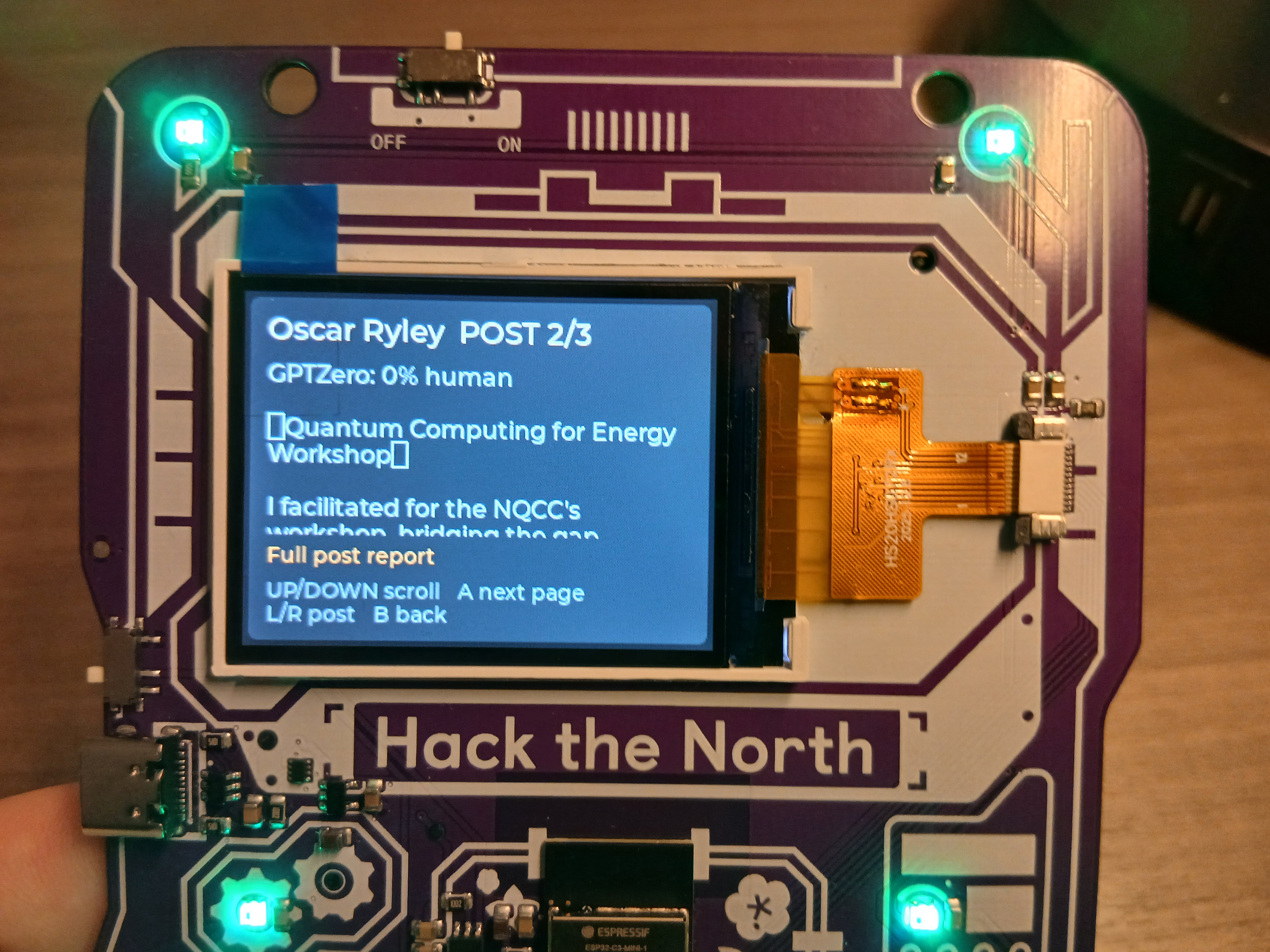
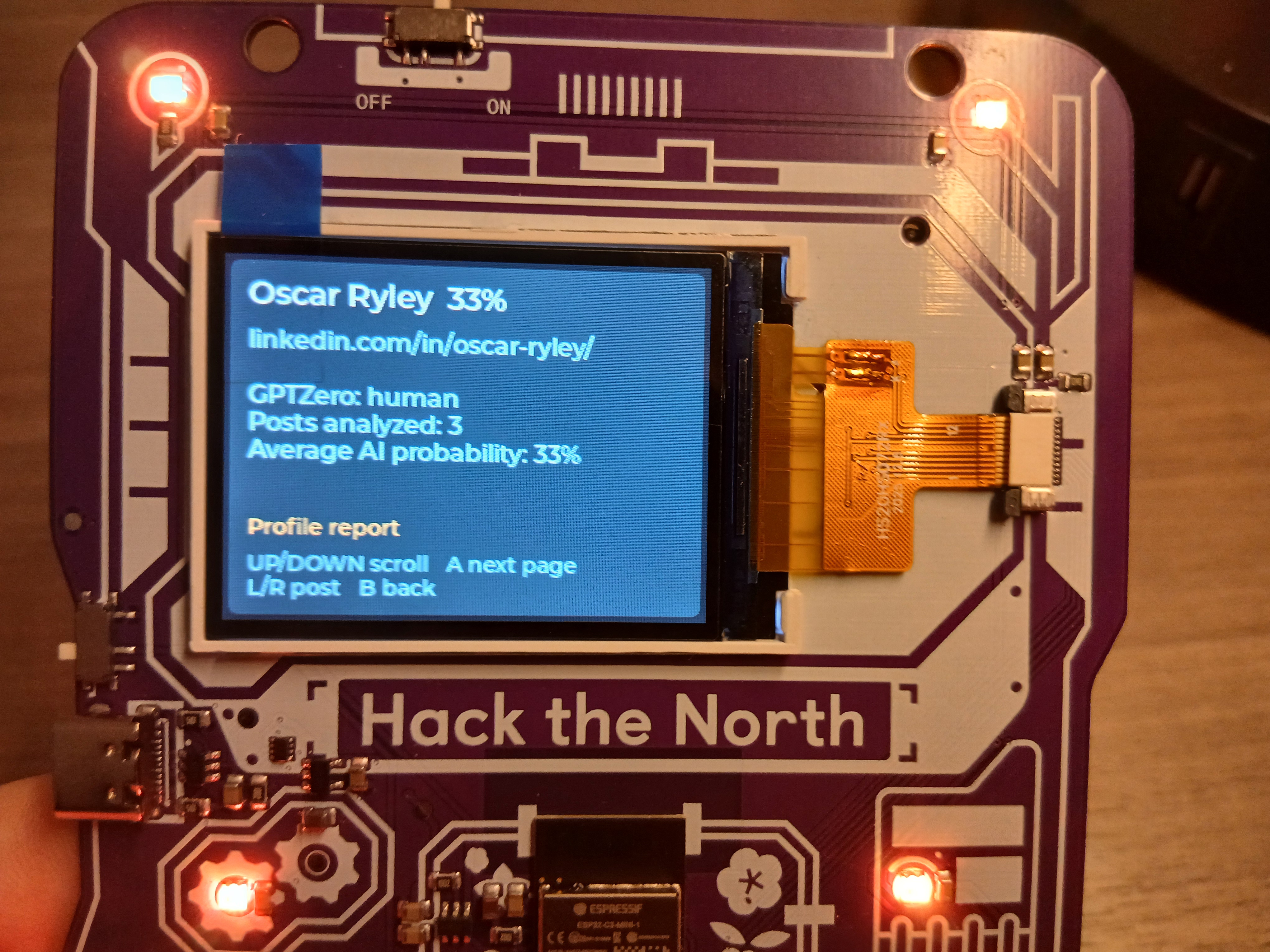
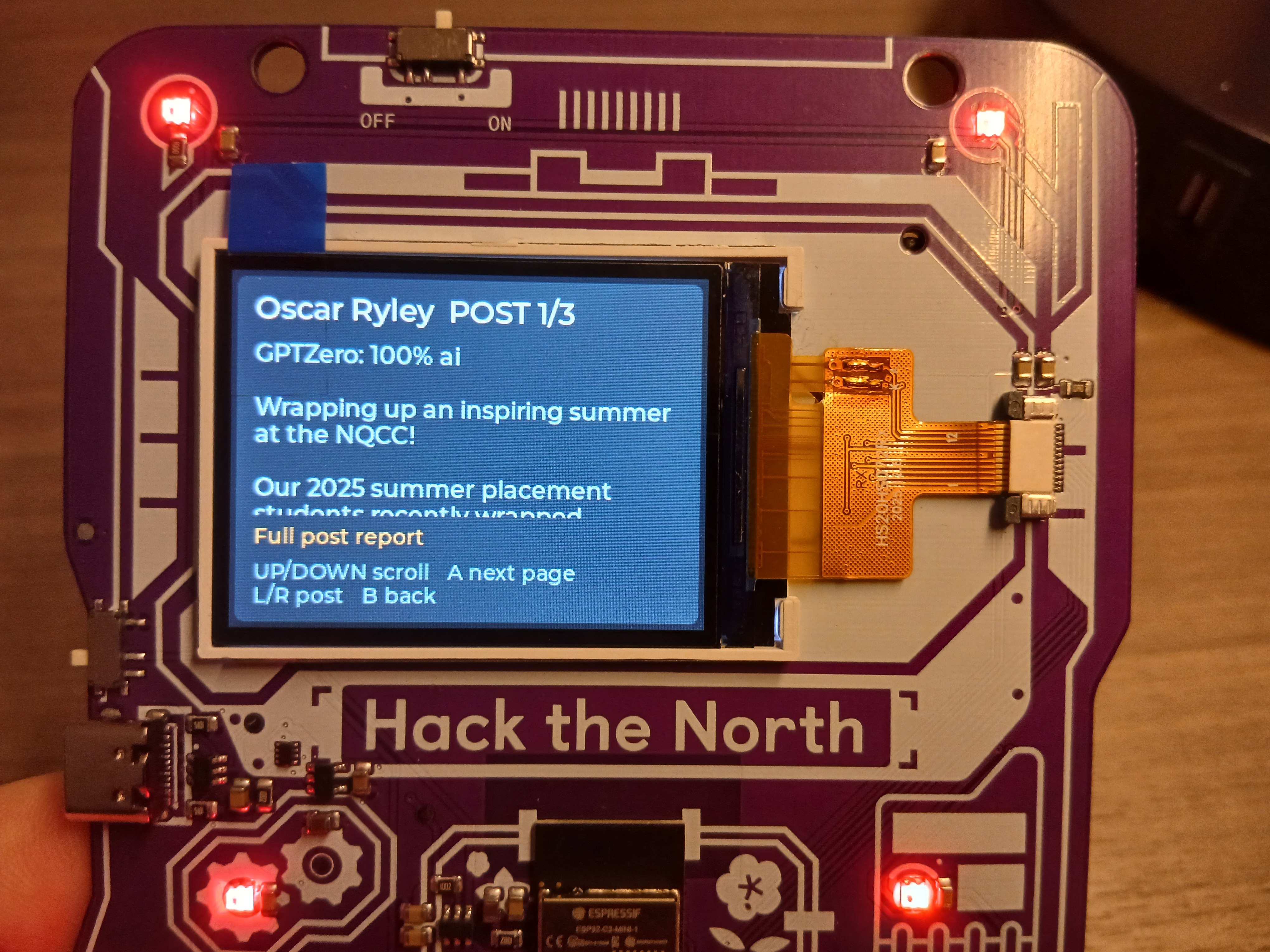
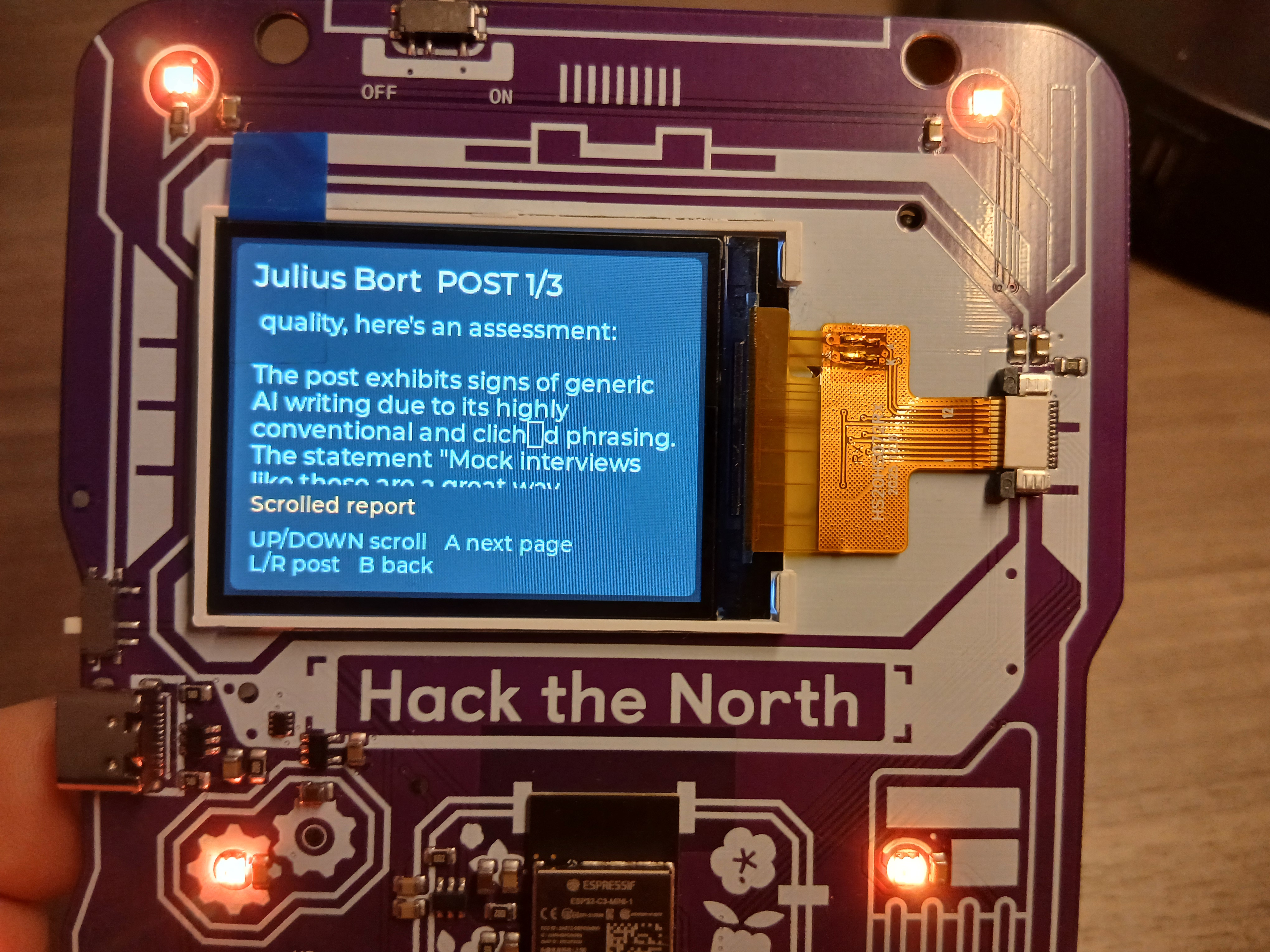
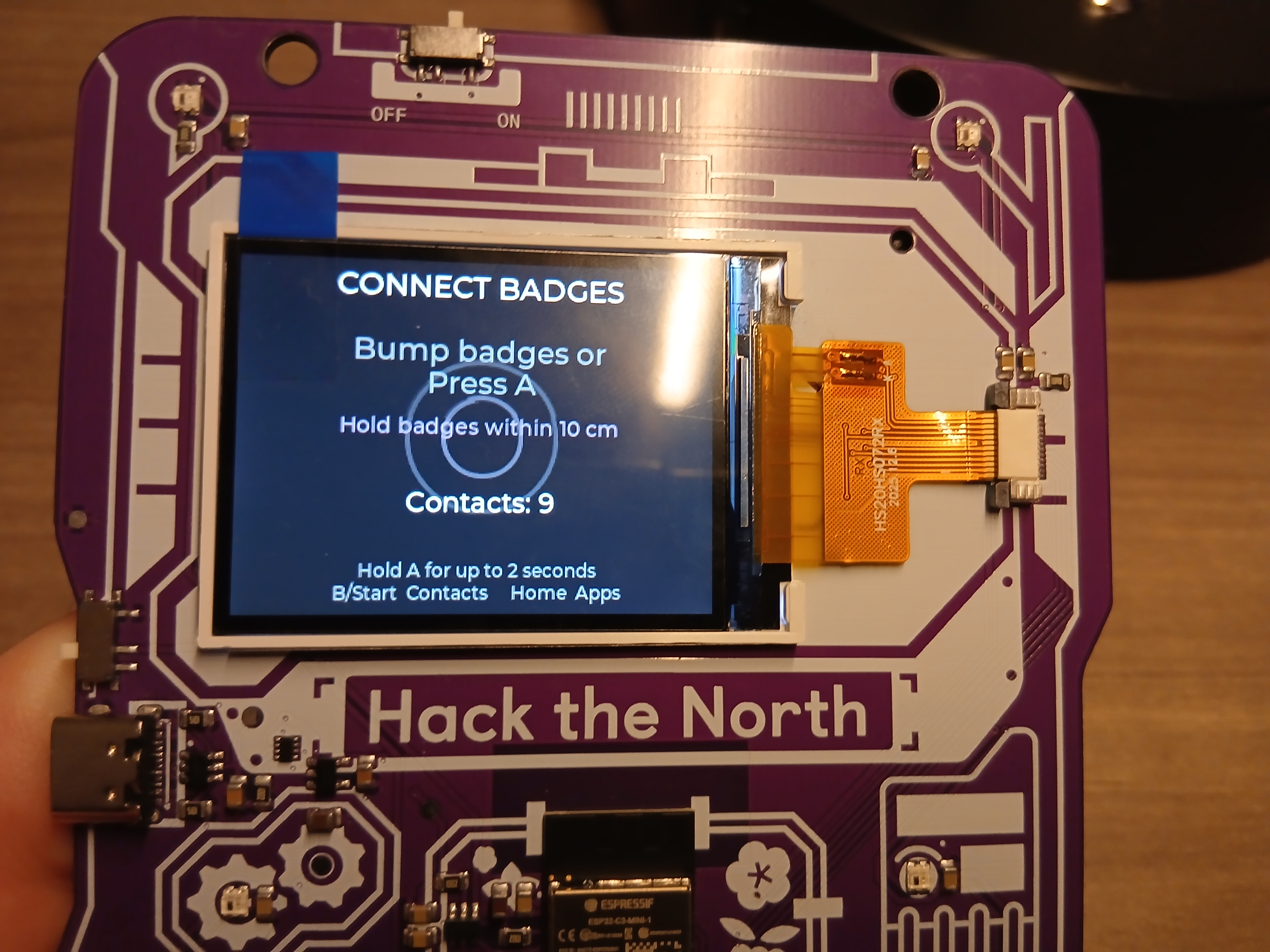
Linked-Zero connects the Hack the North Hacker Badge with LinkedIn and AI analysis to help people understand whether a profile’s recent posts show signs of generic AI-generated writing. After meeting someone through the badge, their contact can be exported from Badge Connect and processed on a laptop. The final results are then embedded back into the badge app, where they can be read offline.
The workflow starts with a Hack the North Badge Connect CSV export. LinkedIn profile URLs are taken from the export when available, with verified name-based resolution used when a URL is missing. Oscar Ryley’s profile is always placed first. The system then sends each new LinkedIn profile to two Apify Actors: one retrieves profile information such as the name, headline, biography, and profile URL, while the second retrieves the three most recent posts. The post limit is explicitly capped at three to reduce cost and avoid scraping unnecessary older content.
Each post is sent to GPTZero for an AI-generation probability and classification. The post text and GPTZero result are then passed to Backboard using the configured Google Gemini provider. Backboard provides a second-pass review that looks for generic phrasing, unsupported claims, repetitive language, and other writing signals. It is intentionally treated as commentary rather than proof of authorship, since AI detection cannot determine whether a post was ghostwritten or whether a person genuinely believes what they posted.
Reports are stored locally in analysis-cache.json, keyed by canonical LinkedIn URL. Before making any new API calls, the workflow checks this cache. Profiles that have already been processed are reused, which prevents repeated Apify, GPTZero, and Backboard usage. Only new profiles are analyzed. The complete JSON report is also written to a report file for inspection or sharing with the rest of the team.
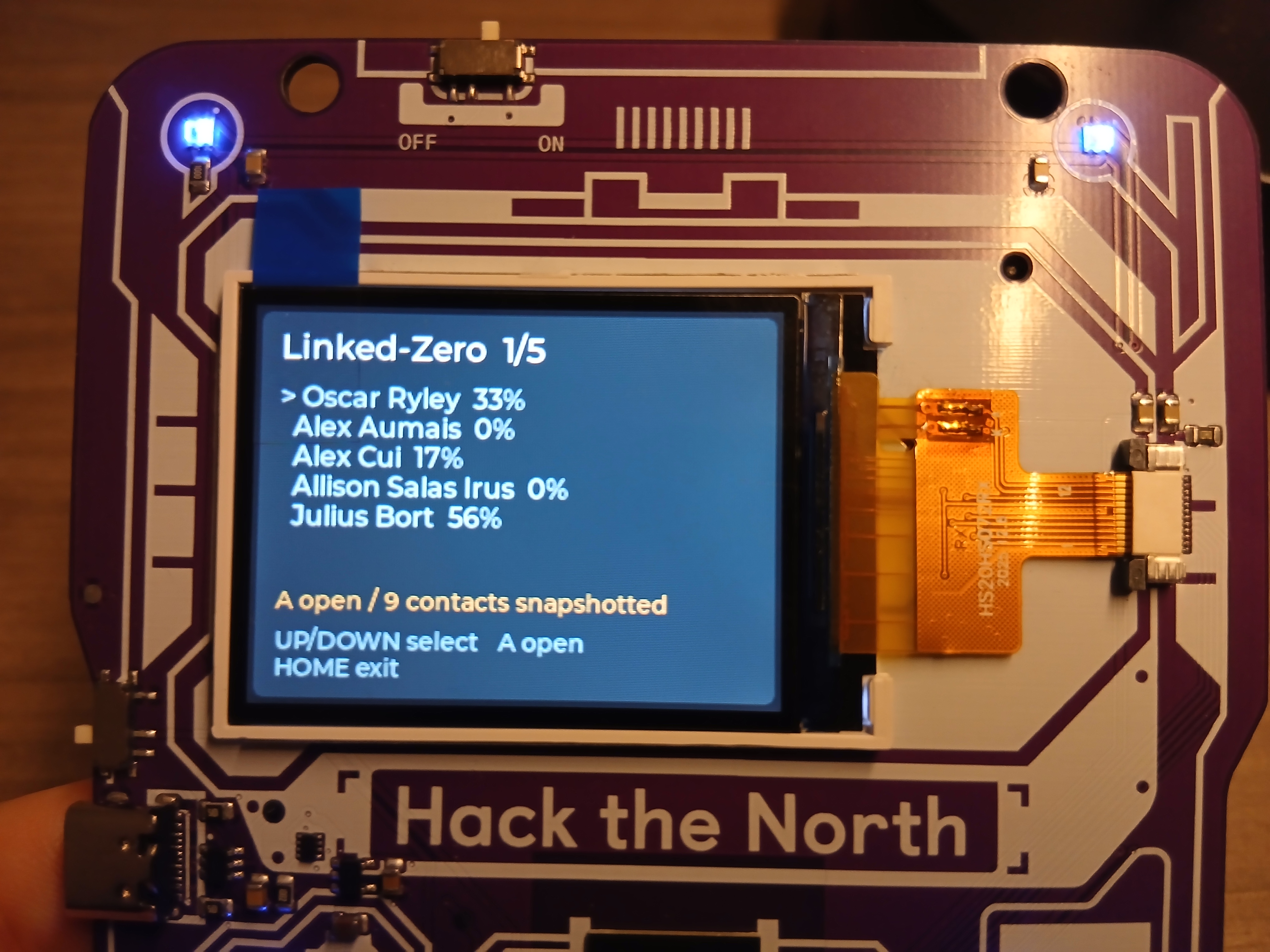
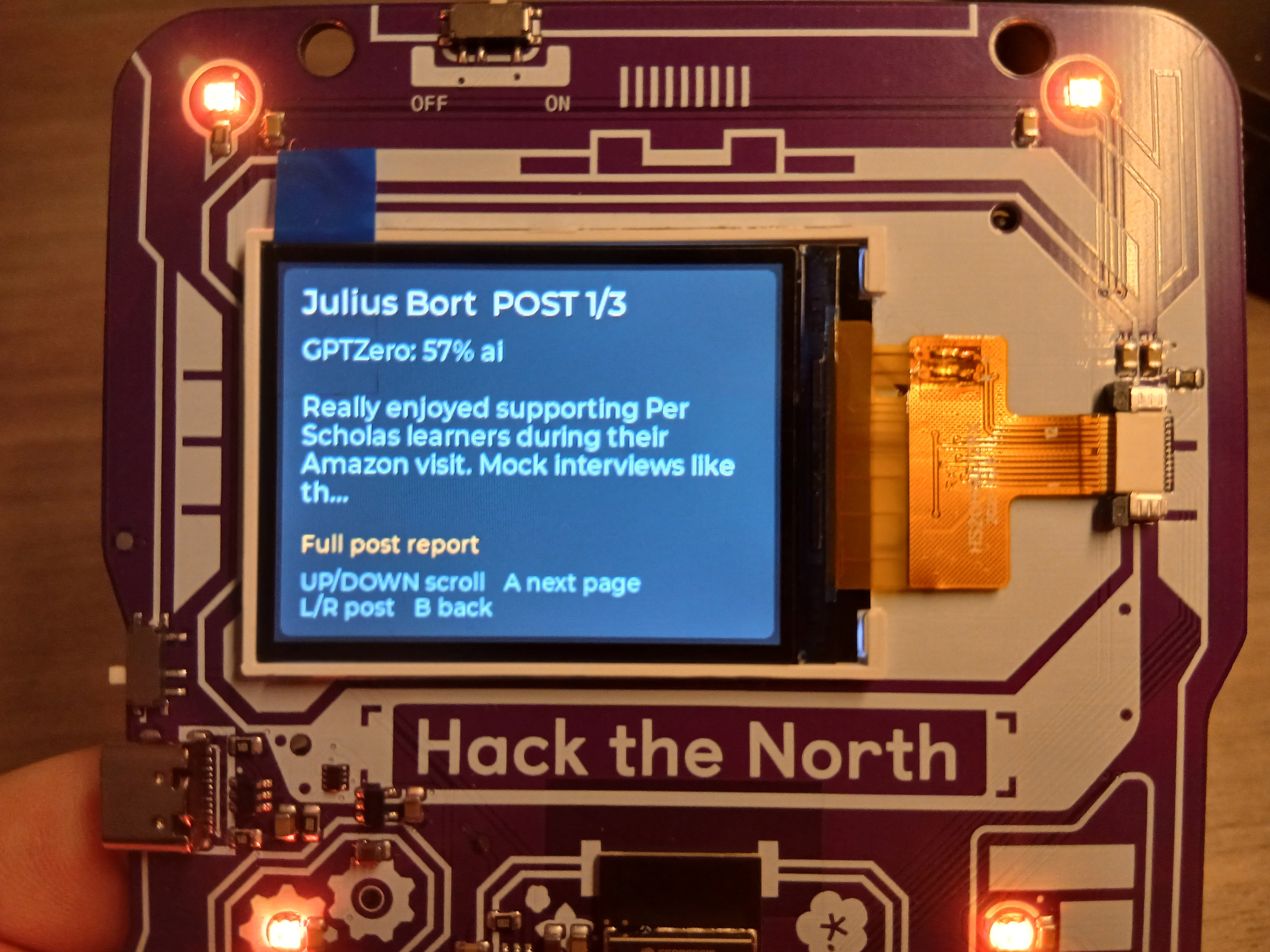
After analysis, the workflow converts each report into a compact Lua data structure and writes it into the badge app’s main.lua. Post text is shortened for the badge display and Backboard reports are reduced to fit within the badge’s memory and screen constraints. The badge app displays a list of profiles with their AI probability, then allows the user to open a profile and navigate through its three post reports. The physical buttons select profiles, switch between posts, return to the list, and scroll through longer report text. LED colors provide an additional quick signal for lower, mixed, and higher AI probabilities.
The badge itself does not access LinkedIn or make network requests. All scraping and AI processing happens on the laptop, while the badge acts as an offline viewer for the generated results. This keeps API credentials off the device and makes the final experience portable, private, and usable even when the badge is no longer connected to the computer.
Built With
- backboard.io
- gptzero
- hackthenorth-badge
- python


Log in or sign up for Devpost to join the conversation.