-
-
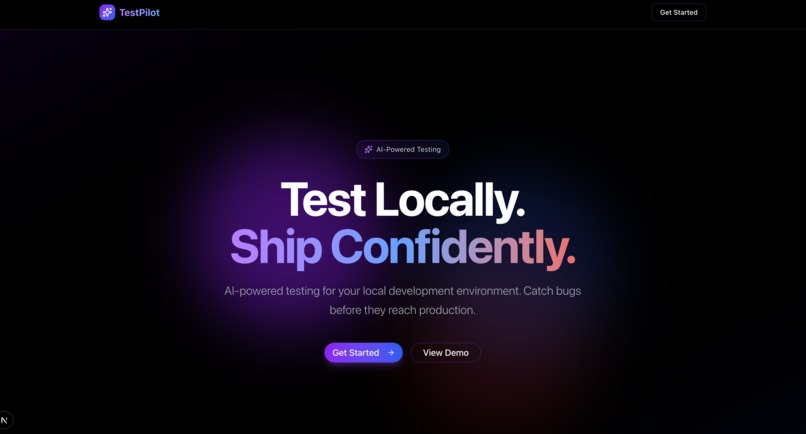
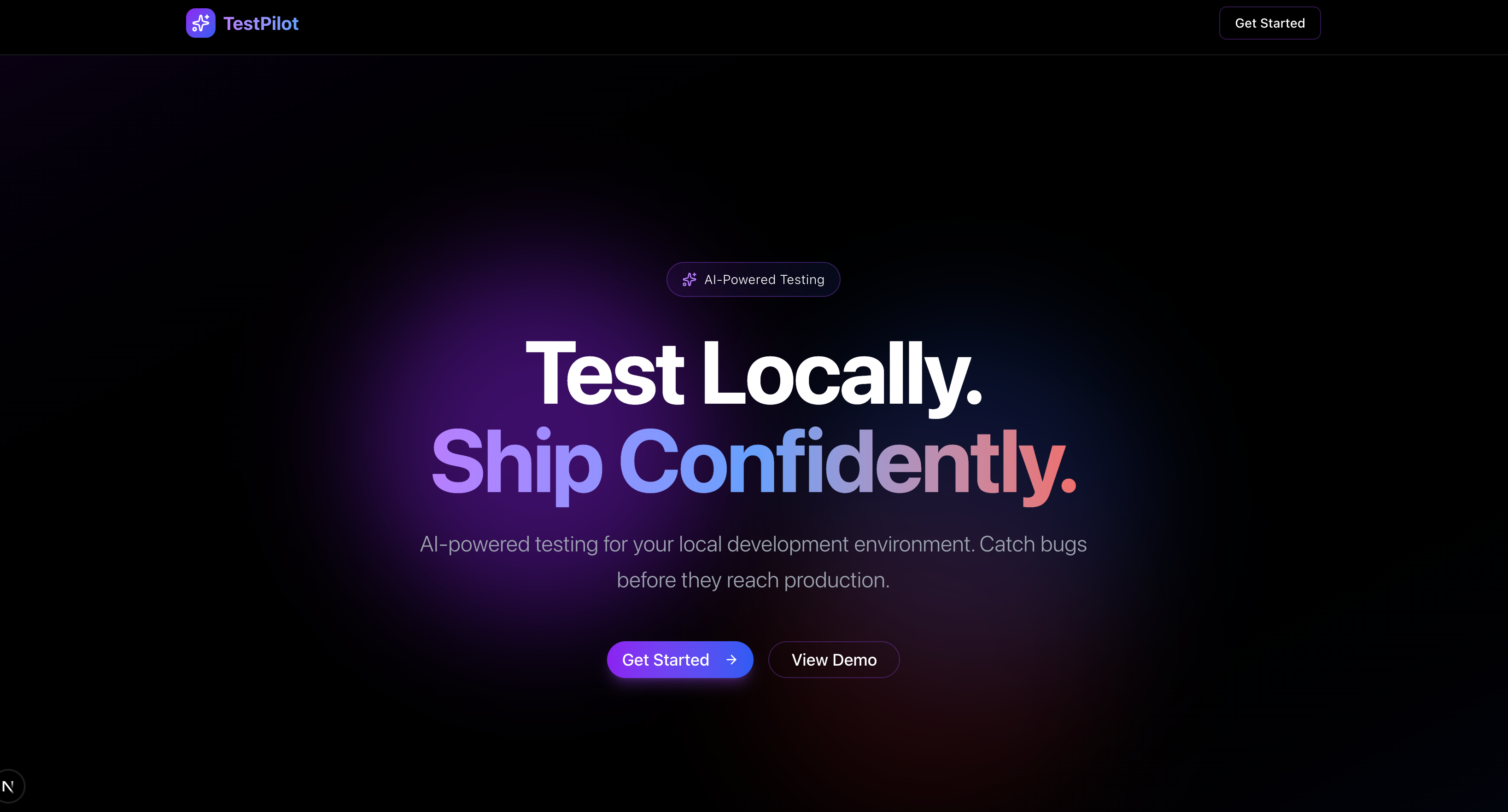
landing
-
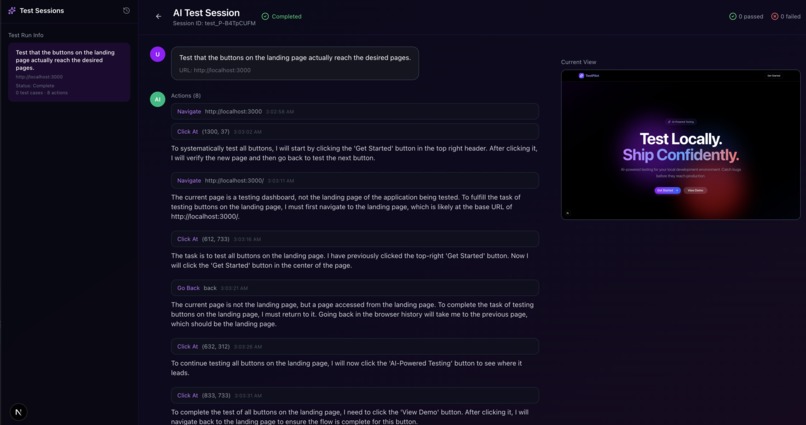
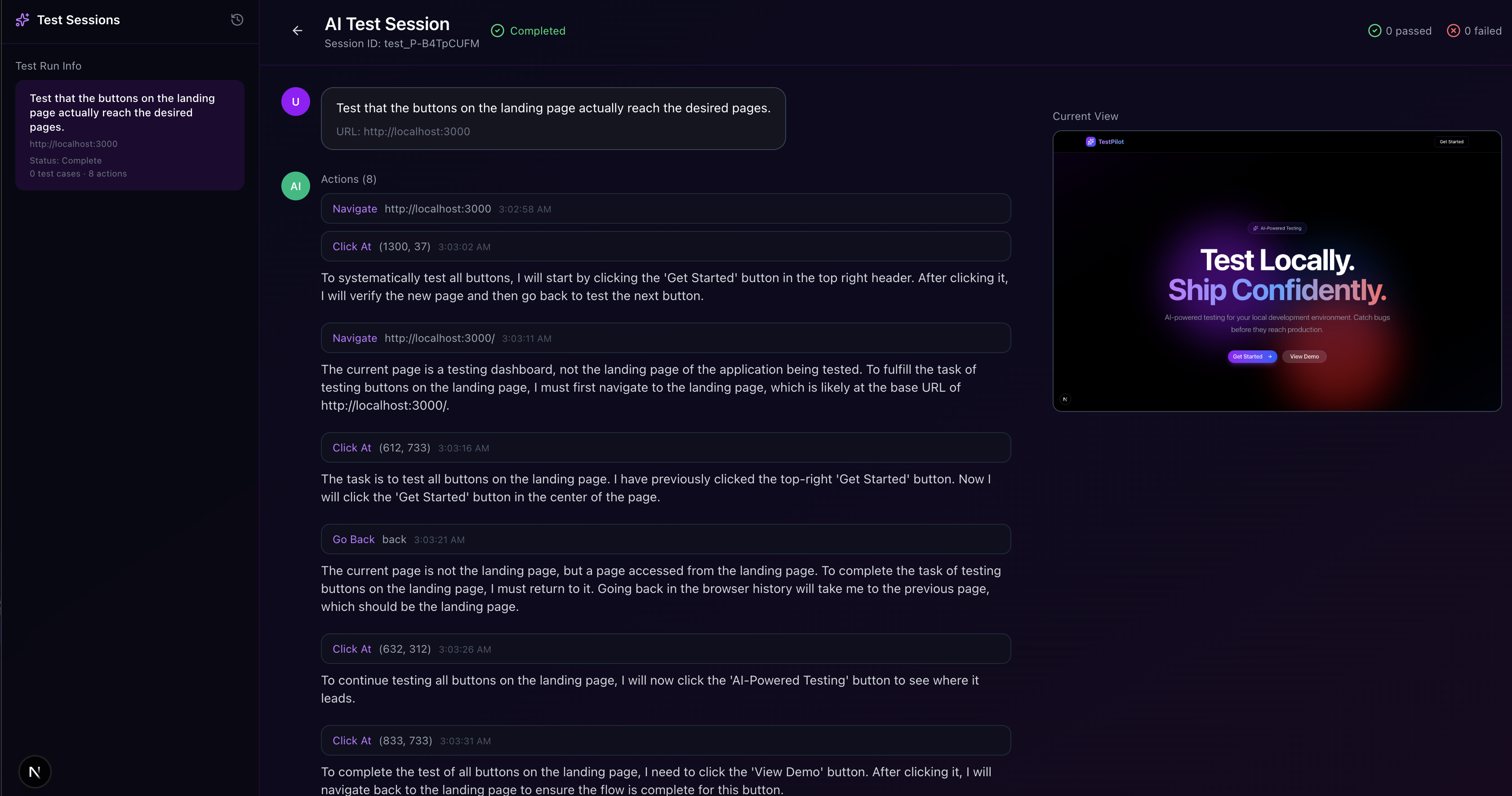
test case result page
-
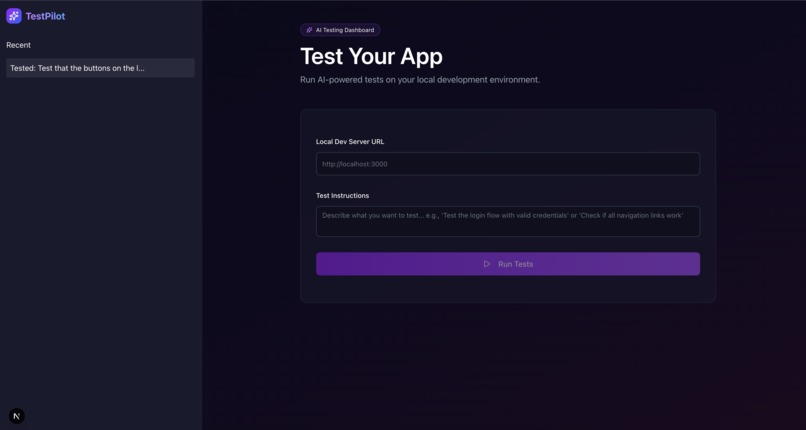
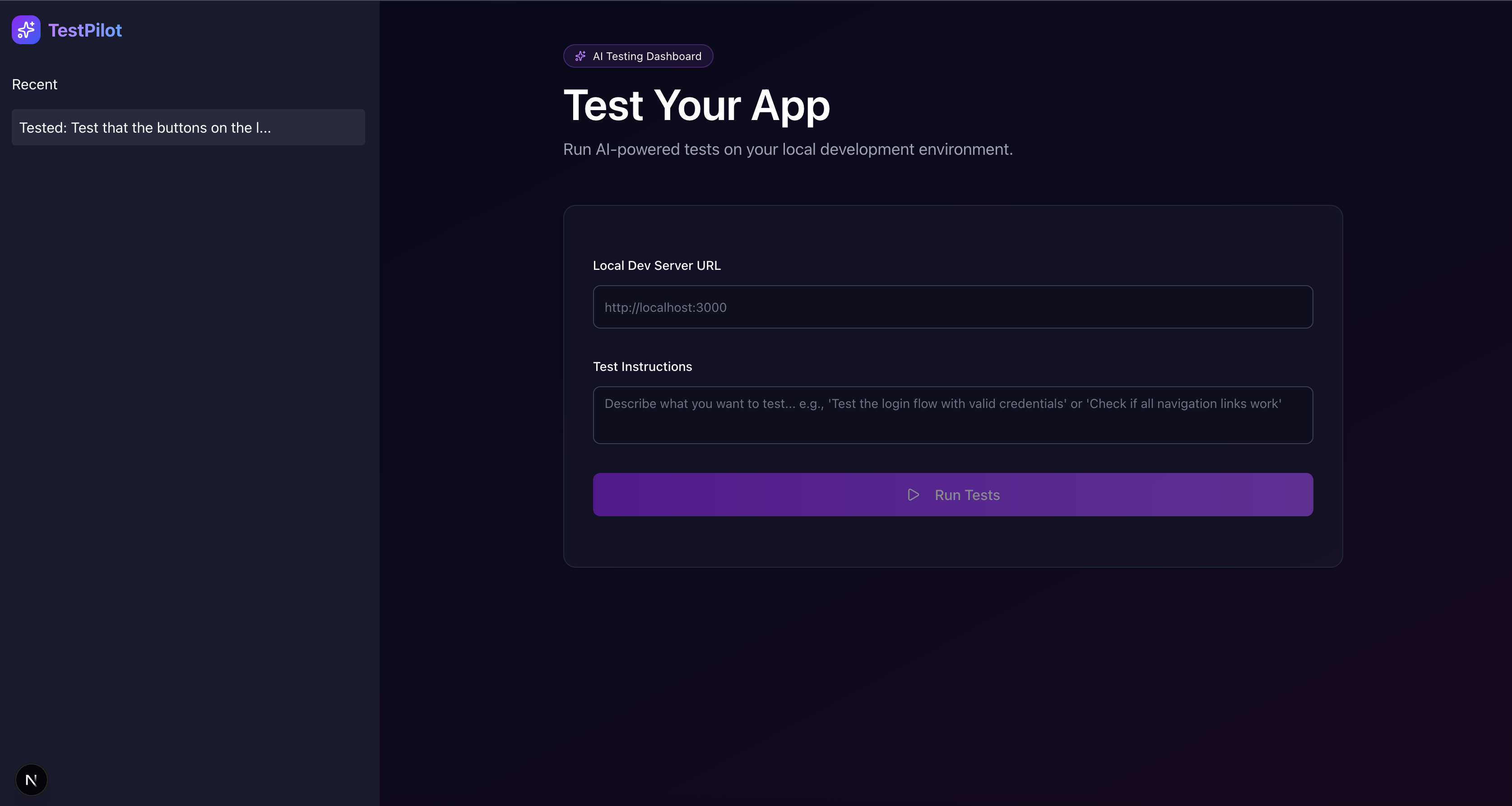
test input page
🌟 Inspiration
UI testing is painful, like, really really painful. Every time a button shifts three pixels to the left or a div gets renamed, your entire test suite suddenly decides to explode. Everyone gets tired of testing and wishes they could just look at their code and say, “Hey, did this work?” and magically get a yes or no. That simple thought sparked our idea: what if an AI could literally watch a website run, understand what’s happening on screen, and tell you whether the functionality actually worked? That vision became the foundation for our project.
🔍 What It Does
Paste your link, describe what you want tested in plain English, and let TestPilot take it from there. Playwright loads your site and takes a snapshot of the initial UI. Then, as TestPilot runs your flow step-by-step, it captures continuous screenshots and streams them straight to Gemini. Gemini "watches" the entire interaction, then gives a clear verdict on what passed, what failed, all in natural language.
It’s automated testing that feels more human, more visual, and way less tedious.
🛠 How We Built It
- Frontend: Built with Next.js + TypeScript, giving us a fast, responsive, and intuitive interface for submitting tests and viewing AI-driven evaluations.
- Backend: Powered by FastAPI (Python), coordinating the entire testing pipeline and managing communication between Playwright, Gemini, and the frontend.
- Browser Automation: Playwright (Python) handles real browser interactions—loading pages, clicking buttons, filling inputs—and captures continuous before-and-after screenshots during each step.
- Real-Time Streaming: Socket.io streams live screenshots, logs, and execution updates to the frontend so users can watch the test unfold in real time.
- AI Evaluation Layer: Google Gemini API processes the screenshot sequence, visually understands the UI behavior, and decides whether the user’s natural-language test case passed or failed.
⚠️ Challenges We Ran Into
- Handling inconsistencies like animations, delayed page loads, unexpected popups, or dynamic content
- Aligning natural-language user instructions with actionable steps Playwright could run
- Managing real-time communication between Python and our Next.js frontend
🏆 Accomplishments We’re Proud Of
- Building a fully functional AI-powered visual testing system end to end
- Getting Gemini to interpret entire UI flowsnot just single screenshots
- Making automated testing accessible to people with zero coding experience
📚 What We Learned
- How to combine LLM vision models with browser automation effectively
- Real-time systems communication between FastAPI → Playwright → Gemini → Next.js
- Importance of designing prompts that guide Gemini through sequential reasoning
🔮 What’s Next for TestPilot
- Natural-Language Debugging: After a failed test, let users ask: “Why did this break?” and TestPilot returns an AI-generated explanation plus recommendations.
- Autonomous Exploration Mode: Let TestPilot automatically explore a website on its own, clicking through menus, discovering routes, mapping pages, and identifying key user flows without any human input.
- State-Diff Comparison: Show a before-and-after UI diff (visual + HTML structure) so users see exactly what changed during the test.
Built With
- gemini
- next.js
- playwright
- python
- socket.io
- typescript


Log in or sign up for Devpost to join the conversation.