-
-
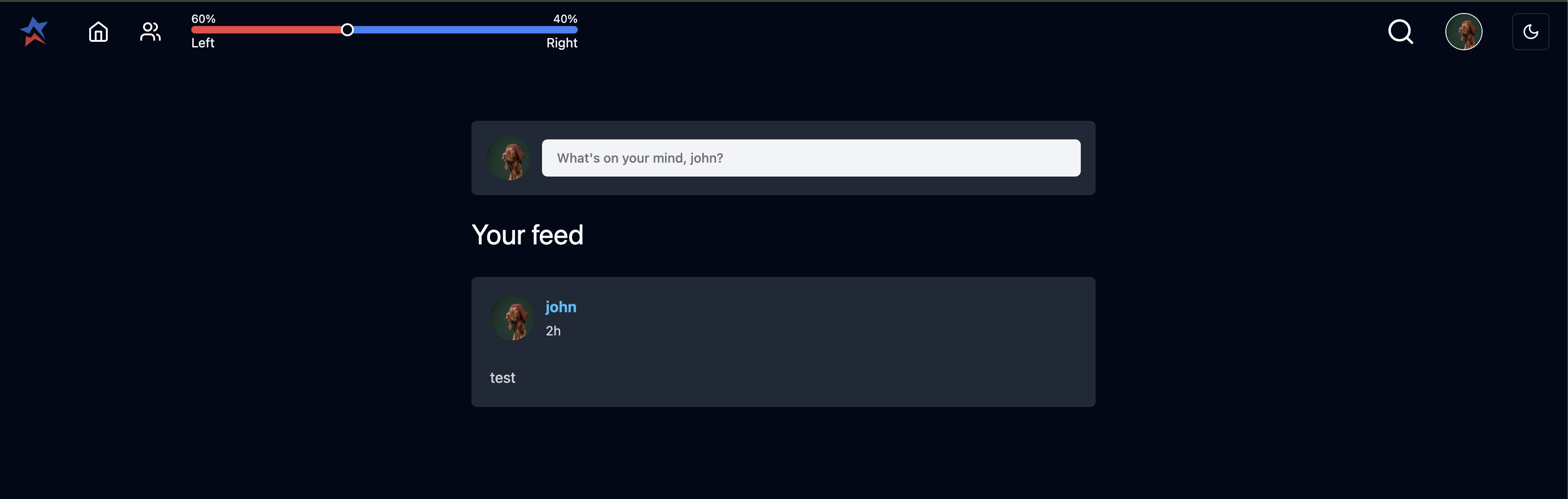
My Feed
-
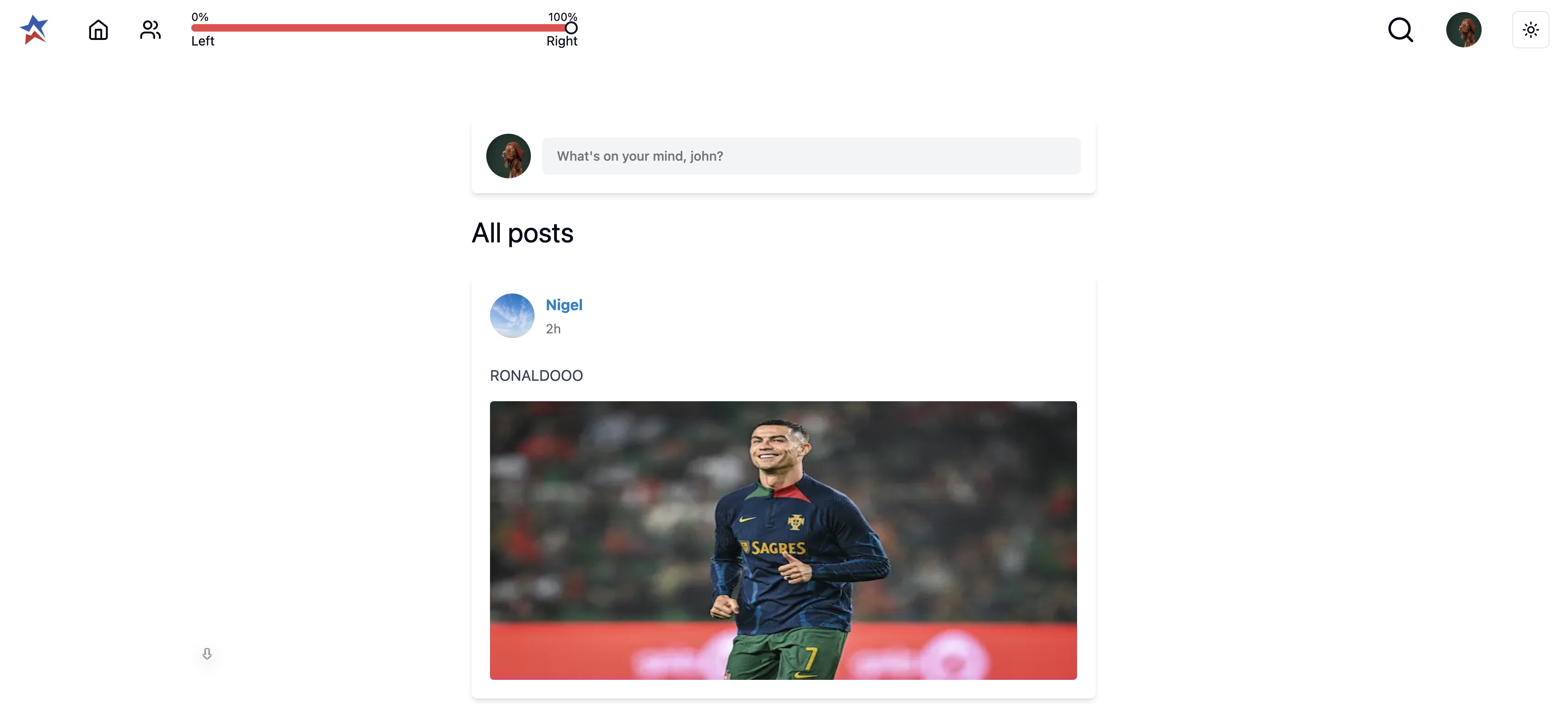
All Posts
-
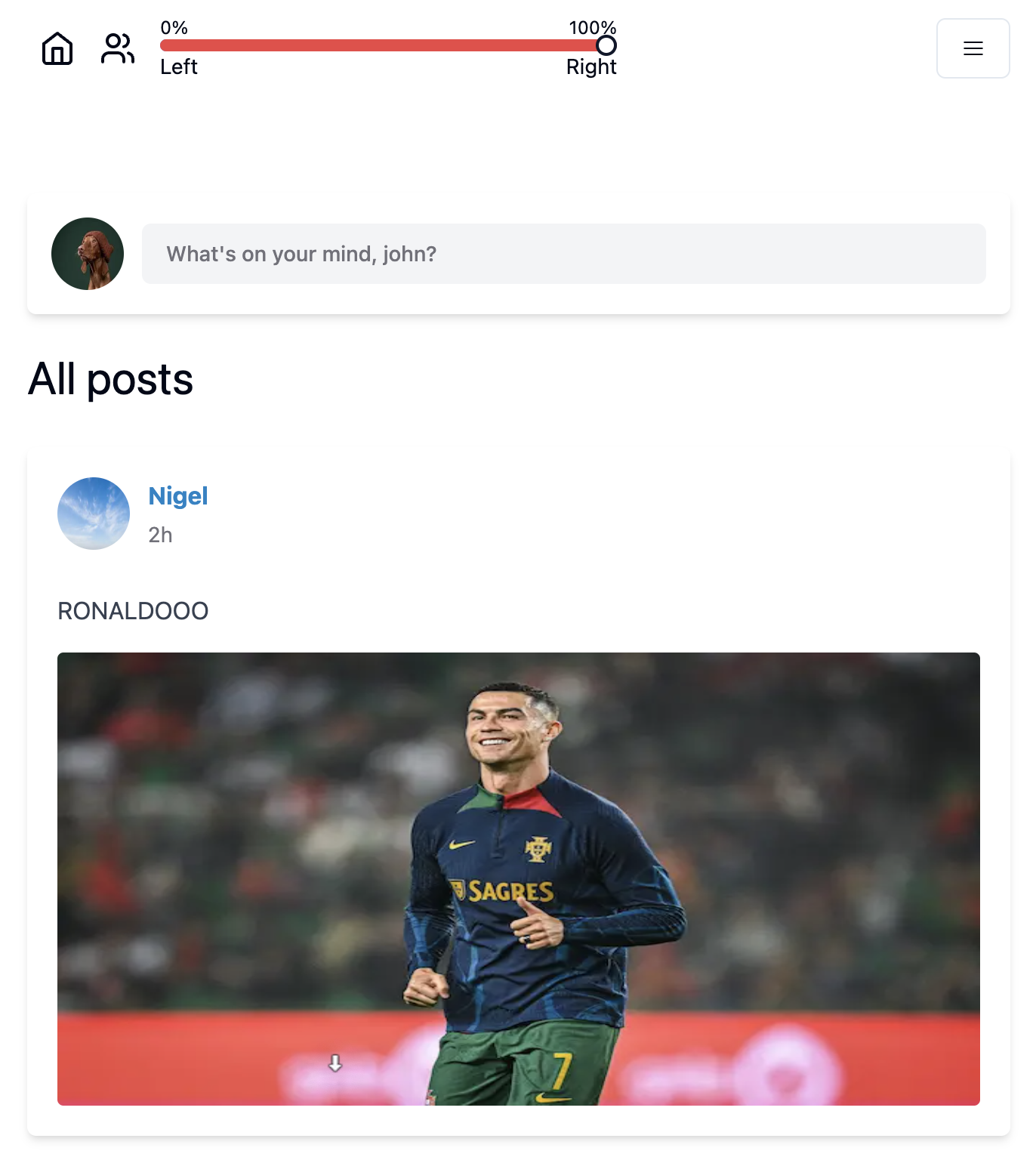
All Posts (Mobile View)
-
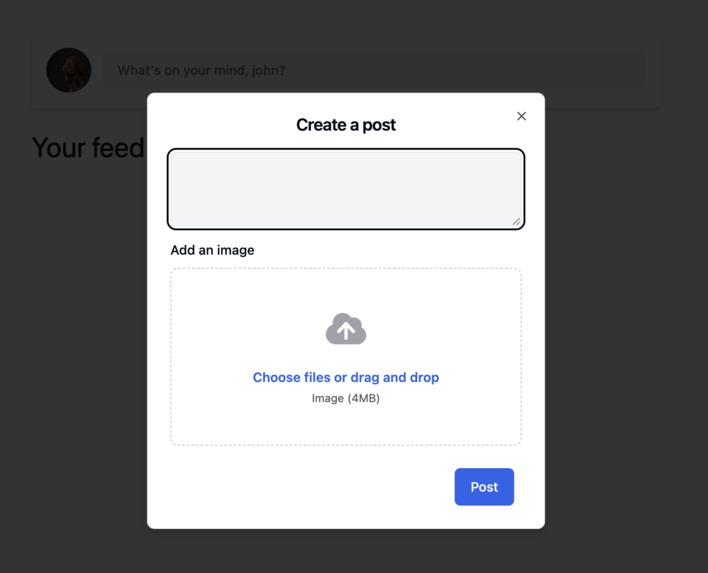
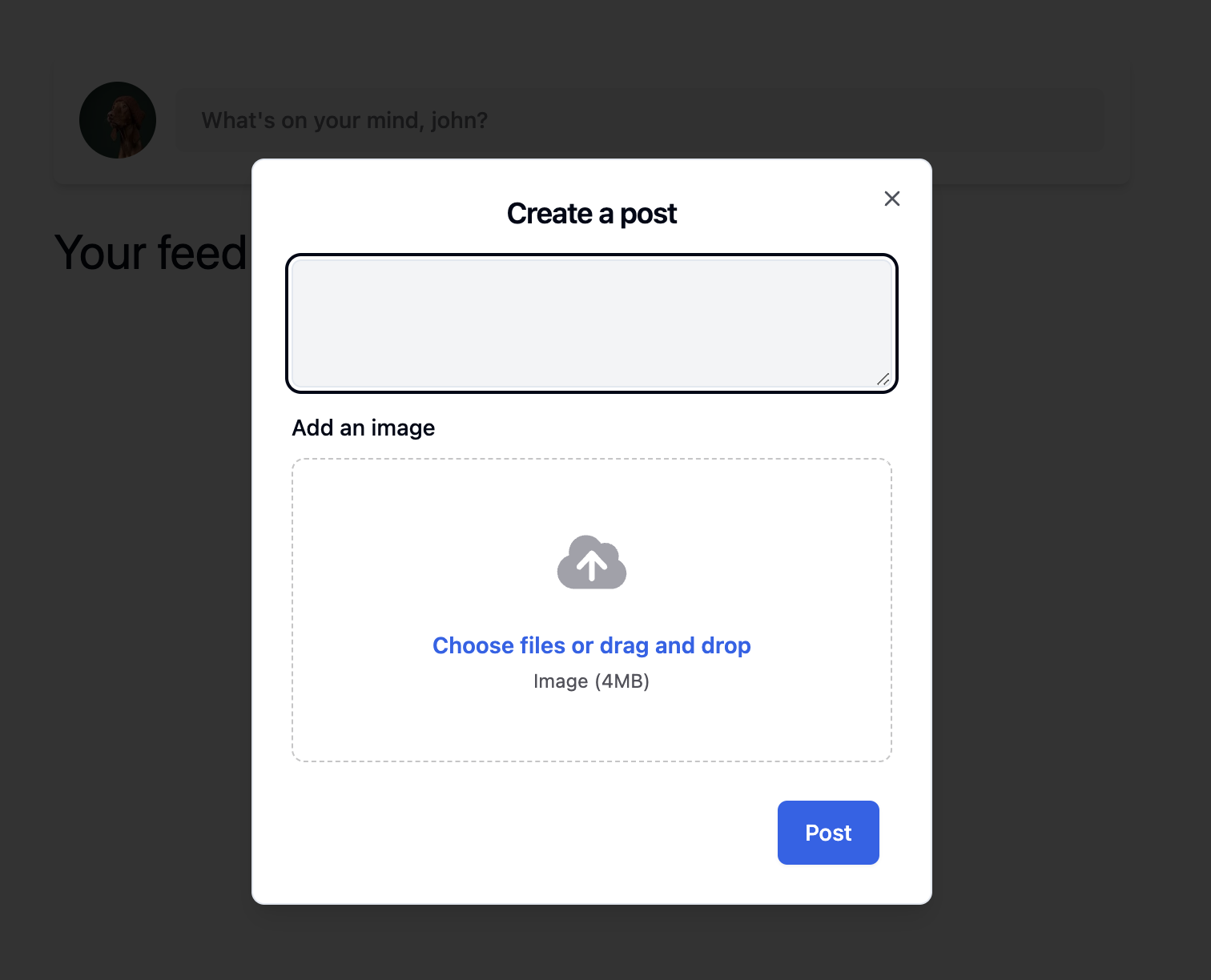
Create Post
-
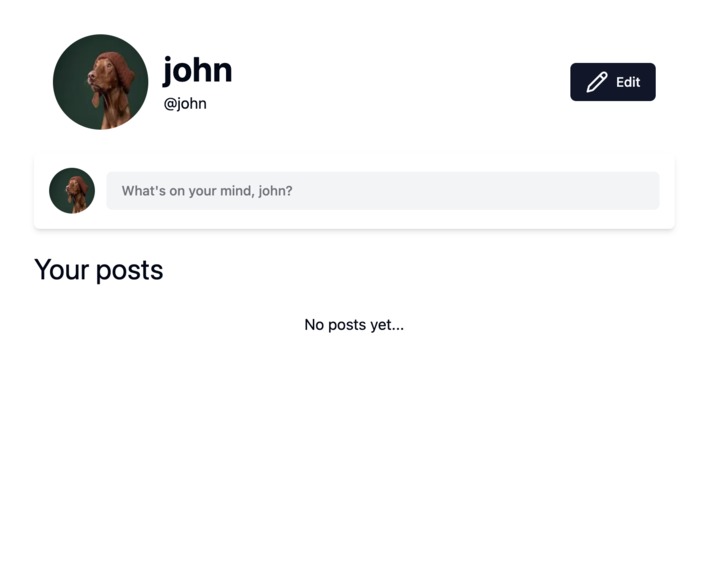
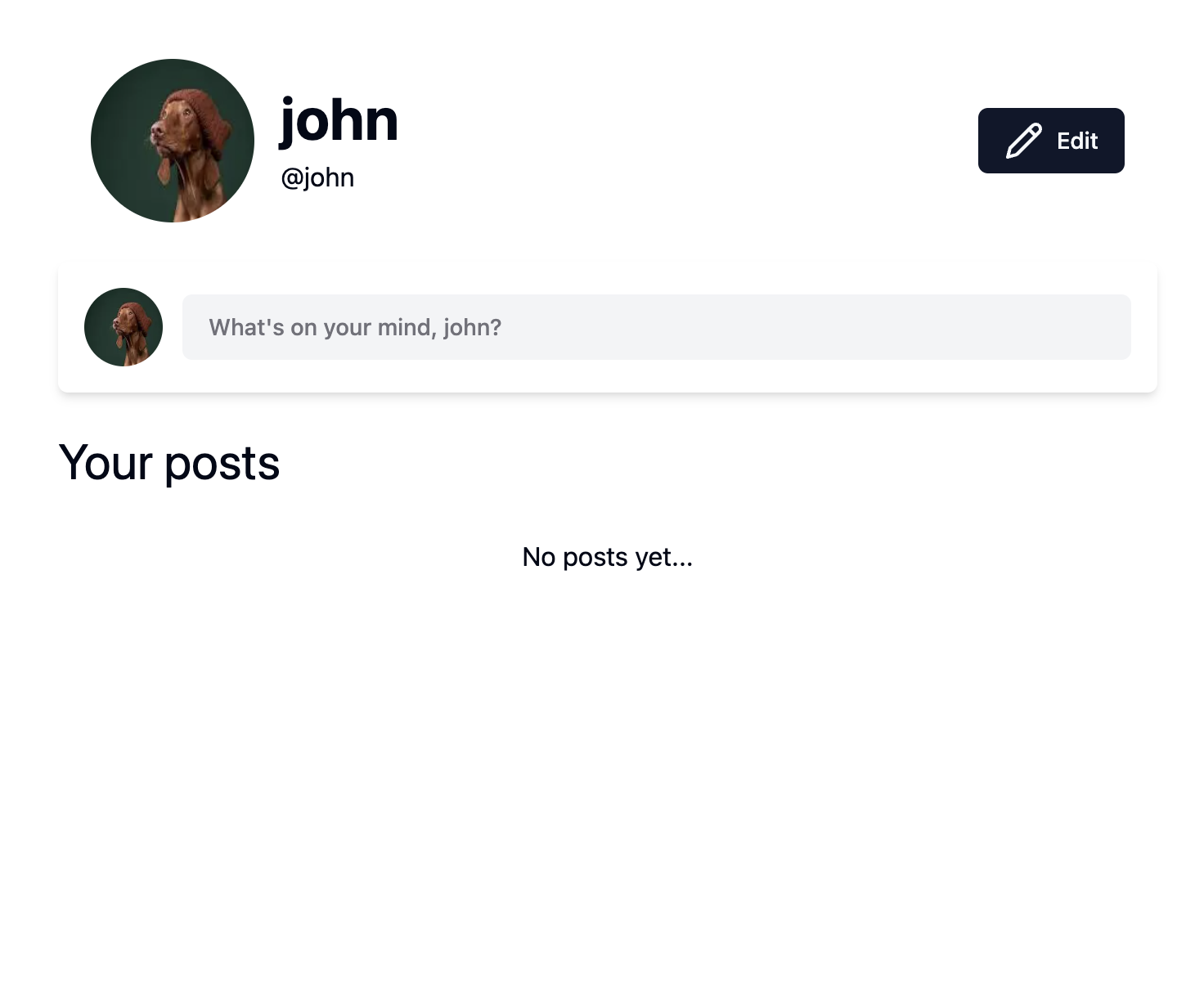
My Profile
-

Training PoliBERT
-
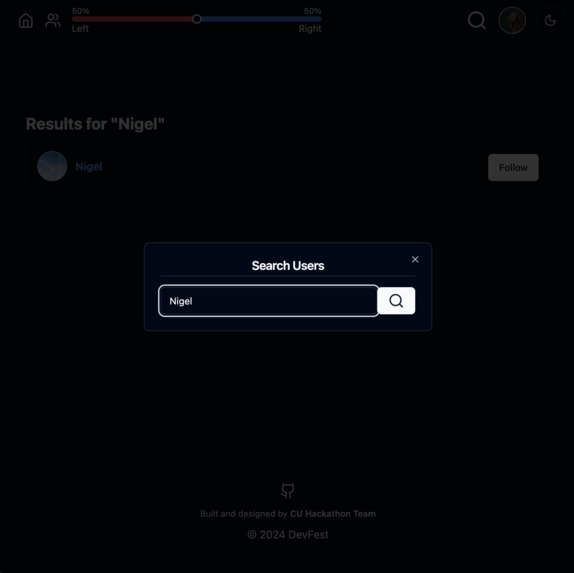
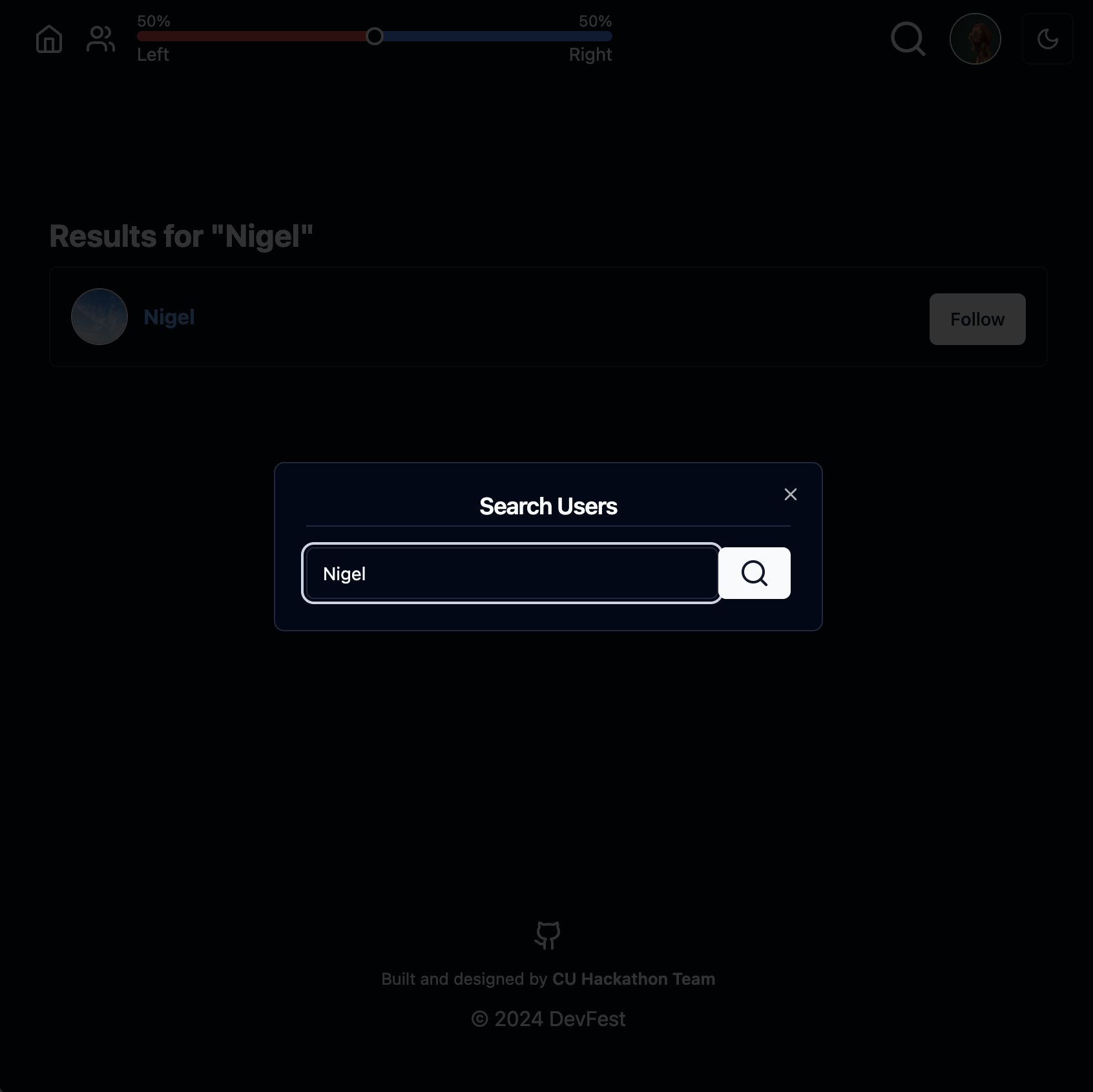
Search and follow users
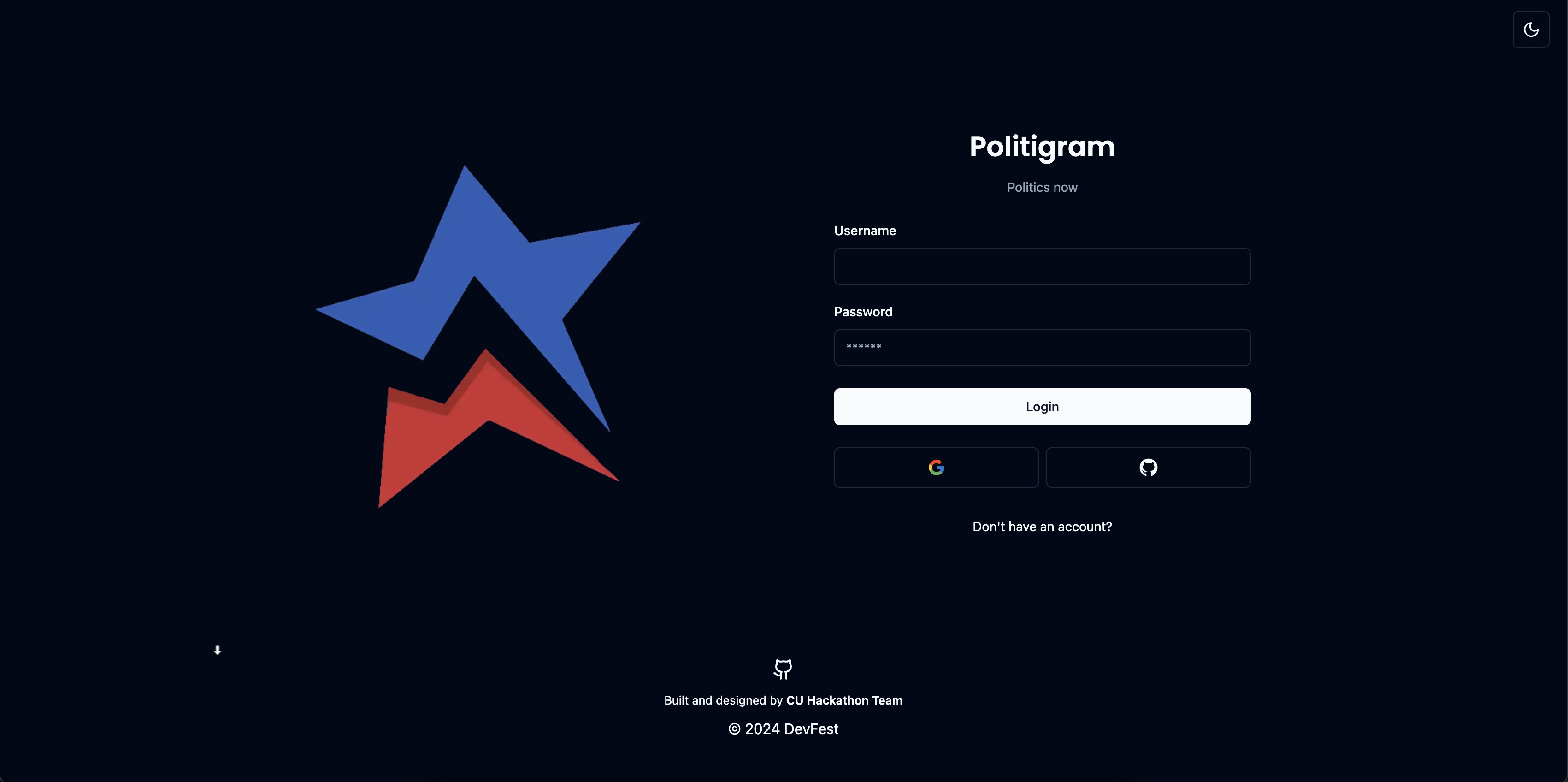

Inspiration
The political state of the USA is more divided than ever, and social media apps reinforce this divide by promoting similar viewpoints, creating an echo chamber. With roughly one-half of Americans relying on social media for news consumption, major tech corporations must acknowledge their social responsibility and should make people aware of their biases.
What it does
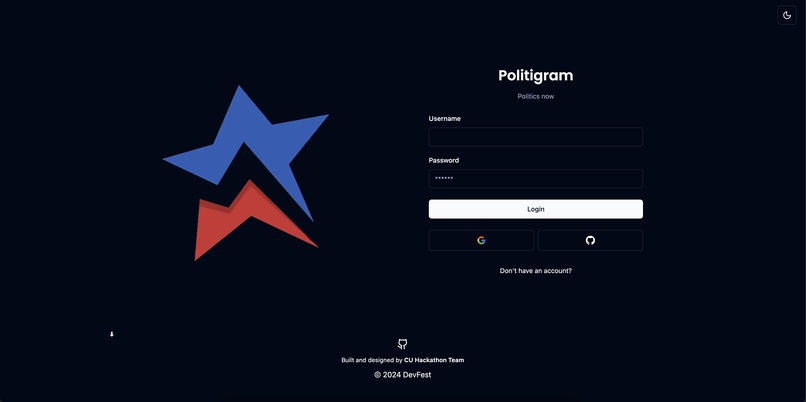
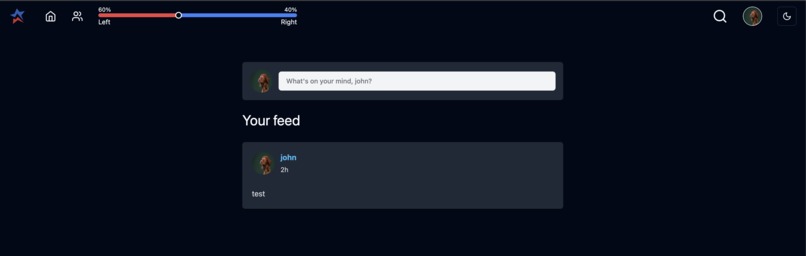
The social media web app is designed for users to create an account, login, and share their voices with the world through posts. Scroll a feed of posts from either all users or the specific users you follow. The key feature is being able to filter the content you view depending on your selected political alignment; explore different perspectives and scroll your feed while being aware of your own political biases.
How we built it: ML
Datasets:
Making datasets to retrain the pre-trained language model was probably the most difficult step of creating the program. In the end, we ended up making a series of web-scraping Python files that gathered headlines from news sources that were on various ends of the political spectrum. We determined their alignment through a site called https://www.allsides.com/unbiased-balanced-news. After putting the headlines in a couple of different files and combining that with a dataset found from https://www.kaggle.com, which gave descriptions and political leanings of around 400 different youtube channels, we then went on to train our model.
Training:
The total amount of data came to about 700 different phrases and sentences from a variety of different sources. We recognize that this is quite a small size to train a model designed to evaluate such nuanced posts from different people. As a result of this small set, the model reached a peak of ~64%.
Running the Model:
In order to get a rating, input a string into the language model. It then outputs a rating between 0 and 4 (inclusive), with 0 being considered very liberal and 4 being considered very conservative (very liberal -> liberal -> neutral -> conservative -> very conservative). This model also works with images via the Cloud Vision API.
Using Google Cloud:
In order to allow posts with images to be rated on the political spectrum, we used Google Cloud Vision, through the Cloud Vision API. Essentially, we created a folder in a Google Cloud project that housed images downloaded from our app’s database. Whenever a user posted a post with an image, the image would be copied to our Google Cloud project and would then be given certain labels using Google Vision AI, which assigned words to the image based on what it most resembled (for example, posting a flag of the U.S. would generate labels such as USA, flag, flag of the US, etc.). The top 3 labels generated by the Vision would then be sent to the language model, which would then evaluate the political stance of the label as a whole.
Combining Images and Text in Posts:
Combining the two was perhaps the most difficult part. Once someone posted something with text and an image,** the image would have to be processed via the Cloud Vision API (and a few Python scripts that we wrote) and then the rating generated by the image would then be averaged with the rating from the text. A certain javascript file would take a json object (basically, some data about the post), process it through Cloud and our language model, and then reassign the json object to the post, with a new ranking attribute. Essentially, the post would have to be processed, assigned a ranking, and then sorted on our web page depending on how far left or right the user moved the slider.
The Slider:
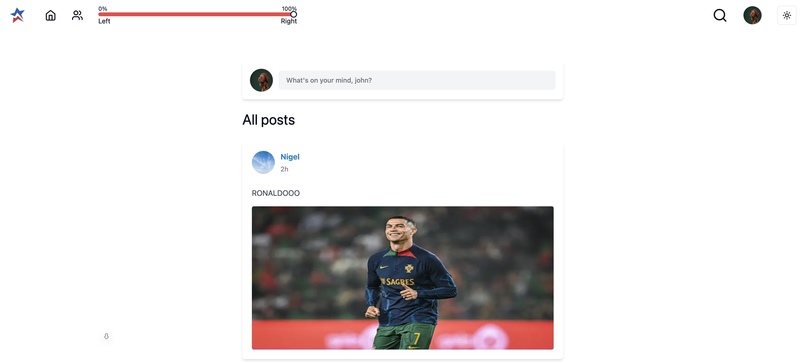
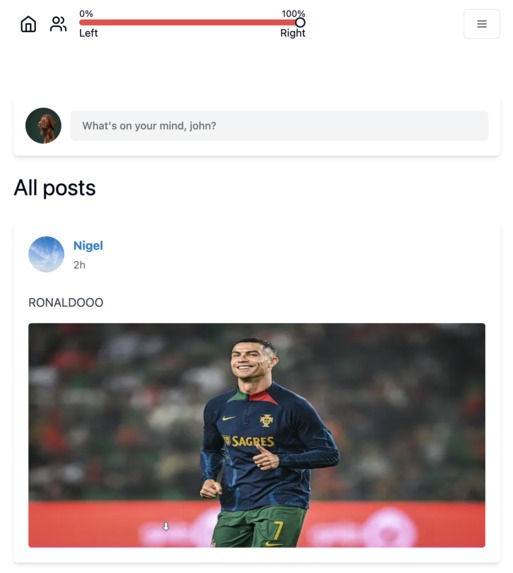
As alluded to earlier, the slider helped display certain posts based on political affiliation. Based on the position of it, certain posts would be brought to the top of the user’s feed. Unfortunately, due to the limitations of our training of the language model, things can get a bit weird (for example, check out the RONALDO slide** in our image carousel, at the top of the page). [TLDR: Ronaldo was considered “very conservative” by our retrained model]
How we built it: Backend
We alluded to the backend quite a bit in the ML section. The “Python scripts” that we mentioned in the ML section mostly had to do with the Google Vision section. These files would run whenever a new post was created and would then connect to the Google Cloud, upload a couple of images, and retrieve some labels. These labels were rated on the political spectrum (as mentioned previously) and then basically assigned to each new post via a json object.
There’s also another file called jsonDataSetReader.py. All this did was read through the YouTube dataset that was mentioned in the ML section.
You (shouldn’t) find a few web scraping scripts within the repo. These were used for scraping headlines from different news sources. We didn’t put these in the repo (I don’t think we did), but if you’d like to see/use them, leave a comment (if you found them, please disregard this paragraph)!
How we built it: Frontend
We used Next.js-a React framework that simplifies the development of server-side rendered or statically generated web applications. Front end libraries such as tailwindcss, shadcn, and lucide-react were used to simplify the process for designing an intuitive user experience. We broke down our components into reusable modules to ensure consistency and responsiveness throughout.
The structure of the project used next-auth to integrate authentication into our React components. The useSession hook, for instance, was used to access the user's session information in our components. JSON Web Tokens (JWT) are used for secure communication between the client and server.
Challenges we ran into
Accuracy and Deployment of the PoliBERT Machine Learning Model
Achieving high accuracy with the PoliBERT machine learning model posed a significant challenge during our project. PoliBERT, like many machine learning models, relies on training data to learn patterns and make predictions. Given the constraints of our limited time, fine-tuning the model was a challenging task. Another significant challenge we faced pertained to deploying our application onto a live server while integrating our machine learning model, Polibert. Unlike traditional software applications, machine learning models require specialized deployment strategies.
Speed Limitations in Image Processing
Another noteworthy challenge was the issue of speed, particularly in the context of image processing. To execute our image analysis tasks, we opted to transfer images to Google Cloud and utilized the Google Cloud Vision API. While the impact on performance may not be apparent in our current usage scenario, scalability considerations reveal potential challenges. The process of image transfer and API interaction could become a bottleneck when handling larger volumes of data, necessitating a thorough optimization strategy.
Accomplishments that we're proud of
In a span of 24 hours, we successfully:
- Crafted a fully operational full-stack social media application, complete with user profiles, posts, and follower functionalities.
- Developed a unique slider functionality and the PoliBERT machine learning model, enabling users to filter posts based on their position on the political spectrum.
- Implemented the Google Cloud Vision API to analyze images and determine their placement on the political spectrum within our system.
What we learned
Our journey on this project was quite a learning experience, especially when it came to understanding the development stack. Our team didn't have much prior exposure to machine learning, and integrating it into a full-stack application was challenging for us. For machine learning, we learned about the basics of training a model. It wasn't just about building the model; we also had to use bash scripting to get our Python scripts to run.
What's next
- Advanced Categorization for global parties and ideologies
- Multilingual Support via Google Cloud Translation API
- Fine-tuning the PoliBERT model on a larger data set
- Adding likes, comments, and friends
- Predicting a user's political stance based on their likes and following activity
Helpful Links
Got to this link to take a look at Vision AI: https://cloud.google.com/vision?hl=en Go to this link to reach Google Cloud: https://cloud.google.com/?hl=en
Here’s a how to guide for Google Cloud: https://cloud.google.com/docs/get-started Here’s a how to guide for Google Vision: https://cloud.google.com/vision/docs/how-to <- this is what we used to figure out how to use Google Vision (most useful link out of the four)
Credits
Shoutout to these guys for the pre-trained language model: https://github.com/GU-DataLab/PoliBERTweet
- Main bonus: Pre-trained language model!
- Main limitation: This was trained on data from 4 years ago (2020) and was specifically tailored to tweets
Also credit to this user for their dataset: https://www.kaggle.com/datasets/yoandinkov/youtubepoliticalbias/data
- Main bonus: More data!
- Main limitation: We used the description data from each youtube channel and the attached political bias. A number of these descriptions were long (paragraphs), making it harder for our model to identify the political alignment of short statements (like those in posts)
Built With
- atlas
- bcrypt
- eslint
- google-cloud
- javascript
- luxon
- machine-learning
- mongodb
- mongoose
- next-auth
- nextjs
- node.js
- prisma
- python
- pytorch
- radix-ui
- react
- shadcn
- tailwindcss
- typescript
- vercel


Log in or sign up for Devpost to join the conversation.