-
-
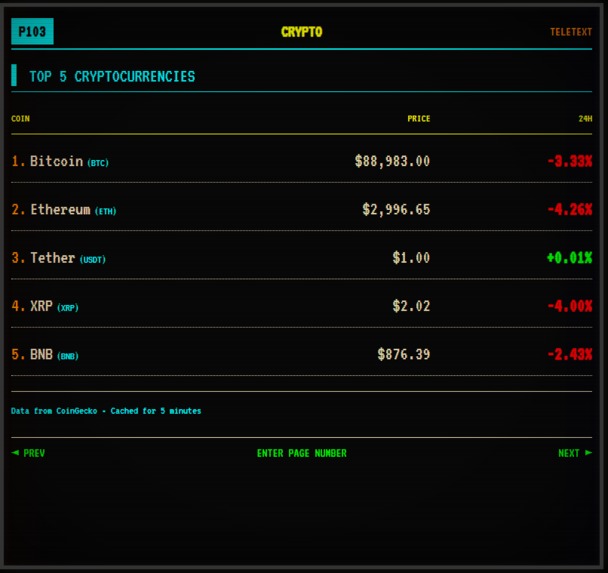
Crypto page
-
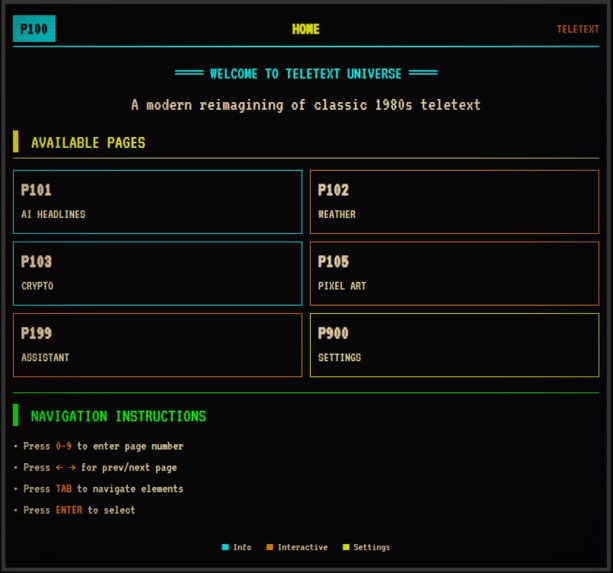
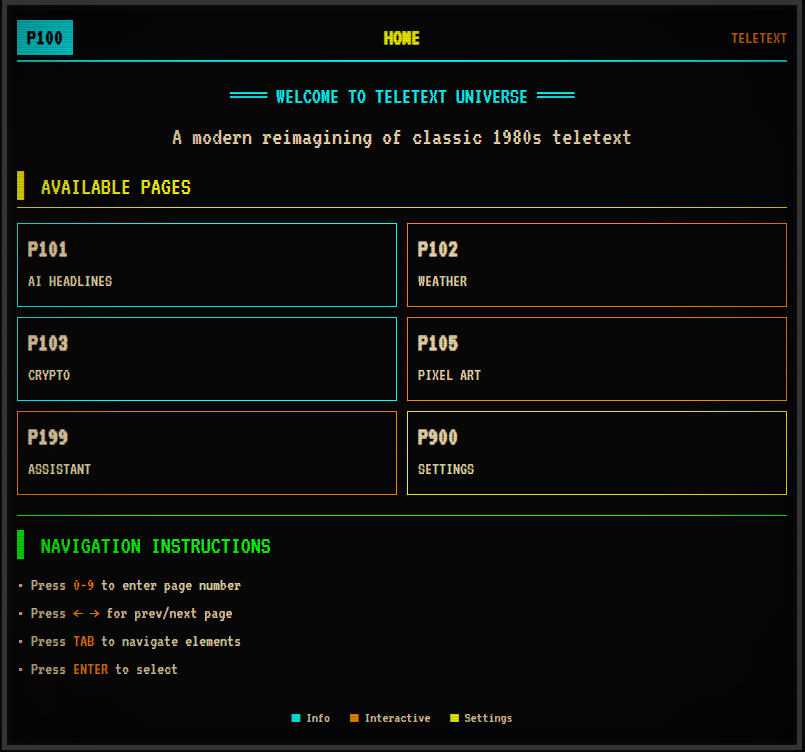
Home Page
-
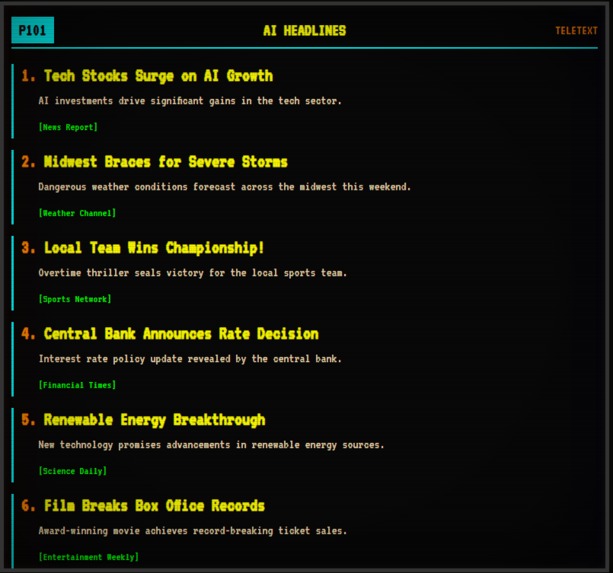
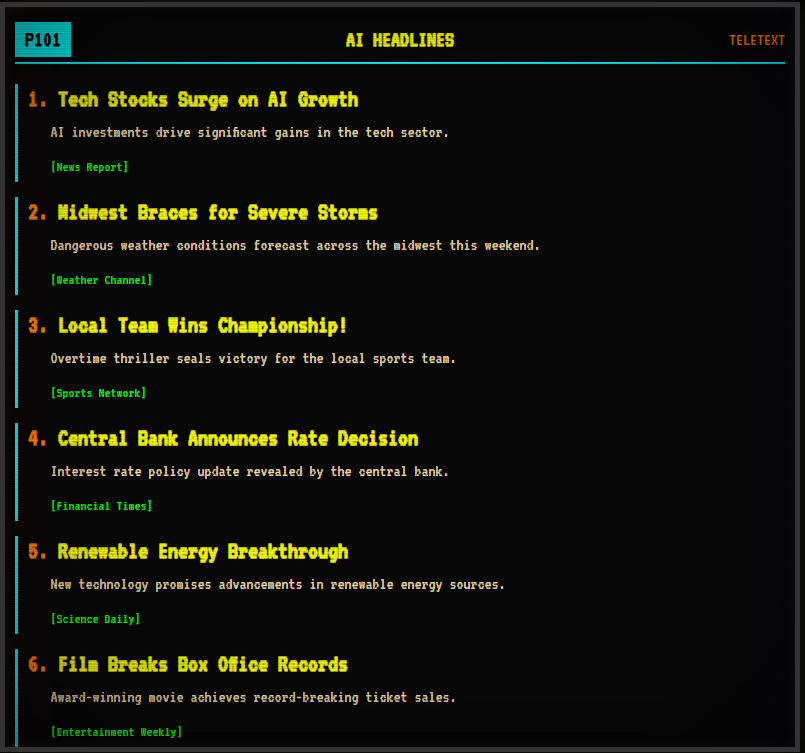
Ai headling Page
## Inspiration
Teletext was one of the earliest public information systems—blocky, limited, but iconic. When exploring Kiroween’s Resurrection theme, I wanted to bring back a technology that truly felt “dead,” yet meaningful.
That sparked the question:
What if teletext never disappeared and evolved with AI instead?
Teletext Universe is the answer: a nostalgic CRT-style interface reimagined with modern AI, built entirely in one day using Kiro.
## What it does
Teletext Universe recreates a fully functional teletext system with AI-powered content and authentic CRT visuals.
Users can access pages by typing classic 3-digit teletext codes:
- 101 — AI-generated News Headlines (Gemini rewrites real news into teletext style)
- 102 — Live Weather (WeatherAPI via secure serverless proxy)
- 105 — Pixel Art Generator (Gemini outputs structured 8×8 color grids)
- 199 — Teletext Assistant (AI responds in strict teletext formatting)
The UI includes:
- scanlines
- glow
- glitch slices
- pixel fonts
- retro color palette
- page buffering behavior
It looks and feels like a real 1980s broadcast teletext terminal—powered by modern LLMs.
## How we built it
I used Kiro throughout the entire development workflow:
1. Vibe Coding for Ideation
I began with a concept: “Make a CRT-style interface with glitch effects and teletext page navigation.” Kiro transformed this into UI ideas, color palettes, layout rules, and a TeletextViewport system.
2. Spec-Driven Development for Implementation
Once the concept was clear, I wrote detailed specs for each page and feature. Kiro generated:
- React + Vite structure
- teletext-style layout engine
- keyboard navigation buffer
- serverless API proxies (Gemini + Weather)
- components and utilities
- SVG assets (favicon, title bar, icons)
3. Steering Docs for Consistency
I created a steering document defining the teletext color palette, spacing, CRT effects, and formatting rules. Every output from Kiro—code, UI, prompts—matched the retro theme exactly.
The entire project was built in under a day using these workflows.
## Challenges we ran into
1. Authentic CRT Simulation
Reproducing analog CRT visuals (scanlines, glow, curvature, glitches) in CSS/SVG required multiple iterations.
2. Weather API 401 Errors
API key activation delays and environment variable issues caused authentication problems that needed debugging.
3. Teletext Page Navigation
Simulating numeric input (e.g., typing 101) required a custom state machine and careful timing.
4. Strict LLM Formatting
Gemini needed to output text in exact teletext row/column widths, which required precise prompt engineering.
## Accomplishments that we're proud of
- Resurrecting a dead interface using modern AI
- Completing the entire project in one day
- Building a fully custom teletext renderer from scratch
- Seamlessly integrating AI features into a retro UI
- Achieving an authentic 1980s teletext aesthetic with modern web tech
## What we learned
- How to guide Kiro using vibe coding → spec → implementation
- How to maintain consistent design using steering docs
- How to build realistic CRT filters using CSS and SVG
- How to design an LLM-friendly formatting system
- How to secure AI and weather APIs using serverless proxies
- How surprisingly powerful AI-assisted development can be
## What's next for Teletext Universe
- Offline mode using Gemini Nano
- User-generated teletext pages
- Pixel art animation page
- Teletext games (e.g., classic quizzes or mini-adventures)
- Weather radar / satellite map views
- Dark mode and multi-theme teletext variants
Built With
- llmapi
- node.js
- react
- vercel
- vite)
- weatherapi

Log in or sign up for Devpost to join the conversation.