-
-
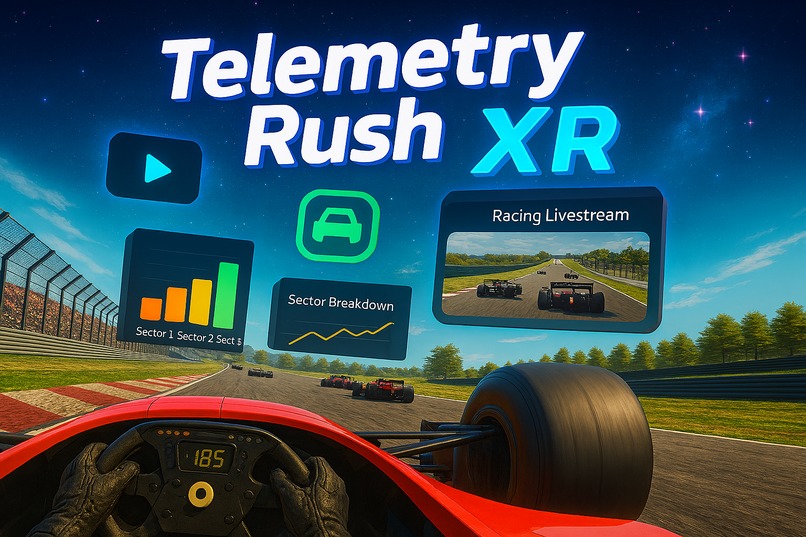
Telemetry Rush XR
-
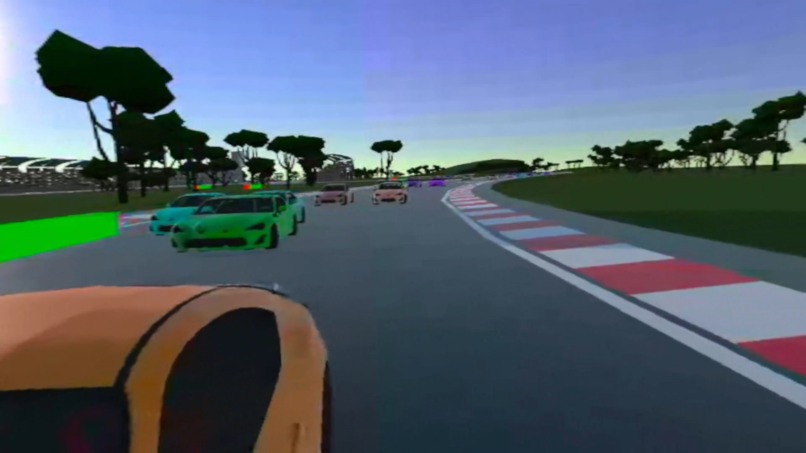
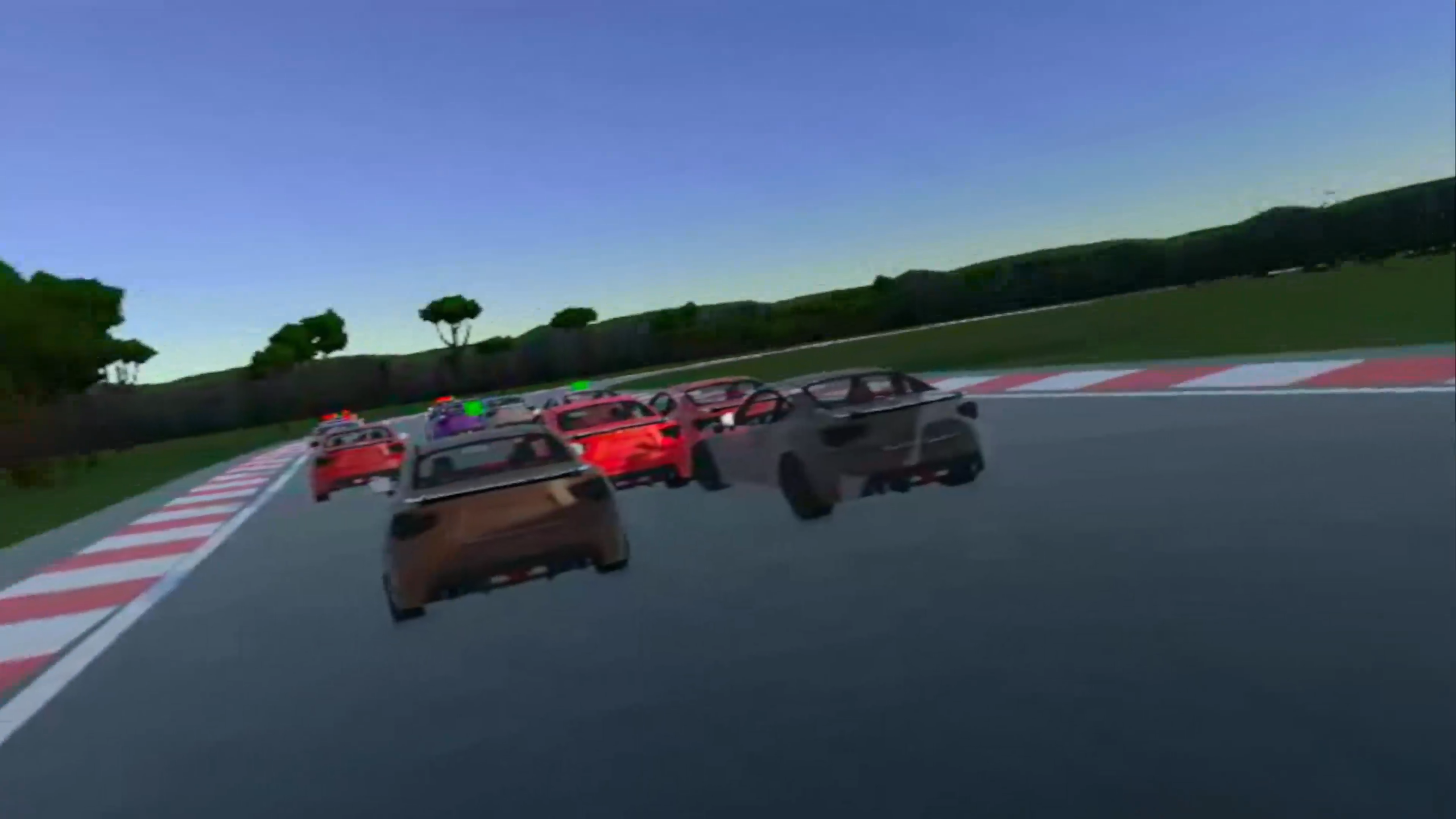
Walk around the track
-
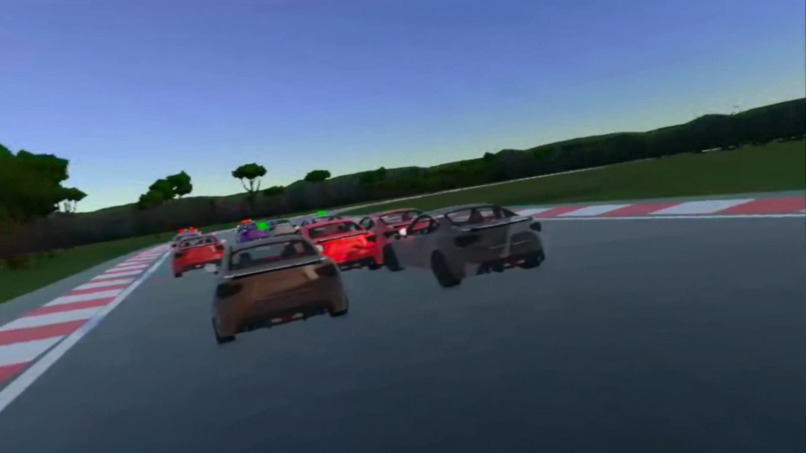
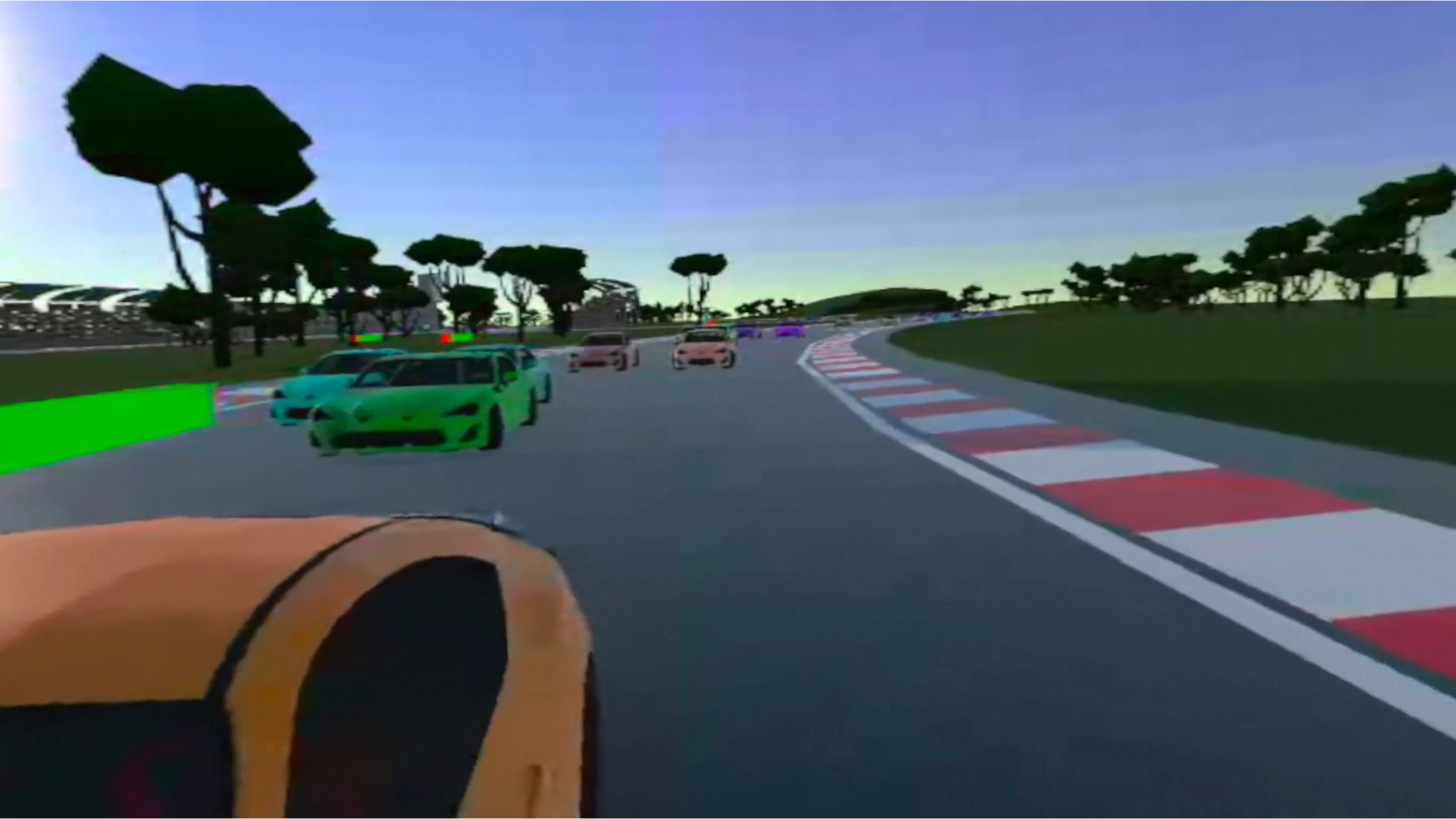
Be part of the race
-
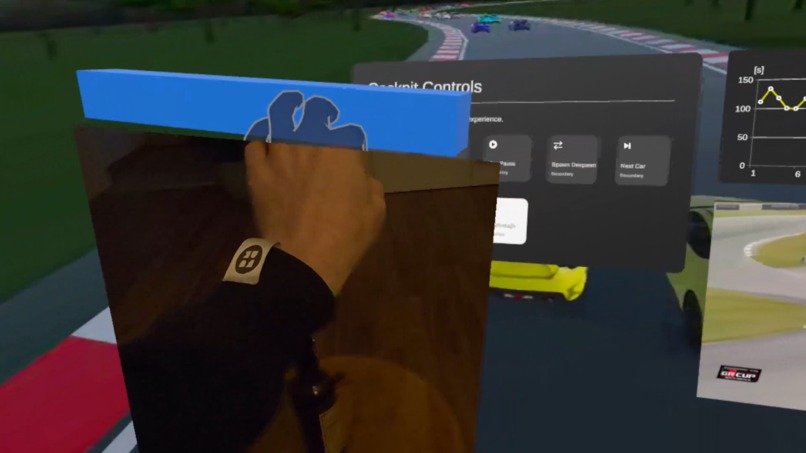
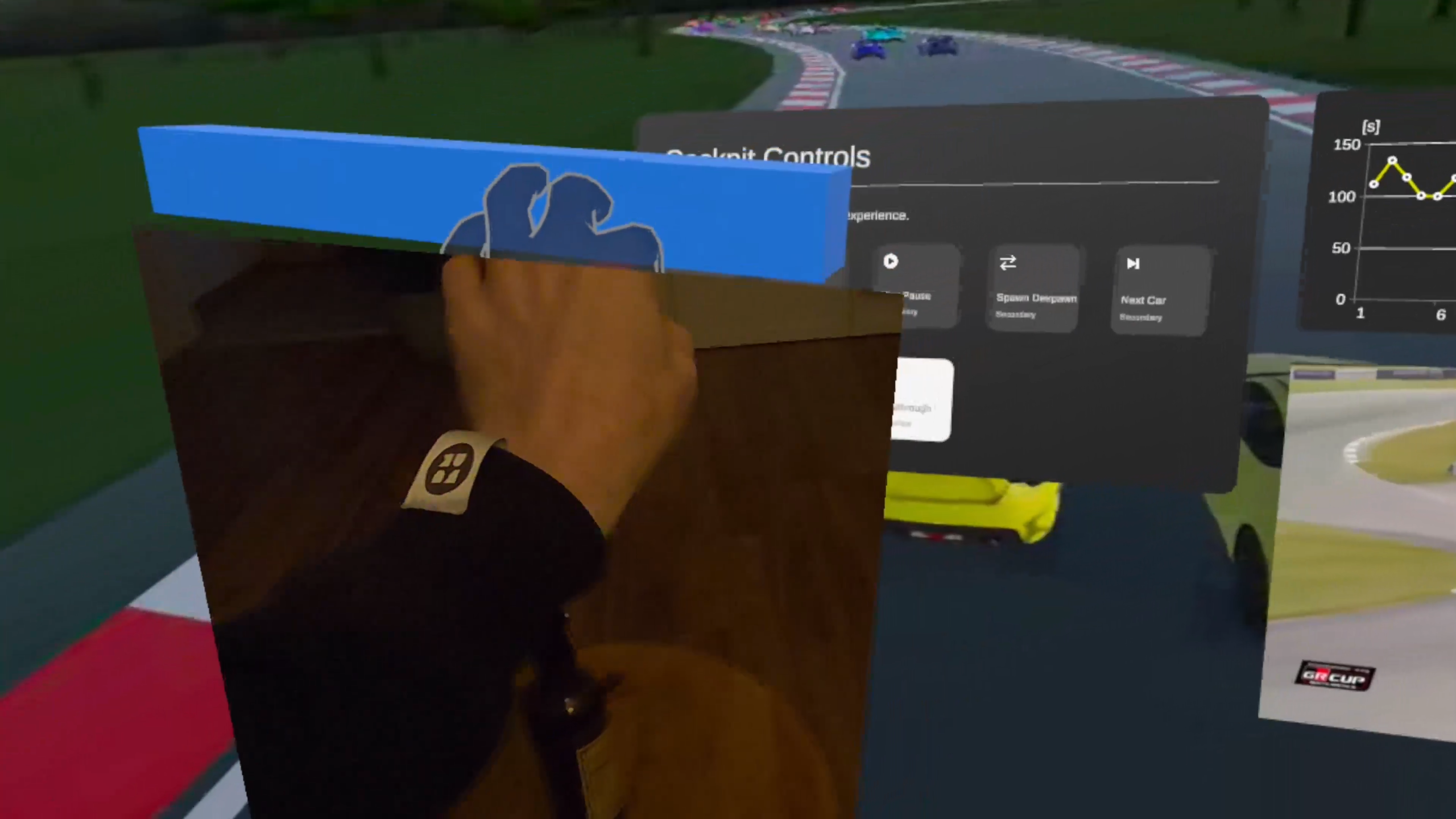
Use passthrough to stay connected to the real world
-
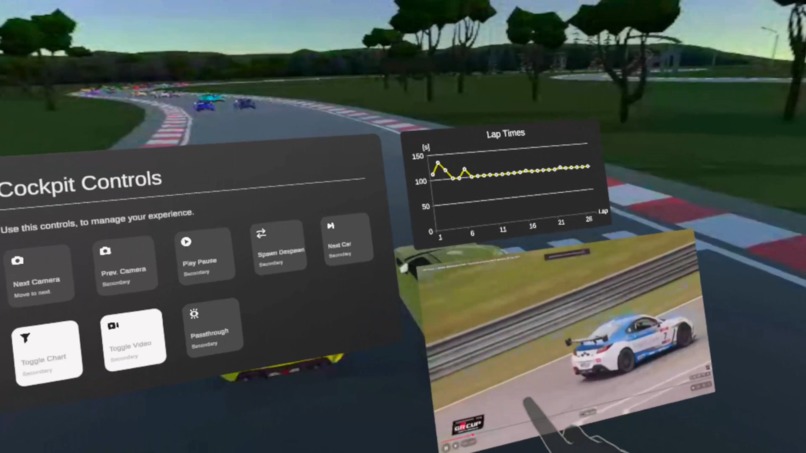
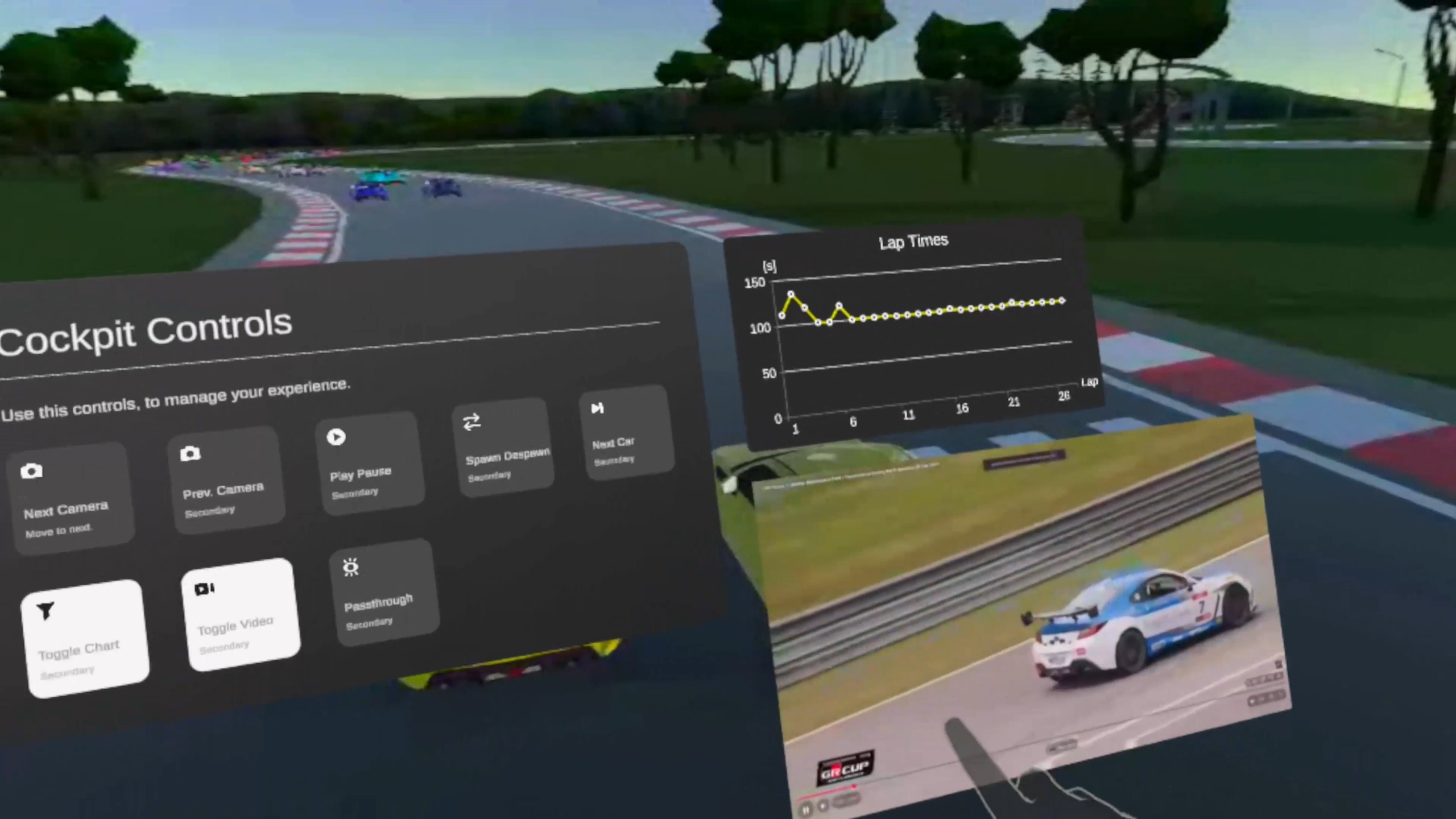
Check statistics and live streams
-
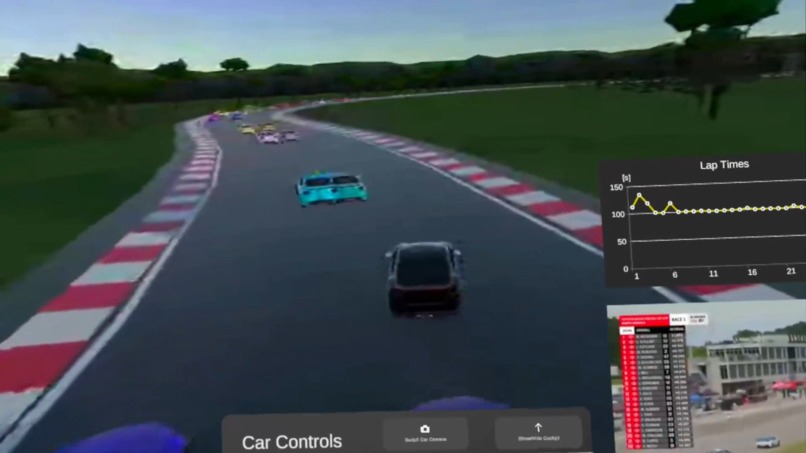
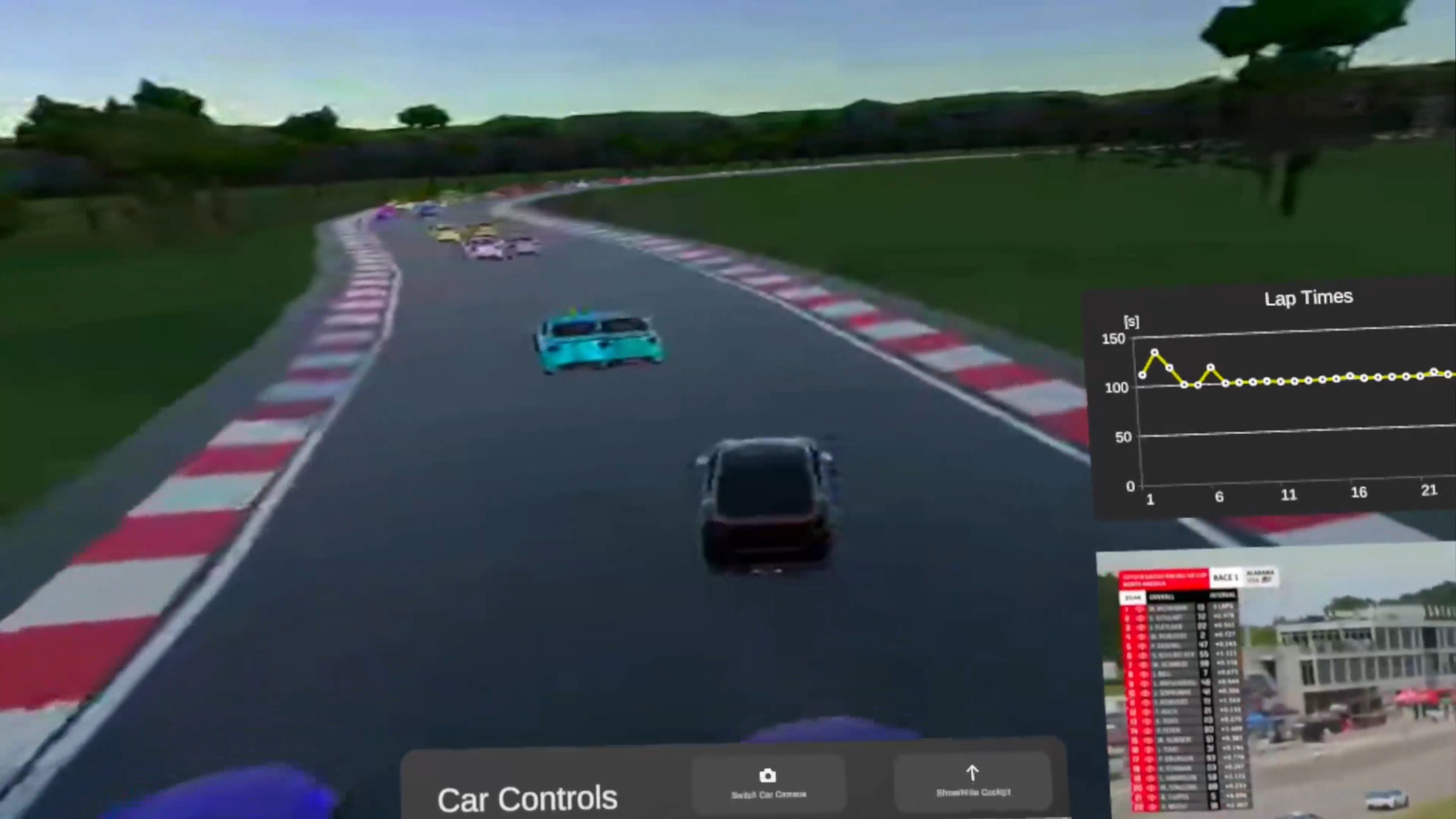
Spawn your own race and race with the pros
Inspiration
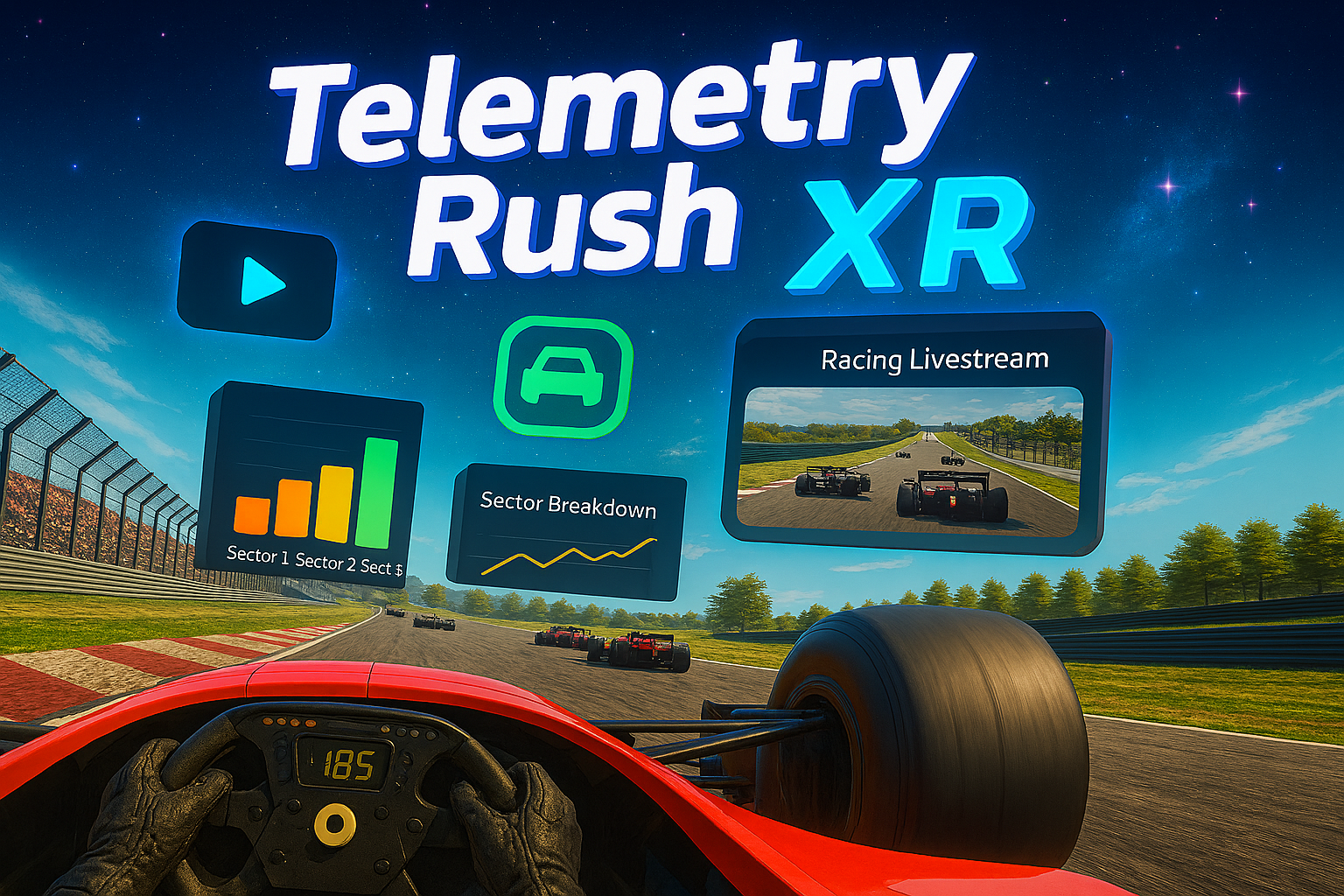
Telemetry Rush began as a project for the Toyota Gazoo Racing “Hack the Track” hackathon, where the challenge was to reimagine how motorsport data could be used in innovative ways. What started as a Windows desktop application for telemetry visualization has since evolved into Telemetry Rush XR -> an extension and client that streams the desktop experience into immersive XR. The vision is to transform raw telemetry into an interactive entertainment platform, where fans don’t just watch a race, they become part of it.
What It Does
Telemetry Rush (Core App): A Windows application that integrates external Python servers to replay, visualize and analyze motorsport telemetry data. It simulates live streaming from actual races, combining vehicle visualization, weather effects, and leaderboard tracking.
Telemetry Rush XR (Extension/Client): The desktop app (core app) is streamed as a 360° video to Quest headsets, adding XR‑specific features:
- Hand‑controlled UI interactions (play, pause, spawn car, switch cameras, passthrough, ...)
- Immersive telemetry charts and lap time overlays in 3D space
- Racing livestream integration
- Passthrough surfaces so users can stay connected to their environment
Together, the core app and XR client deliver a unique blend of racing analytics, interactivity, and immersive entertainment.
How We Built It
Development began with Python preprocessing to shrink 1.5GB of telemetry logs down to ~200MB, enabling smooth streaming. WebSockets deliver real‑time data to Unity, which powers the visualization and UI overlays. The XR client was then built in Unity to extend this experience, streaming the desktop app into Quest while layering in XR‑specific interactions and passthrough support.
As a solo developer, I combined my expertise in data science, networking, Unity, C# and XR to evolve the hackathon prototype into a polished dual‑platform solution.
Challenges We Faced
- Optimizing massive telemetry datasets for real‑time playback
- Implementing pause, rewind, and seek in a live WebSocket stream
- Reconstructing race paths without GPS data via interpolation
- Extending the desktop app into XR, while maintaining smooth performance and intuitive interactions
Accomplishments We’re Proud Of
- Growing a hackathon prototype into a complete telemetry analytics platform with an XR extension
- Delivering both a desktop app and XR client that share the same data pipeline
- Creating a challenge mode, where users can spawn their own car and compete against real race data
- Designing polished charts and overlays that make motorsport telemetry accessible to everyone
What We Learned
- Efficient preprocessing and streaming of large telemetry datasets
- Techniques for interpolating missing GPS data to reconstruct races
- How to integrate Unity visualization with WebSocket data pipelines
- How to design XR interfaces that feel natural and immersive
What’s Next
- Advanced Playback Controls: Rewind, restart, and seek for deeper race analysis
- Multiplayer & Observer Mode: Compete against friends or spectate live telemetry feeds
- Expanded Race Support: Pipelines for new races with GPS and weather data
- Live Race Streaming: The ultimate vision -> stream live telemetry from real races, let users visualize it in XR, live stream the actual race and even spawn their own car to join the action.
Built With
- javascript
- node.js
- python
- unity
- websocket


Log in or sign up for Devpost to join the conversation.