-
-
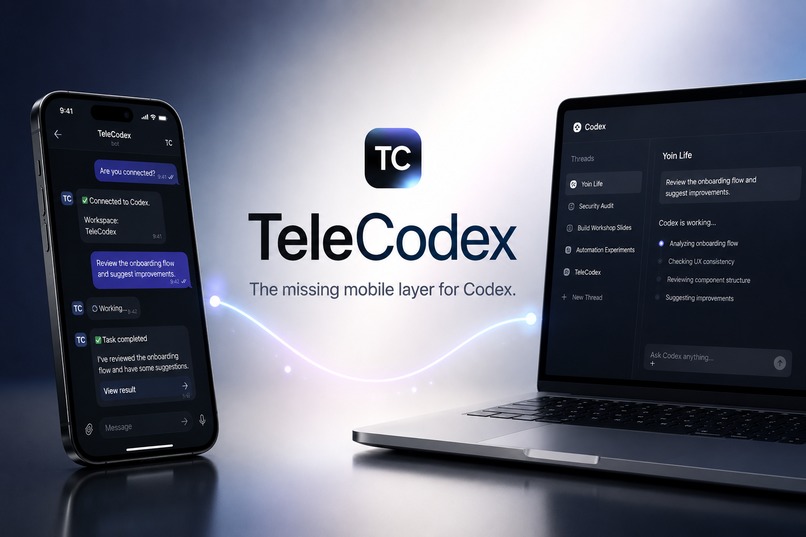
Control Codex from anywhere with a mobile experience that actually feels native.
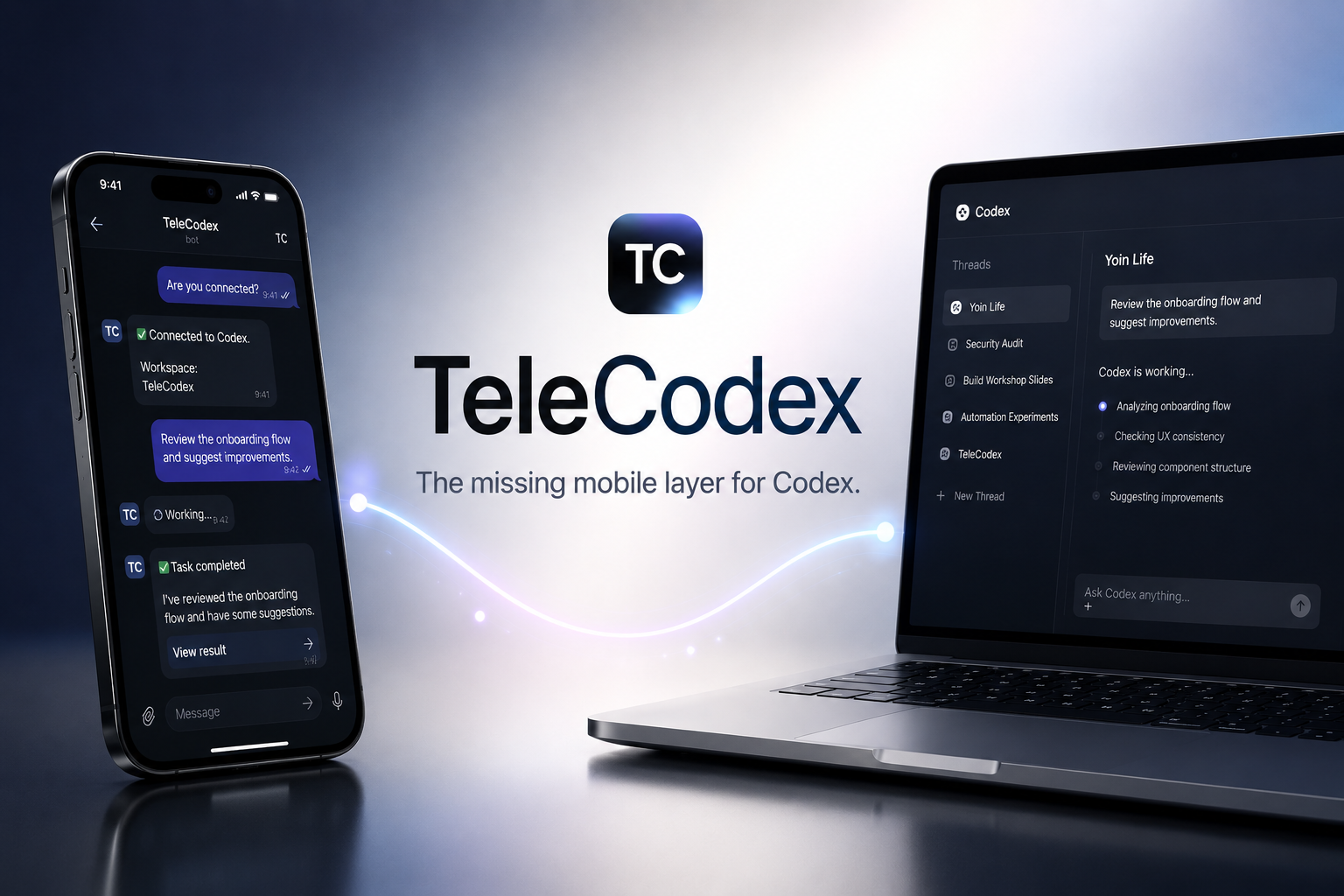
🚀 TeleCodex
The missing mobile layer for Codex.
Inspiration
I use Codex every day.
Although Codex already provides a remote experience, I found myself avoiding it whenever I wasn't at my desk.
The issue wasn't capability.
It was friction.
Checking a long-running task, switching threads, sending a quick follow-up prompt, or transferring a file all required just enough effort that I often waited until I got back to my computer.
Those small moments add up.
I wanted Codex to feel like something I could interact with naturally throughout the day, not only while sitting in front of my desktop.
Instead of supporting every messaging platform, I intentionally focused on Telegram and optimized the entire experience around it.
TeleCodex started as a personal tool.
Today, it's the way I use Codex every single day.
What it does
TeleCodex brings the Codex workflow directly into Telegram.
🧵 Complete Thread Management
- Browse existing Codex threads
- Create new threads
- Instantly switch between conversations
💬 Continue Development Anywhere
- Send prompts to any thread
- Launch long-running Codex tasks
- Continue existing conversations from your phone
🔔 Real-time Notifications
Receive task completion notifications without checking your desktop.
📂 Desktop ↔ Telegram File Transfer
Quickly exchange files between your local machine and Telegram.
🎙️ Voice Interaction
Use local Whisper to interact with Codex using your voice while keeping speech processing on your own machine.
🎛️ Mobile-first Experience
A fast, customizable interface designed specifically for Telegram instead of simply mirroring the desktop UI.
Nearly every essential Codex workflow can be performed directly from Telegram.
How we built it
TeleCodex connects Telegram with the Codex App Server and keeps your desktop and mobile workflow synchronized.
Telegram
     │
     ▼
 TeleCodex
     │
     ▼
Codex App Server
     │
     ▼
 Local Codex Threads
Tech Stack
- TypeScript
- Node.js
- Telegram Bot API
- Codex App Server
- SQLite
- Local Whisper
Challenges we ran into
Connecting Telegram to Codex wasn't the difficult part.
Designing a frictionless developer experience was.
Every interaction was redesigned around one question:
Can this be done faster from a phone?
That meant rethinking thread navigation, asynchronous task management, notifications, file transfer, and voice interaction instead of simply exposing desktop functionality on mobile.
The challenge wasn't adding more features.
It was making the existing workflow feel effortless.
Accomplishments that we're proud of
- 🚀 Built a mobile-first Codex experience that I now use every day
- 🧵 Brought complete thread management to Telegram
- ⚡ Made switching between Codex conversations nearly instantaneous
- 🔔 Added real-time notifications for long-running tasks
- 📂 Built seamless desktop ↔ Telegram file transfer
- 🎙️ Integrated local Whisper voice interaction
- 🎛️ Created a highly customizable interface optimized for daily development
What we learned
Powerful AI models are only part of the developer experience.
Removing friction can have just as much impact.
When interacting with Codex becomes effortless, it naturally becomes something you use many times throughout the day instead of only when sitting in front of your computer.
Small UX improvements can completely change developer behavior.
What's next for TeleCodex
- Computer Use monitoring
- Remote task dashboards
- Multi-device synchronization
- Team collaboration
- Plugin architecture
- Community extensions
TeleCodex is not trying to replace Codex.
Its goal is simple:
Make using Codex from anywhere feel effortless.

Log in or sign up for Devpost to join the conversation.