-
-
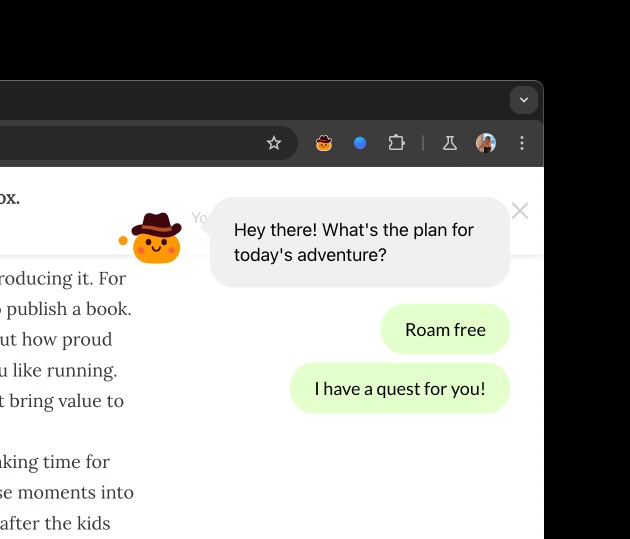
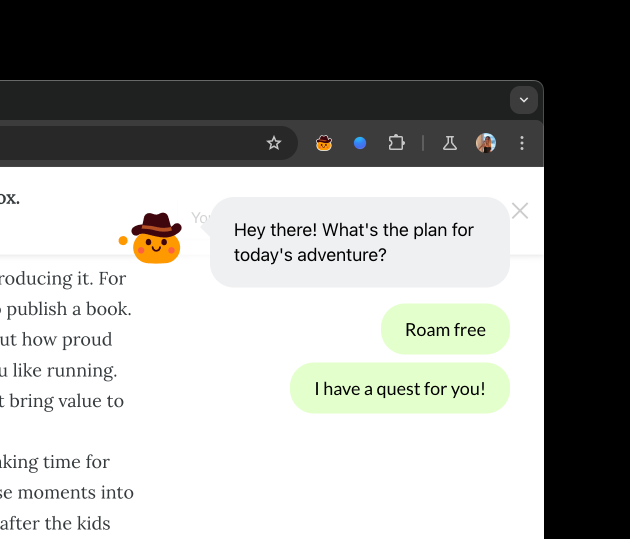
Greeting
-
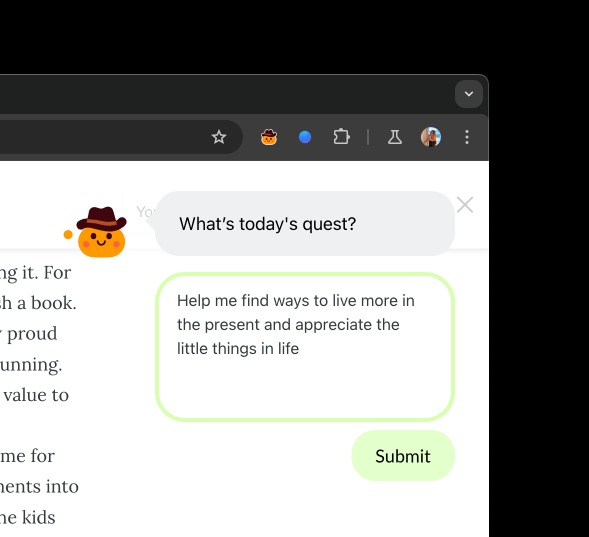
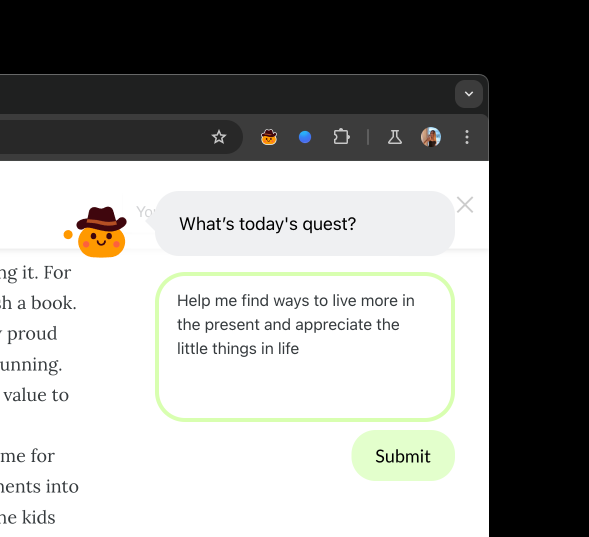
Quest
-
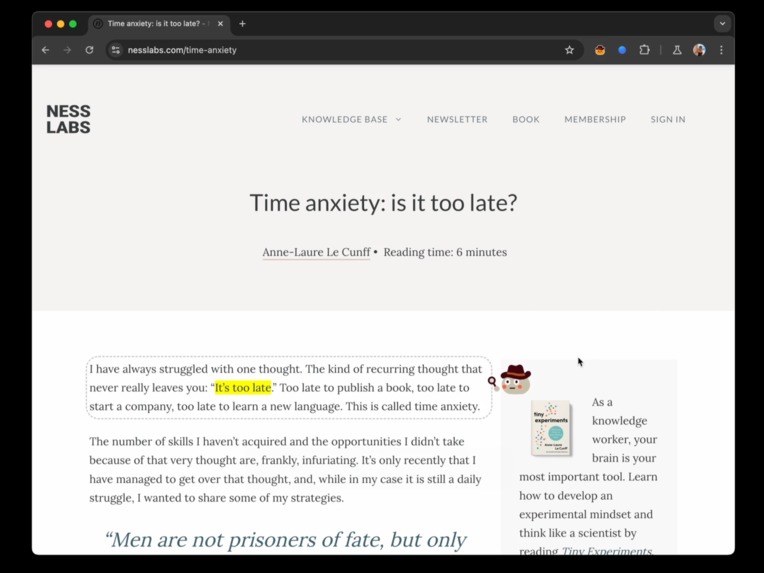
Text analysis
-
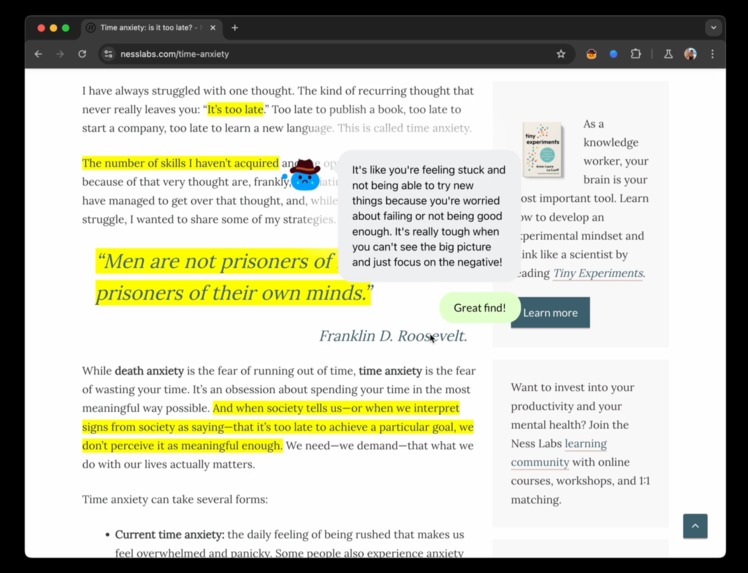
Highlights
-
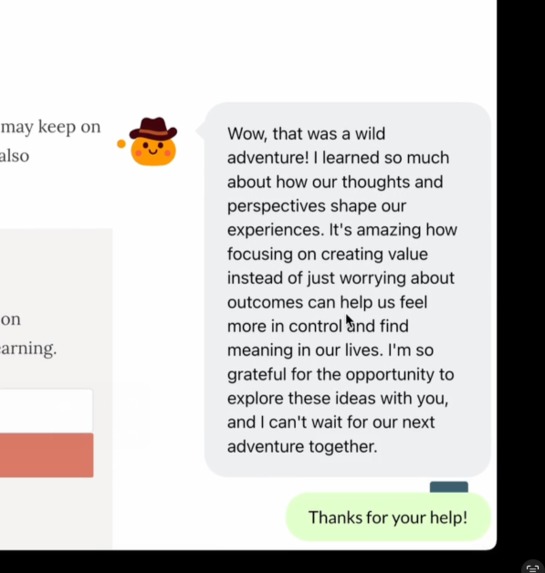
Summary
-
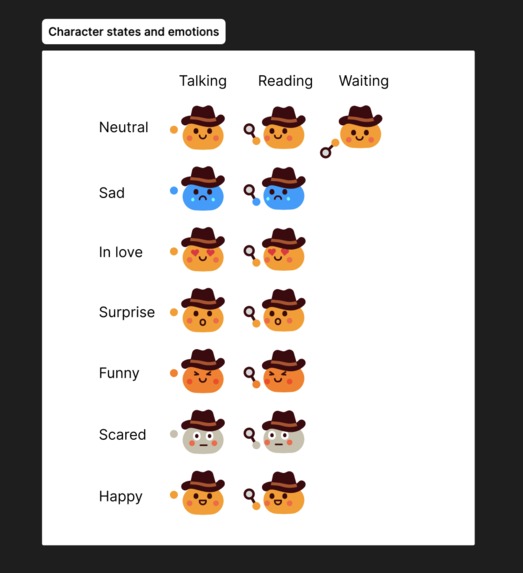
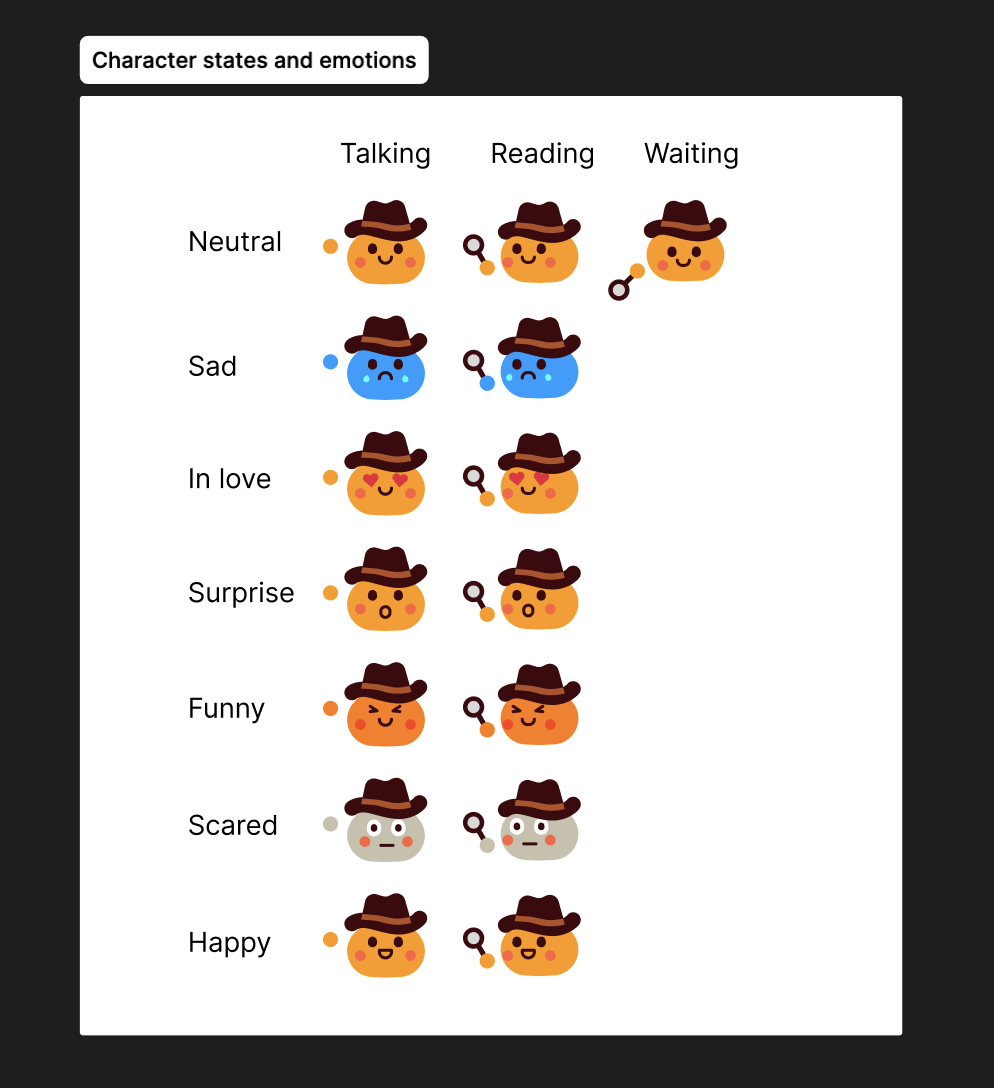
States and emotions
👉 Find the installation instructions in the GitHub repository.
We developed this in 24 hours as we found out about the challenge at the last minute (and underwent surgery 😬)
Inspiration
We are both neurodivergent and get side tracked whenever we have to read long form content such as blog posts. We often have tons of tabs open or in our "To Read Later" tab group. When we started chatting about why this was, we agreed that it was a lonely experience, it lacked interactiveness and playfulness. We also wanted to somehow moderate the sentiment of the content, to avoid us from reading too much negative content or go down rabbit holes.
What it does
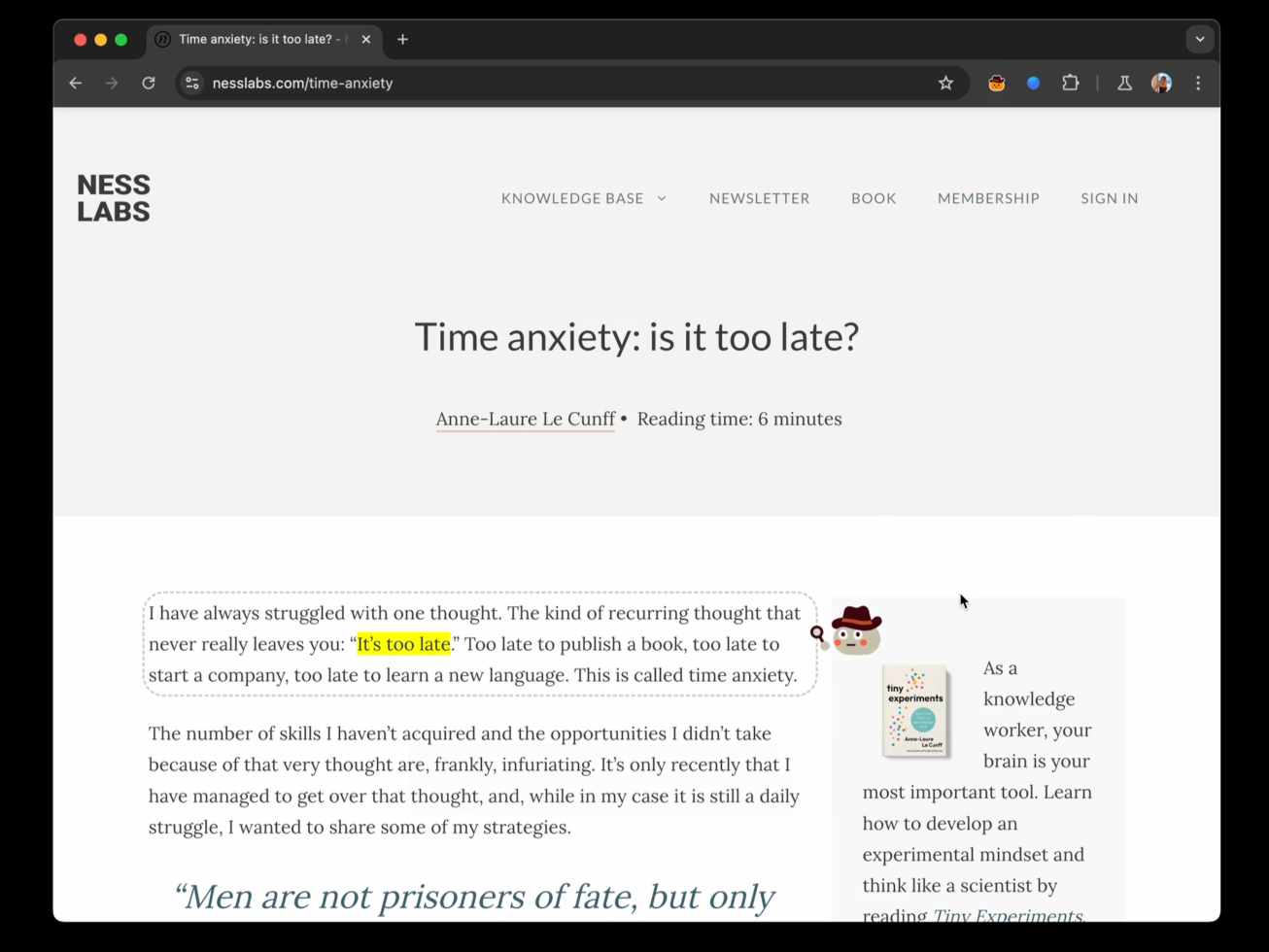
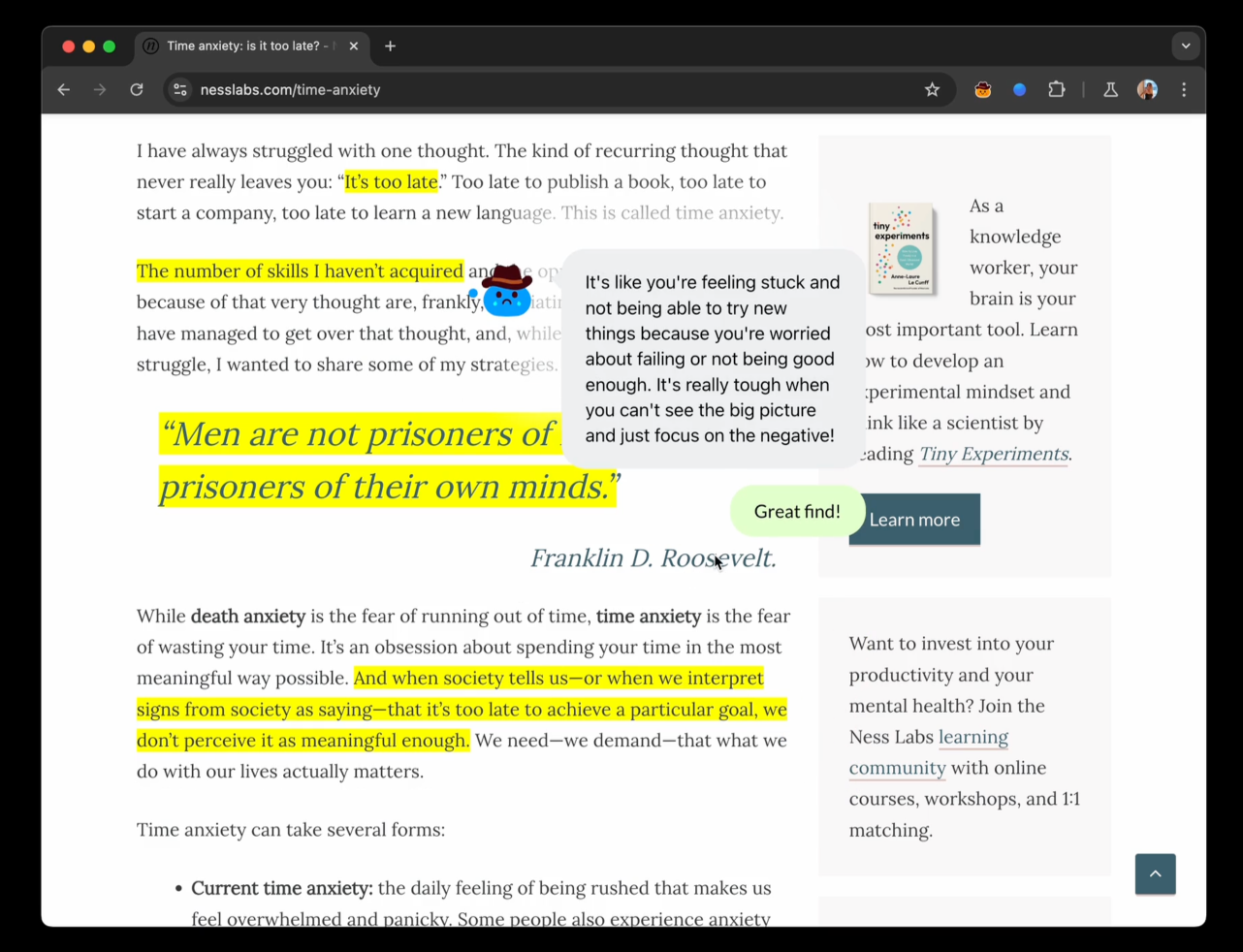
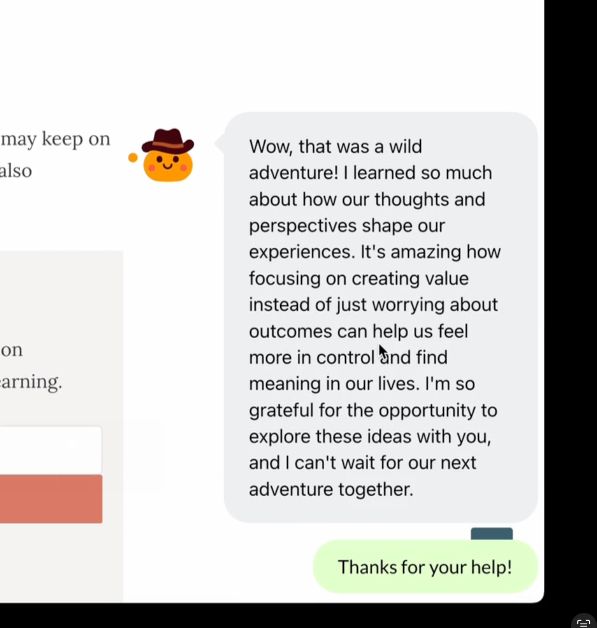
It's a reading companion that captures your intent for the browsing session and helps you highlight any content that is particularly relevant to you. It reads alongside you and changes its visual form according to how it feels. It's a curious, naive teenager and it makes little comments when you click on content it has highlighted. At the end of the session, it gives you a digest of what it loved most about it.
How we built it
The Chrome extension was built using Javascript and the Plasmo framework to accelerate the development of the extension. It extracts the text elements from the page you are browsing and passes them procedurally to the Prompt API which computes a "mood", "interesting snippet to highlight" and an "interesting comment to make". It then uses the output to provide visual feedback, by changing the behavior of the character, and injected the highlighted elements in the text directly. Alyssa designed the visual assets in Figma and we went through a few iterations before getting to the cute companion you now see.
Challenges we ran into
- Accessing the relevant text content of webpages. Given we only had 24 hours to build this, we decided to avoid headaches and keep it consistent it would be simpler to focus on a single website (https://nesslabs.com/), however with more time it could easily be made to work with other blogs or platforms like Substack, Medium...
- Making the Prompt API work. We followed the instructions available but they didn't work out of the box, or stopped working randomly which only fixed itself when restarting the browser and disabling the Text Safety Classifier flag.
- We had trouble getting the Prompt API to return exact text excerpts from the input. Leo tried to fix this by lowering the temperature of the model, but it didn't work, so we ended up adding guardrails to the prompt instead.
- Since the context of the Prompt API model for Chrome is quite small, we weren't able to prompt with the entire content of the page. We decided to work around it by focusing instead of analyzing paragraph by paragraph, cloning the session.
Accomplishments that we're proud of
- Learning about how easily you can embed AI into existing dev workflows
- Prompt engineering accurately enough to make this work
- Being able to create a cute POC in 24 hours
What we learned
- It was the first time we used the Plasmo framework, which allowed us to create the extension quickly and effectively
- Learnt more about language models, and creative ways they can be leveraged for browser extensions
- Different ways to make an AI-driven product feel more approachable, friendly, and engaging to a user
What's next for QuestScout
- We would like to make it work in more websites
- We want to teach it how to help you with more browsing tasks, especially expanding the concept of the mood of your browsing sessions, it would be used as a friendly content moderator and help you being more mindful of your social media usage
- Let you personalise more things as part of the onboarding journey, your tiny companion's personality, its colours, any accessories
- Gamify the experience by rewarding you for reading content that aligns with your goal and uplifts you and penalising you when you do the opposite
- Adding a daily digest with a mood scale and a word cloud of your most relevant concepts read today
- Keep some history of this data and surface it to the user so they can be more mindful of how they are spending their time online
- Nudging users to more relevant content when they are going into unrelated rabbit holes and have asked you to bring them back
- We could keep going but then we would give away all our ideas :)
Built With
- chrome
- gemini
- javascript
- plasmo
- prompt
- promptapi


Log in or sign up for Devpost to join the conversation.