-
-
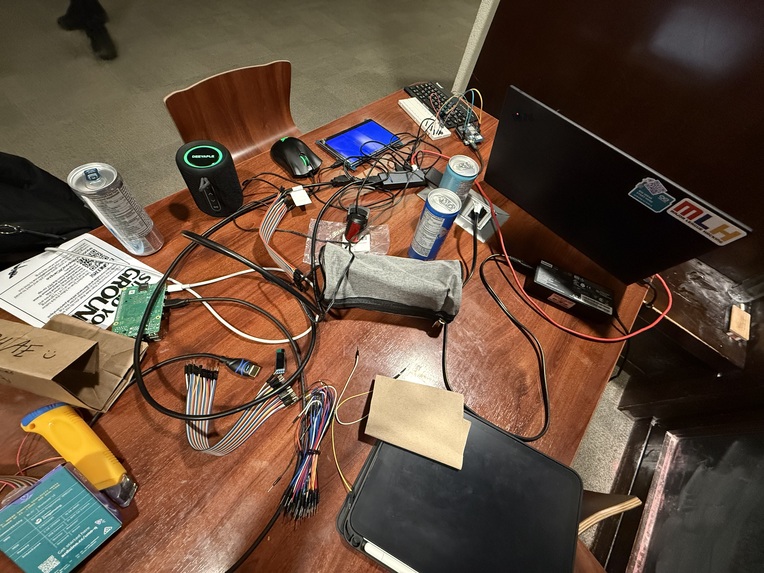
up late
-
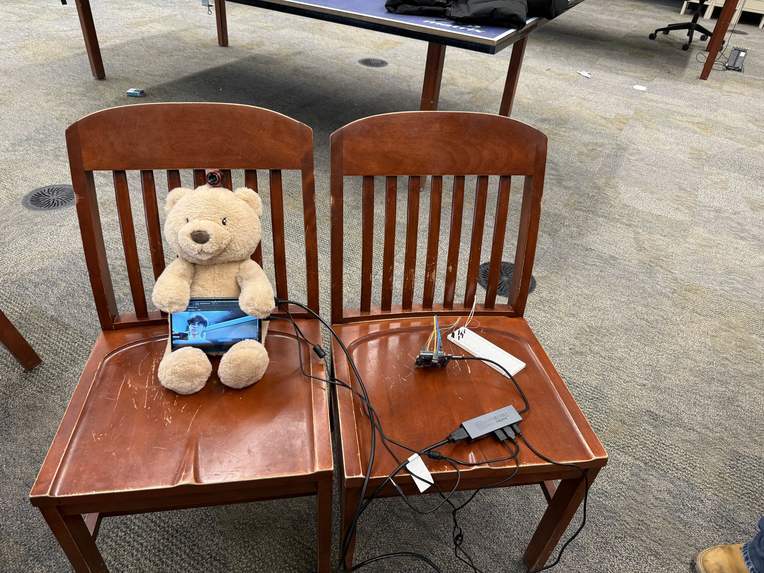
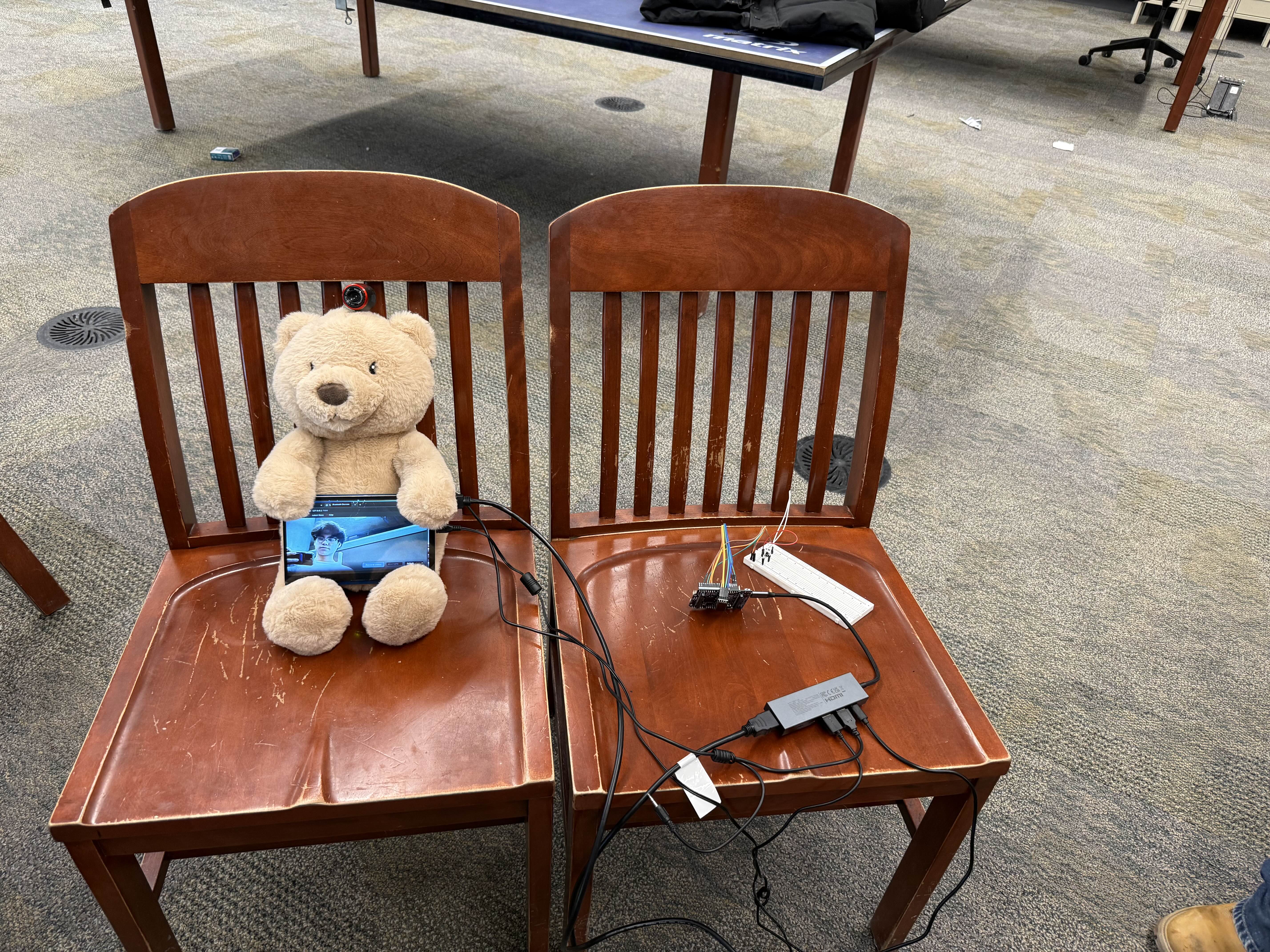
initial setup (we stuffed everything in afterwards)
-
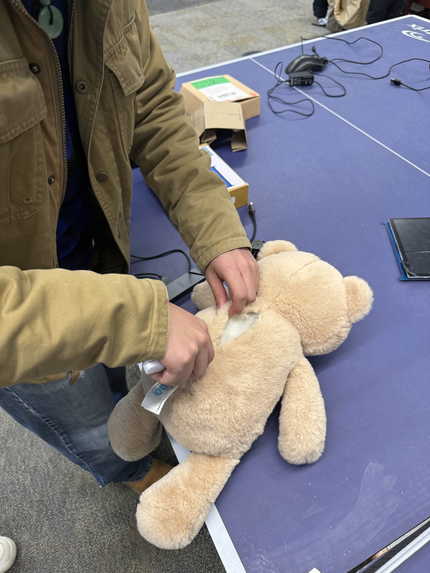
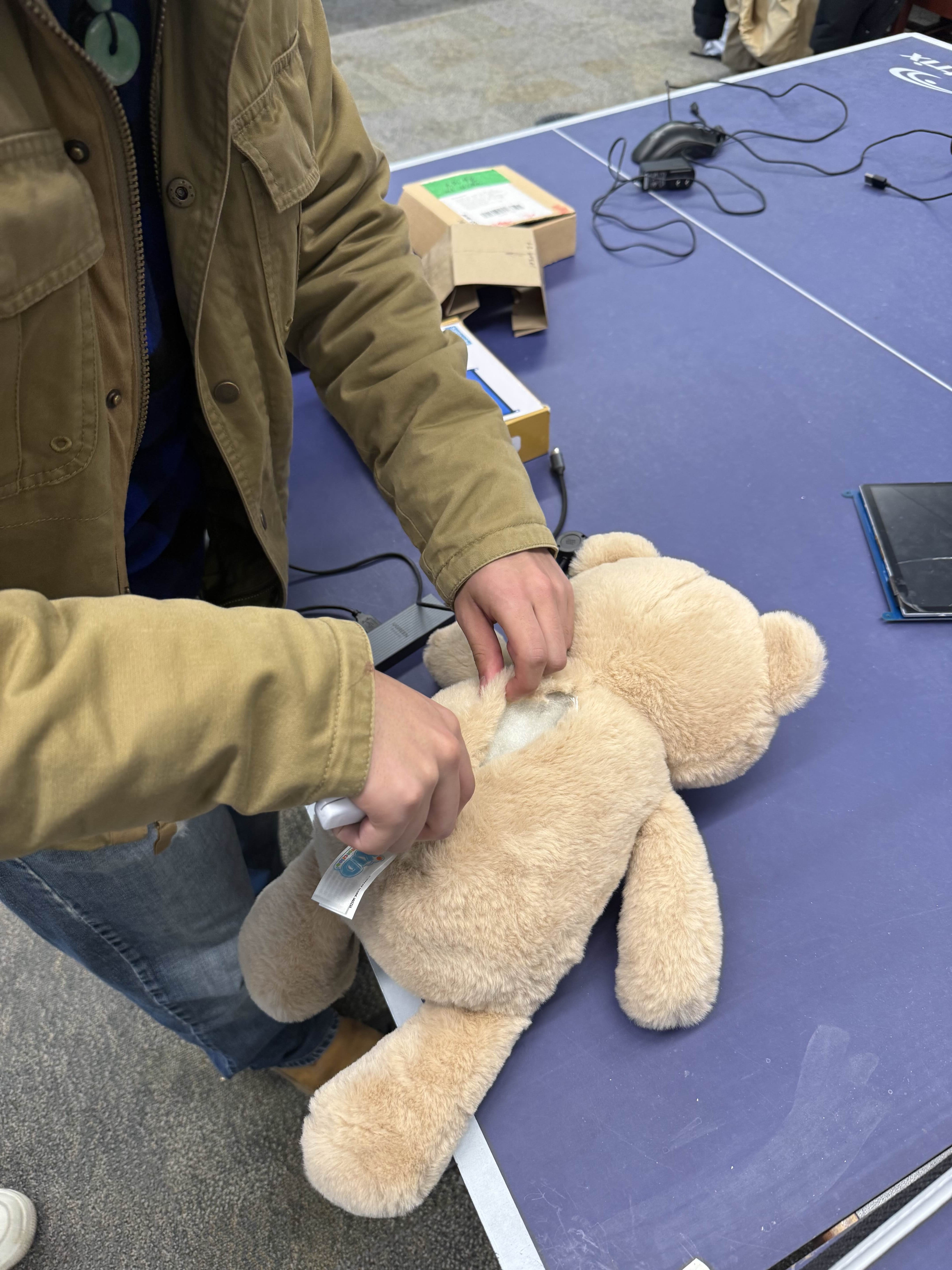
surgery
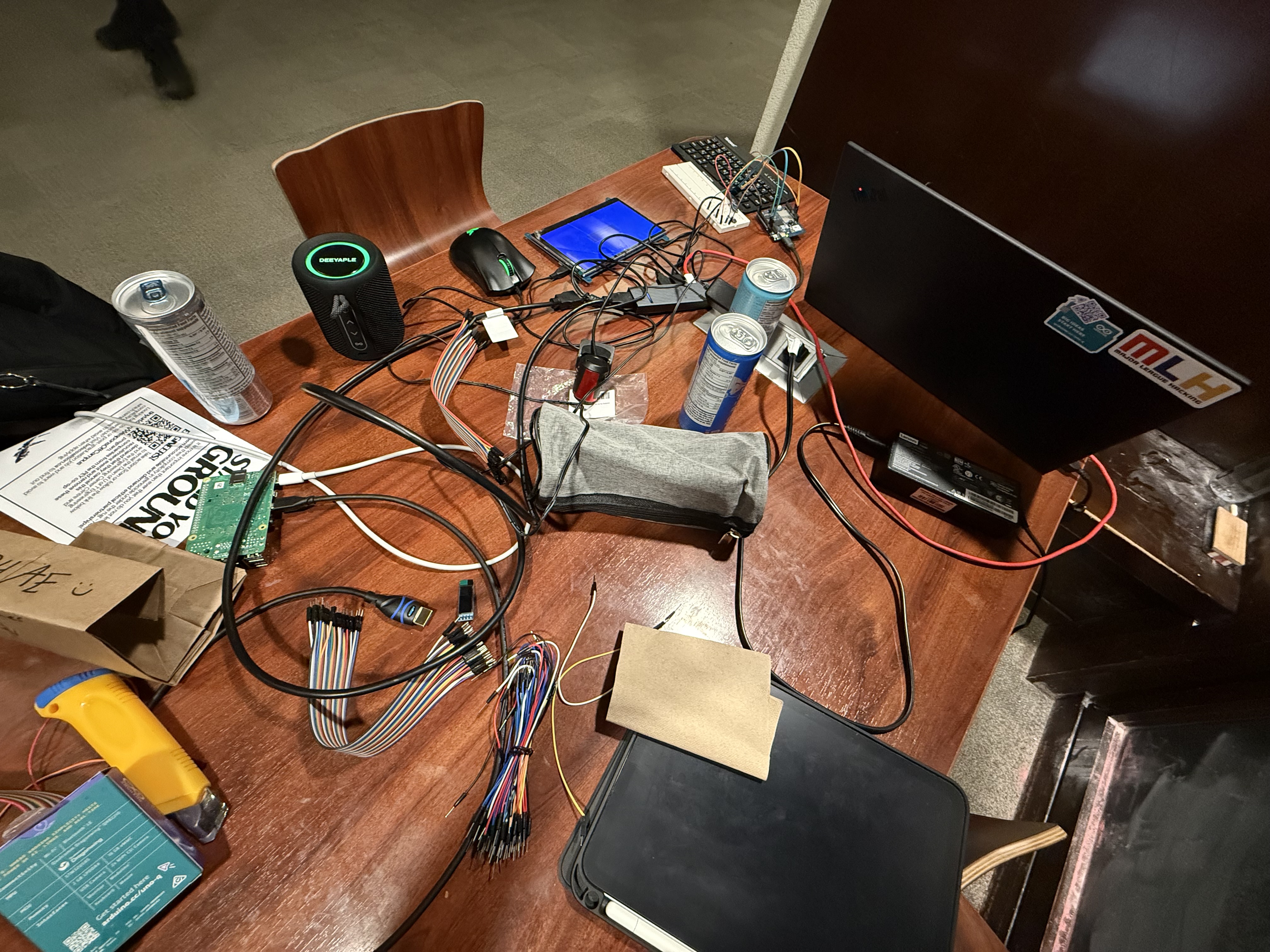
Inspiration
Valentine’s Day gifts usually represent affection, but they don’t actively express it. A teddy bear, a card, or flowers carry meaning, yet they remain static objects.
We wanted to transform a traditional romantic gift into an interactive experience. Instead of a teddy bear that simply sits nearby, we imagined one that could notice how someone feels and respond on its own.
What it does
Teddy Talk is an emotion-to-poem teddy bear.
When a user presses the teddy’s button and looks at it, the bear observes their facial expression, determines their emotion, and responds by reciting a 20 second romantic poem related to that emotion, in a natural human-like voice. Users can also record their own voice and have the teddy speak poems using that voice.
The interaction works like this:
- The camera captures the user’s face
- The ML model determines their emotional expression
- A poem is generated based on that mood
- The poem is spoken aloud through the teddy bear
How we built it
Runs entirely on an Arduino UNO Q, using both its microcontroller and Linux processor
- The Linux side runs Python to process the camera feed with OpenCV, detect emotions with a FER+ model, and generate poems with Gemini API and output them with ElevenLabs.
- The microcontroller handles the button response, so the teddy reacts when it is pressed.
Main components
- USB Webcam for facial expression capture
- Physical button for interaction
- USB Docking Hub to connect all components
- Bluetooth speaker audio playback
Challenges we ran into
- The Arduino UNO Q did not have enough built-in storage to run the DeepFace Python library for emotion recognition, so we had to move to the FER+ Microsoft Dataset model for emotion recognition, scrapping all of the old code. This saved valuable space and improved latency.
- The built-in bluetooth chip on the Arduino UNO Q was finicky at best, and required a lot of troubleshooting to connect with our bluetooth speaker.
- The latency on the webcam was very high until we switched to FER+.
Accomplishments that we're proud of
- We created a full data pipeline from image capture and preprocessing to emotion classification, and finally, voice output
- The full implementation in general, the way everything came together seamlessly was amazing
- Being able to use UNO Q in a full project for the first time
What we learned
- OpenCV for emotion detection
- RouterBridge, necessary for this project and UNO Q, allows communication between the MCU for the button and the linux side Python code
- We learned how to sync both the hardware and software side of an Arduino UNO Q, allowing for AI on one side, and physical I/O on the other
- The challenges of using multiple API's while optimizing speed and guaranteeing functionality
- How cool ElevenLabs is
What's next
- Better emotion detection (larger Python library or own model)
- Microphone implementation
- Gemini speed: stream generation so TTS can start before full poem generation


Log in or sign up for Devpost to join the conversation.