-
-
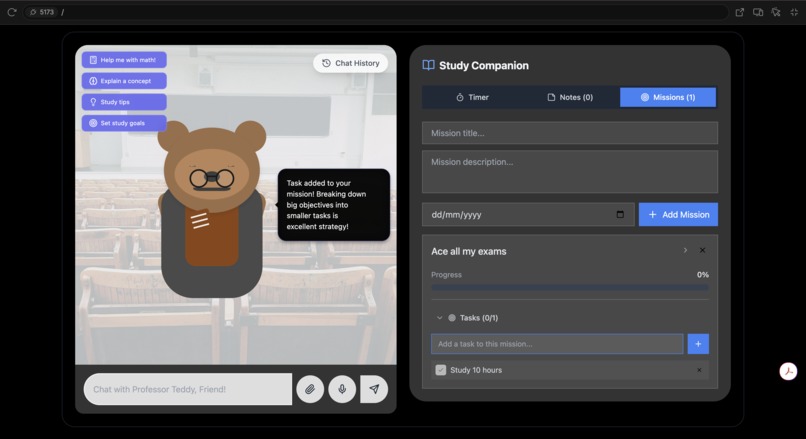
Set Goals with Teddy
-
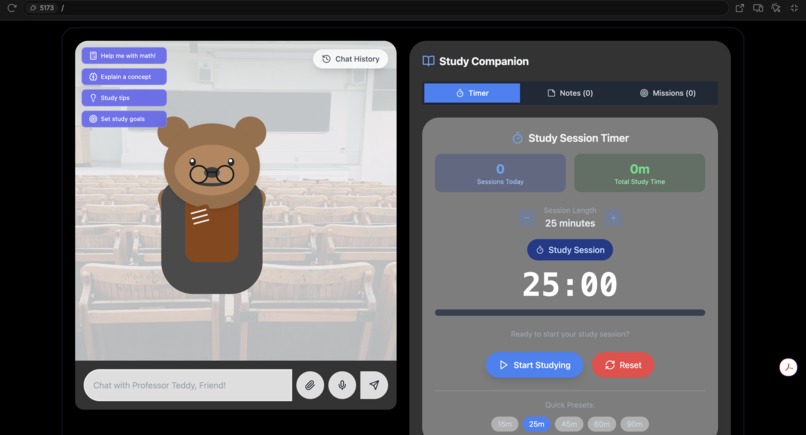
Teddy Interface
-
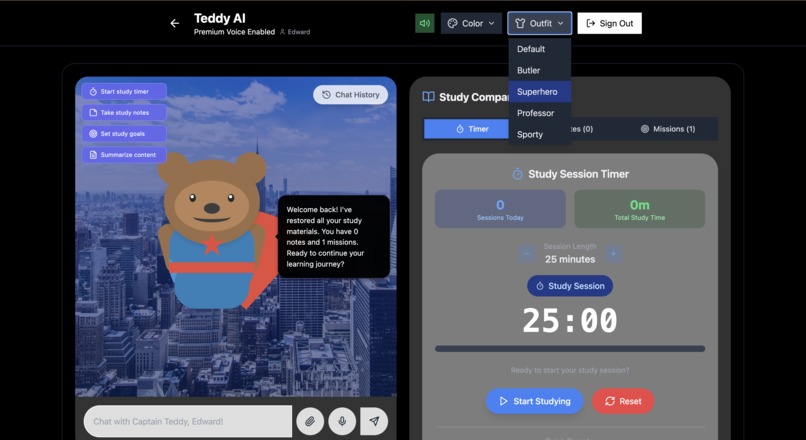
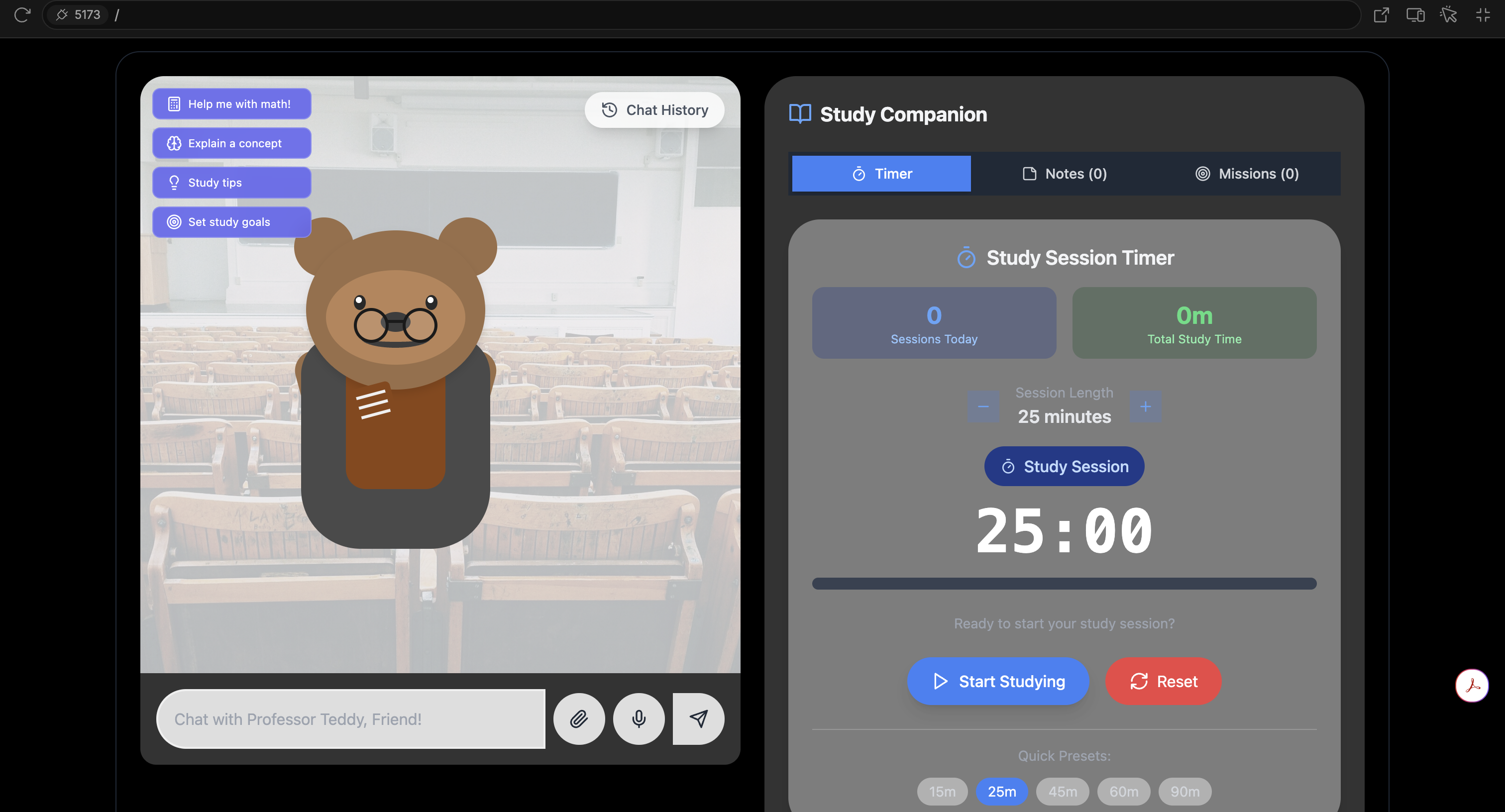
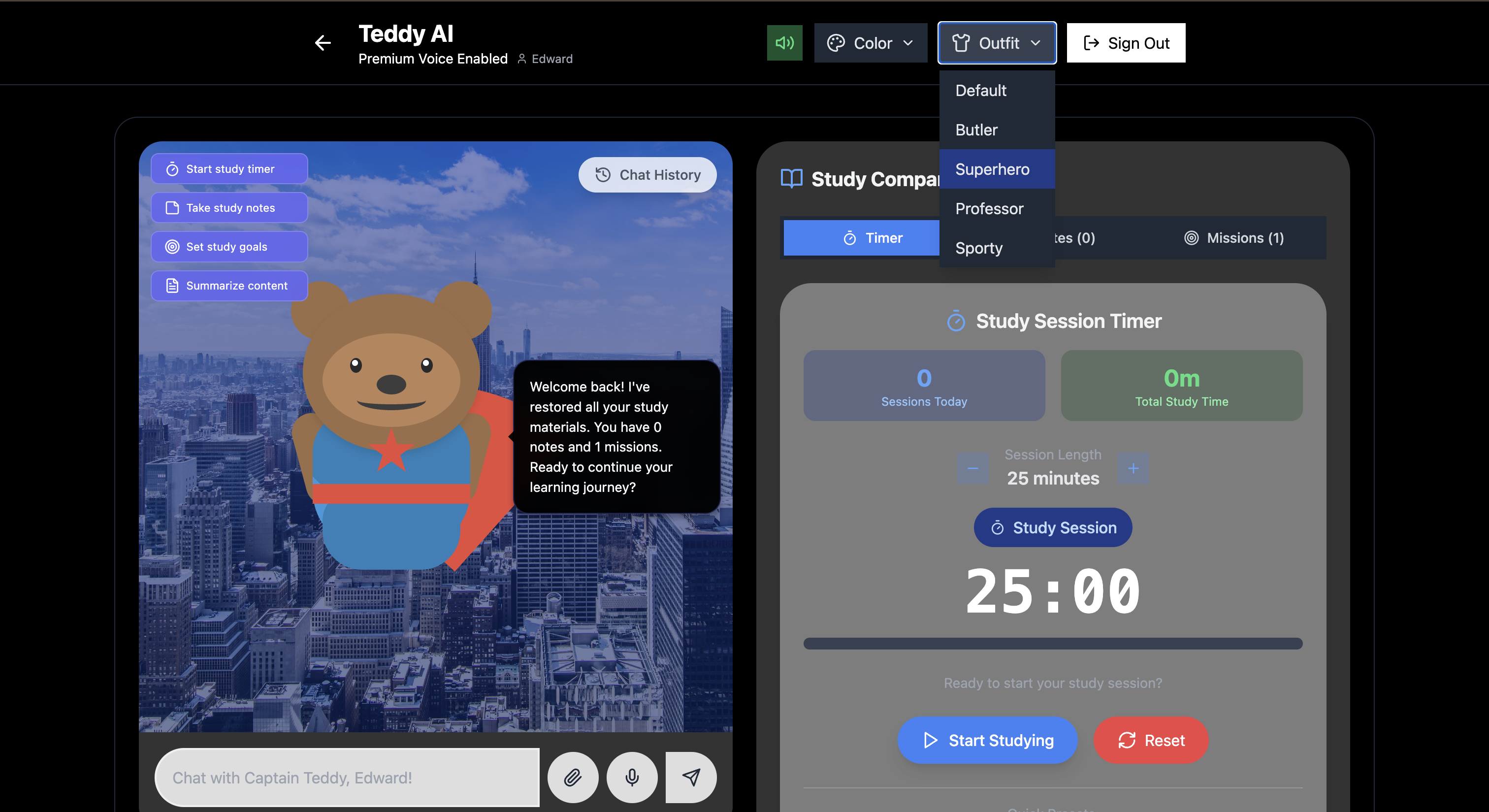
Different Teddy Personalities
Inspiration:
The inspiration for Teddy AI came from recognizing that traditional study tools often feel cold and impersonal. We wanted to create a warm, engaging companion that makes learning feel less lonely and more enjoyable. The idea of an AI-powered teddy bear combines the comfort of childhood with cutting-edge technology, creating a unique study experience that adapts to different learning styles and personalities.
What it does:
Teddy AI is an interactive study companion that features:
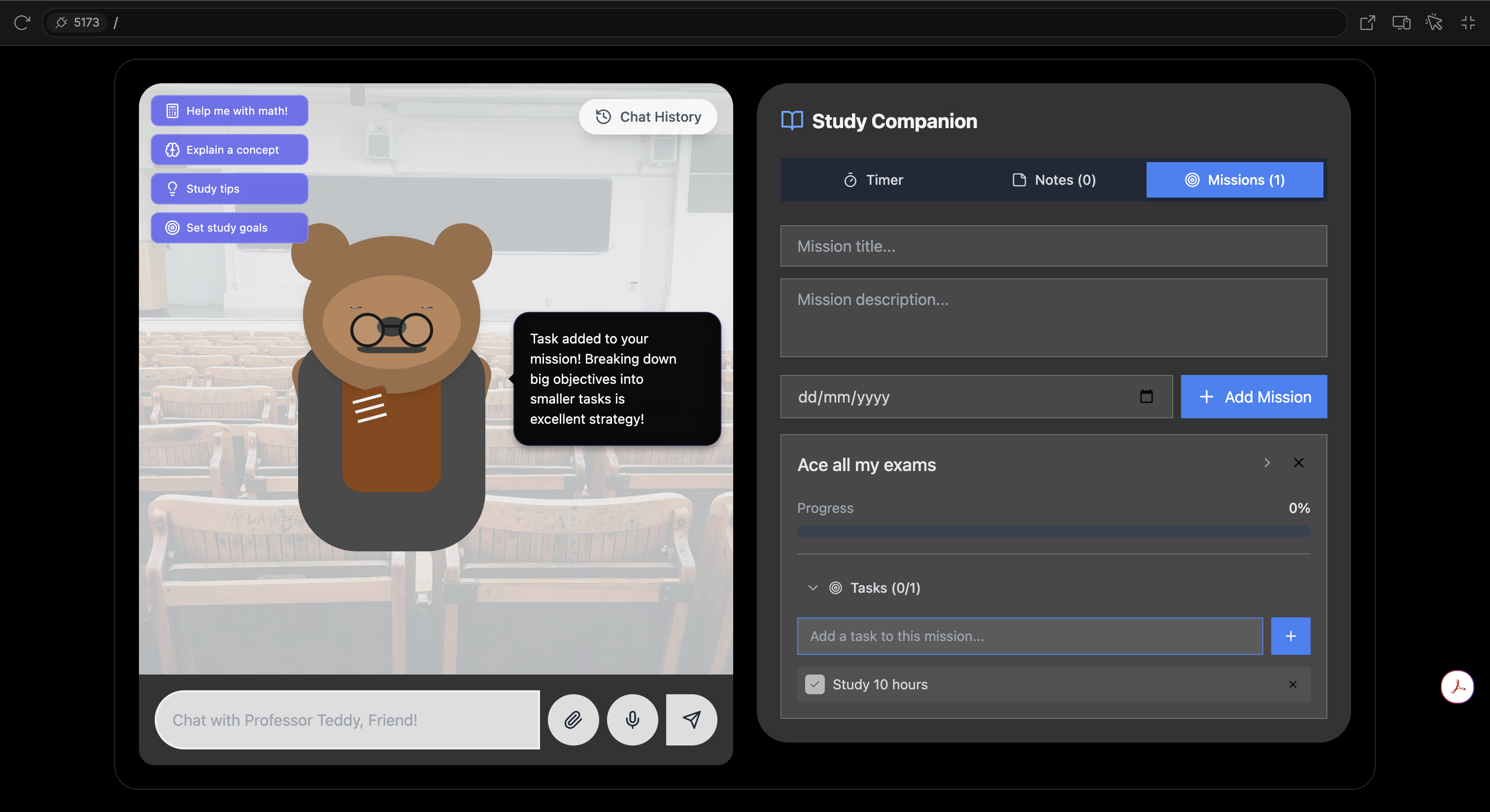
Multiple AI Personalities: Choose from Professor Teddy (academic), Butler Teddy (organized), Captain Teddy (motivational), or Coach Teddy (energetic) - each with unique responses and teaching styles Advanced Study Tools: Integrated Pomodoro timer, note-taking system, and goal-setting missions with task tracking Math Support: Real-time mathematical calculations with LaTeX rendering for beautiful equation display File Processing: Upload and summarize documents (TXT, PDF, DOC, etc.) with customizable summary types Voice Interaction: Premium OpenAI TTS for natural speech with fallback browser support Persistent Storage: All notes, goals, and preferences are saved locally with export capabilities Responsive Design: Seamless experience across desktop and mobile devices
How we built it:
Frontend Framework: React with TypeScript for type safety and component-based architecture Styling: Tailwind CSS with custom animations and responsive design patterns AI Integration: OpenAI GPT-3.5-turbo for conversational AI and TTS for voice synthesis State Management: React Context API for global state and local storage for persistence File Processing: Custom file readers with OpenAI integration for intelligent summarization Speech Features: Web Speech API with OpenAI TTS fallback for cross-platform compatibility Build Tools: Vite for fast development and optimized production builds Deployment: Netlify for seamless CI/CD and global CDN distribution
Challenges we ran into:
Cross-platform Voice Support: Mobile browsers have limited speech synthesis capabilities, so we implemented OpenAI TTS as a premium fallback with graceful degradation Mathematical Rendering: Integrating MathJax for LaTeX support while maintaining performance and preventing XSS vulnerabilities required careful sanitization File Processing: Supporting multiple file formats (PDF, DOC, TXT) while maintaining security and performance constraints Responsive Design: Creating a teddy bear character that looks great and maintains personality across all screen sizes State Persistence: Implementing robust local storage with user-specific data isolation and export/import functionality Real-time Interactions: Synchronizing speech, animations, and UI updates for smooth user experience Accomplishments that we're proud of Personality System: Successfully created distinct AI personalities that feel genuinely different and engaging Mathematical Intelligence: Built a system that can detect, solve, and beautifully render mathematical expressions Seamless Voice Integration: Achieved natural speech synthesis with premium OpenAI voices and reliable fallbacks File Intelligence: Created a sophisticated file processing system that can summarize content in multiple formats User Experience: Designed an interface that's both functional and delightful, making studying feel less like work Performance: Optimized for fast loading and smooth interactions across all devices Accessibility: Implemented proper ARIA labels, keyboard navigation, and screen reader support What we learned AI Personality Design: How to create distinct AI personalities through prompt engineering and response patterns Voice Technology: The complexities of cross-platform speech synthesis and the importance of fallback systems Mathematical Rendering: Integrating complex mathematical notation in web applications securely File Processing: Handling multiple file formats while maintaining security and performance User-Centered Design: The importance of making educational tools feel approachable and engaging State Management: Effective patterns for managing complex application state in React Performance Optimization: Techniques for maintaining smooth animations and interactions
What's next for Teddy AI:
Enhanced File Support: Full PDF and Word document processing with OCR capabilities Study Analytics: Detailed insights into study patterns, progress tracking, and personalized recommendations Collaborative Features: Study groups, shared notes, and peer learning capabilities Advanced AI: Integration with GPT-4 for more sophisticated tutoring and explanation capabilities Mobile App: Native iOS and Android applications with offline capabilities Subject Specialization: Specialized AI tutors for specific subjects like calculus, chemistry, or literature Gamification: Achievement systems, study streaks, and learning challenges Integration: Connect with popular learning platforms and calendar applications
Built With
- css
- googleoauth
- gpt3.5turbo
- html5/css3
- katex
- latex
- mathjax
- openai
- openaitexttospeech
- react18
- tailwindcss
- typescript

Log in or sign up for Devpost to join the conversation.