Inspiration
Everything happening in tech right now — the news, the events, the hackathons — is scattered across dozens of separate sites, RSS feeds and mailing lists. Meanwhile, the WebMCP Challenge asked a question we couldn't stop thinking about: what changes when a website stops being something an agent has to guess its way through, and starts being something an agent can actually use?
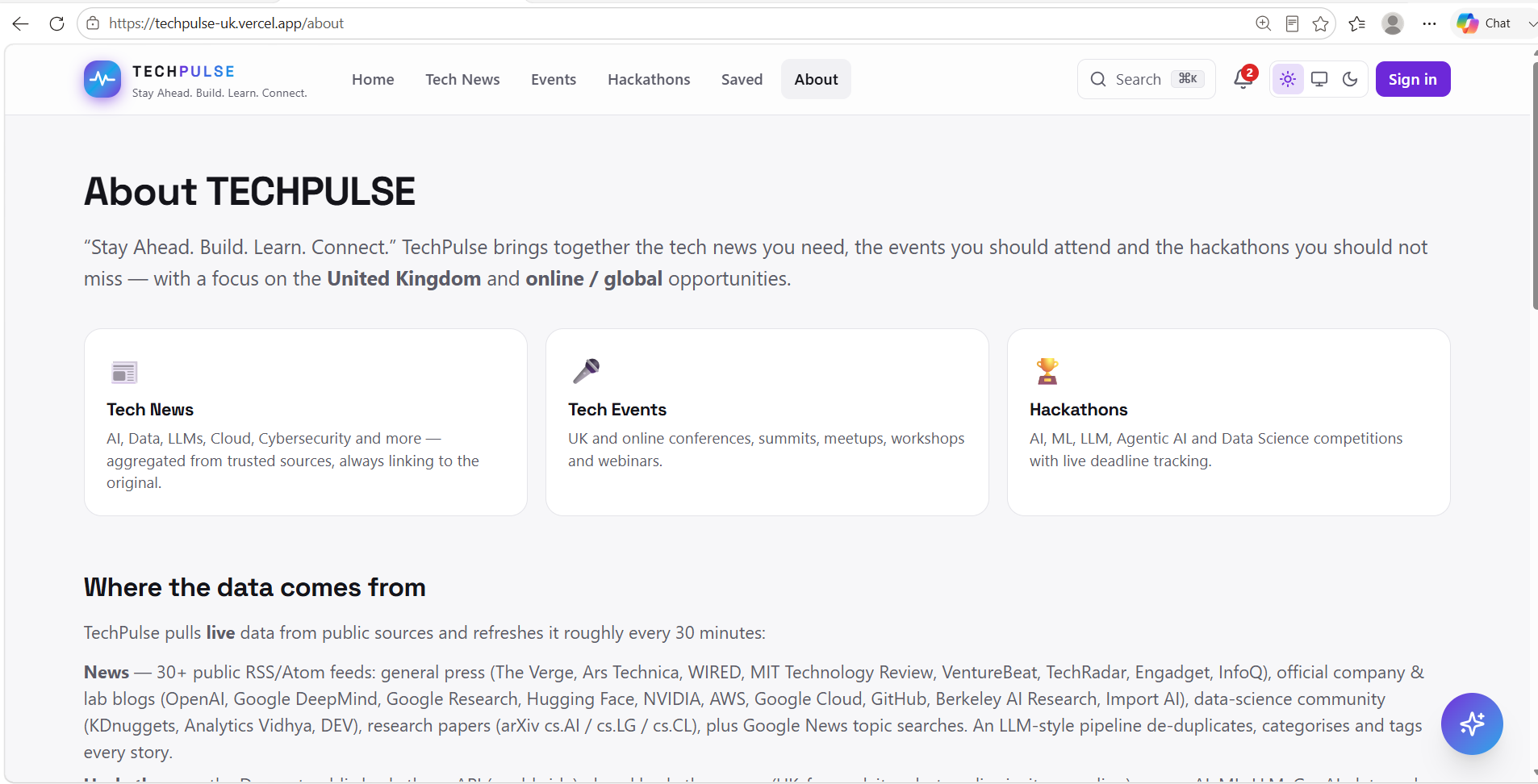
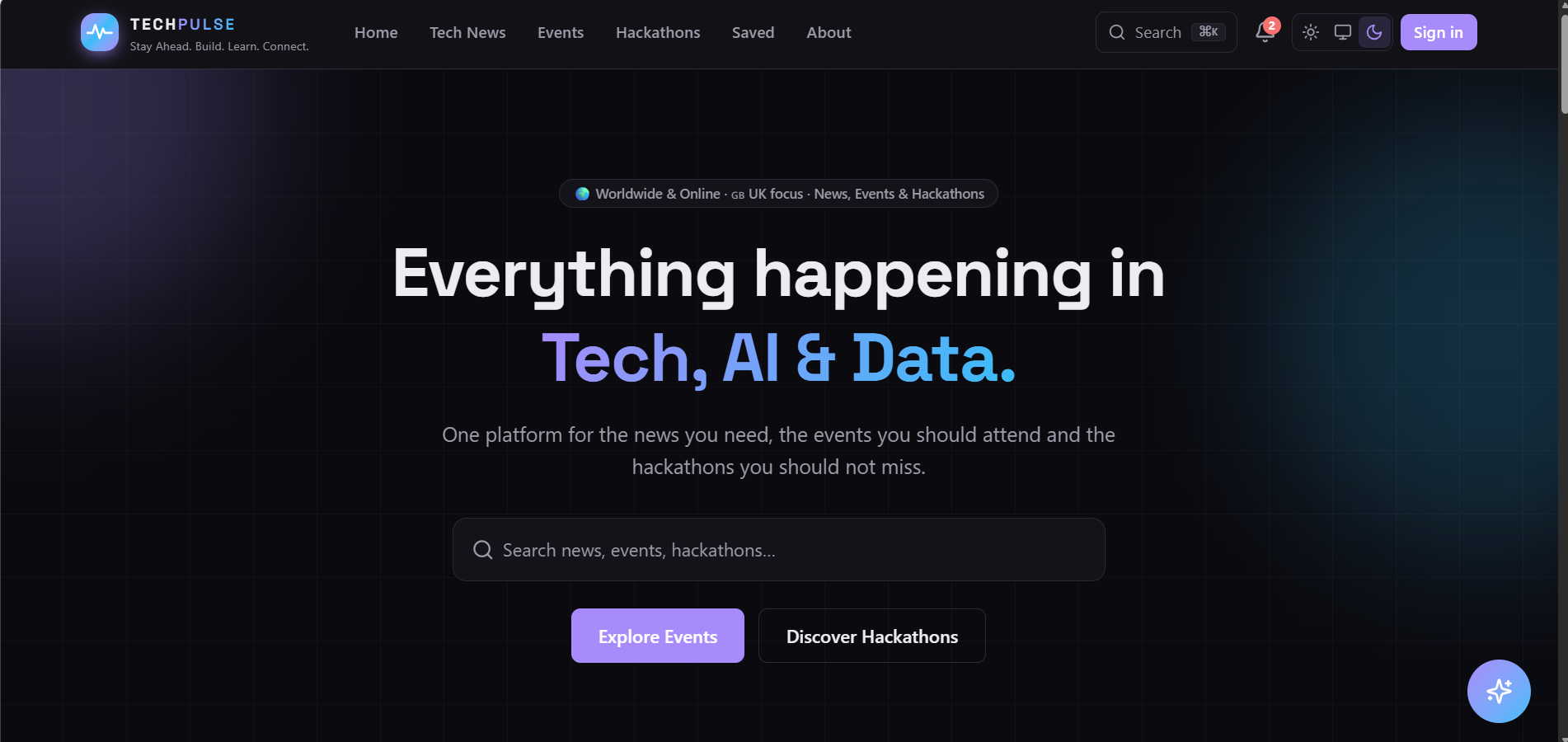
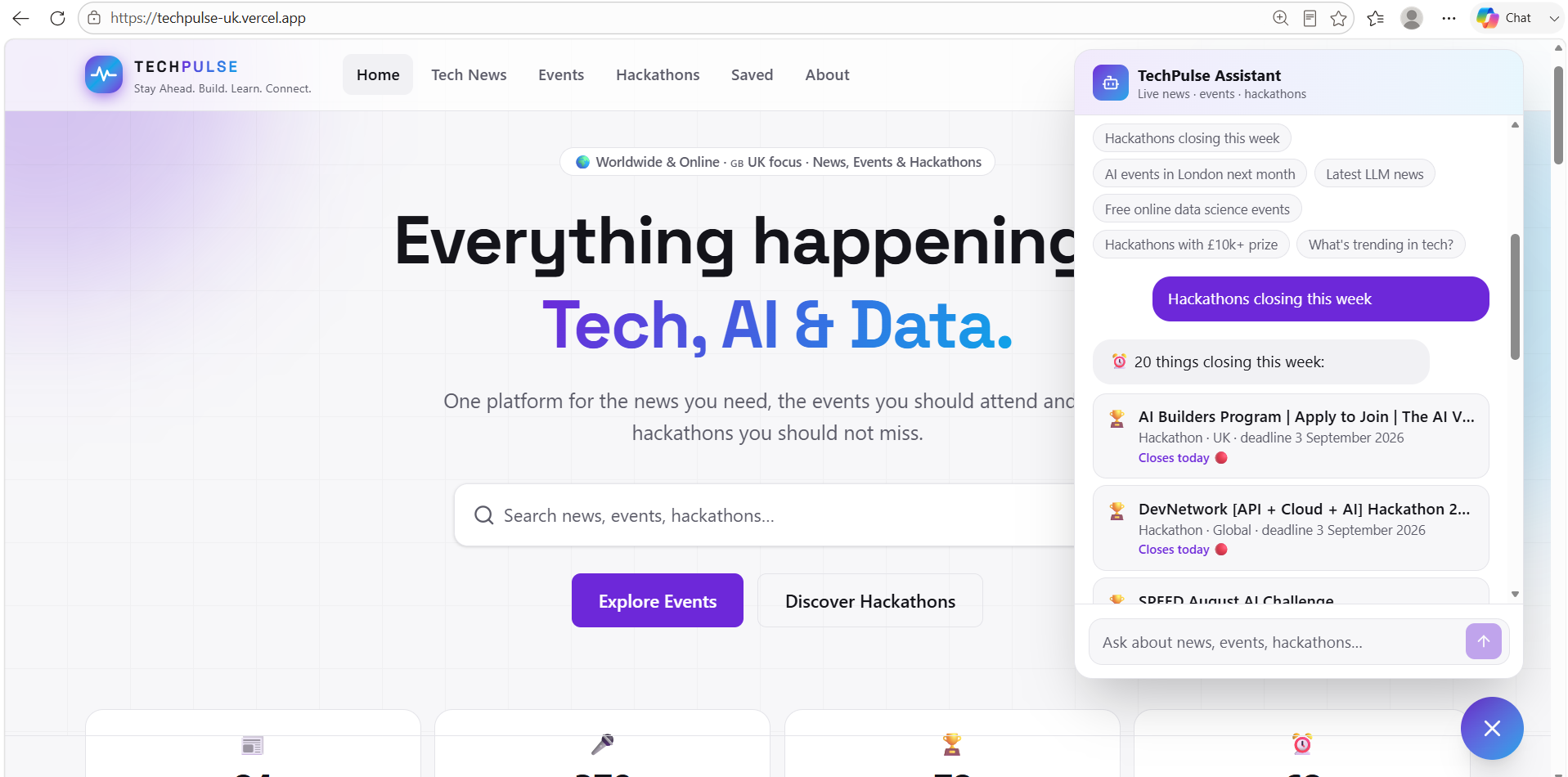
TECHPULSE started as a UK-focused discovery platform for tech news, events and AI hackathons — one feed instead of thirty tabs. Once WebMCP entered the picture, the obvious next step was: don't just build a good site for humans, build the same site so a person's AI agent can search it, save things to it, and act on it, using the exact same data and logic the human UI uses — no separate "bot API," no scraping.
What it does
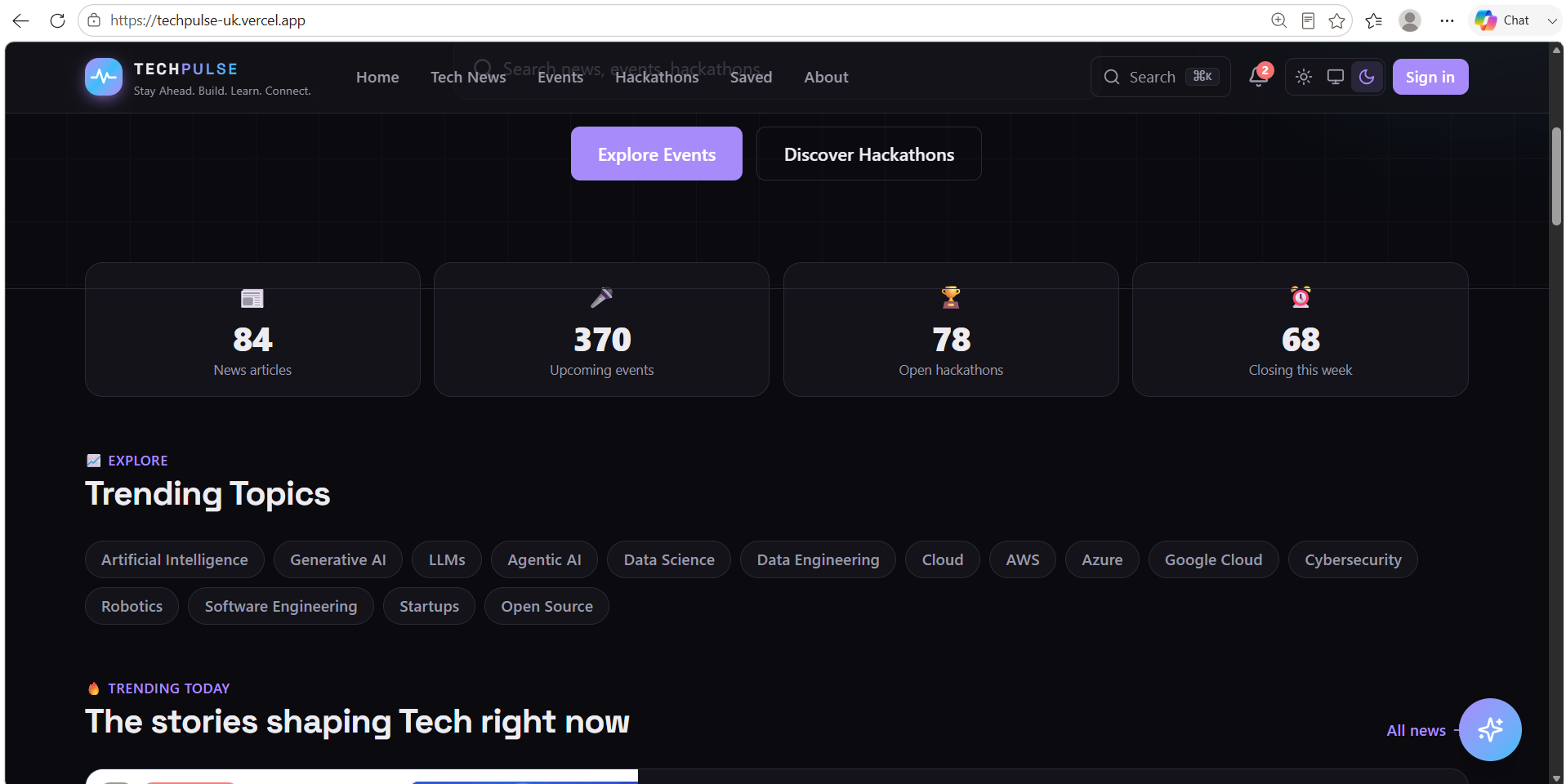
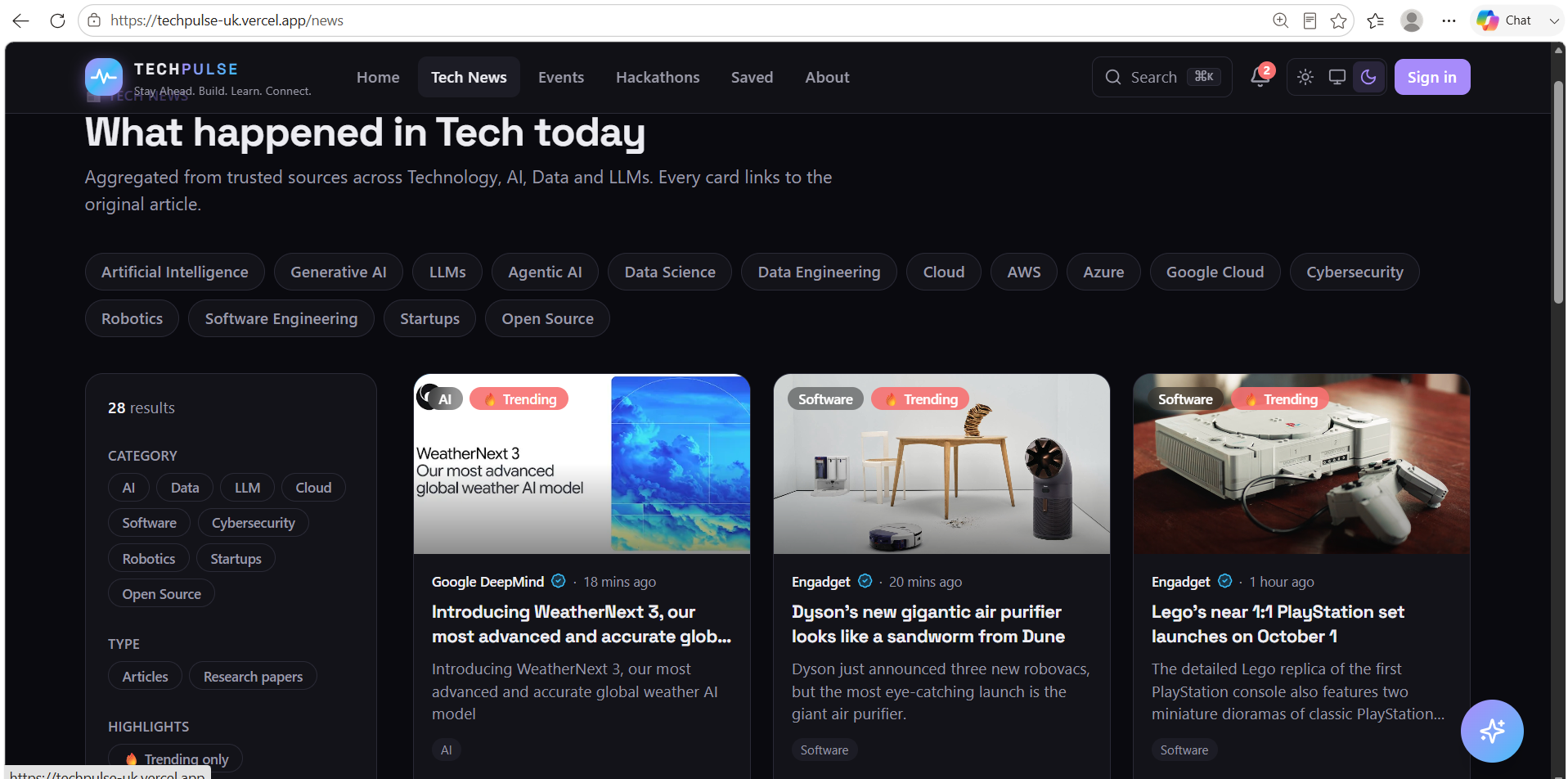
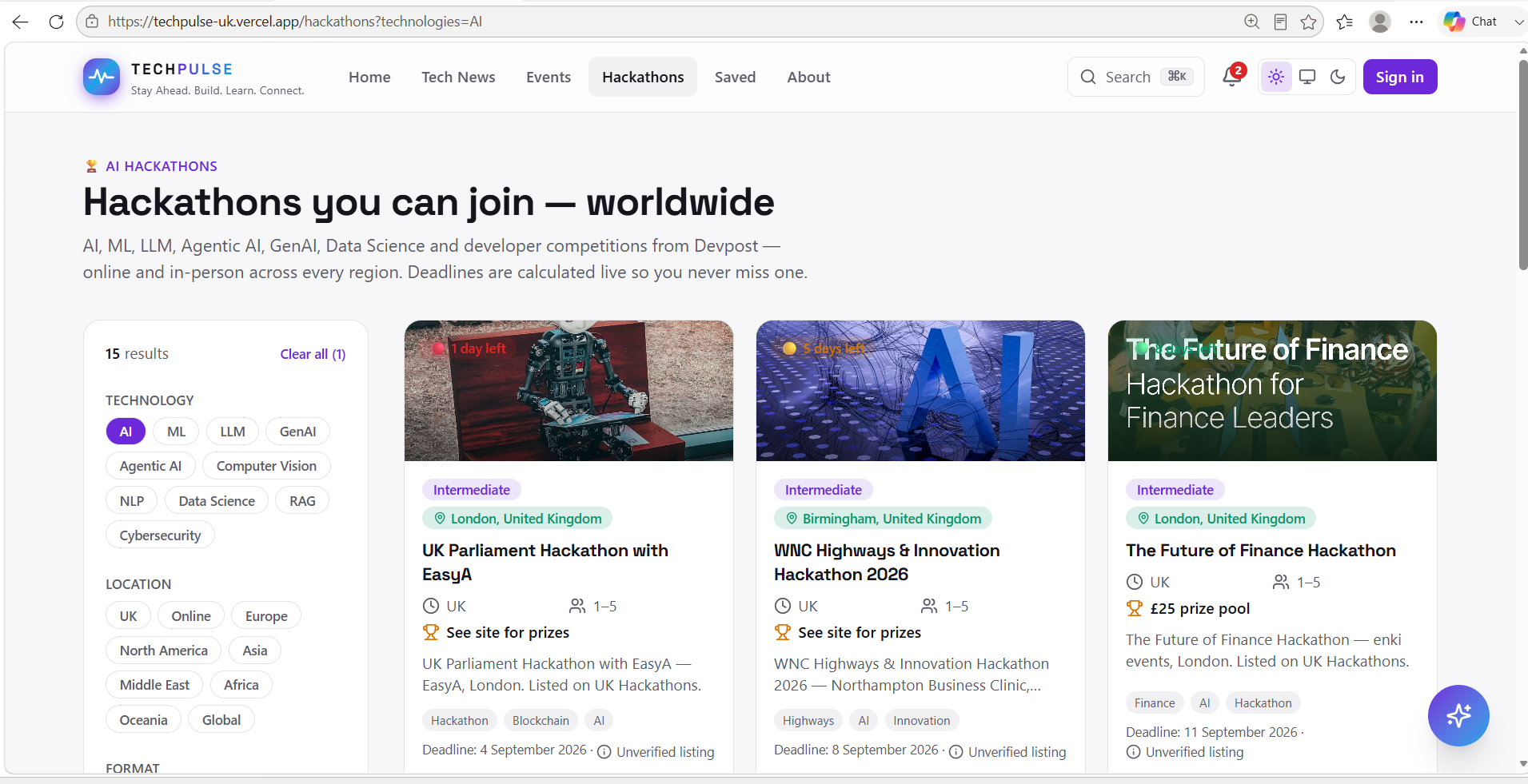
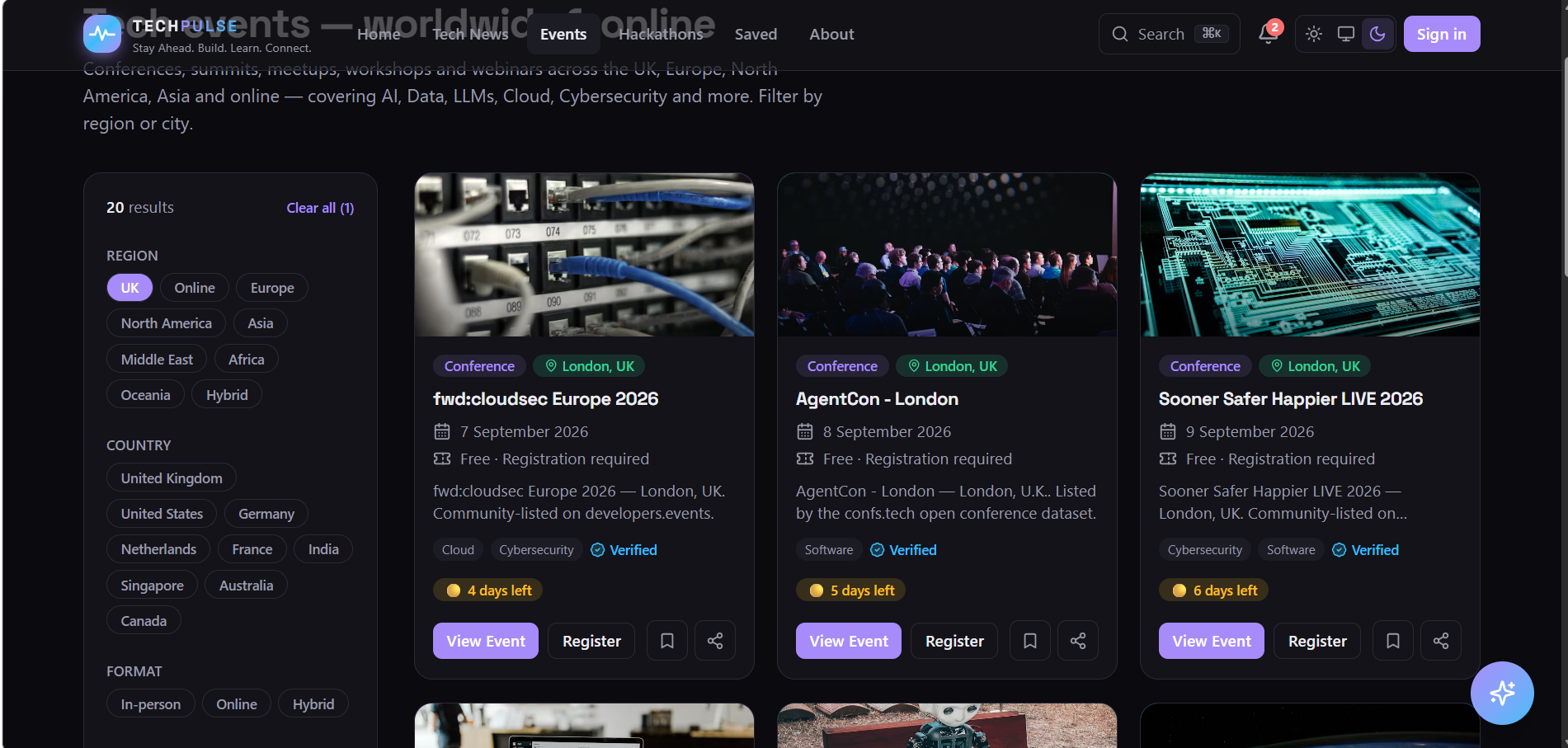
TECHPULSE aggregates live tech news (30+ RSS/Atom feeds plus arXiv), live tech events (open conference/event datasets), and live hackathons (Devpost + UK hackathon listings) — no API keys required. You can browse, filter, search, bookmark and get a natural-language assistant to answer questions like "what's closing soonest?"
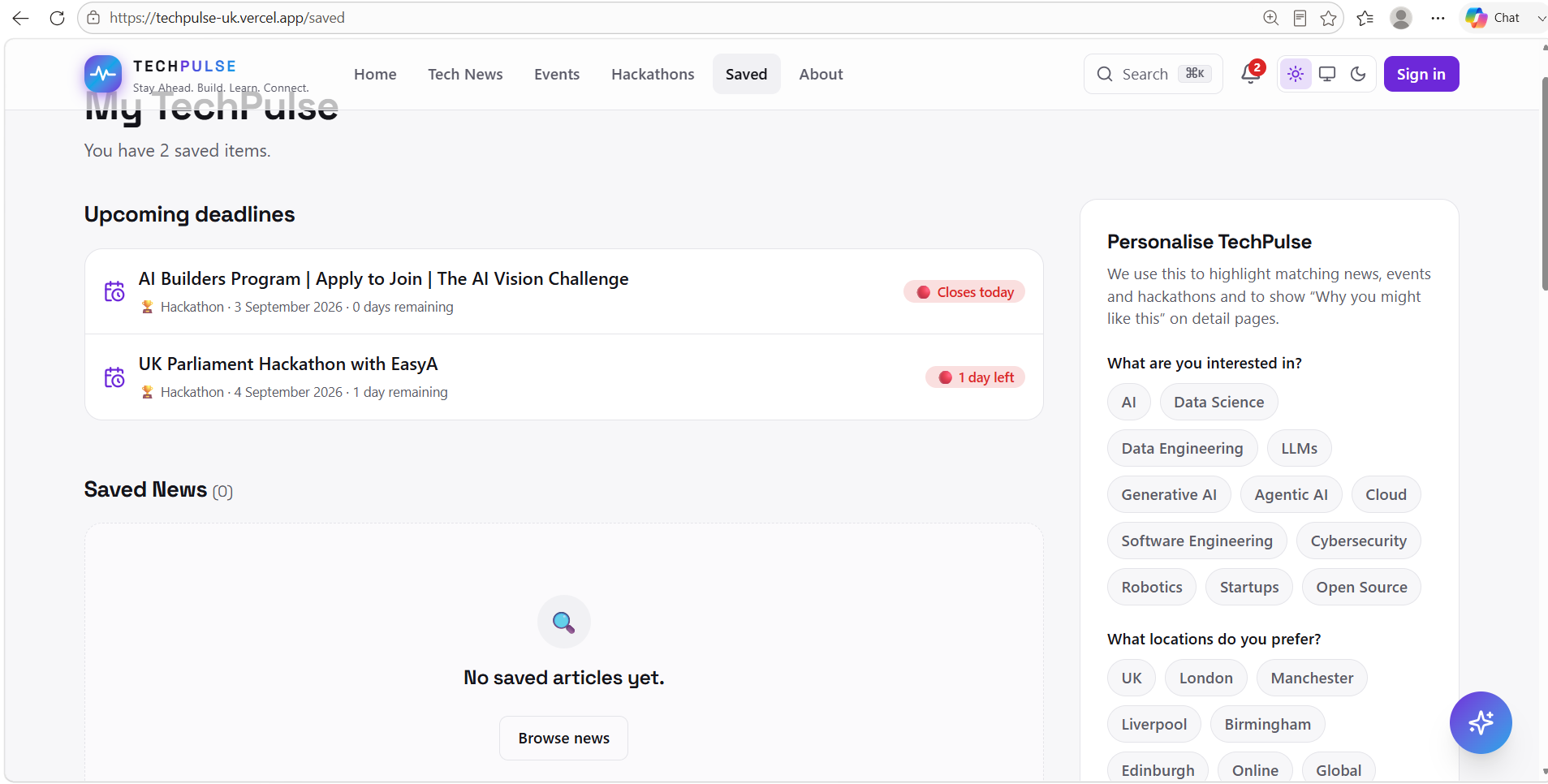
On top of that, we registered a WebMCP tool layer (document.modelContext.registerTool) exposing ten tools — search_news, search_events, search_hackathons, global_search, get_trending_and_closing_soon, ask_techpulse_assistant, list_saved_items, save_item, remove_saved_item, open_item — so an agent in Chrome (WebMCP flag) or ChatGPT's in-app browser can do everything a human can: find a hackathon closing this week, bookmark it, and hand off to the human to actually register, by navigating the tab there itself.
How we built it
Next.js 16 (App Router, Turbopack), React 19, TypeScript, Tailwind CSS v4. A DataProvider layer wraps each live source in unstable_cache with a bundled fallback dataset, so a flaky feed never breaks the site. A single lib/queries.ts module owns all filtering/search/sort logic, and it's shared by both the Next.js pages and the /api/* JSON routes.
That last part turned out to be the key architectural decision: the WebMCP tools don't reimplement any of TECHPULSE's logic — each execute() handler just calls the same /api/* routes the browser UI calls. The agent-facing layer is a thin, honest wrapper over the human-facing one, not a parallel product.
For state the tools needed but the API doesn't have — bookmarks and navigation — we bridged into the existing React store (useStore(), localStorage-backed) and useRouter() through a ref kept fresh via useEffect, since registerTool has no "update" method — you register once per tool and live off a stable bridge object instead of re-registering on every state change.
Challenges we ran into
- WebMCP is brand new. There's no @types package yet, and the imperative API details (JSON-Schema inputSchema, execute vs. older handler naming, unregistering via AbortSignal rather than a dedicated method) needed to be pulled from Chrome's developer docs directly rather than assumed from training data.
- Bridging an evolving browser API into React without fighting the rules of hooks. An early version wrote to a ref during render to keep the tool bridge "fresh," which trips React's react-hooks/refs lint rule — the fix was moving that write into its own effect that runs after every render, and registering the tools themselves exactly once on mount.
- Data compliance. Aggregating from Devpost's undocumented public API and Google News search sits in a genuine grey area (their ToS technically restricts automated access, even though the endpoints are unauthenticated and widely used by similar tools). We kept every listing linking back to its official source, dropped Eventbrite entirely (their ToS explicitly forbids scraping), and added a clear "independent tool, not affiliated" disclaimer — the standard aggregator posture, not a loophole.
What we learned
That a good WebMCP integration isn't about bolting an agent API onto a site — it's a forcing function for good architecture. Because TECHPULSE already had a clean separation between data, query logic and presentation, exposing that logic to agents took one new module and one new component, not a rewrite. We also came away with a much more concrete feel for what "agent-native" actually means in practice: tools with real JSON Schemas and readOnlyHint/destructiveHint annotations, not just another chat window bolted onto the page.
What's next
A signed-in backend (the Prisma schema is already written) so save_item persists across devices, exposedTo-scoped tools for embedding TECHPULSE's search inside other agent-native sites, and a submit_listing tool so an agent can propose a hackathon or event on a user's behalf.

Log in or sign up for Devpost to join the conversation.