-
-
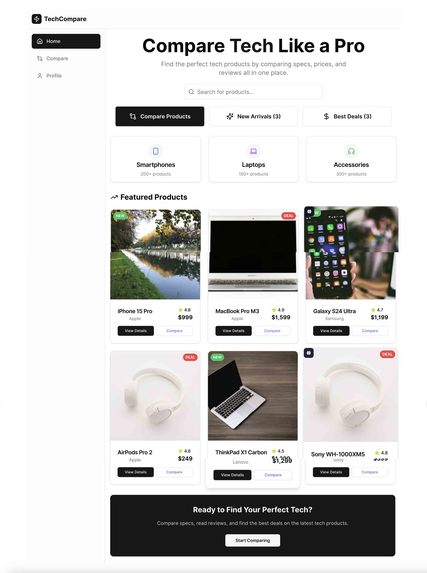
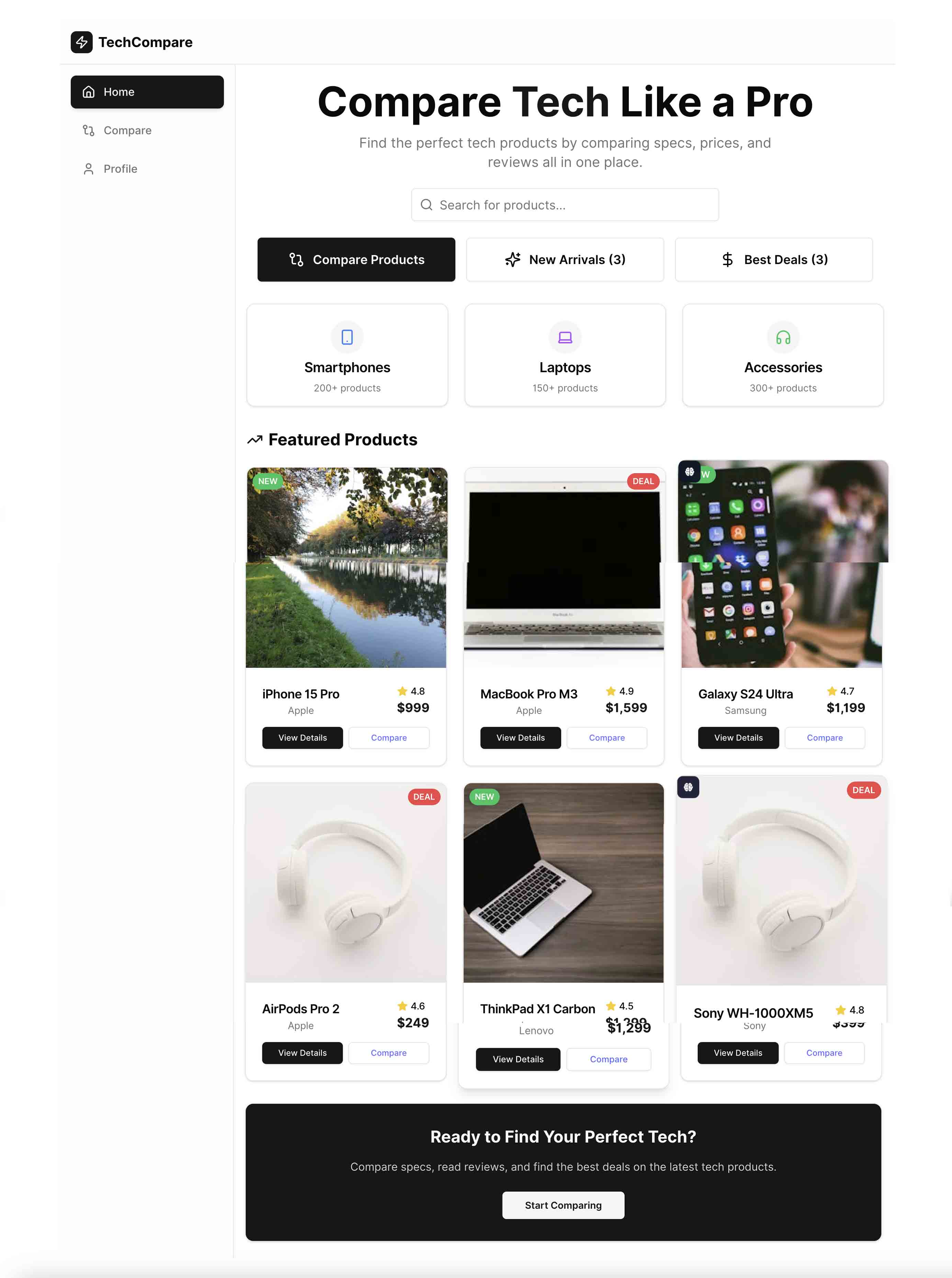
Home: Clean and intuitive homepage with smart search to quickly find tech products.
-
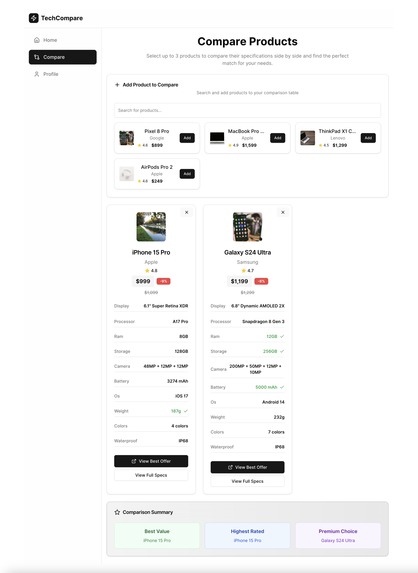
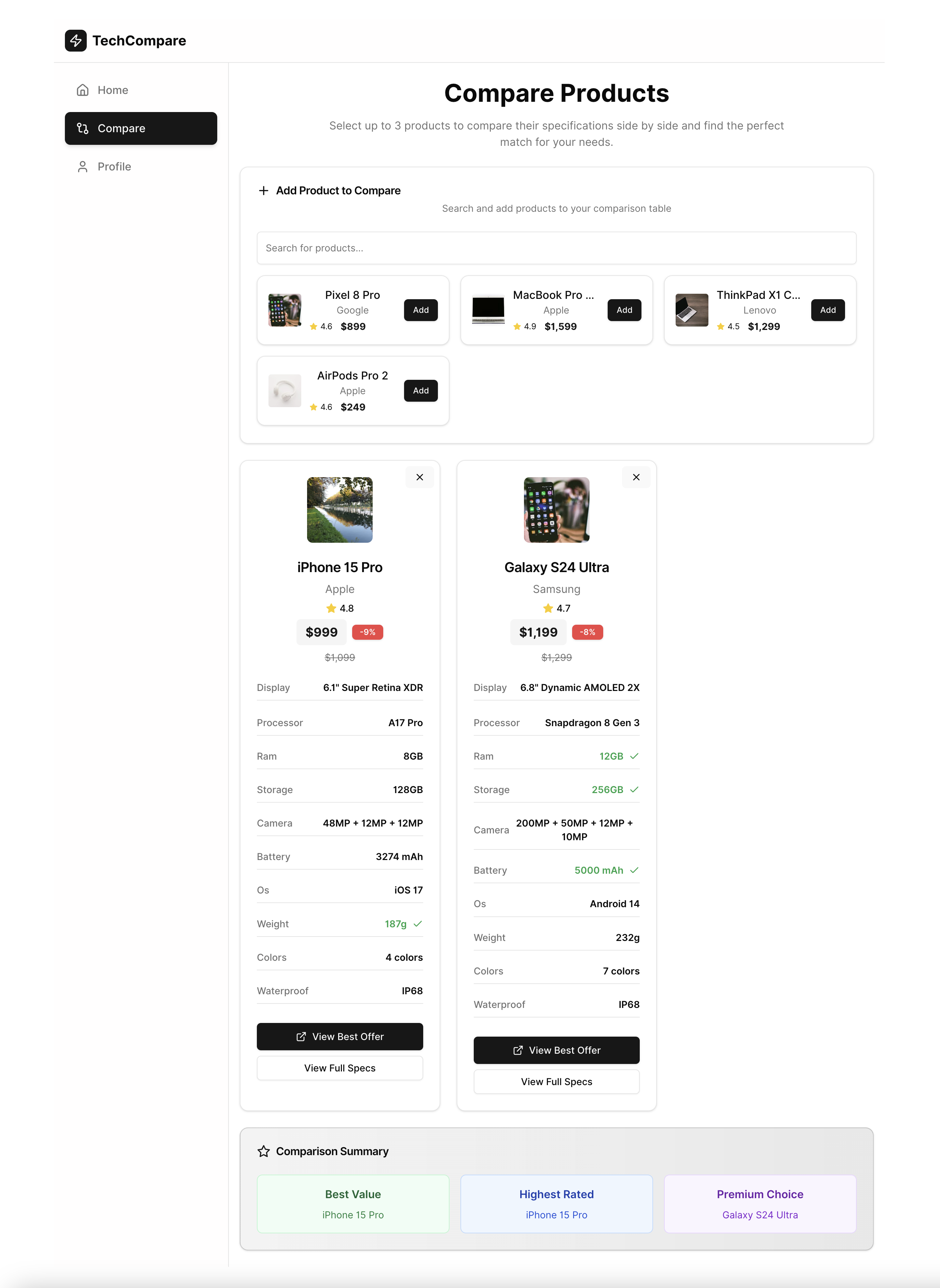
Compare: Side-by-side comparison table highlighting key specs, prices, and best value.
-
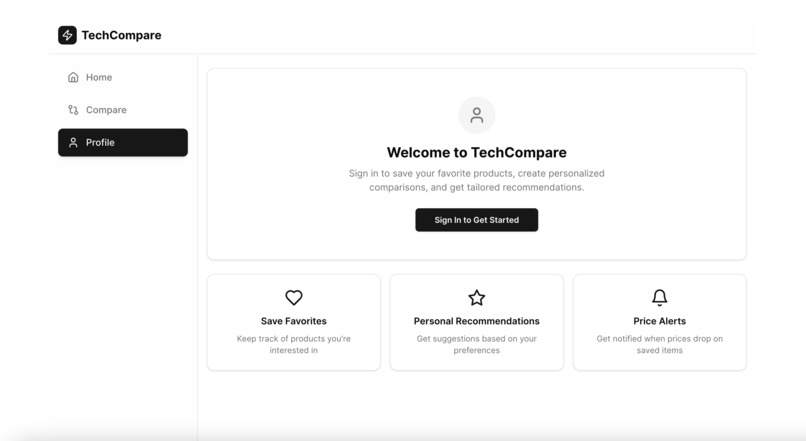
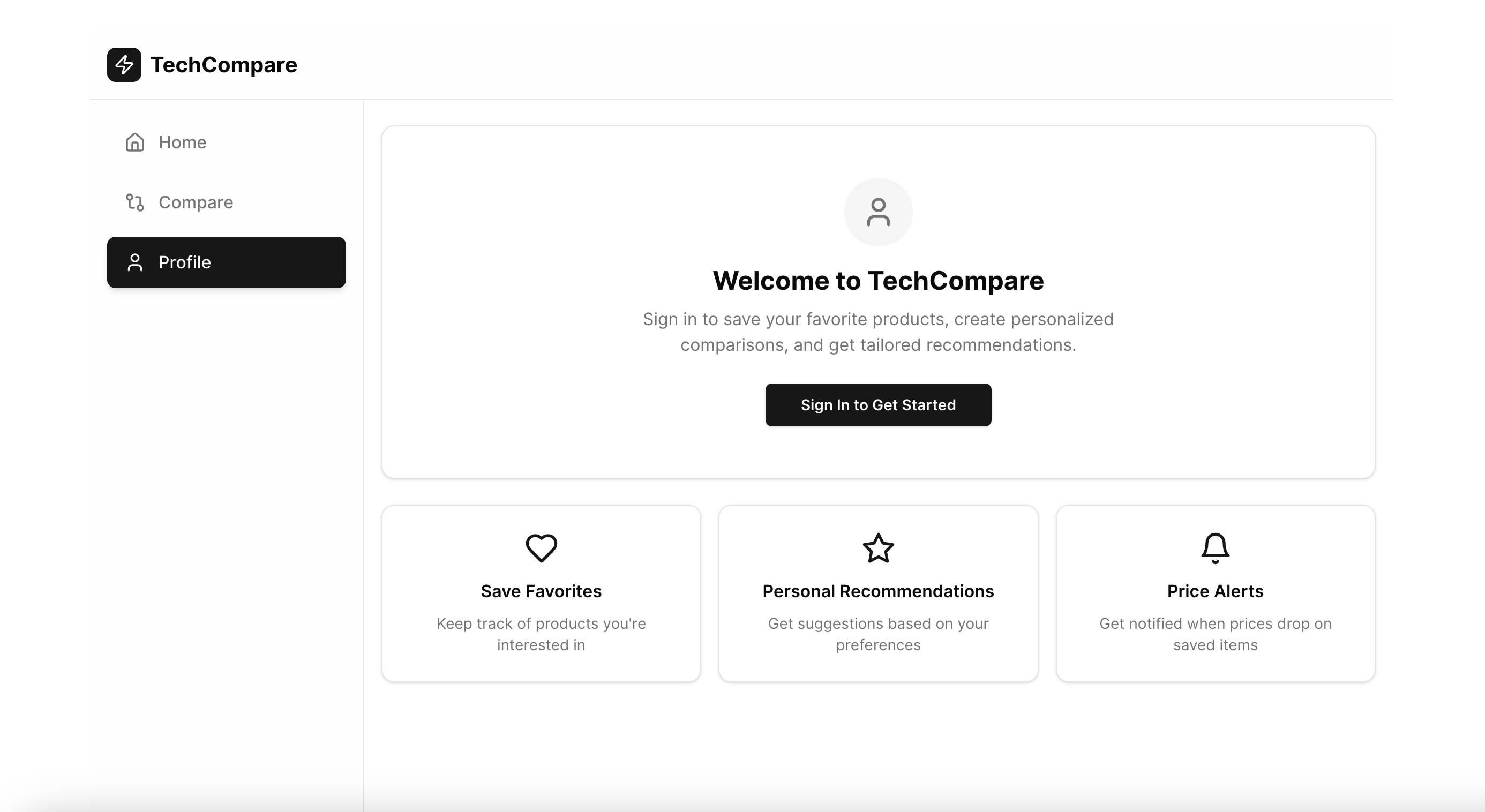
Profile: User profile page showing saved wishlist, recent comparisons, and account options.
-
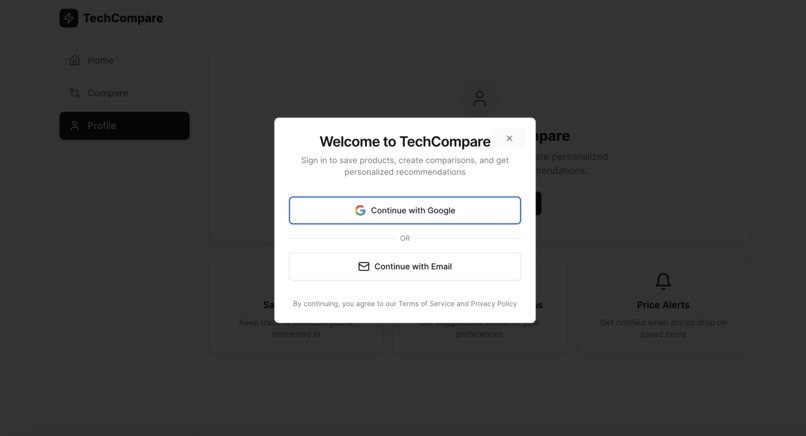
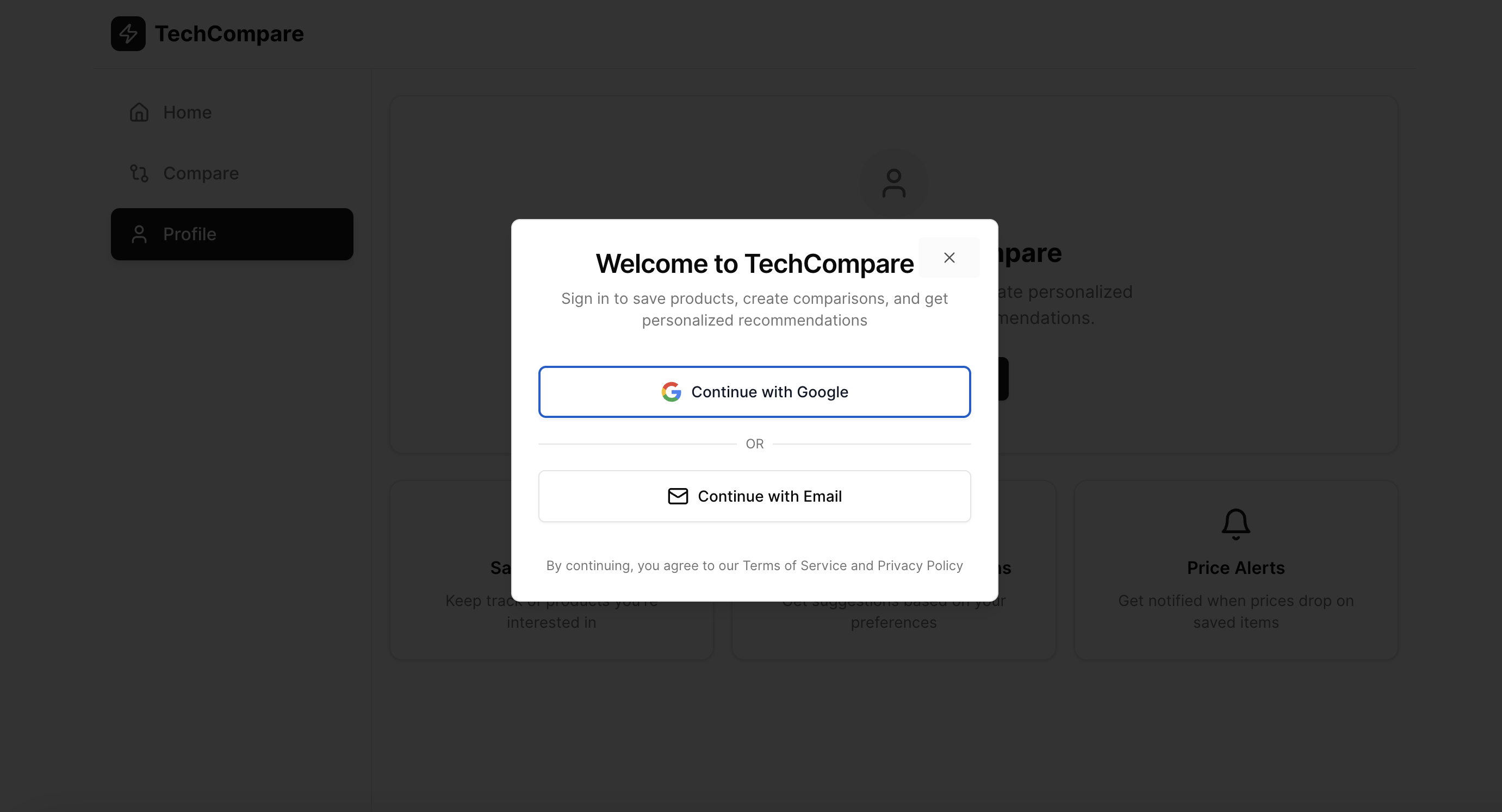
Sign In to Get Started: Simple and secure mock Google login flow to personalize your experience and save your preferences.
-

Home (Mobile): Mobile-optimized homepage with seamless search experience on the go.
-
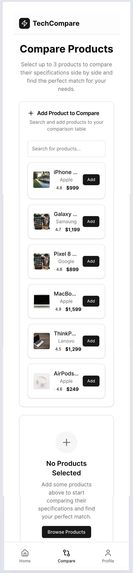
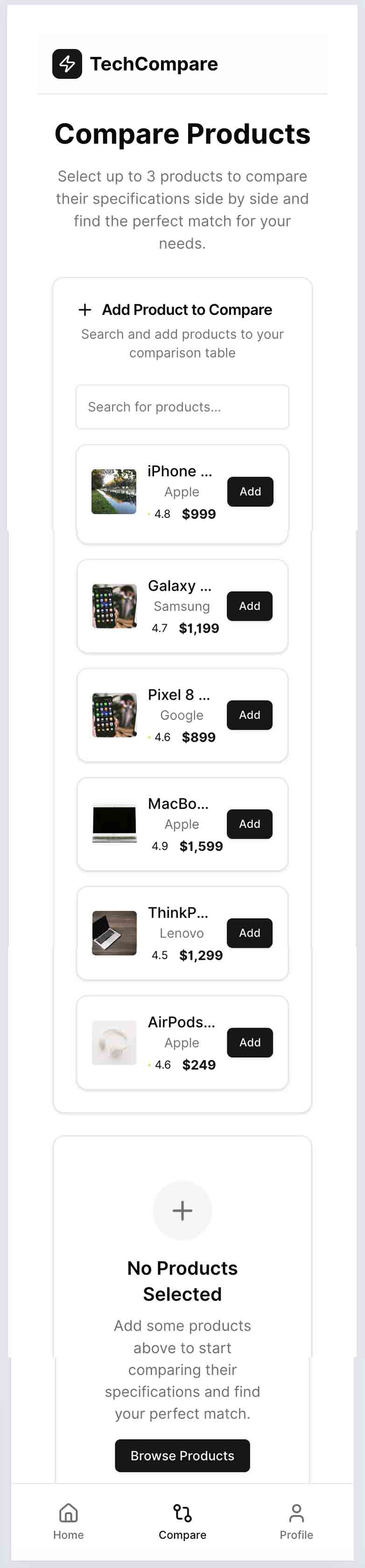
Compare (Mobile): Responsive comparison view designed for easy reading on mobile devices.
-
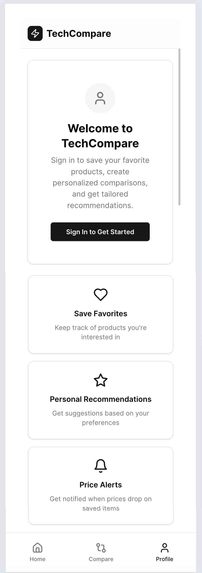
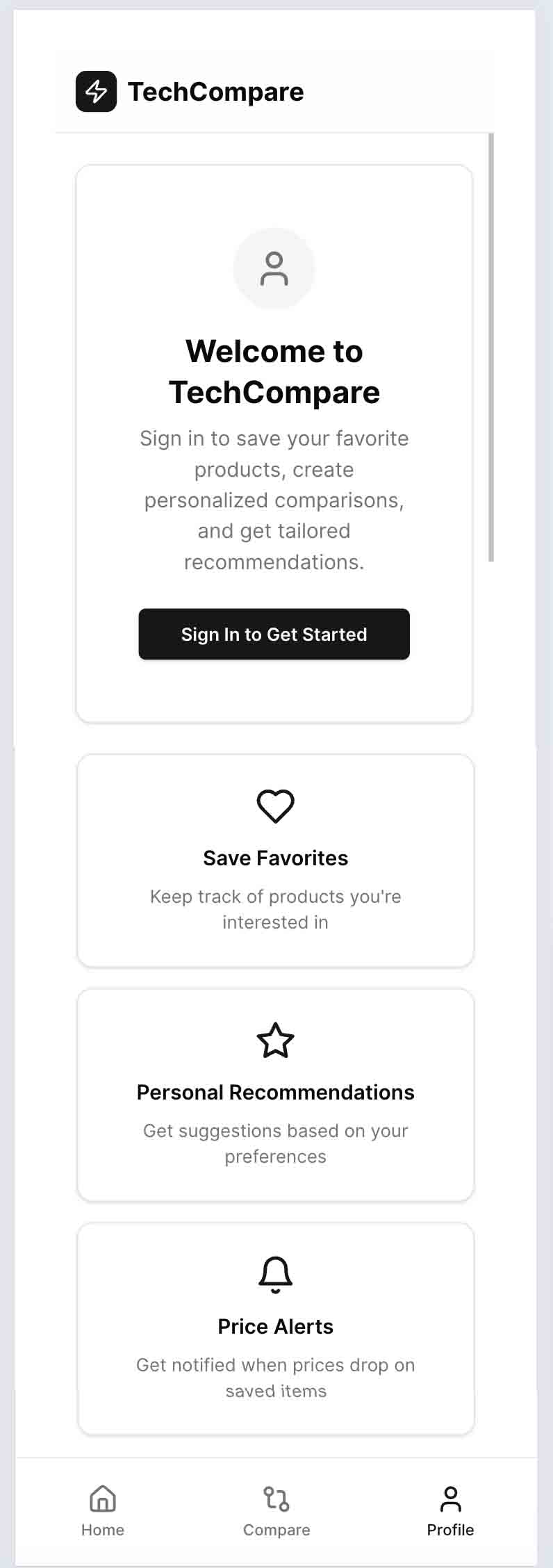
Profile (Mobile): Mobile profile page with wishlist and recent activity, optimized for small screens

Inspiration TechCompare was born out of our frustration with the complexity and time-consuming nature of comparing tech products online. As tech enthusiasts, we wanted a clean, fast, and intelligent tool that would help users quickly find, compare, and buy laptops, smartphones, and accessories without the usual hassle. Existing comparison sites often felt cluttered or outdated, so we aimed to build a modern, mobile-first experience that truly empowers smart buying decisions.
What it does TechCompare allows users to search and filter tech products in real-time, then compare them side-by-side with clear specs, pricing, and images. Users can view detailed product pages and access affiliate deals instantly with one tap. The app also includes user profiles with wishlists and recent comparisons, all wrapped in a smooth, responsive interface designed for both desktop and mobile.
How we built it We developed TechCompare using React for a fast and modular front-end, styled with TailwindCSS and ShadCN UI to ensure a sleek and responsive design. State management is handled via Context API, and authentication is simulated with a mock Google login using localStorage to persist sessions. Product data is currently static JSON, structured to allow easy future integration with dynamic APIs. Affiliate links are integrated as placeholders, ready for Skimlinks or other monetization platforms.
Challenges we ran into Designing an interface that balances simplicity with rich features was a key challenge, especially ensuring a smooth experience on mobile devices. Managing static data required careful architecture to keep the app scalable and maintainable. Integrating affiliate links via Skimlinks presented a learning curve to understand how to automate link generation without disrupting the user journey. Also, some planned features like the “View Full Specs” modal remain unconnected in this demo version.
Accomplishments that we're proud of We successfully built a fully responsive, mobile-first comparison tool with intuitive search and filtering, clean side-by-side comparison tables, and a user profile system—all within a tight timeline. The app’s architecture is ready for real affiliate integration and dynamic data fetching, positioning TechCompare for quick future enhancements and monetization.
What we learned This project deepened our expertise in modern front-end development, mobile UX design, and affiliate marketing integration. We also gained valuable experience managing a full project cycle from concept to demo-ready product, balancing feature scope with user experience and performance.
What's next for TechCompare Our next steps include connecting TechCompare to live product APIs, enabling real-time price updates and inventory checks. We plan to fully integrate Skimlinks or other affiliate networks with real URLs, activate all planned UI interactions like the “View Full Specs” modal, and expand product categories beyond tech to broaden user appeal. While this demo is front-end only, the app is designed to seamlessly integrate with backend APIs and real affiliate data in future iterations.
Note to the jury Some affiliate links in the demo currently redirect to a placeholder page (https://example.com). This is intentional, as Bolt.new uses placeholder URLs in the demo version to avoid inserting real affiliate links without explicit configuration.
This is completely normal for a demo version. The app architecture is fully ready to support real affiliate links from merchants like Amazon, Fnac, or others.
The “View Full Specs” button is currently non-functional in the demo. This feature was planned to open a detailed specs panel or modal but has not been connected yet.
These static elements are intentional for the demo, but can be easily customized by adding real links and click actions in the code if desired.
We included these placeholders to focus on the core comparison and UX features while preparing for full dynamic integration and monetization.
Built With
- affiliate
- api
- context
- css
- html
- integration
- javascript
- json
- mockgooglelogin
- nobackend
- react
- shadcn
- tailwindcss
- ui


Log in or sign up for Devpost to join the conversation.