-
-
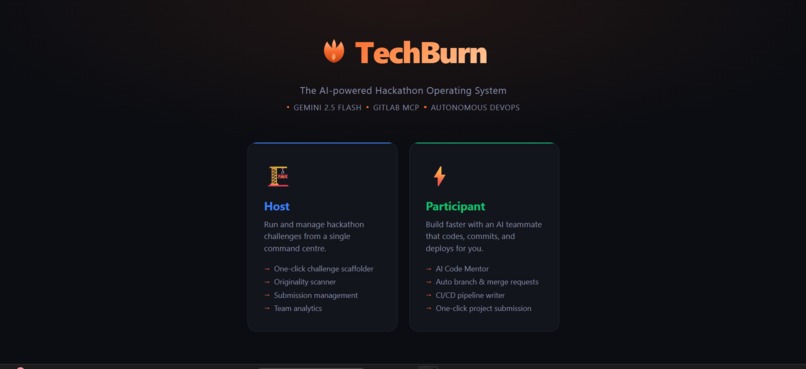
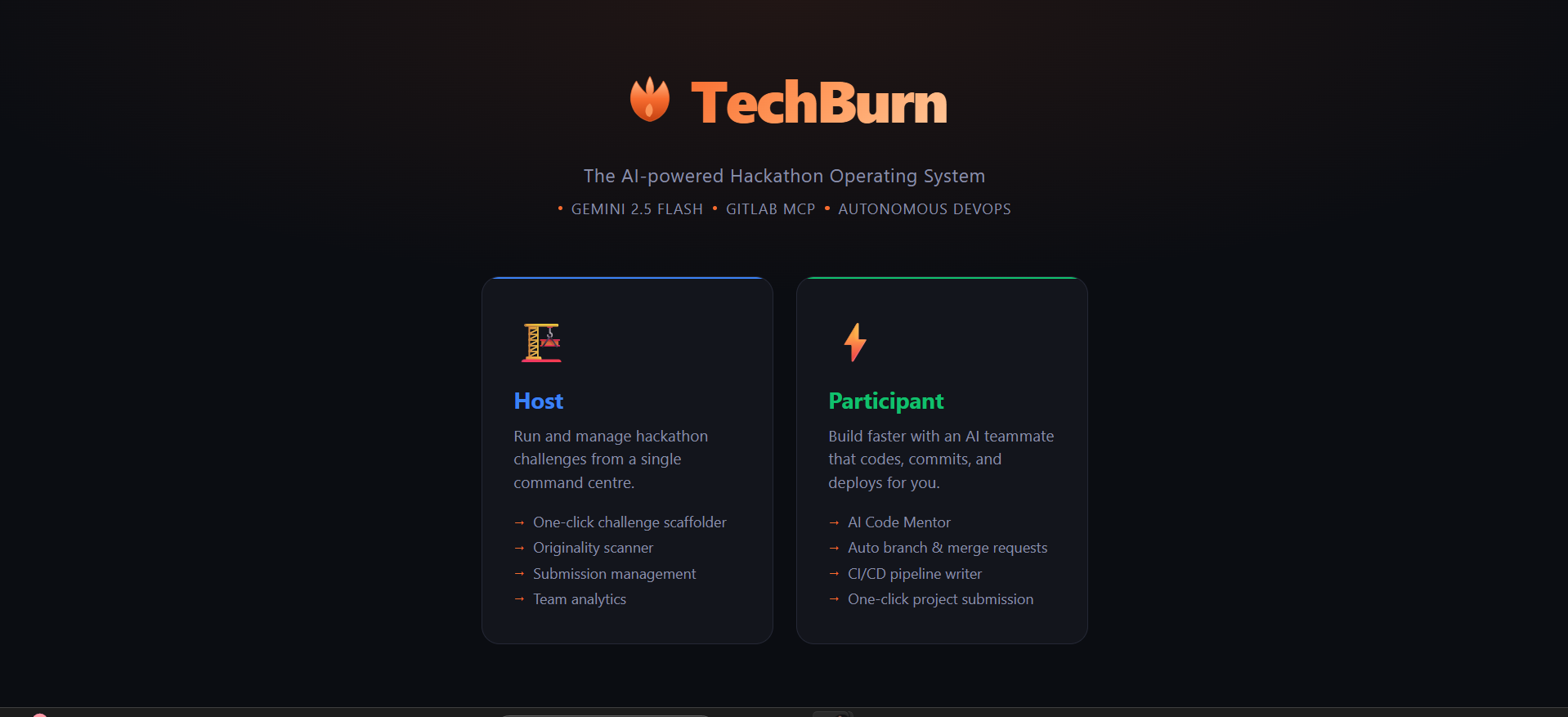
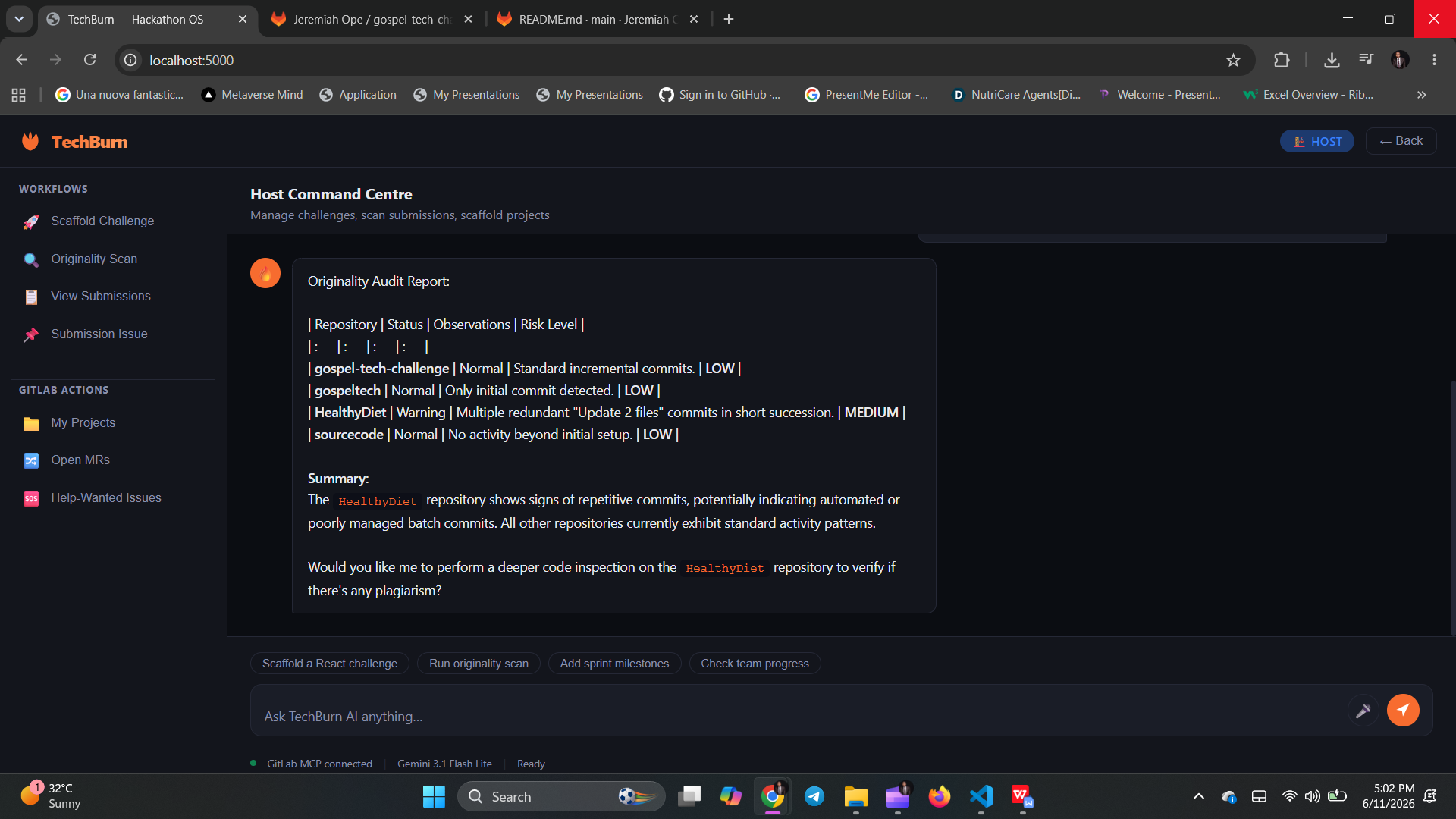
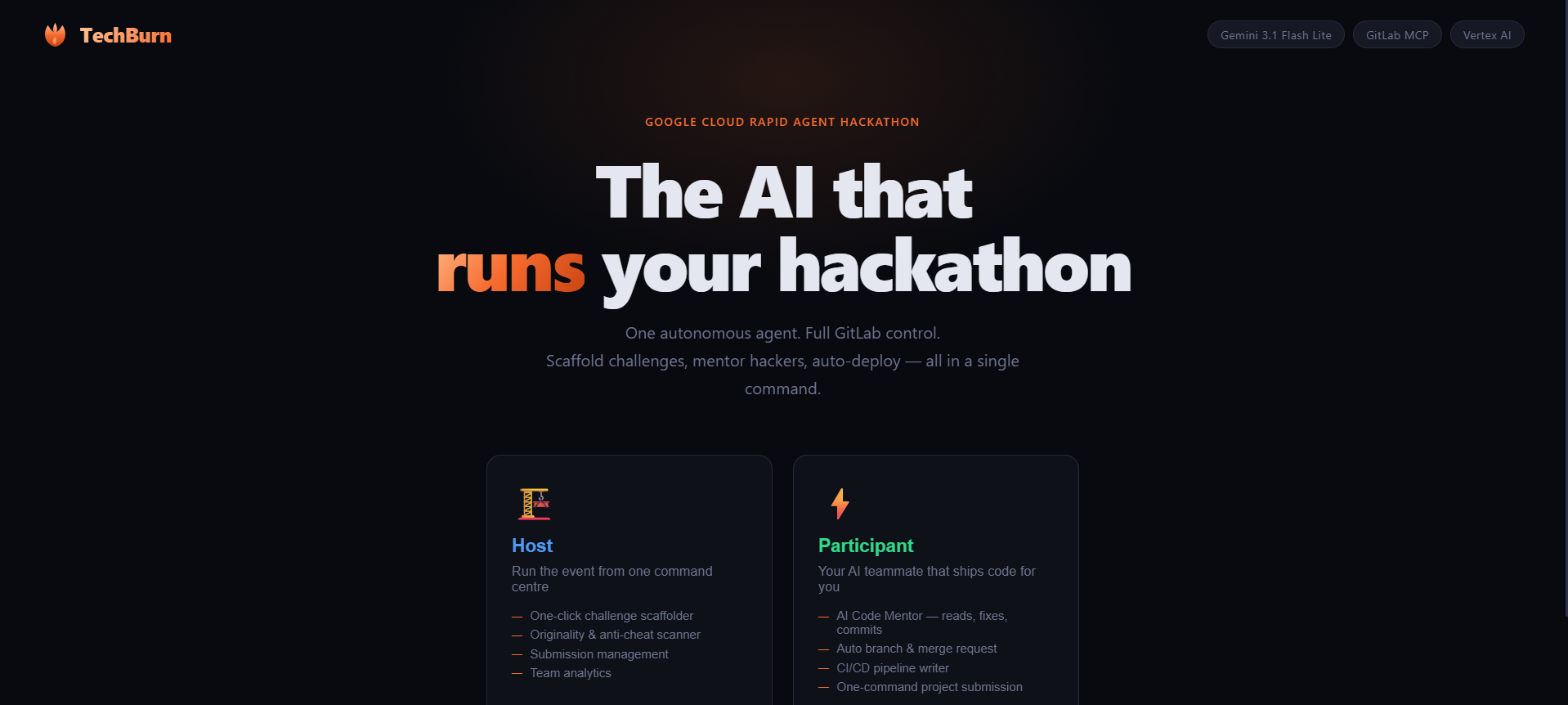
landing page
-
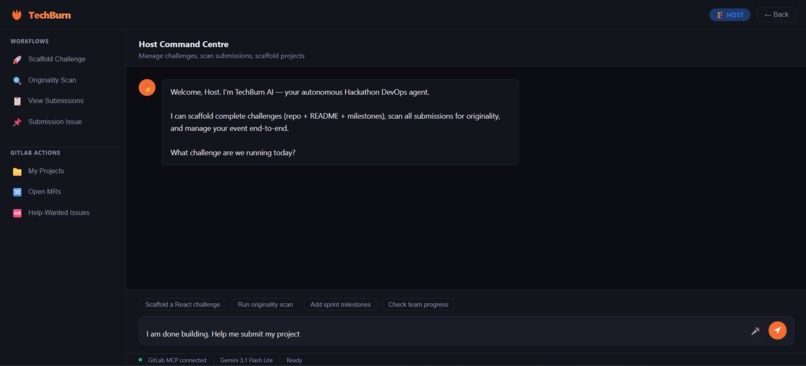
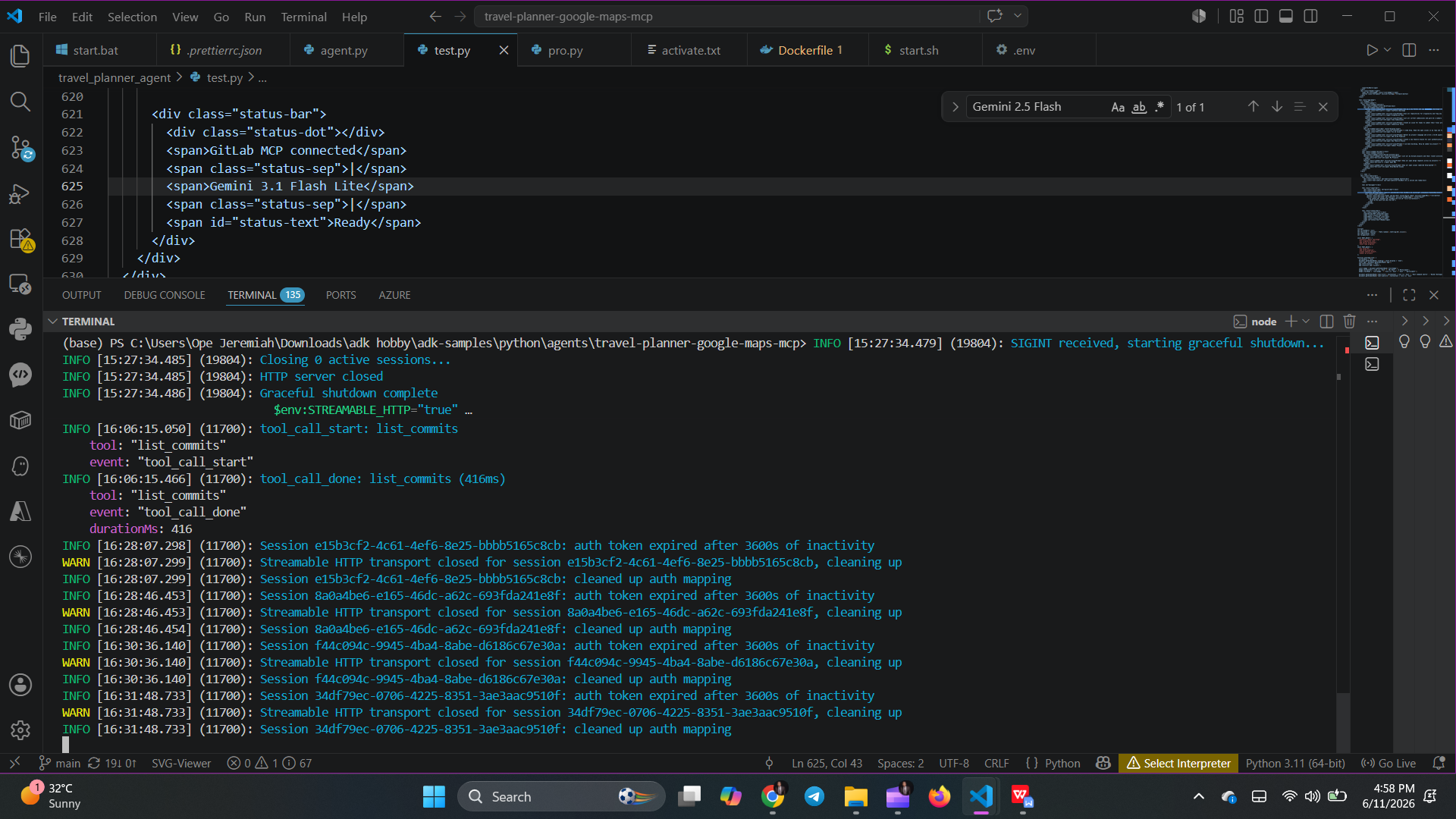
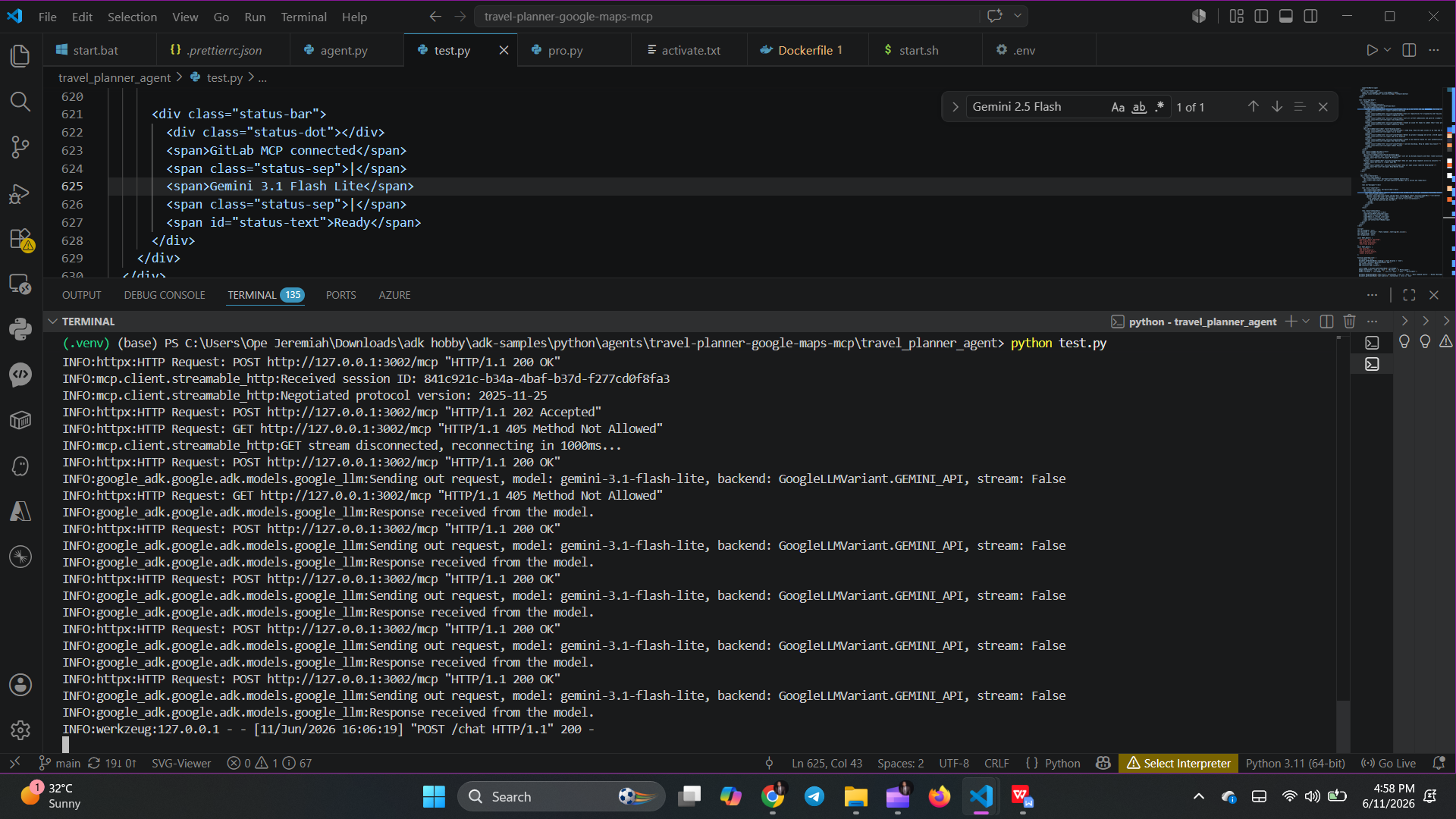
teminal logs
-
terminal logs
-
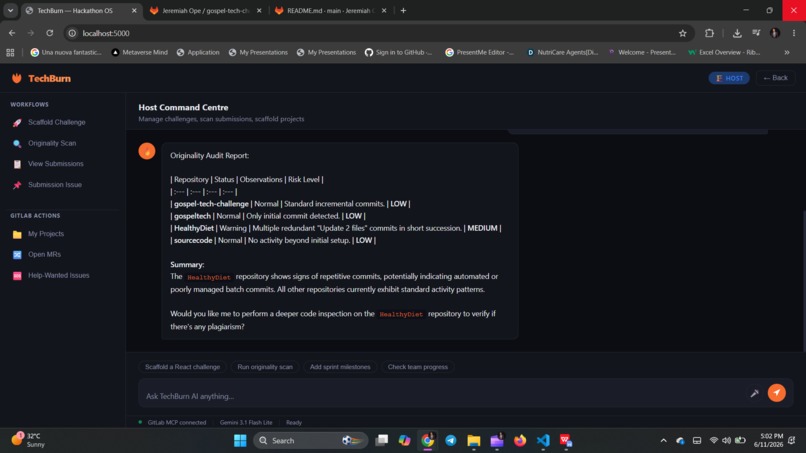
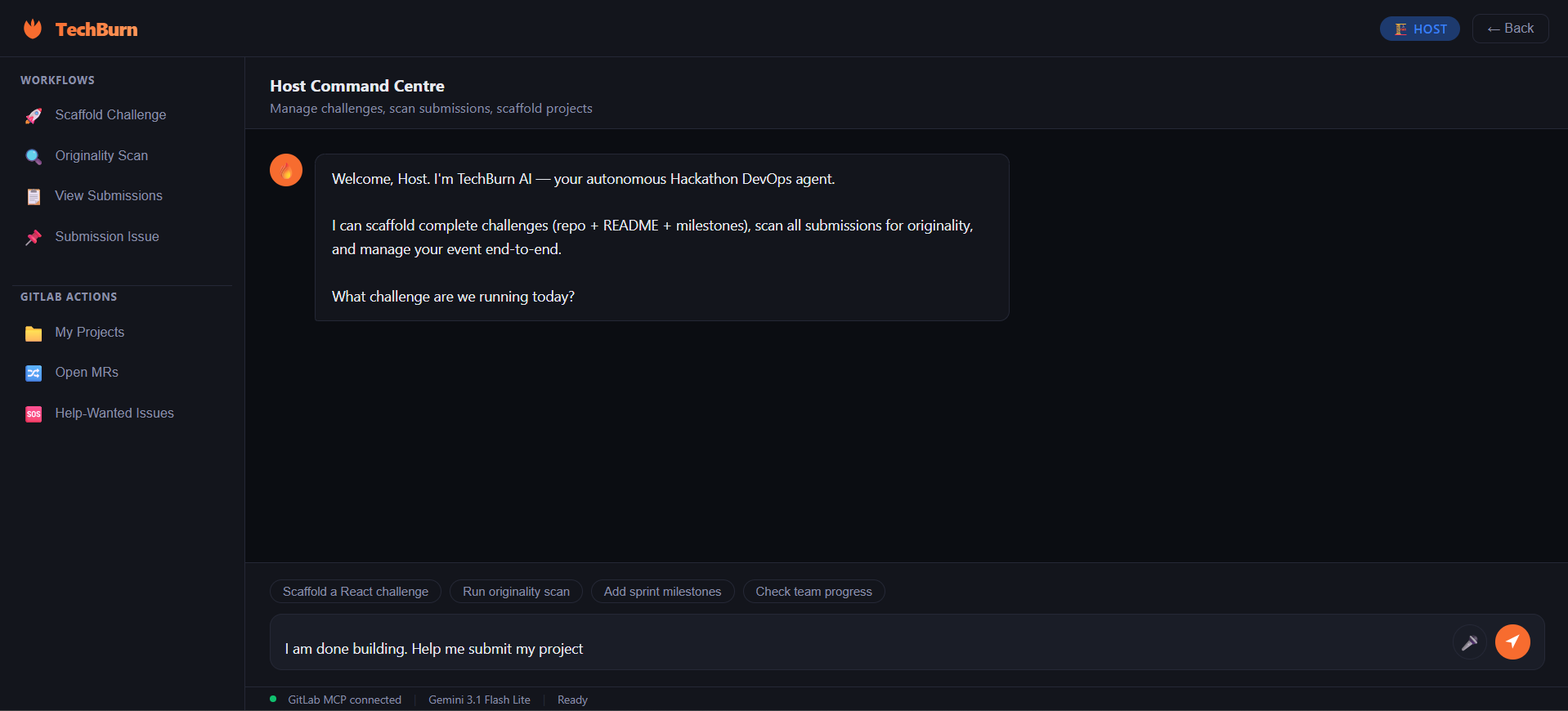
User page
-
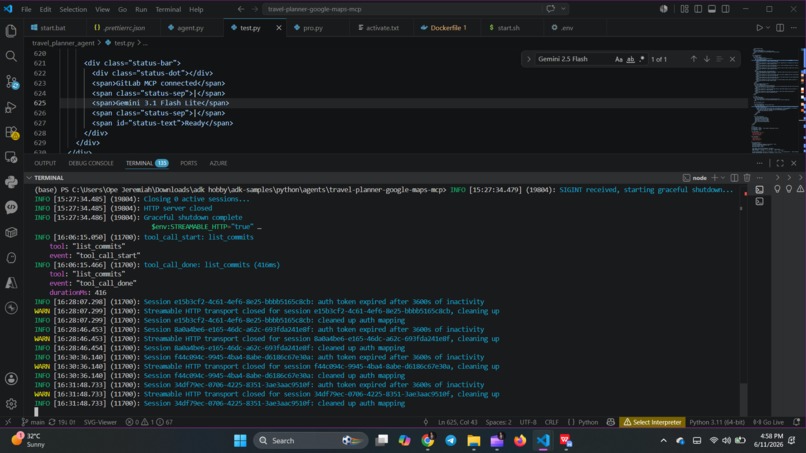
terminal logs
-
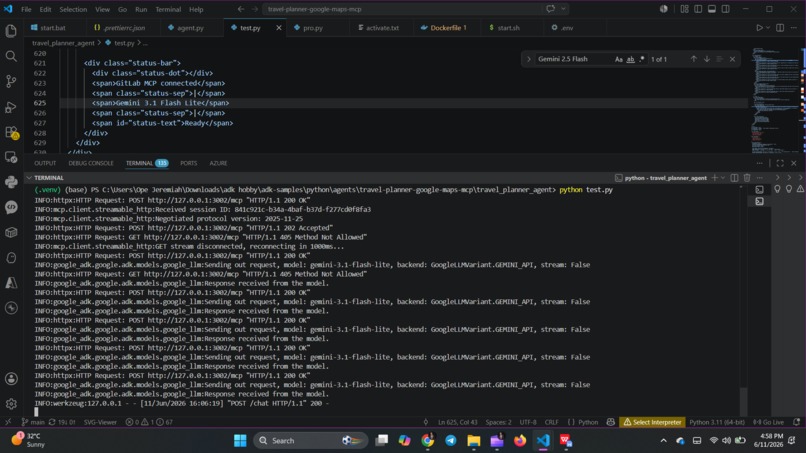
terminal logs
-
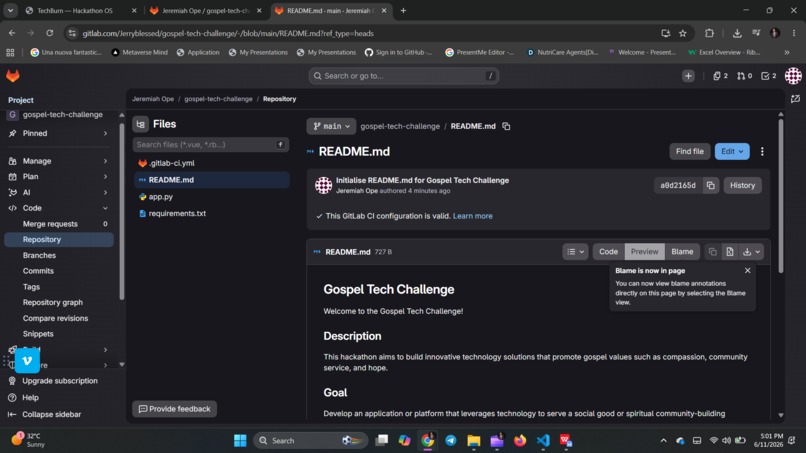
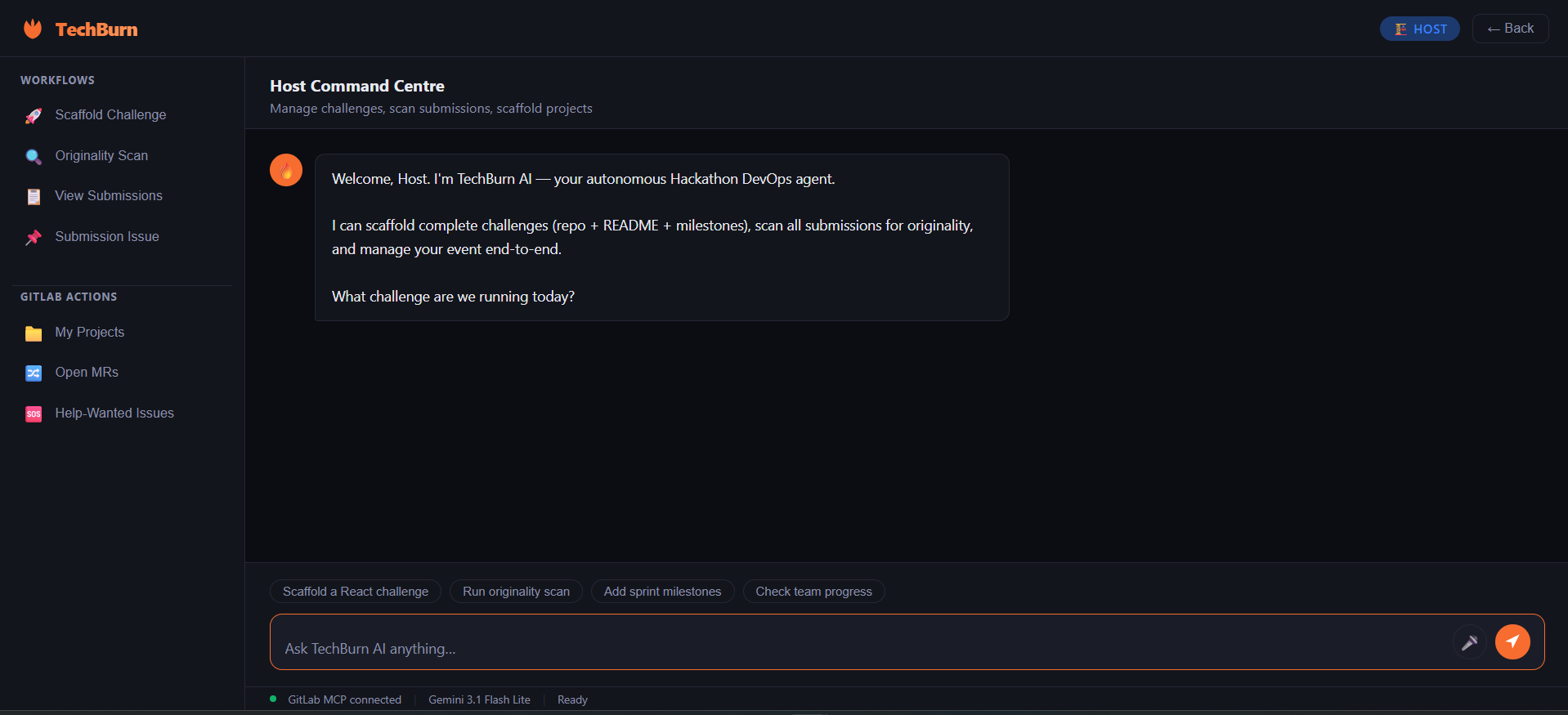
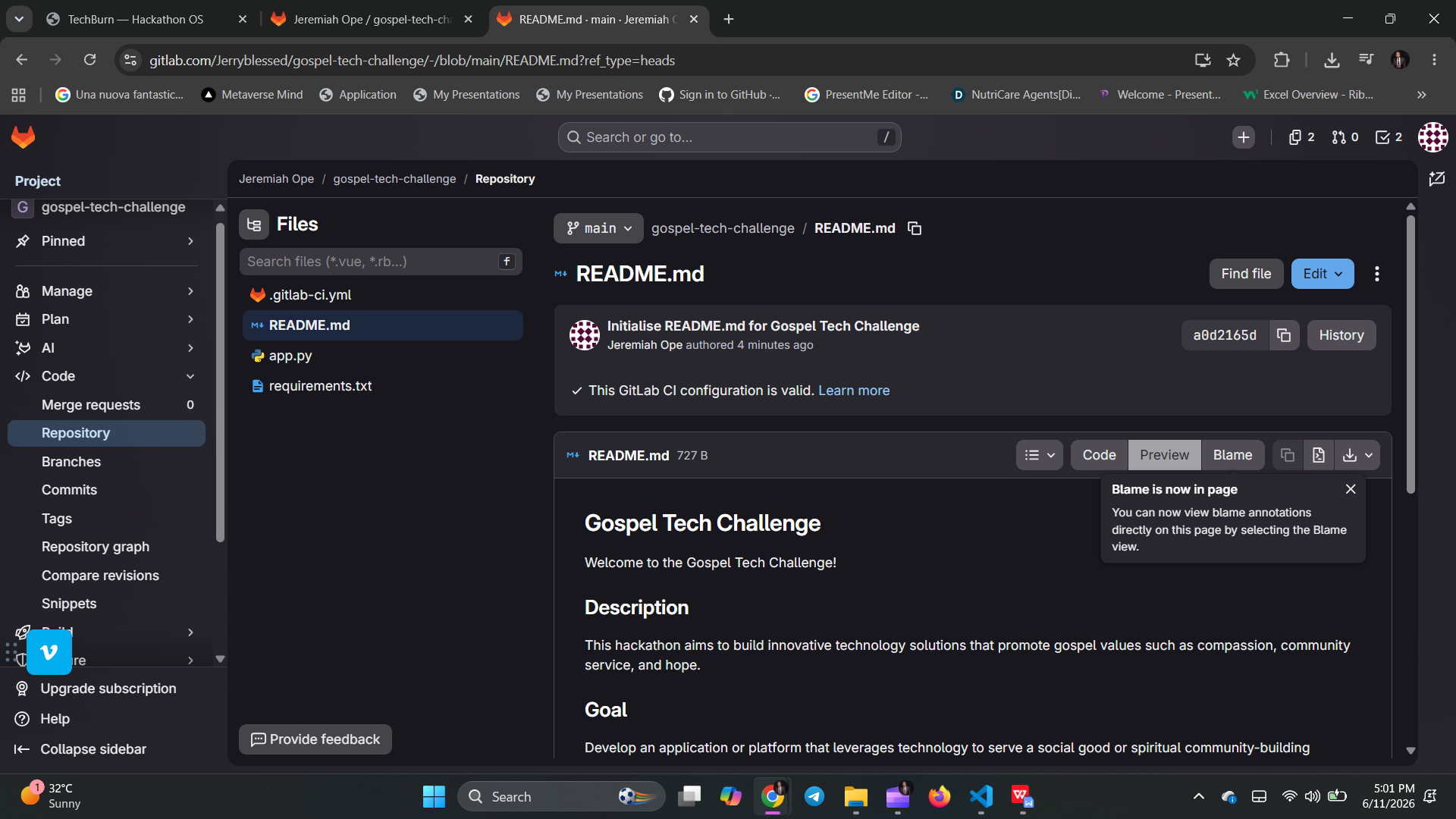
user page
-
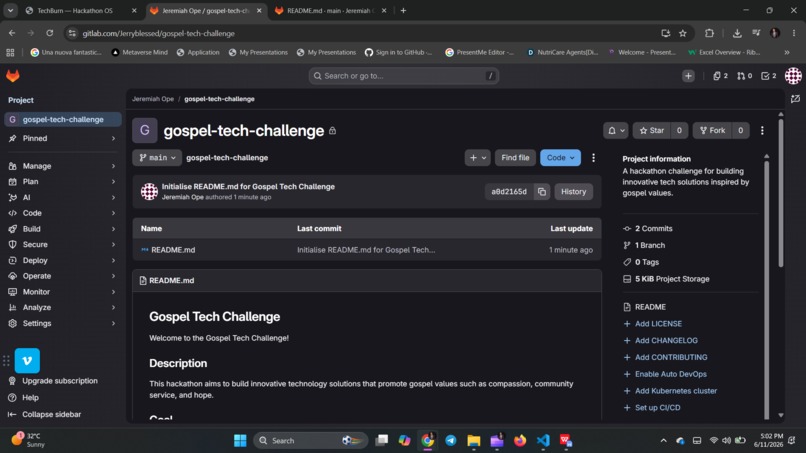
user page
-
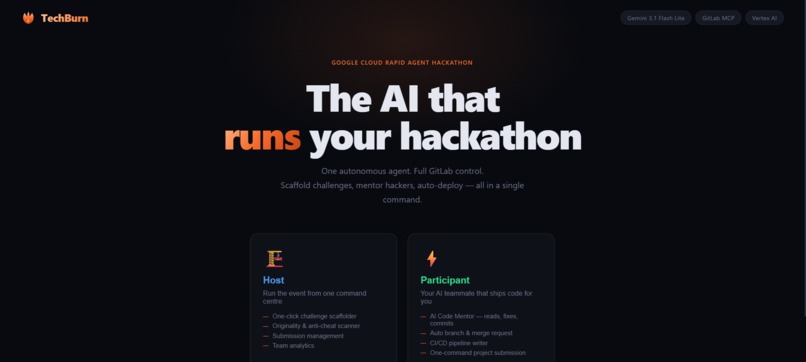
🚀 TechBurn — The AI-Powered Hackathon OS
Inspiration
Hackathons are the engine of modern developer innovation, but running and participating in them is plagued by administrative friction [12]. Developers lose precious hours setting up repositories, wrestling with git merge conflicts, and writing CI/CD configurations instead of focusing on their core ideas. Meanwhile, organizers are buried under manual repo management, grading logistics, and plagiarism audits.
We wanted to eliminate this friction entirely. Our inspiration was to build a system where developers and hosts can manage the entire hackathon lifecycle solely through conversational natural language and voice [1, 2]. By standardizing and automating repository management, pipeline deployments, and final project submissions, TechBurn shifts the hackathon experience from manual chore to pure innovation [1, 2].
What it does
TechBurn is a decentralized, database-free Hackathon Operating System powered by Gemini 3.1 Flash-Lite and the GitLab MCP [1, 2, 1.2.4]. It splits into two highly specialized workspaces:
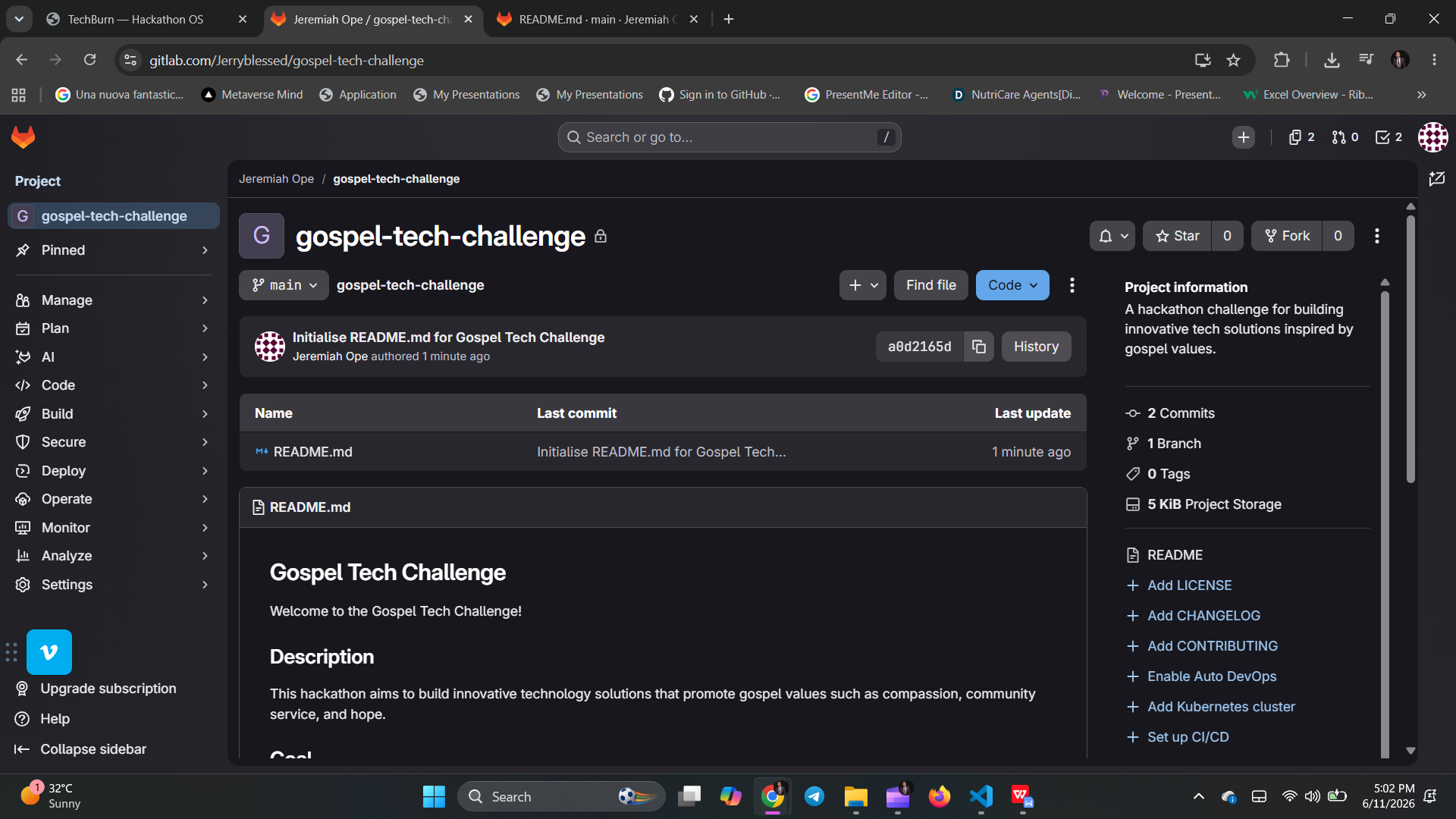
- 🏗️ For Hosts (Organizers): The Host can use conversational voice commands to scaffold a complete hackathon challenge in seconds [2]. The Agent automatically creates the GitLab repository, commits a detailed, customized instructions
README.md, and generates 5 milestone issues to guide hackers [1, 2]. When the hackathon ends, the Host can trigger our automated Originality Scanner to audit and analyze commit histories, timestamps, and commit sizes, flagging potential plagiarism or pre-existing template copy-pasting [1, 2, 12.5]. - ⚡ For Participants (Hackers): Participants get an active AI co-developer [2]. They can ask the Agent to read their code, write implementations, commit bug fixes, and open Merge Requests automatically [1, 2]. The Agent dynamically detects their codebase language and writes a custom
.gitlab-ci.ymlpipeline file to deploy their project [2]. When they are ready to submit, they speak or paste their demo video and description. The Agent packages it as aSUBMISSION.mdfile and automatically posts the link directly on the Host's central submission thread [2].
How we built it
- AI Orchestration: Built using the official Google Agent Development Kit (ADK) to manage the AI reasoning, session routing, and tool-calling [7, 8].
- Core LLM: Powered by Gemini 3.1 Flash-Lite on Vertex AI for incredibly fast, cost-efficient, and highly accurate developer execution [7, 8].
- Tool Integration: Integrated with the GitLab MCP Server using streamable HTTP connection parameters to interact directly with GitLab's REST APIs and repositories [1, 2, 1.1.3].
- Backend: A Python Flask server that handles asynchronous agent loops via
asyncio.run(). - Frontend: A lightweight, single-page dashboard with native Web Speech API integration, enabling hackers and hosts to speak to the agent.
- Vocal Response: Integrated with Google Cloud Text-to-Speech API to convert the Agent's written responses back into natural-sounding speech for a fully vocalized DevOps experience.
- Hosting: Deployed to Google Cloud Run using a custom Dockerfile that bundles both the Python Flask app and the Node.js MCP server in a single secure, serverless container, keeping all communications secure and local [1.1.3].
Secure Token Handling & Permissions (PAT Setup)
To protect developers, TechBurn operates on a strict, zero-trust "Bring-Your-Own-Token" (BYOT) security model [11]:
- Minimum Privilege Access: We designed TechBurn to run with absolute minimum permission scopes [11]. Users do not need to share their master account keys. The platform only requires a GitLab Fine-Grained Personal Access Token (PAT) with just two specific resource scopes enabled [11, 2.3.2]:
Projects -> Project(Create, Read, Update) to allow repository scaffolding and importing [2.3.2].Repository(Code: Read/Push, Branch: Create, Commit: Create, Merge Request: Create) to allow committing, branch management, and MR deployments [2.4.7].
- Group-Level Isolation: Hosts can choose to restrict the token’s scope to a single GitLab Group [2.3.2]. Because of GitLab's inheritance rules, any project the Agent scaffolds under that parent group automatically inherits those permissions, leaving the host's personal repositories completely blind to the Agent [2.3.2].
- No Database Storage: To ensure absolute privacy, we do not store developer keys on our servers. When a user pastes their token, it is saved securely on their own machine's browser sandbox (
localStorage). It is dynamically injected into the HTTPS headers of their active/chatsession on Cloud Run, used on-the-fly, and instantly forgotten [11].
Challenges we ran into
- Database-Free Multi-Tenancy: We wanted to build a multi-user platform without the overhead, cost, or security risks of a database [1]. We overcame this by using the browser's
localStoragefor keys [11] and utilizing GitLab's native Issue Board on the Host's repository as our database. All participant submission URLs are collected as comments on a single central GitLab Issue, which our Host Agent reads and parses dynamically! - Resolving MCP Dependency Capitalization: During our deployment phase, we encountered subtle versioning differences in the Google ADK Python library, specifically with importing the
McpToolset/MCPToolsetclass. We solved this by importing directly from the underlying sub-modulegoogle.adk.tools.mcp_tool.mcp_toolset, making our codebase highly resilient. - Sync-to-Async Handshakes: Routing the asynchronous Google ADK runner events through synchronous Flask HTTP endpoints without blocking or causing connection timeouts on Google Cloud Run.
Accomplishments that we're proud of
- A Database-Free Architecture: We successfully designed a multi-user, multi-tenant platform where GitLab's own native issue boards and comment threads act as our primary datastores, eliminating database complexity and security risk completely.
- Autonomous Execution: Building an agent that doesn't just "talk" about code, but actually performs multi-step Git workflows—cloning, writing files, configuring pipelines, opening merge requests, and validating changes—all via conversational voice commands [1, 2].
What we learned
- The Power of MCP: We learned how the Model Context Protocol can bridge simple LLMs with external platforms like GitLab [1, 2].
- Designing with Low Friction: We learned that abstracting away command-line git tasks and DevOps configurations through conversational interfaces drastically lowers the barrier of entry for hackathon participants.
What's next for TechBurn
If awarded the first-place prize, we plan to turn TechBurn into a commercial SaaS business. Our immediate engineering roadmap includes:
- Transitioning to GitLab OAuth 2.0: Moving away from Personal Access Tokens to a seamless, single-click "Login with GitLab" OAuth flow [11].
- Enterprise Session Queuing: Moving the long agent execution loops to background Celery workers backed by Redis as a message broker [11].
- Data Persistence: Storing user preferences and encrypted session tokens securely using Google Cloud Firestore to enable deep, continuous hackathon automation [11].
☁️ Google Cloud Products & APIs Used
1. Agent Platform (Vertex AI & Gemini API)
- How it’s used: This serves as the core reasoning, planning, and execution engine for the Google Agent Development Kit (ADK) [1.1.6]. By utilizing the Gemini 3.1 Flash-Lite model through the Agent Platform, TechBurn can analyze repositories, plan code implementations, and orchestrate complex multi-step DevOps workflows at lightning speed with minimal latency [1, 2, 1.2.4].
2. Google Cloud Run
- How it’s used: The main serverless hosting engine [1.1.3]. It runs our secure, multi-runtime container, hosting both the Python Flask app (
pro.py) and the background GitLab MCP server together silently [1.1.3]. Because Cloud Run dynamically scales from zero, it provides massive scalability with zero idle cost [1.1.3].
3. Google Cloud Build
- How it’s used: Utilized automatically behind the scenes when running the
gcloud run deploycommand. Cloud Build securely compiles our Python and Node.js dependencies, packages them into a single multi-runtime container image, and pushes it to our Google Artifact Registry.
4. Google Cloud Secret Manager (Roadmap)
- How it’s used: Featured in our production roadmap to securely store and retrieve the GitLab Personal Access Tokens (PATs) or OAuth tokens on-the-fly [11]. This ensures that no private developer credentials are ever stored in plain text or browser cookies, leveraging Google’s enterprise-grade encryption.
🛡️ Underlying Platform & Telemetry APIs
The following underlying Google Cloud APIs are fully enabled and integrated to support TechBurn's observability, security, and data pipeline frameworks [1.1.6]:
- Agent Registry API & Cloud API Registry & App Hub: Configured to support the native cataloging, discovery, and governance of our Model Context Protocol (MCP) servers and toolsets directly inside Google Cloud [1.1.6].
- Cloud Text-to-Speech API: Enabled on our Google Cloud project to support hands-free vocalized interactions, allowing the agent to synthesize natural-sounding speech and read back code review summaries, error diagnostics, and pipeline statuses directly to the user.
- Cloud Logging, Monitoring, Trace, Telemetry, and Observability APIs: Natively utilized by Google Cloud Run to stream our Agent's execution logs, monitor container health, and track latency metrics during complex, multi-step tool-calling workflows.
- Identity and Access Management (IAM), IAM Connectors, and Cloud Identity-Aware Proxy (IAP) APIs: Used to securely handle service-to-service authentication and limit our serverless container's execution permissions to the absolute minimum required [1.1.3].
- Dataform, App Topology, and App Lifecycle Manager APIs: Prepared to manage SQL-based data pipelines for processing hackathon grading analytics, visual mapping of the agent's logical dependencies, and container lifecycle states [1.2.6].

Log in or sign up for Devpost to join the conversation.