-
-
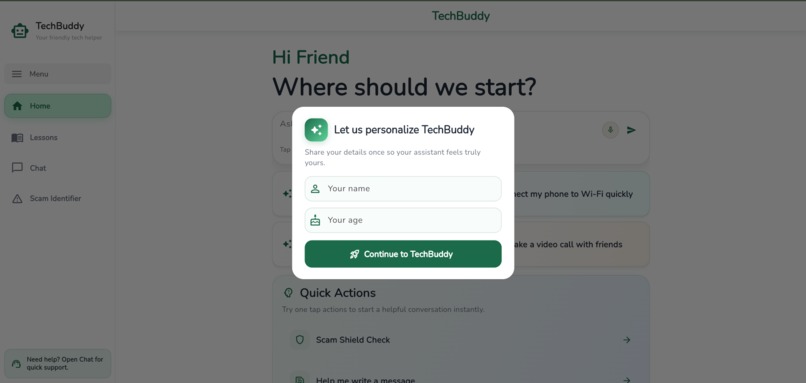
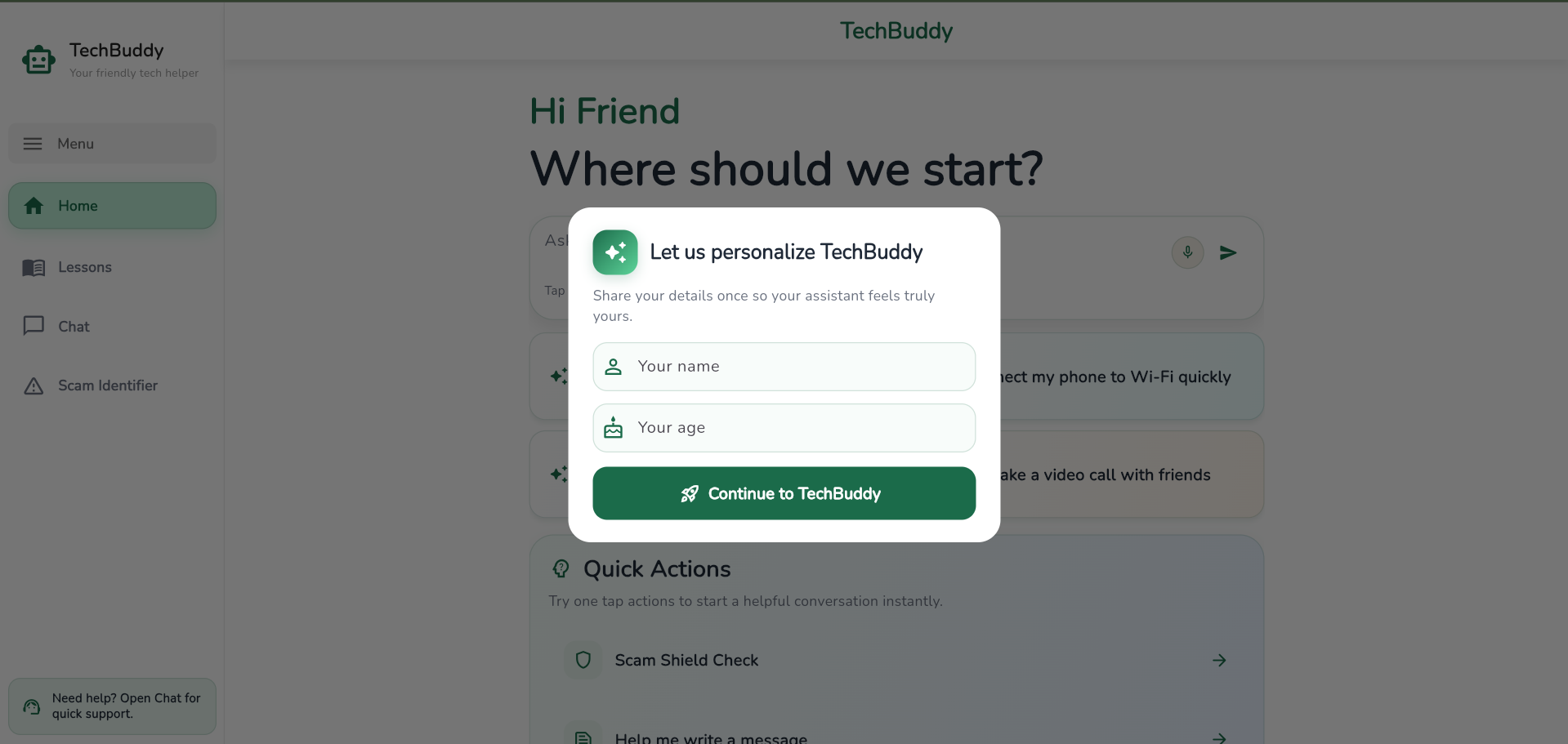
Login Page
-
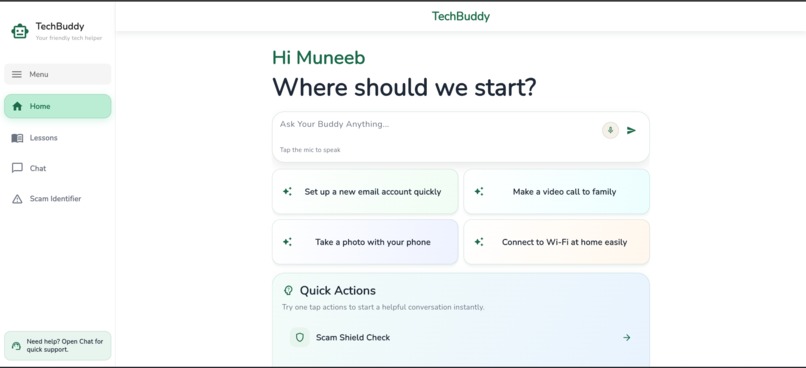
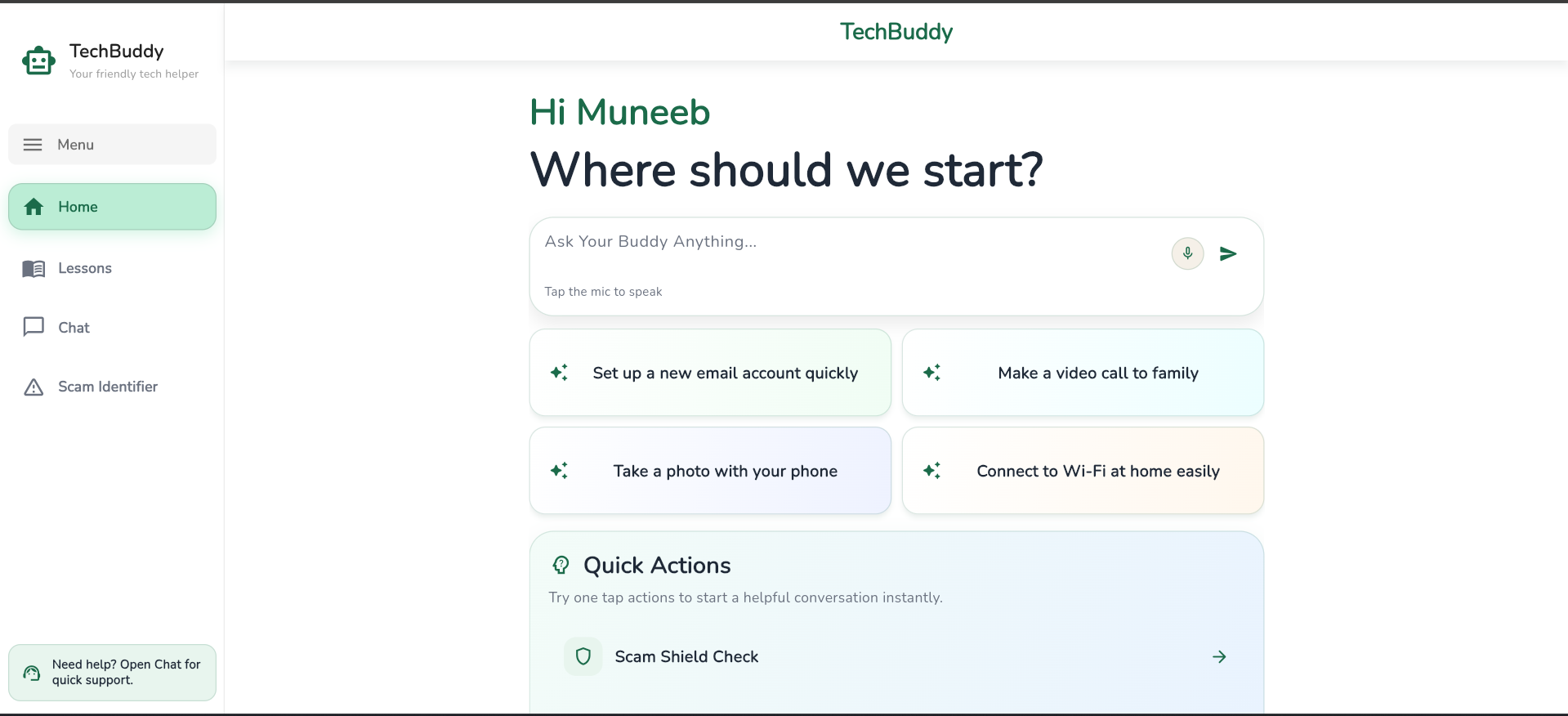
Home Screen
-
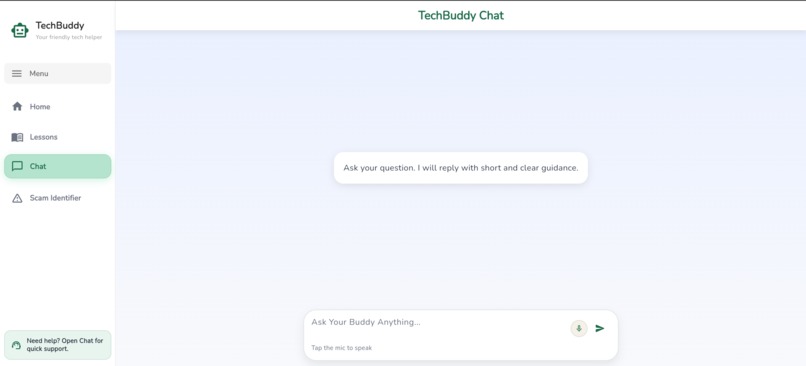
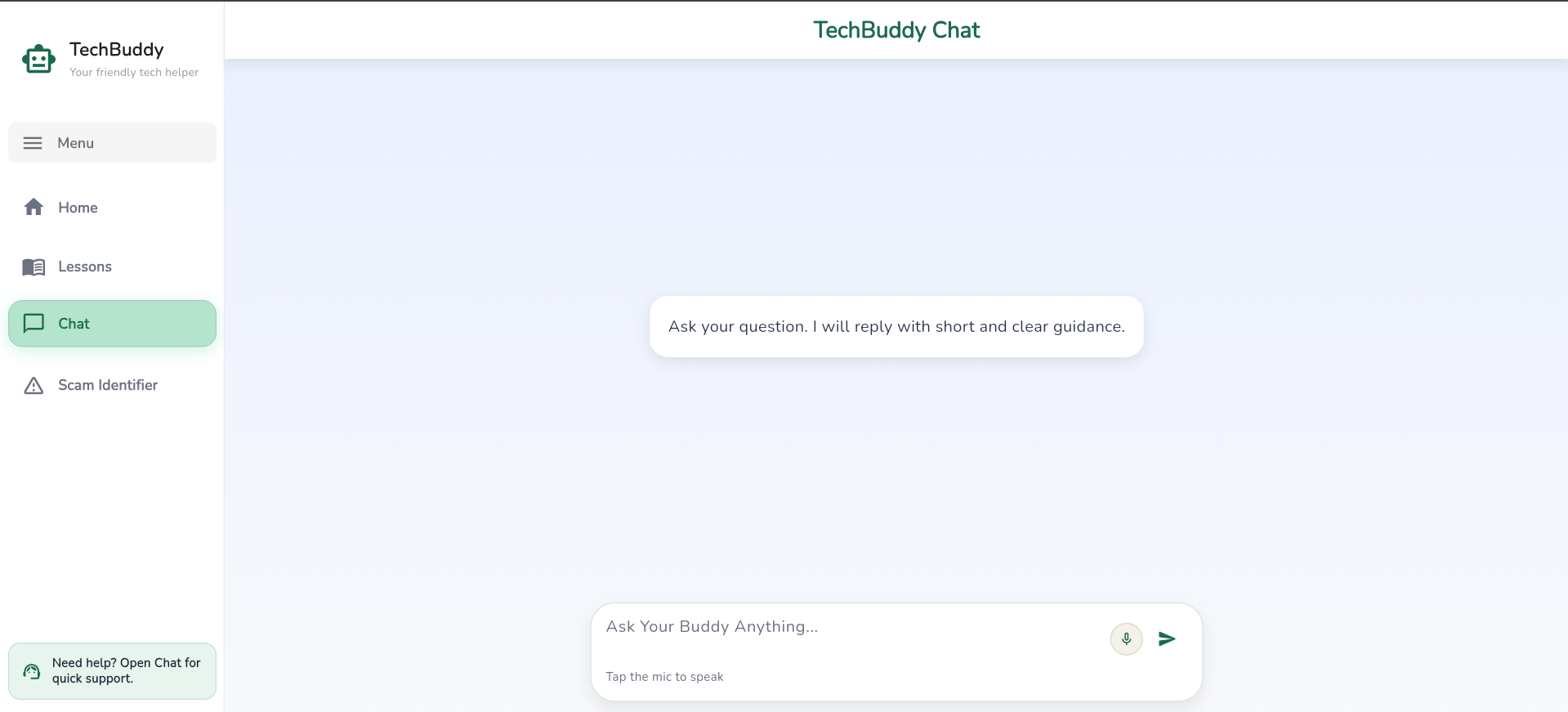
Chat Screen
-
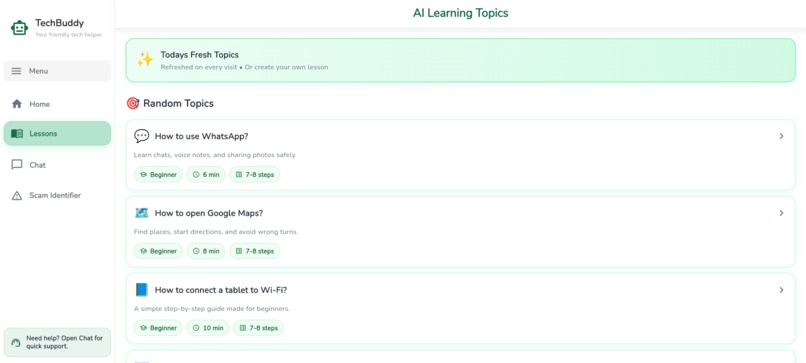
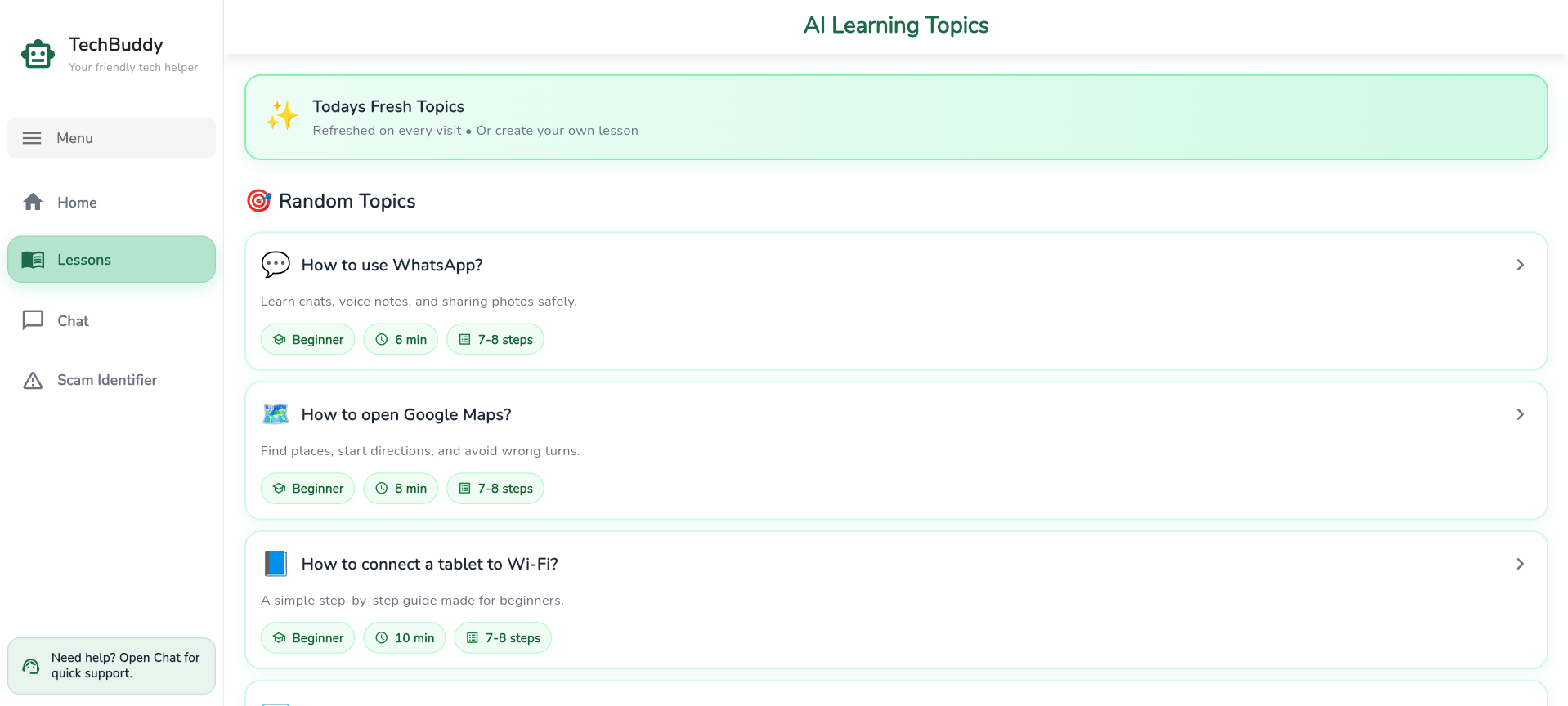
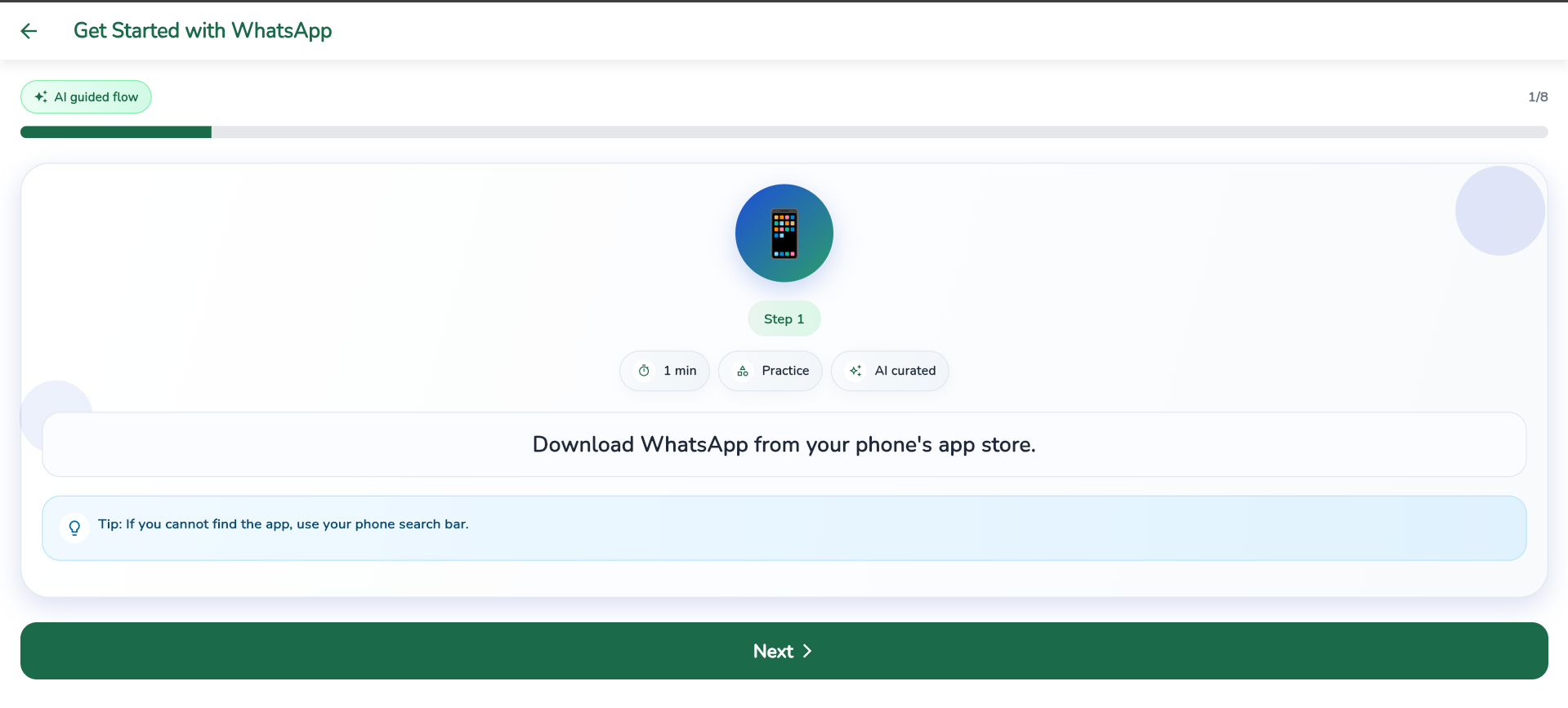
Lesson Screen
-
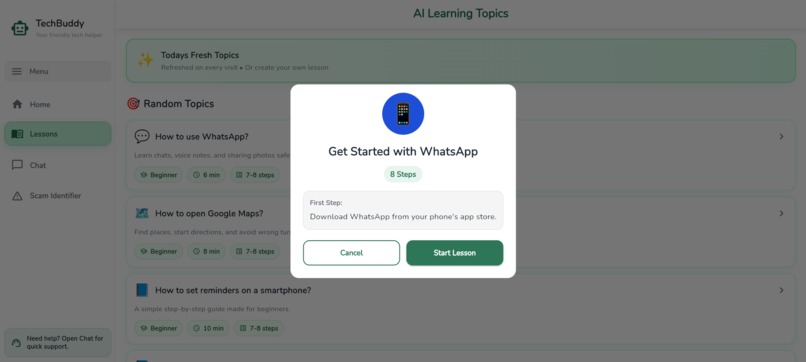
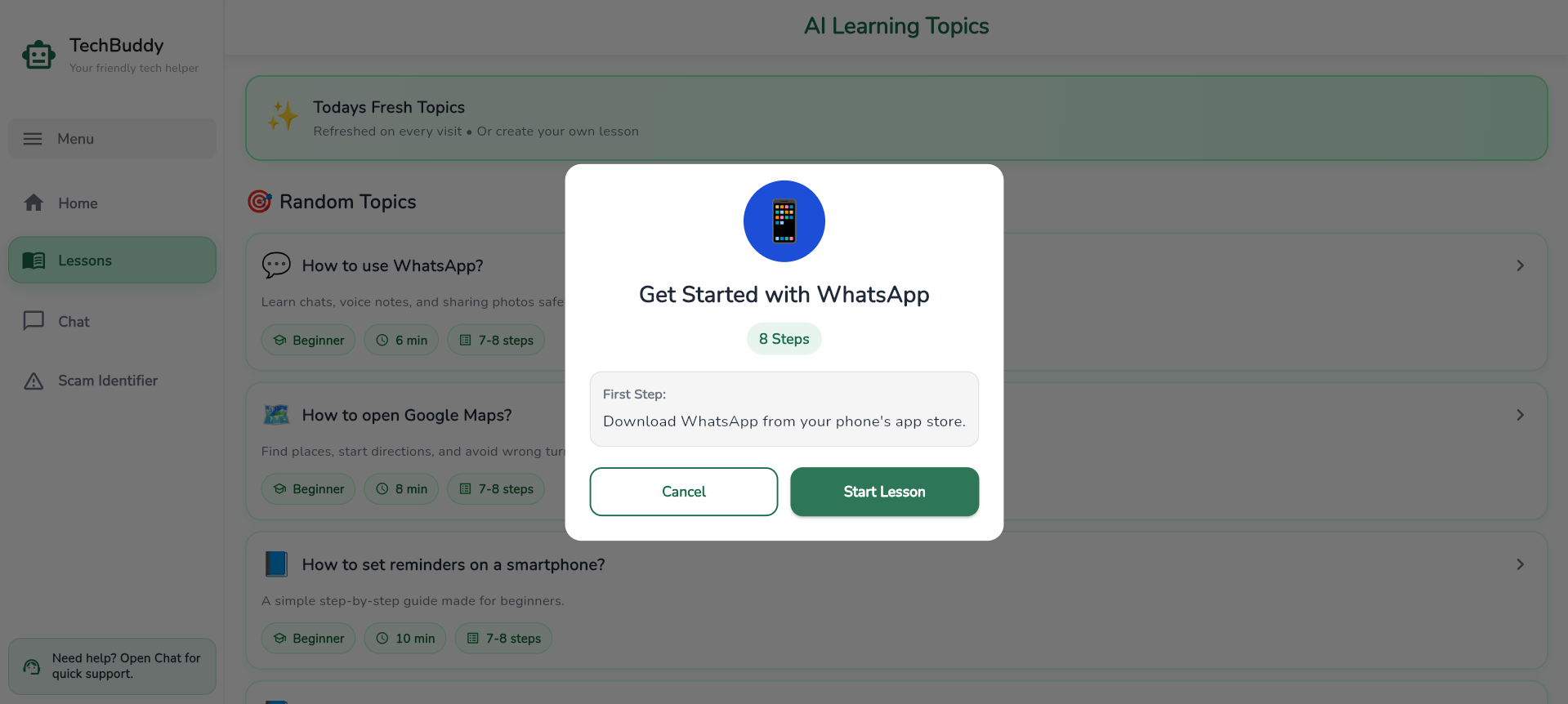
Lesson detail popup screen
-
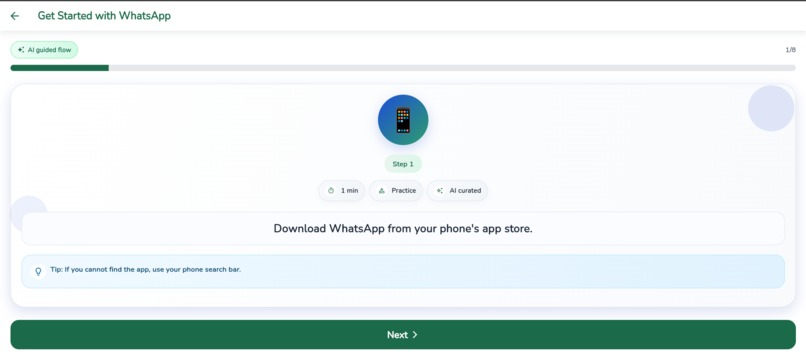
Lesson Detail card screen
-
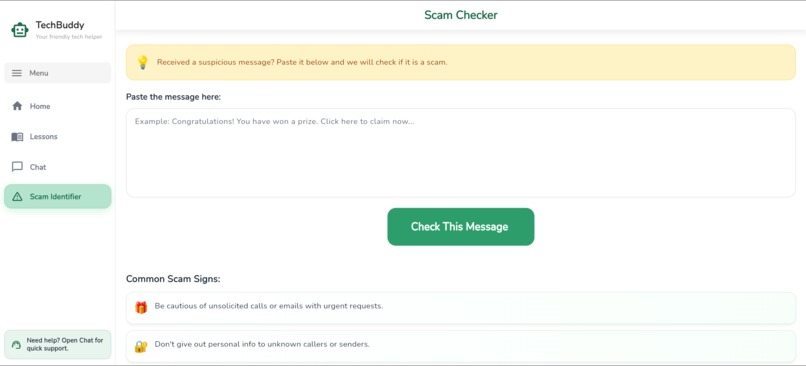
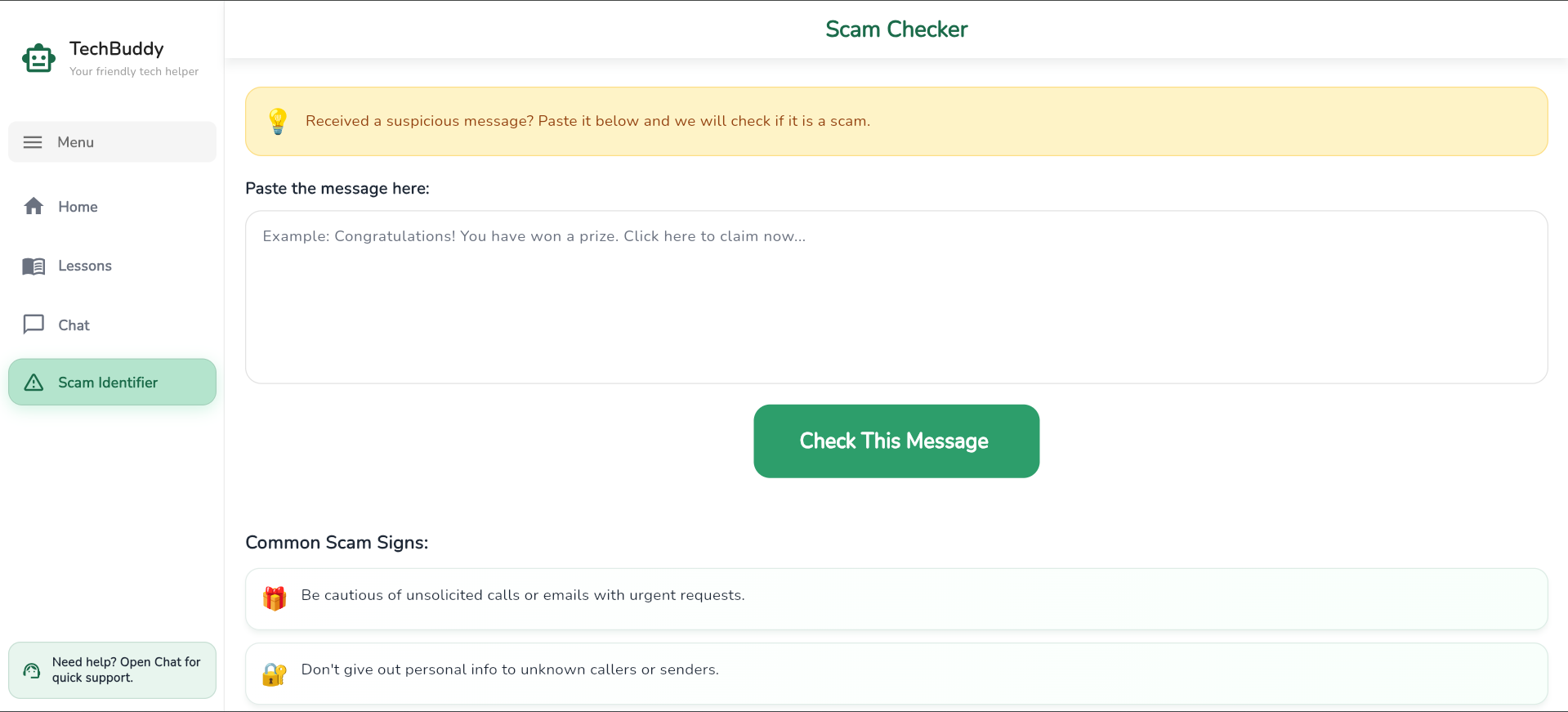
Scam Detector Screen
Inspiration
Every time I watched an elderly person struggle with their smartphone — unable to video call their grandchildren, confused by a suspicious message, or afraid to click the wrong button — I felt there had to be a better way.
Millions of senior citizens are left behind in an increasingly digital world. Most apps are designed for young, tech-savvy users. TechBuddy was built to change that — to give every senior citizen a patient, friendly, and always available digital companion.
What it does
TechBuddy is a free AI-powered web app that helps senior citizens:
- Ask Buddy — Get instant answers to any tech question in simple, clear, step-by-step language
- Structured Lessons — Learn everyday tech skills at their own pace
- Scam Shield — Paste any suspicious message and AI instantly identifies if it is a scam
- Quick Actions — One tap access to the most common tasks
- Voice Input — Speak questions out loud for seniors who struggle to type
How we built it
TechBuddy was built using:
- Flutter Web — Cross platform framework for building the UI
- Groq API — Free AI API powering the Buddy chat assistant
- Shared Preferences — Local storage for saving user progress
- Web Speech API — Browser built-in voice input support
- Netlify — Free hosting and deployment
- GitHub — Version control and submission The app follows an accessibility-first design philosophy with large text, high contrast colors, warm cream backgrounds, and minimal navigation to ensure seniors can use it without any assistance.
Challenges we ran into
Accessibility vs Aesthetics — Balancing a visually appealing design with the large text and high contrast requirements for elderly users was a constant challenge throughout development
Flutter Web Performance — Flutter Web can be slow to load. We optimized by removing heavy packages, using system fonts, and building in release mode
AI Tone for Seniors — Getting the AI to consistently respond in simple, patient, and encouraging language required careful prompt engineering in the system instruction
Deployment Issues — Configuring Netlify to correctly build a Flutter Web app required solving multiple asset path and environment variable errors
Voice Input on Web — The Web Speech API behaves differently across browsers, requiring fallback handling for unsupported environments
Accomplishments that we're proud of
Built a fully functional AI-powered web app from scratch that is actually usable by real senior citizens today — not just a prototype
Accessibility-first design — Every screen, button, and interaction was designed with elderly users in mind. Large text, high contrast colors, voice input, and simple navigation make TechBuddy genuinely inclusive
Scam Shield feature — Building an AI-powered scam detector that explains results in simple language felt like a real breakthrough. This feature alone could protect thousands of seniors from financial fraud
Personalization without login — We created a warm, personal experience where the app remembers your name and greets you every time — without requiring seniors to create an account or remember a password
Successfully deployed a Flutter Web app on Netlify with a live public link — making TechBuddy instantly accessible to anyone in the world with a browser
Voice input integration — Allowing seniors to speak their questions out loud removes one of the biggest barriers elderly users face with technology
Clean professional UI that looks and feels like a real product, not a hackathon project
What we learned
- Designing for accessibility teaches you to design better for everyone
- Flutter Web is a powerful but underutilized tool for rapid web development
- AI tone and personality matter as much as the answer itself
- Senior-friendly UX requires rethinking every assumption about how users interact with technology
What's next for TechBuddy
Urdu language support — Pakistan has millions of elderly citizens who are more comfortable in Urdu than English. Adding full Urdu language support would dramatically increase TechBuddy's reach and impact across South Asia
Family dashboard — A companion portal where family members can monitor their elderly parent's progress, see which lessons they completed, and send encouraging messages directly through the app
Offline mode — Many seniors in developing regions have limited internet access. An offline mode with pre-loaded lessons and basic guidance would make TechBuddy accessible everywhere
Mobile app — Publishing TechBuddy as a native Android and iOS app to reach seniors who primarily use smartphones rather than laptops or desktops
NGO and hospital partnerships — Partnering with elderly care homes, hospitals, and NGOs to introduce TechBuddy to seniors who need it most
Progress tracking and certificates — Awarding seniors a digital certificate when they complete all lessons — giving them a sense of accomplishment and pride in their learning journey
Video lessons — Adding short, simple video tutorials alongside the text-based lessons for seniors who learn better by watching
Emergency SOS button — A one-tap button that instantly contacts a family member if the senior feels confused, lost, or in danger

Log in or sign up for Devpost to join the conversation.