-
-
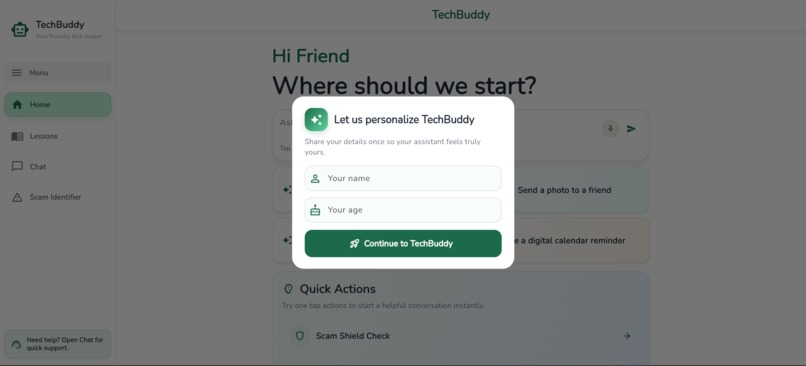
Start
-
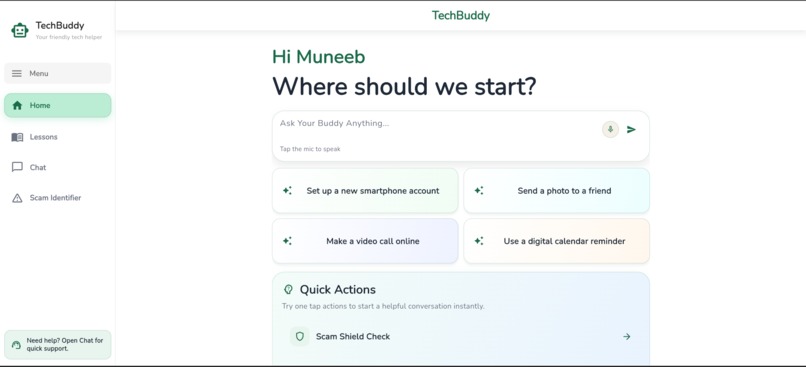
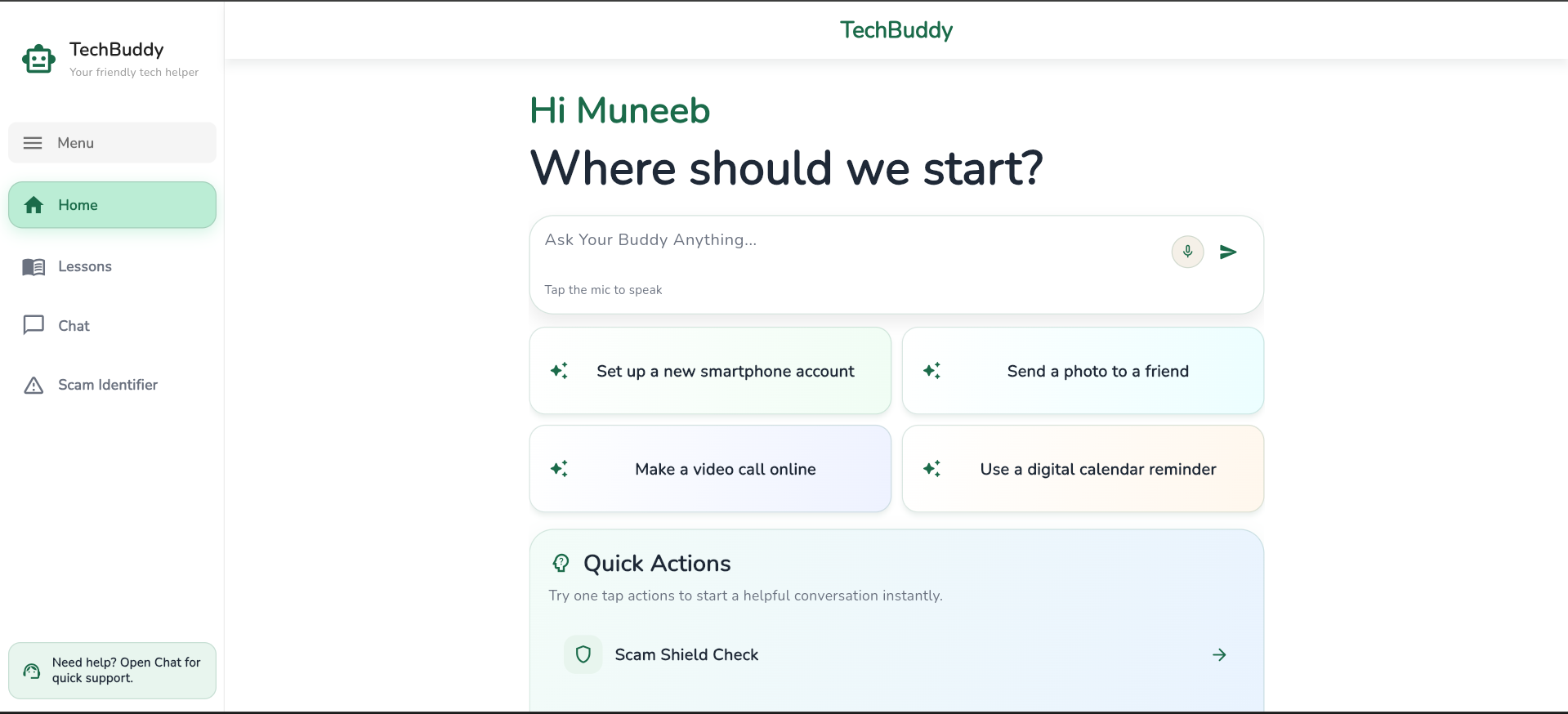
Home Screen
-
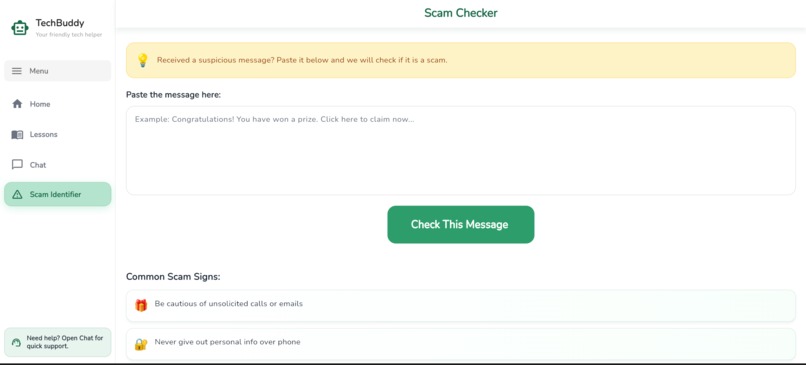
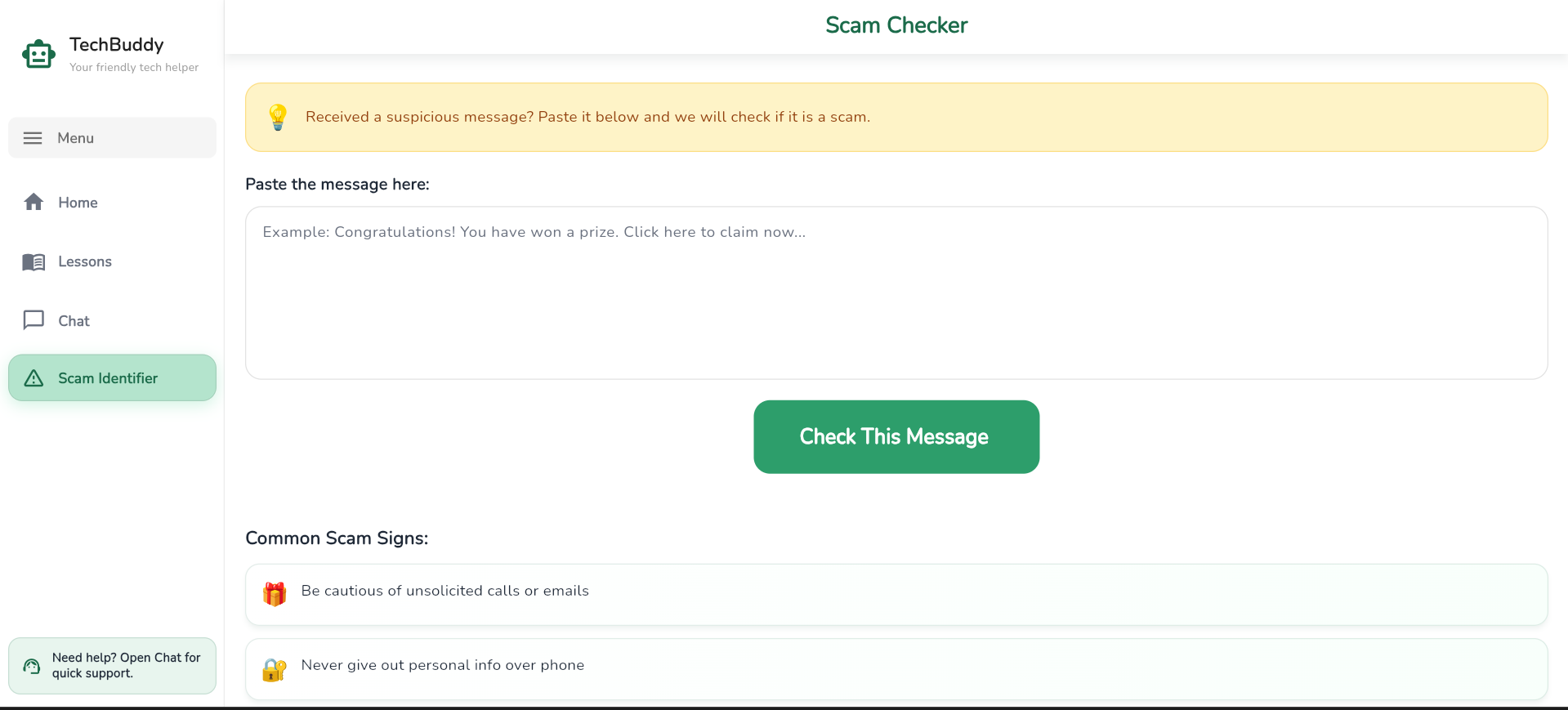
Scam Identifier
-
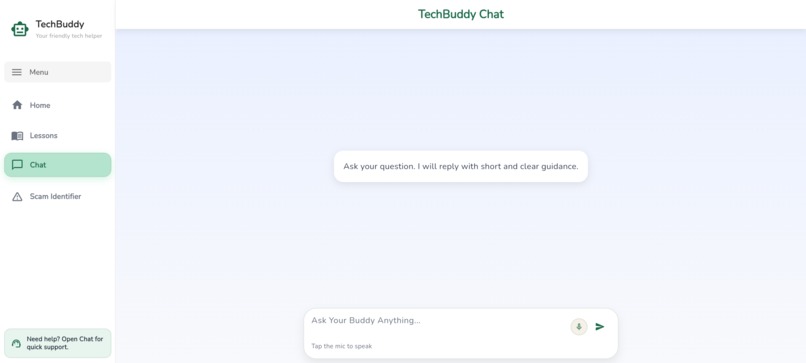
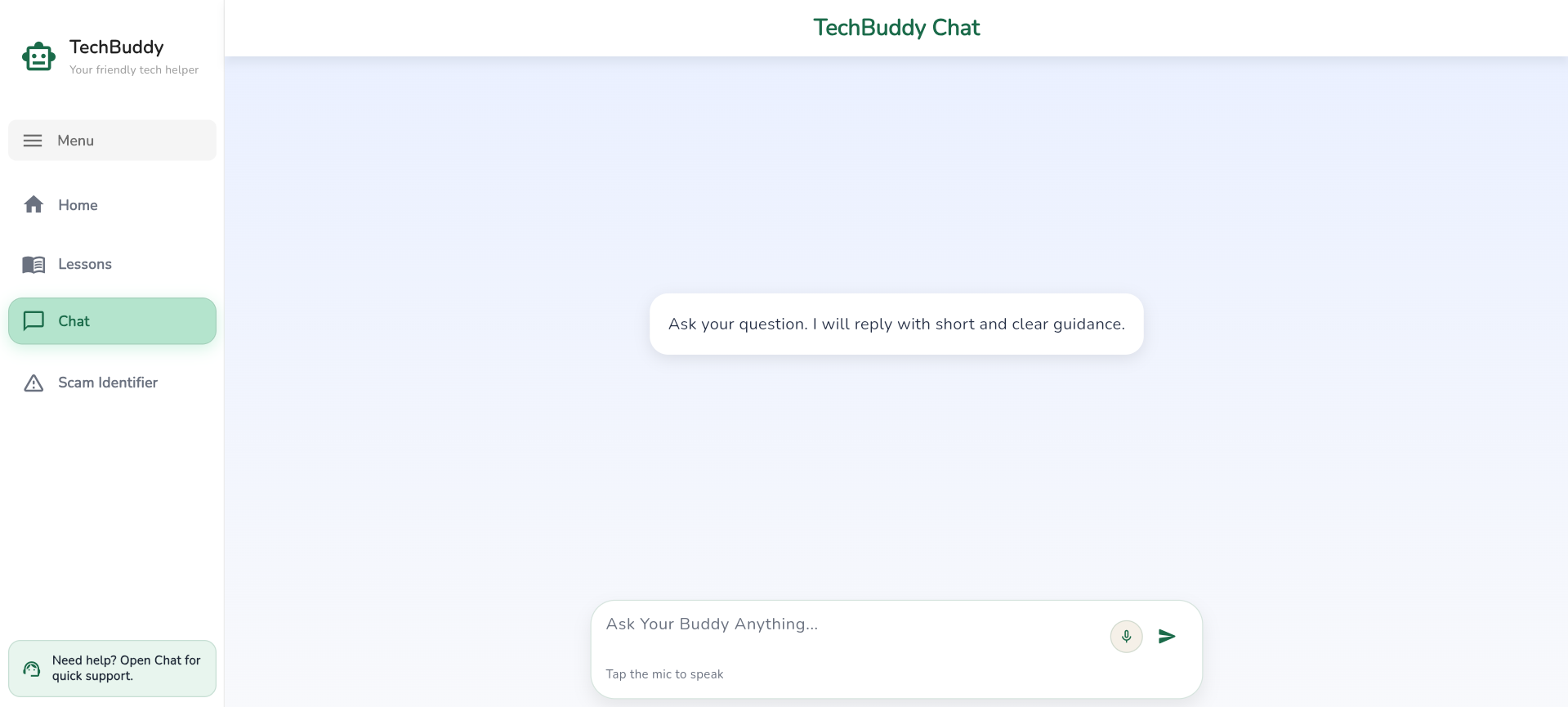
Chat
-
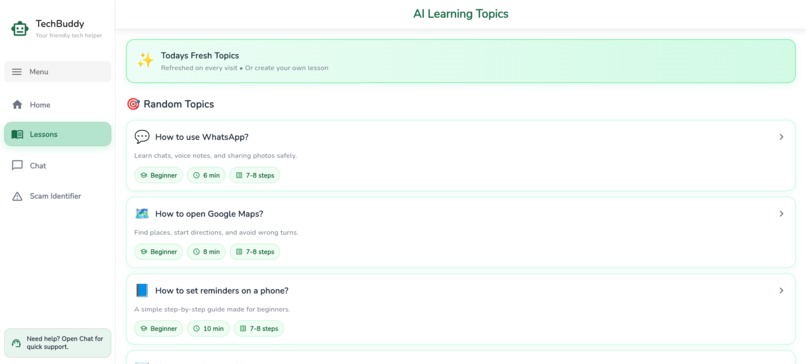
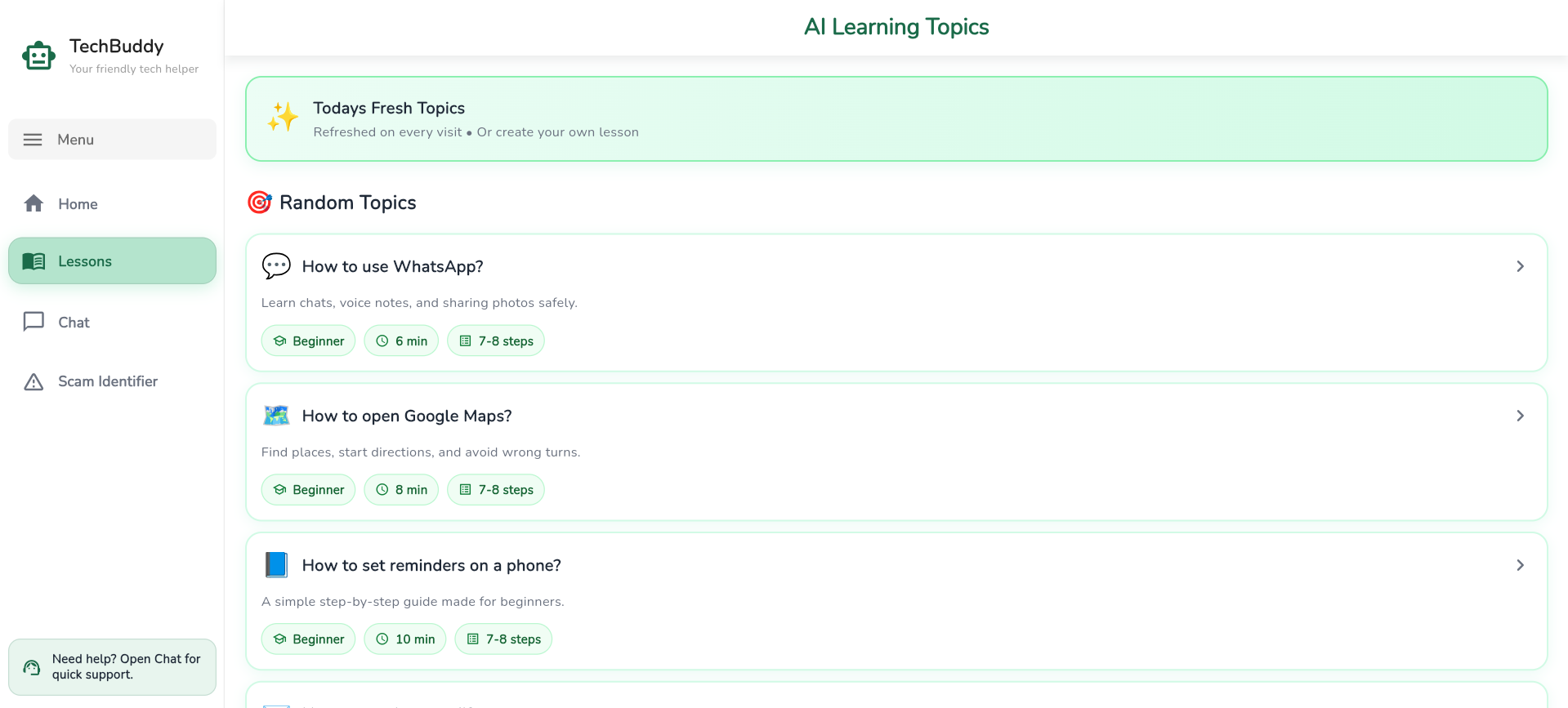
Lesson Screen
Inspiration
My grandfather once called me frustrated because he could not figure out how to video call my aunt. That moment stuck with me. He is not alone — millions of seniors feel lost, embarrassed, and left behind in a world that has gone digital without them.
Most apps are built for young people. TechBuddy was built for everyone else — the grandparents, the retirees, the people who just want to stay connected without feeling confused.
What it does
TechBuddy is a free AI-powered web app built specifically for senior citizens. No downloads, no accounts, no passwords. Just open the link and start learning.
- Ask Buddy — Ask any tech question and get a simple, step-by-step answer
- Structured Lessons — Learn real skills like video calling and sending photos at your own pace
- Scam Shield — Paste any suspicious message and AI instantly tells you if it is a scam
- Voice Input — Just speak your question out loud
- Personalization — The app remembers your name and greets you every time ## How we built it
- Flutter Web — For building a fast, beautiful cross platform UI
- Groq API — Powers the AI chat assistant
- Web Speech API — Enables voice input directly in the browser
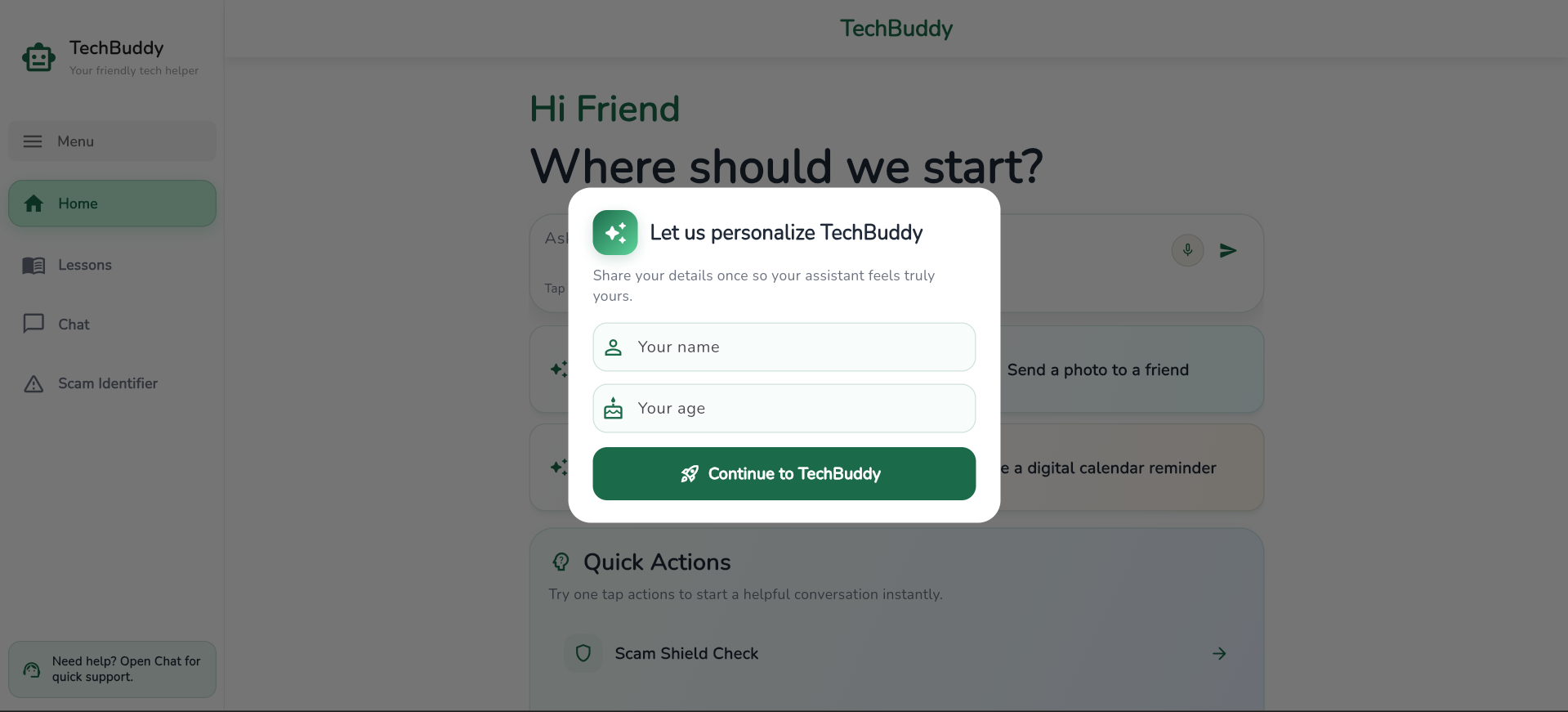
- Shared Preferences — Saves user name and progress locally
- Netlify — Free hosting with continuous deployment
- GitHub — Version control and project documentation
Every design decision was made with seniors in mind — large text, high contrast colors, minimal navigation, and a friendly AI that never uses confusing jargon.
Challenges we ran into
- Getting the AI to always respond in simple, patient language required careful prompt engineering — tone matters as much as accuracy
- Flutter Web performance needed significant optimization to feel fast and responsive for users on older devices
- Deploying on Netlify with Flutter required solving multiple asset and environment variable configuration issues
- The Web Speech API behaves inconsistently across different browsers, requiring careful fallback handling ## Accomplishments that we're proud of
- Built a fully working app that a real senior citizen could use today
- Designed every screen with genuine accessibility in mind — not as an afterthought
- The Scam Shield feature feels like something that could genuinely protect people from losing their savings
- Created a personal experience with no login — seniors are greeted by name from the very first visit ## What we learned
- Designing for accessibility makes you a better designer overall
- The AI's personality and tone matter just as much as the answer it gives
- Real impact comes from deeply understanding your user before writing a single line of code ## What's next for TechBuddy
- Family dashboard — so children can track their parent's progress and send encouragement
- Offline mode — for seniors with limited internet access
- Mobile app — native Android and iOS versions
- NGO partnerships — bringing TechBuddy into elderly care homes and community centers

Log in or sign up for Devpost to join the conversation.