
Inspiration
Millions of senior citizens are left behind by technology that moves too fast and help desks that feel too impatient. GenLink's mission hit close to home — seniors deserve a tool that meets them where they are: calm, respectful, and jargon-free. We saw an opportunity to build something that could realistically live in a senior center and actually get used every day.
What It Does
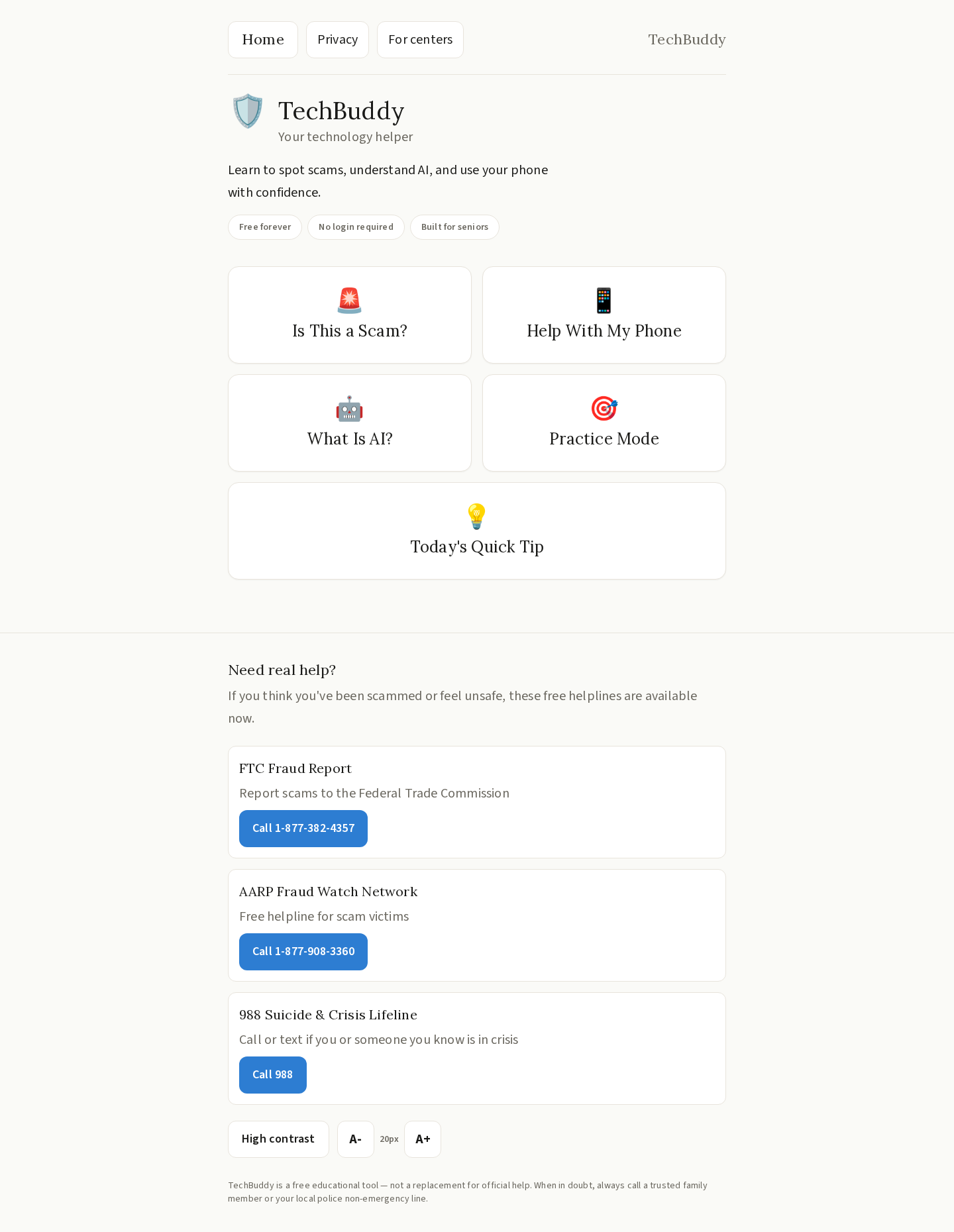
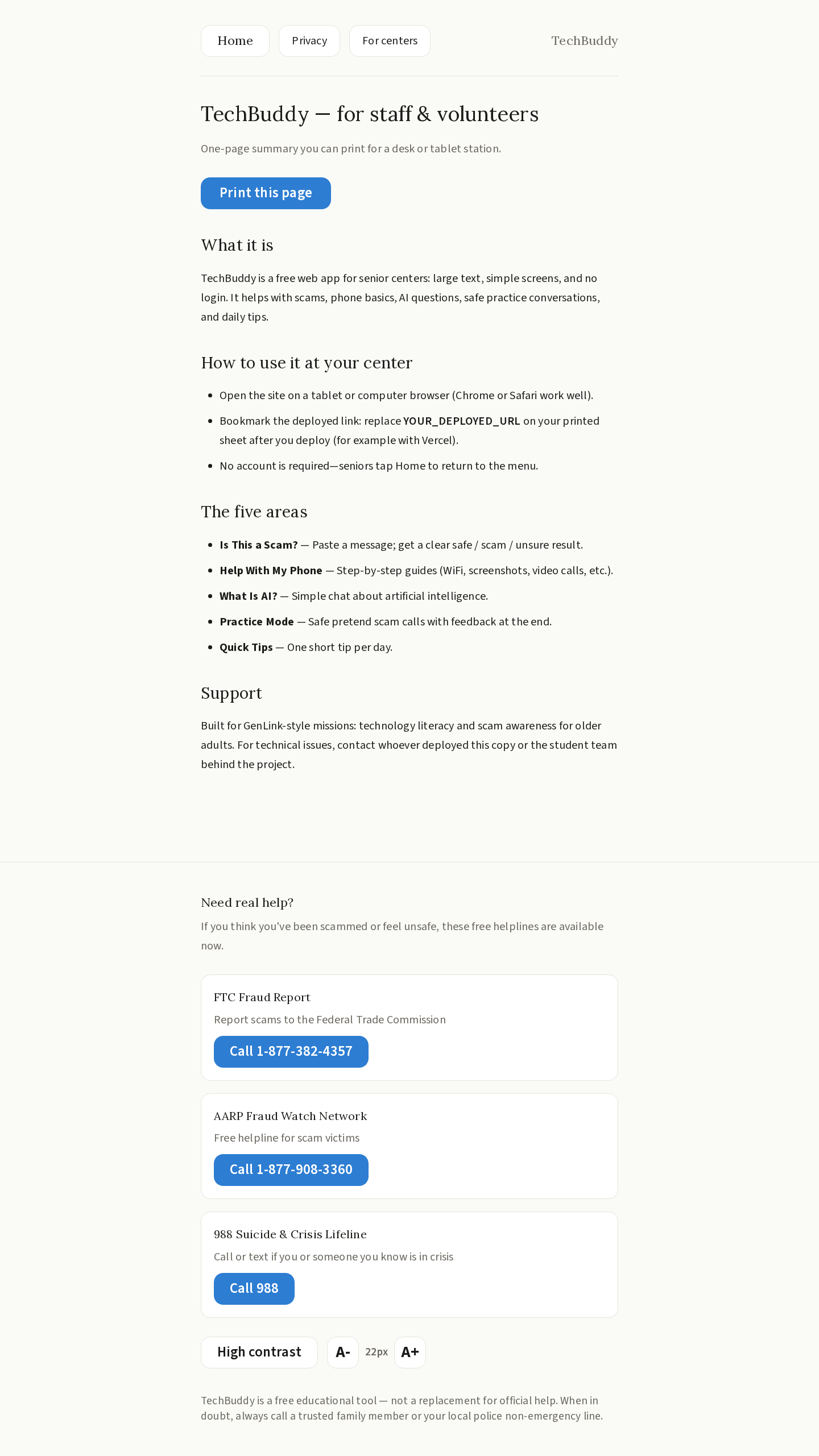
TechBuddy is a web app built specifically for senior citizens navigating modern technology. It offers five core features:
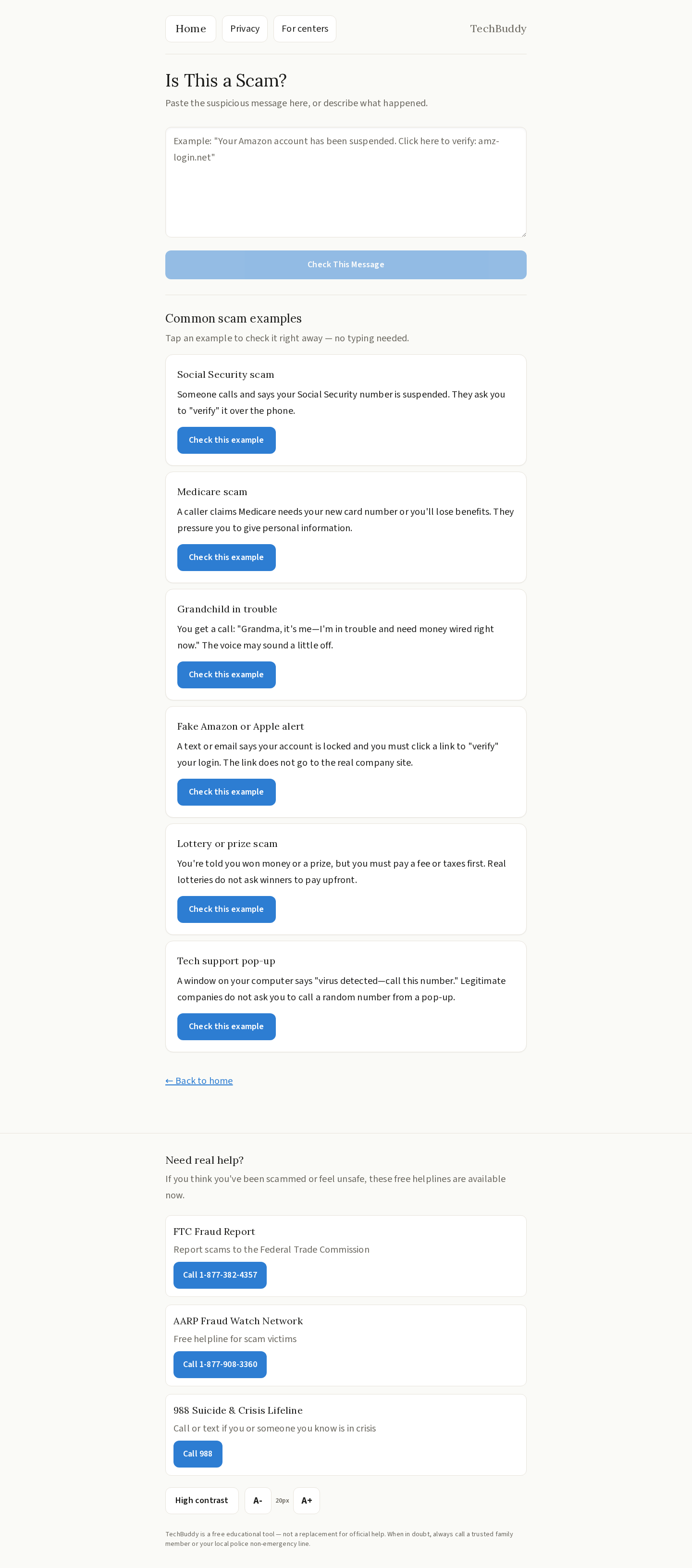
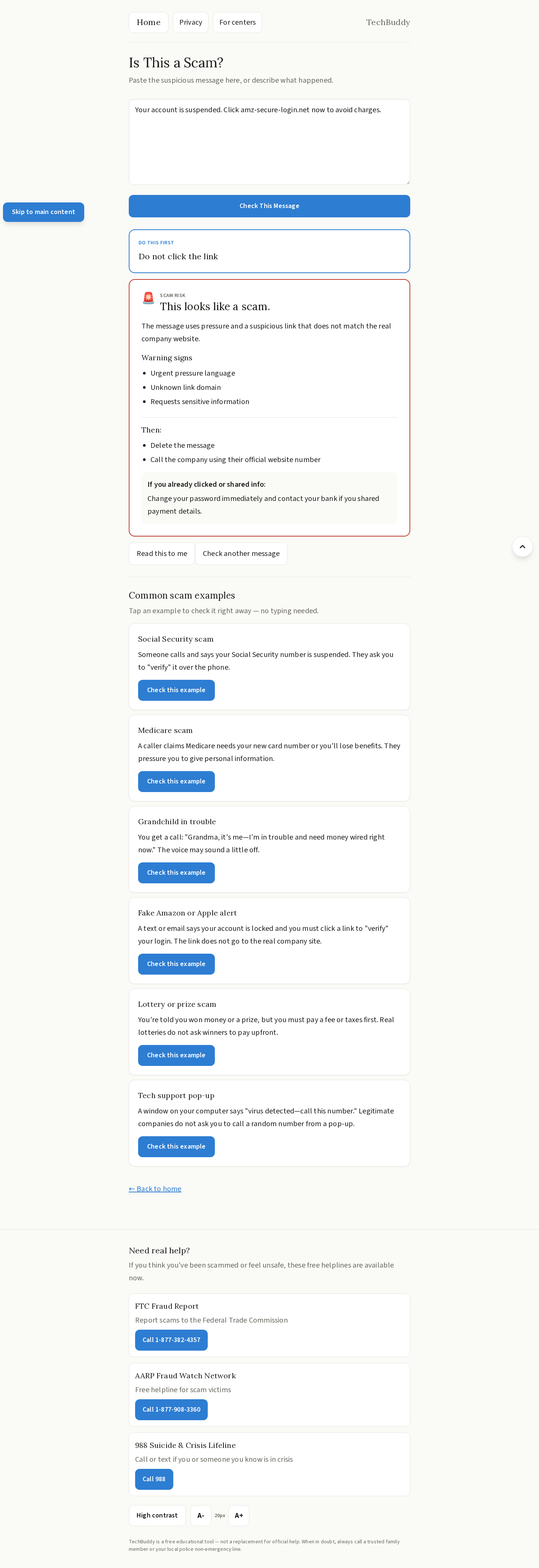
- Scam Detector — Paste any suspicious text, email, or message and get an instant safe / scam / suspicious verdict in plain language, with clear next steps.
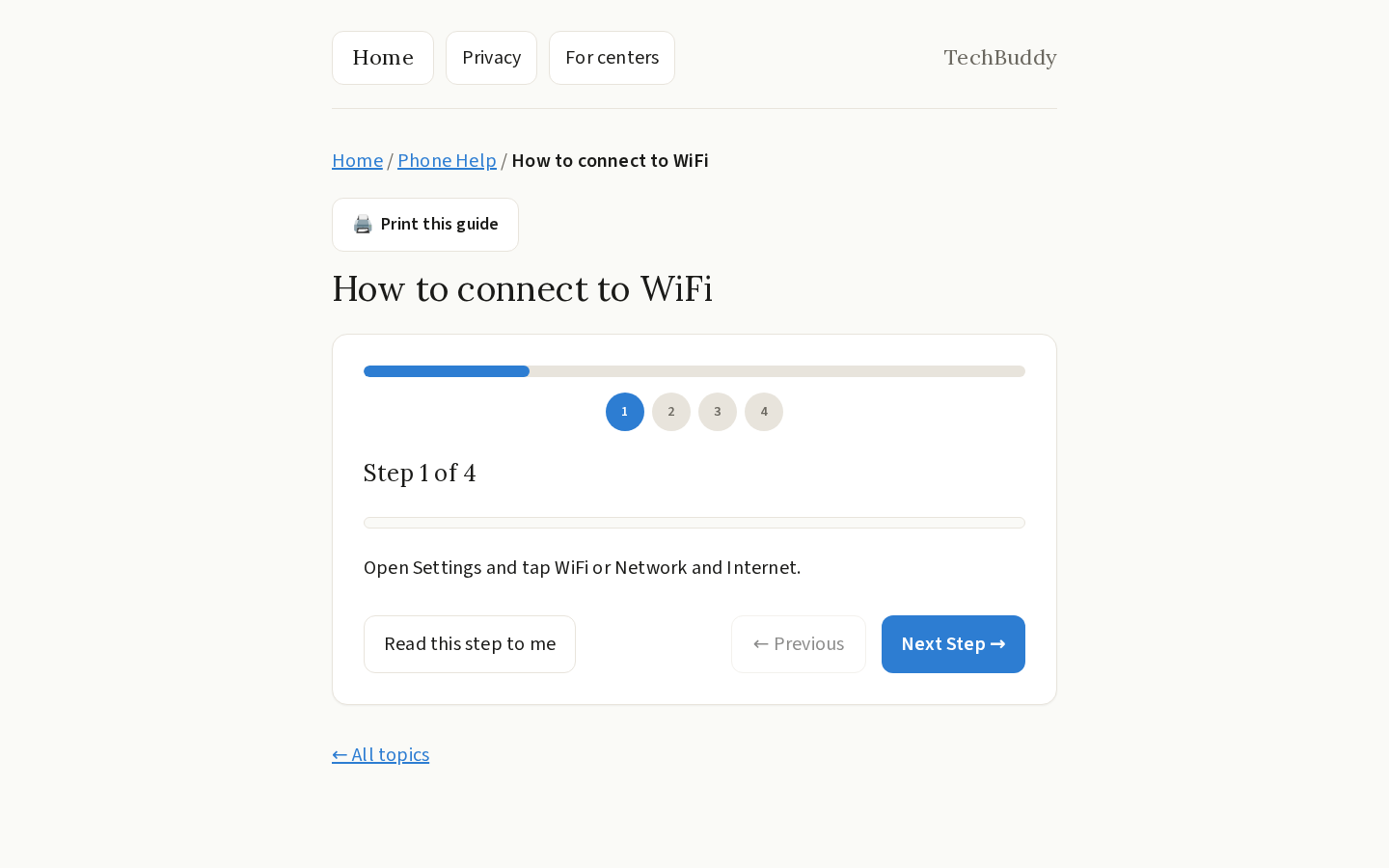
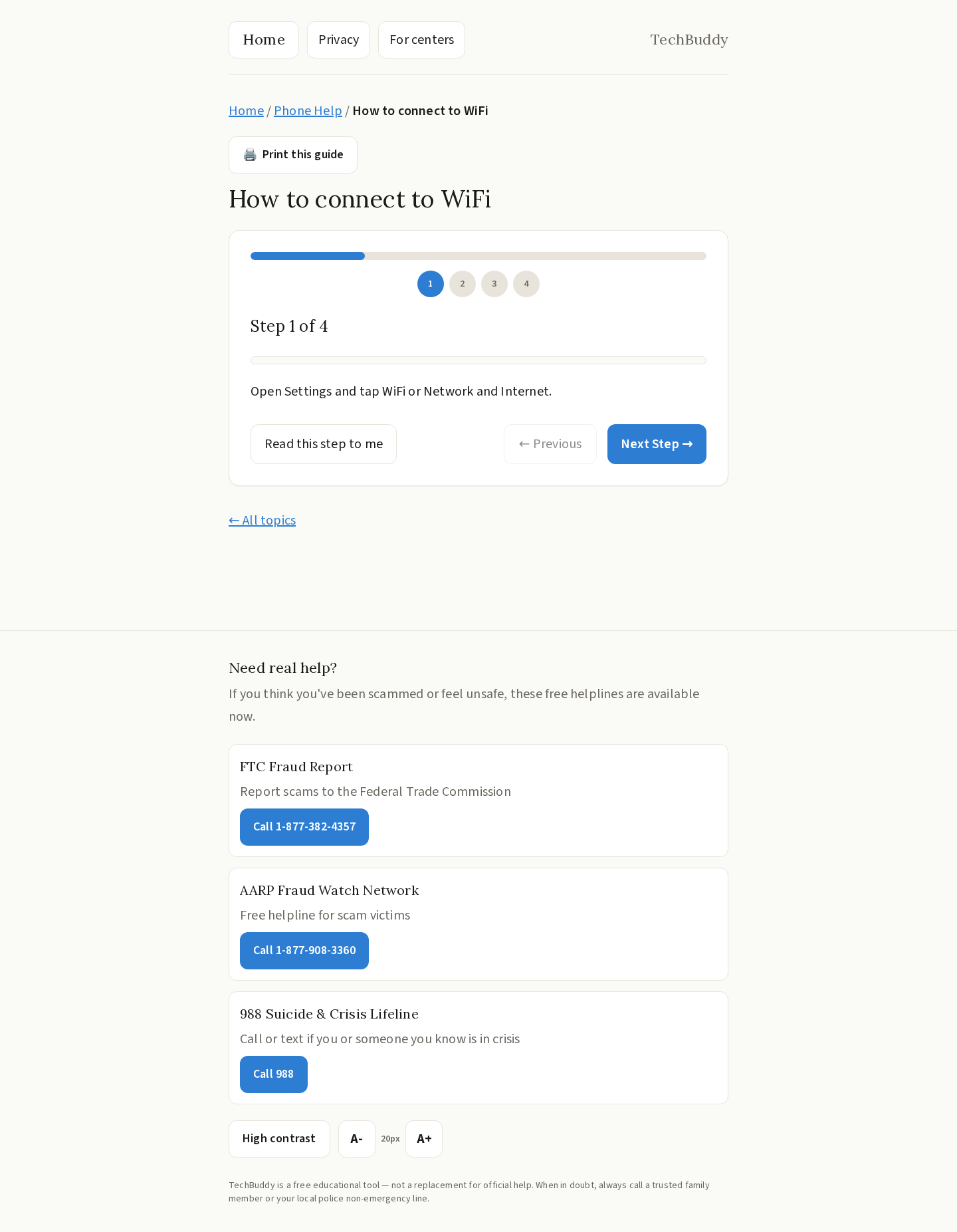
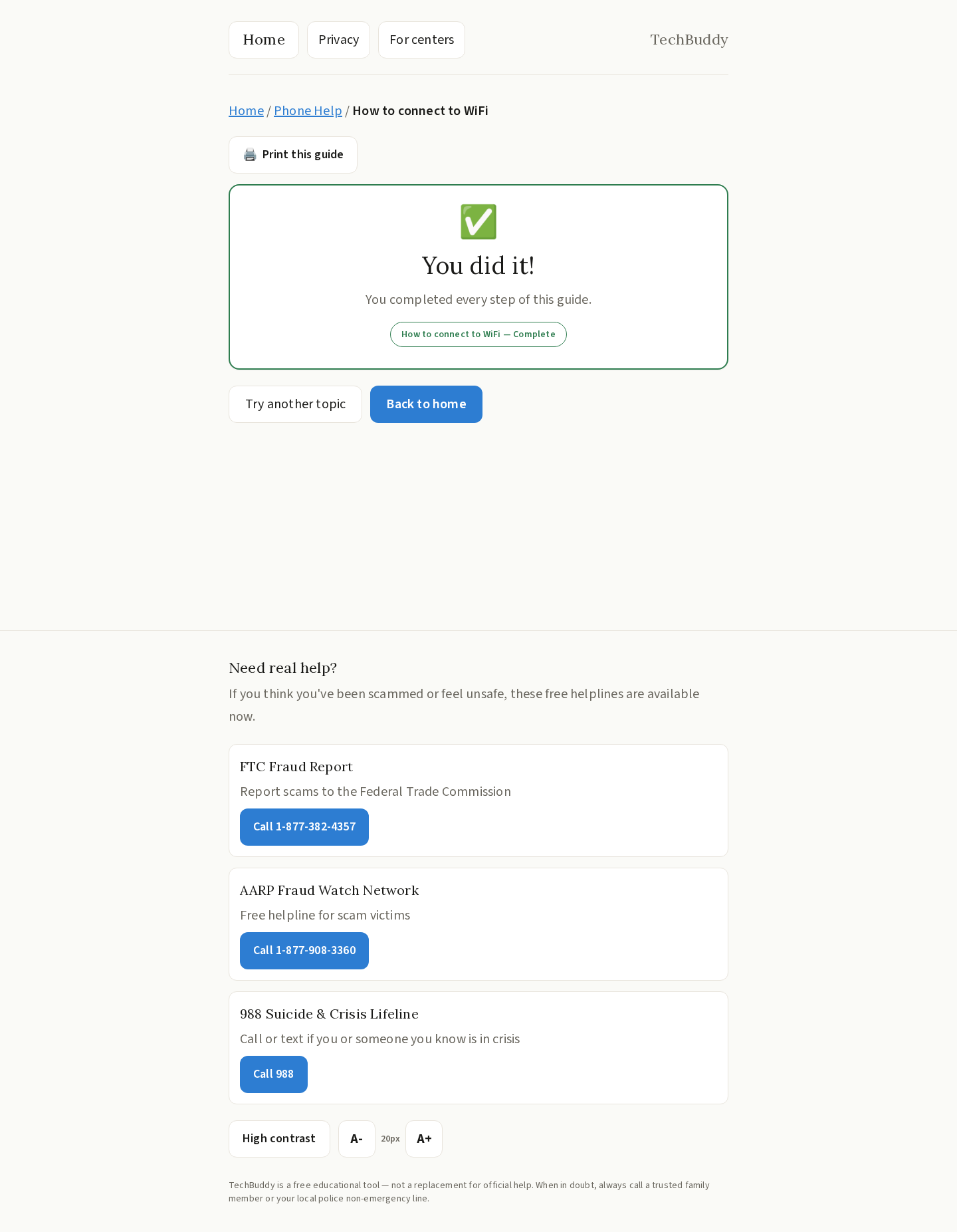
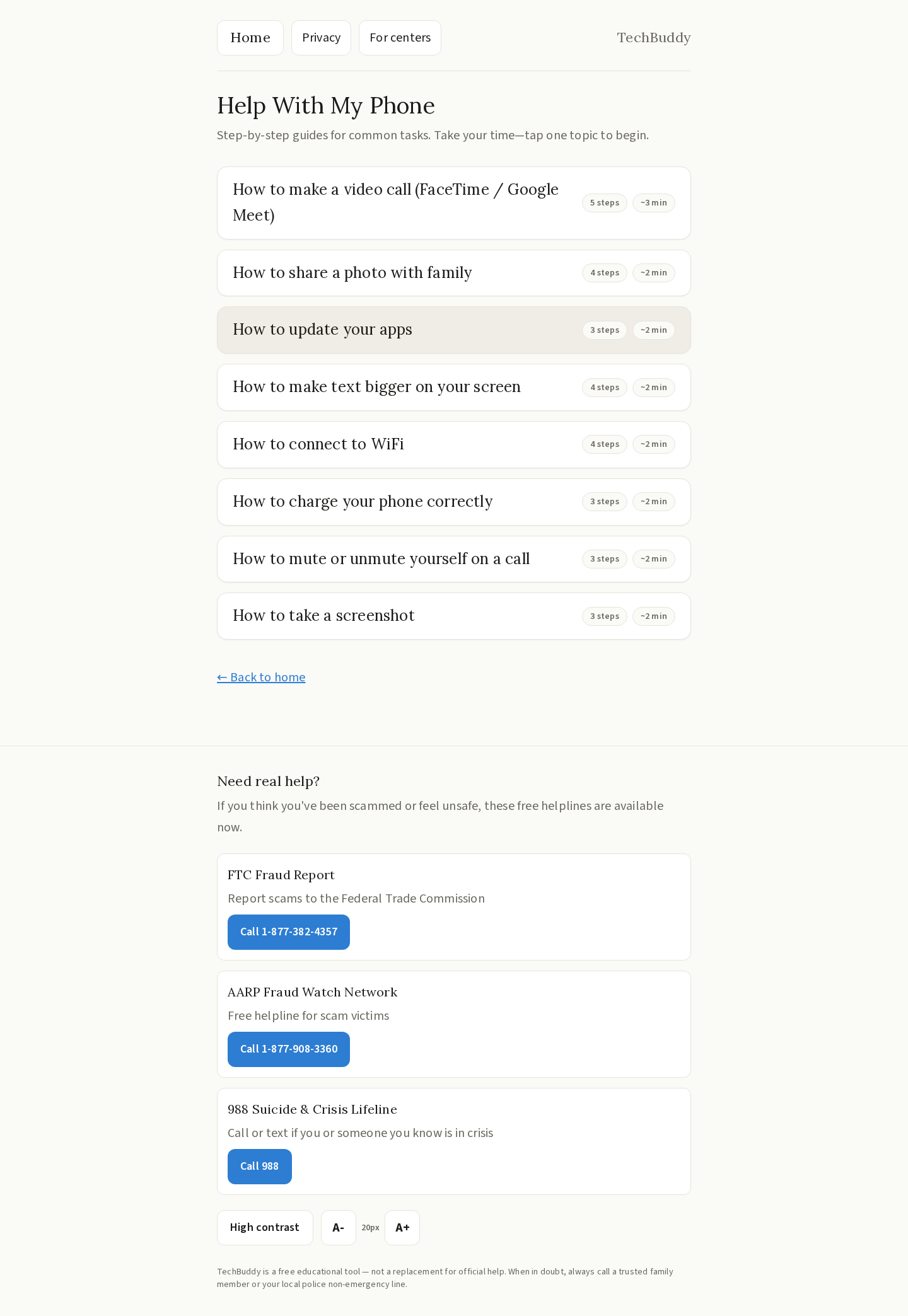
- Help With My Phone — Step-by-step guided walkthroughs for everyday smartphone tasks like making video calls, taking photos, connecting to WiFi, and taking screenshots.
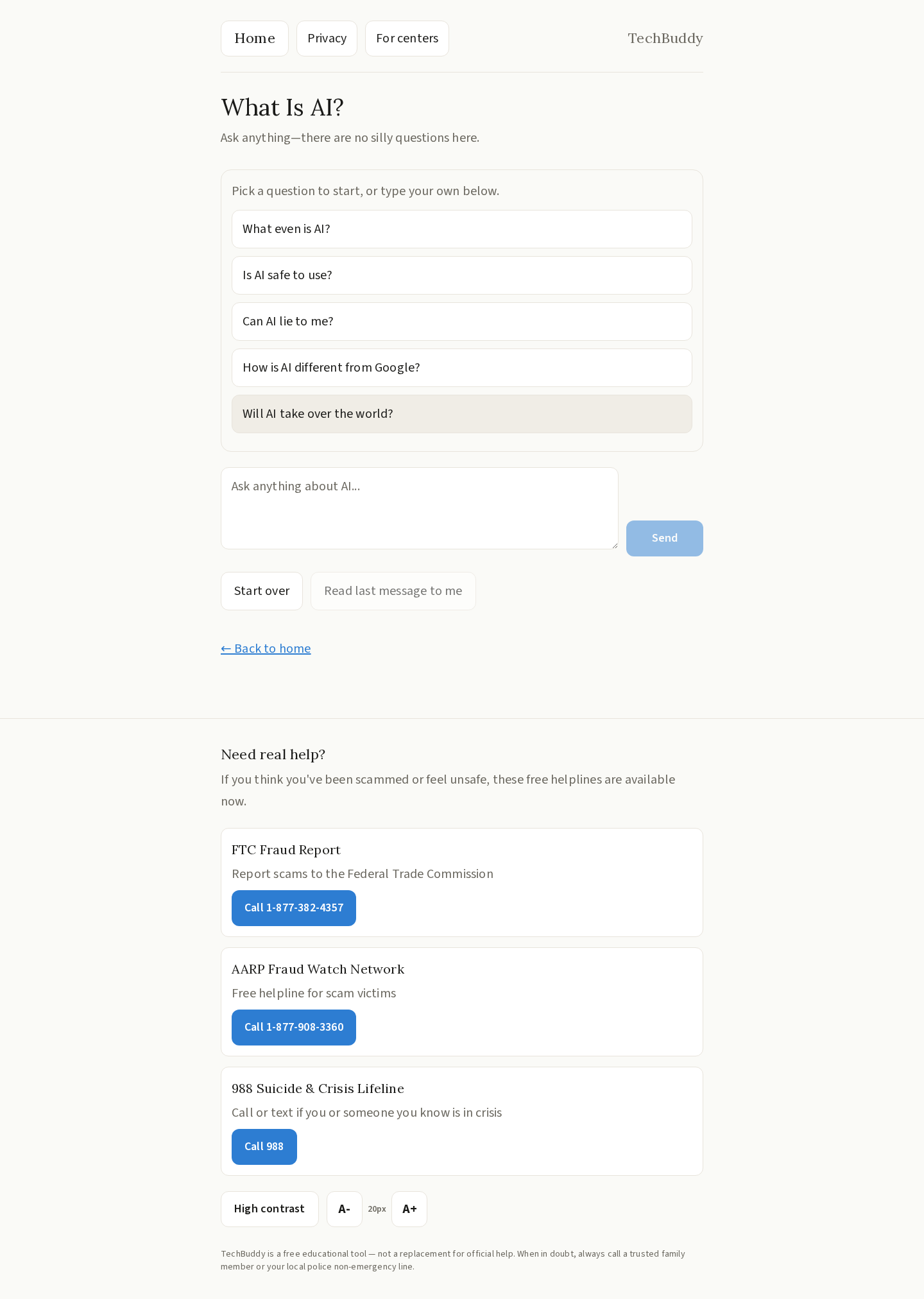
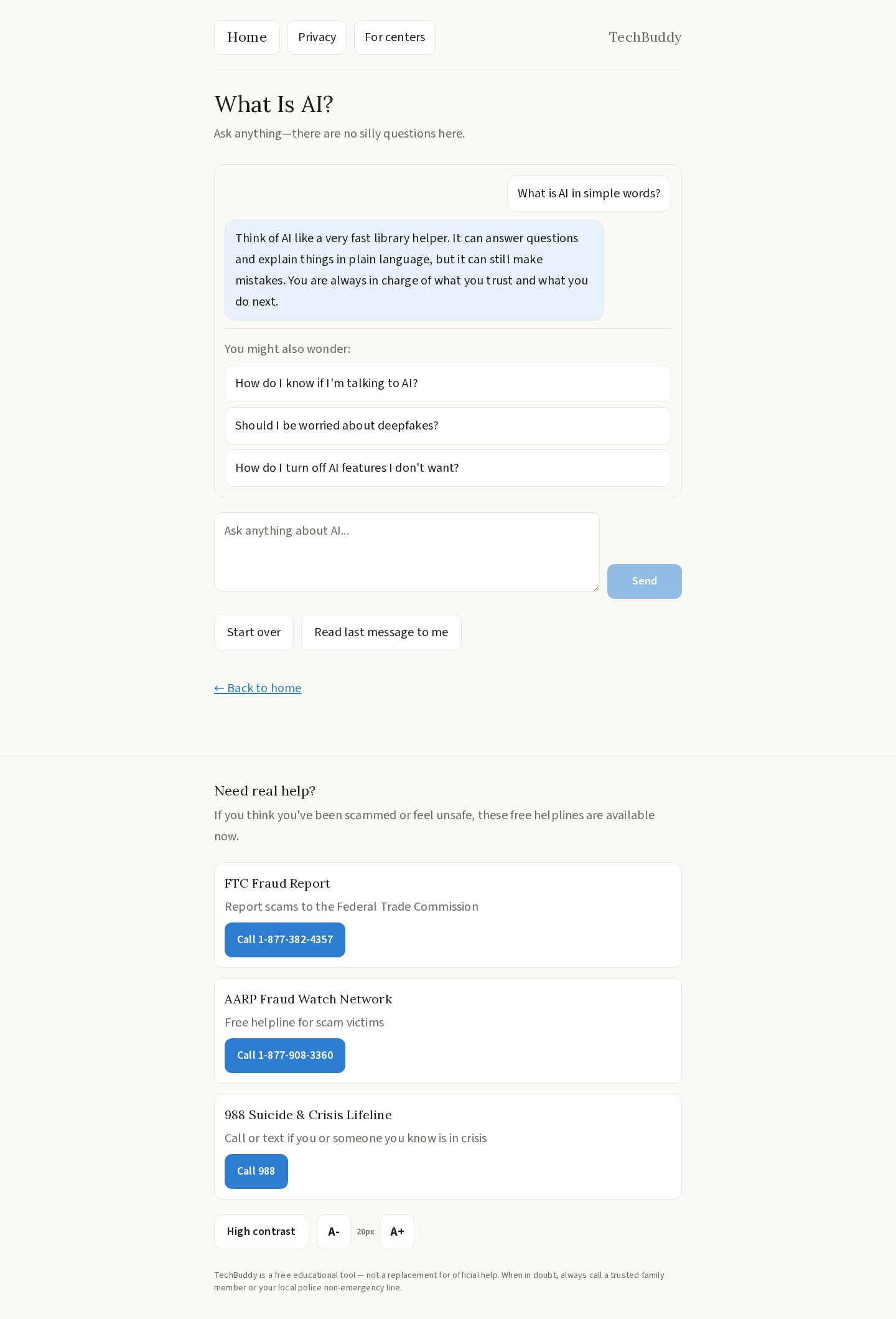
- What Is AI? — A friendly, no-jargon chat interface that explains artificial intelligence concepts at a comfortable pace.
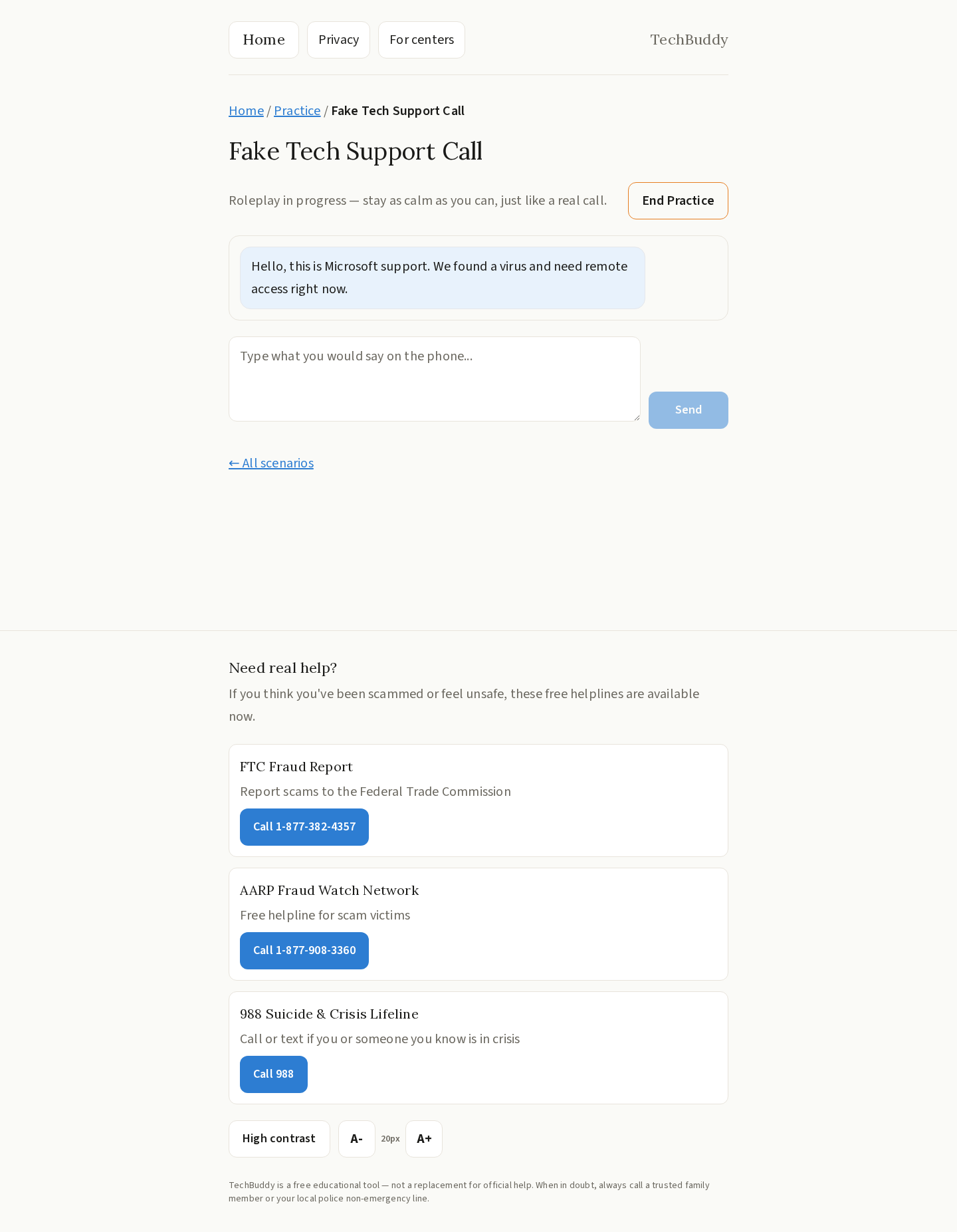
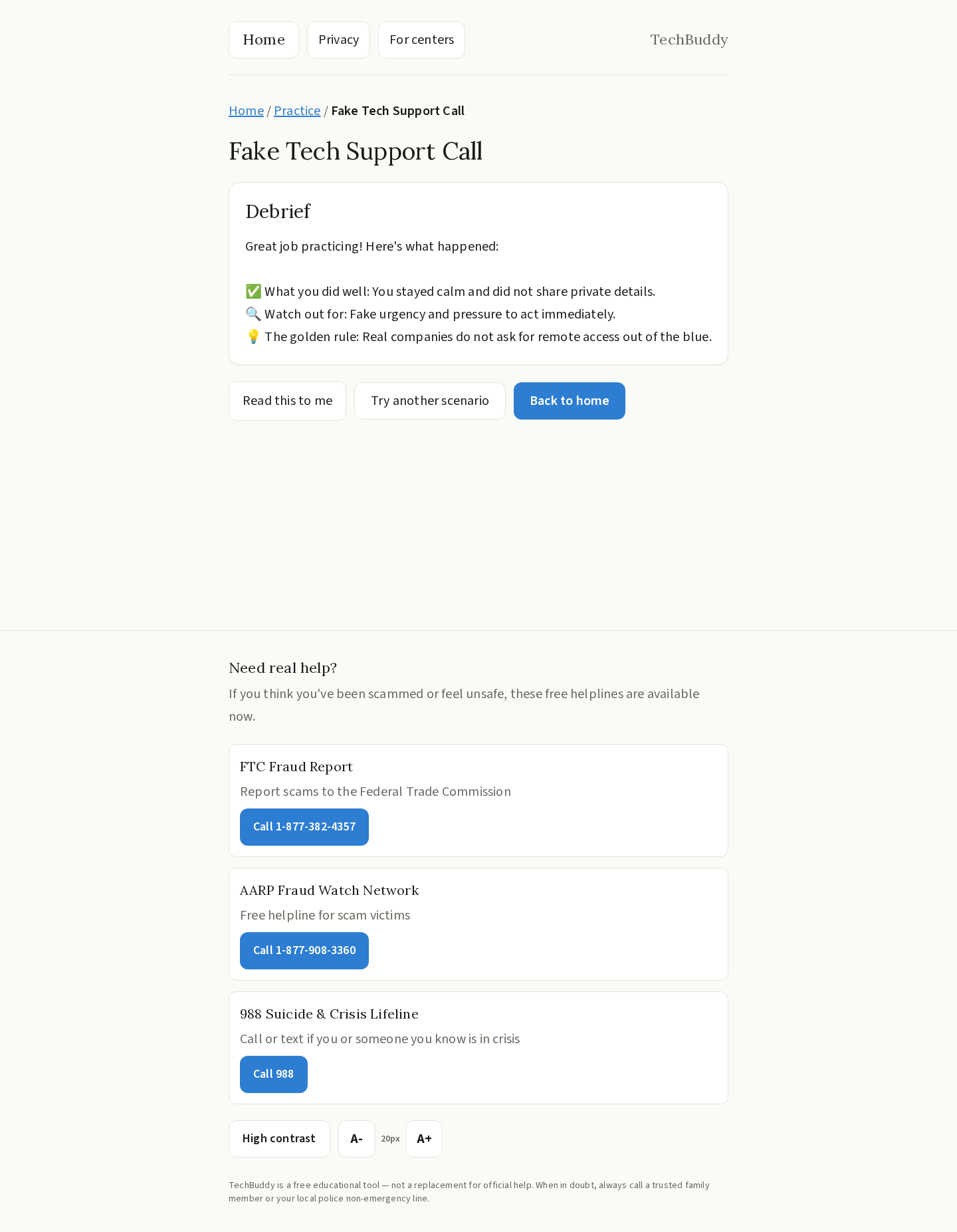
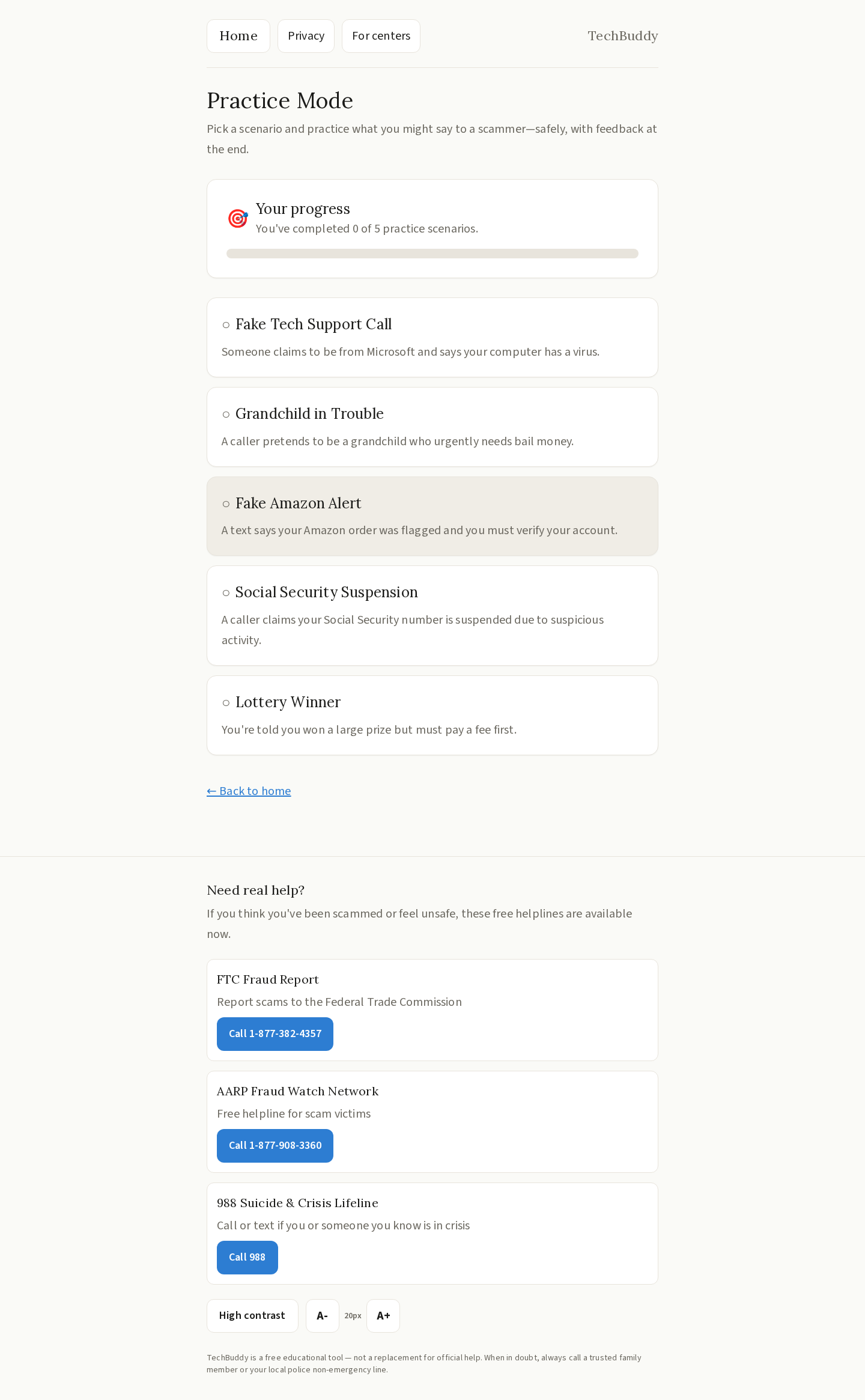
- Practice Mode — Safe roleplay scenarios against common scam scripts (grandparent scam, tech support fraud, etc.) with an encouraging debrief afterward.
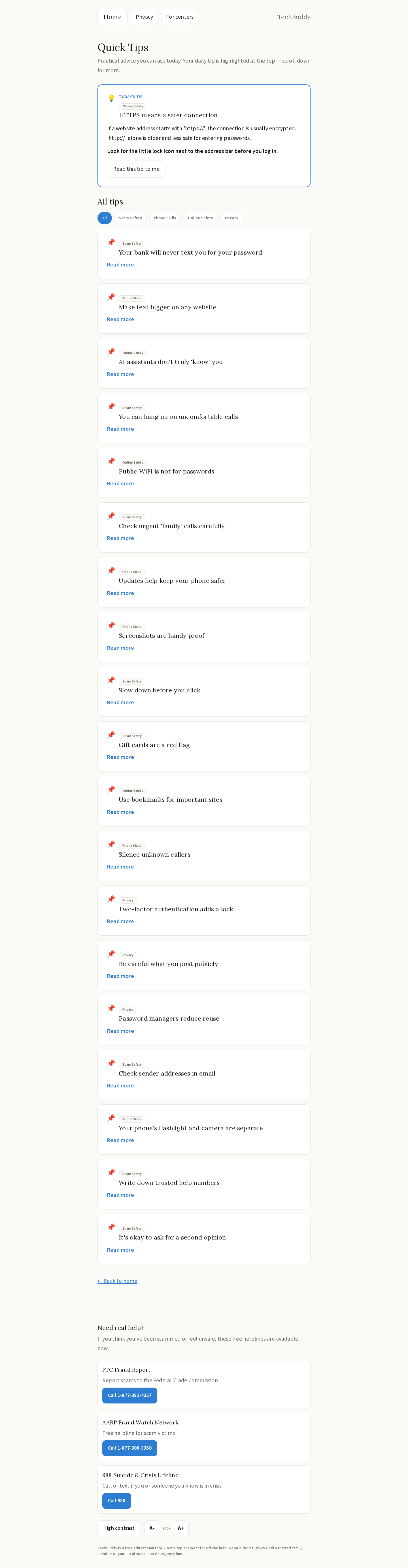
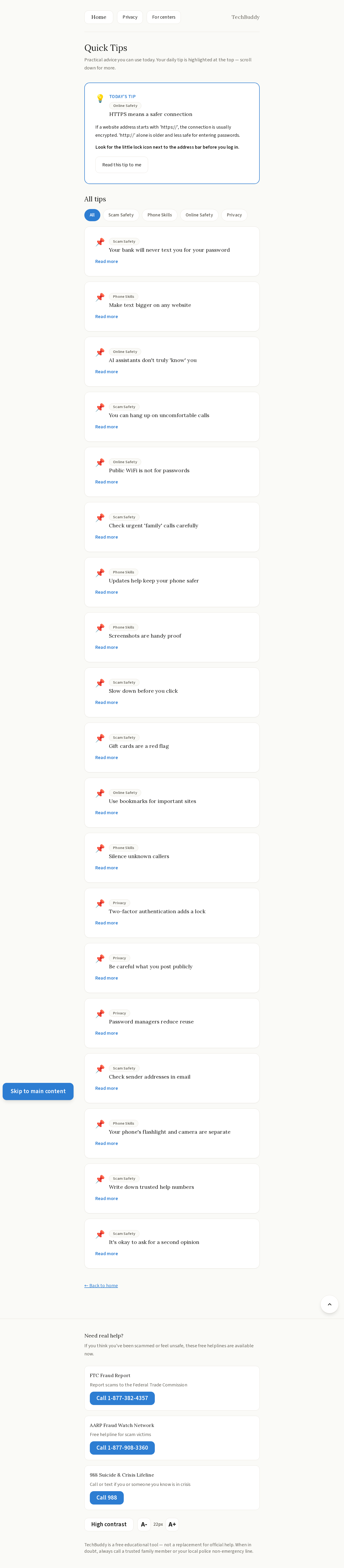
- Quick Tips — One digestible tip per day on device safety, privacy, and AI literacy.
No installation, no login, no app store — just open a browser and go.
How We Built It
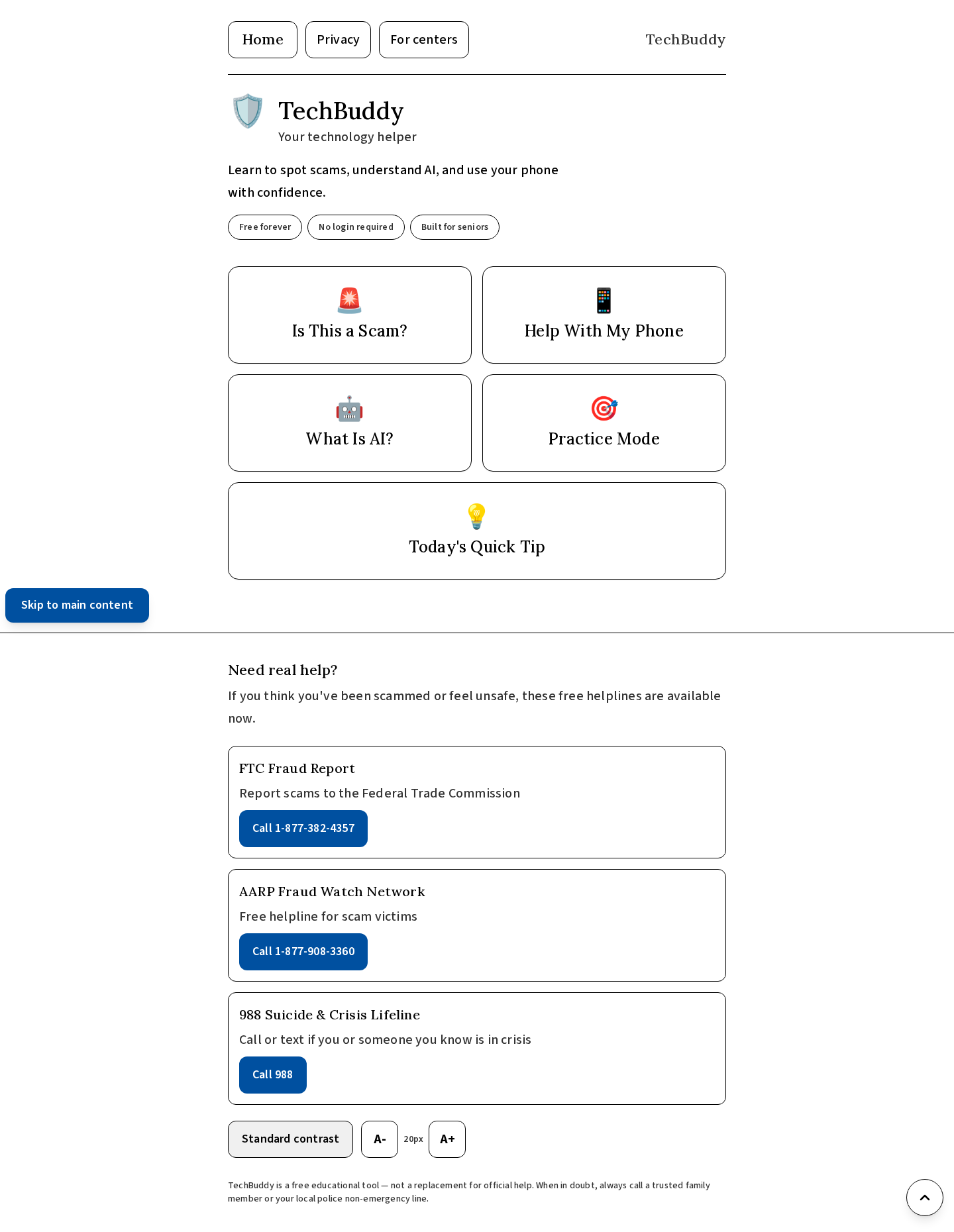
We built TechBuddy as a full-stack web application using Next.js 15 with TypeScript for both the frontend and API routes. The UI uses Tailwind CSS with large fonts, high contrast, and generous spacing — all deliberate choices for senior usability. AI features are powered by Z.ai's OpenAI-compatible API, allowing us to deliver real, context-aware responses for the scam detector, phone help walkthroughs, and AI explainer. The app is deployed on Vercel for a reliable, zero-config public URL that works on any tablet or desktop browser.
Challenges We Ran Into
- Designing for accessibility first — It's harder than it sounds. We had to constantly fight the instinct to add features and instead ask "would an 80-year-old feel comfortable clicking this?" Every button, font size, and color choice was evaluated through that lens.
- Making AI responses feel safe and calm — Generic LLM outputs can be verbose and alarming. We spent significant time on prompt engineering to ensure TechBuddy's tone stays reassuring even when flagging a scam.
- Scam detection nuance — Real scam messages vary wildly. Building a prompt that produces accurate, consistent verdicts without over-alarming users on benign messages required careful iteration.
What We Learned
Building for a non-technical audience forces a kind of discipline that makes you a better developer. We learned that good UX for seniors is really just good UX — clear language, obvious actions, and no dead ends. We also got hands-on experience integrating OpenAI-compatible APIs within the Next.js App Router architecture.
What's Next
We'd love to add voice input so seniors can speak their questions instead of typing, a caregiver dashboard so family members can see what topics their loved ones are exploring, and a multilingual mode to serve non-English-speaking senior communities.
Built With
- api
- css
- next.js
- node.js
- openai-compatible
- react
- tailwind
- typescript
- vercel
- z.ai


Log in or sign up for Devpost to join the conversation.