-
-
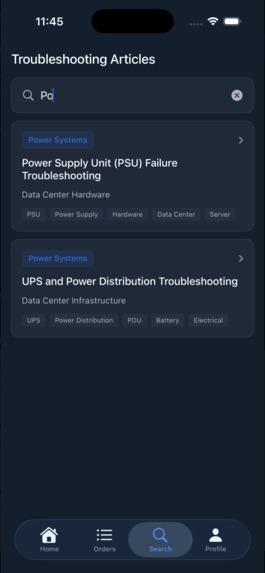
Troubleshooting Documentation
-
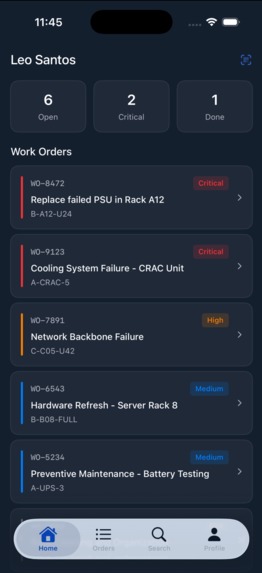
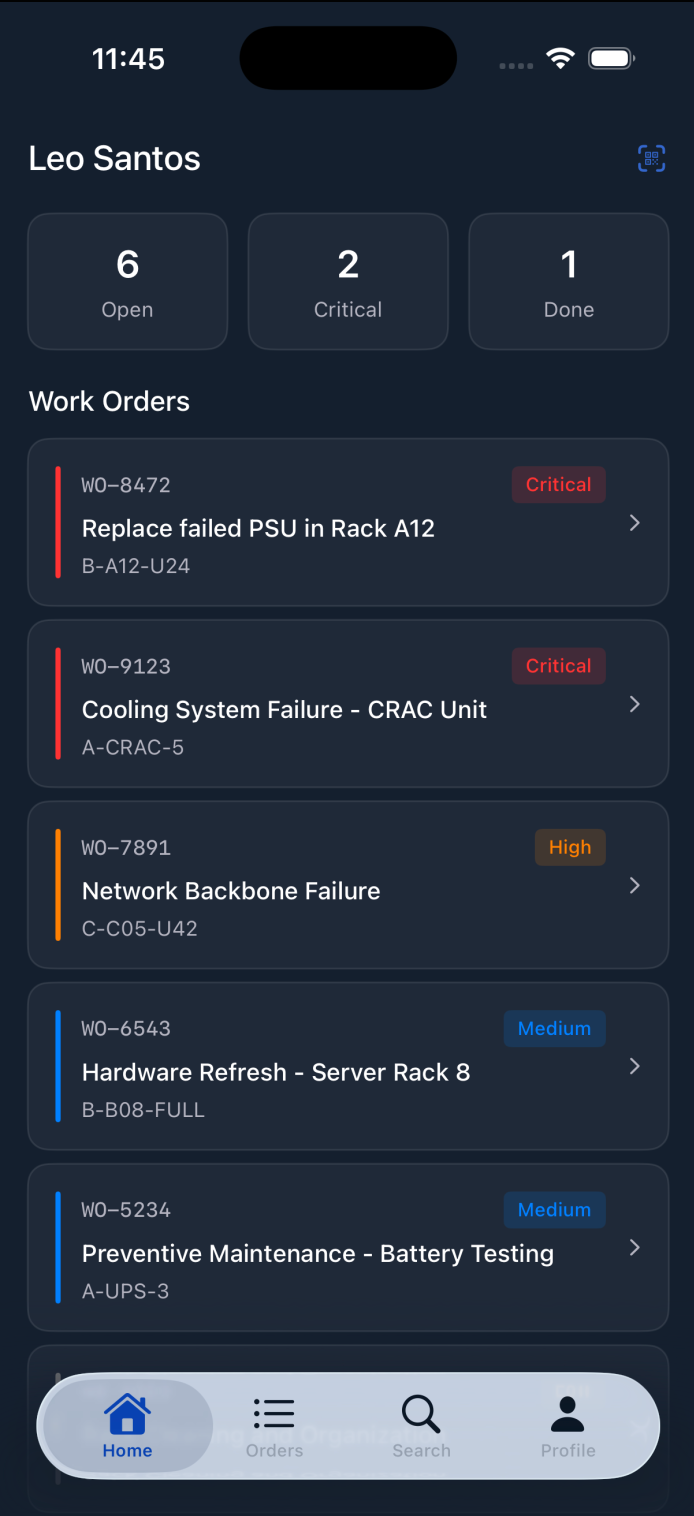
WorkOrder Dashboard
-
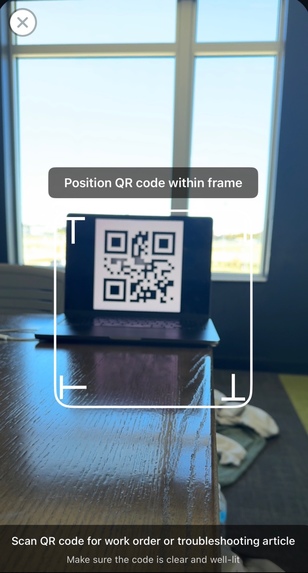
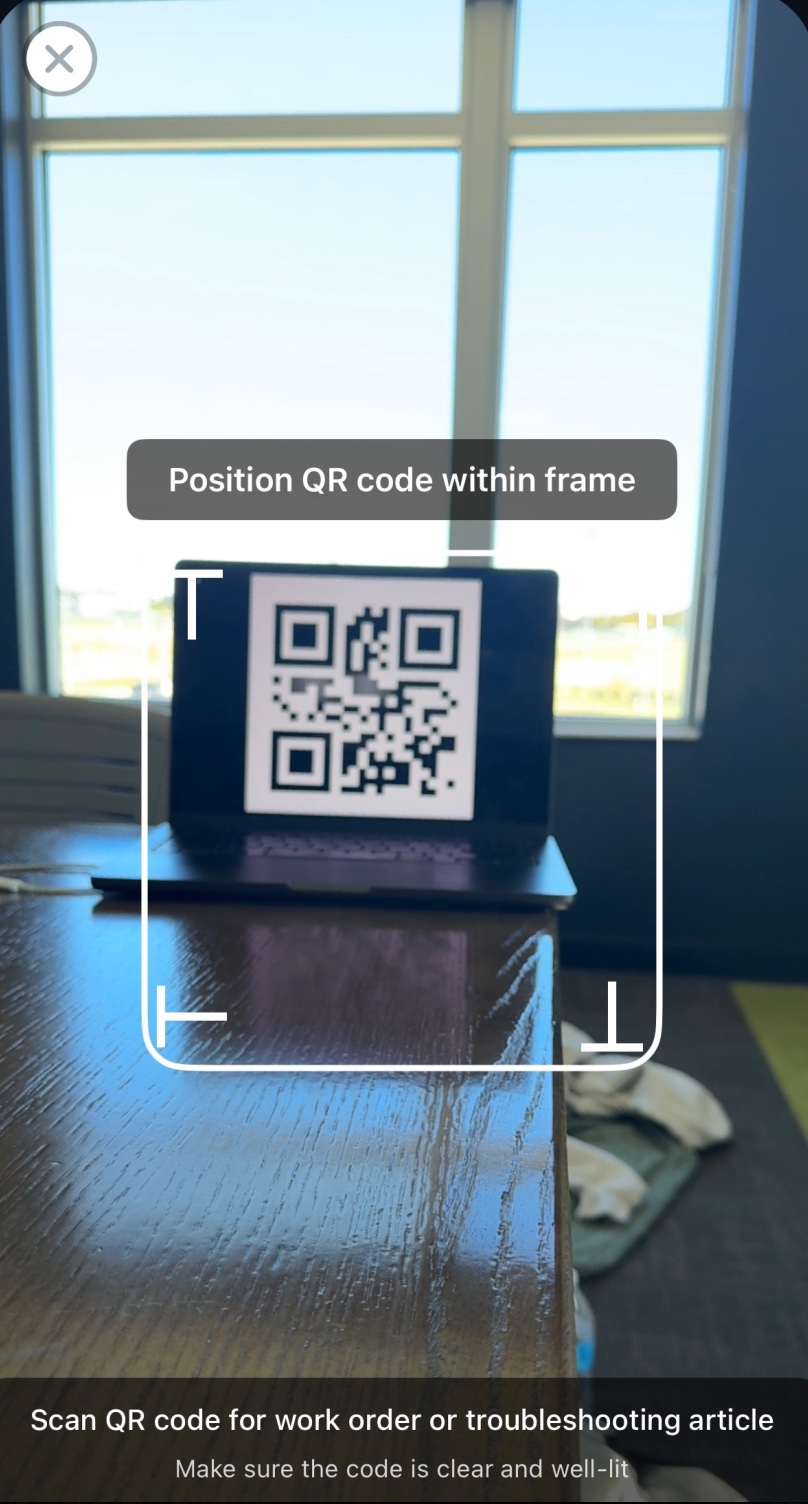
QR Code Scanner
Inspiration
Data centers are the invisible engines of our digital world, powering everything from our daily lives to high-performance computing. But the tools for the technicians who keep these billion dollar facilities running are often stuck in the past clipboards, paper manuals, and radio calls.
We were inspired by the Northmark (NMC^2) challenge to build a tool as smart and efficient as the 400MW of compute they manage. We wanted to take a technician's "endless work order" and turn it into a clear, guided, and safe workflow.
What it does
TechAssist is a native iOS smart assistant that puts a guided "playbook" in every data center technician's pocket.
Smart Work Orders: A tech sees their list of assigned tasks, prioritized by urgency (some type of data center problem) on a clean, dark-mode dashboard.
Physical-to-Digital Bridge: Instead of searching a binder for a manual, the tech scans a QR code on the physical server rack.
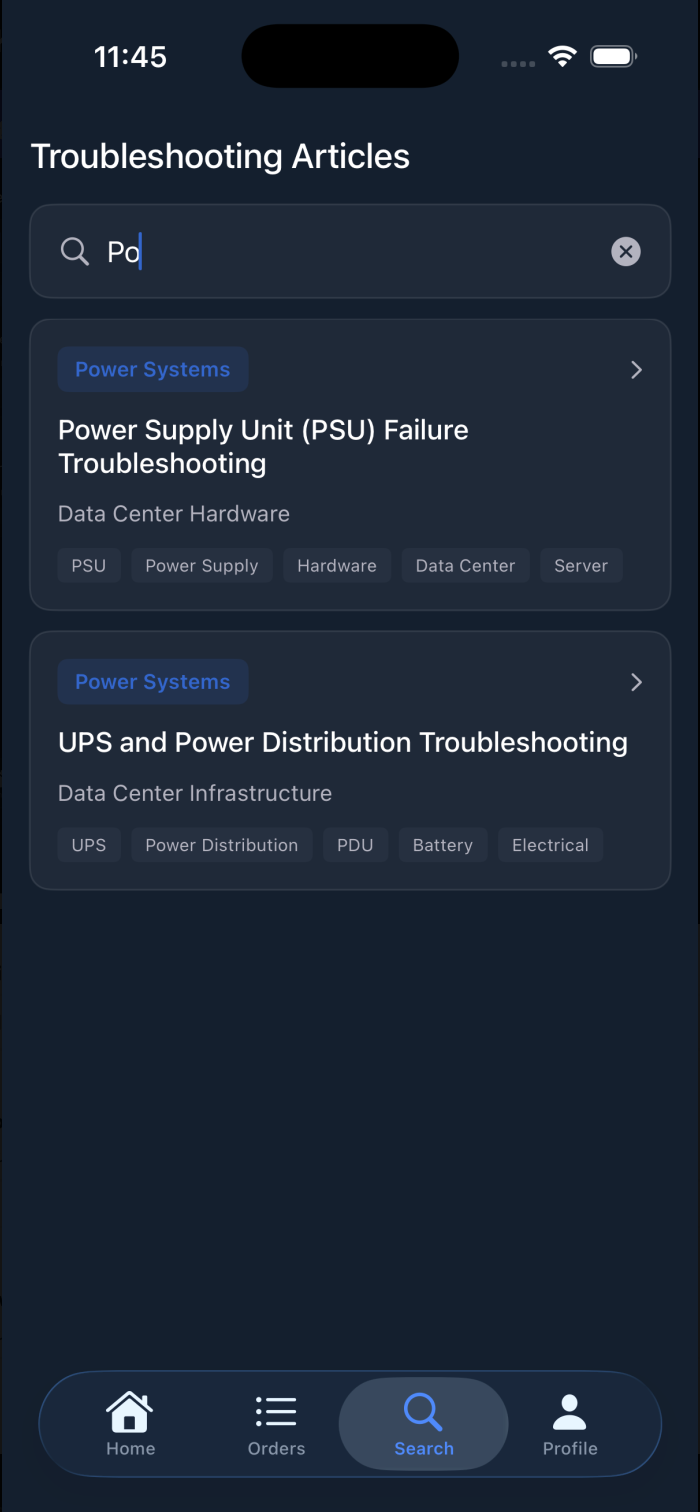
Instant Documentation: The app immediately recognizes the QR code (some type of identifier) and opens a detailed, step-by-step incident playbook for that specific task. This includes symptoms to validate, resolution steps, safety notes, and required tools, all within the app.
By providing the right information at the right time, TechAssist makes the technician's job faster, safer, and more effective.
How we built it
We built TechAssist as a 3-person team with a 100% native iOS application using SwiftUI and Xcode.
UI/UX: Our designer (Anirvin) built high-fidelity mockups and a complete design system in Figma, which we translated into a pixel-perfect SwiftUI UI.
Authentication: We used Auth0 to handle our secure employee login and user management.
Logic: To ensure a fast, 100% reliable demo, we pivoted from a complex, live database. We built a local persistence model (a Database.swift file) that acted as a fake internal database which held all our sample WorkOrder and ServerIssueDocument data.
Core Feature: Our CodeScanner view reads the text from a QR code, searches our local database for a matching ID, and then navigates the user to the correct IssueDocumentDetailView, passing the data as a Swift object. This created a seamless, instant "scan-to-solution" experience.
Challenges we ran into
Our biggest challenge was a classic team-development hurdle: workflow and version control. As a team of three, two of us (the lead and backend dev) were learning to collaborate in Xcode using Git and GitHub for the first time. We ran into numerous confusing issues with messy repos, .xcodeproj file conflicts, and managing branches.
We also hit a major roadblock trying to get a live Firebase database (Firestore) to work correctly, fighting with package dependencies like FirebaseFirestoreSwift and project-linking errors.
Accomplishments that we're proud of
We are incredibly proud of our demo and instead of spending 10 more hours fighting a live database, we realized that for a hackathon, the demo is the product. So we built a local persistence model that perfectly simulates the app's intended function, and it's 100% reliable.
Finally, we're proud of overcoming our Git and Xcode challenges. We learned (under pressure) how to collaborate as a team, fix our own project structure, and manage a shared codebase.
What we learned
Our biggest lesson. By defining our data models (WorkOrder, ServerIssueDocument) first, our UI designer and QR-code integrator could work in parallel without ever blocking each other.
A Working Demo Beats a Complex Plan: We learned to be pragmatic. A fake database that works 100% of the time is infinitely better than a "real" database that fails during the demo.
SwiftUI is Fast: Once we got past the setup, building beautiful, data-driven views in SwiftUI was incredibly fast.
Git is a Skill: We learned (the hard way) how to use Git to manage a shared Xcode project, a skill we'll all use for years.
What's next for TechAssist
Live Database: Our immediate next step is to replace our "fake" Database.swift file with live calls to Firebase Firestore. This would allow a manager to update work orders in a web dashboard and have them appear on the technician's phone in real-time.
Indoor Mapping: We want to build out the "visual map" feature, using indoor positioning to guide a technician to the exact rack.
Collaboration: We'll build out the "Discussion" tab for each work order, allowing techs to leave notes and photos for each other, creating a living knowledge base for every piece of equipment.


Log in or sign up for Devpost to join the conversation.