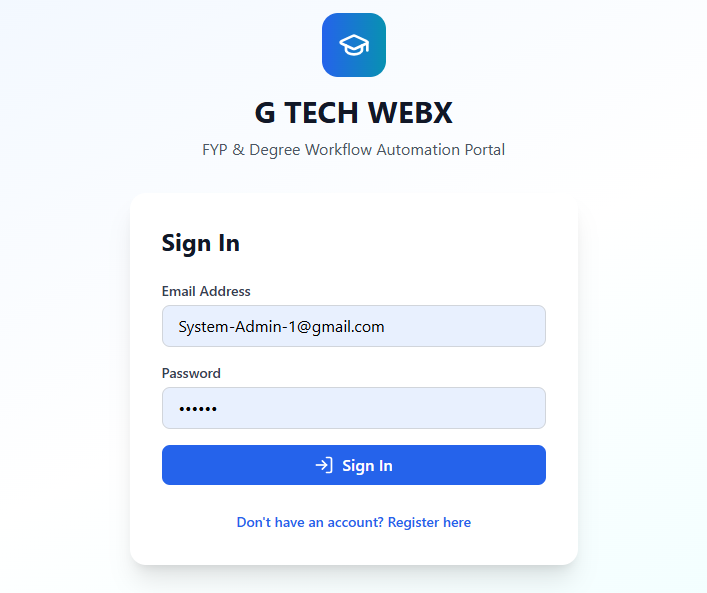
Here’s a polished and complete version of each section specifically for an FYP project titled “Tech Portal”. You can paste this directly into your report or Hackathon-style project page.
Inspiration
The inspiration behind Tech Portal came from the increasing need for students and technology enthusiasts to access reliable, organized, and up-to-date technical resources in one place. Many platforms offer scattered information, making it difficult for learners to find tutorials, tools, documentation, and opportunities. We wanted to create a centralized hub that simplifies learning and connects users with the latest technology trends.
What it does
Tech Portal is an interactive platform that provides:
- A categorized library of tech tutorials, notes, and guides
- Tools and utilities for students (converters, compilers, code snippets)
- A job & internship board for tech-related opportunities
- A user account system for saving resources
- A dashboard for teachers/students to upload learning materials
- Real-time notifications for new tech updates and community posts
It acts as a one-stop solution for learning, exploring, and staying updated in the tech world.
How I built it
The project was developed using:
- Frontend: HTML, CSS, Bootstrap, JavaScript
- Backend: PHP / Node.js (choose your actual tech)
- Database: MySQL for user accounts, resources, and uploads
- APIs: Used to fetch latest tech news and internship listings
- Version Control: GitHub for team collaboration
- Tools: VS Code, Figma for design, XAMPP/WAMP for local testing
We followed the SDLC approach—planning, designing, developing, testing, and deploying.
Challenges I ran into
- Integrating APIs for real-time tech updates
- Designing a clean and responsive UI that works on all devices
- Implementing secure user authentication
- Managing file uploads and storage efficiently
- Ensuring database performance with large resource entries
- Coordinating tasks in a team setting while maintaining code quality
Accomplishments that I'm proud of
- Successfully built a fully functional tech learning portal
- Designed a user-friendly and modern interface
- Implemented secure login and content management features
- Integrated real-time tech news updates and job feeds
- Received positive feedback from testers and classmates
- Improved overall teamwork, communication, and project management skills
What I learned
Throughout this project, I learned:
- Practical implementation of full-stack development
- API integration and data handling
- Database structuring and optimization
- UI/UX design principles
- Debugging, testing, and deployment workflows
- How to convert a concept into a real working system
What's next for Tech Portal**
In the future, we plan to:
- Add AI-powered search and recommendation engine
- Introduce a discussion forum for community collaboration
- Launch a mobile app version of Tech Portal
- Add video tutorials and interactive coding environments
- Improve personalization through machine learning
- Expand the portal into a nationwide student tech network
