-
-

The home-page
-
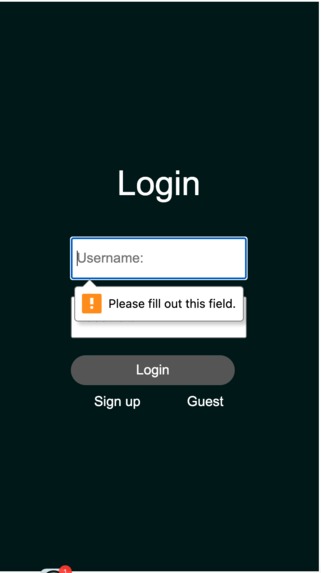
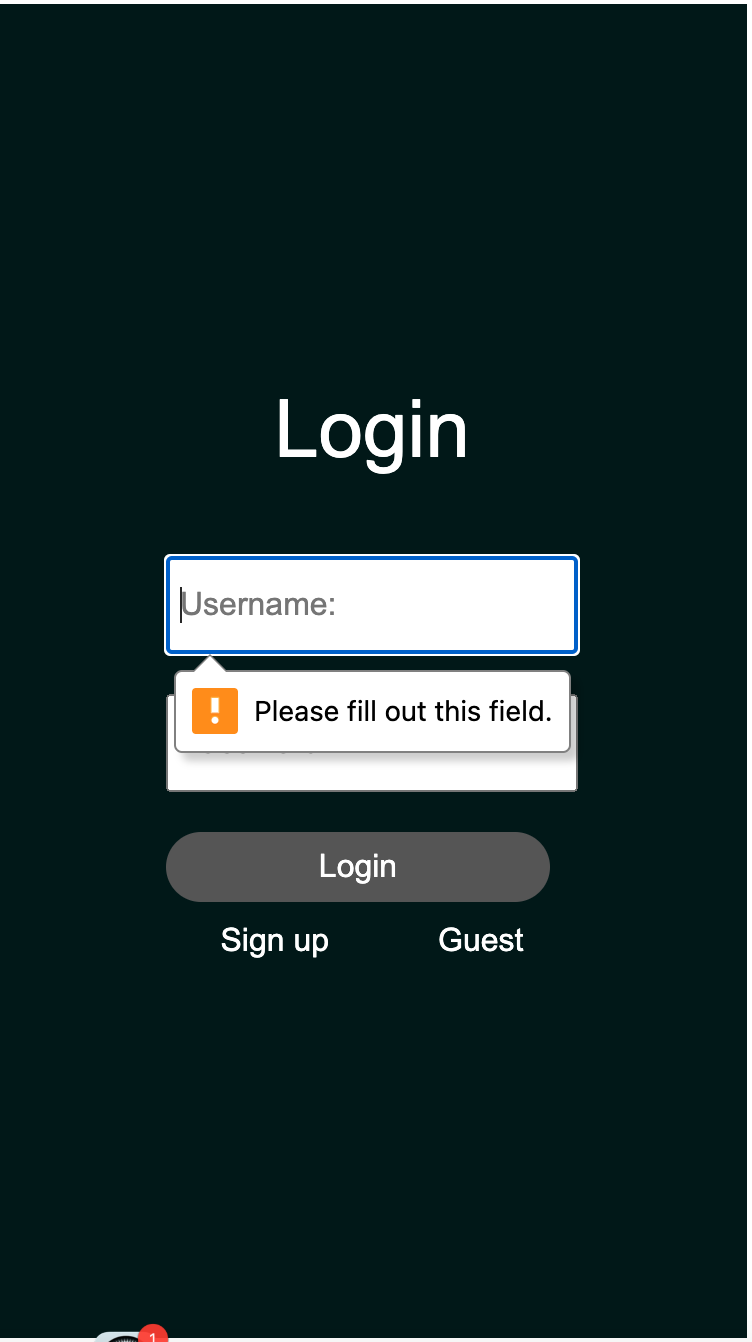
The login-page
-
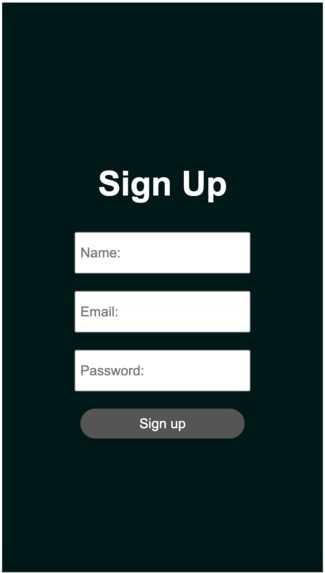
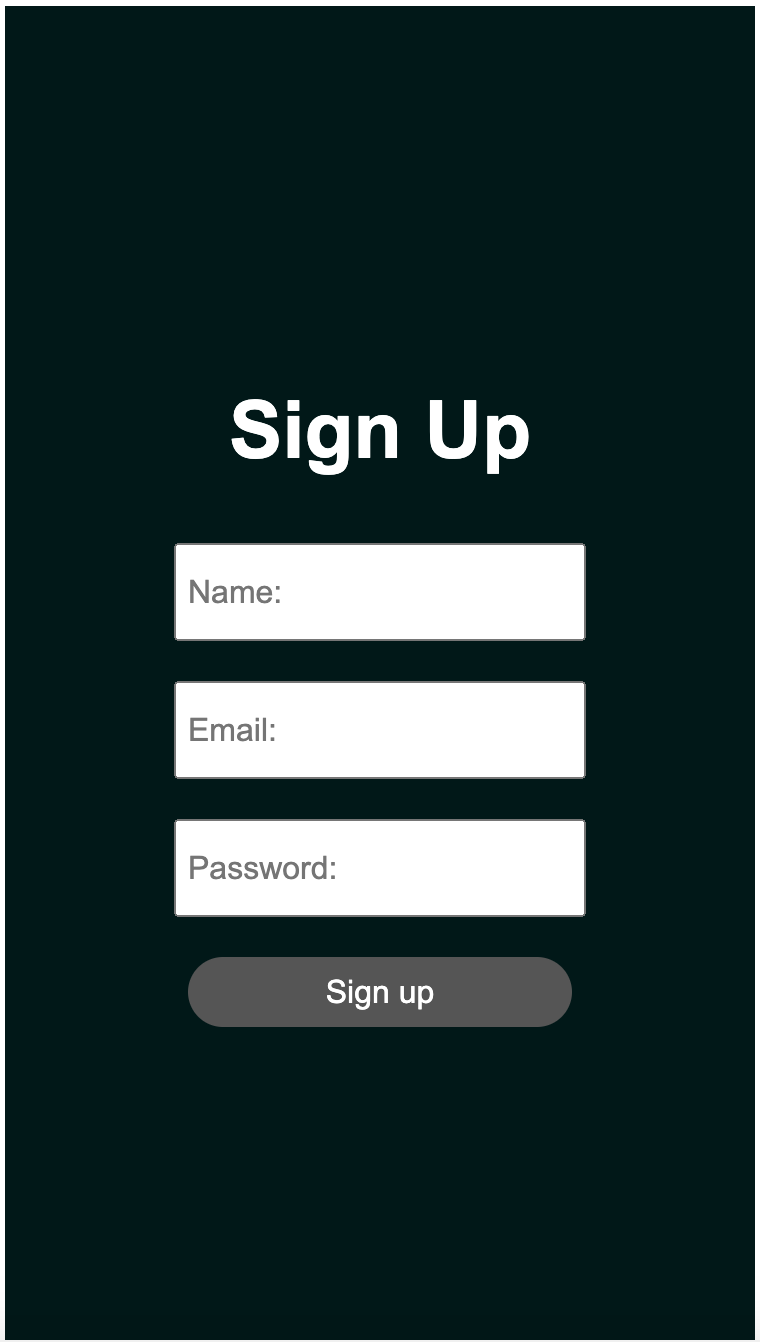
The sign-up page
-
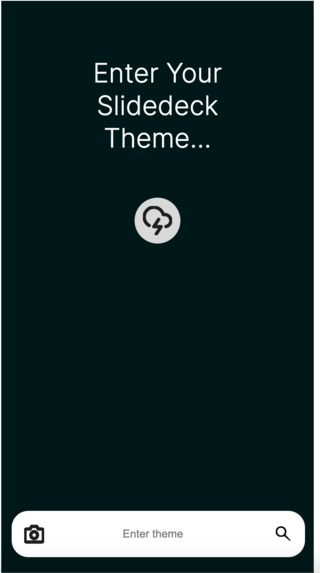
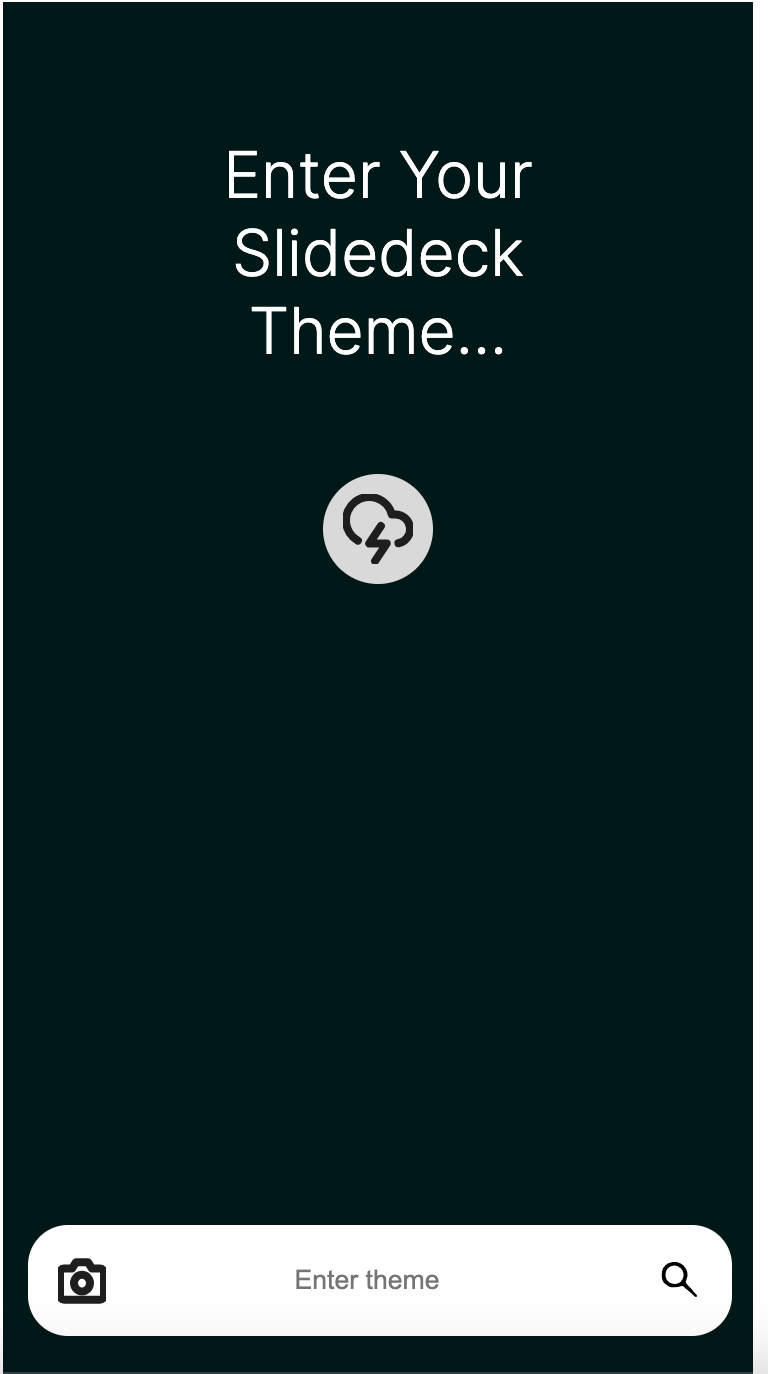
The landing page (main page involved with ai)
-
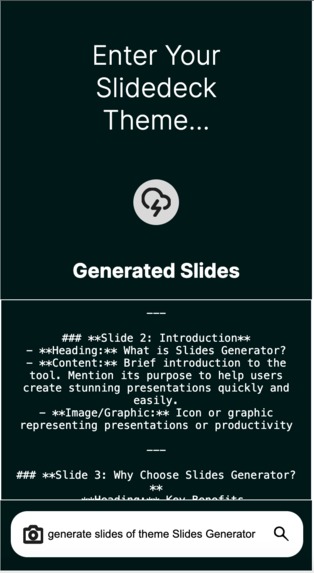
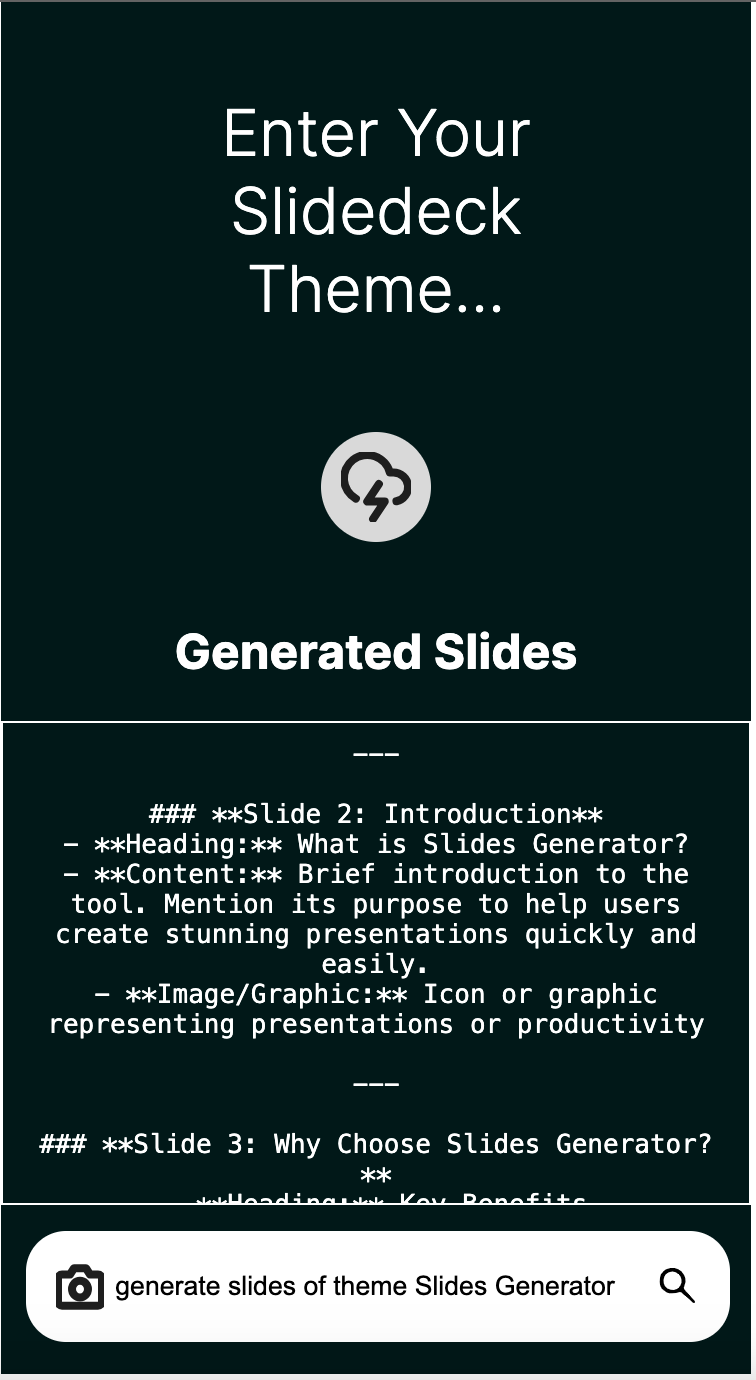
The screenshot of how we used our application to generate the template for our presentation
-
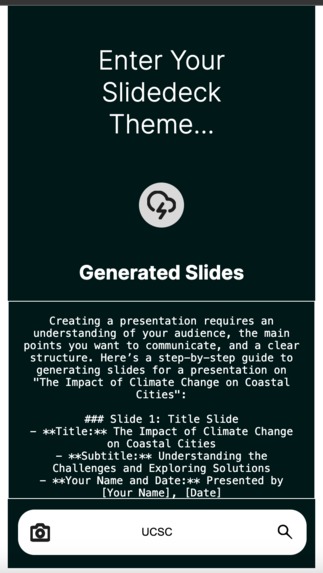
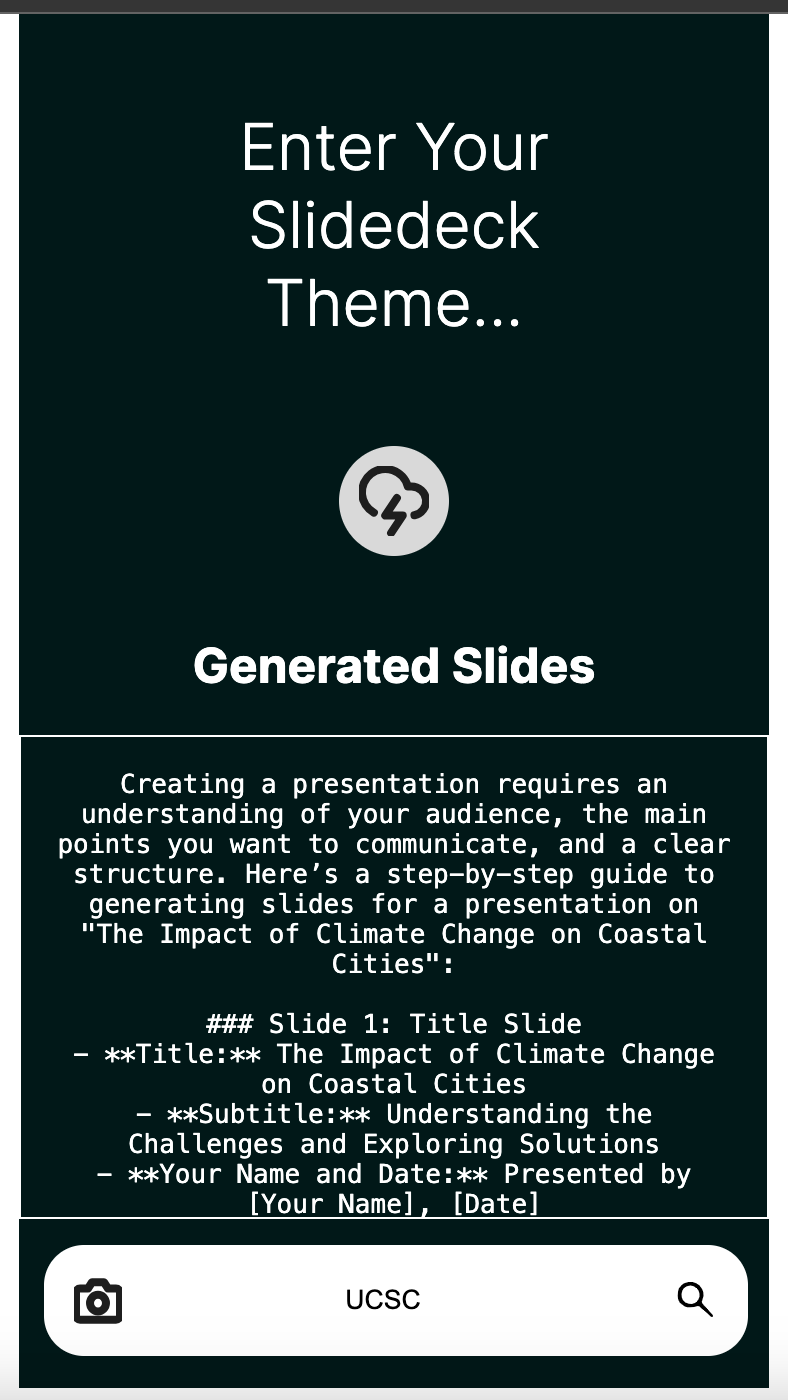
extra example
-
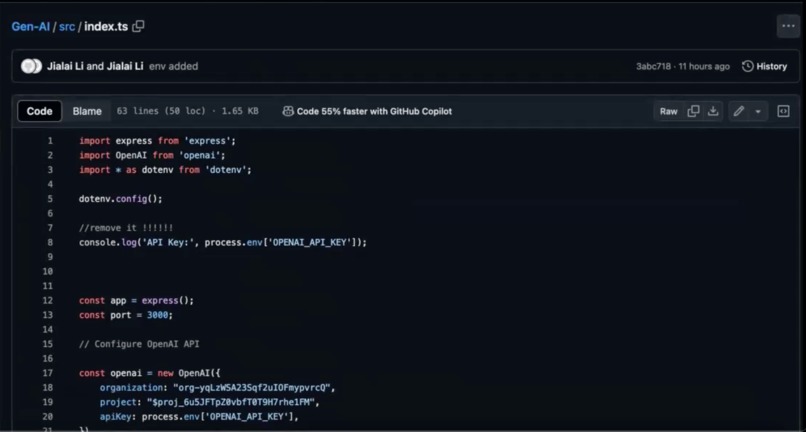
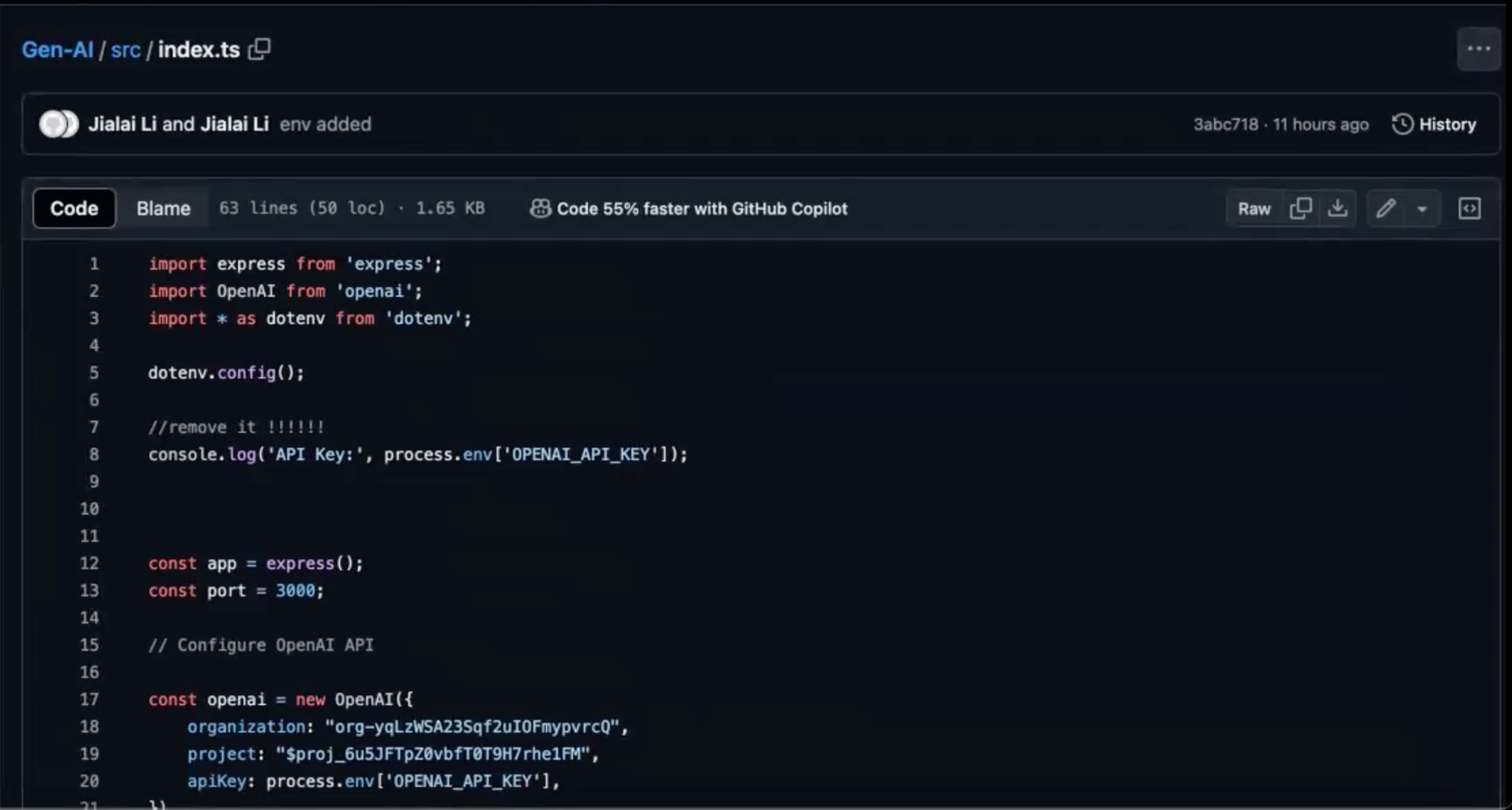
index.ts: page 1 - since it contains sensitive information, so we hid it from the github repository
-
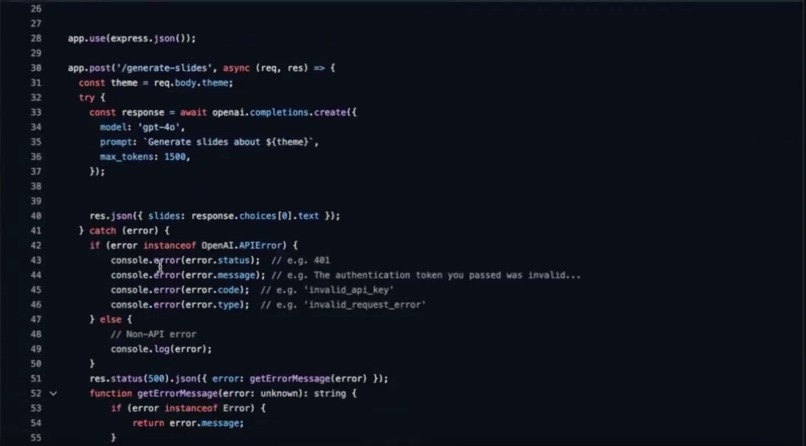
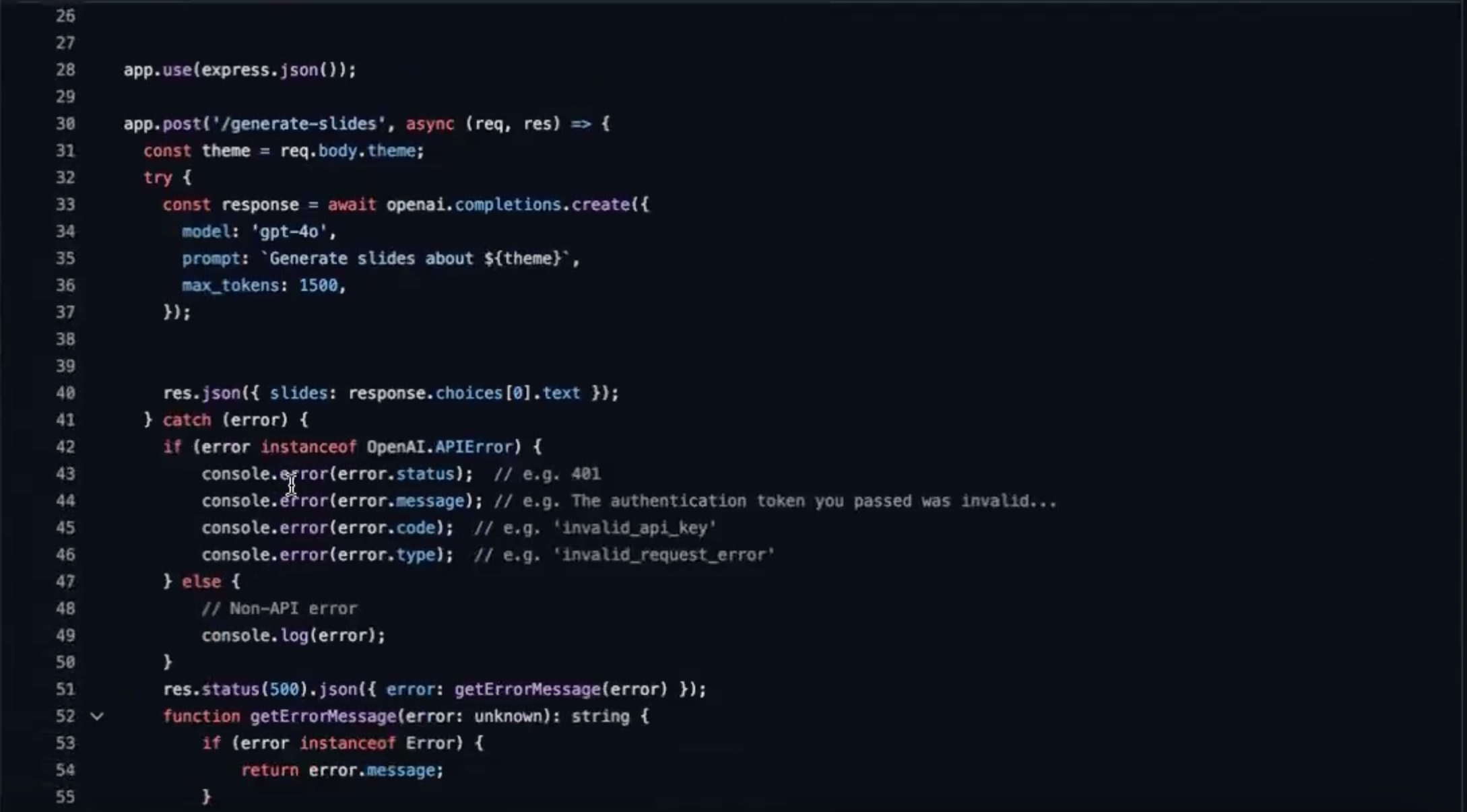
index.ts: page 2

Inspiration
- As students frequently tasked with creating presentations, we recognize the challenges and time constraints involved in developing informative slides on diverse themes.
- Additionally, understanding that individuals with learning disabilities may face even greater difficulties.
- SO, our group was motivated to develop an easy-to-use program to assist and help everyone in efficiently creating impactful presentations.
What it does
- Generates slide themes/templates for users, so they can shift their focus on the Content
- Users only need to type the topic and it will generate in 3 seconds, which is time-consuming
- Friendly to all users!
How we built it
- Frontend: Angular Framework with TypeScript and JavaScript
- Backend: Express.js and Node.js
- API: OpenAI GPT-4o
- Version Control: Git
Key Features:
- Dynamic Slide Creation: Enter a theme and generate slides based on cutting-edge AI technology.
- Download Functionality: Option to download the generated slides directly. (in works 🚧🔨)
- Responsive Design: Optimized for various devices using CSS.
Components:
- Home Page: First interaction point.
- Landing Page: Core functionality where users input themes and trigger slide generation using OpenAI API.
- Login/Sign Up Pages: User authentication and account management.
Assets (icon images):
- Camera.svg
- icon.svg
- SearchIcon.svg
Library
- express
- openai
- dotenv
Challenges we ran into
- Understanding the basic structure of artificial intelligence
- Understanding API
- Keep the API secure
- Embedding openai
- Schedule meetings that fits everyone's time
- Let generated text able to show within the screen instead of the console
- Generate downloadable slides using a combination of express.js and pptxgenjs (need to work on it in the future)
Accomplishments that we're proud of
1, Beautiful Figma design: https://www.figma.com/design/3JlejQDNdpecu2obxX1LYR/Slide-Sage?node-id=0-1&t=x0f9EZSGawFgnVd2-1
- Well done full-stack application: https://github.com/mori1221/Gen-AI.git
- Presentation video: https://youtu.be/f6iFcXzoW8s
- Presentation slides: https://docs.google.com/presentation/d/1QHFLGQJQjZJgJsMxbEAj3I3etU4YYSlxAIfOOB-WBMo/edit?usp=sharing
What we learned
- Learn basic machine learning
- Understand how the simple structure of AI training
- Integration of APIs
- Handling API Responses
- Setting Up an Express Server:
- Creating API Endpoints
- Building a Responsive UI
- Service Integration
- Data Binding and Event Handling
- Building a Full-Stack Application
- Use environment variables to securely manage sensitive information like API keys
What's next for Slides-Template Generator
- Download Feature: Capability to download the slides made
- Refined User Interface: Update the UI with a modern, sleek design that improves navigation and usability.
- Security Updates: Implement encryption methods for storing and transmitting user data
- Specialized GPTs: Using GPT’s feature of creating specialized GPT for generating slides.


Log in or sign up for Devpost to join the conversation.