-
-

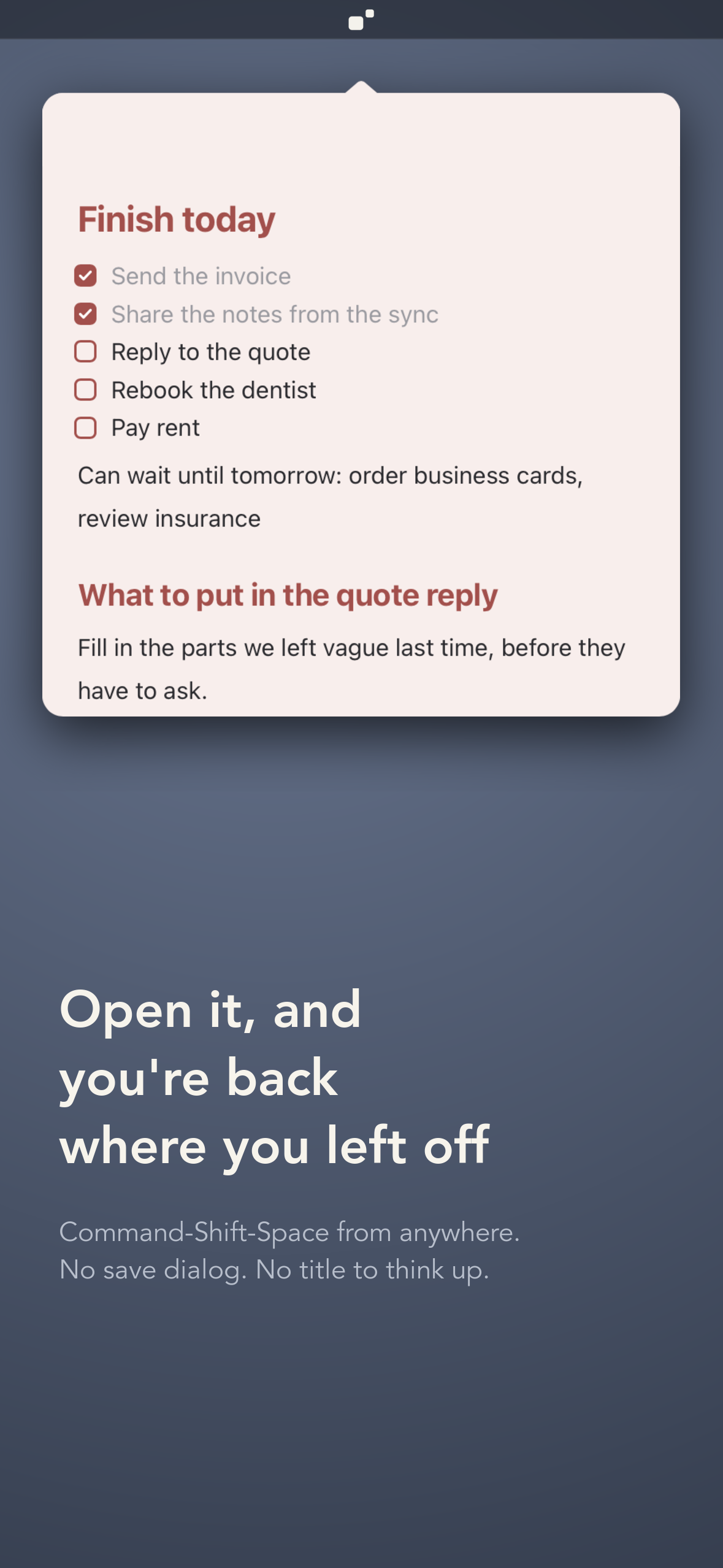
One shortcut brings TearMark out of the menu bar, already open where you left off.
-
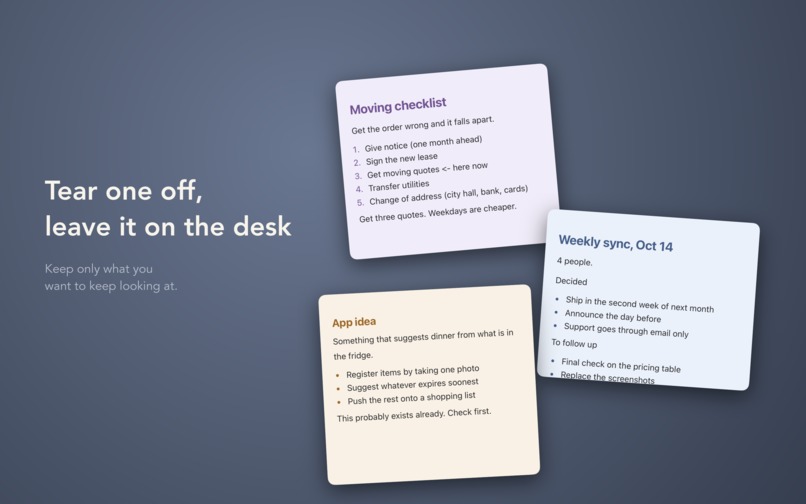
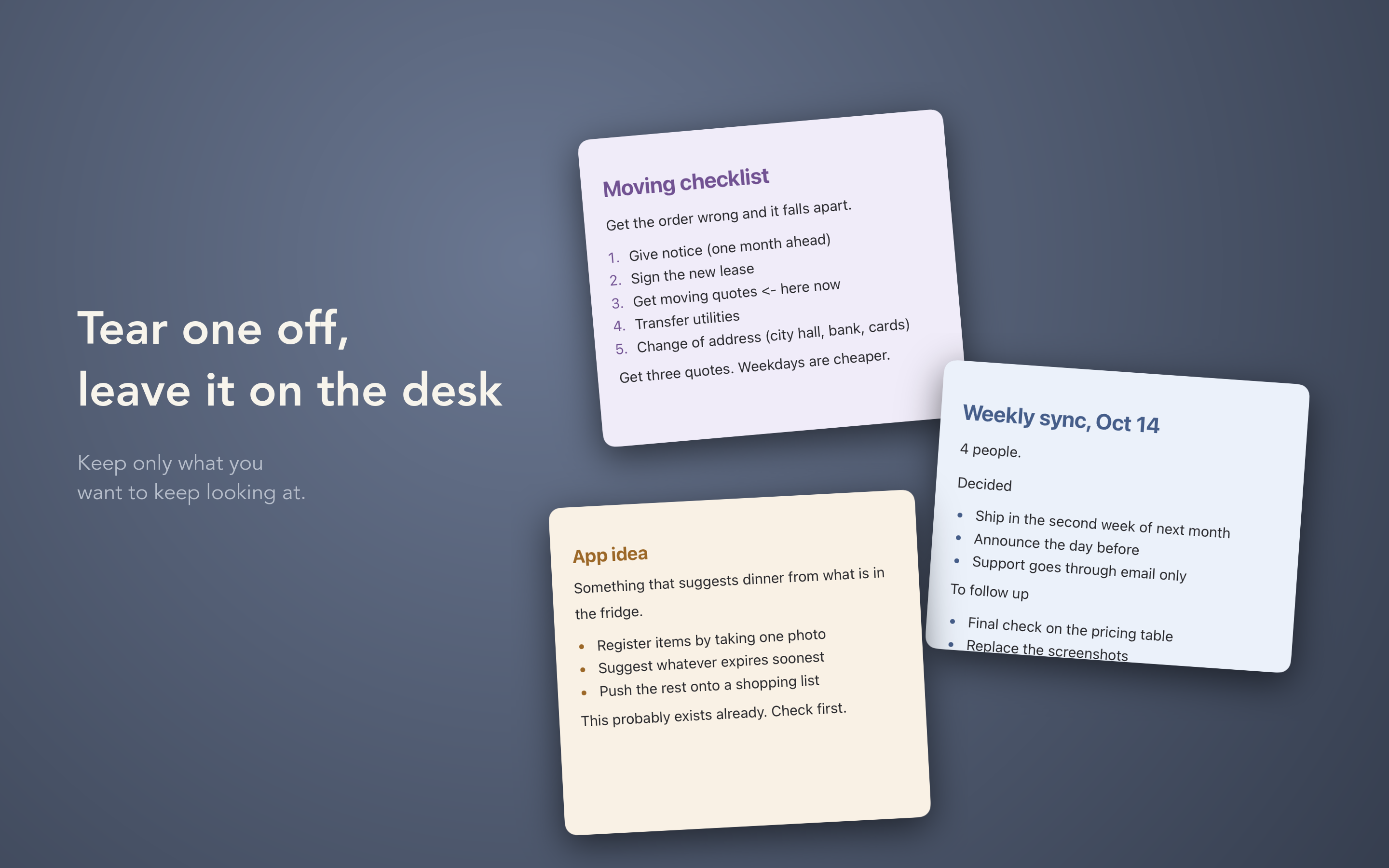
Drag a note away from the menu bar and it tears off into a sticky that stays on screen.
-
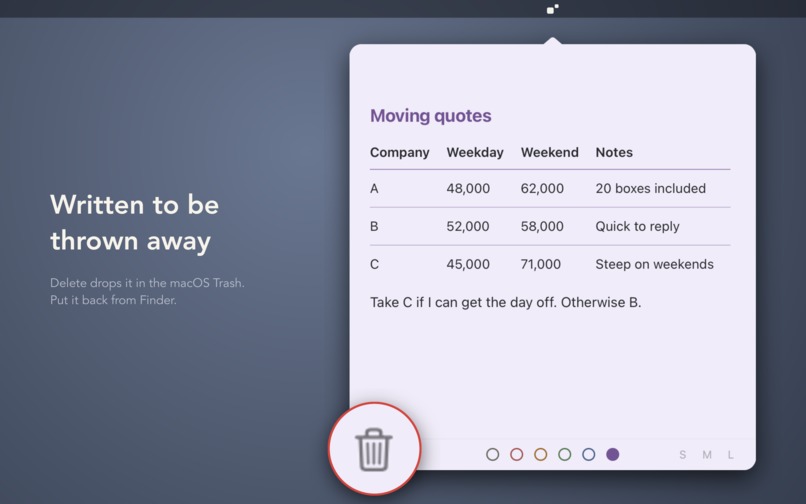
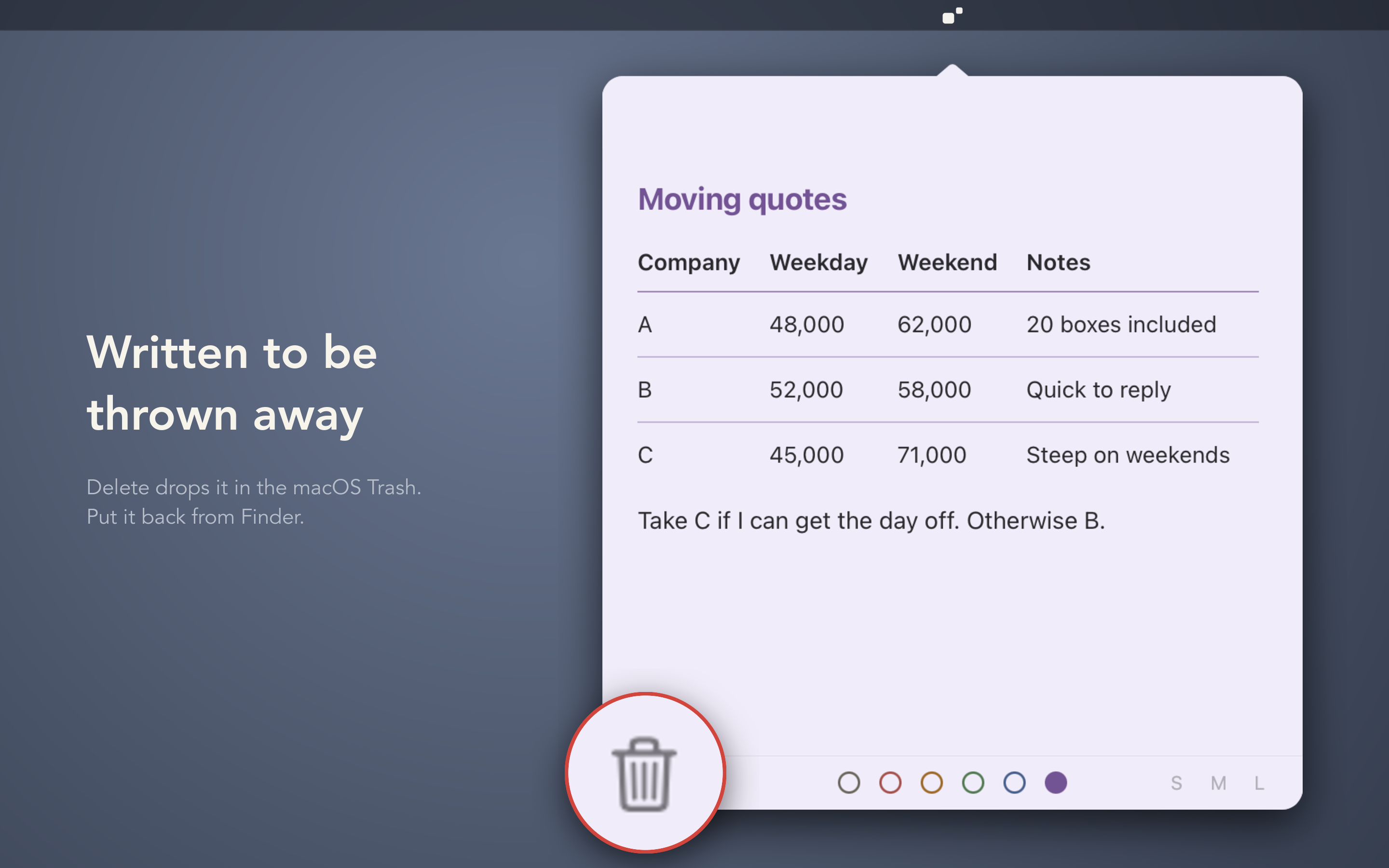
Delete sends a note to the macOS Trash, so you can put it back from Finder.
-
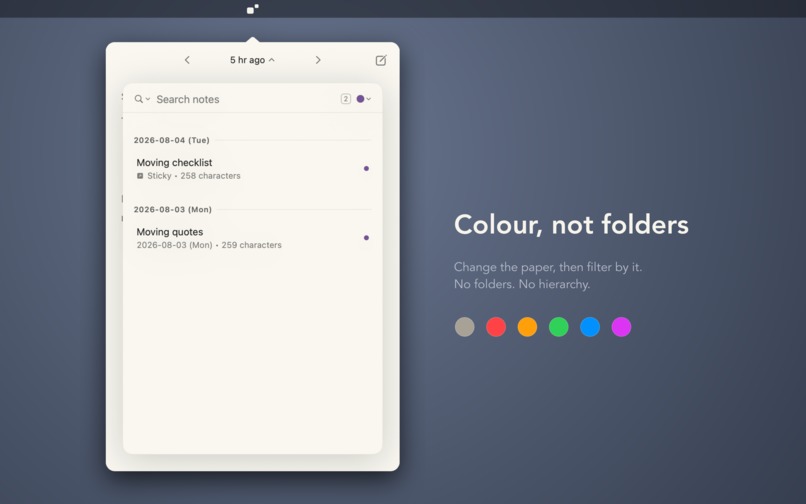
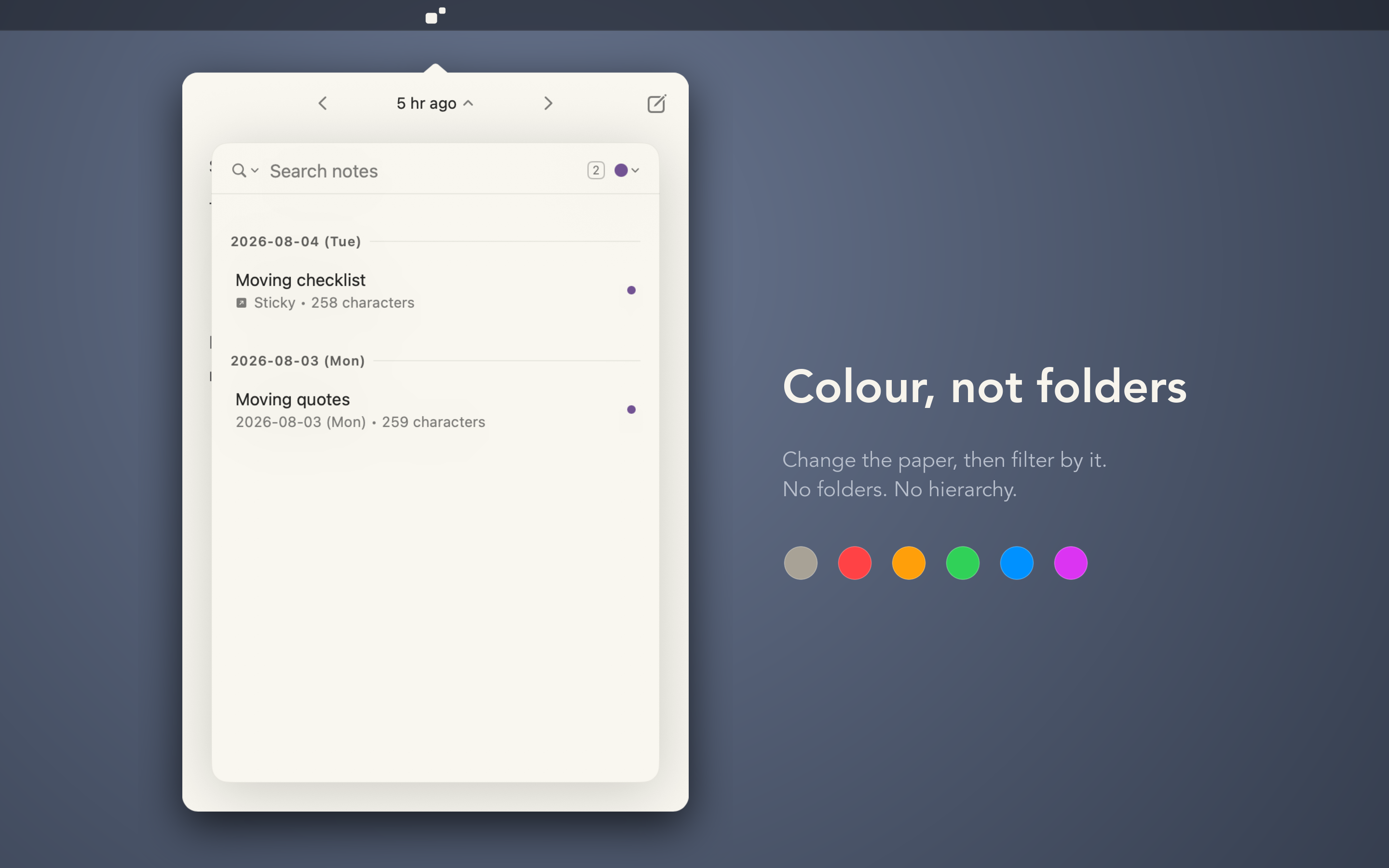
Six paper colors instead of folders. Filter the list by color.
-
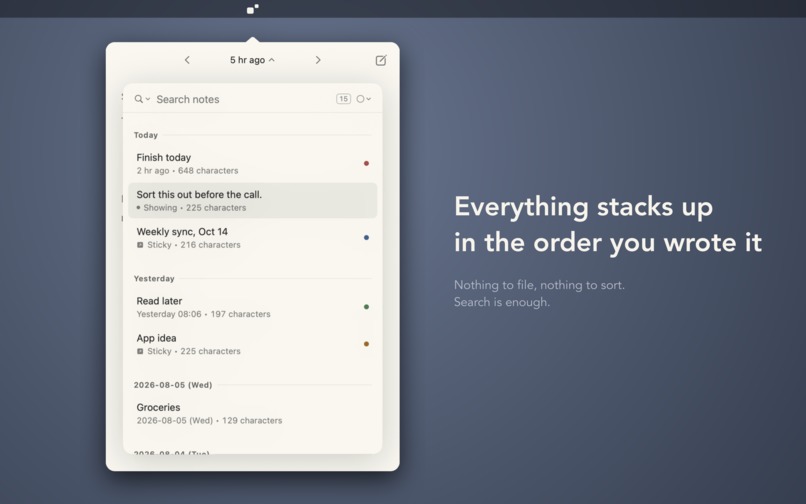
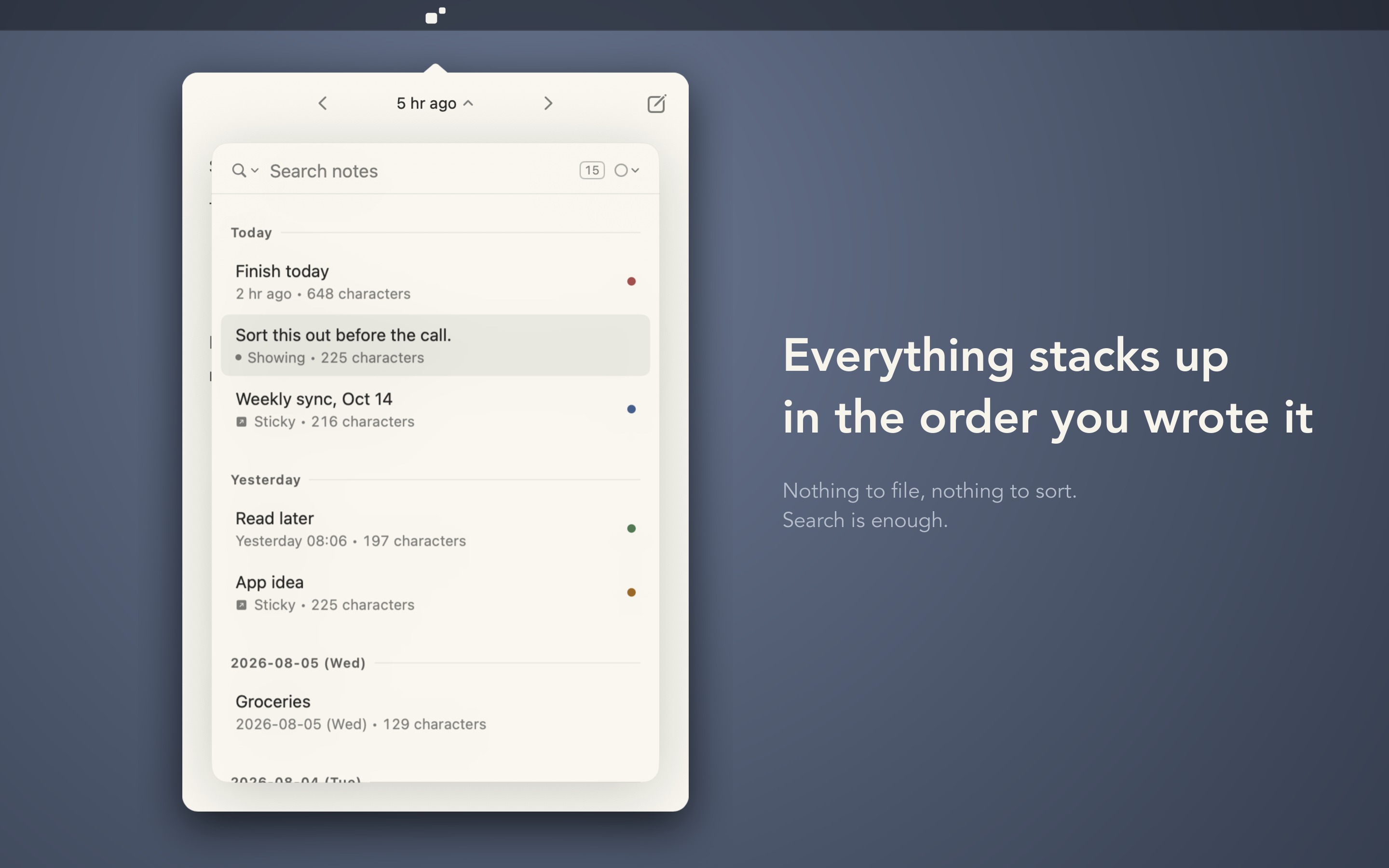
Every note in the order you wrote it, with full-text search.
-
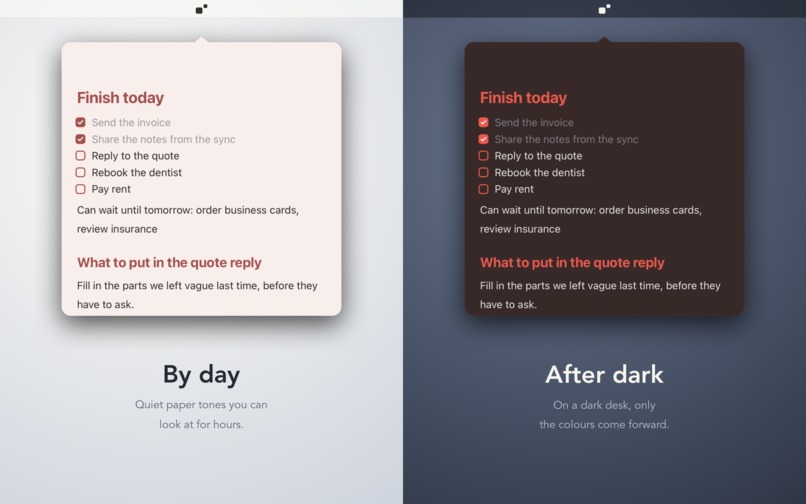
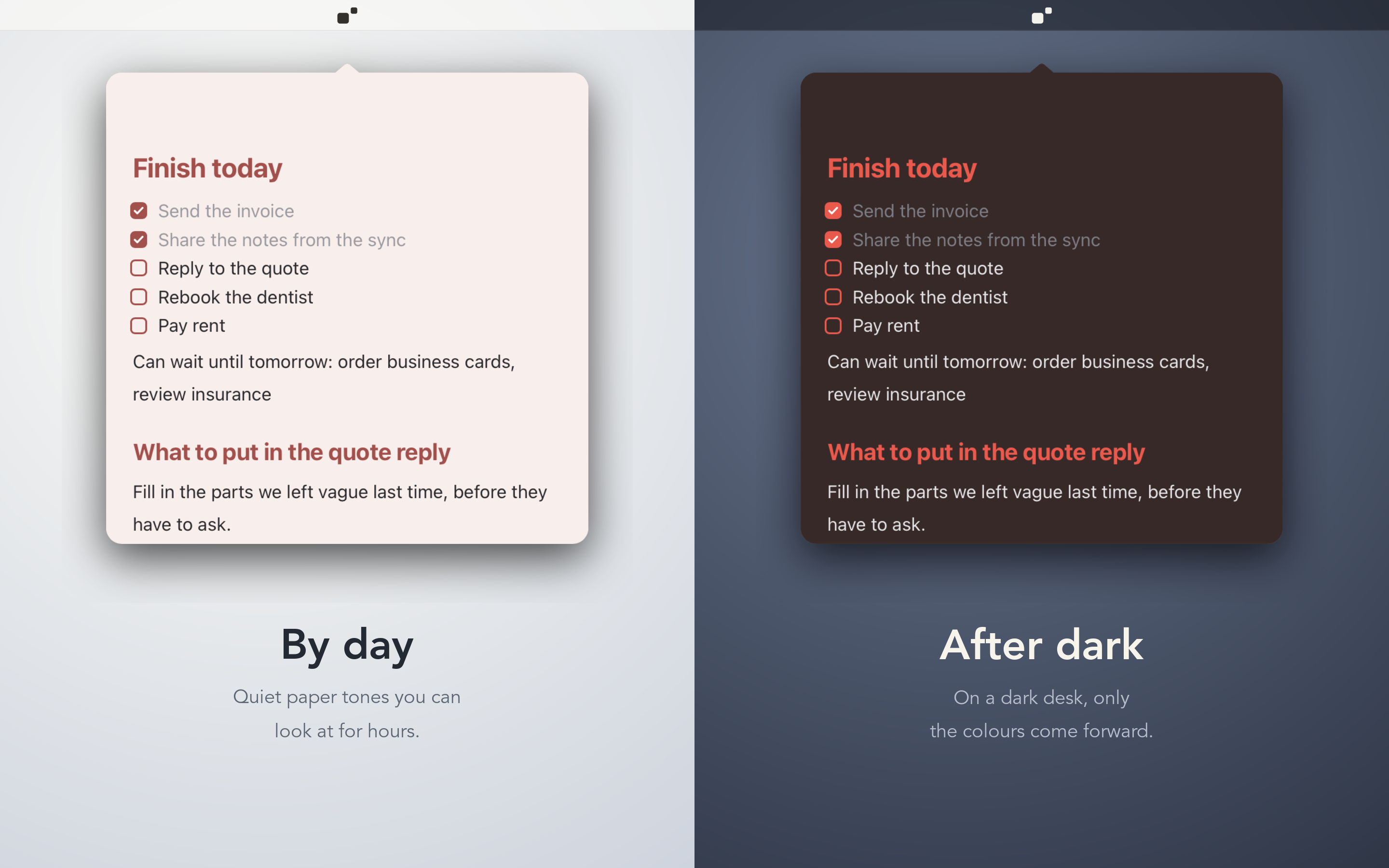
Paper tones that follow light and dark mode.
-
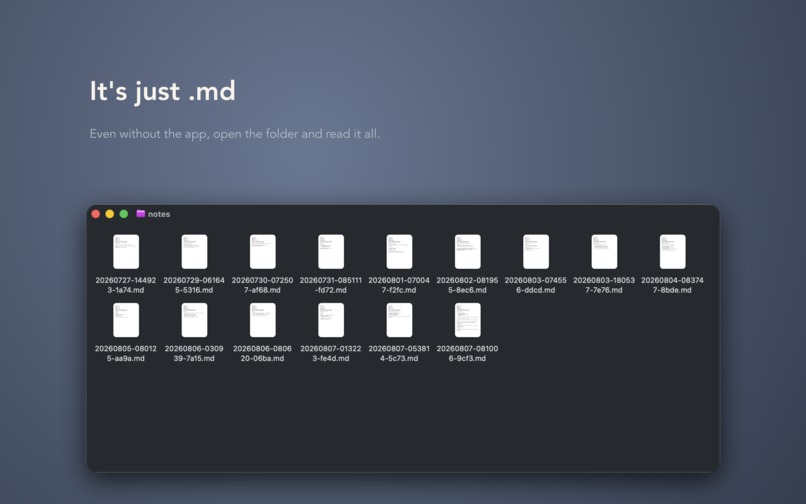
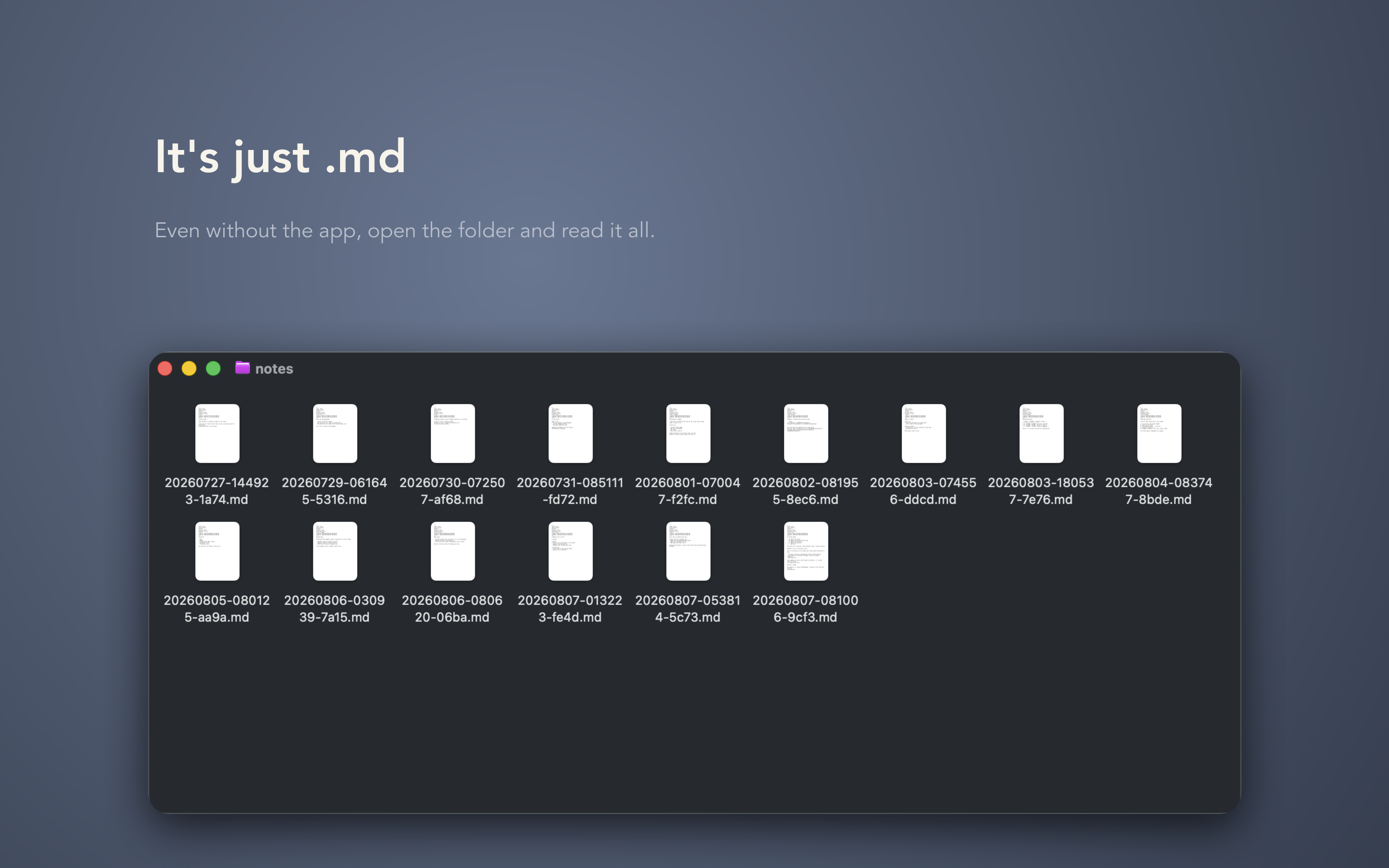
Each note is a plain Markdown file in a folder you can open anytime.
-
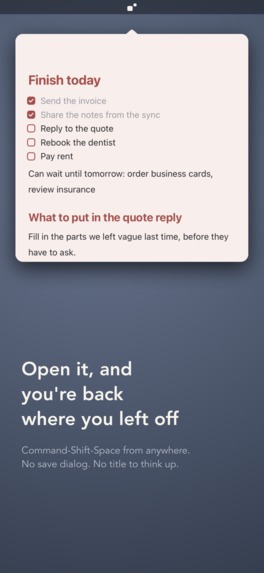
The notepad hangs from the menu bar, ready to write.
-

The TearMark app icon: a note, and a small sticky torn off beside it.


The problem
Every notes app I tried asked me to decide something before I could write: a folder, a title, a notebook, a tag. By the time I had decided, the thought I wanted to keep was gone. Generative AI made it worse — I now have more text worth keeping for a day or two than ever, and nowhere to drop it that doesn't demand filing first.
What TearMark is
TearMark is a notepad that lives in the macOS menu bar.
- ⌘⇧Space brings it out, already open to where you left off. You write. It slips away when you are done.
- Drag the window off and let go — the note tears into a sticky that stays on your screen: today's to-dos, a URL to read later, notes from a call. Six paper colors. Toss it when you are done; the note itself stays.
- No folders, no tags, on purpose. Filing is the chore that kills the habit. Full-text search finds things later.
- Every note is a plain Markdown file on your disk. If TearMark disappears tomorrow, the folder still opens in anything. Right-click sends a note to your Obsidian vault when it has grown up.
- WYSIWYG, without a preview mode. Markdown syntax is a typing shortcut; the marks never stay on screen, and the file on disk is still clean .md.
- It does not drop characters while an input method is composing. Japanese input is the hardest case for editors built on a web view, and it is the quality bar here: every change to the editor is checked with text mid-conversion before it ships.
Who it is for
People who capture small things all day on a Mac — developers, writers, anyone whose notes app became a place they file things instead of a place they write.
How it makes money
Free to download from the Mac App Store. The first 7 days are fully unlocked with no account and no card — the trial runs inside the app, so the first launch goes straight to a blank page instead of a paywall. After that: US$9.99 a year or US$29.99 once (¥1,500 / ¥5,000 in Japan), bought in-app through RevenueCat. There is no monthly plan on purpose; it would undercut the yearly one for the people most willing to pay.
If a subscription lapses, TearMark becomes read-only, not locked: every note stays readable, searchable, and sendable to Obsidian, and the .md files were always yours. No hostage notes.
What is different
Most note apps are built around what happens after you write: organizing, linking, retrieving. TearMark is built around the few seconds before — when a thought needs somewhere to land. Opening where you left off, asking nothing first, tearing a note off instead of filing it, and keeping it as a plain file all follow from that one decision. It is closer to a paper notepad and a pad of sticky notes than to a knowledge base, and it hands a note on to Obsidian when it grows into something more.
Built with
Swift, SwiftUI and AppKit for the windows and menu bar; a WKWebView editor on ProseMirror/Milkdown, hidden behind a protocol so it can go native later; SQLite (FTS5 trigram) as an index only — the files are the source of truth; RevenueCat for the two in-app products (a yearly subscription and a lifetime unlock), the paywall's prices, entitlement checks, and restore.
What it does not do
No sync, no iOS app yet, no collaboration, no AI features. It is a local notepad on one Mac.

Log in or sign up for Devpost to join the conversation.