Inspiration
Millions of people watch Falcon 9 launch, and almost nobody can explain what they just saw. Kids especially: they can watch a webcast, but they can't pull the rocket apart, ask it a question, or try flying it. We wanted a younger space fan to feel why a rocket turns and how one small lean changes where it ends up. Our motto became the whole design: bringing rocket science down to Earth. Plain words a 10-year-old can follow, and a rocket you can actually hold.
What it does
Teardown is an interactive Falcon 9 exhibit that runs in a browser, with your phone as the controller:
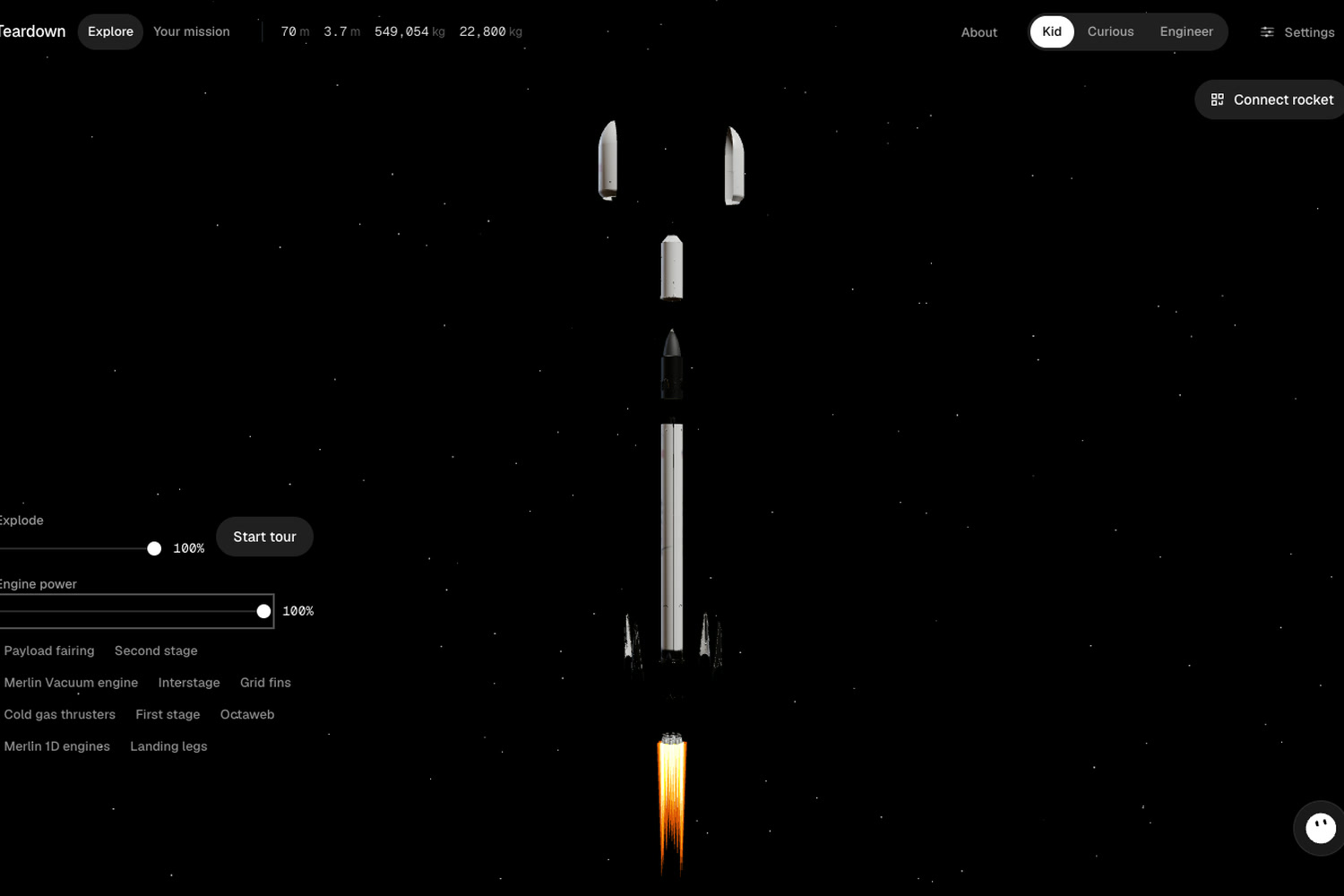
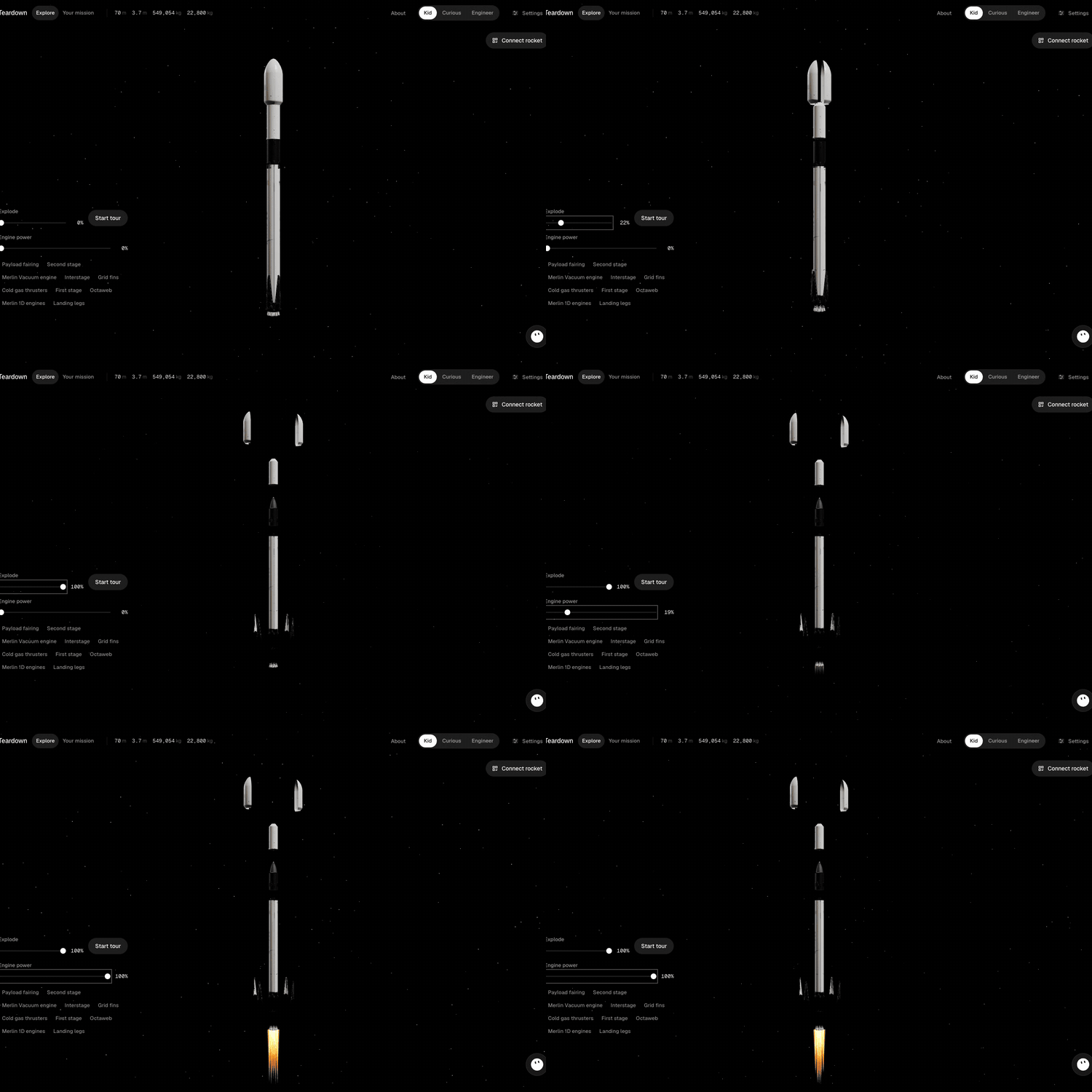
- Take It Apart: Slide Explode and a real Falcon 9 splits into its 10 parts, each with a card of sourced specs.
- Grok Voice Tour: Grok flies the camera to each part and explains it out loud, at Kid, Curious or Engineer level. Press Voice to talk back live.
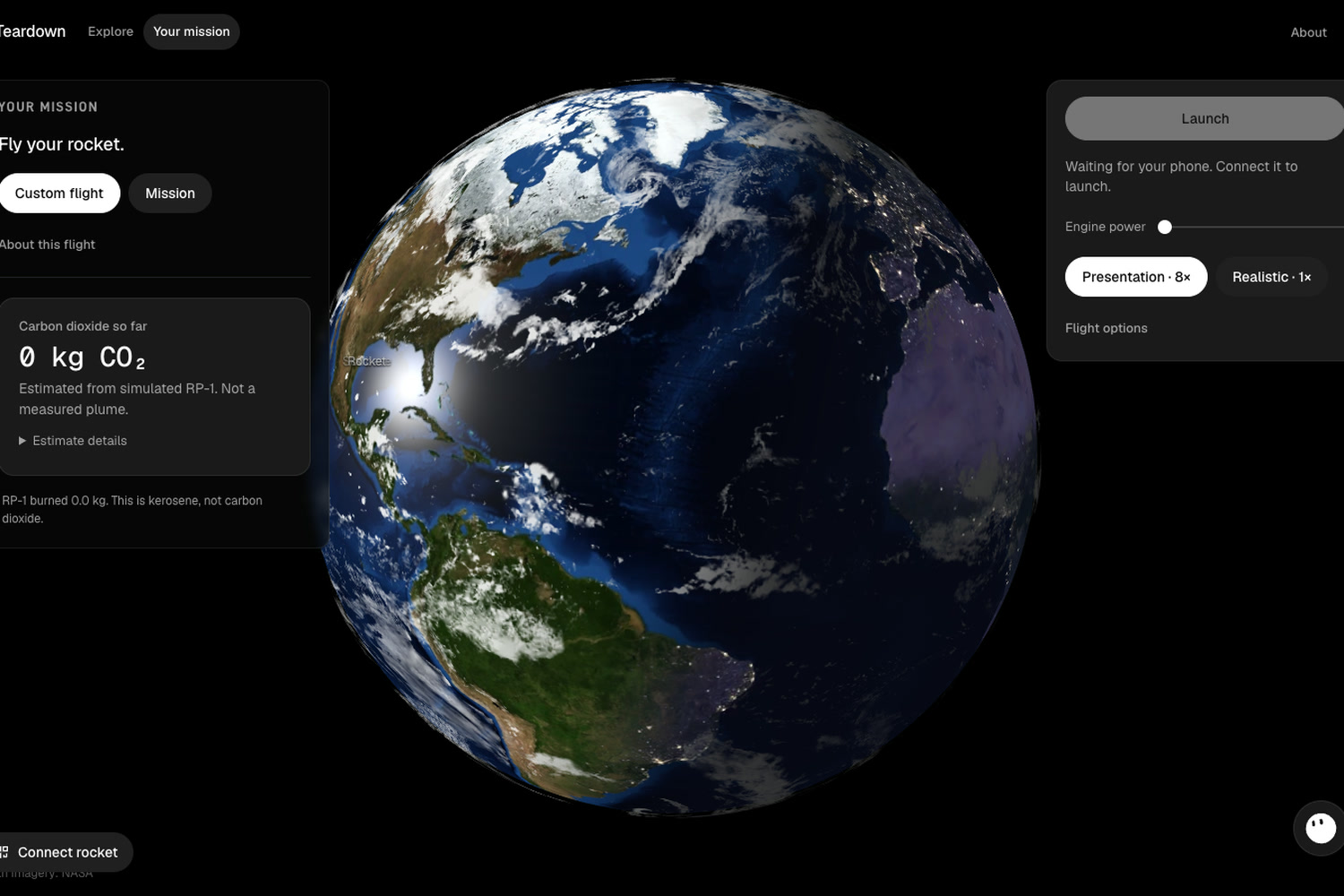
- Your Phone Is the Rocket: Slide a phone sideways into a cardboard rocket, scan a QR code, and lean to steer. No app to install.
- Feel the Engines: Push engine power and the phone inside the rocket roars and vibrates, so what happens on screen happens in your hands.
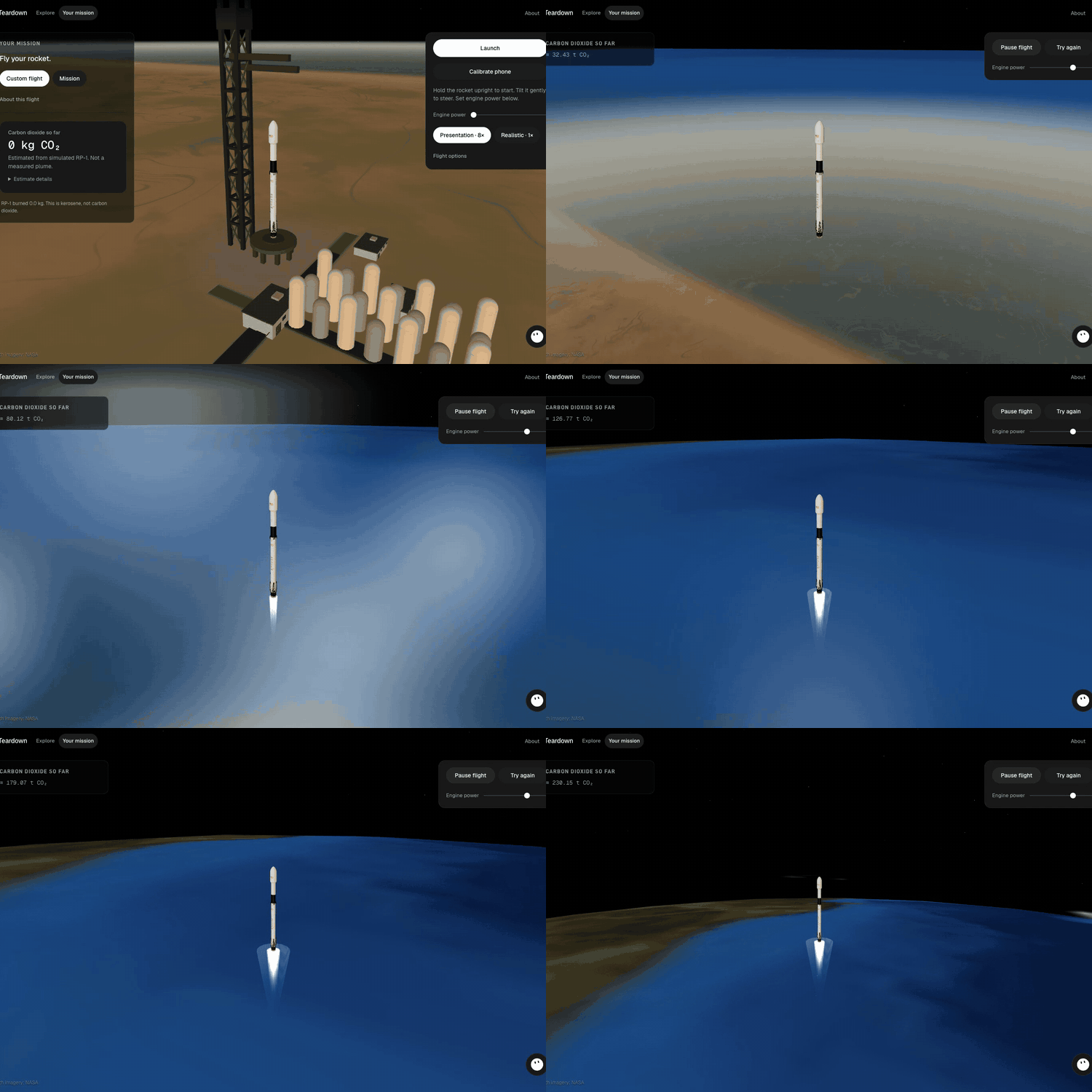
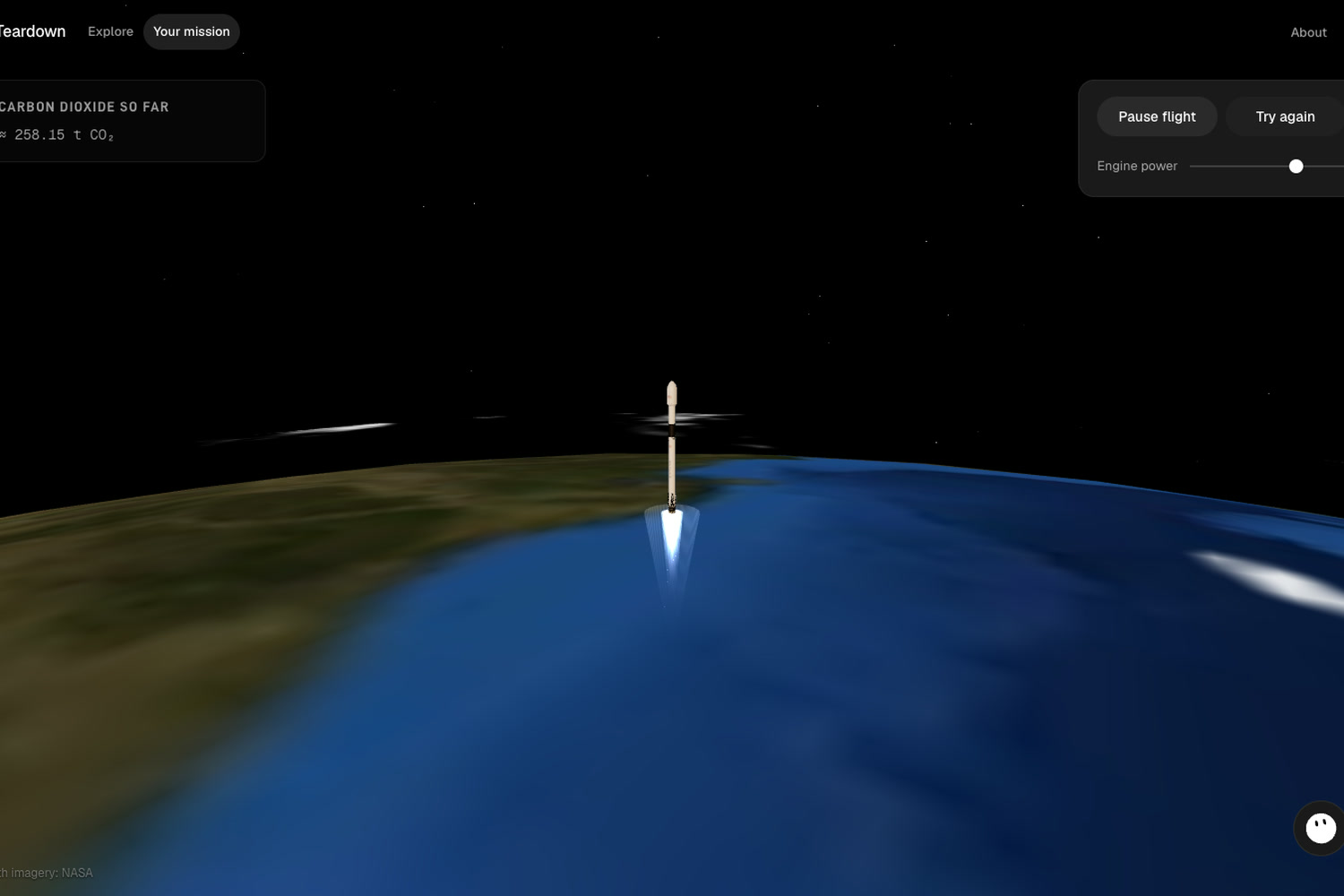
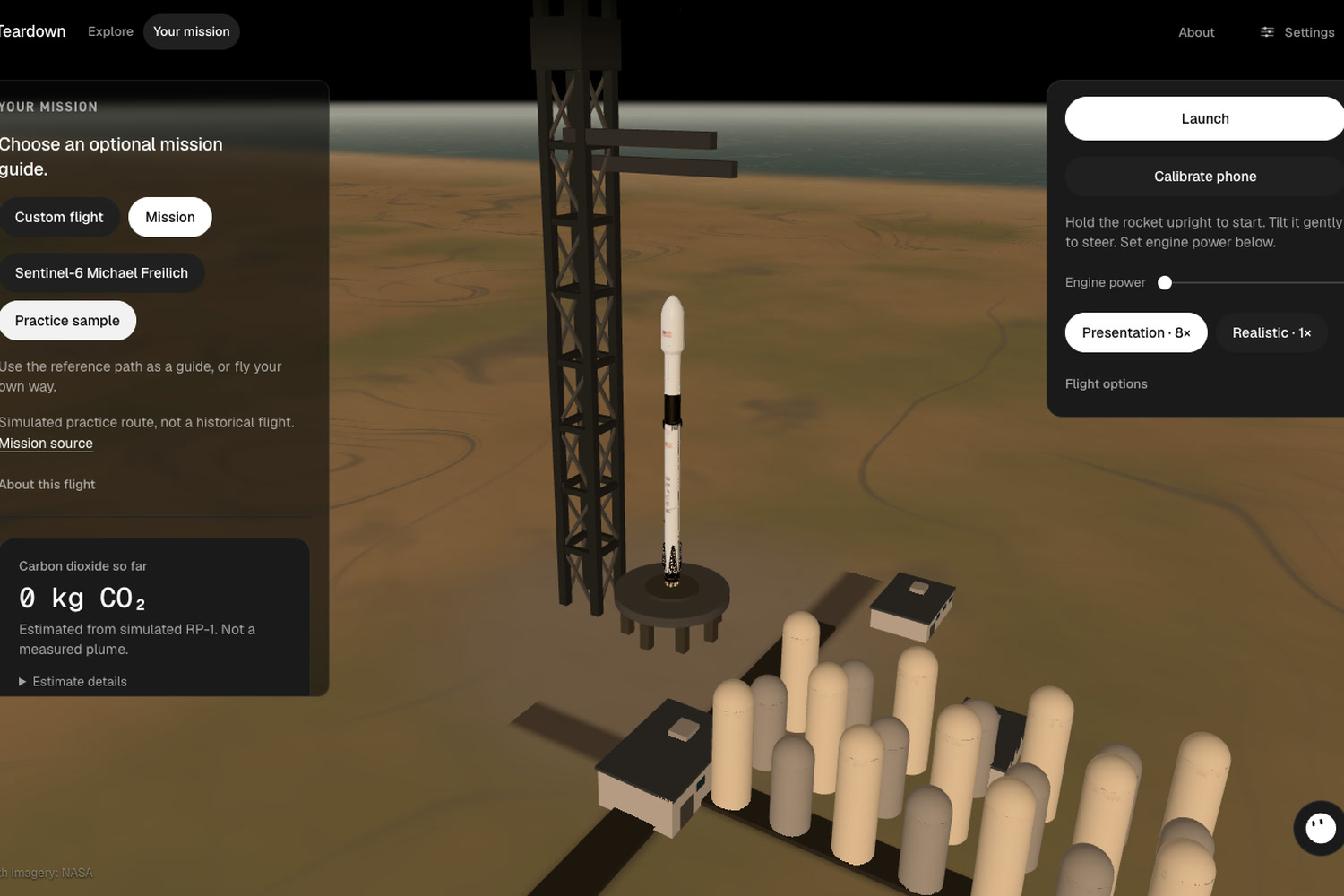
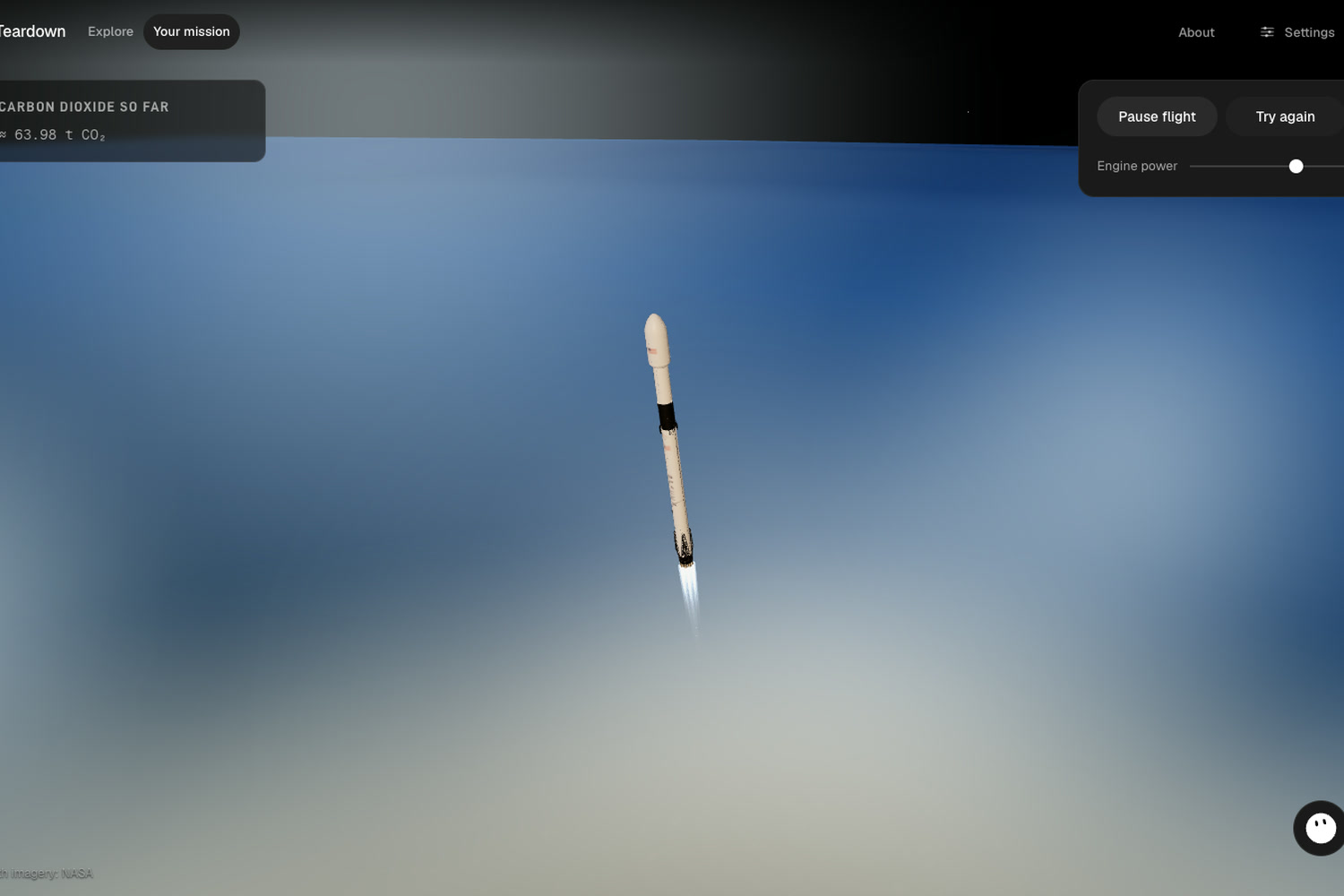
- Fly to Orbit: Real orbital physics with no shortcuts. Go straight up and you fall back; turn too hard and you crash. Fly free, or follow Sentinel-6 Michael Freilich's published milestones as a guide.
- Live CO₂ Estimate: Every flight shows the carbon dioxide its engines released, from a cited emissions factor.
- Flight Postcard: Orbit or crash, Grok Imagine draws a postcard of your flight with your numbers on it, ready to download.
How we built it
Exhibit (laptop):
- Next.js 14 and TypeScript
- three.js with React Three Fiber (3D Falcon 9, launch pad, NASA Blue Marble Earth)
- Zustand: one store that the mouse, the phone and Grok all drive through the same actions
- Motion (animations)
- GitHub Pages for the live demo
Phone (controller):
- A web page reading the accelerometer and gyroscope about 20 times a second
- Gyro and gravity blended into one calibrated attitude, so any phone in any mount steers the same way
- Web Audio engine rumble and the Vibration API
- A local WebSocket relay behind a Cloudflare tunnel, paired with a QR code and a 4-character code
AI and physics:
- Grok function calling (nine tools, kept in sync with the store by a test)
- Grok Voice realtime socket for narration and live talk
- Grok Imagine for the flight postcard
- A 60-step-a-second orbital model that computes the orbit live from energy and angular momentum, \( \varepsilon = \tfrac{v^2}{2} - \tfrac{\mu}{r} \)
Built in Cursor, using Grok Bot, with a written plan for every feature.
Challenges we ran into
- No Parts: We planned to solder our own sensor board, but Micro Center and the other stores nearby didn't have what we needed. Then we realised every phone already has an accelerometer, gyroscope, speaker and vibration motor.
- Phones Lie Sideways: Our demo phone sits landscape in the rocket, where raw orientation angles gimbal-lock. We moved to a calibrated quaternion frame measured along the rocket's nose.
- Rockets Went Through the Pad: At high time warp, one physics step could skip straight past the ground. We added swept collision checks against the Earth and the launch tower.
- Tunnel DNS: A brand-new tunnel address took up to a minute to resolve on venue Wi-Fi, so pairing failed. Our script now waits until public DNS resolves it before showing the QR code.
- Honest Data: Sentinel-6 has public milestone times but no altitude or speed series, so we show it as a guide instead of faking a trajectory.
Accomplishments that we're proud of
- A Rocket Kids Can Hold: A cardboard tube that rumbles, steers, and shows the Earth curving away under a rocket you flew.
- Zero Hardware Cost: It runs on the phone in your pocket, with no app and no kit to buy.
- Real Data Only: Every number on screen comes from a sourced file: spacex.com, ESA, Launch Library 2 and NASA.
- Grok Everywhere: Agent, voice and Imagine, all behind a server that keeps the key private.
- Tested: 1,116 unit tests, plus a Playwright flight test that pairs a laptop with a simulated phone and flies.
What we learned
- Orbit is going sideways fast enough that you keep missing the Earth, and the best way to teach it is to let people miss
- A phone is a surprisingly capable hardware platform
- Sensor fusion: blending gyro and gravity, and calibrating any mount
- Collision detection at high time warp
- Realtime voice and tool calling with Grok
- Keeping one source of truth so two people can build in parallel
What's next for Teardown
- A Rocket You Can Really Take Apart: Build the cardboard rocket in real sections (fairing, second stage, interstage, booster, engines), each with its own small sensor. Pull a section off in your hands, and the 3D rocket on screen explodes that same part while Grok explains it, so kids can ask about the exact piece they're holding.
- Classroom Kit: A printable cardboard-rocket template, so any teacher can build one with the phones the class already has
- More Missions: New guides as public trajectory data appears
- Multiplayer Launches: Several phones flying at once in one classroom
Built With
- canvas
- cloudflare
- devicemotion
- grok
- nasa
- nextjs
- node.js
- playwright
- react
- react-three
- tailwind
- three.js
- typescript
- vibration-api
- vitest
- web-audio-api
- webgl
- websockets


Log in or sign up for Devpost to join the conversation.