-
-

TeamUp
-

Adding rosters to teams
-

Analyzing teams using plotly graphs and charts
-
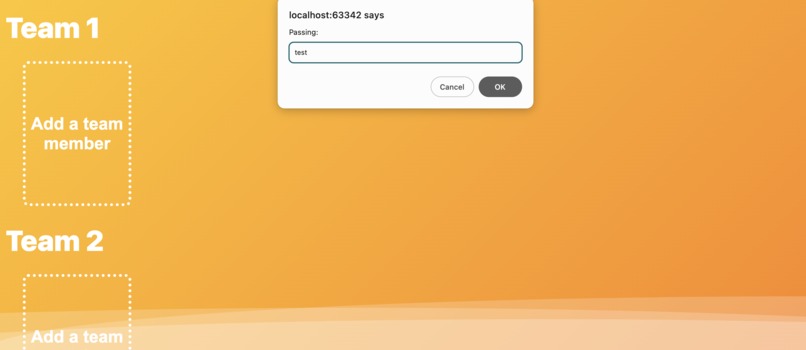
Prompt for integer but having string as input
-
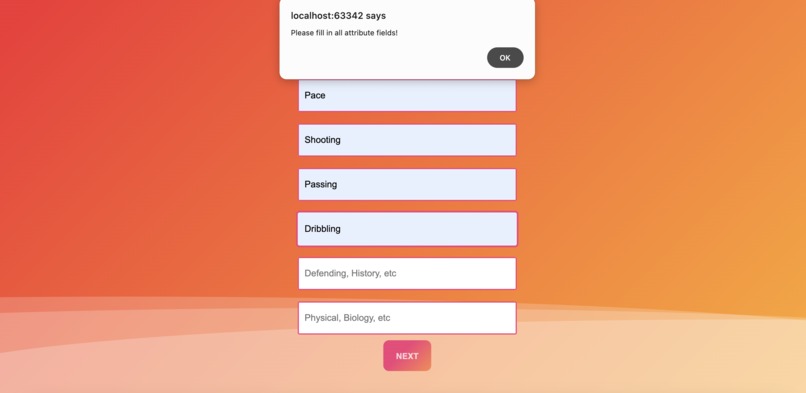
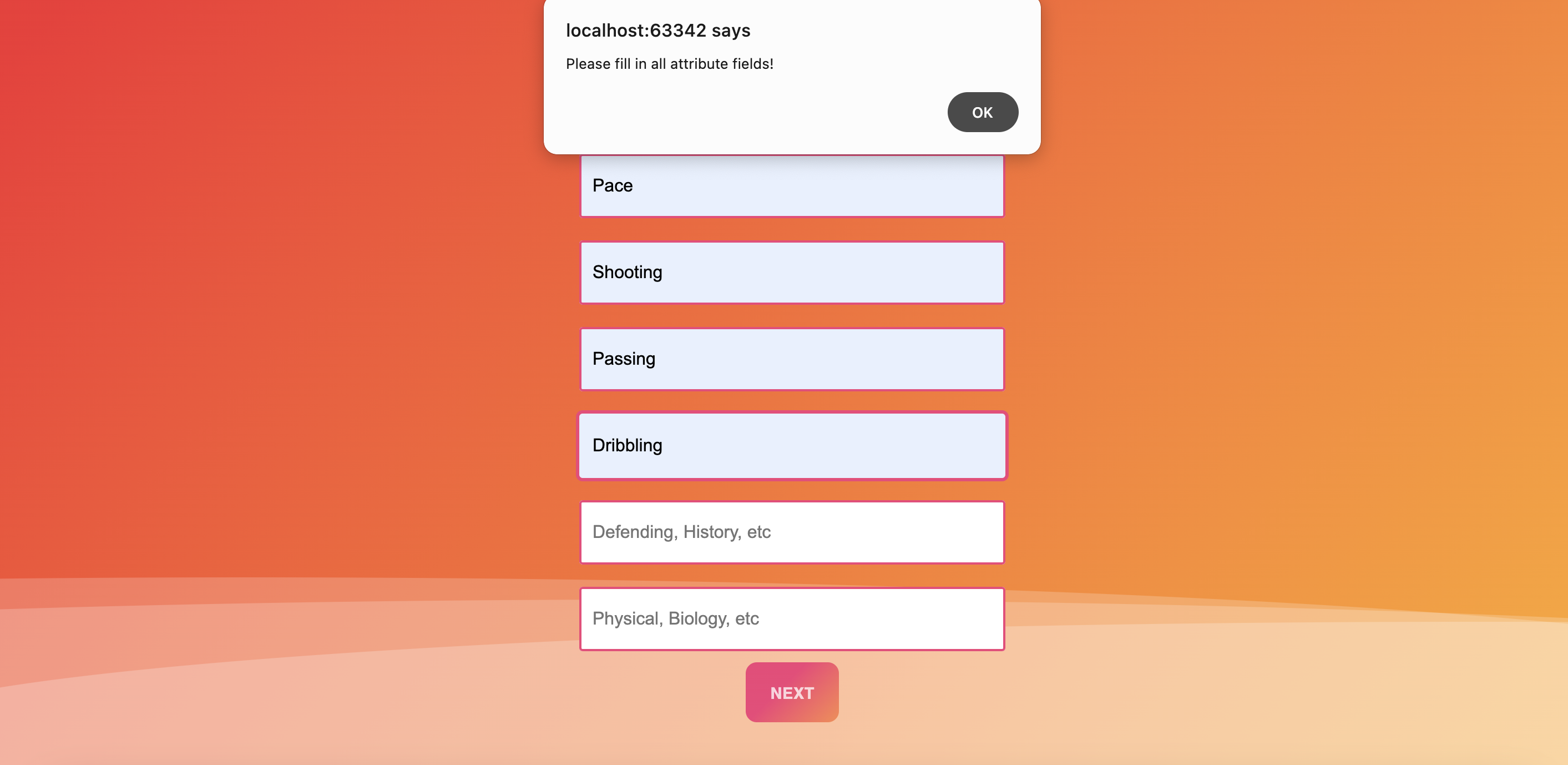
Alert when attribute fields are left empty
-
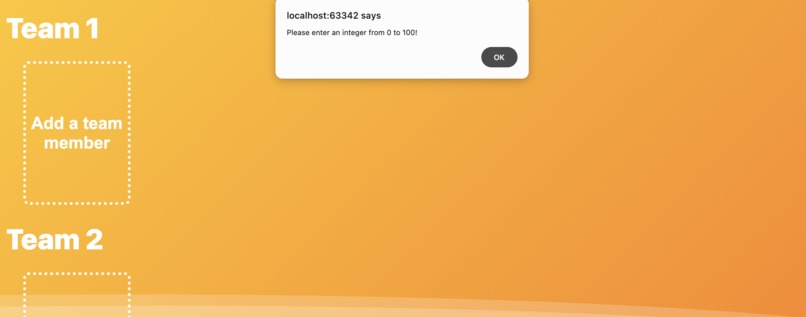
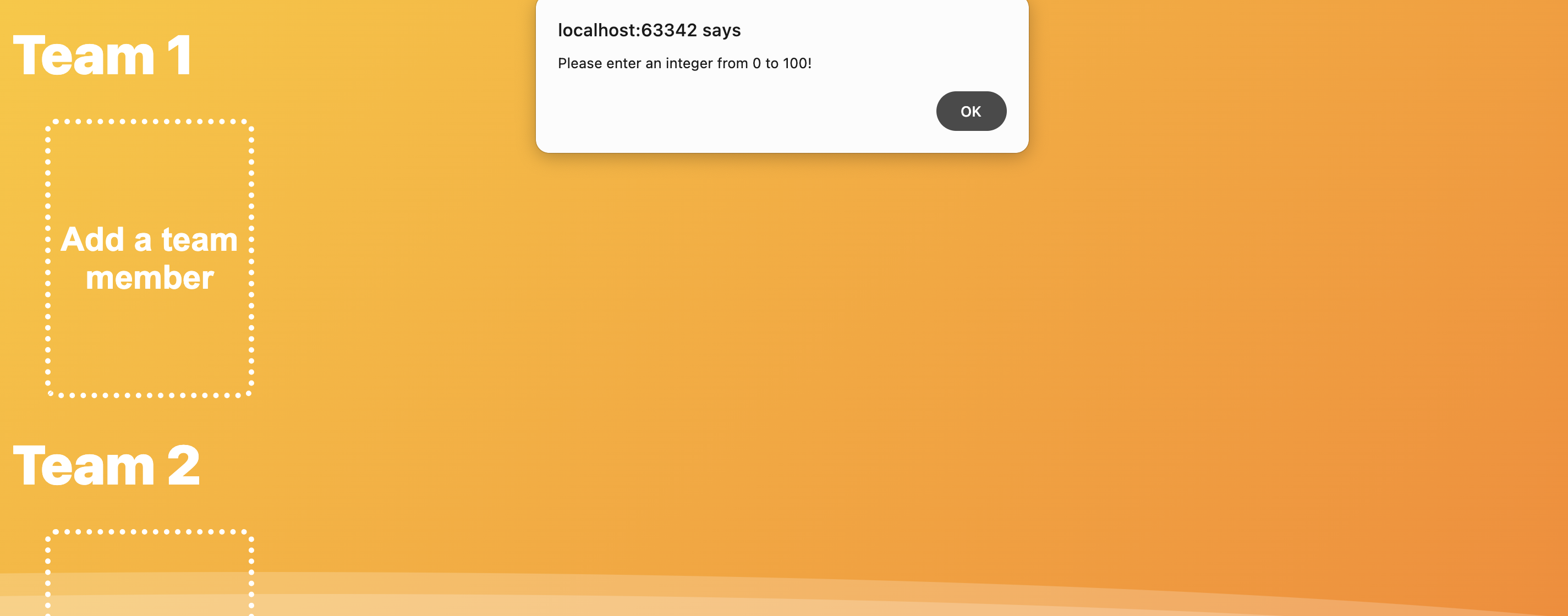
Alert when input isn't an integer from 0 to 100



Inspiration
Introducing TeamUp, your ultimate companion in effortlessly creating teams. With our user-friendly interface and innovative approach, assembling teams has never been easier or more efficient. Ideal for organizing sports teams, hackathon teams, work projects, or any group activity, TeamUp ensures everyone finds their perfect spot. Helpful for event organizers, professors, or hiring managers who just welcomed their summer intern class, TeamUp is a digital solution that bridges gaps and strengthens the bonds between diverse communities and individuals.
The idea to make something like this, which has never been done before, came from very simple experiences and challenges we face as students. In a lot of our classes, professors assign a group project and the thing that takes up most of our time is choosing teams. This solution helps professors and students to organize teams with equal skill sets which makes sure that the teams created are fair and everyone has a voice to demonstrate their skill set in a group activity. The other inspiration was just yesterday at SparkHacks! when we saw students looking to join a group. TeamUp bridges this digital device and implements a solution that would help people in this situation.
What it does
An example from one of my courses was when professors had the task of assigning students in a group for a group project. Students have varying skill sets and proficiency. This is where TeamUp comes in as your best friend in hand. A free WebApp that would help professors in this situation to create teams with student's info, for example, if the professor assigns a full-stack application as the group project, students would submit their proficiency to the professor on a scale of 1-100 on the technical attributes of the project, like front-end, back-end, database management, testing and debugging, and more. This is when the students would be added as a "playing-card-like design" in our system, where each student has their name and proficiency data - like two sides of a playing card. Once all the team data is loaded onto TeamUp, the web app would generate a Kiviat diagram and bar chart for each team, which would make the professor's work much easier and would ensure fairness, inclusivity, and diversity in the teams they assign. The end result: a fully balanced team where each member has their voice and a chance to demonstrate their skills.
How we built it
We used HTML, CSS, JavaScript, and plotly to make TeamUp. The website has a user-friendly design and extremely simple navigation. The scroll bars, playing-card-like design for team members, and the graphs add a unique experience to every user that uses TeamUp.
Challenges we ran into
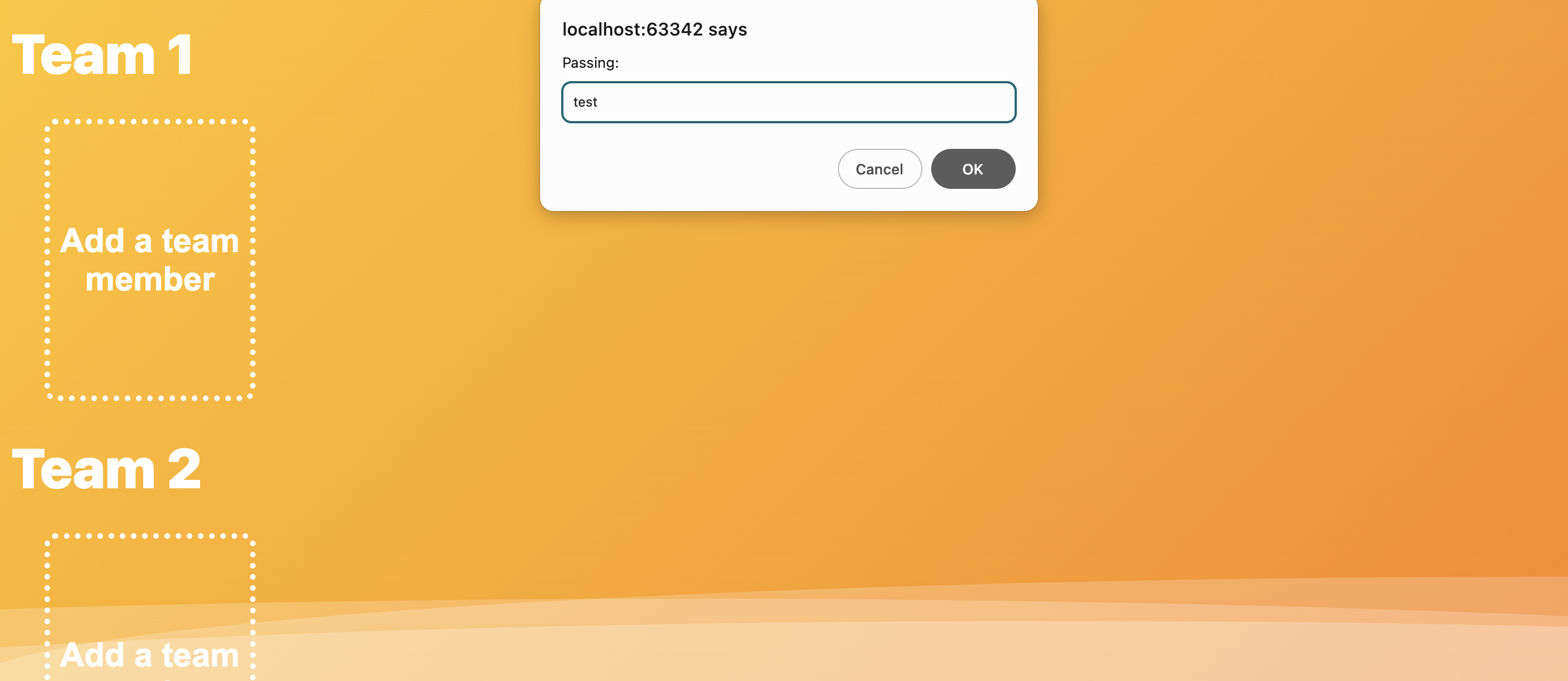
The main challenge we ran into was when we were implementing prompt alerts for invalid data entered, the playing-card design for team members, and debugging the graph data which was having some issues while displaying the results. Needless to say, we managed to fix all the issues and overcame all the challenges we faced by believing in our idea.
Accomplishments that we're proud of
We're proud to introduce a new digital solution that could be used in any group-related activity, especially in schools and universities. Just like iClicker was introduced as a new way to engage in classes, TeamUp would be introduced as a new way to engage in team formation. Our vision is what shaped our idea of building something like this.
What we learned
We learned that in today's world, with the ever-evolving technological advancements, implementing something that bridges a digital divide can be achieved with dedication. This project gave us a hands-down experience in skills such as HTML, CSS, JavaScript, Web development, User Interface, and User Design.
What's next for TeamUp
Our future idea for TeamUp is automating the process of distributing available rosters into teams with the most optimal fairness and balance in terms of skill sets.
Here's a pseudocode to convey the idea:
for i in (tCr total possible combinations): // generates all possible combinations of t teams using the r available rosters.
        averages = compute teamAverages and cumulativeAverages for combo i // refer to script.js of this project to see what teamAverages and cumulativeAverages entails
        optimization to find the combo i that minimizes the difference between the teamAverages[ for each team ] and the cumulativeAverages. In other words, minimize the MST cost function: Cost = (teamAverages[0] - cumulativeAverages)^2 + (teamAverages[1] - cumulativeAverages)^2 + ... + (teamAverages[number of teams-1] - cumulativeAverages)^2
A button that clusters rosters with similar skill sets into the same team using k-means clustering.
The idea is that given a 6 dimensional data space with datapoints representing individual rosters according to their respective values for the 6 attributes. First, initialize t number of centroids where t is the number of teams. Then, run it on the k-means clustering algorithm. Finally, you'll get the final result!
Relevance to track
TeamUp enables the analysis of collective skills within a team, highlighting balance in terms of skill sets. This promotes a healthier collaboration and chemistry within a team. TeamUp also addresses the need for inclusivity and diversity within teams and communities by ensuring that all voices and skill sets get equal representation and everyone has a chance to demonstrate their skills and potential.
Built With
- css
- html
- javascript
- plotly
- react-bootstrap


Log in or sign up for Devpost to join the conversation.