-
-
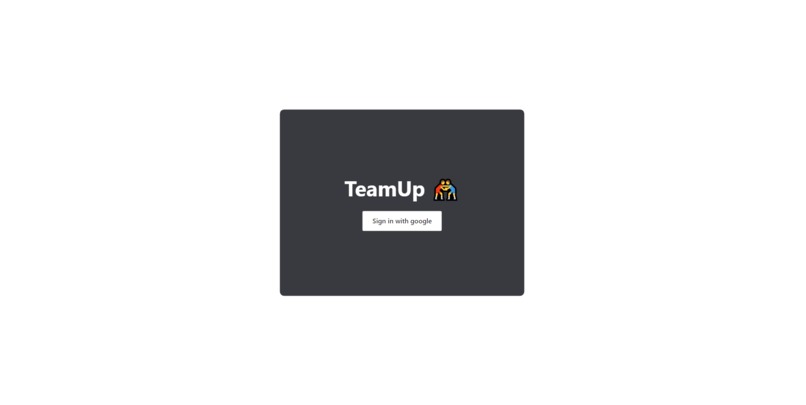
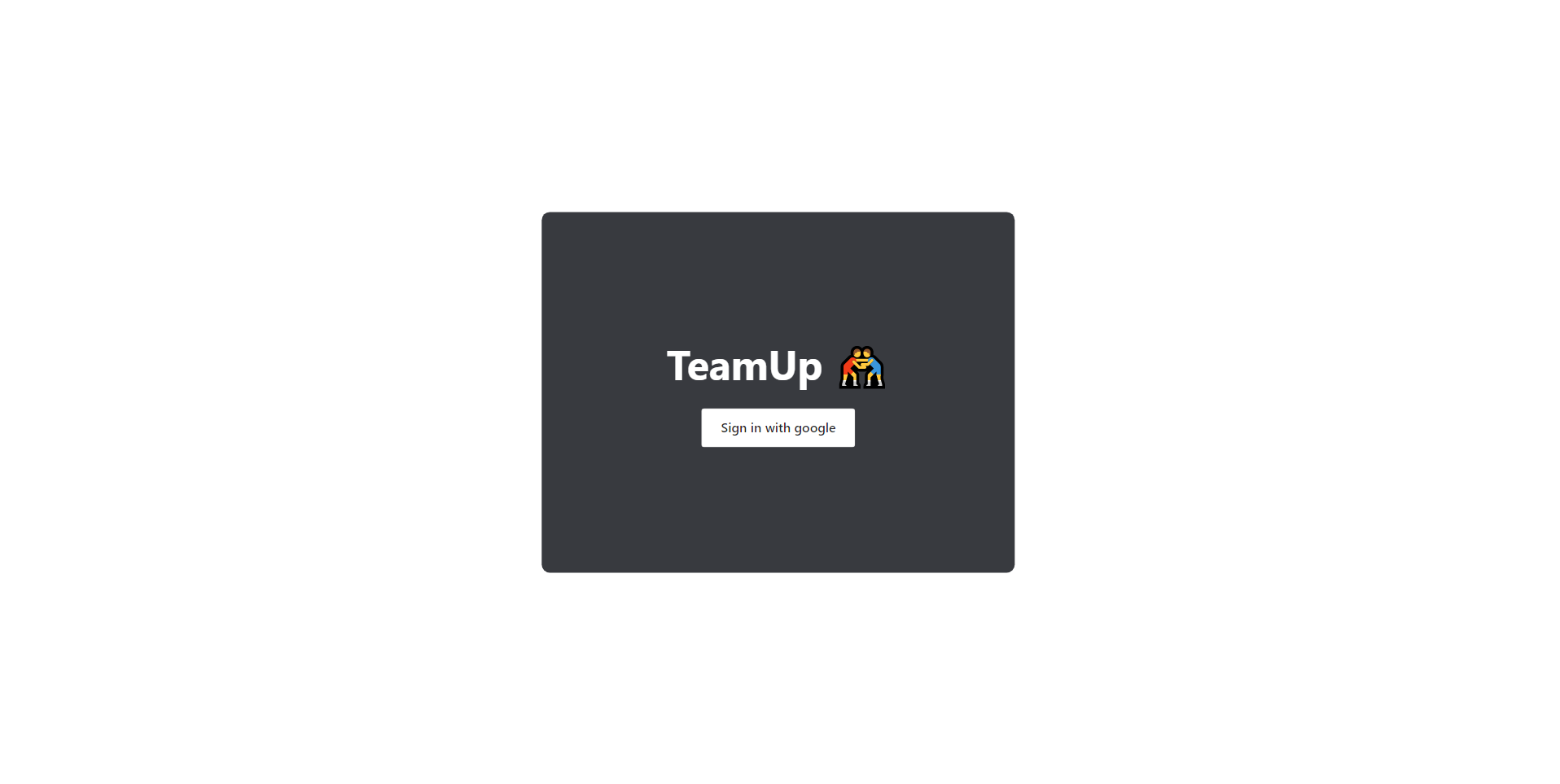
Login page using Firebase(auth) to sign in with Google
-
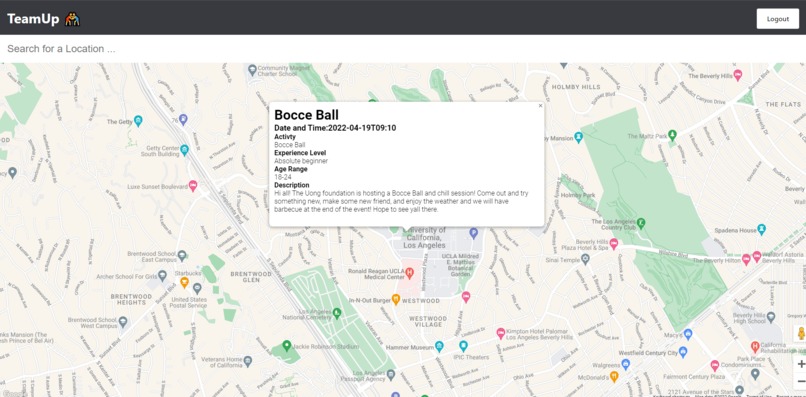
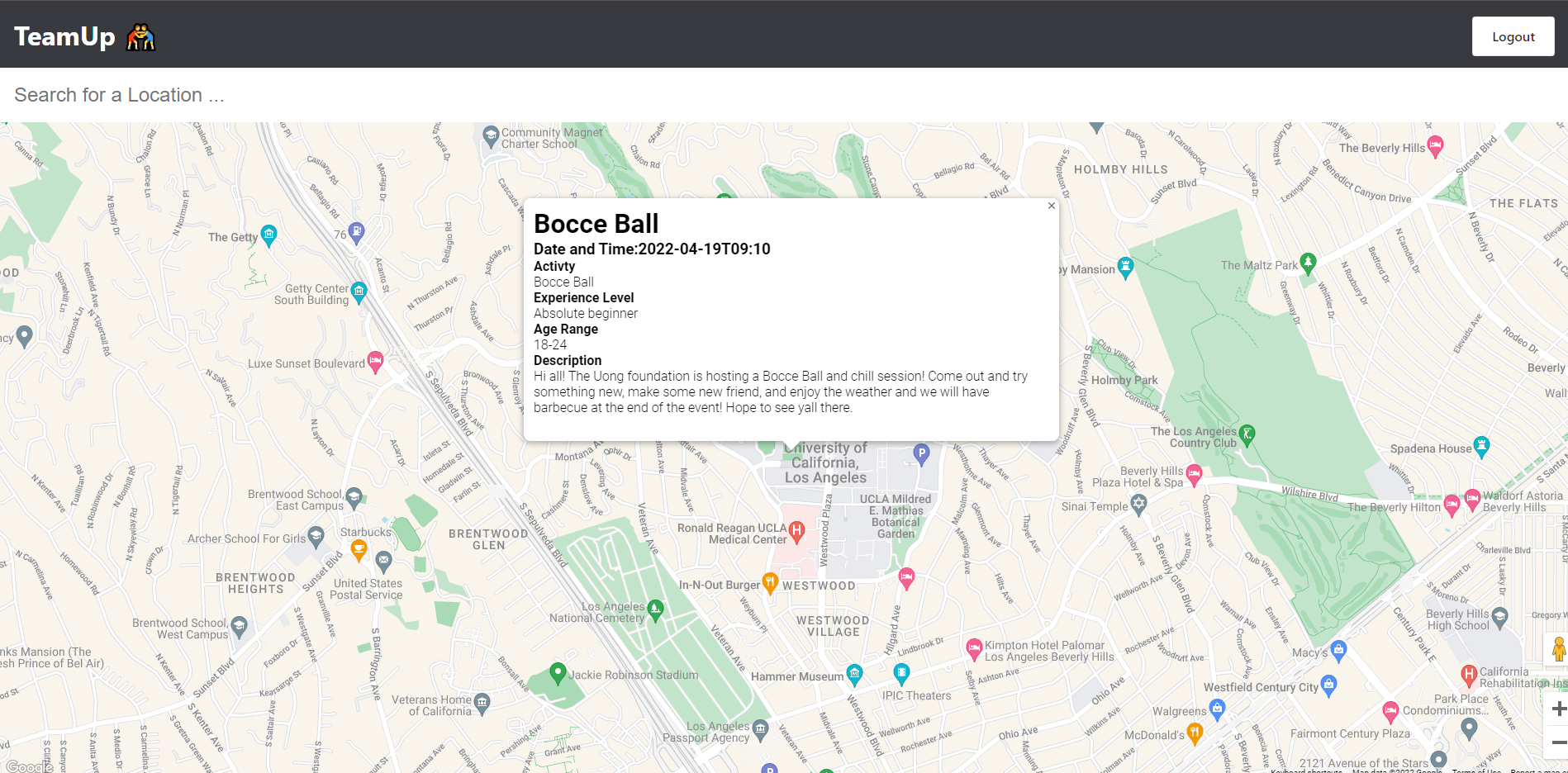
Main page using Google Maps API displaying events and their descriptions
-
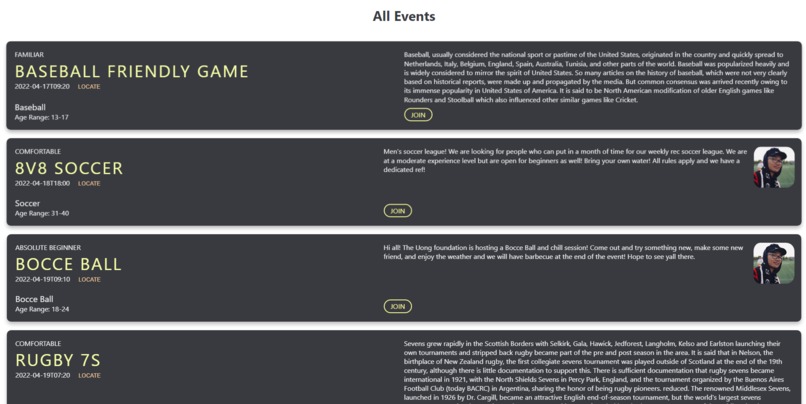
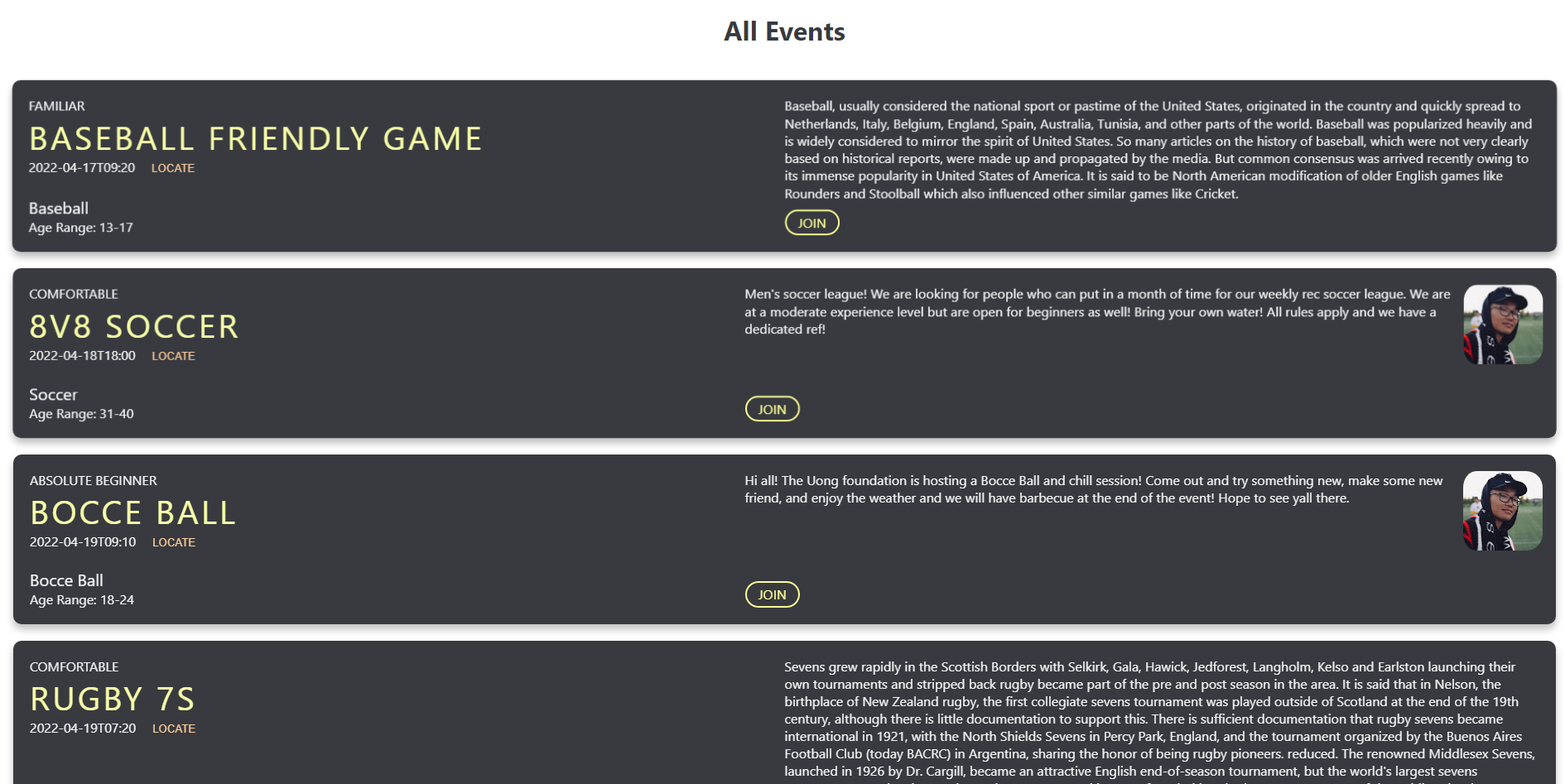
Scroll down to find an All Event overview with join function
-
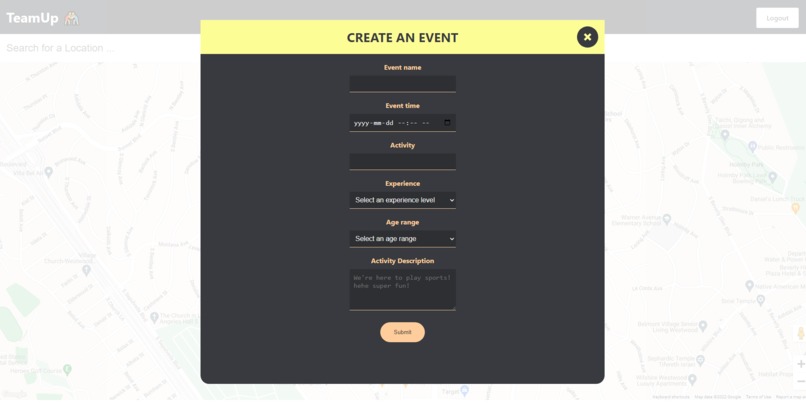
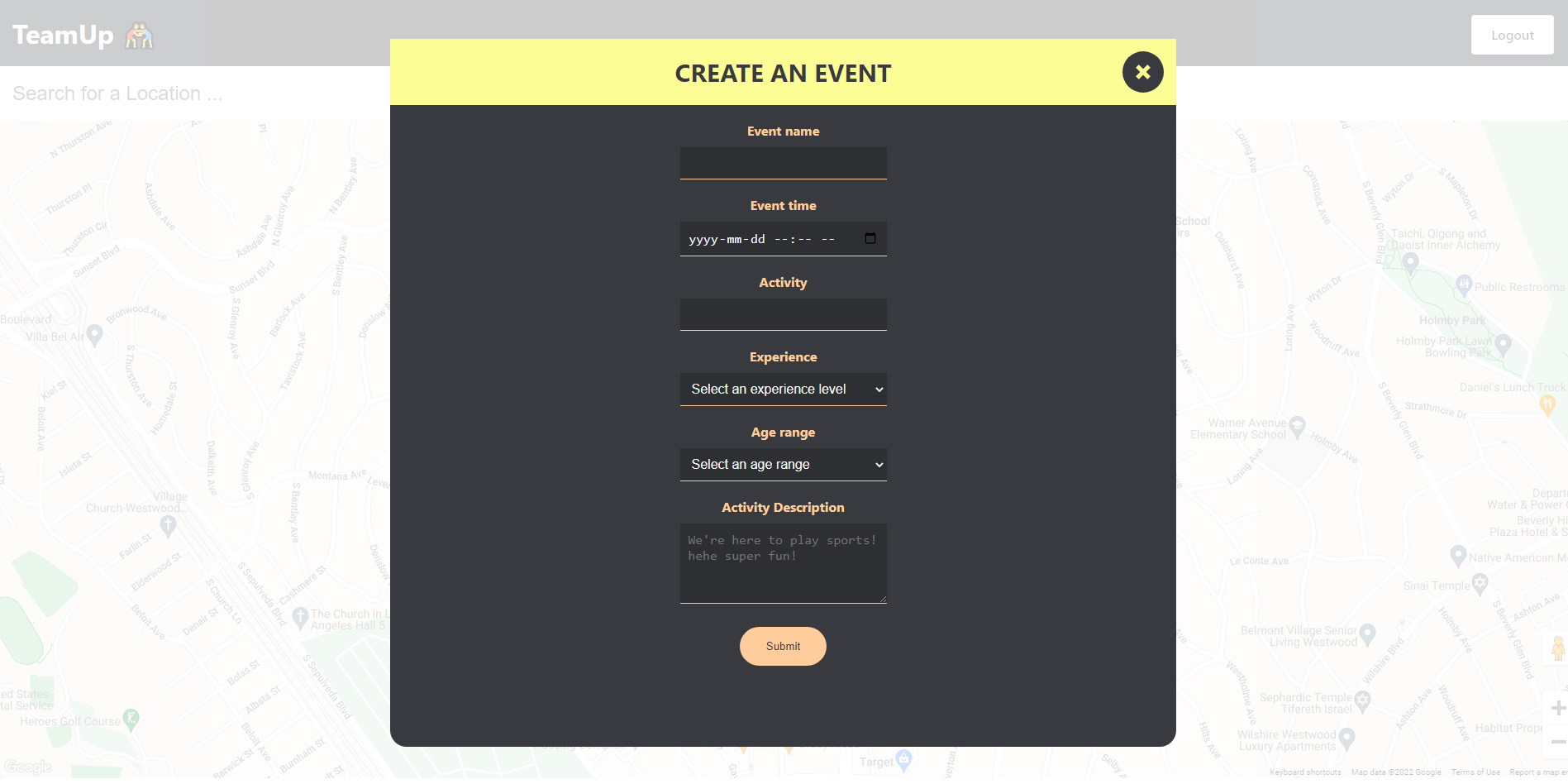
Single-click on map to open up an event creation form
-
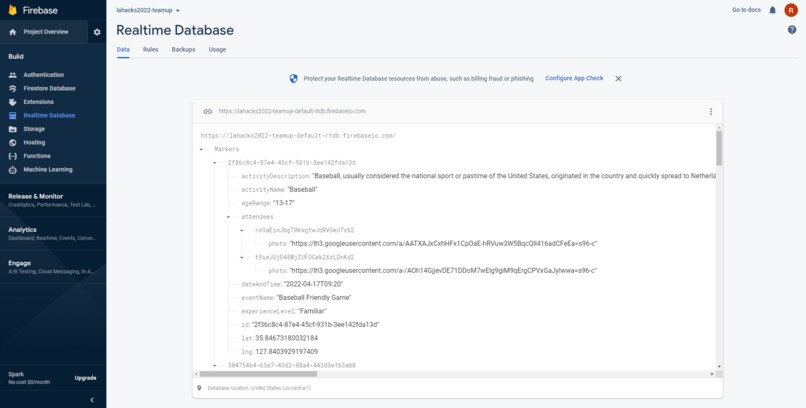
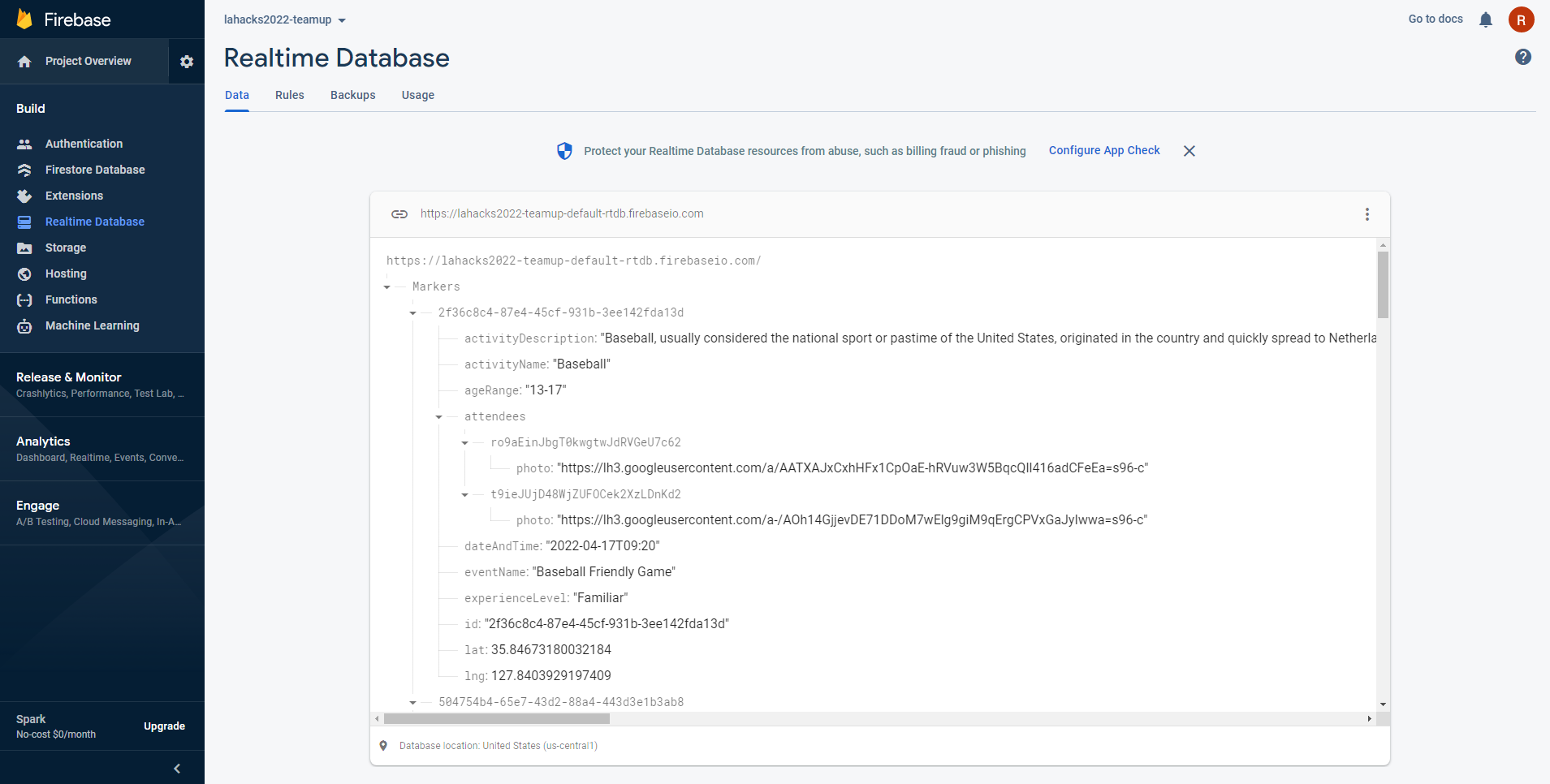
Firebase realtime database where we old all user and event information
Try demo
https://lahacks2022-teamup.web.app/
Github Repository
Inspiration
With the World Wide Wellness track in mind, our group has always prioritized physical and mental health in ourselves and others. Coming out of lockdown from Covid-19, we found that our search for local athletics and team sports was seemingly more difficult than before. We find that sports are a great way to build meaningful relationships with others while the competitive nature of sports push one another to lead healthy lifestyles. In fact, it was through sports that our group was formed. That’s why we came up with TeamUp; a one-stop-shop for people looking for like-minded individuals looking for competition and companionship in sport!
What it does
TeamUp allows users to create sporting events in their local community of anywhere they go, whether it is basketball, volleyball, ultimate frisbee, spikeball, we got it all on the map. This allows other users to filter and observe all the possible activities in their area and TEAM UP with those respective activities.
How we built it
Our recipe for success included the thrill for sports, the comradery of teammates, and the hustle to get things done, with a hint of React and Firebase.
- React
- Google Maps API
- Firebase(auth, real-time database, hosting)
- Use-Place-AutoComplete
- Fluff to make our app prettier <3
Challenges we ran into
The main challenge was the time limit. It was a first for our group to use most of the technologies we built this app with. With many great ideas and a variety of skillsets, we had to go through many discussions on the direction of the app and how to divvy up the respective tasks to each member. The Google Maps Platform APIs are a huge component to our web app and learning to integrate with React was challenging but rewarding as a result.
The main takeaway we learned from this experience is that, with motivation in ourselves and each other, we can have confidence in solving problems, challenges and finding solutions despite using new technologies. Also music really helps.
Accomplishments that we're proud of
In our past hackathons, we did not have the skills and knowledge finish projects of this magnitude. The last couple months our group strived to hone in on our skills in full-stack development and after this experience we all feel closer to our goal. We grew a little bit today and we are extremely proud of our app not just as developers but in a consumer perspective as well. We think we built a great foundation for this great idea and we would love to continue working on this project.
What's next for TeamUp
We want to expand more with customized user profiles, a filter function for specific sports and local events, and a chat function to allow users to truly connect with one another. Also, we wanted to create a custom UI kit to create a more customized/intuitive look to adding events.
Getting Started
Prerequisites
To get a local copy up and running, follow these steps:
- Log onto Firebase and create a new project, create a web API key and paste into src/Firebase.js
- Go onto Google Developer Console and create an API key with these 4 APIs enabled
- Maps Javascript API
- Places API
- Geocoding API
- Geolocation API
Create a .env.local file
- Clone the repository
git clone https://github.com/Calvin-Yap/LAHacks2022.git
- cd to the correct folder
client - Run
npm installto get the correct dependencies - Run
npm start
Contact
Calvin Yap - calvinyap.com
Stephen Chen - [email protected]
Richard Uong - [email protected]

Log in or sign up for Devpost to join the conversation.