-
-
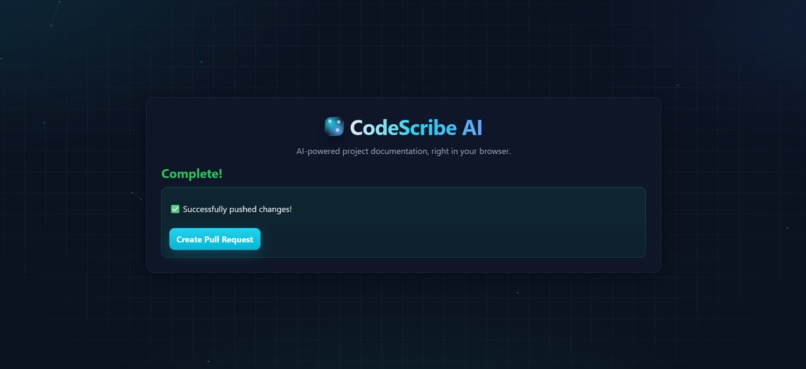
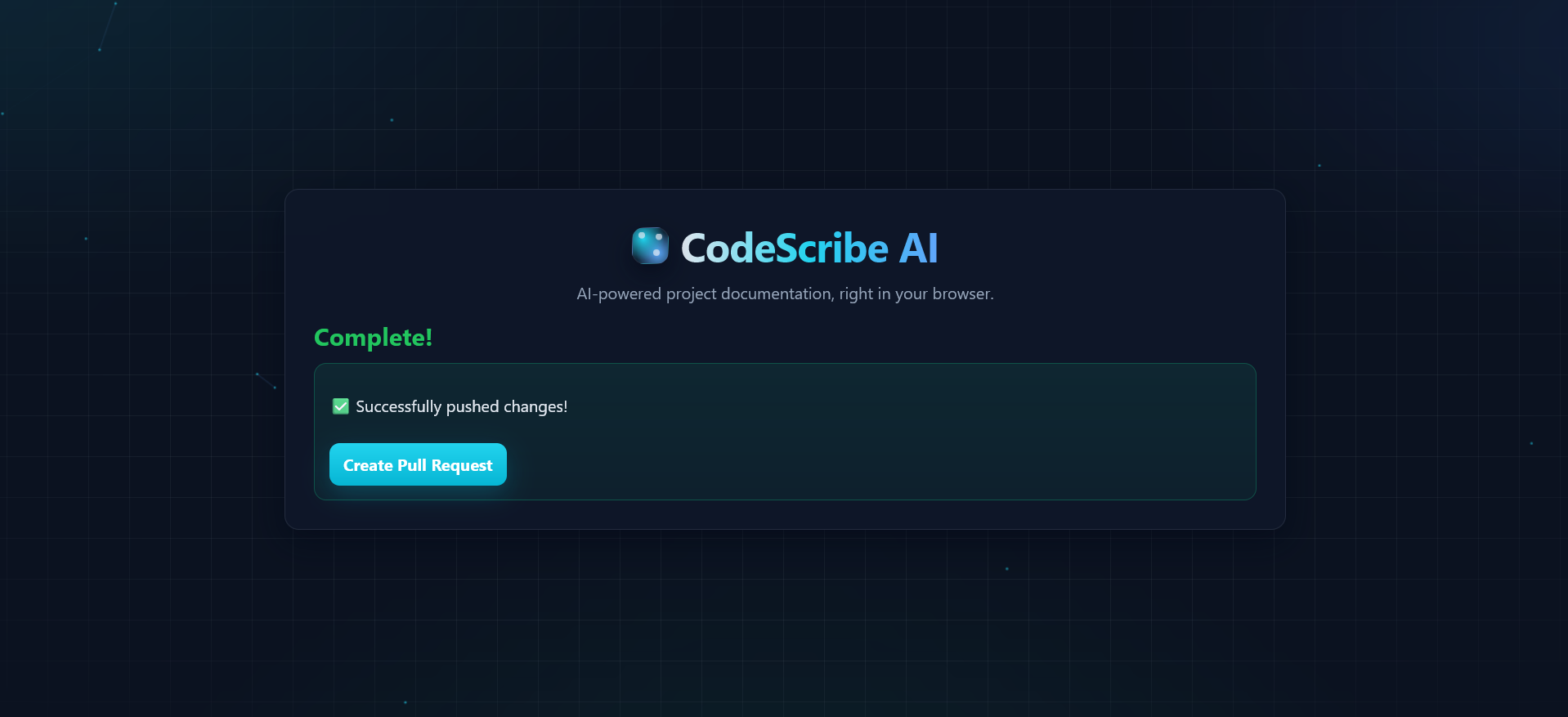
success page
-
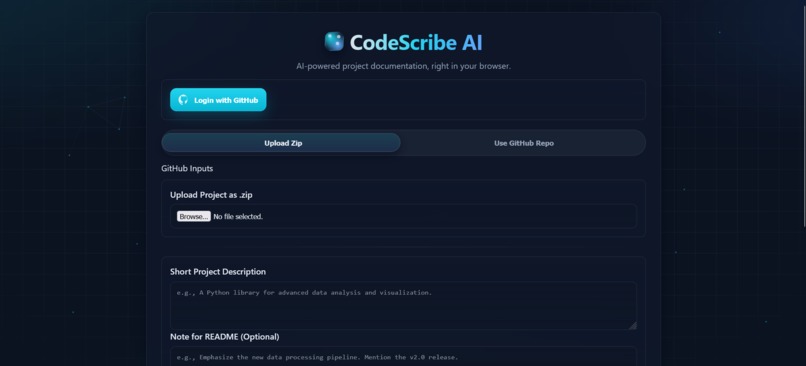
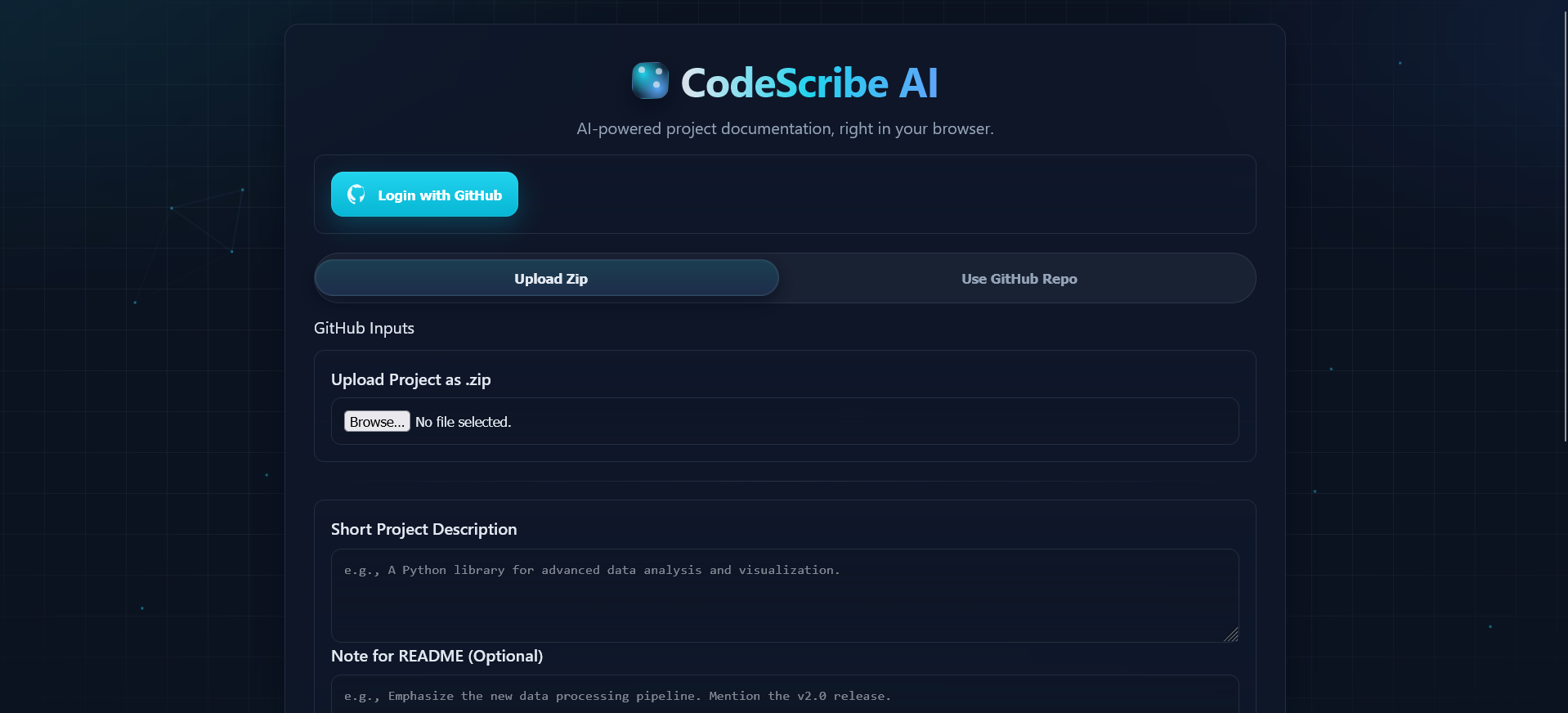
home page
Inspiration
As developers, we thrive on building and creating, but we often stumble on the final hurdle: documentation. It's a critical part of any healthy codebase, yet it's frequently tedious, time-consuming, and neglected, leading to technical debt, difficult onboarding, and knowledge silos.
We were inspired by the recent explosion in LLM capabilities and asked ourselves: "What if we could build a tool that not just automates documentation, but makes the process intelligent, seamless, and even enjoyable?" We envisioned a "scribe" for our code—an AI partner that understands our project's structure and writes the documentation we always wish we had time for. That vision became CodeScribe AI. And may be one day we can integrate this in Roo-Code itself.
What it does
CodeScribe AI is an intelligent, web-based tool that automatically generates comprehensive documentation for Python projects. It's designed to fit directly into a developer's workflow, minimizing friction and maximizing productivity.
- Dual Input Modes: Users can either upload their project as a
.zipfile for a quick analysis or, for a more integrated experience, connect their GitHub account to document a repository directly. - AI-Powered Docstrings: It intelligently analyzes Python source code and generates high-quality, reStructuredText (reST) formatted docstrings for modules, classes, and functions.
- Context-Aware Generation: CodeScribe doesn't just look at files in isolation. It parses the entire project to build a dependency graph, ensuring that when it documents a file, it understands the other internal modules it depends on. This context leads to far more accurate and relevant documentation.
- Automated READMEs: It recursively generates
README.mdfiles for every directory, summarizing the purpose of the code and subdirectories within it. This creates a self-documenting project structure. - Seamless Git Workflow: When using a GitHub repository, CodeScribe AI automatically creates a new branch, commits the generated documentation, and provides a direct link to open a pull request.
- Live Progress Interface: The user is never left guessing. A sophisticated, real-time interface streams the entire process, showing which phase is active, which files are being processed, and a live log of the AI's operations.
How we built it
We built CodeScribe AI as a full-stack application with a clear separation between a robust backend engine and a dynamic, responsive frontend.
Backend (Python & FastAPI): We chose FastAPI for its incredible performance and native
asynccapabilities. This was crucial for implementing our live progress view using Server-Sent Events (SSE) viaStreamingResponse. The backend handles GitHub OAuth, file processing, and orchestrates the entire documentation pipeline.Core AI & Logic (Python):
- LLM Integration: We built a resilient
LLMHandlerthat supports multiple providers (Groq for speed, Google Gemini for robustness) and features automatic key rotation and failover. If one API key hits a rate limit, the system seamlessly switches to the next available one. - Code Analysis: We leveraged Python's built-in
ast(Abstract Syntax Tree) module to parse source code without executing it. This allows us to understand the code's structure, identify functions and classes, and intelligently insert docstrings. - Dependency Graphing: Using the
networkxlibrary, we build a directed acyclic graph of the project's internal dependencies to process files in the most logical order (from dependencies to dependents). - Git Automation: The
GitPythonlibrary is used to handle cloning, creating branches, committing, and pushing changes back to GitHub.
- LLM Integration: We built a resilient
Frontend (Vanilla HTML, CSS, JavaScript): We deliberately avoided heavy frameworks to create a fast, lightweight, and dependency-free user experience. We focused on a polished, modern UI with subtle animations and a "glassmorphism" aesthetic to make a developer tool feel like a premium product. The JavaScript is responsible for managing state, handling API communication, and dynamically rendering the live progress updates received from the server stream.
Challenges we ran into
Providing Real-Time Feedback: A simple loading spinner wasn't enough for a process that can take several minutes. Our biggest challenge was creating the live progress UI. We solved this by architecting the backend to use FastAPI's
StreamingResponse, which keeps a connection open to the client. The core logic, running in a background thread, sends JSON events (e.g.,phase_start,subtask_complete,log_message) through a queue, which are then streamed to the frontend JavaScript for rendering.LLM Reliability and Rate-Limiting: LLM APIs can be flaky or enforce strict rate limits. A single failed API call could crash the entire documentation process. We overcame this by designing our
LLMHandlerto be fault-tolerant. It treats our pool of API keys as a resilient resource, placing failing or rate-limited keys on a temporary cooldown and automatically trying the next one.Generating Meaningful Documentation: Simply feeding a single file to an LLM produces generic, often useless output. The challenge was providing sufficient context. Our solution was to implement the two-phase, context-aware pipeline: first building a dependency graph to document files in topological order, and then using a bottom-up approach for READMEs, ensuring parent directories have context from their children.
Accomplishments that we're proud of
The Live Progress UI: We are incredibly proud of the streaming interface. It transforms the user experience from a passive "wait and see" to an engaging, transparent process. It's the feature that consistently gets a "wow" reaction.
The Robust GitHub Integration: We didn't just clone a repo. We built a complete, end-to-end workflow that starts with selecting a repo and ends with a PR-ready branch pushed to GitHub, requiring zero manual Git commands from the user.
The Context-Aware Documentation Engine: Our use of AST parsing and dependency graphing is our "secret sauce." It elevates the AI's output from generic text to genuinely useful, context-aware documentation that reflects the project's internal architecture.
A Polished Frontend with Zero Frameworks: Building such a dynamic and visually appealing interface using only vanilla JavaScript, HTML, and CSS was a rewarding challenge that resulted in a blazingly fast and lightweight application.
What we learned
- The Power of Async Python: This project was a deep dive into the practical applications of
asyncioand FastAPI for building real-time web applications. Streaming responses are an incredibly powerful tool for long-running background tasks. - AST is a Superpower: Learning to programmatically understand and manipulate code with Abstract Syntax Trees opened up a new world of possibilities for building powerful developer tools.
- Designing for Failure: The process of building the resilient
LLMHandlertaught us the importance of designing systems that anticipate and gracefully handle external service failures. - UX is King, Even for Devs: We learned that investing time in a polished, intuitive user interface for a developer tool is not just "chrome"—it fundamentally improves the tool's usability and adoption.
What's next for CodeScribe AI
We're just scratching the surface of what's possible. Our roadmap includes:
- Support for More Languages: Expanding our AST parsing engine to support JavaScript/TypeScript, Java, Go, and more.
- Deeper IDE & CI/CD Integration: Creating a VS Code extension for on-the-fly documentation and a GitHub Action to automate documentation as part of the CI/CD pipeline.
- Enhanced Customization: Allowing users to provide their own prompt templates, choose different docstring formats (e.g., Google, NumPy), and fine-tune the AI's tone and style.
- Full Codebase Analysis: Moving beyond documentation to generate unit tests, suggest refactors, and identify potential bugs.


Log in or sign up for Devpost to join the conversation.