Inspiration
Jot started from the frustration of trying to follow lectures while also taking usable notes. The goal was to build something that could capture what was being said in real time, work offline, and make the notes easy to revisit later.
What it does
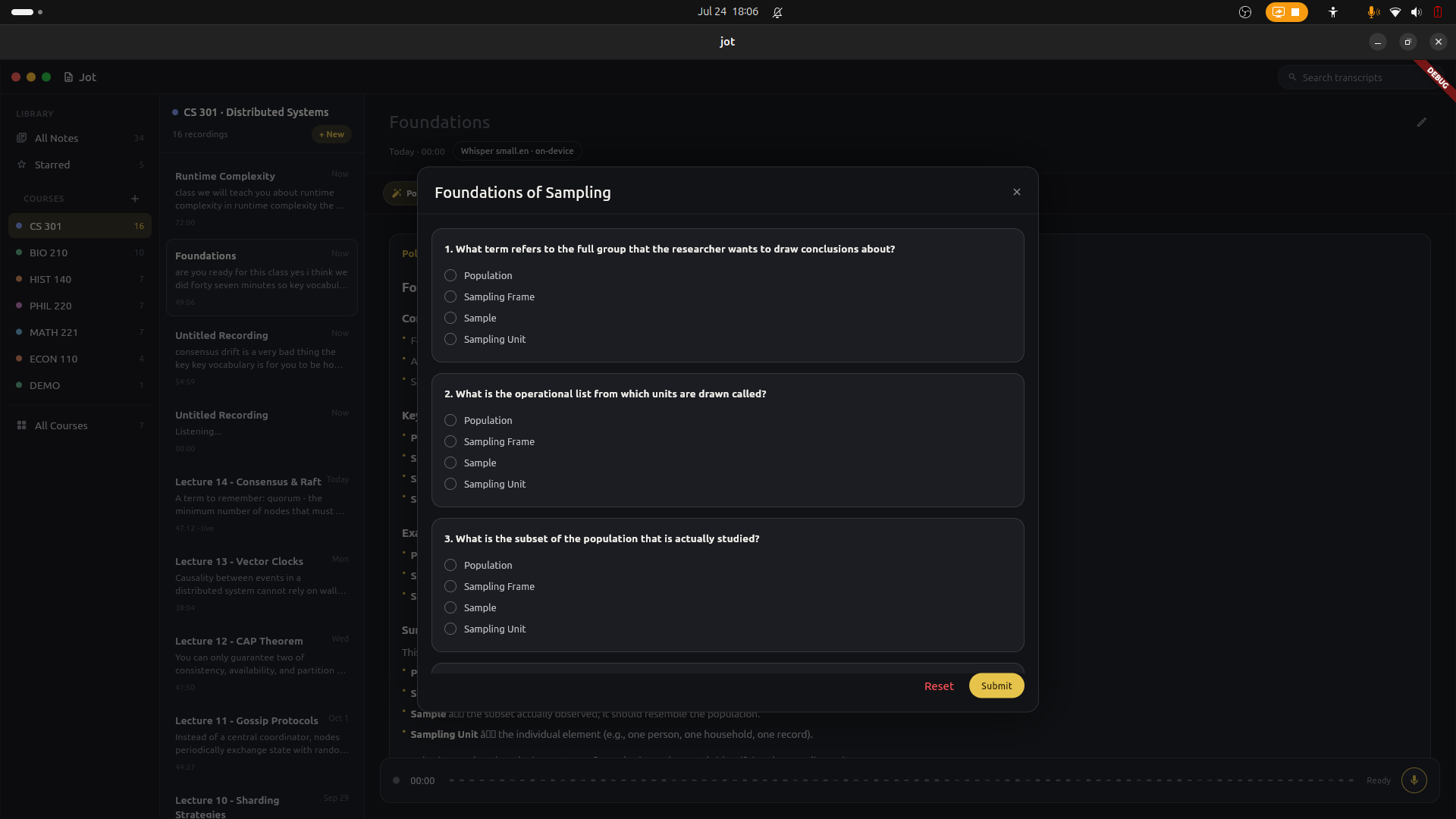
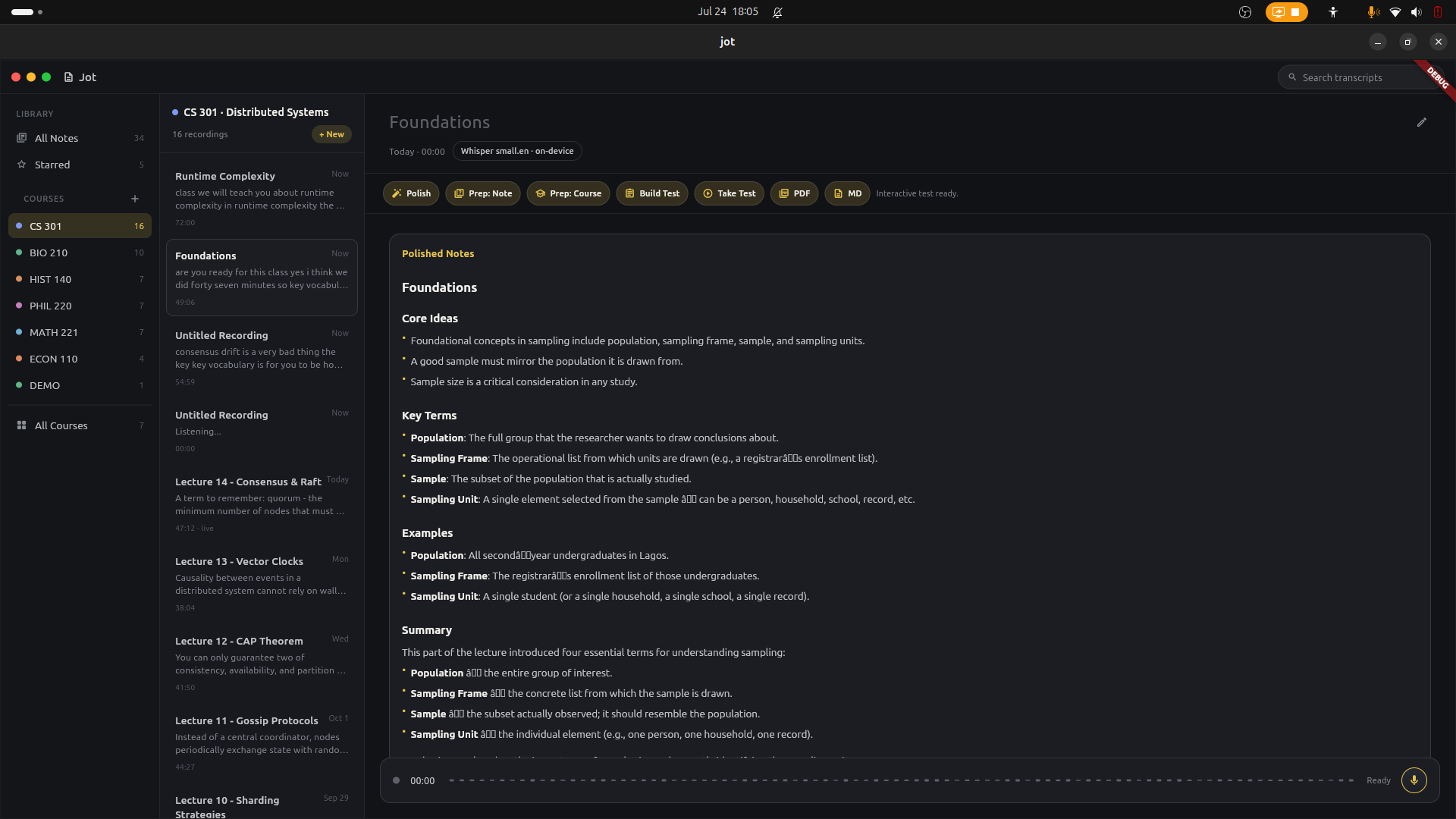
Jot records lecture audio, transcribes it live on-device, and organizes notes by course. It keeps everything local, so it can be used without internet access, and it includes a transcript viewer designed for quick review.
How we built it
We built Jot with Flutter for a cross-platform UI, Vosk for offline speech recognition, and Hive for local storage. The app is structured around a transcription controller, reusable screens, and a theme system so the experience stays consistent across desktop and mobile.
Challenges we ran into
The hardest parts were keeping transcription responsive while recording, making the interface feel smooth during live updates, and ensuring the whole experience still worked well offline. We also had to think carefully about layout so the app remained comfortable to use on smaller screens.
Accomplishments that we're proud of
We’re proud that Jot works fully offline, supports live transcription, and presents lecture notes in a clean and organized way. We also built a cross-platform experience that feels usable on both desktop and mobile.
What we learned
We learned how much coordination is involved in combining audio capture, speech recognition, and persistent storage in one app. We also learned how to design around real-world constraints like latency, offline access, and screen-size differences.
What's next for Team-Jot
Next, Team-Jot could improve transcript accuracy, add richer note organization tools, and make it easier to search and export lecture content. There is also room to expand collaboration features and refine the presentation for even faster review.

Log in or sign up for Devpost to join the conversation.