Accessify: Making the Web Accessible for Everyone




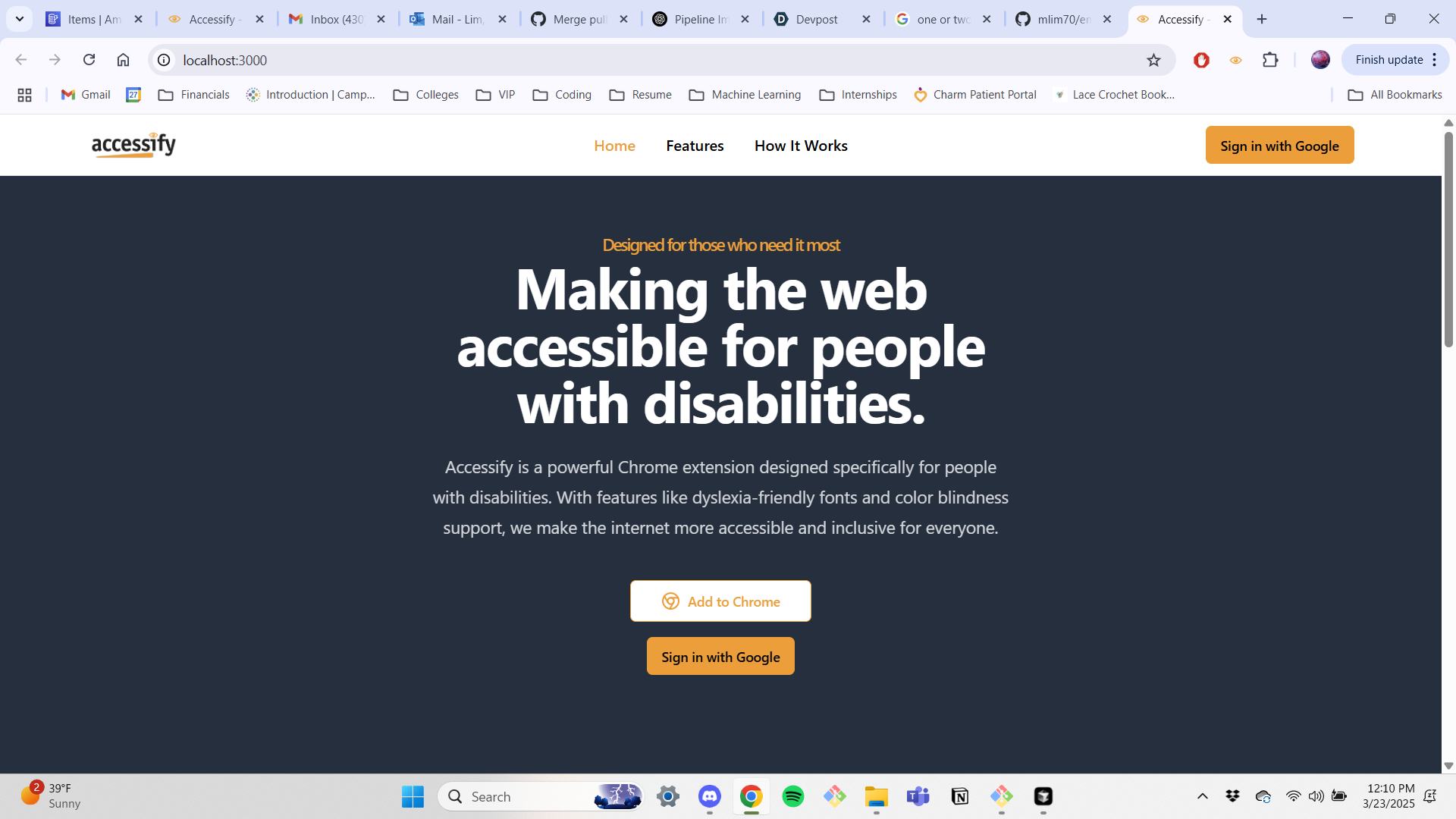
A one-stop accessibility platform that brings together dyslexia-friendly fonts, color-blindness filters, text-to-speech, real-time translations, and more—all within a single Chrome extension. Accessify aims to make the web more inclusive by simplifying how users with diverse accessibility needs navigate and interact with online content.
Full deployment ~in progress~ at accessify-extension.com
Overview
Accessify was born from the realization that individuals with accessibility needs often have to juggle multiple tools—like screen readers, dyslexia overlays, color filters, and translation services—to comfortably browse the web. Our goal is to bolster these tools with A.I. and optimize them with APIs, consolidating all functionalities into a single, accessible platform. With Accessify, users can seamlessly switch between features without the hassle of installing and managing multiple extensions.
What does Accessify do?
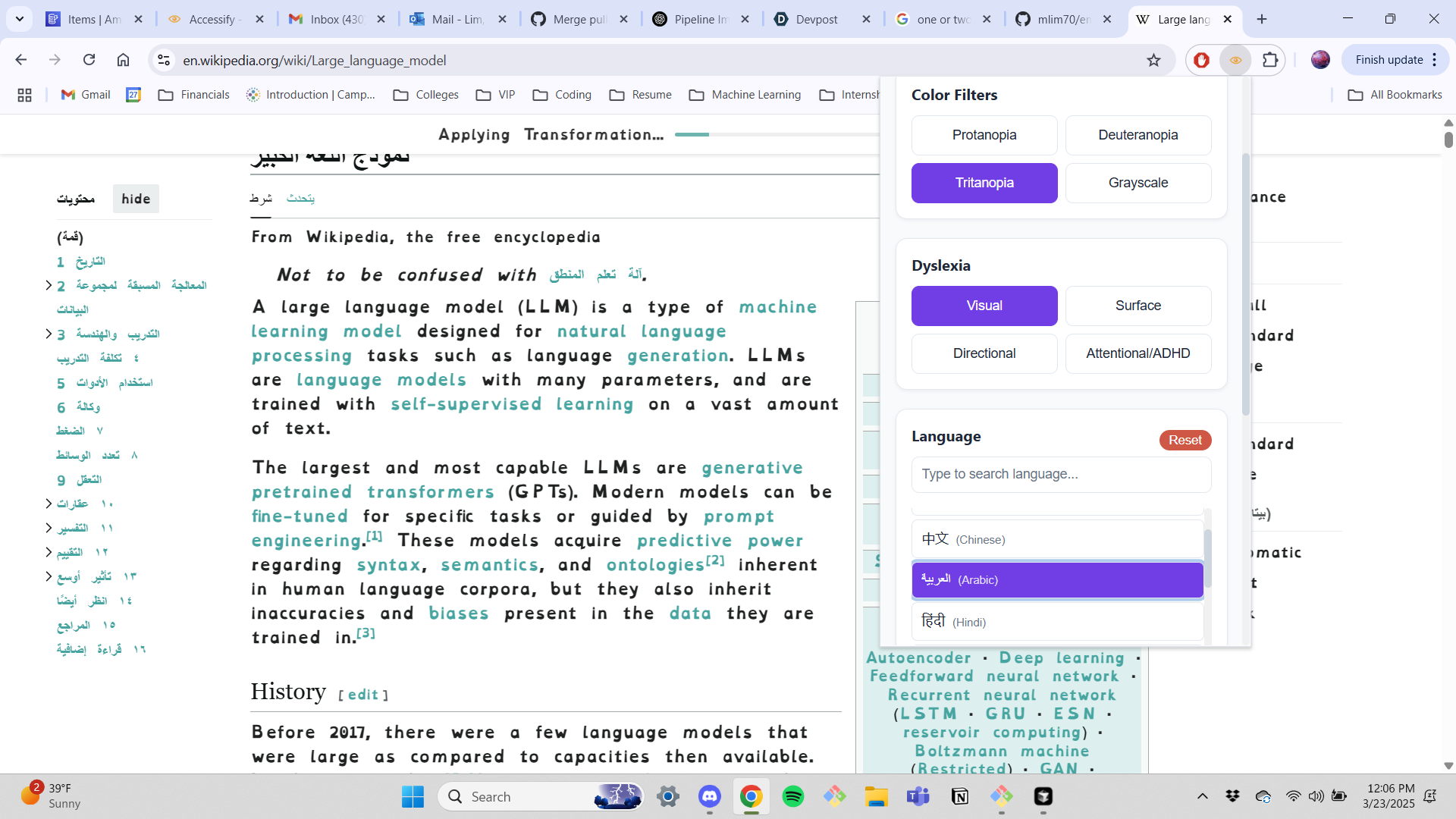
Dyslexic Font Support
- Real-time text transformation on any webpage
- Customizable font size and spacing options
- Improves readability for users with dyslexia
- Real-time text transformation on any webpage
Color Blindness Modes
- Support for multiple color profiles (e.g., Protanopia, Deuteranopia)
- On-demand toggling without disrupting page layouts
- Enhances color discrimination to improve overall visibility
- Support for multiple color profiles (e.g., Protanopia, Deuteranopia)
Text-to-Speech
- Natural, AI-powered voice synthesis
- Multi-language and multi-voice support
- Highlights text during playback to aid reading comprehension
- Natural, AI-powered voice synthesis
Translation Services
- Real-time translation in over 100 languages
- Maintains page structure and design integrity
- Ideal for bilingual or multi-lingual accessibility
- Real-time translation in over 100 languages
Pronunciation Hints & AI Assistance
- Powered by Google Generative AI and Anthropic’s Claude
- Offers clarifications on difficult words or phrases
- Delivers advanced suggestions on how to improve readability
- Powered by Google Generative AI and Anthropic’s Claude
Tech Stack
Frontend
- Next.js — Server-side rendering & hybrid static site generation
- React — Robust component-based UI library
- Tailwind CSS — Utility-first framework for flexible styling
- TypeScript — Ensures safer, more maintainable code
Backend
- Node.js — Core runtime for server operations
- Express — Minimal and flexible REST API framework
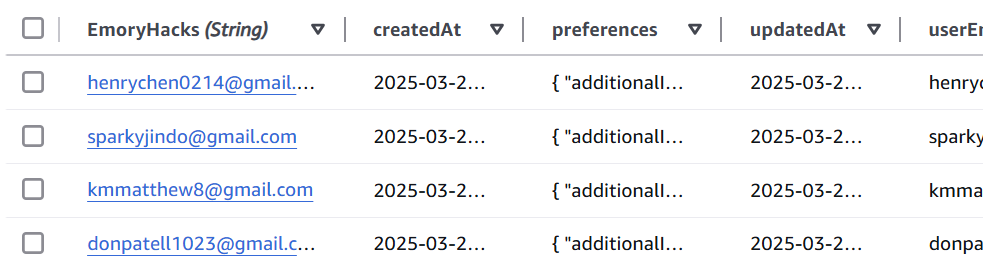
- AWS SDK — Infrastructure hosting & integration (e.g., DynamoDB, Amplify)
- Google Cloud Translation API — Real-time language translation
- NextAuth.js — Simple and secure authentication flows
AI Services
- Gemini AI API/Google GenAI API — AI-driven text parsing and pronunciation hints
- OpenAI API — Text-to-speech capabilities
- Claude AI & Anthropic API — Handle custom browser modification requests [in-progress]
Chrome Extension
- Chrome Extensions API — Accesses browser capabilities for real-time DOM manipulation
Challenges and Learnings
Technical Hurdles
Performance Optimization
Managing simultaneous high-demand features like text-to-speech and AI-driven translation, all while keeping the extension responsive and states consistent.Real-time DOM Updates
Seamlessly overlaying new fonts, color filters, and translations on dynamic websites without breaking layouts.
User Experience Considerations
Feature Discoverability
Ensuring users quickly find and configure features relevant to their specific needs.Customization & Preferences
Providing extensive control over features—font sizes, speech speed, color profiles—while keeping the interface intuitive.Accessibility for All
Creating an environment where a broad range of users (e.g., visually impaired, dyslexic, ESL learners) can benefit from unified accessibility tools.
Future Improvements
- Extended Browser Support: Bringing Accessify to Firefox, Safari, and Edge.
- More AI-driven Features: Automated reading-level analysis, personalized recommendations, advanced content reformatting.
- Collaborative Toolkit: Allowing creative users or educators/caretakers to share custom settings and profiles with others.
- Additional Tools: Magnifying tool, OCR, Speech-to-Text with OpenAI API, and MORE features already on the way!!
Usage
- Install Extension
Visit the Chrome Web Store (or equivalent) to install Accessify ~ (coming soon... in the process of Google Chrome approval!) - Sign In
Log in for cloud-synced preferences and personalized AI enhancements. - Configure Settings
Open the extension’s popup to enable or disable features like dyslexic fonts, color filters, or text-to-speech. - Browse Any Site
Accessify runs in the background, ready to be toggled on/off as needed—no page refresh required.
Questions or Feedback?
Drop a comment below!!!!
Built With
- amazon-dynamodb
- amazon-web-services
- anthropic-api
- api
- clause
- gcs
- gemini
- google-cloud-translation
- google-gmail-oauth
- node.js
- openai
- text-to-speech


Log in or sign up for Devpost to join the conversation.