-
Logo
-
Mockup
Inspiration
We were inspired by how Scratch lowers the barrier for coders and with machine learning at the cutting-edge of computer science, wanted to do the same for neural networks. We were also inspired by a project that visualizes network packet. Computer science concepts are typically more important than the syntax of coding, but visualizations in computer science are rare.
What it does
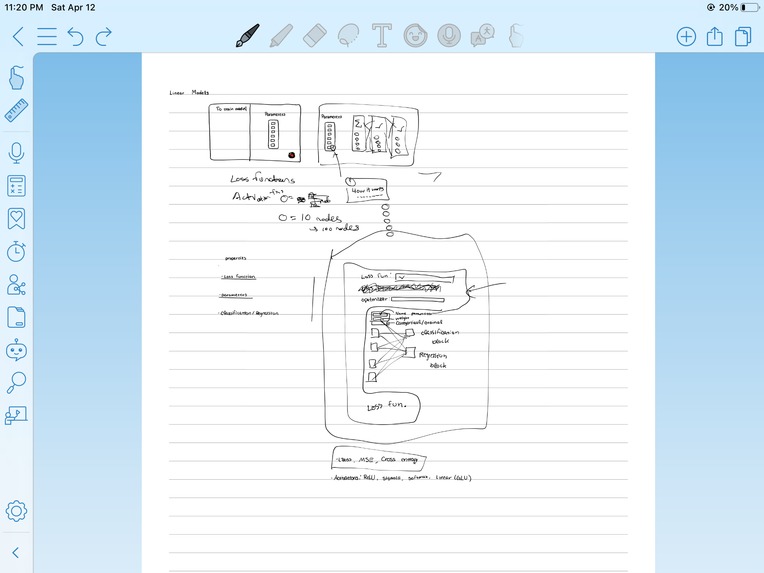
Natch lets you drag and drop blocks to add parameters to a neural network, then provides code and runs your neural network.
Below is a list of all of the features:
- Drag and drop: Drag blocks and see what parameters you must add before generating your code and your visualization
- Tooltips: See an explanation of every single function to guide you in your creation of the neural network
- Choose number of input and output nodes
- Add any number of hidden layers
- Each layer has an activation function
- The entire network has an optimizer and a loss function
- Error handling: you will receive an alert if you have not provided all parameters, in the right format
- Code generation: Generates concise PyTorch code
- Visualization: View the graph of the neural network to build your intuition for deep learning
- In-workspace clipboard: Use keyboard shortcuts and right click menu to copy, paste, undo, redo, and cut
- Move blocks to the trash when you're done using them or if you made a mistake
- Copy your generated Python code to your clipboard
How we built it
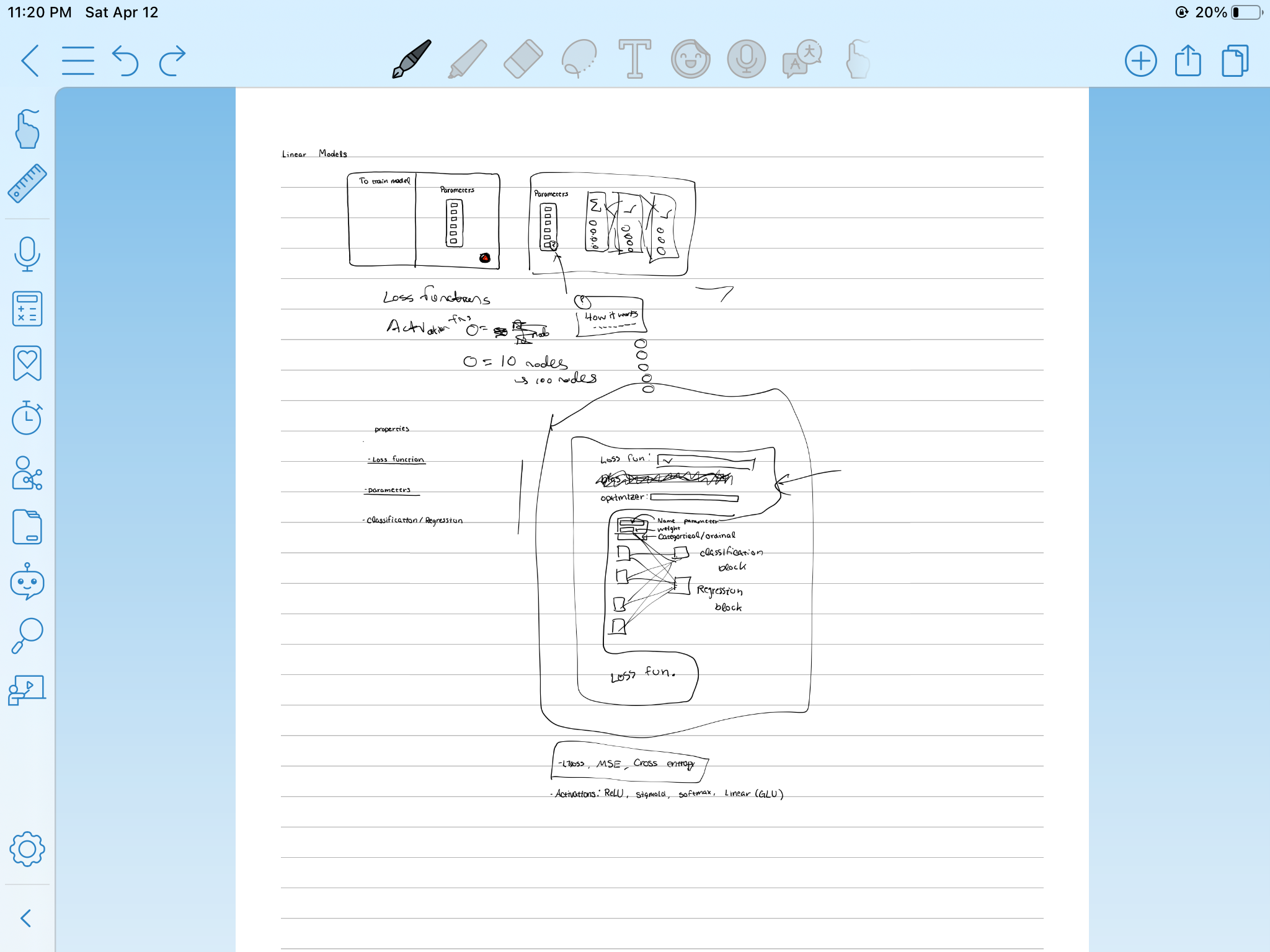
We used Blockly, the same engine that runs code.org, MIT's Scratch, and AppInventor, to build a modern interface for block coding. We carefully planned a UI that simplifies the process of building a deep learning model. We also incorporated a syntax highlighting library called react-syntax-highlighter in the generated Python code.
Challenges we ran into
React and Blockly have a react-blocky nom package that is supposed to use Blockly in a more React style. It turns out the react-blockly library was poorly documented and it ended up causing more problems than solutions. We ended up abandoning the react-blockly.
We tried embedding a lite Jupyter notebook instance, but we are only allowed to use a public notebook, not a private instance for each user. We decided to scrap the idea and prompt the user to run their code separately in a notebook.
We received a strange react error that showed up on all but one computer.
Accomplishments that we're proud of
We built a block coding tool with a beautiful idea and an original idea in only about 16 hours over 2 days!
~835 lines of code
What we learned
We learned about Blockly and the power of prompt engineering. Some of us were using React and JavaScript for the first time.
What's next for Team Natch
- Other kinds of networks: CNNs, NLPs
- courses and templates. Natch is an educational tool at its core.
- adding parameters to optimizers
- display the activation function as a symbol in our visualization


Log in or sign up for Devpost to join the conversation.