
Our application uses the principles of Talent Management to align the right resources with upcoming projects, to increasing project efficiency, while also empowering, challenging and satisfying employees, enabling Ameren to retain top talent.
DEMO NOTES:
Demo Landing Page
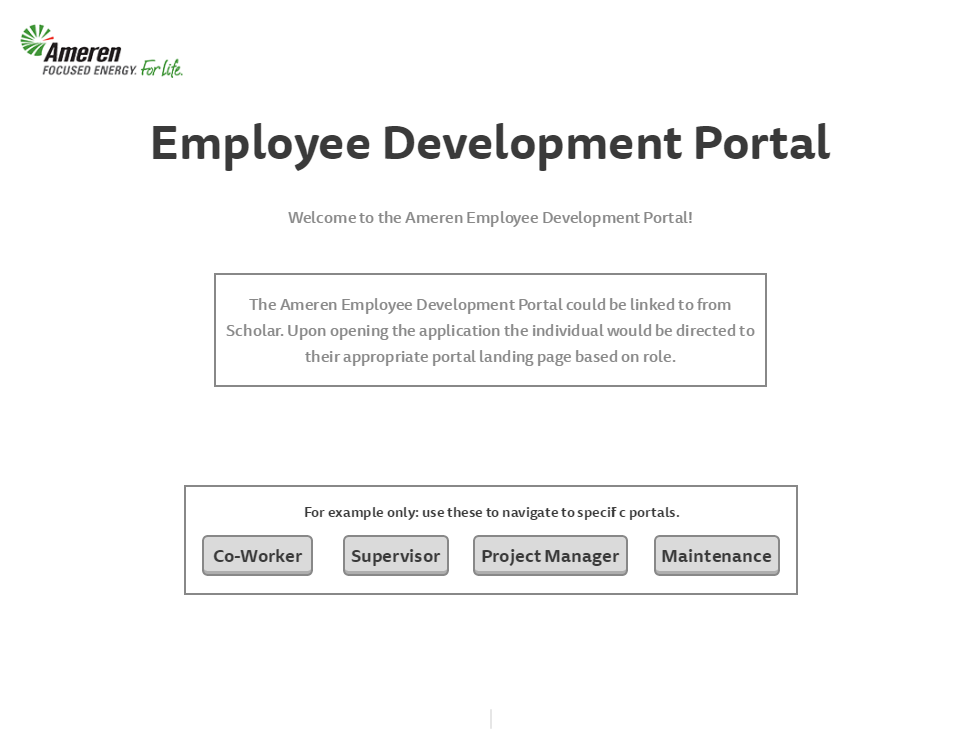
Who is it for? • This is the landing page for our Demo. An actual user would land on one the dedicated landing page based upon their login (Co-Worker, Supervisor, Project Mgr, Maintenance)
Co-Worker Portal Page
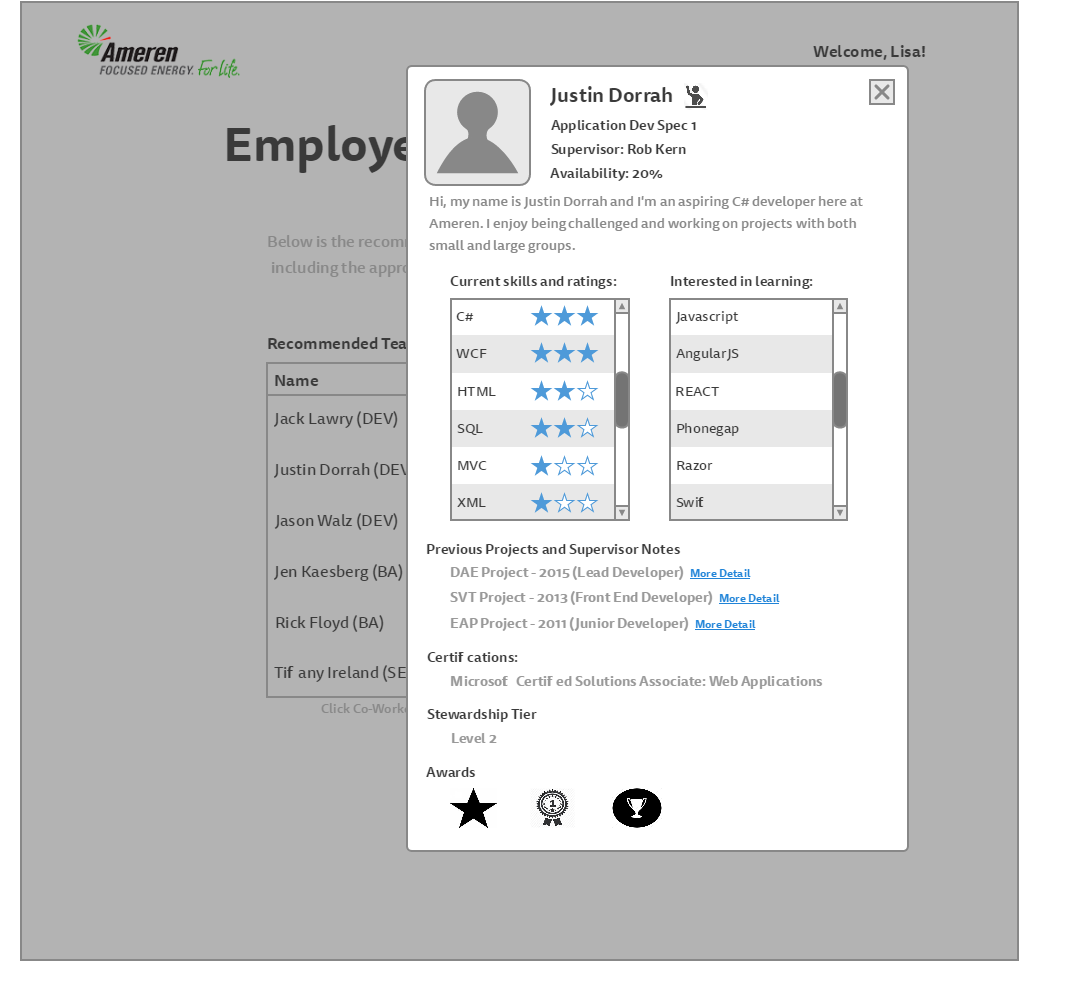
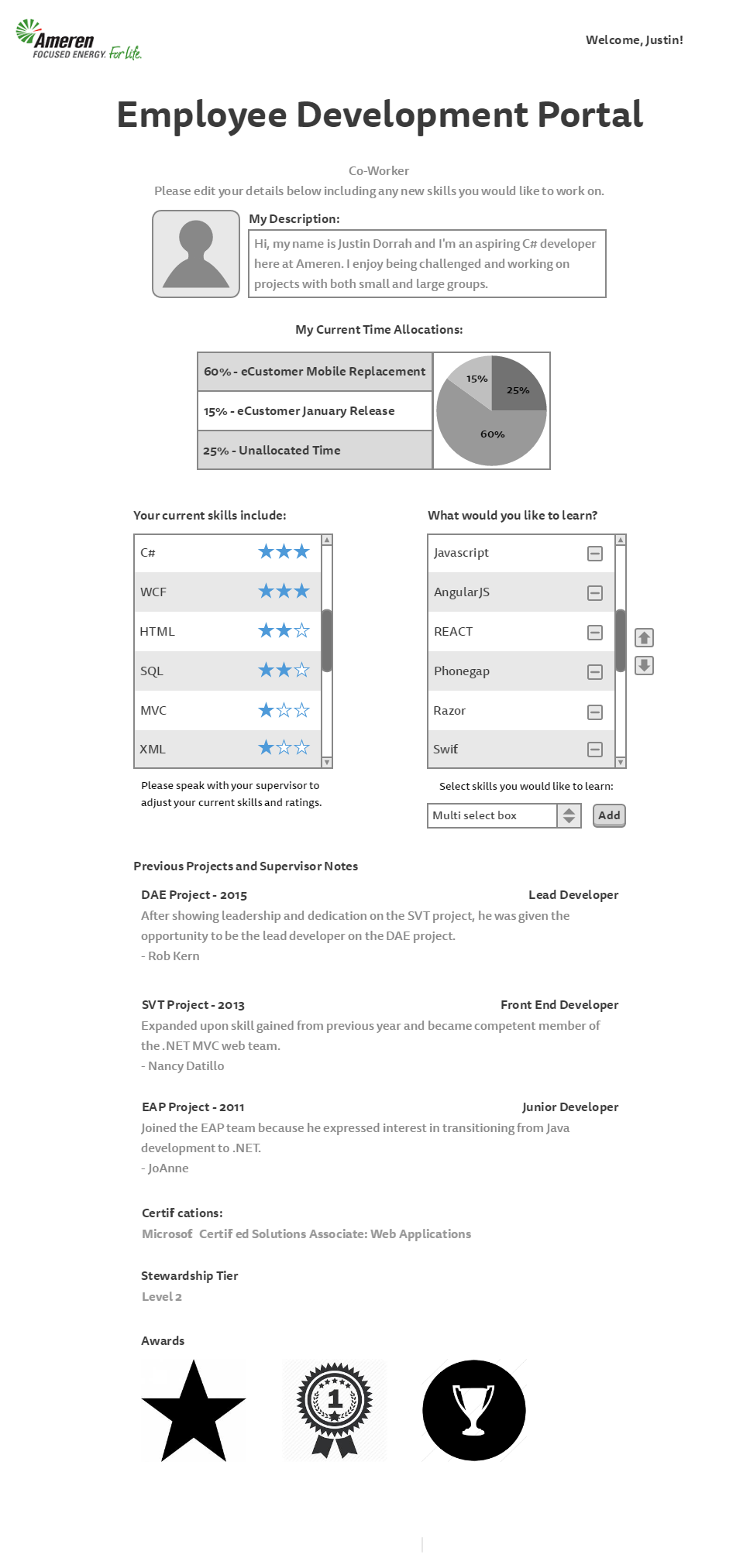
Who is it for? • This a the landing page for a Co-Worker which shows their experience, availability and interest in new skills. What does it do? • Provides the employee with an overview of the employee’s documented EDP profile • Enables the employee to update their personal description and to prioritize the skills that they are interested in developing • Displays a read-only version of employee information gathered from supervisors and external sources such as EPM, Peoplesoft as well as Project Manager and Supervisor feedback. o Time allocations (EPM) o Skill set and ratings (collaboration between co-worker and supervisor) o Previous projects and notes (supervisor) o Certifications (Peoplesoft) o Stewardship tier (supervisor) o Awards (Project Manager & supervisor) • The “What would you like to learn” list is managed by the employee. • This list is prioritized and can potentially be linked to the employee’s IDP
Supervisor Dashboard Page
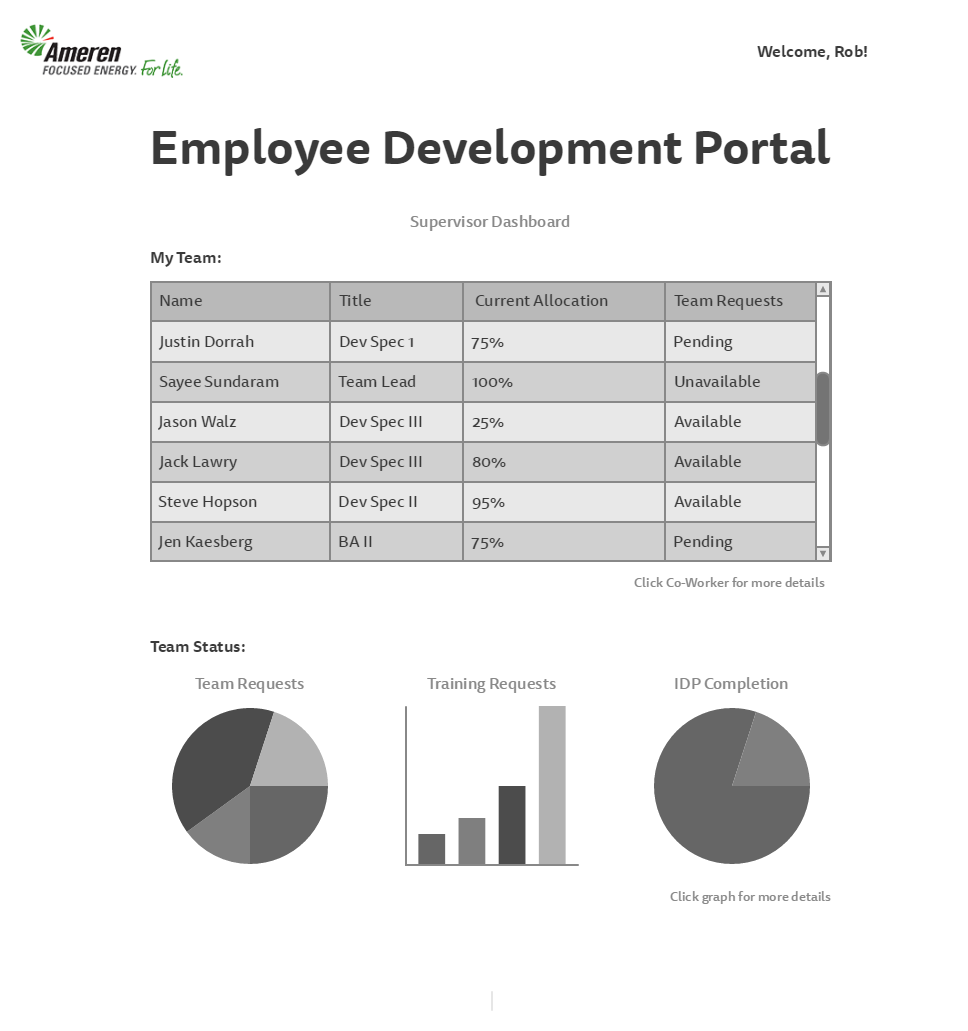
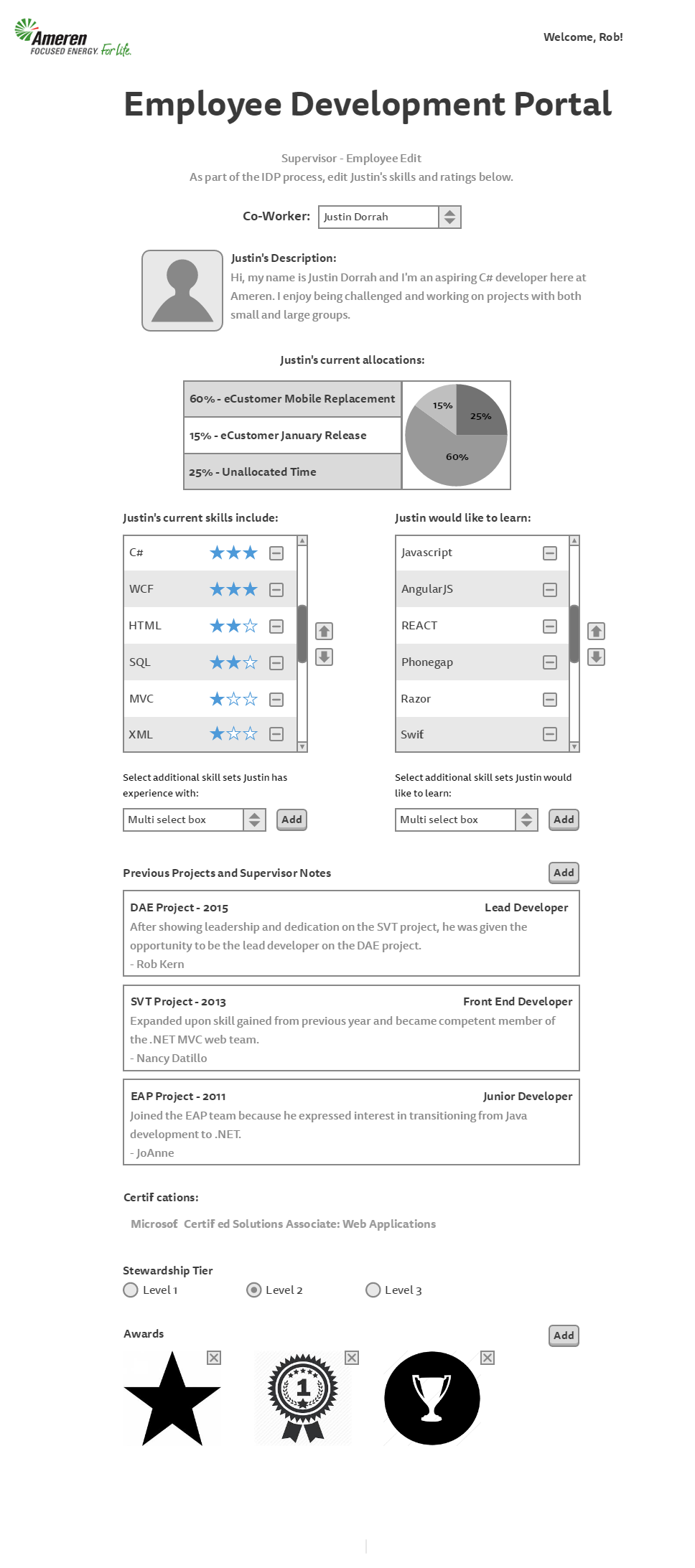
Who is it for? • This a the landing page for a supervisor What does it do? • Provides the supervisor with an overview of their team’s current allocations and team request statuses • Provides a link to each of the team member’s EDP profile for supervisor edit. • Provides charts that illustrate current team status (w/ drill down capability) • This page should be used during IDP discussions to assist with identifying growth opportunity.
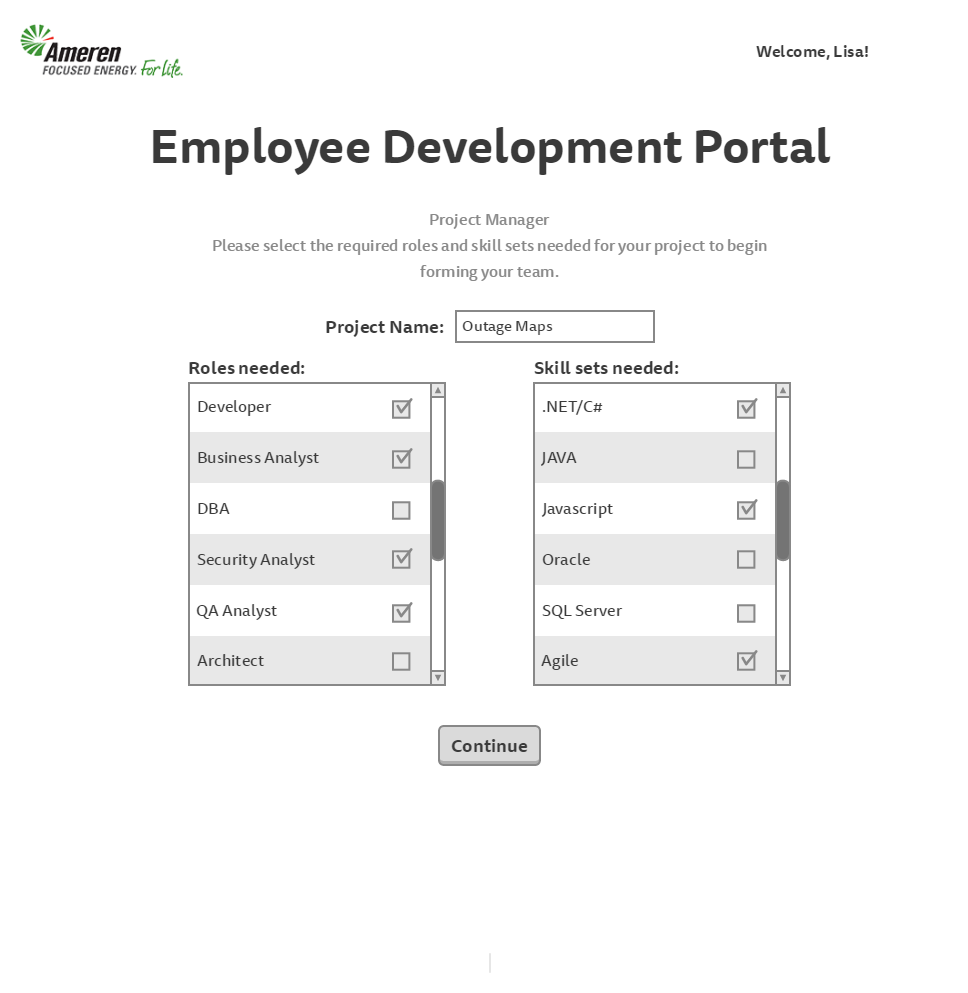
Project Manager Portal Page (#1) Who is it for? • This a the landing page for a project manager What does it do? • It is the first page of a wizard that provides the project manager with the means to initiate a new project and select the roles and skills required.
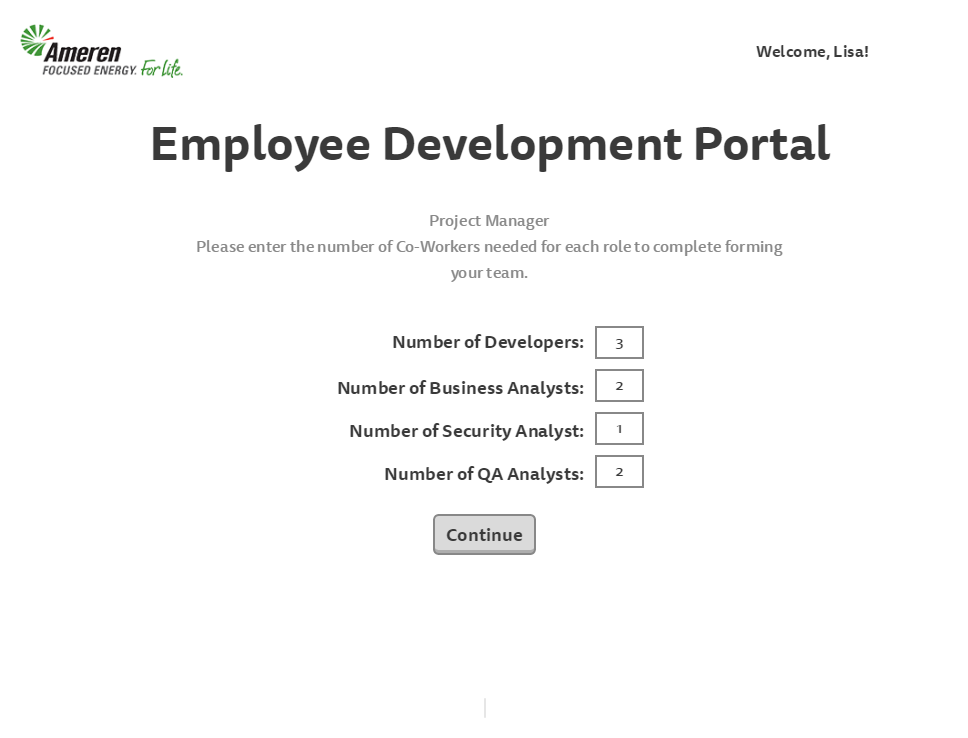
Project Manager Portal Page (#2) Who is it for? • This a the second page of the wizard What does it do? • Provides the ability to enter the number of employees needed in each of the required roles specified on the previous page
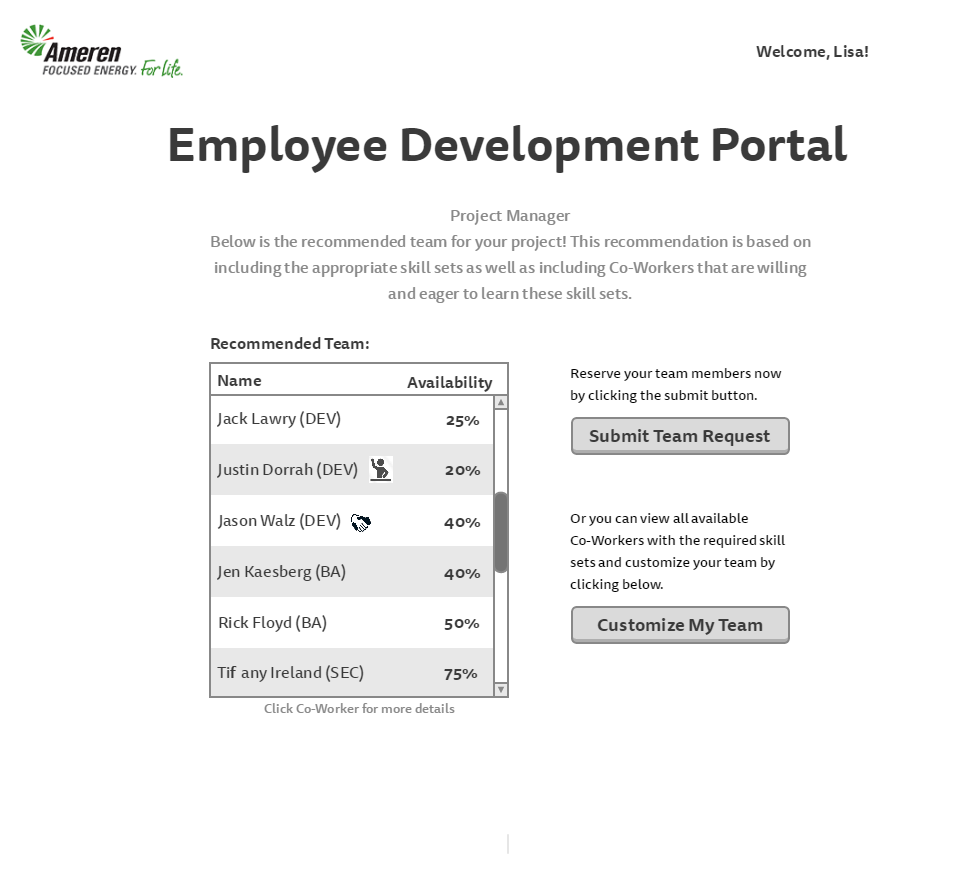
Project Manager Portal Page (#3) Who is it for? • This a the third page of the wizard What does it do? • Provides a recommended list of project team members based upon the “team search algorithm”, which matches the employees with the appropriate skills, interest and availability.
• This recommended team is a diversified mix of skilled, available and motivated individuals from across the organization.
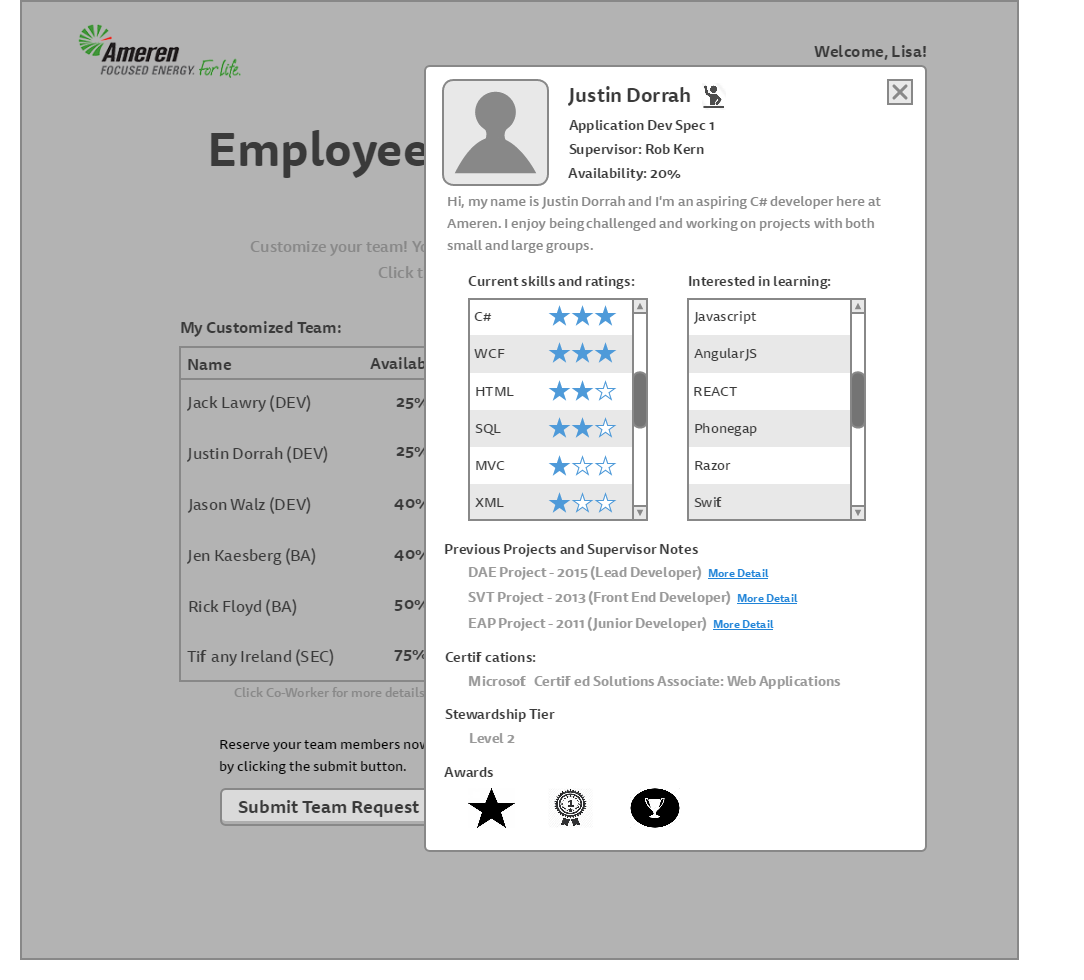
• Icons next to the team member names indicate different roles on the team. For example a tier 1 steward or an employee desiring a learning opportunity. These are determined by the employee’s EDP profile characteristics.
• The recommended team can be accepted and submitted or customized.
• The Project Manager can select a recommended team member to view that employee’s EDP profile.
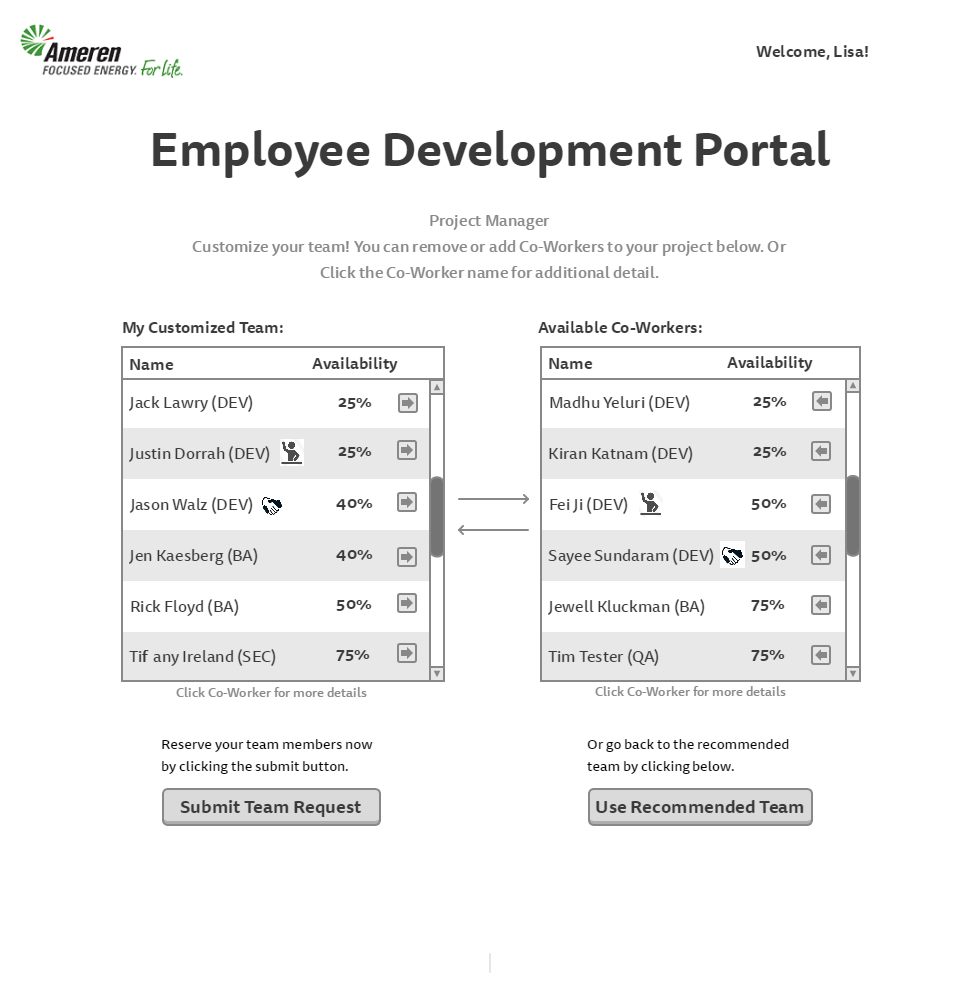
Project Manager Portal Page (#4) Who is it for? • This a the final page of the wizard for a project manager What does it do? • Provides the ability to customize the team members
• The customized team member list can be adjusted and accepted or the user can return to the recommended list.
Project Manager Portal Page (Request Confirmation)
Who is it for? • This a the confirmation page of the wizard What does it do? • Provides confirmation of a successful team request
• An email regarding this request is sent to each team member and their supervisor
• The Project Manager would then update EPM allocations for each member of the team
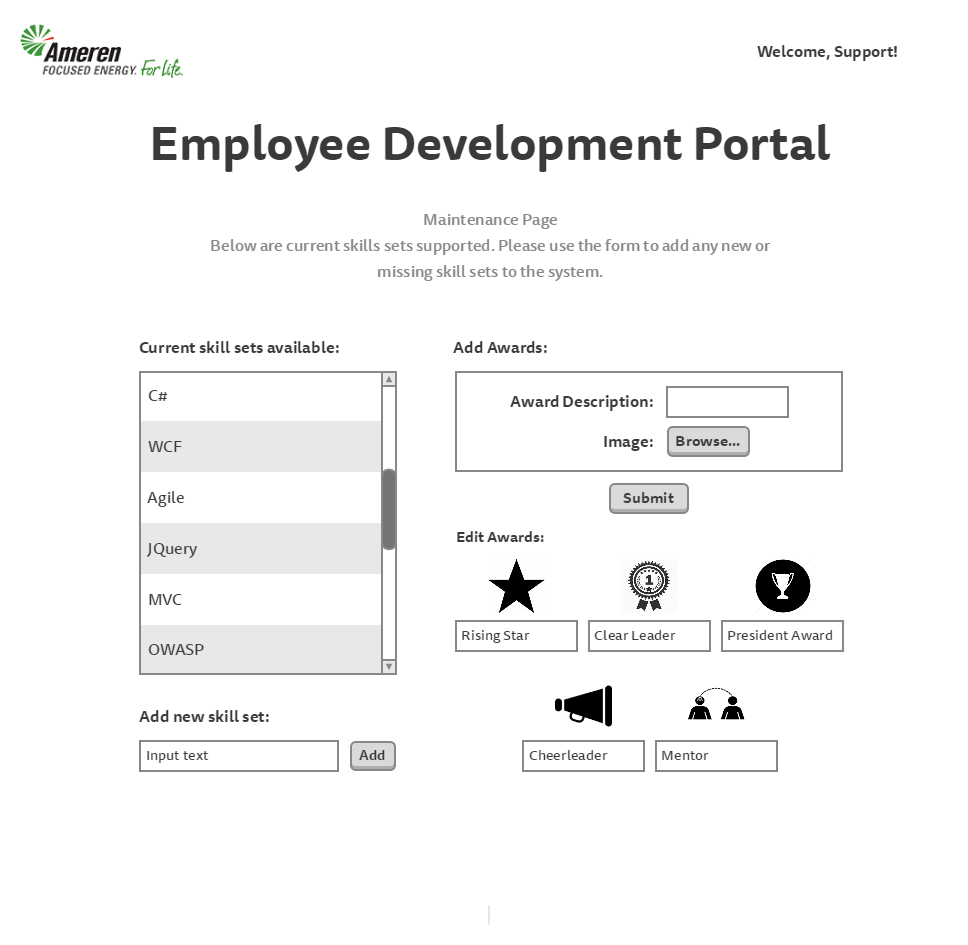
Maintenance Page
Who is it for? • This page is for EDP system administrators What does it do? • Provides the ability to add new skill sets to the application for selection by co-workers, supervisors, and project managers.
• Provides the ability to add new awards to the application for selection by supervisors
Built With
- mock

Log in or sign up for Devpost to join the conversation.