-
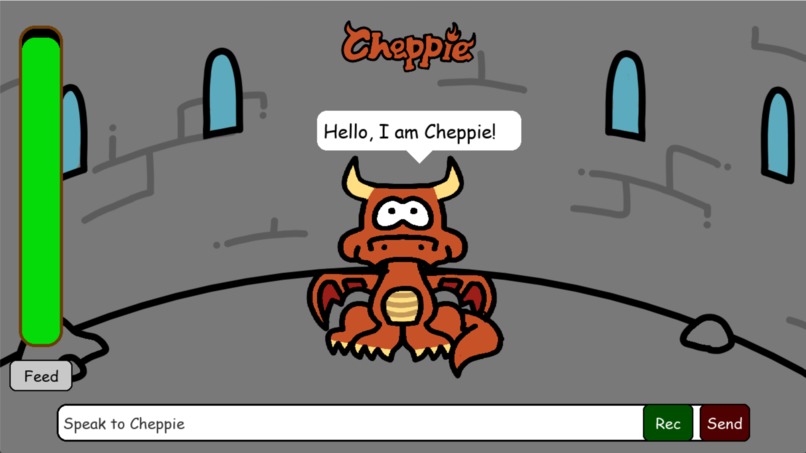
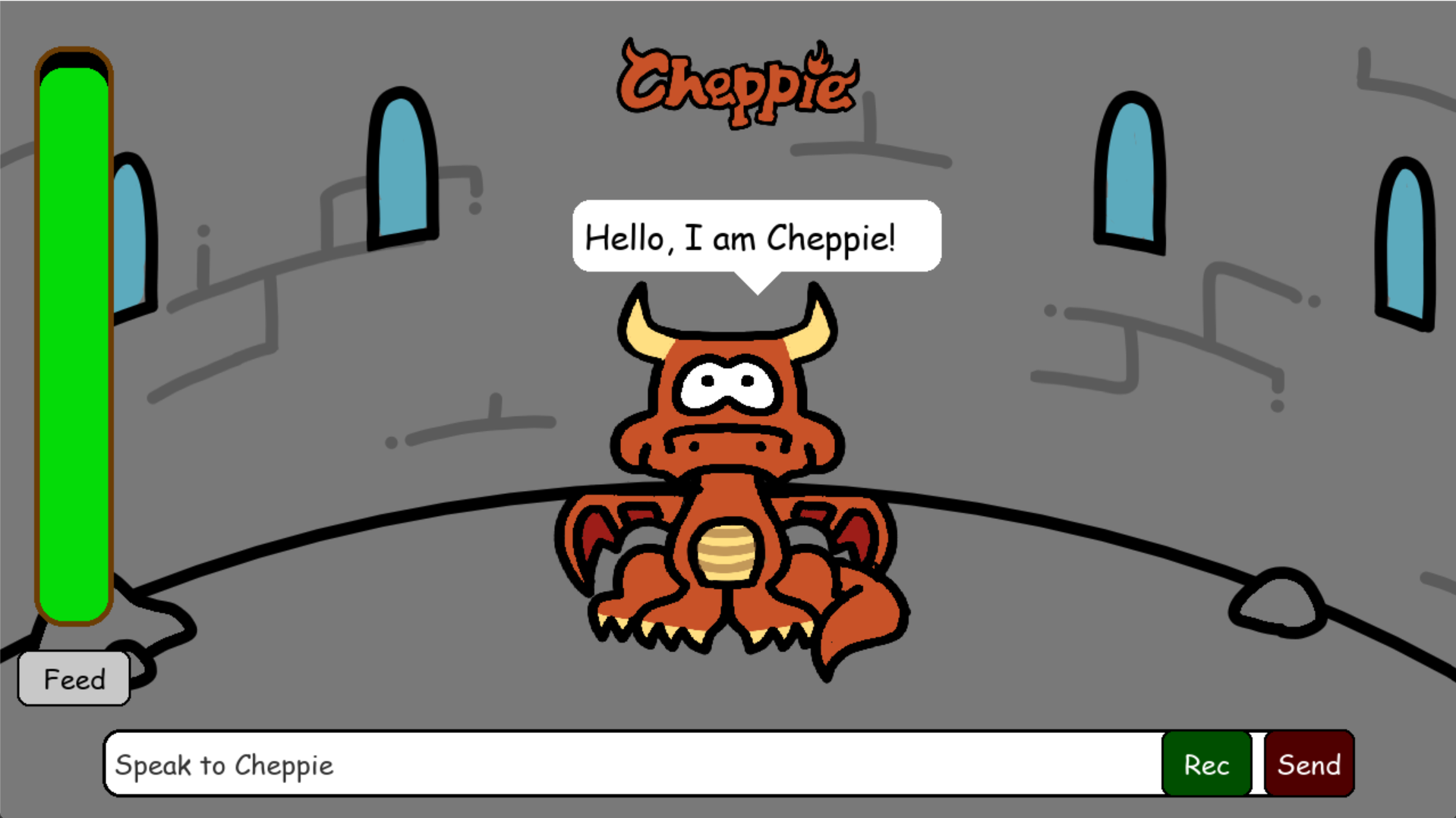
Cheppie the Dragon application screen
Inspiration
Wanted to make a virtual pet
What it does
It breathes fire, holds conversations and gets hungry
How we built it
-Used Eleven Labs for its voice -Pygame for the animation -GPT 4 for the chat function -Arduino microcontroller and push button to activate fire breathing -Vosk for recognising voice input
Challenges we ran into
-At first getting the laptop to recognise the microcontroller and transmit data -The UI freezing when the dragon talks -Ran out of GPT tokens while testing
Accomplishments that we're proud of
-Making the animation reflect the dragon's mood -Making the button work -Finding a voice the fits Cheppie's (dragon) character -Enabling voice recognition
What we learned
-How to connect a python application to a GPT model -How to send data from a microcontroller to a computer and basic hardware -How to use GitHub in a collaborative environment
What's next for Team 29 Cheppie the Dragon
Integrating cheppie into mini games to increase user interaction Creating more actions that cheppie can perform


Log in or sign up for Devpost to join the conversation.