-
-
Loading
-
Lesson on Quantum Computing
-
-
-
Inspiration
We all have that one topic we've been meaning to really get… but life's too short to go through 40-tab of rabbit holes. This is why TeachMeNew was built for exactly this: in under 15 minutes, without the noise, you get the idea was simple and faster than a stuck, youtube shorts that you’ve been trying to get for ages
What it does
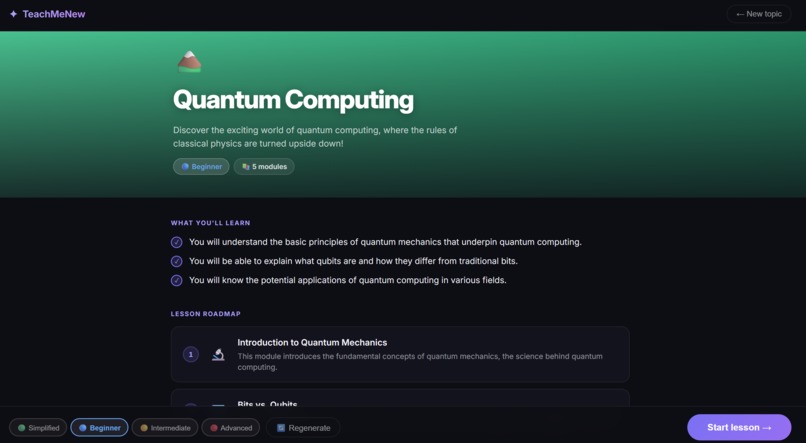
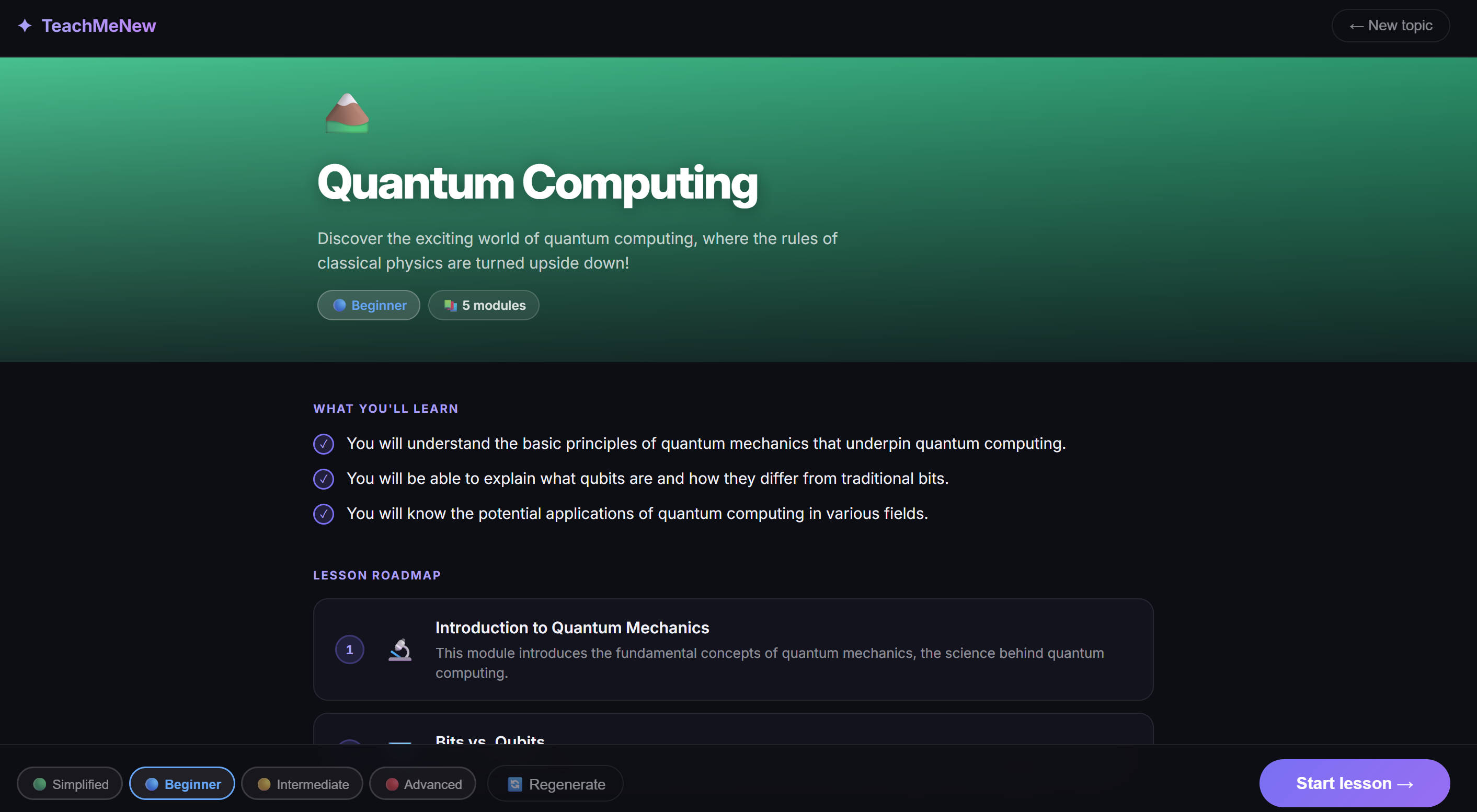
TeachMeNew turns any topic, typed or picture, into a fully structured, visual lesson in seconds. Users can:
Type any topic (e.g. "Quantum Computing", "Stoicism", "Japanese Cooking") and choose a difficulty level: Simplified, Beginner, Intermediate, or Advanced
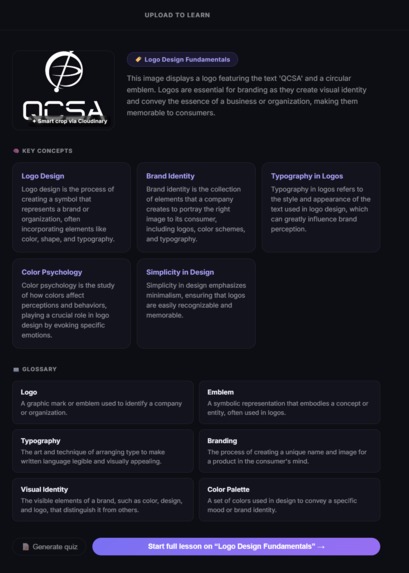
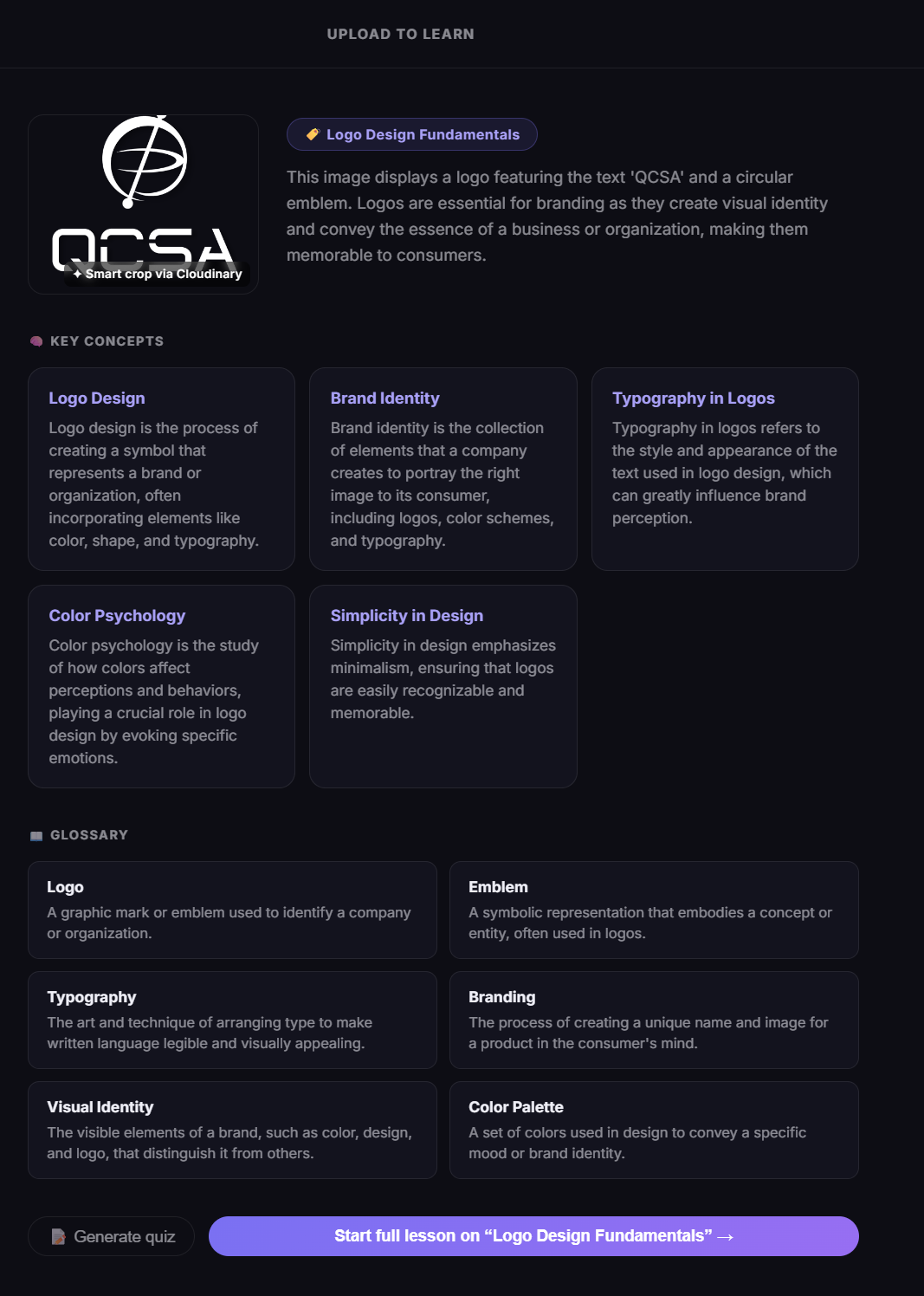
Upload a photo of something they want to learn about and the app generates a personalized lesson built around that image
Work through 8–16 AI-generated lesson cards with explanations, analogies, and key terms, each with a contextual Cloudinary-enhanced visual
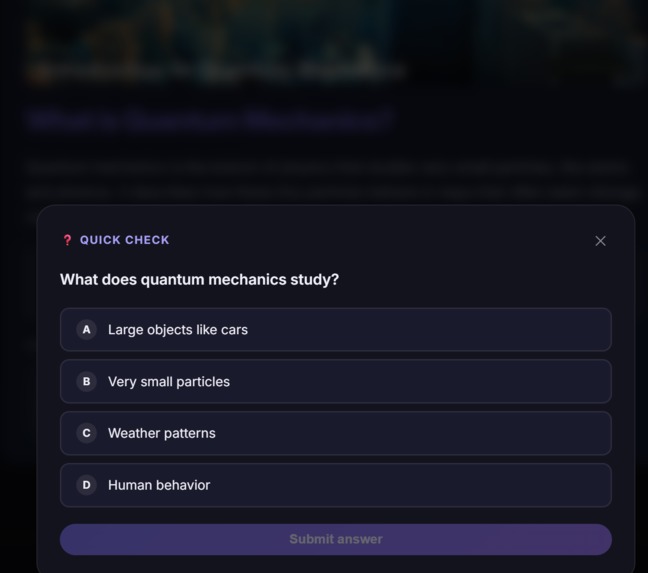
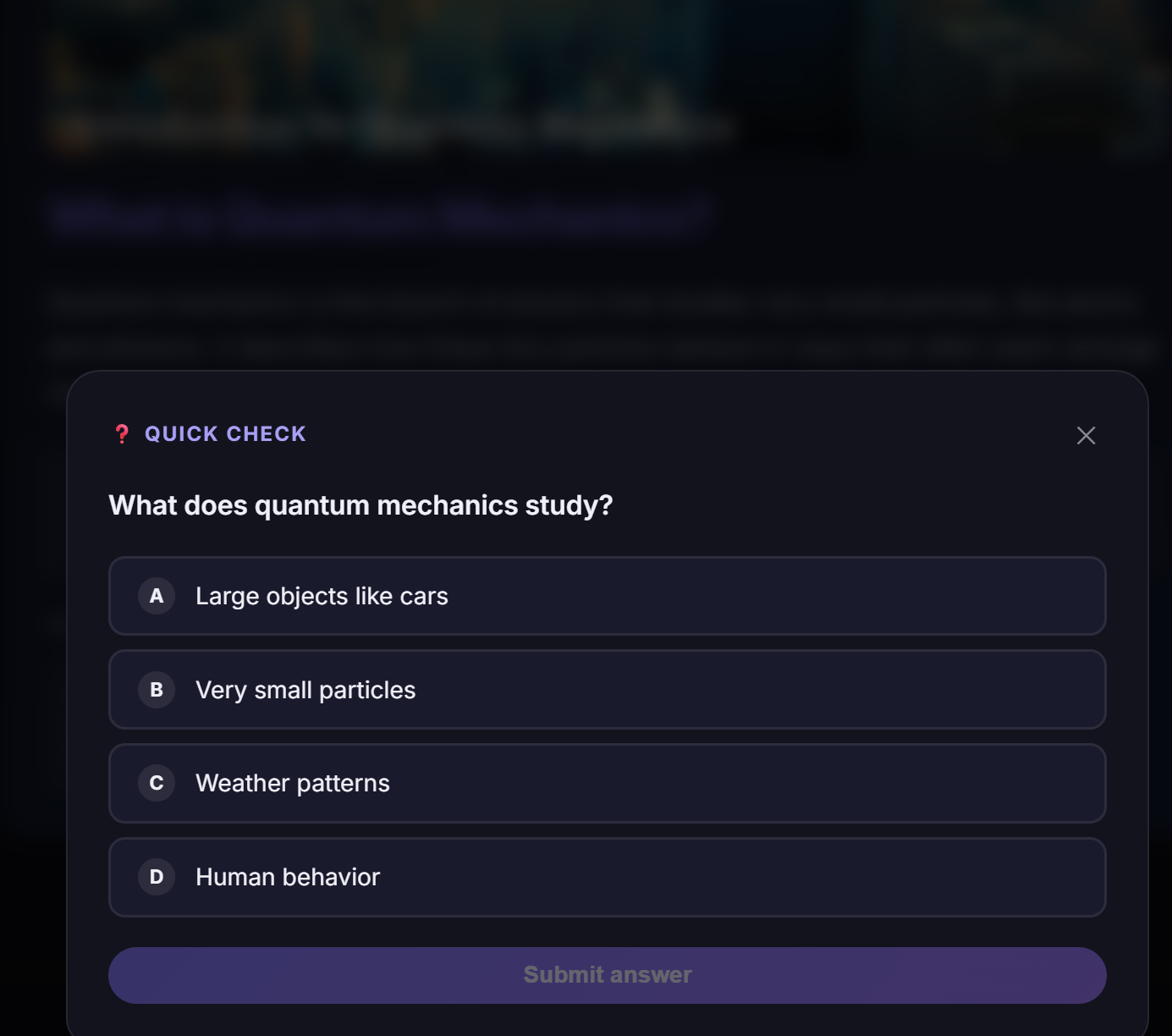
Quiz themselves after each module with an inline checkpoint quiz
Added a deep dive into a lesson that makes you go to a sub-lesson rabbit hole to learn more about that topic
Simplify a card or request a new analogy on demand
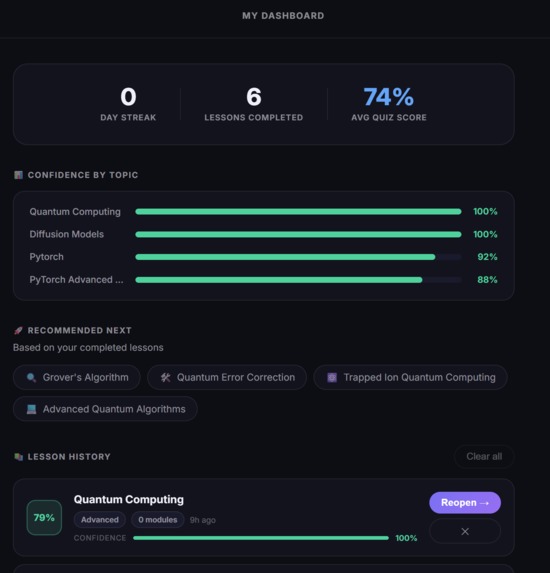
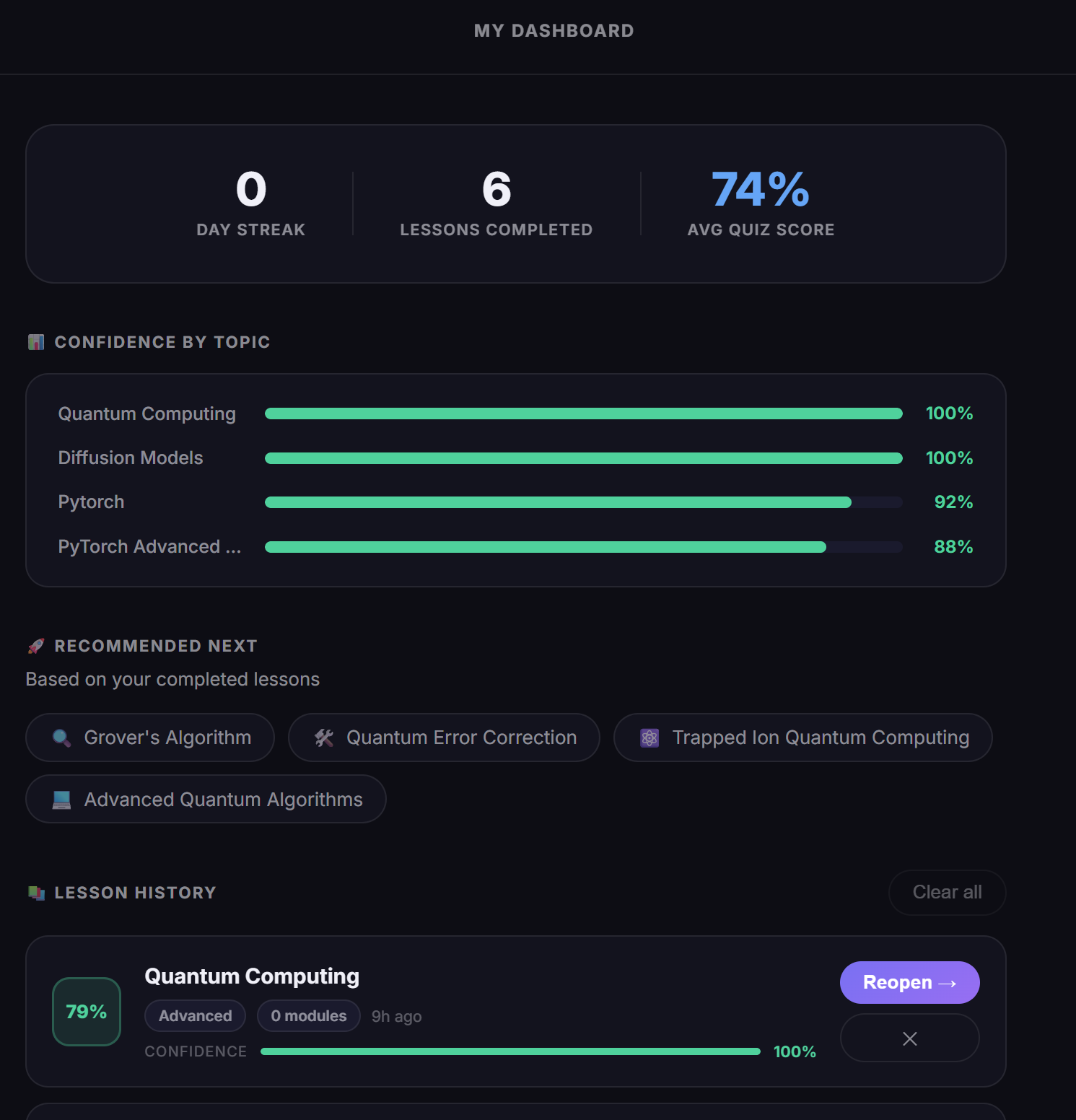
View a personal dashboard with past lessons, confidence scores, and topic recommendations
Share a certificate: a dynamically generated Cloudinary image card with their score and topic
How I built it
Frontend: React 19 + Vite + TypeScript, deployed on Vercel Backend: Vercel serverless functions (api) Database & Auth: Supabase (Postgres + Row-Level Security) AI: OpenAI GPT-4o for roadmap generation, lesson card generation, card simplification, and analogy rewriting Media: Cloudinary: for image upload, smart cropping, AI enhancement, fetch delivery, and text overlay compositing Email: Resend (password recovery)
Also, Cloudinary was central to the product in three ways:
Upload flow: user photos are uploaded, smart-cropped with autoGravity, and enhanced with improve(), then served with f_auto/q_auto via AdvancedImage.
Contextual lesson visuals: each card gets a unique image fetched through Cloudinary's fetch delivery, with a branded module-title text overlay applied server-side
Certificate share cards: buildShareCardUrl composes a 1200×630 shareable image entirely in the Cloudinary URL: topic title, score, congratulations text, and branding: no canvas, no server rendering
Challenges I ran into
Getting Cloudinary's URL-gen SDK to cooperate was the hardest learning curve.
Type mismatch on gravity: compass() from @cloudinary/url-gen/qualifiers/compass returns a CompassQualifier, but Position.gravity() requires a CompassGravity: requires importing from the gravity module instead
Certificate 400 errors: Hex colors need the rgb: prefix (co_rgb:34d399), colons in text break URL parsing, and % signs double-encode if pre-escaped before the SDK touches them
Irrelevant images: First I used loremflickr, which searches Flickr tags, but they are noisy enough to return a cat statue for "origami." Switched to Picsum Photos with a keyword-seeded hash, routed through Cloudinary fetch for consistent transformations and CDN caching
Image state leaking across lessons: An uploaded photo's publicId needed careful lifecycle management so it didn't persist into unrelated typed-topic lessons
Accomplishments that I'm proud of
I learned how cloudinary works with other full-stack techniques that I use on a daily-basis and how to utilize its optimized photos to its full potential and also connect with GPT.
What I learned
Cloudinary's URL-gen SDK is extremely powerful but requires understanding the underlying transformation URL format like when something breaks and reading the raw URL tells you exactly why what happens
Prompt engineering for structured JSON output needs stricter rules than you'd expect than a simple wrapper (module counts, unique keywords per card, safe text for overlays)
State lifecycle in multi-screen React apps needs a thorough design and that a single piece of shared state living too long causes subtle bugs that look like image issues but are actually routing issues
What's next for TeachMeNew
- Voice narration: text-to-speech on each card for audio learners
- Spaced repetition: re-surface cards the user struggled on at smart intervals
- Collaborative lessons: share a lesson plan with a friend and race through it
- Native mobile app: the card-based format maps naturally to a swipeable mobile experience
Built With
- ai-enhancement
- and-analogy-rewriting-media:-cloudinary:-for-image-upload
- card-simplification
- cloudinary
- deployed-on-vercel-backend:-vercel-serverless-functions-(api)-database-&-auth:-supabase-(postgres-+-row-level-security)-ai:-openai-gpt-4o-for-roadmap-generation
- fetch-delivery
- frontend:-react-19-+-vite-+-typescript
- lesson-card-generation
- resend
- smart-cropping

Log in or sign up for Devpost to join the conversation.