-
-
TeachMap know what to teach tomorrow
-
TeachMap know what to teach tomorrow
Inspiration
Kenya’s Competency-Based Curriculum (CBC) has changed what assessment is meant to achieve. Teachers are expected to assess learners continuously, understand how they’re progressing, and adjust instruction based on demonstrated competencies. The focus is no longer limited to a final score. Assessment should improve teaching and learning, as reflected in KICD’s guidance on formative assessment.
That goal makes sense. The classroom reality is harder.
In many Kenyan public schools, one teacher may be responsible for 40 to 80 learners. Much of their work is handwritten, and reviewing every response takes time. Teachers are also expected to document progress, provide useful feedback, identify learning gaps, and prepare the next lesson.
Resource constraints make this even more difficult. Kenya’s education reform review identified gaps in teacher preparation for formative assessment, along with uneven internet access, unreliable electricity, limited devices, and low digital literacy in some schools. Kenya Ministry of Education report.
By the time a teacher finishes marking a large stack of scripts, the class may already have moved on. The feedback arrives, but too late to shape the next lesson.
We started with a simple question: What if a teacher could photograph today’s student work and know what to reteach tomorrow?
Many AI assessment tools concentrate on producing scores. We wanted to build something more useful for the teacher: a system that shows where learners are struggling, finds patterns across the class, and turns those patterns into a practical teaching response.
That idea became TeachMap.
What TeachMap does
TeachMap turns photographs of handwritten student work into teacher-reviewed learning insights. It provides:
- Rubric-based draft assessments
- Clear, individual feedback for each learner
- Confidence flags for unclear handwriting or uncertain reasoning
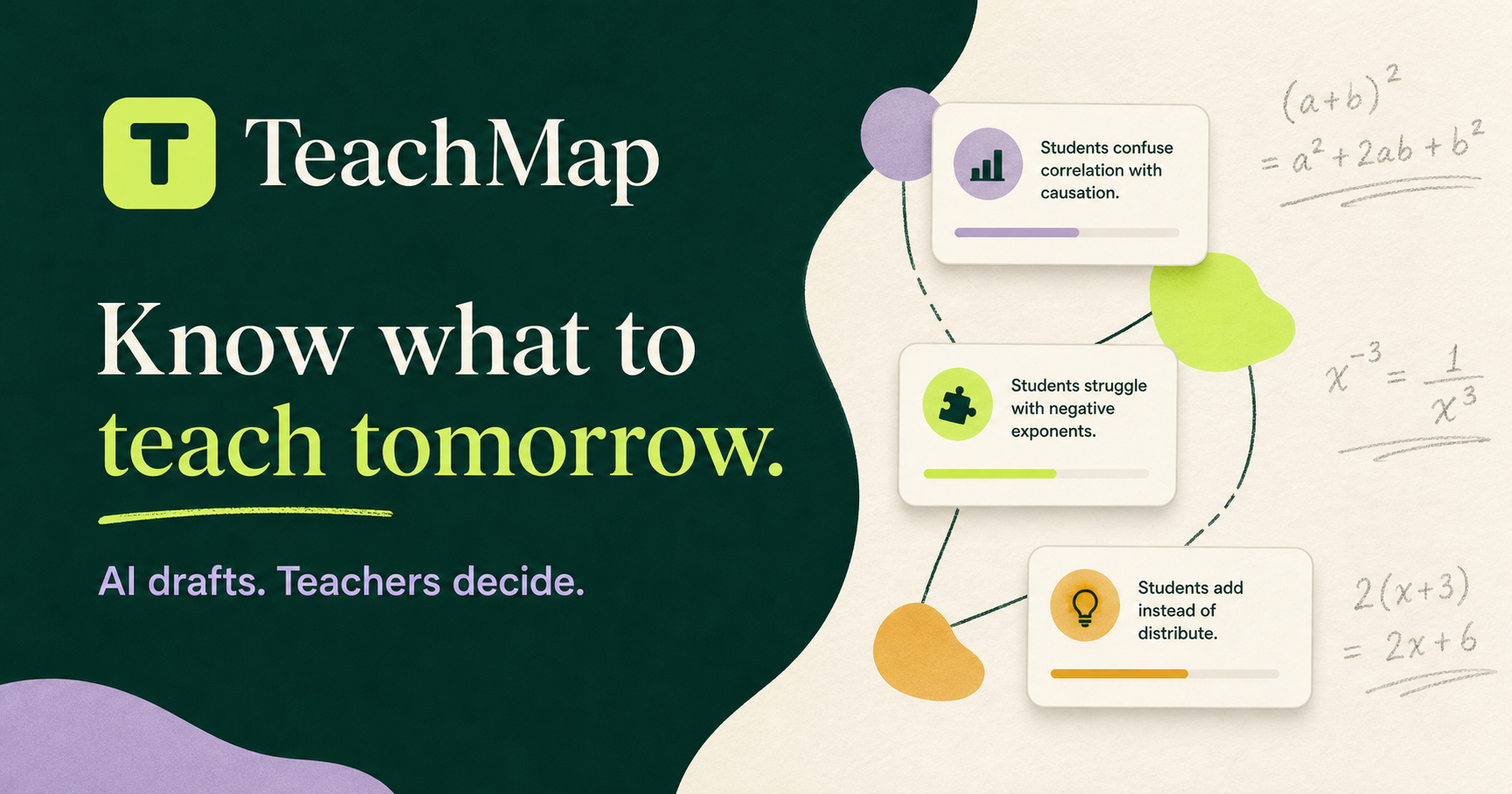
- A class misconception map
- Suggested priorities for the next lesson
- Printable feedback sheets and downloadable class summaries
A teacher photographs or uploads student responses, then enters or edits a marking rubric in plain language. GPT-5.6 reads the handwritten work, identifies the learner’s reasoning, and compares the response with the teacher-approved rubric.
TeachMap then looks across the class for repeated errors. Instead of giving the teacher another dashboard to interpret, it presents findings in practical language, such as:
6 of 10 learners reversed the inequality sign incorrectly. Review what happens when an inequality is multiplied or divided by a negative number.
The teacher can review the transcription, correct the draft assessment, edit the feedback, and approve the final result.
TeachMap supports the teacher’s judgment. It doesn’t replace it.
How we built it
We built TeachMap as a mobile-friendly Progressive Web Application. A teacher can use it from a phone or computer without buying a scanner or installing specialised software.
The workflow follows the way a teacher already handles classroom assessment:
- Capture:The teacher photographs or uploads anonymized student work.
- Prepare the rubric: The teacher creates or edits the marking criteria in plain language.
- Analyse the response: GPT-5.6 transcribes the handwritten work, follows the learner’s reasoning, and compares it with the rubric.
- Review the draft: Unclear text, low-confidence interpretations, and assessment decisions are highlighted for the teacher.
- Understand the class: Approved results are combined into a misconception map and a short reteaching plan..
We used the OpenAI Responses API with GPT-5.6 for handwriting analysis, rubric-based reasoning, feedback drafting, and misconception classification. Structured Outputs give the interface a consistent result for every script and make the workflow easier to test.
Codex helped us move from an idea to a working product. We used it to shape the architecture, implement the assessment flow, create shared rubric and assessment schemas, build the teacher review experience, prepare fictional test scripts, test difficult handwriting cases, debug the application, and document setup and deployment.
Connectivity was an important design consideration. The PWA can keep its basic interface available on an unreliable connection, but GPT-5.6 processing still requires internet access. We make that limitation clear instead of presenting TeachMap as fully offline.
Challenges we ran into
Handwriting is rarely clean
Mathematical work can contain crossed-out answers, faint pencil marks, unusual layouts, missing steps, or symbols that look alike. A negative sign can easily be mistaken for a stray mark. If the system hides that uncertainty, it could produce feedback that sounds confident but is wrong. We separated transcription confidence from assessment confidence. TeachMap also tracks rubric alignment and teacher approval as distinct states. When the model is uncertain, the response goes into a visible review queue. The teacher sees the concern and makes the final call.
** Assessment needs to be explainable** A score without evidence is hard to trust. This matters even more under CBC, where the teacher needs to understand what the learner can do and where support is needed. TeachMap organises each draft around the teacher’s rubric. It connects identified misconceptions to the learner’s actual working, so the teacher can see how the system reached its conclusion. That makes it possible to correct the interpretation instead of accepting an unexplained result.
We had to control the scope
The wider vision includes more subjects, curriculum integrations, learner dashboards, school analytics, and tutoring support. Trying to build all of that at once would have distracted us from the classroom problem we wanted to solve.
For the Build Week MVP, we focused on one-page handwritten algebra responses, a teacher-created rubric, batch processing, confidence flags, teacher review, individual feedback, and a class misconception map.
It’s a narrow scope, but it lets us test the full workflow properly.
Student information needs careful handling
Student work can contain personal and educational information. TeachMap uses fictional or anonymised identifiers in the demo, limits the information collected, avoids unnecessary storage, and requires teacher approval before feedback is released.
The product’s value should come from helping teachers understand learning, not from collecting or selling student records.
Accomplishments that we're proud of
We’re proud that TeachMap became more than an automated marking tool. It gives a teacher a complete path from a stack of handwritten responses to reviewed learner feedback and a clear plan for the next lesson.
The misconception map is one of the most useful parts of the product. TeachMap doesn’t stop after assessing individual scripts. It shows which mistakes appear across the class and helps the teacher decide what deserves attention first.
We also kept human review at the centre of the experience. Every assessment remains a draft until the teacher approves it. Unclear handwriting and uncertain reasoning are shown openly.
The full workflow works as one product: mobile-friendly capture, rubric preparation, GPT-5.6 analysis, confidence flags, teacher review, class-level synthesis, and feedback export.
We designed it around real classroom constraints. It doesn’t require specialist scanning equipment, it works on phones and computers, and the seeded demonstration doesn’t require an API key.
GPT-5.6 and Codex each played a clear role. GPT-5.6 handles the handwritten-image analysis, rubric-based reasoning, and misconception identification. Codex helped us design, build, test, debug, and document the application.
Most importantly, we now have a foundation we can test with teachers rather than an idea that exists only in a presentation.
What we learned
The clearest lesson was that AI becomes more useful in education when it strengthens a teacher’s judgment instead of trying to replace it.
We also learned that confidence information matters as much as the model’s answer. A useful system needs to know when to ask for help.
Teachers need clear patterns they can act on. They don’t need another complex analytics screen. A class misconception map can sometimes be more valuable than an automatically generated score because it directly informs the next lesson.
We found that structured outputs made the assessment workflow easier to test and reduced inconsistency between responses.
We also changed how we think about personalised learning. Supporting each learner doesn’t always require giving every student a separate AI tutor. Sometimes the most effective intervention is to give one teacher a clearer picture of the whole class.
What's next for TeachMap
TeachMap’s first rollout will begin in Kenya. We want to pilot it with Kenyan teachers working in large classes and evaluate it against the practical demands of CBC assessment. That means measuring more than technical accuracy. We need to understand whether it saves teachers time, whether its draft assessments agree with their professional judgment, and whether the misconception map helps them plan better lessons. We’ll start with a small number of schools and education partners. Teacher feedback will shape the product before any wider rollout. The next stage will include:
- Expanding from algebra into other STEM learning areas
- Improving support for different handwriting styles
- Developing curriculum-aligned misconception libraries
- Supporting multilingual feedback where it helps teachers and learners
- Strengthening privacy, consent, retention, and school access controls
- Adding school-managed deployment options
- Exploring integrations with learning management and school information systems
- Testing a guided student tutor based on teacher-approved misconceptions
- Creating sponsored access models for public schools and education non-profits
Kenya is the starting point, but the challenge isn’t unique to Kenya. Teachers across Africa work with large classes, handwritten assessments, limited marking time, and uneven access to digital infrastructure.
TeachMap can be adapted for other African education systems, but that shouldn’t mean copying one Kenyan version into every country. Each rollout will need to reflect the local curriculum, assessment approach, classroom language, teacher practices, infrastructure, and data-protection requirements.
Our long-term aim is straightforward: help teachers see learning gaps sooner, give students more timely feedback, and help schools direct support where it will make the greatest difference.
Built With
- api
- blob
- browser-filereader-api
- cache-storage-api
- css
- html
- javascript
- mobile-browsers
- next.js-16
- openai-responses-api
- print-api
- progressive-web-app
- react-19
- responsive-web
- service-worker-api
- tailwind
- tsx
- typescript
- vinext
- vite
- web-storage-api


Log in or sign up for Devpost to join the conversation.