-
-
TeachFlow AI
-
Why TeachFlow AI ?
-
How it works
TeachFlow AI — Built for Every Teacher Who Has Ever Searched at Midnight
What Inspired Us
The idea did not come from a market research report or a trend analysis. It came from watching my mom.
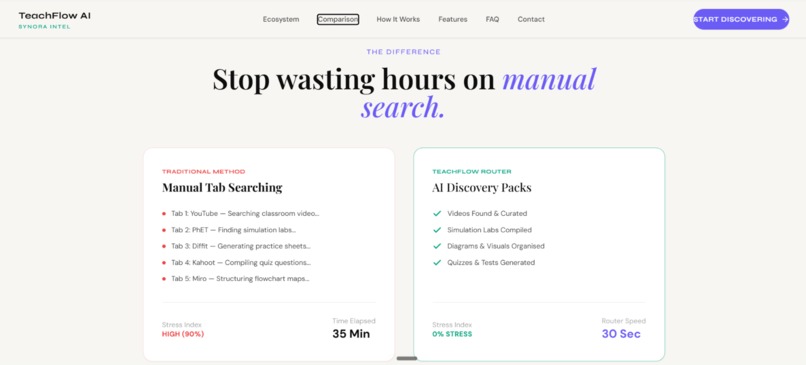
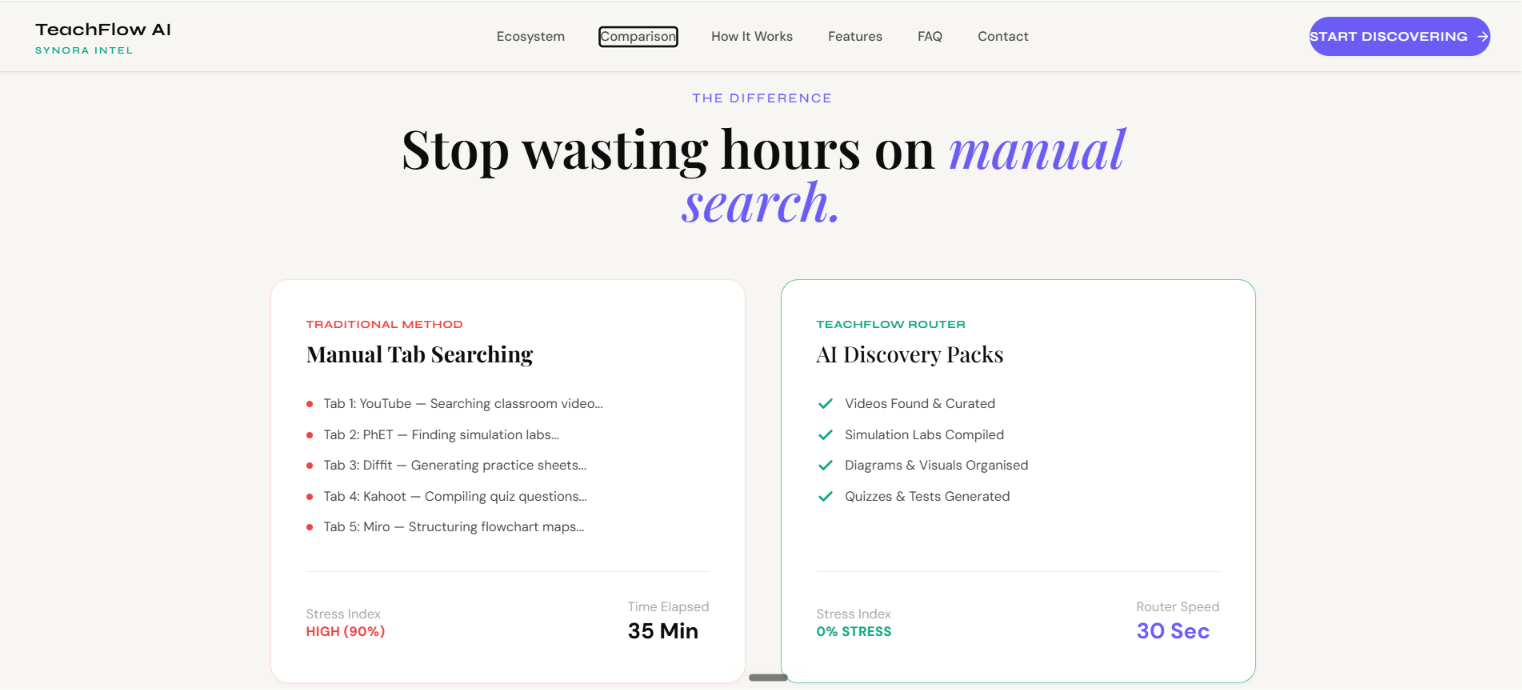
She is a teacher. Every night before school, I would see her sitting at her desk surrounded by open browser tabs — YouTube, Google, DIKSHA, NCERT, Khan Academy, PhET — all at once. She was not browsing. She was working. Searching for a single good video on Photosynthesis for her Class 8 students. Looking for a worksheet in Tamil, aligned to the Tamil Nadu board. Trying to find a simulation that matched her exact curriculum.
By the time she found something usable, it was past midnight. She had to be at school by 7 AM.
That image — a dedicated, hardworking teacher exhausted by a problem that technology should have already solved — became the reason TeachFlow AI exists.
"She wasn't wasting time. The system was wasting it for her."
The content exists. Billions of rupees worth of free, high-quality educational material sits across dozens of platforms — waiting to be found. The problem was never scarcity. The problem was discovery.
What We Built
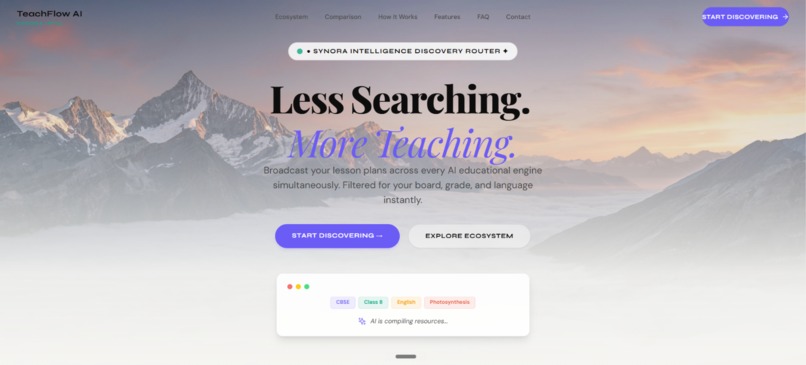
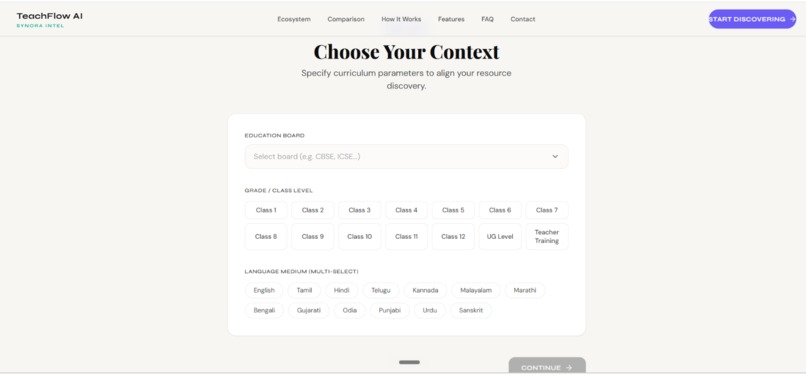
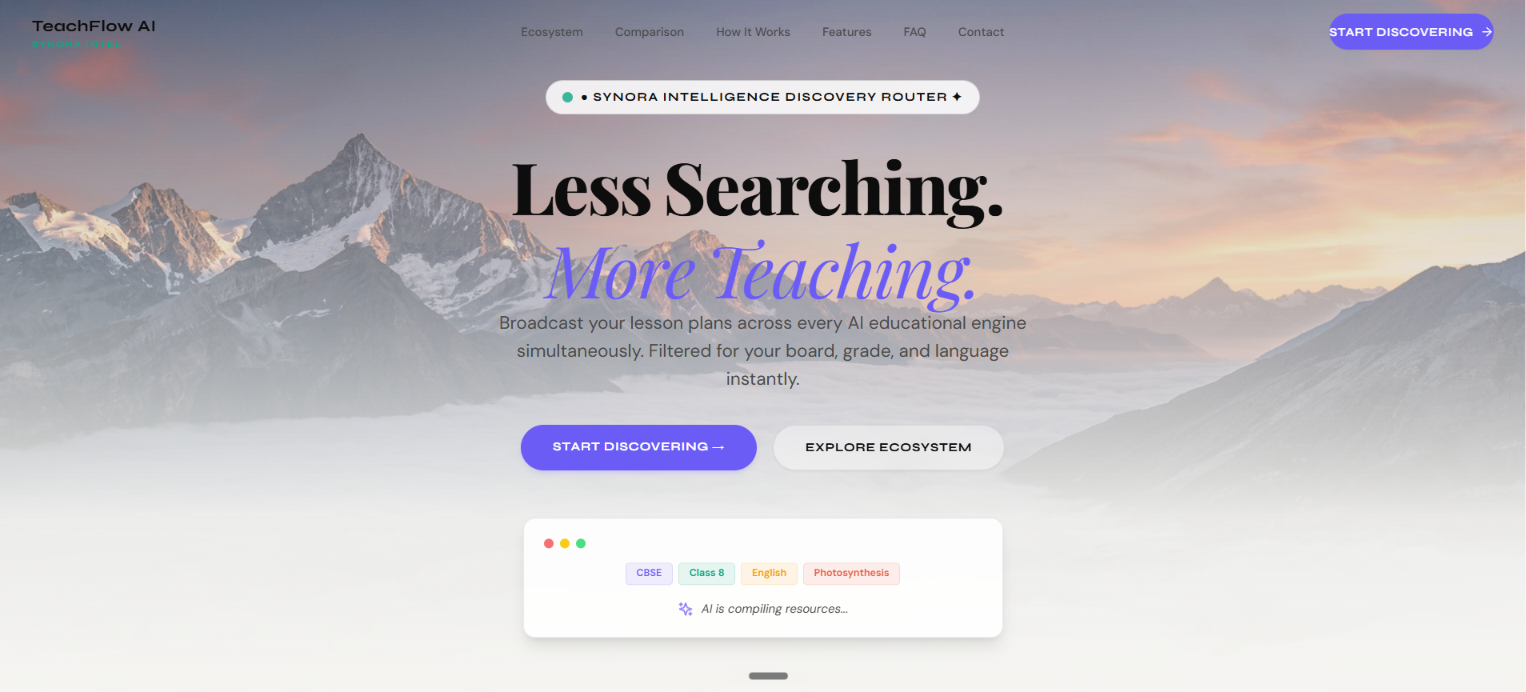
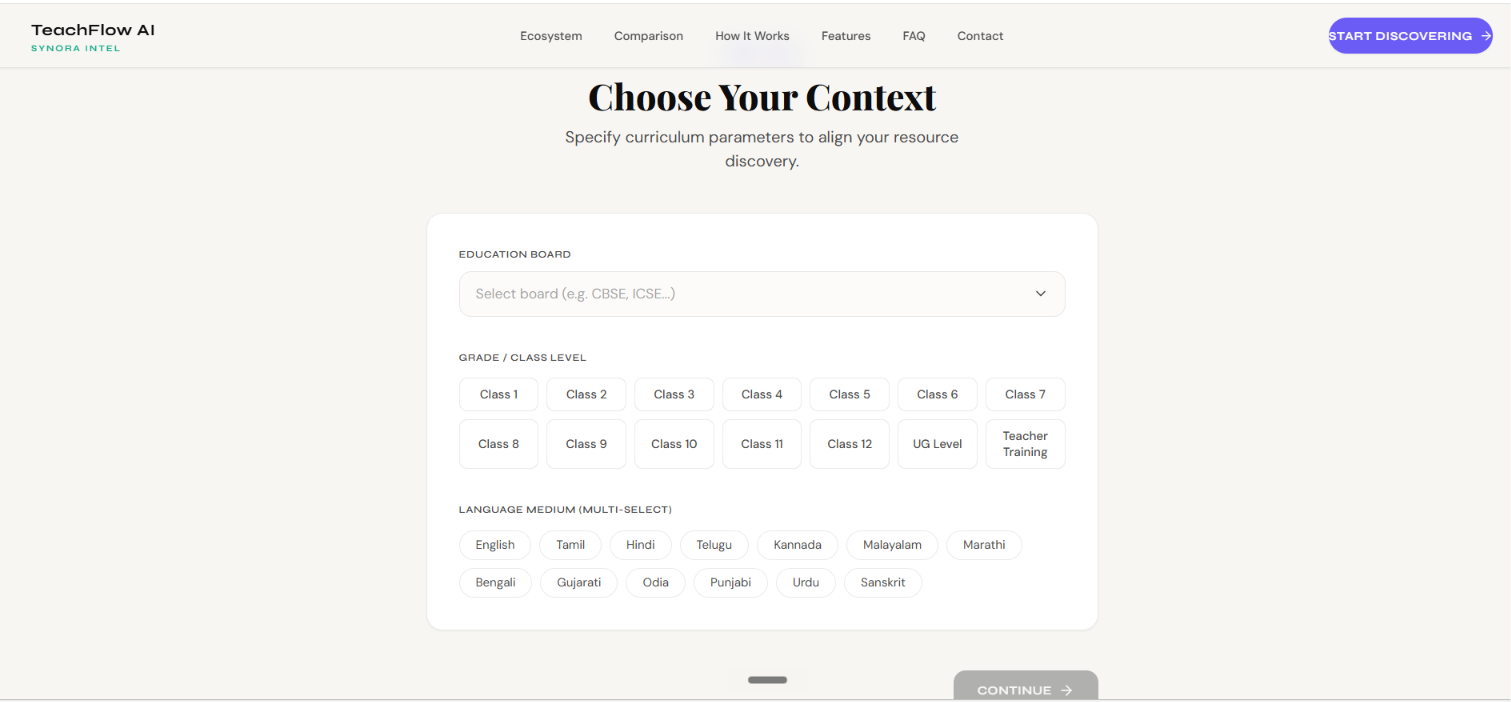
TeachFlow AI is an AI-powered educational resource discovery agent. A teacher enters their lesson topic, education board, class grade, and teaching language — and the system searches across 20+ verified educational platforms simultaneously, returning organized, curriculum-aligned resources across five categories in under 30 seconds.
The Five Resource Categories
| Category | What It Finds |
|---|---|
| 🎬 AI Video & Explainer Tools | YouTube, DIKSHA, Khan Academy, HeyGen, Synthesia, Lumen5 |
| 🖼️ AI Image & Diagram Generators | DALL-E 3, Adobe Firefly, Canva Magic Media, Leonardo.ai |
| 🧩 Flowchart & Mind Map Tools | Whimsical AI, Miro, Lucidchart, GitMind, Creately |
| 📝 Quiz & Assessment Generators | Quizizz AI, Kahoot, Conker AI, Questgen, Formative |
| 🔬 Simulation & Virtual Labs | PhET, Labster, Inspirit VR, BioDigital Human, CloudLabs |
Boards and Languages Supported
The platform supports all major Indian education boards — CBSE, ICSE, IGCSE, IB, Tamil Nadu (Samacheer Kalvi), Maharashtra, Karnataka, Kerala, Andhra Pradesh, Telangana, and more.
Language filtering works across English, Tamil, Hindi, Telugu, Kannada, Malayalam, Marathi, Bengali, Gujarati, Odia, Punjabi, and Urdu.
How We Built It
Frontend
- React 18 + TypeScript + Vite — component architecture and routing
- Tailwind CSS — design system and responsive layout
- Framer Motion + GSAP + ScrollTrigger — all animations and scroll interactions
- React Router v6 — client-side navigation across 6 pages
- Web Speech API — browser-native voice input in 9 Indian language locales
AI Search Engine
The core of the product is a multi-step AI orchestration agent:
$$\text{Query} \xrightarrow{\text{expand}} \text{5 parallel searches} \xrightarrow{\text{filter}} \text{categorized results} \xrightarrow{\text{verify}} \text{aligned workspace}$$
Step 1 — Query Expansion: The user's input (topic + board + grade + language) is expanded into structured search strings optimized per resource category.
For example, the input "Magnetism · Class 8 · CBSE · English" becomes:
Step 2 — Parallel Search via Tavily API: Each expanded query is sent simultaneously to the Tavily API — a real-time web search API built for AI agents — with domain filtering pointing at verified educational platforms per category.
Step 3 — Gemini API Fallback: If any category returns fewer than 3 results, the Gemini 1.5 Flash model is prompted to generate the top recommended resources for that exact board, grade, language, and topic — returned as structured JSON and merged into the results.
Step 4 — Categorization and Delivery: All results are normalized, tagged by resource type, checked for curriculum alignment signals, and returned to the teacher's workspace in under 30 seconds.
Honest note: We did not implement RAG (Retrieval Augmented Generation) or a vector database. What we built is a tool-use agent pattern — the AI orchestrates multiple external APIs (Tavily + Gemini) to complete a task that no single API could accomplish alone. We chose accuracy over buzzwords.
Voice Search
The voice assistant uses the browser-native Web Speech API with
SpeechRecognition configured per language:
Real-time transcription fills the search input as the teacher speaks — no external service, no latency, no cost.
Challenges We Faced
1. Homepage Layout Collisions
The hero headline was overlapping the fixed navbar because the hero
section had no padding-top to account for the 64px navbar height.
Combined with absolute positioning on the floating badge, this caused
a cascade of z-index and layout collisions across the hero section.
The fix was systematic — removing all absolute positioning from
in-flow elements and rebuilding the hero as a proper flex column
with correct padding offsets.
2. Card Grid Misalignment
The five resource category cards were misaligned across screen sizes
because grid-template-columns: repeat(3, 1fr) without minmax(0, 1fr)
allowed card content to overflow column boundaries.
The fifth card (odd one out in a 3-column grid) also needed
grid-column: 2 / 3 to center it on the last row.
3. Result Relevance and Noise
Early Tavily searches returned results that were topically related
but not educationally relevant. We solved this by tightening
include_domains to verified educational platforms per category,
and by appending board and grade context to every query string —
so a search for "Magnetism" returns CBSE Class 8 content,
not a Wikipedia article or a physics journal.
4. Voice Input Across Indian Languages
The Web Speech API's behavior varies significantly across browsers and operating systems for Indian language locales. Tamil and Telugu recognition in particular required fallback handling — if the recognition confidence score drops below a threshold, the partial transcript is preserved rather than discarded, giving the teacher something to work with rather than an empty input.
What We Learned
Honest engineering beats impressive buzzwords. Saying "we built a tool-use agent" is more credible than claiming RAG when you didn't use it. Since time didnt support I had made this decision but will structure it for upcoming hackathons.
The problem space matters more than the tech stack. The reason this product resonates is not because of the APIs — it's because every person who hears the story of a teacher with 12 browser tabs open at midnight immediately understands the problem. Build for a real person. Everything else follows.
Small UX decisions have large impact. Voice search in the user's native language was a single 10-line hook. But for a teacher in rural Tamil Nadu who types slowly in English, it changes whether the product is usable at all.
Scope discipline is a feature. We removed Google OAuth, removed drag-and-drop, removed unverified statistics, and removed features that weren't ready. As the product weren't what we planned , but it is what it turned out definitely .
What's Next
- Structure it through RAG pipeline for credibility and long time support.
- Expand language support to all 22 scheduled Indian languages
- State government education board partnerships and pilot programs
- Offline mode for teachers with limited connectivity
- Bundle export as structured PDF lesson plans
- Student-facing view — shared bundles accessible without an account
Built with purpose. Powered by AI. Dedicated to every teacher who has ever searched at midnight.
TeachFlow AI — Thivisha Less Searching. More Teaching.

Log in or sign up for Devpost to join the conversation.